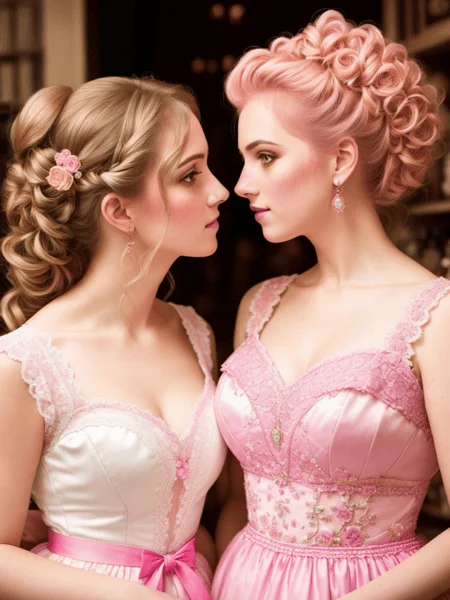
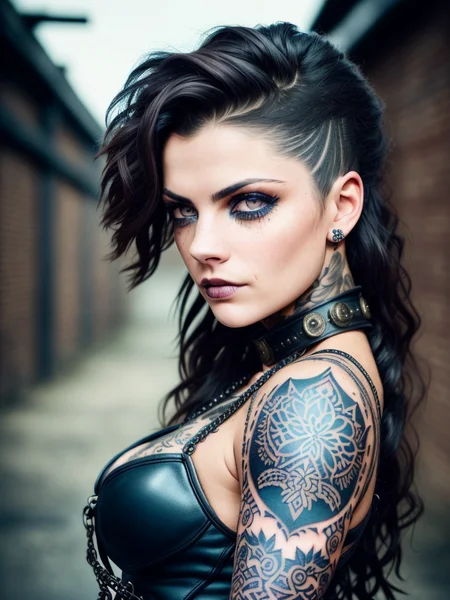
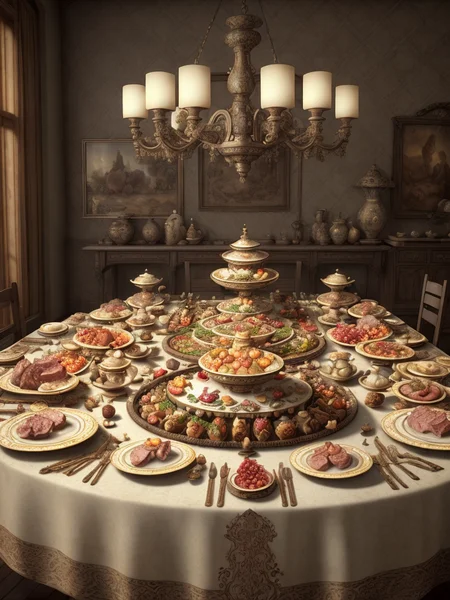
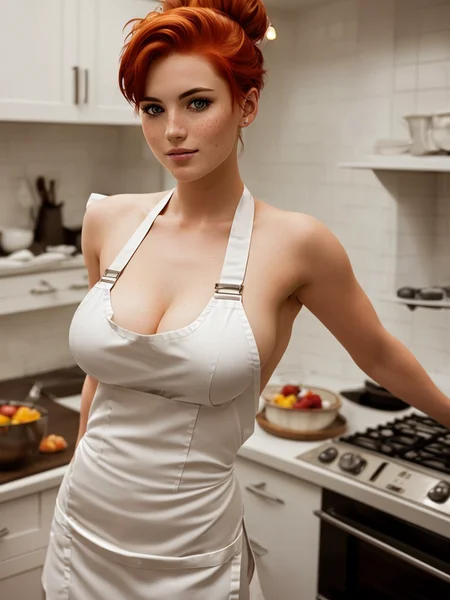

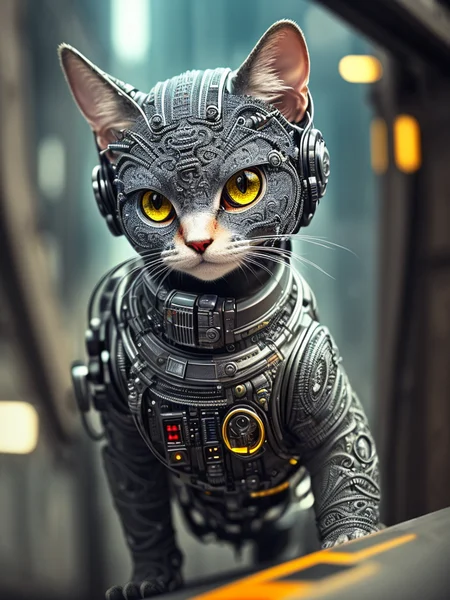
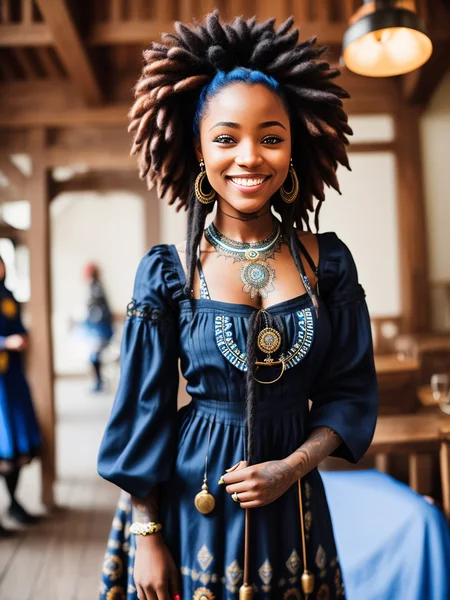
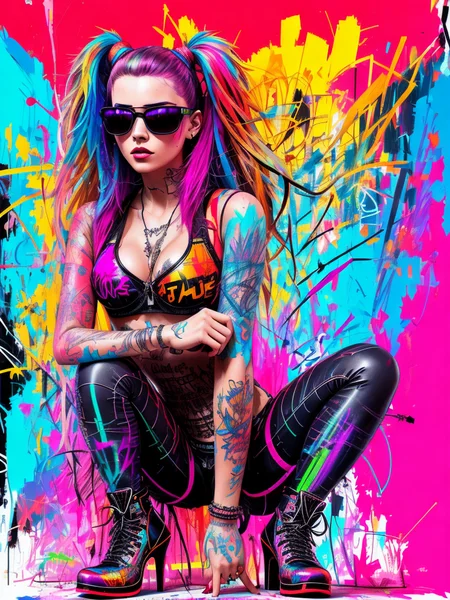
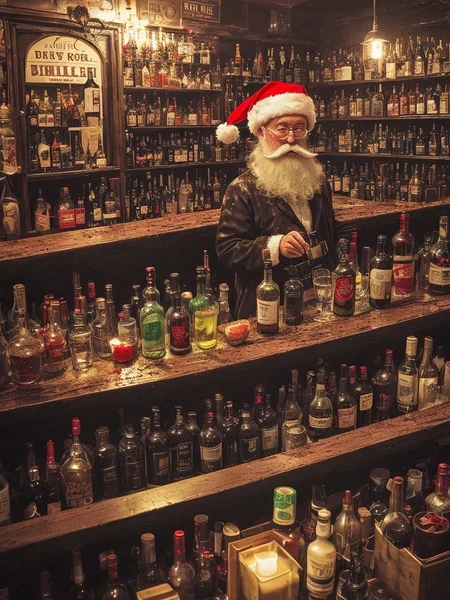
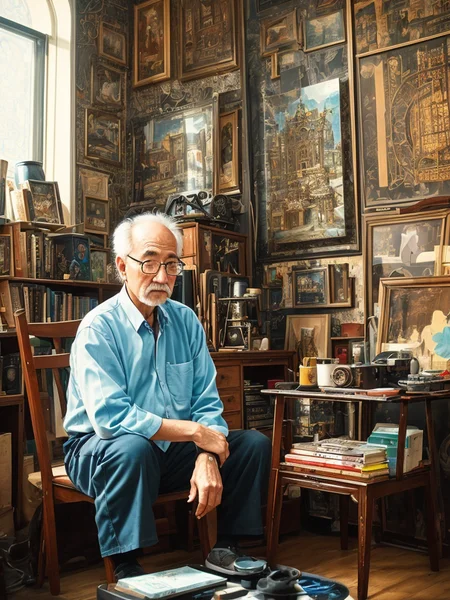




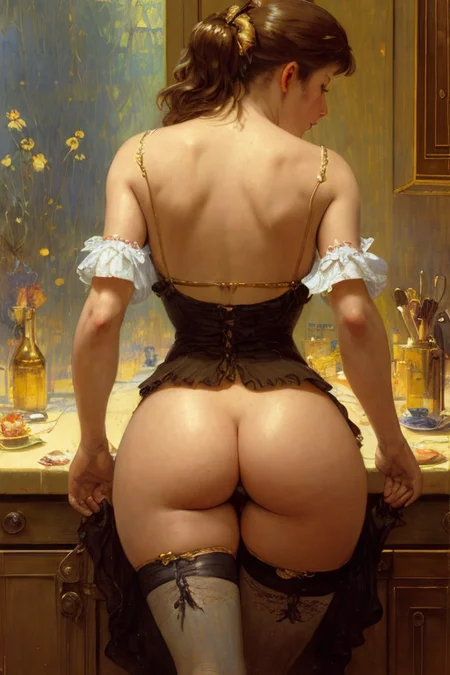

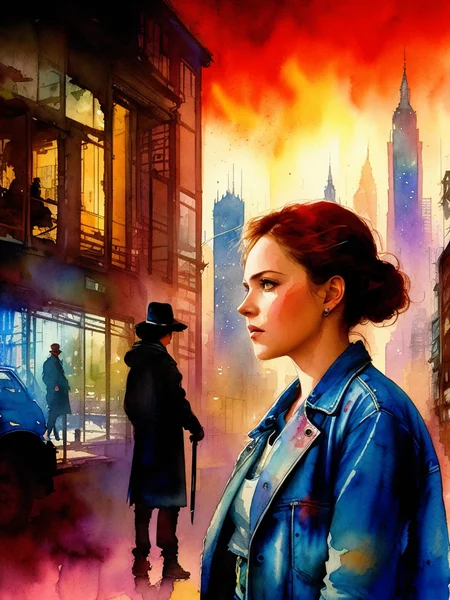
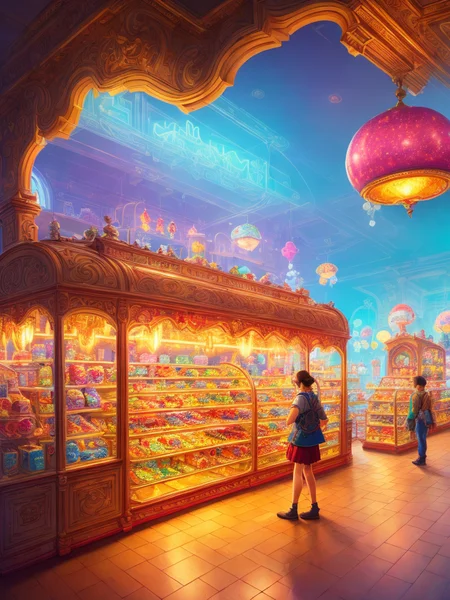
This is a forked version of Xpuct's phenomenal "Deliberate" v1.1 model that is designed to work in InvokeAI (and possibly other tools as well). It is an incredibly flexible model, capable of producing outstanding people, landscapes, architecture and more in a wide variety of styles.
NOTE: Xpuct's latest "Deliberate v2" works perfectly in Invoke! This forked version will still work and produce gorgeous results, but given that the purpose of this fork was to allow access to Deliberate in Invoke, I consider this forked version deprecated.
This forked version works with Invoke 2.2.5 and 2.3.0. Please note: If you convert this .ckpt file to a Diffuser model for 2.3, it will will produce different results than what you see in the samples, which were created with the .ckpt version.
All sample images posted here were created using InvokeAI 2.2.5. The prompts are formatted for Invoke. See below for details. I have tested a few of these prompts in Invoke 2.3 and can verify that they still work.
I wanted to make sure that InvokeAI users could recreate the sample images shown here, so I've included the full parameter data in the Prompt field of the image info. Since Invoke does not have a separate Negative Prompt field (negative prompts are just stored in [square brackets]), the negative prompt info that you need is included in the main Prompt field here on Civit. (Remember, this model is intended for Invoke users, not Auto1111 users.) I'm adding the size, seed, variation and seed weight info to the Negative prompt field here so you can easily copy that data into Invoke.
The samples are straight out of the Text to Image mode. No Image to Image or Unified Canvas (which tends to break or lose the metadata). If you want to recreate the samples shown, copy the full text from the Prompt field and paste it into the Prompt in Invoke. Then look down at the Negative Prompt field for the image here on Civit. That contains the details you need. Set the Steps in Invoke to what you see after the (-s), the Seed to what you see after the (-S), the width and height (-W and -H), the CFG (-C), and the Sampler (-A). If Variations are used, you'll see (-v) and (-V). Enable Variations in Invoke if you see these. Set the Variation amount to what you see after the (-v) and copy the numbers after the (-V) into the Seed Weights field in Invoke. If you do this, you should be able to recreate each of the sample images shown here.
The VAE is included in the model, so Invoke users should simply need to add it and be good to go.
All images shown were generated on a 7 year old Windows workstation with 32GB of RAM and a GTX1080 graphics card.
All the credit for this goes to Xpuct for creating such an amazing model. I'm hoping Xpuct eventually revises his model so that it works with other tools besides Automatic1111. I have no interest in maintaining a fork of his project. But I see a lot of people complaining that the model doesn't work in anything other than Automatic1111, so this is my simple attempt to fix that.
Description
This version includes most of the Deliberate model, but strips out the "Others" part. Hence the 0.8 versioning. According to the author of the Model Converter tool, "Others" is "some weight for plms and ddpm sampler. But sometimes some wrong weights may also be added to the mode, these will be included into "Others"." Whatever it is, it's clearly the part that causes Invoke (and likely other tools) to break. Because of this, your images will be "Deliberate-esque" and in most cases will produce results similar to what you'd get using Deliberate with Automatic1111. However there are some instances where this isn't the case. If you prompt something and don't get the results you were expecting, it's likely that it's calling on the "Other" stuff that was stripped out. As always, YMMV.
FAQ
Comments (24)
Beautiful 1st Model
the negative prompts tho...
negative prompts likely done via commandline and invoke doesnt convert them to readable in metadata
Sorry for any confusion over this. I put a lengthy note in the description that describes what's going on. Basically I wanted people using Invoke to be able to recreate these sample images exactly as they are. Invoke doesn't have a dedicated negative prompt field, so I used the negative prompt field here on Civit to store the Seed Weight info, as that's critical to recreating these exact images in Invoke. Please see the Info for more details.
@syx0 Please see the notes in the model info. There's a lengthy explanation of why I set this up differently than you'd normally expect.
the impact of non-standard
Thanks for this conversion
You're welcome!
How did you manage to strip out the parts that broke invoke? (having same issues with my models in invoke)
You and I have been discussing this, so I won't repeat the info here, but if anyone else is interested, I posted a lengthy explanation to the CivitAI Discord.
Seeing some familiar pictures ;). Nice of you to make this this module work for those using Invoke. I could never get into it but it's cool to see that the rest of the community can take part in creating with this module. 👍
You're pretty much directly responsible for this effort. LOL. I tried desperately to recreate your work in any other model and failed. That confirmed for me that the Deliberate model is hands down the best out there. It drove me to Auto1111 which then led here. Thanks for the inspiration and hope you don't mind my stealing your prompt. What do they say? Imitation is the sincerest form of flattery? You are amazing. Keep up the phenomenal work!
@SteveWarner uh, thank you very much but let's be real, I wouldn't do this without the software and all those people who are working on it and the modules and whatnot :D
@ElizaPottinger Humility is endearing, but you could make that same argument about anything. We work on computers, so can't take credit because we didn't come up with the software which runs on the OS that we didn't create or the hardware that we didn't build. Or if you're a traditional artist, you bought brushes and paint instead of making them from horse hair, oil and pigment. At some point, you enter into the process, definitely building on the work of others, but contributing your own unique spark to the process, and in so doing, provide inspiration to others. That's what you can (and should) take credit for. Your time, efforts and unique experiences have led to your success. And for you and that effort, I am most grateful. :)
Thanks a lot, Steve!
You're welcome! Hope you enjoy it!
.. heroic action, thank you alot
You're welcome! Hope you get great use out of it!
It is no problem at all running the Model in aiNodes. https://github.com/XmYx/ainodes-pyside
Any idea why Deliberate itself got nuked? I found all releases on HuggingFace, but I'll be using them blank with no demos anywhere?!
I honestly have no idea why Deliberate got nuked. It was clearly the best model on Civit in the early days. It's still a great model. It's possible that he licensed it to a commercial outlet, but I'd expect the HuggingFace models to be removed if that were the case. I actually rarely use it anymore, favoring EpicRealism and JuggernautXL.
@SteveWarner Agreed on those models! Maybe I'll drop them a DM on Discord and see what they say... 😋
@SerenityX Please let me know what you find out!
Details
Available On (1 platform)
Same model published on other platforms. May have additional downloads or version variants.