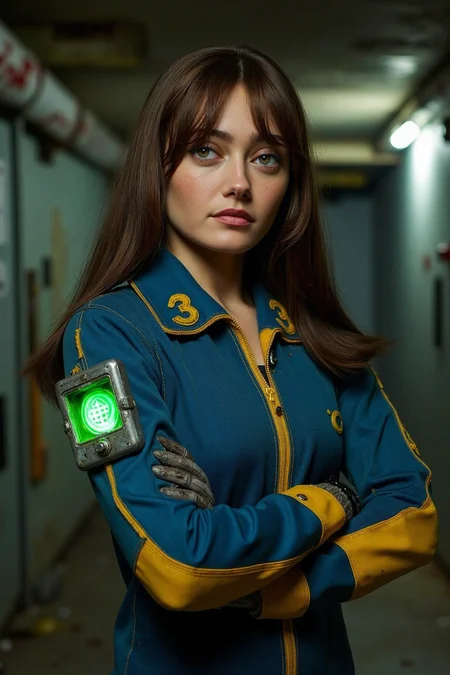
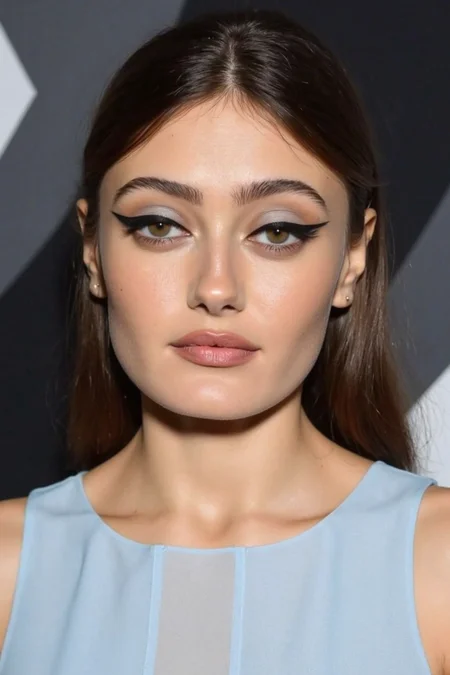
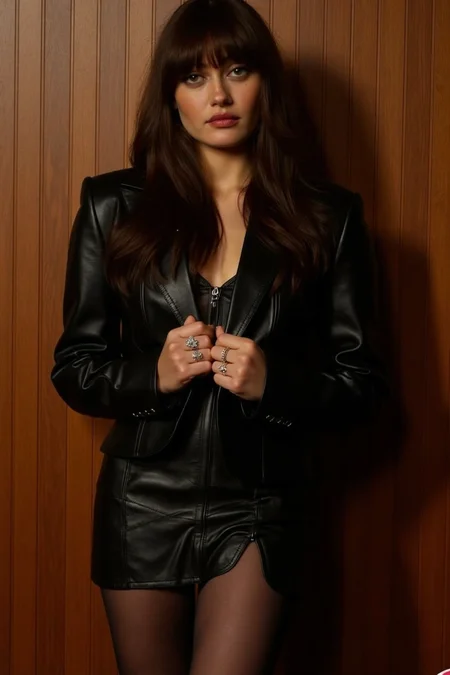
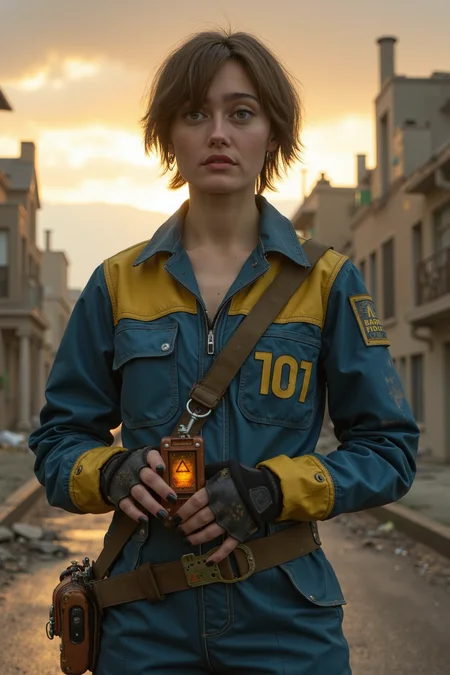
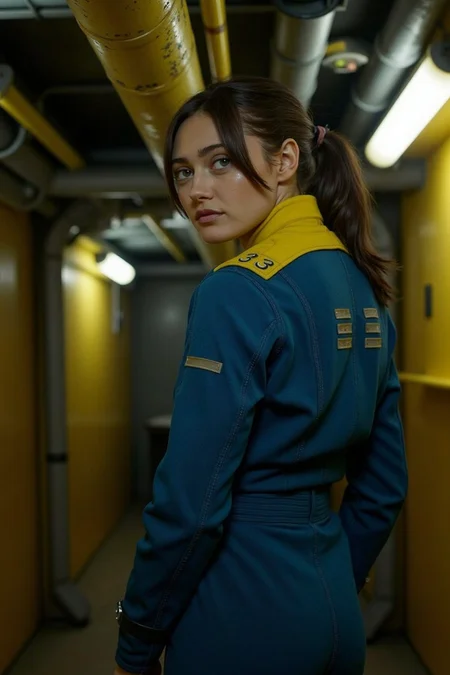
The trigger is "ellaPurnell".
There are two versions available, Base Pony and Pony Realism.
Pony Realism is trained on Pony Realism and would give best results on realistic models.
The second version is trained on vanilla Pony and is not as accurate but works on all pony models.
*I may have accidentally poisoned the tag 'vault' a bit (sorry!), if it gives you issues I suggest using ADetailer.
If you enjoy my work please leave a like or a review. Pics of your work are also appreciated :)
Description
FAQ
Comments (13)
i really wish ppl would put their flux models separate, they're not in any way compatible like xl/pony can be. i have flux filtered out of my feed but these keep coming up as xl/pony and its annoying
It's easier for me to keep my loras organized this way, but I have pony version available (two in fact) as well so I am not sure what the issue is.
@JaneB sorry to be unclear, you can make a separate post on civitai for flux models, so ppl with flux filtered out of our feeds don't get a notification for something they don't want/need
@lilquin Ah I see. First of all I am sorry it spams you, really wasn't my intention or was aware it happens. On my end of things it does help a lot in keeping track of my loras now that I have tens of them and it also helps a lot with exposure which in turn helps me get more buzz which I put back into making new loras.
May I suggest maybe reporting it to the devs so the a lora of a model you aren't following wont pop up in the notifications.
@JaneB not a problem i appreciate your work have a great day!
I got FLUX that jingle, jangle, jingle!
And that Lora ain’t so very far from wrong.
you think? in my opinion she looks exactly like a real one. okay, not exactly - more perfect. but that's the problem of model, not lora
Results are pretty pleasing and consistent. Thanks!
Just tested it a bit, but the quality of this lora is insane. easily one of the best person loras I've used
I've been trying to get the images you posted but, although the character has similar things to the model, it is not as precise as your pictures. Can you help me how to achieve that in A1111?
Didn't do anything special, drag and drop one of the images to get the exact settings.
@JaneB Sorry, I don't get it. Kinda new to SD
@vixulapixula666 You can drag the images from the site and drop them at the prompt box in auto111 or in the png info tab to get all the sims that were used for the images along with which checkpoint was used. You can also click a button to apply those settings.
Details
Files
Available On (5 platforms)
Same model published on other platforms. May have additional downloads or version variants.