


Easy LyCORIS extraction from trained Dreambooth model
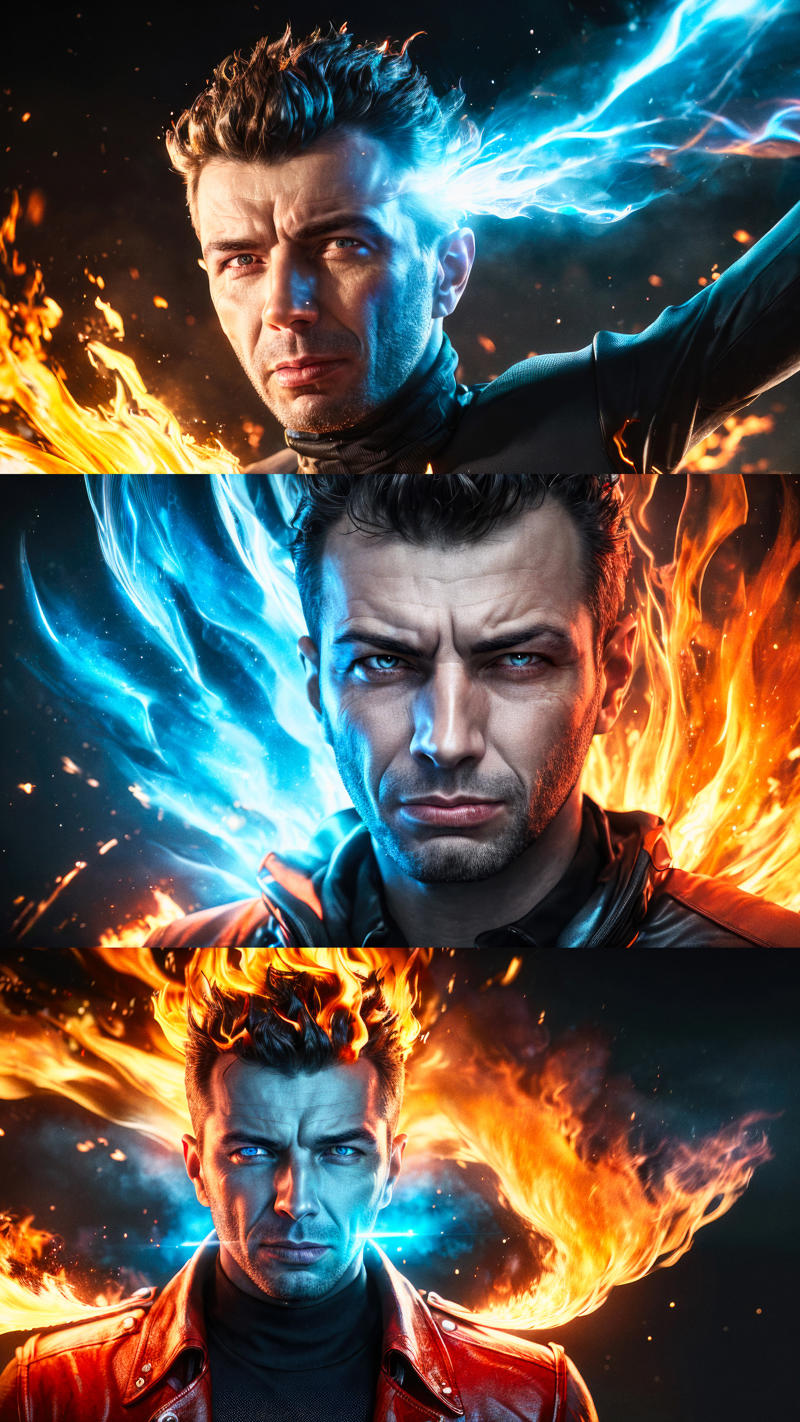
Found an easier way on how to create your own Dreambooth models and extract a high quality LyCORIS from it. This technique produces much better quality than training a LoRA directly. It is almost as good as the Dreambooth model itself and in my opinion also way simpler. Download the PDF guide.
Update: Had to re-upload it, the first one got deleted.
Huge thanks goes to @malcolmrey for his brilliant idea with the extraction technique!
Thanks to "wbaumi" for allowing me to use his face for training :-)
As you can see from the screenshot, I like to use my generated LyCORIS along with various LoRA's like (epi_noiseoffset2,0.75) > to get that darker, high contrast look and (popular,0.65) for a more polished look.
Thanks to @epinikion and @ntc for these fantastic LoRA's
https://civarchive.com/models/13941/epinoiseoffset
https://civarchive.com/models/44529/popular-trained-on-the-most-popular-phrases-from-a-sd-prompt-dataset
Description
LyCORIS extraction guide v1.1 (get amazing quality!!!)
FAQ
Comments (19)
Supermerger extension for Auto1111 can do this.
Also, if you're training, just train your Lora directly?
I also trained LoRA directly but this technique produces way better quality and is also simpler. Train Dreambooth and than extract LyCORIS is amazingly good almost like the Dreambooth model itself. Maybe in the near future training the LoRA directly will get the same quality.
here is Nerdy Rodent doing a LORA training and a Dreambooth training and comparing the two: https://www.youtube.com/watch?v=gw2XQ8HKTAI
I'm not gonna spoil which is better, but you can probably guess :-)
as @technerd mentioned already, it is also simpler :)
other differences are:
if you train LORA, you only have LORA
if you train Dreambooth, you can extract it to LORA, you can extract it also to LyCORIS for even better quality, and if something else gets discovered/created - you will most likely be able to extract that to it too
when would I train LORA instead of Dreambooth? only if my machine was not strong enough to train Dreambooth and I didn't want to do colabs/runpods/etc
Supermerger DOES do it but ONLY for Lora, it doesn't support newer Lyco functions - KohyaSS gui is FAR more stable, and i'm sure this guy's gui is just as stable it's just that I don't have windows so I can't use it lol. LORA training is one thing, but lora squishing and extracting are far greater sometimes because you can control what comes out of it - but i can't extract locally because my DAMN COMPUTER WONT LET ME XD
yay, the tutorial is up again :-)
@malcolmrey did you also notice that the eyes are displayed better when you add a few close-ups to the training dataset? Tried it today and it is better but you did far more models. Saw this guy doing it too: https://twitter.com/levelsio/status/1640616716526039040
Thank you very much for sharing your experience
Would like to ask about "extract LyCORIS"
Is it necessary to convert Safetensor models to ckpt?
Only if you want to use NMKD GUI 1.9.1 to do the Dreambooth training, than yes you have to convert it because NMKD can't open safetensor files yet. The new version of NMKD 1.10 can open safetensor files directly, think it will be released next week but you can already download the beta from their Discord.
@technerd I see!
Thank you so much :)
I would be interested in a tutorial, especially the settings, where you can make a dreambooth within kohya. I have a Geforce 3060 with 12GB. it works, unfortunately my result wasn't that good.
Thats why I use NMKD GUI for Dreambooth training because I don't want to mess around with settings at all. The presets in NMKD are almost fire and forget. A good and well mixed "dataset" makes a huge difference if it's not good than the training is just shite. I know only this tutorial for Dreambooth training from Olivio but the settings should be almost the same in kohya. Though I don't know if it will work with only 12GB VRAM. Have look: https://www.youtube.com/watch?v=9Nu5tUl2zQw
I like how simple your guide is but it's asking for me to have 24GB GPU. That simply isn't in my budget. Surely now several months later there must be a way to extract a lycoris from a dreambooth model on a 8GB card?
Try as I might, I am yet to get this lycoris extraction to work. Always get a Missing key(s) in state_dict: "encoder.mid_block.attentions.0.to_q.weight", message
are you sure you're training a Dreambooth with SD.GUI 1.91? Because in their newest version 1.11 Dreambooth was replaced by LoRA training.
@technerd Am training in Dreambooth through Automatic1111
@Stop_Civvy_Time hmmmm...I don't use A1111 but check if you are using the same training checkpoint/safetensors from where you want to extract your Lycoris from. It's just (safetensors trained) - (safetensors original) = LyCoris.
@technerd Yep, exact same model and checkpoint. Errors with using ckpt or safetensors
@Stop_Civvy_Time then I really don't know what could be wrong. Sry
So cool. Thanks a lot for those shared settings. I lost soooo much time extracting huge LoRAs when extracting a LyCORIS is impressively less resources heavy and faster ! About 4GB VRAM used compared to 20+GB for a LoRA.
XYZ tests show a ridiculously tiny difference between a 1.9GB LoRA and a 490MB LyCORIS.
Thanks mate. Very helpful.