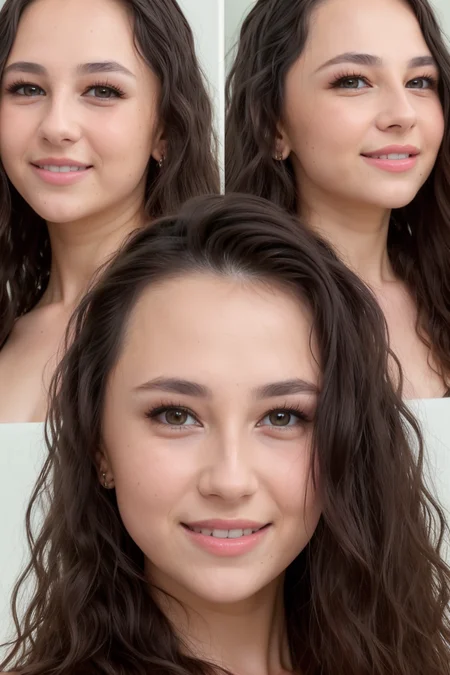
If you like my contributions to the community, please consider Buying Me A Coffee or check out my other sites on AllMyLinks
TRAINING INFO
Trained on 145 photos (face & full body)
Trained at 768 resolution, so 768x768 inpainting works great
"Smiling" is also trained into the LoRA, so adding it to your prompts should give a good result
RECOMMENDED SETTINGS
Prompts: For a full list of the prompts/captioned used for training, check the Lora file's metadata in your webgui
txt2img: A weight of 0.7-0.9 will give the best mix of likeness and flexibility.
Inpainting: A weight of 0.75-85 will give the best low-noise likeness. If you want the absolute best likeness, switch your checkpoint to SD15 since that's the model on which it was trained.
Face restoration: isn't usually necessary, but I recommend setting your face restoration strength inside auto1111 settings to something like 0.7-0.8 which makes the effect less than the default setting of 0.5.
GETTING THE BEST LIKENESS WITH LORA'S
The checkpoint you use can heavily influence the likeness of a celebrity Lora. I train my Lora's on SD15, so you'll get the best likeness on any model that used SD15 as the base model. See this example for how a checkpoint can influence the look of a Lora.
Description
FAQ
Comments (1)
Really wonderful,thank you. Cant wait for updated Kasia,maybe some lucy doll,haily leigh,catie minx!
Details
Available On (1 platform)
Same model published on other platforms. May have additional downloads or version variants.