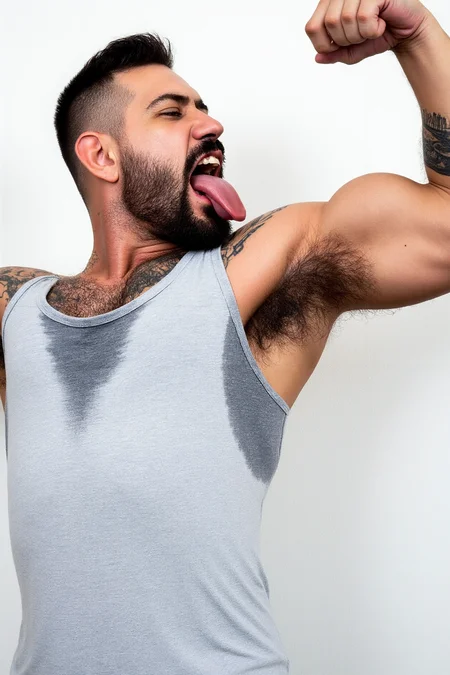


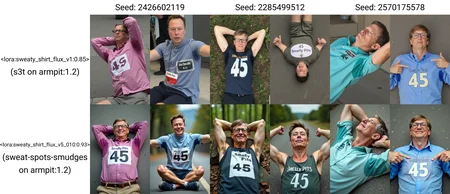
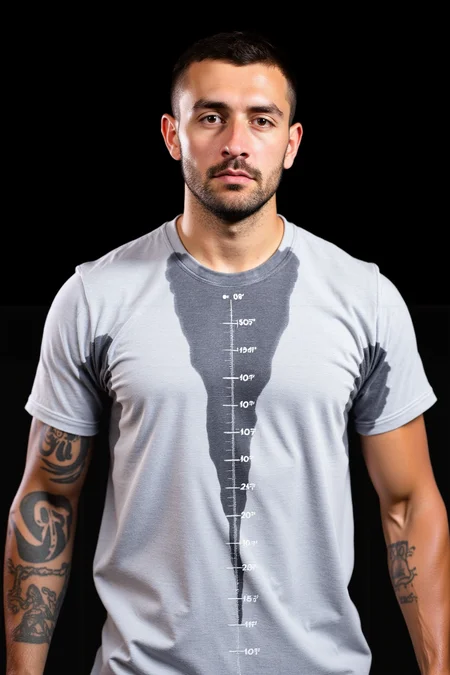
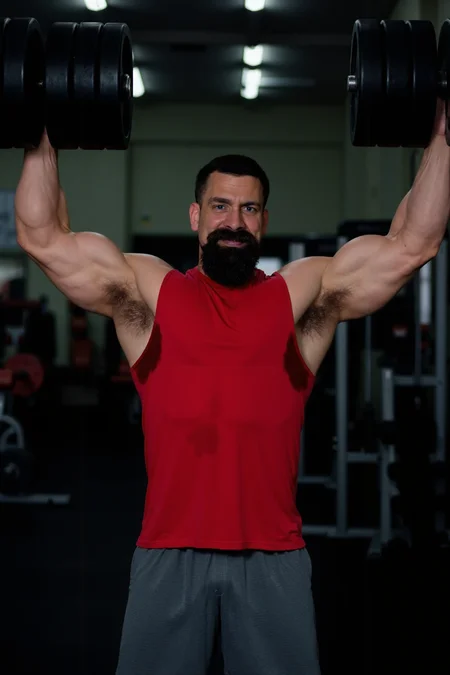
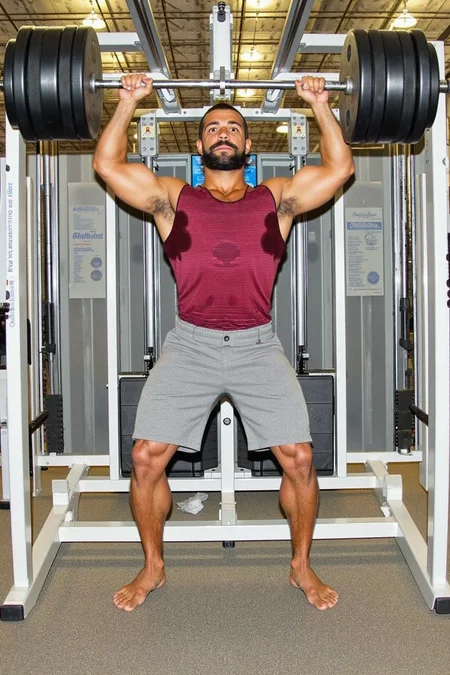


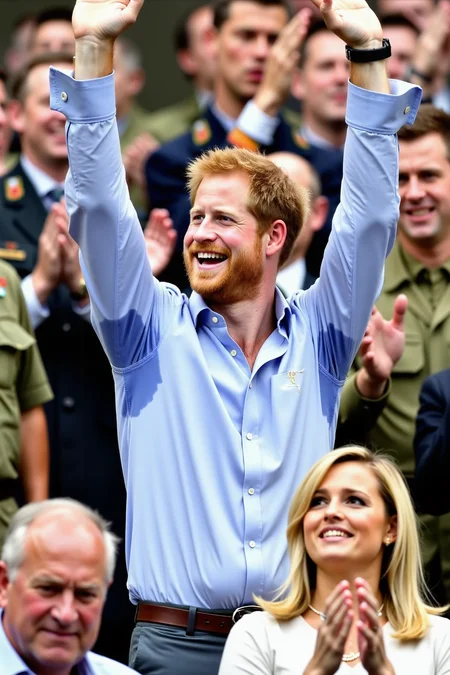
You guessed right, Flux can't do sweaty armpits either.
v7.5 is the recommended one, you can use it alone.
For one version alone, recommend weight 0.93
try from 0.8 to 1.2
Negatives (DynamicThresholding or Skimmed) can sometimes help, but not needed. You can download my images and drop on Comfy, the workflow has both options and a High-res upscale.
Trigger Keyword:
v7.5: sweat-damp on the armpit area, sweat-damp on the belly area, sweat-damp on the chest areaSupporting prompts:
Shirt with sweat, wet, HD high professional quality photo, best qualityNegative supporting prompts:
dry shirt, worst quality, jpeg artifacts, blurryFlux don't bleed insanely with the word "wet" as did SD15 and SDXL so it's safe to use it.
Trained with Ostris trainer.
old v1 description:
Very initial model, looks undertrained, but it's giving great results. My first experiment with Flux. This is the first time I'm not going to write 4 pages of info. You guys can chek the SDXL and SD15 version if you want. It's the same dataset.
I'll probably update this with new versions in the future.
I recommend weight 1.12
try from 0.8 to 1.5
Trained with Ostris trainer.
Description
Trigger word is changed: sweat-spots-smudges
Use weight: 0.8-1.1
Finally, a better version than v1. V1 had the Ostris Aitoolkit training bug, that made worse images.
This is an ever lower rank. Rank Linear/Alpha 4/16 (I'm tryin Civitai settings on AiToolkit). It's my first good loRa with regularization images. I think it's a little bit saturated (plastiky) but i'ts for sure better than v1 and using negatives helps. The composition is way better with this version.
Trained v5 steps 7040 of 7600. LR: 0.0005 reg_weight: 0.25 [reg only 512x],
FAQ
Comments (9)
Again I had this BS with the hashes being printed on the LoRa differently from what it really is and what Civitai recognizes it. So I'm re-uploading the file without any hashes printed to see if they get recognized by the site.
Ostris AiToolkit printing the wrong hash on the header is causing all this trouble... This is how to fix cross-posting:
You need to:
1- upload the Lora on civitai
2-wait to scan and give you the correct hash
3-remove the file
4-edit the 12 char header (that would still technically be fake because the rest is wrong) https://xypher7.github.io/lora-metadata-viewer/
5- upload again on Civitai
hmm i edited the first 12 chars of the hash with the hash i got for my lora after uploading on Civitai but posting images for my model still show the You A lora :/
@Nmdrcn What Lora is it? I can test if for you.
@diogod Hi, thanks ! https://civitai.com/models/683081/jessica-pare-flux I reverted to my original LORA and I think i have the korean bs on it again. The modified versions lost everything.
@diogod btw I also made a ticket regarding this, but I imagine it will be at least a week before a reply.
@Nmdrcn It worked after I edited the hash. I also edited the 8 first digits on the "sshs_legacy_hash"
Sp this is how it should be for your lora:
"sshs_model_hash": "A81D0145D4A51c149afbf4c8996fb92427ae41e4649b934ca495991b7852b855",
"sshs_legacy_hash": "A81D0145",
So you need to delete your lora on the Lora. Go to your Lora page, next to the lora version is three dots>manage files>remove the file>The page will reload, but reload with F5 again to be sure>three dots again>manage file>add the "edited" Lora
@diogod thanks a bunch man! You can remove the gdrive link, I think I got it from here 🩷
Someone posted a script to fix the hash of a safetensor file with the wrong hash, have not tried it yet, but should work: https://github.com/ostris/ai-toolkit/issues/130#issuecomment-2318564854
Details
Available On (1 platform)
Same model published on other platforms. May have additional downloads or version variants.