


**Please, read the correspondent "About this version" for the model you download**
My collection https://civarchive.com/user/cbrescia/models?sort=Newest§ion=published
Flux1-Hybrid: Blending Dev's Realism with Schnell's Speed and Improved Prompt Adherence
Introduction:
Introduce your new diffusion model, highlighting its unique combination of realism, speed, and prompt adherence. Emphasize the benefits of using this model compared to other popular options like Dev and Schnell. it is perfect for users with limited computational resources who want to generate high quality images quickly.
Key Features:
4-step generation: Produces high-quality images in a fraction of the time compared to many other models.
Enhanced prompt adherence: Accurately captures the nuances of your prompts, resulting in more relevant and creative outputs.
Photorealistic quality: Achieves a level of realism that rivals Dev, while maintaining the versatility of Schnell.
CFG sensitivity: Provides fine-grained control over image generation through the CFG scale.
Comparison with Other Models:
Create a detailed comparison table:
Feature Flux1-Hybrid Dev Schnell
Prompt Adherence Excellent Very Good Good
Realism High Very High Medium
Versatility High High High
Efficiency High (4 steps) Low Medium
Lighting Quality Very Good Excellent Good
Detail High Very High Medium
Artistic Style Diverse Realistic Artistic
Analysis:
Prompt adherence: Our hybrid model consistently generates images that closely align with the provided prompts, outperforming Dev in this regard.
Realism: While Dev excels in photorealism, our model offers a more balanced approach, combining realistic elements with artistic flair.
Efficiency: The 4-step generation process makes our model significantly faster than Dev, without compromising on quality.
Versatility: Our hybrid is capable of producing a wide range of styles, from photorealistic portraits to abstract art.
Inference Time: Intel I5, 32 RAM, Nvidia 3060 12Gb, 45s (same settings, dev, 2m42s). tested with SwarmUI working on ComfyUI.
Caveat: The time of generation of images is measured with the model preloaded. From the click on generate button until the image ends. The model first makes an initial image, which is then refined in 4 steps, the 4 steps last much less than the generation of the initial image.
How to Use:
Recommended settings: Random seed, CFG=1 (0.8-1.2) range, sampler: Euler, Scheduler: Normal/Simple, in the examples Resolution: 5:8 (768x1216).
Clip,T5 encoders and vae are incorporated with Kijai Flux1-FP8. It´s recommended to use --lowvram interface flag to pass the handle of encoders to CPU
Limitations: the range of CFG for non distorted images is narrow. Realistic images are affected by CFG, abstract and landscapes not the same, so for images without humans, in dark images you can raise CFG, and for shinny ones you can lower it a bit more CFG (0.6-1.4). There´s no FluxGuidance as in dev model. Text is an issue to solve.
Acknowledgements:
Thank the teams: Express gratitude to the Black Forest Labs team for creating Flux1 and the ComfyUI community for their valuable insights.
License: CC BY-NC 4.0, No commercial
The following photos contain each one a workflow to generate an image with Hybrid models, Baked and NoBaked versions, and save it in ComfyUI/Output directory. Just click and drag the image to the ComfyUI desktop to see the respective workflow.
https://cdrive.page.link/KcLFPz9evDfMHgWA7
https://cdrive.page.link/aTwDun5S6KLjt8Cu7
FLUX.1 is a powerful tool, but the results may vary depending on the complexity of the prompt and the parameters used. Have fun experimenting and creating your own artwork!
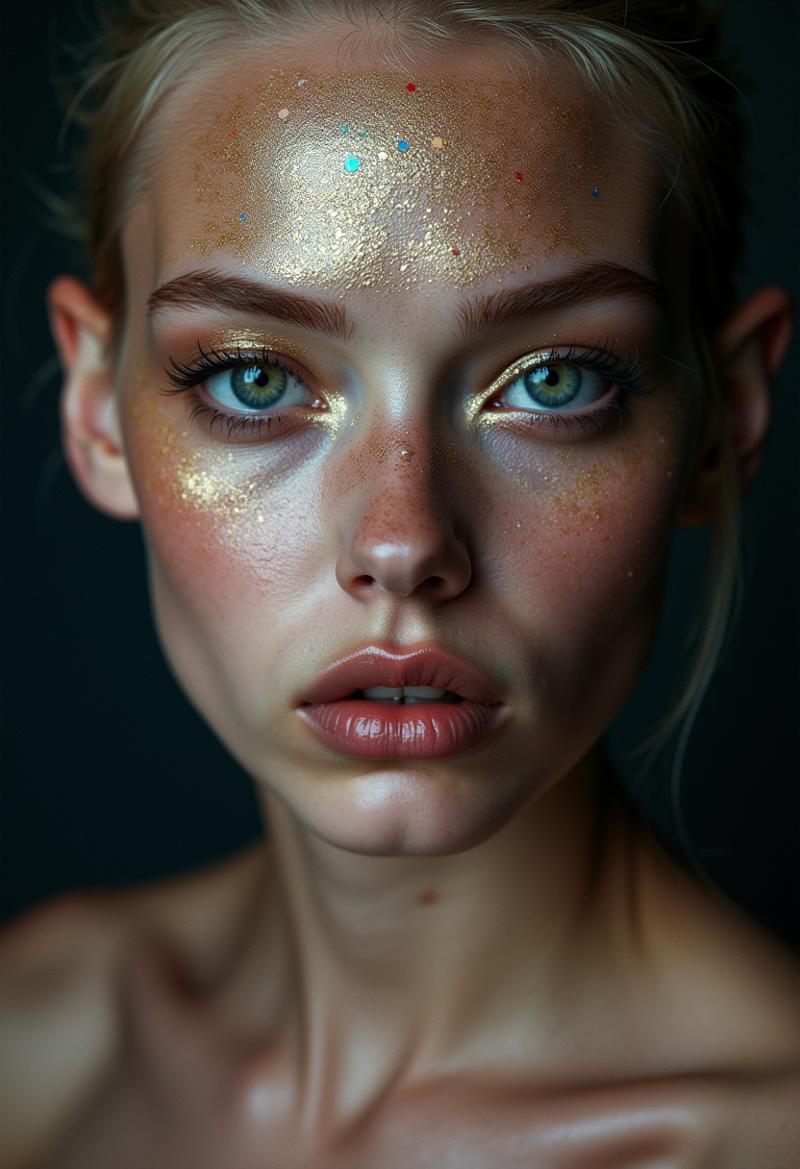
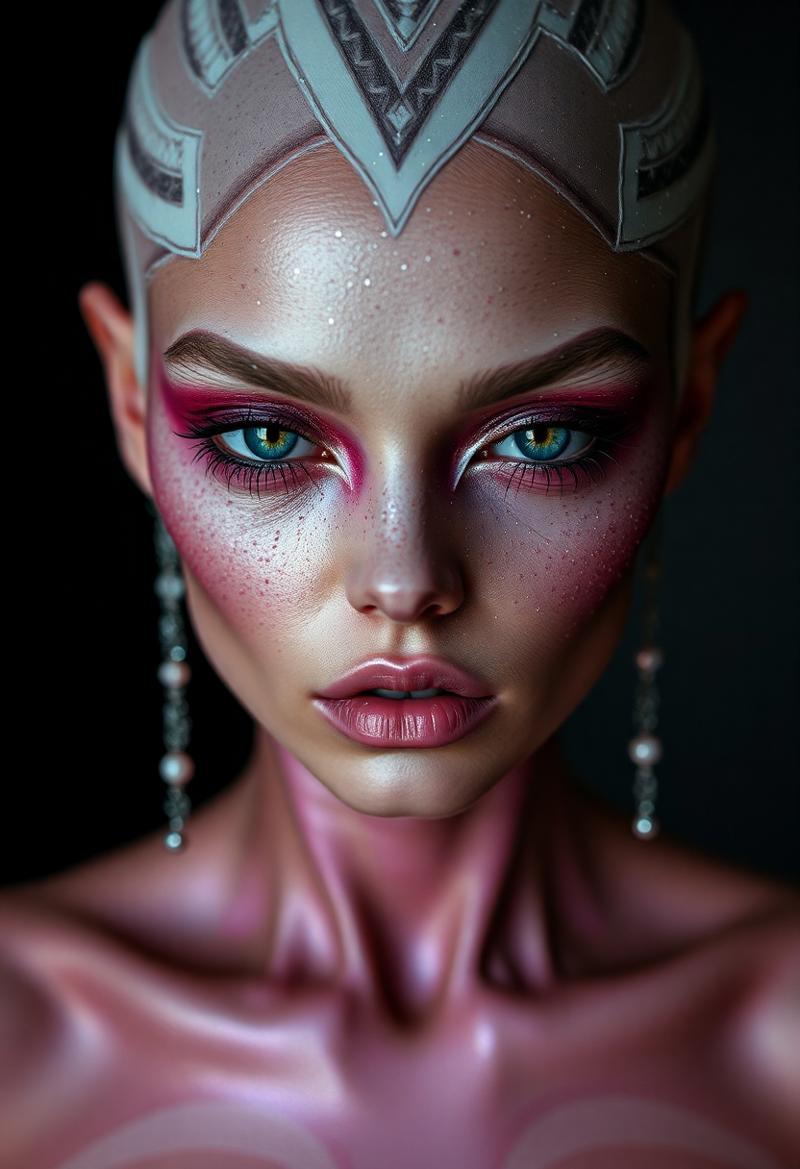 Up: Flux1 Dev, Down: Flux1 Hybrid
Prompt: portrait photography of a alien supermodel, with glitter makeup.
Seed:1826245848, Dev: 25 steps, Guidance 3.5, CFG 1, Sampler Euler, Scheduler Normal/Simple, Hybrid: 4 steps, CFG 1, Sampler Euler, Scheduler Normal/Simple
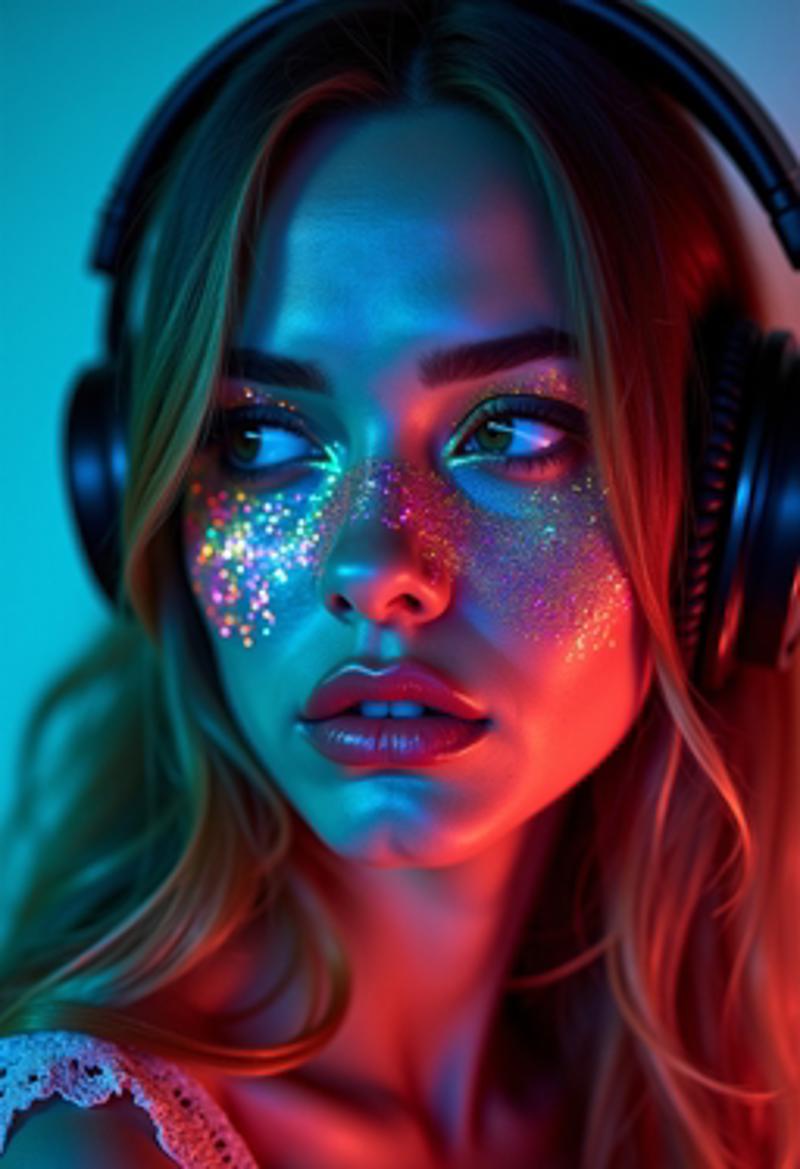
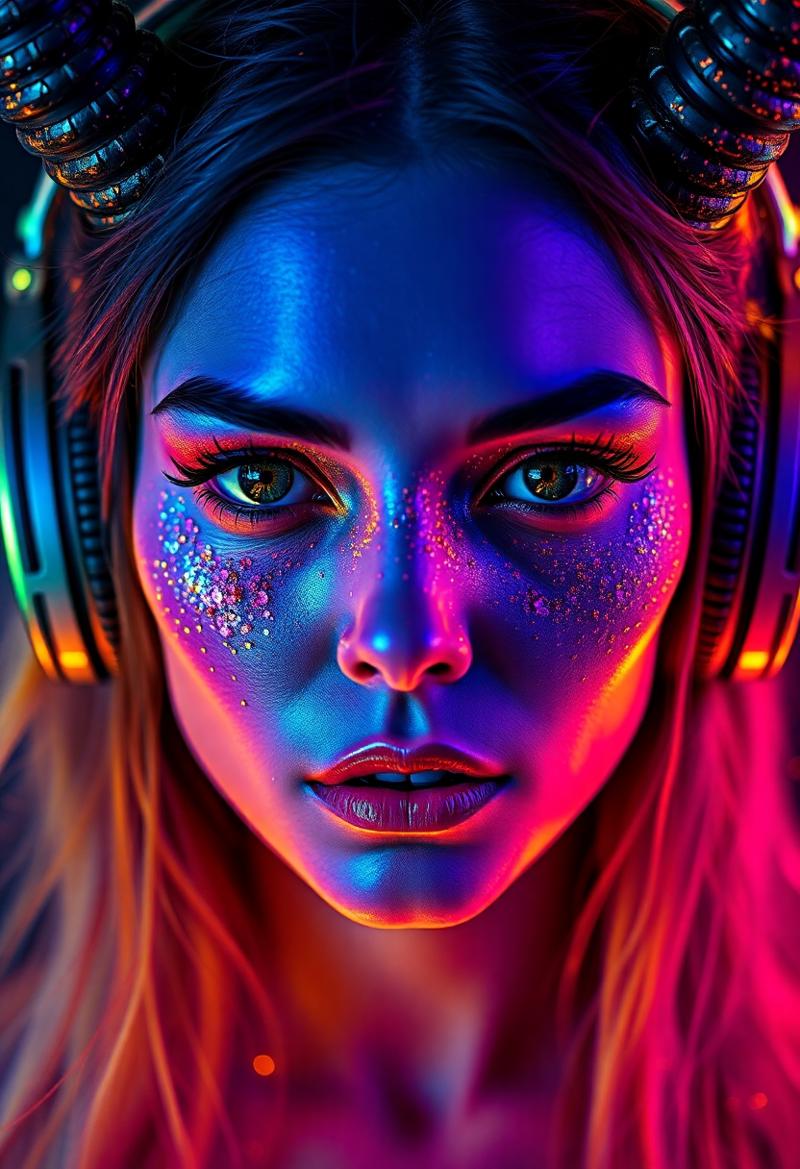 Up. flux1 Dev. Down: Hybrid
Prompt: Devil woman wearing headphones, in the style of mysterious abstractions, double exposure, bathed in vibrant neon colors. Face illuminated by a kaleidoscope of electric hues - cyan, magenta, yellow, and emerald green. Striking contrast between cool blues and warm oranges across the features. Iridescent, glitter-like particles scattered over the skin, creating a cosmic effect. Piercing eyes with multicolored reflections
Seed:1959765719 Dev: 25 steps, Guidance 3.5, CFG 1 Sampler Euler, Scheduler Normal/Simple, Hybrid: 4 steps, CFG 1, Sampler Euler, Scheduler Normal/Simple
 UP: Flux1 Dev Down: Flux1 Hybrid
prompt: (1girl, pale white skinny 18 year old redhead nurse, white nurse outfit, short skirt,white stockings deep cleavage, very big juicy ass and wide hips, blue eyes, thick thighs, very very big natural milky jiggly breasts. curvy milf body, wavy black and red hair, pawg, fat ass, huge ass, cleavage, massive tits, huge breasts, detailed face, heavy breasts, horny face, mssv breasts), hospital, playfull, posing, horny look, bubble butt, posing for a photo,photorealistic, 8k uhd natural lighting, raw, rich, intricate details, key visual, atmospheric lighting, 35mm photograph, film, bokeh, professional, 4k, highly detailed, cinematic, colorful hospital background, 8k, dramatic lighting, highly detailed, hyper realistic, intricate, intricate sharp details,realistic, high resolution,
Seed: 1176787681 Dev: 25 steps, Guidance, 3.5 CFG 1, Sampler Euler, Scheduler Normal/Simple, Hybrid: 4 steps, CFG 1, Sampler Euler, Scheduler Normal/Simple
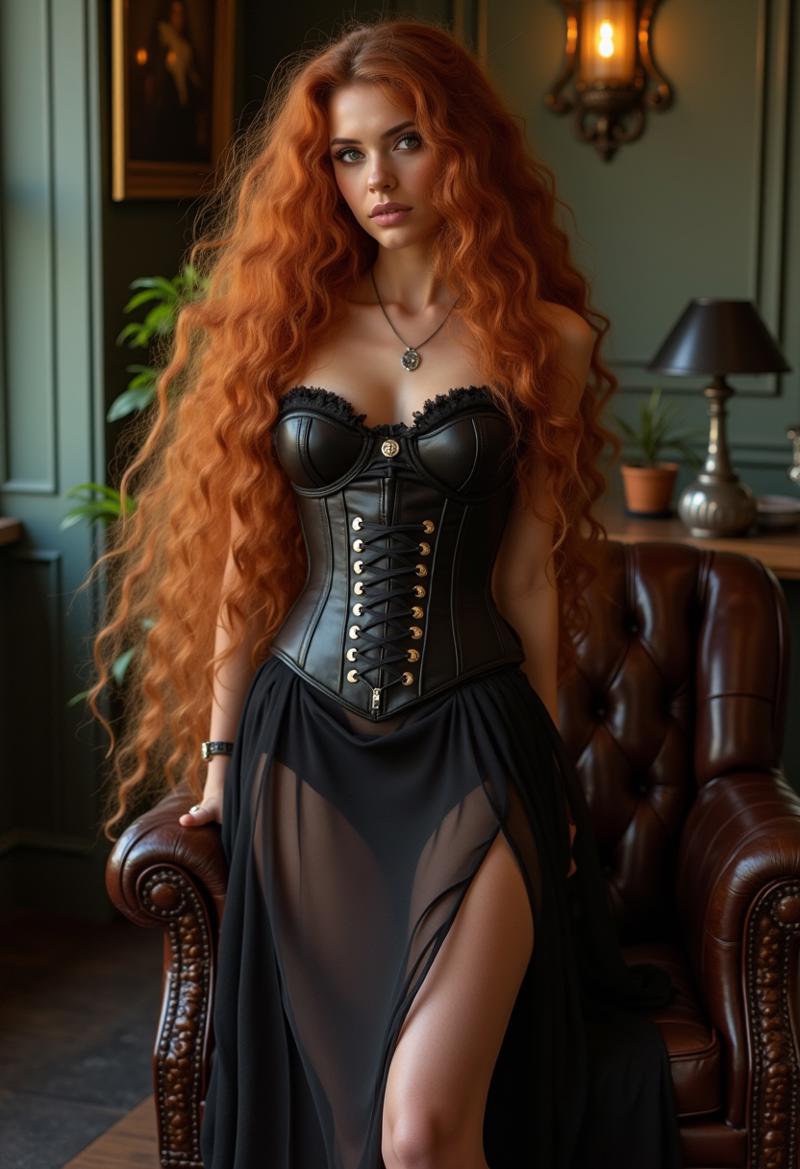
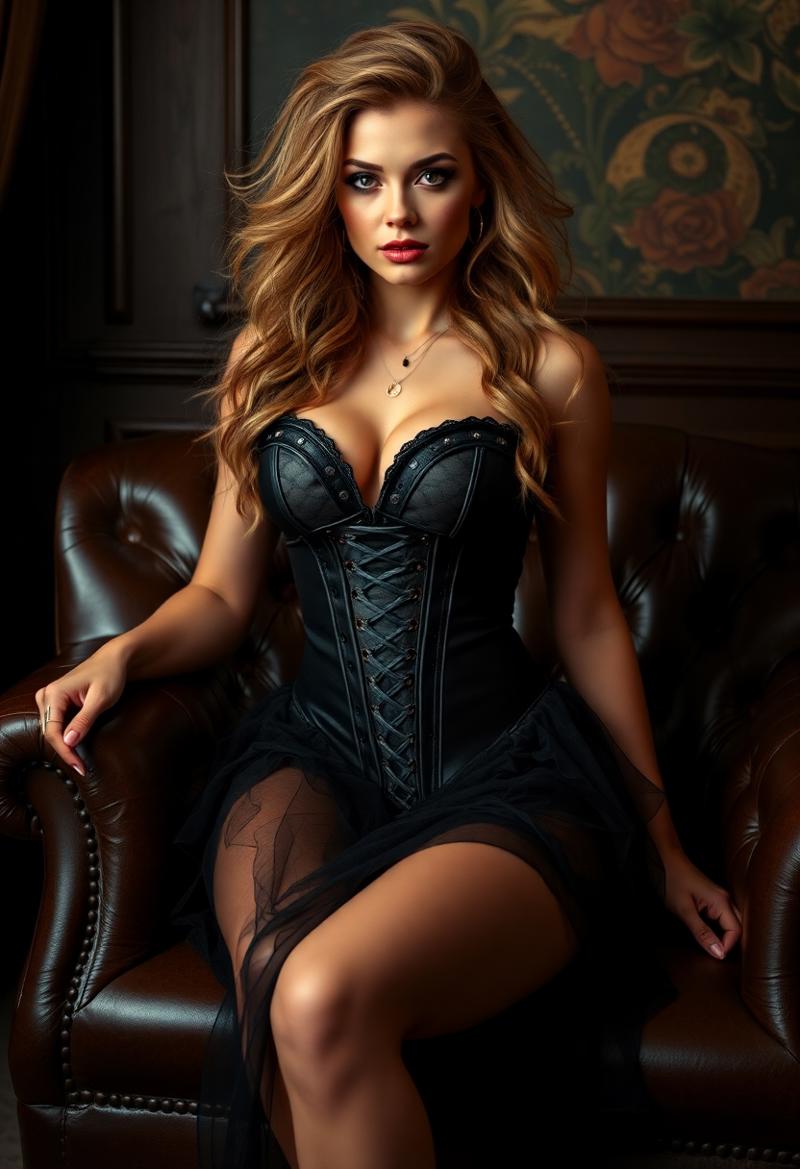 UP: Flux1 Dev Down: Flux1 Hybrid
prompt: eye catching, Bombshell beauty, Honey wild hair,
Silky long legs high heels Swedish Lounge Spunky Leather
Portrait of beauty Elegant lady in sheer dress and vintage clothing,
Bone corset
Seed: 726579420 Dev: 25 steps, Guidance 3.5 CFG 1, Sampler Euler, Scheduler Normal/Simple, Hybrid: 4 steps, CFG 1, Sampler Euler, Scheduler Normal/Simple
Dev is excelent doing images of thin models women at the price of prompt adherence.
Description
This model is focused in reality, sharpness, no bokeh, deep depth of field (45-70mm normal lens) and vivid colors.
Only the baked version with all include was uploaded to make setup simple.
FAQ
Comments (9)
suggestion: make an extra image-post for your examples inside your description ;)
So I don't understand anything at all, I downloaded the modelflux1DevNF46StepsNSFW2_finessev2devhyper6st.safetensors, euler simple 6 steps, Distilled CFG 3.5 Cfg to 1, the image is completely blurred in webui forge, what am I doing wrong?
I use SwamUI to do images, so I went to Forge, I used the proper setting for Flux 6 steps and looked the console of Stablematrix. Forge works fine with SD1.5, but with all type of models of Flux, it does only one iteration (that is why you only get the first blurred image). It gets stuck because Forge always says "Low GPU VRAM Warning" (for calculation a minimum of 1.5 Gb VRAM are needed), but I lower "GPU weight value" to less than 10000MB and it isn´t aware of the change, and it still complains for more memory for calculations. It sees only a few Mb free for calculations, so it only does one iteration and stops. So try to use an older commit of Forge, before the last update it worked fine with Flux1.
@cbrescia I'll try, thank you
Make sure your using euler and not euler a. I use euler with simple
@Delsigina Thanks for your help, I think it was because of the clips that I still had activated, but the image quality is almost unusable with 6 steps at 1920x1080 with 10 steps it looks much better
You've gone to great lengths to create all of these amazing models, and to name them appropriately. Thank you! I defer to your expertise, as I have very little experience with image generation, but I still wonder about a few things.
File Type labeled as Checkpoint Merged, yet File Size 292.23MB & File Name labeled as 6-steps, yet comments say its 4-steps. Checkpoints are generally larger in size and LoRAs don't use steps.
Assuming this is a LoRA, File is verified as a Pruned Model fp16, yet the current pruning methods designed for LLMs are not compatible with LoRAs.
Recommended for low-Vram users to use Kijai Flux1-FP8 with baked in Clip,T5 encoders and VAE; as CPU will handle encoders, yet I've seen faster results and fewer crashes when loading these separately.
You also offer a NSFW Full Model NF4 (a size of 11.5 GB suggests I don't need any other files) and this NSFW LoRA, but NF4 models can not use LoRAs.
Is it possible for a LoRA to add NSFW content to a non-NF4 base model that has no NSFW content in it's training? So basically, is this a "cake recipe" that uses "substitute ingredients" rather than adding "ingredients"?
I suppose the comments are just redundant and don't apply to this file and the file naming errors and such are caused by Civitai, but I just wonder, what file combination (for very NSFW results) is best for an 8GB user?
There are several questions to answer
- Loras labeled as checkpoint happens because when uploading a file in civitai, I don´t have a Lora option, and I must set something like "pruned checkpoint" to continue, 292Mb - 300Mb files are FP16 Loras
- Last Nvidia drivers can see VRAM + RAM as continued memory. I have a 3060 with 12Gb VRAM and 32 RAM and I use a baked 16GB full model without any trouble
- Yes, you can use the Flux Dev FP8 no baked only model, with separated encoders and VAE, also you can use a small t5 gguf encoder beside Clip-L
https://huggingface.co/city96/t5-v1_1-xxl-encoder-gguf/tree/main
- Yes, 11Gb NF4 has all included to work.
Actually, there´s an option of "NF4 for FP16 Lora" to do, I did one but the size is 11 GB, the same size that has Flux.Dev FP8 which has more precision, so it does not make sense to use that option of a worse precision
- Yes, if Flux1DevFP8 is the cake, NSFW2 Lora is an ingredient to the cake that adds NSFW features (more beefy women, bigger bust, labia and nipples, more real women, not skinny supermodels with deep lines of expression, almost wrinkles) those features don´t exist in original flux1.dev
- The comments you can see at the bottom of the page are mixed, they are comments of different models
- 4 steps only applies to the first hybrid model, the other are 6-8 steps Bytedance accelerator models, Bytedance says inference only needs 6 steps.
- If you have a 8Gb VRAM card, the NF4 6Gb model fits in VRAM and you can use separated Clip-L, VAE and a T5 gguf T5, and include the NSFW2 Lora
https://huggingface.co/city96/t5-v1_1-xxl-encoder-gguf/tree/main.
Another option is to use a GGUF FluxModel https://huggingface.co/mhnakif/flux-hyp8/tree/main, they are cuantisized models with accelerator included for 6 steps only, e.g. you can use flux-hyp8-Q4_1.gguf that fits in 8Gb, and separated encoders as with the NF4 example above, even the https://huggingface.co/city96/t5-v1_1-xxl-encoder-gguf/tree/main you like
@cbrescia
Wow, it is tremendously helpful to have all this clarification as I stumble my way through this learning process with your answers to all my questions. I'm really, really glad you took the time to detail all of that.
I'm really at the bottom end of the spectrum when it comes to hardware, an RTX2070 with Max-Q and only 8GB. I think overheating is just as much as a concern as memory over-run crashes, yet what you say confirms the limits I've noticed I have. You might have even convinced me to update my drivers! It looks like I might be able to utilize up to 16GB as well. These links are a great help too.
I struggle with speed using the FluxDevFP8 even with dual or separate loaders for Clips and VAEs. I've had decent results with some NF4s, but nothing spectacular, but I will definitely try your NSFWF16LoRA with both checkpoints just to compare. Plus I look forward to checking out two of your Checkpoints now, the FinesseV2DevHyper6steps that is 15GB and the FluxDev NF4 6steps NSFW2 thats 6GB in size.
All of these models you've made look like really high quality stuff, so I bet I'll end up grabbing the FluxDev FP8 6steps NSFW2 and even both NSFW1 versions, plus the Hybrid FP8 4 Steps NSFW. I'm not sure what the difference is between Hyper and Hybrid, but it will be easy enough for me to try 4, 6, or 8 steps and find out.
I've used two GGUFs, by city96 and Kijai and the GGUF text encoders with them. I've heard it is possible to use Unet Bit and Bytes versions of NF4s that can use LoRAs, is that so? I guess they need their own Clip and VAEs as well. The hardest part is remembering the names of the custom nodes i need to use for each one, and I've already forgotten just how many different nodes I have to use, much less their names.
I have NF4s in the Checkpoints folder and Unet folder, and the GGUFs in Unet folder as well as Safetensors there like Kijai's. It's rare that the required folder location is mentioned, I guess everyone already knows what is standard. So, I'm trying to wrap my head around custom node names and proper folder placement for everything, plus remember which uses whichever Clip and VAE.
Again, I love how all your stuff is clearly named, so I'll raid you and download everything, and I've added all you've said to my notes lol THANKS!