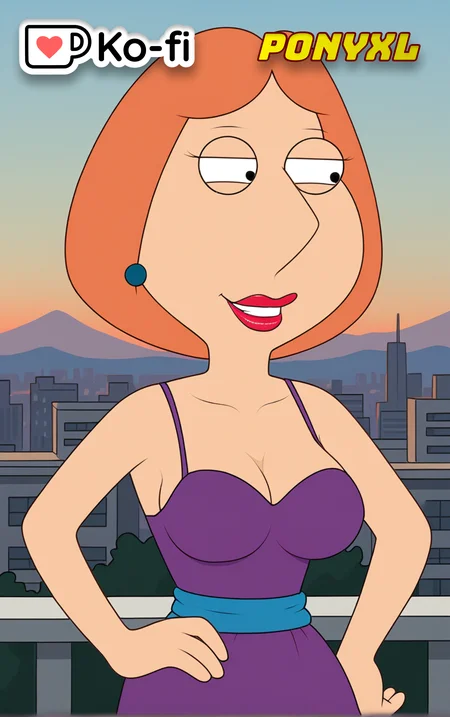
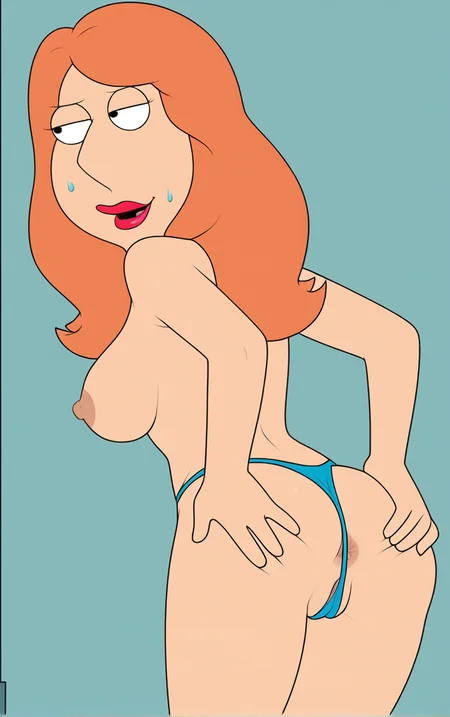


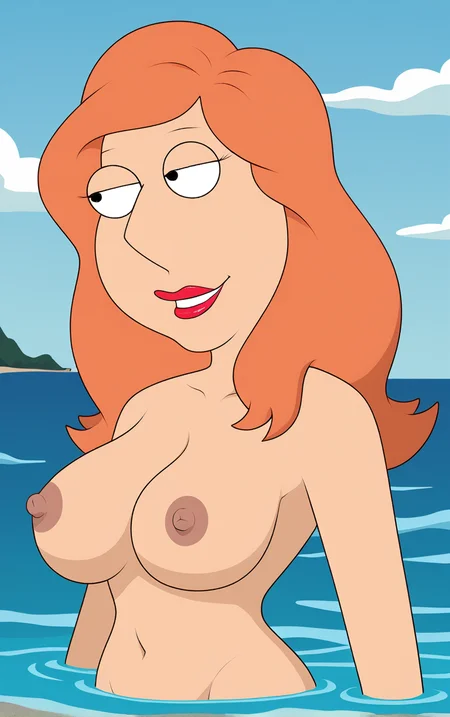
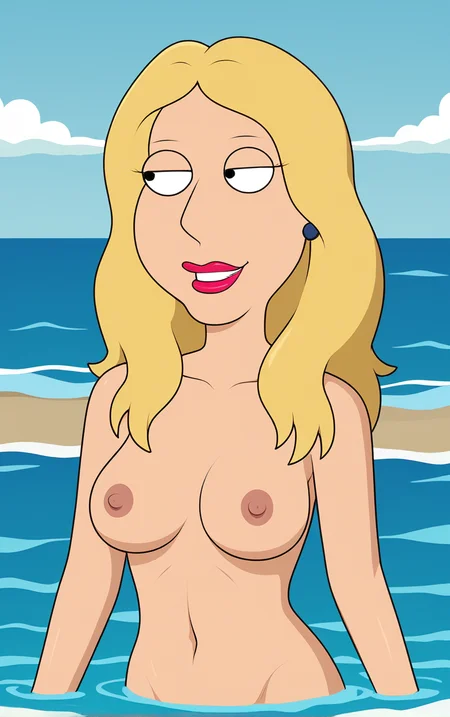



🥰Buzz Donation Appreciated! 🦄PonyXL Open Orders ✅Support Featured Artist
Hi! Enjoying my project? Join our Ko-fi Memberships for a ✂️50% discount on Commissions and other perks. Your support is invaluable! As a thank-you, we’ll release exclusive well-trained LoRAs to Supporters before sharing on Civitai.
🕓Early LoRA Download! – Become a Ko-Fi Member Now! Or Become a Patreon Member Now!
🎴Preview Early LoRAs – Preview Early Released on Discord Server!
🔞Checkout NSFW Models – https://civarchive.com/user/fapwaifu
💃How to Use - Below are the different ways you can use these PonyXL LoRA models:
➡️Civitai Online Generator: How to Use It Efficiently
These models are available for online generation, but they might require some
buzz (credits). Follow these steps to make the most out of the generator.
➡️MODEL INFO:
Here are the settings needed for this Model:
Clip Skip: 2 / For Anime
Clip Skip: 1 / For Everything Else
Steps: 30 / Best
CFG: 7 / Best
Sampler: Euler a / Best
❌❌❌Don't Mix Multiple LoRAs❌❌❌
These LoRAs are trained on at least 1000 high quality images, so don't need embeddings and other LoRAs to improve generation. Just follow the below methods to get the exact style.
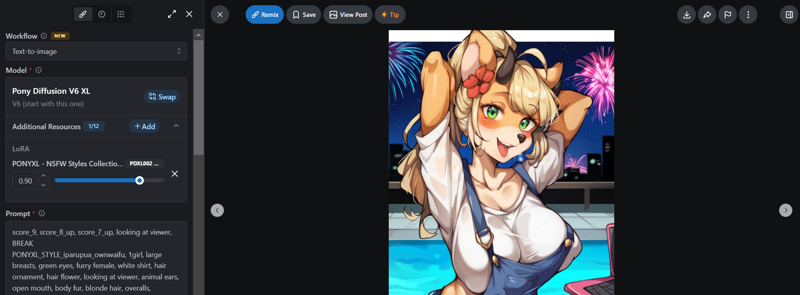
✅Method 01 - "Remix"
Pick an Image:
Go to the model's page.
Click on one of the images in the showcase.
Use the Remix Button:
Look for the "Remix" button at the top left of the image.
Click it. This will load the online generator with the settings and prompts used for that image.
Make Adjustments:
Change the seed to random to get different results.
You can also change things like the LoRA weights, pose, or background prompts.
Generate the Image:
When you're ready, click "Generate."
If you like the result, you can donate buzz by clicking the "i" icon next to the Generate button.
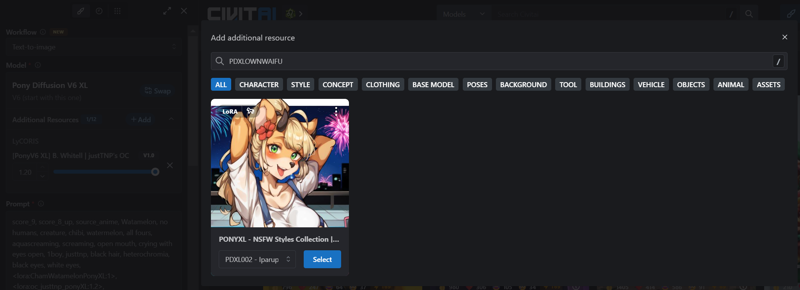
✅Method 02 - "Add Additional Resources"
Open the Additional Resource Section:
In the generator popup, find the "Add" button in the additional resource section and click it.
Search for a Specific LoRA:
A search box will appear. Type "PDXLOWNWAIFU."
You’ll see a card with a "Select" button.
Customize the Prompts:
After selecting the style, you can tweak the prompts and settings.
Make sure to include trigger words in your prompts to activate the LoRA effect.
Generate the Image:
Once you're done, click "Generate" to create your image.
If you appreciate the models, please consider leaving us a review and sharing the images generated using this model. Your feedback is valuable to both us and the AI community. Happy prompting, AI enthusiasts!🙂
Special Thanks to @narugo1992 For developing the scripts that has helped me to prepare datasets.
Description
FAQ
Comments (1)
I can't make a picture of Lois having a long hairstyle, leaning against the wall and smoking a cigarette. :( Can someone help?
Details
Available On (1 platform)
Same model published on other platforms. May have additional downloads or version variants.