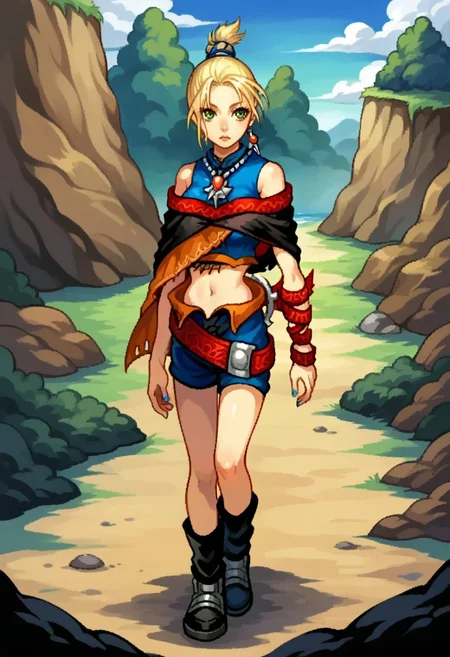
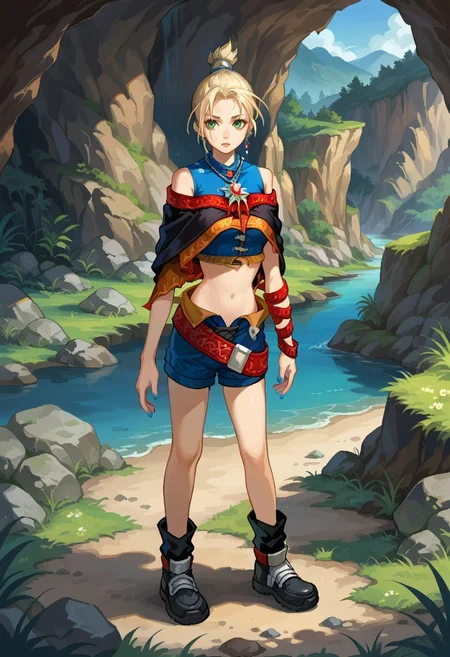
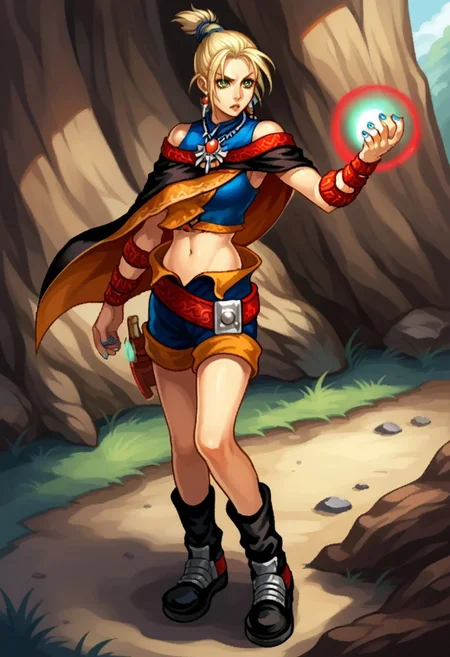
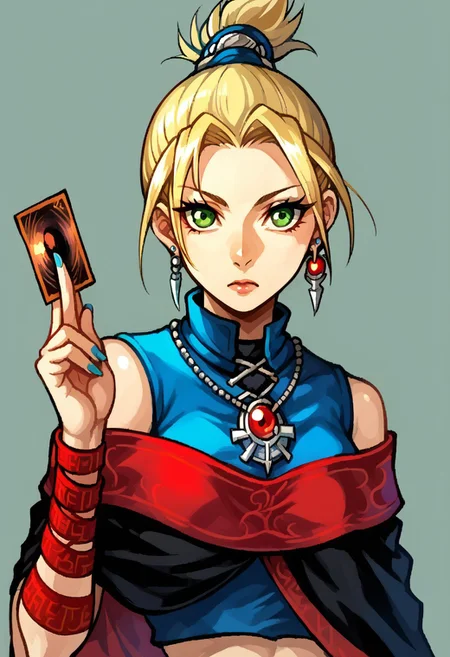
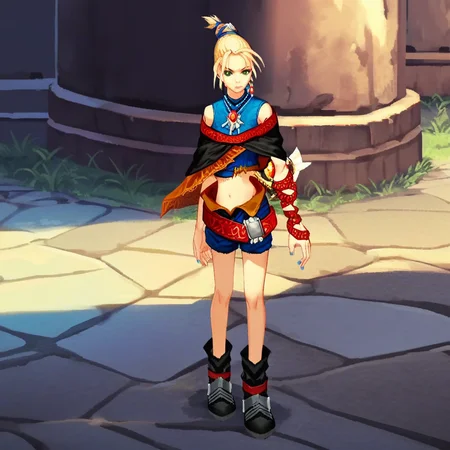
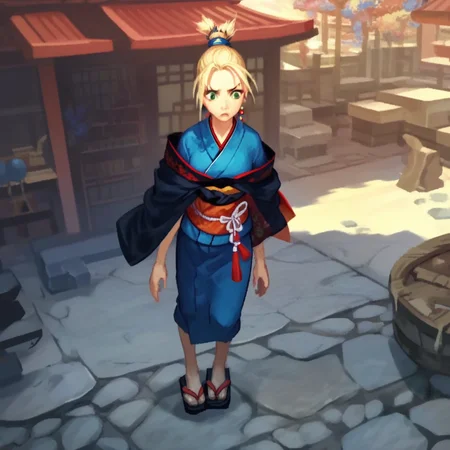
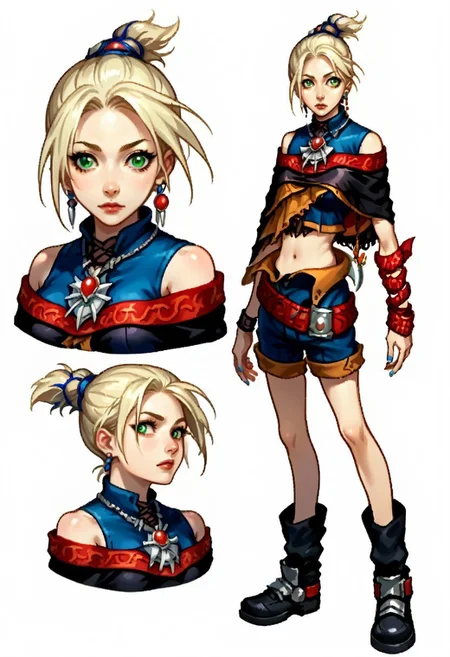
Arise!Main character from GameCube exclusive From Software (yes, that From Software) game Lost Kingdoms 2. It’s a fun game where you fight exclusively by summoning monsters you have limited control over from a deck of cards. Please post the pics you generate with this Head: f_s_t_g, high ponytail, short ponytail, blonde hair, green eyes, asymmetrical bangs, blue hair tie,
Outfit: blue crop top, sleeveless crop top, black caplet, necklace, arm wrap, asymmetrical arms, navel, blue shorts, open shorts, black ankle boots (see version description for V1 tags)
Negative: 3D, game screenshot
Worth trying: Holding card, card, holding
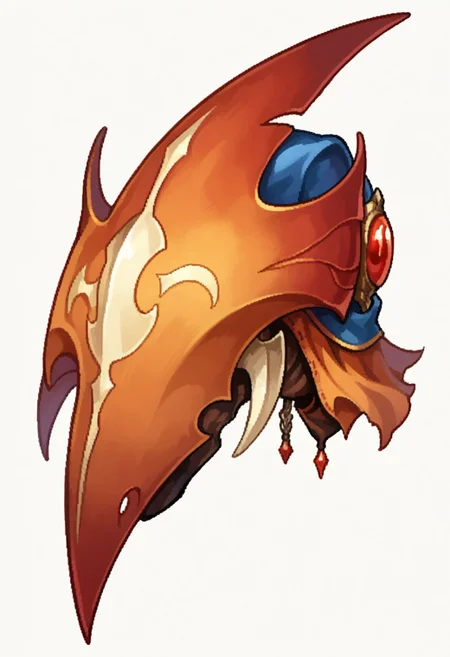
Trained on but don't expect it to work well: Runestone is likely unstable due to being a unique thing and limited TD.
I had been curious for a while to see how good a LoRA could be made if 2D training data options was limited (though extant), but there was a 3D model that could be captured form a nigh infinite number of angles in a decent number of poses. I then saw dwnsty’s Holding Yu-Gi-Oh Card | Concept Lora and realized I knew a girl who would work perfectly for such an experiment and I actually liked enough to bother doing a LoRA for. This was trained off 6 official 2D art (loading screens, and some chibi promo comic. No cover art), 6 screenshots of the prerendered intro, 10 screenshots of gameplay, 7 screenshots of the model on a black background (I have the prequel webcomic, but it’s too blurry even for its res to be usable), and one screenshot of the runestone alone in a cutscene in hopes of improving its rendering (Total: 29 of character+1 of accessory alone)
I’m kinda impressed how this turned out for a relatively complex character design: Even by epoch 2 she was recognizable, and epoch 3 got even more details I expected would be fairly tricky, and epoch 4 was near flawless (only runestone being missing). Main thing it struggles with are the laced open shorts and runestone. I can fully recommend training a Pony LoRA primarily off of clean screenshots of a model now (at least models of PS2/GCN era quality). Main issue is that 1: Whatever pose the model is in will become a default, so you either need to be able to pose the model, or just require specifying a pose in generation 2: It will really want to adopt the style of the few 2D images in the set, which it's not particularly well trained in (though the results aren't bad). This is easily fixed by loading a style LoRA.
Description
First version
Tags:
Trigger: tara_grimface
Head: green eyes, blonde hair, high ponytail, short ponytail, blue hair tie, hair tie, single earring,
Outfit: necklace, crop top, blue crop top, sleeveless, bare shoulders, black capelet, red trim capelet, capelet, asymmetrical arms, arm wrap, nail polish, blue nail polish, midriff, belly button, navel, shorts, open shorts, belt, boots, black footwear
FAQ
Comments (10)
I was just thinking today about how no one has done any Lost Kingdoms stuff, then did a google search and saw this. Somehow it didn't show up in my general feed even though I would have checked when this came out.
Anyway, any plans to do Katia? I'm sure my attempt to do it would be bad in comparison to yours.
No.
1: LK2 in particular is a game I have fond memories of, while I find LK1 its less refined predecessor (I actually played LK2 first).
2: There's less official 2D art of her, and LK1's model is way more primitive
3: I do not want to tag stuff again for a while after the giant task that was hand tagging the Gundam X style LoRA (and when I am up to it, the first thing I'm doing is doing a 2.0 of my Mana LoRA since I failed to include a big chunk of good training data)
My advice if you do decide to try, assuming you've got a good PC 1: Use Dolphin (after you've ripped your Lost Kingdoms 2 disc with a modded Wii of course...) and use its freecam function to get good shots in multiplayer (since it's better quality than her LK1 model). Also rip her model and look at it in a model viewer/editor program (I'd recommend having a low level of texture filtering on for both of these) 2: Tag "3D" and "game screenshot". This helps minimize the style influence just using a bunch of pictures of models will have (especially with 3D in negatives). 3: If you're looking for fan art, Katia's Japanese name is "カティア" and the series is RUNE or ルーン (you will need to search using both because neither is unique). I don't think there's much out there, but Pixiv has a few pieces and you might find some more on Twitter. 4: Here is a picture of the thumbnails of my training data to give you an idea of what I gathered beyond the raw numbers ( I also wouldn't do pics from the left and right for Katia since her design isn't asymmetrical as far as I know. In retrospect I'd try to include more variety in the backgrounds of the pictures and have taken 24/25/26 in separate locations for each)

@NanashiAnon Unfortunately, I don't have the capacity or knowledge to train locally. I just use default settings on civitai's trainer too since trying to lift training data from others without knowing what I'm doing resulted in slop, and even then my tagging is a crapshoot because I don't understand ideal datasets or proper tagging. It is interesting that you mention tagging 3d and game screenshot - I wouldn't even think to do that, since I usually just go "bad quality" if something's blurry but I need it anyway due to no options. Also not really sure about a texture filter or ripping her model, either - there's so much I don't know that I really just clean up data images in GIMP, tag as best I can, and use the civitai trainer for the rest.
But thanks anyway, I may still do a subpar Katia just so it exists.
@Sargovel All my stuff is trained on site. The good computer part was in reference to running Dolphin, which is trivial compared to even SD 1.5 (I think even modern CPU graphics can run it on lower settings at this point). Only changes from default on trainer I've made were enabling "shuffle captions" on everything, and changing clip skip to 2 for the Asticassia uniform and Gundam X Style LoRA per tooltip recomendation (as both were 100% anime screenshots). Texture filtering is a simple option in Dolphin or Blender.
As for the tagging, I've never done anything particularly complex. Just figure out what you're going to tag a character with ahead of time (like what tags make up their outfit, hairstyle etc.), and apply any applicable tags (e.g., don't tag "shoes" if only upper body is visible) to the image using consistent tags (as well as any fitting tags for the background when you can) while removing any incorrect autotag results (so you don't have images tagged "1girl, 2girls, solo, 1boy"). For example, picture 24 in the linked image is
"3d, game screenshot, tara_grimface, 1girl, solo, from behind, blue nails, facing away, standing, blonde hair, high ponytail, short ponytail, blue hair tie, hair tie, single earring, necklace, crop top, blue crop top, sleeveless, bare shoulders, black capelet, red trim capelet, capelet, asymmetrical arms, arm wrap, nail polish, blue nail polish, shorts, blue shorts, belt, runestone, boots, black footwear"
(I'll provide any pic's tag set if you ask)
Ah, I thought you meant Dolphin.
Also, for tagging, that does seem similar to what I do. Except I worry that when I put in something like "capelet" or "belt", it won't understand where and how to associate it with a picture (particularly for asymmetrical models) and it'll just end up screwing my picture more than not including it. I'll give it a try
@Sargovel I think the trick is just having pics in the data set that won't have a particular part visible so it learns what they are by their absence.
Any Illustrious update plans?
@Sargovel Yes. Already scheduled for the 10th of next month. Everything except moon (didn't work as well as I'd like and someone else did it better. If anyone really wants it they can have the tagged training data since it's all public domain pictures) and Djinn (didn't come out to well, a V2 is on the eventually list) is getting converted to IL.
@Sargovel Up now.
@NanashiAnon Nice. Also Civitai sent me three notifications for this for some reason.
Details
Files
Available On (1 platform)
Same model published on other platforms. May have additional downloads or version variants.