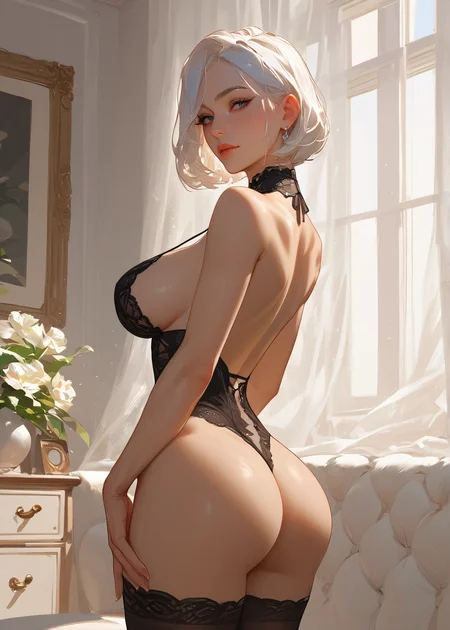
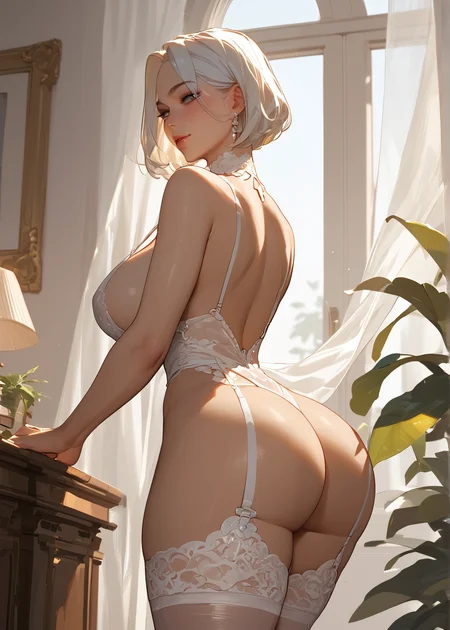
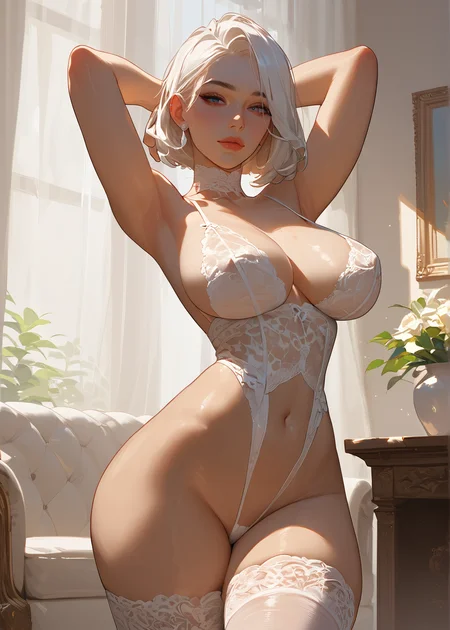
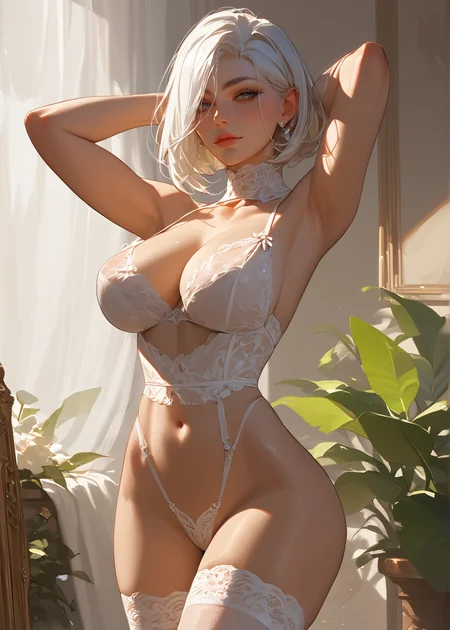
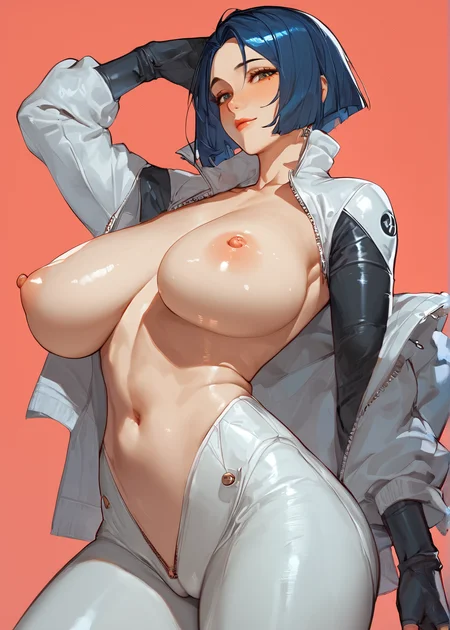
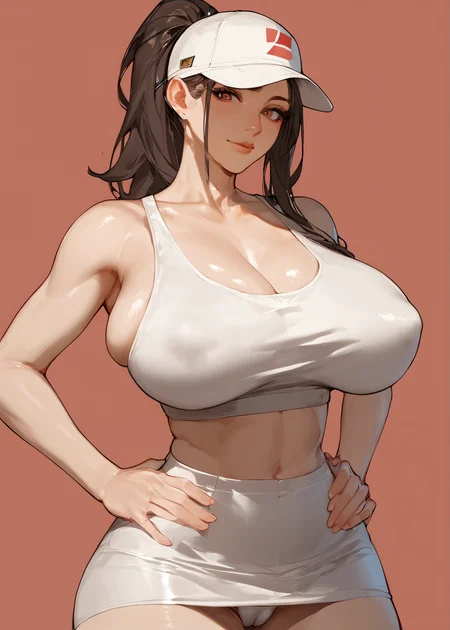
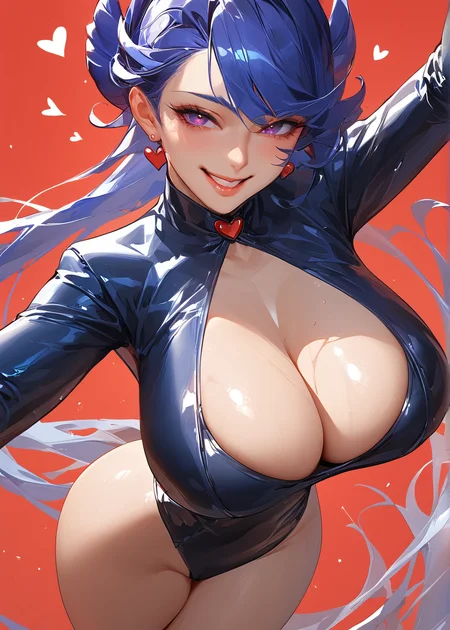
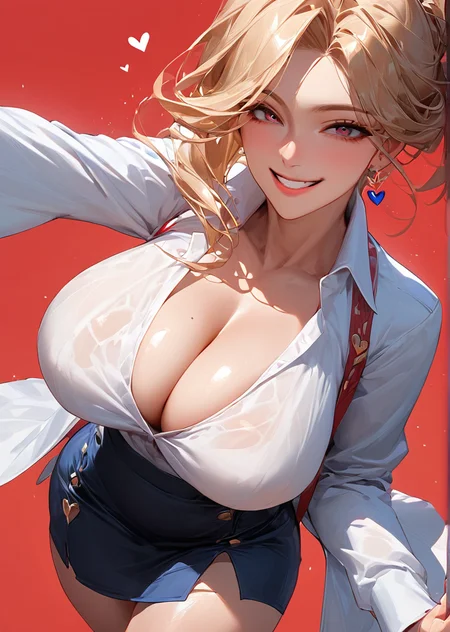
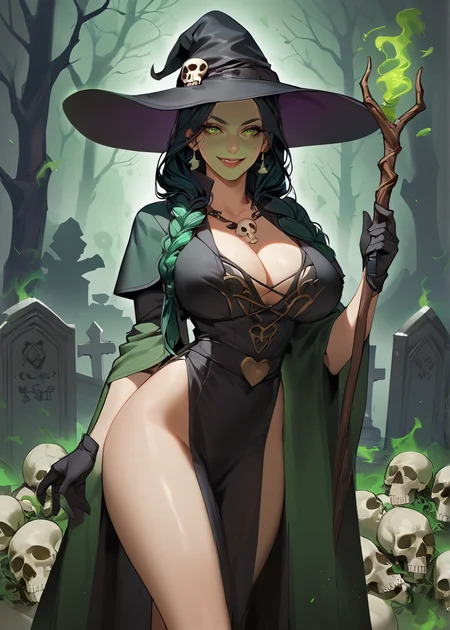
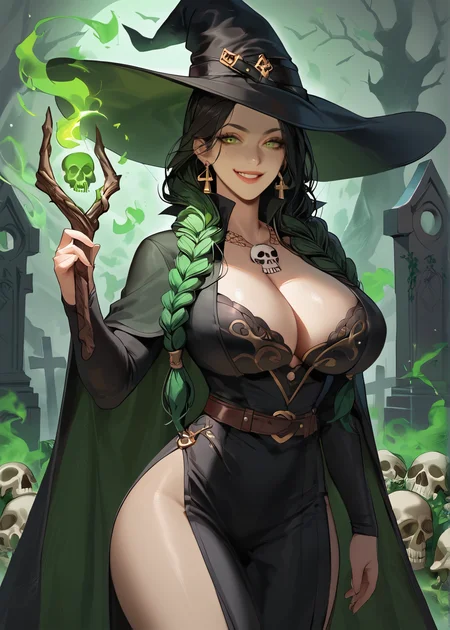
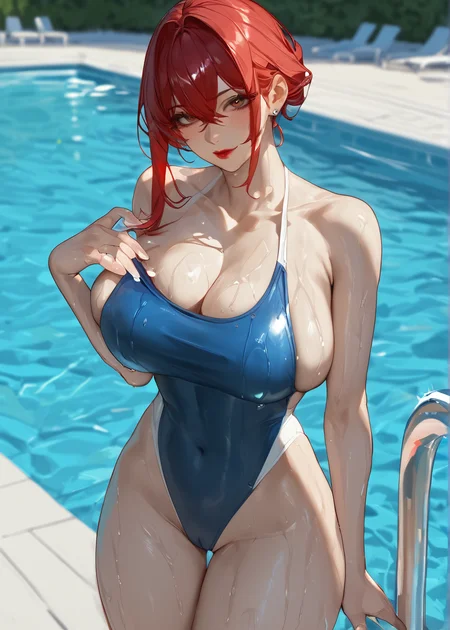
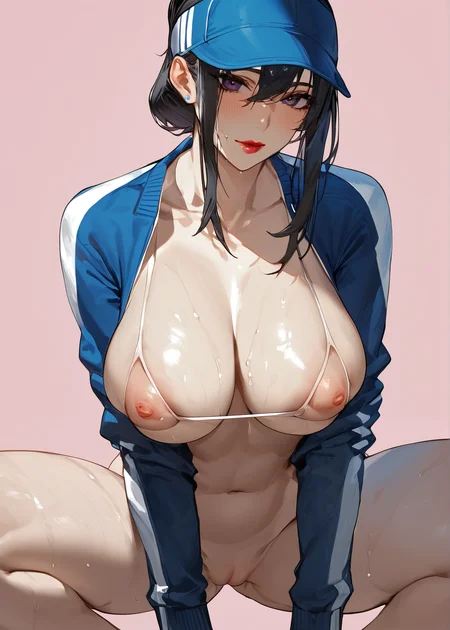
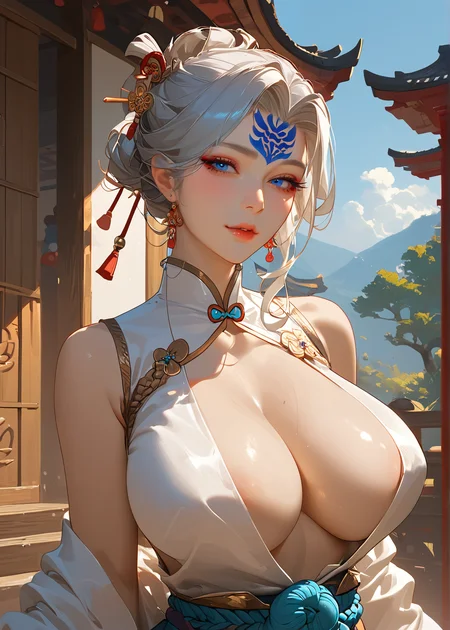
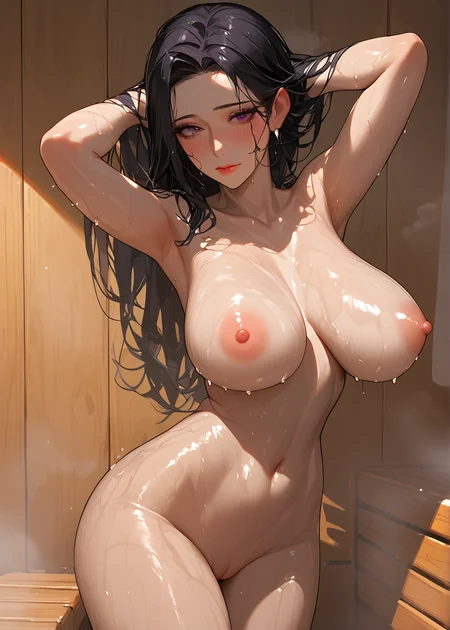
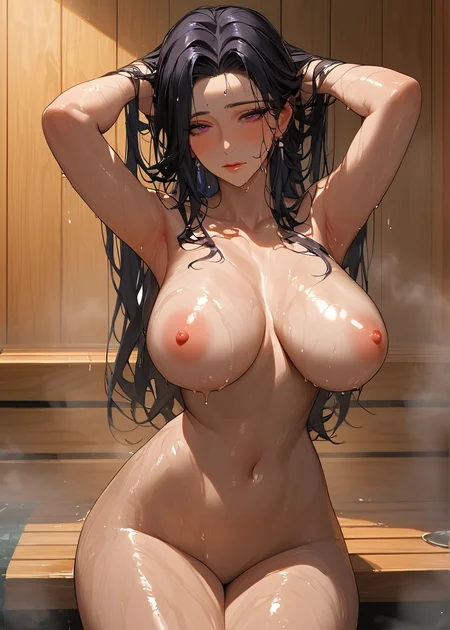
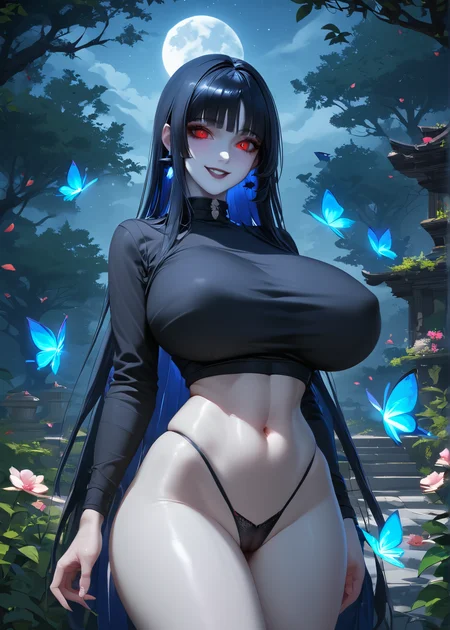
Update 06/01/2024 :
V5 released :
New face model type
more realistic photography approach
Recommended setting :
Sampling method : DPM++ 3M Karras
Sampling Steps : 75
CFG scale : 7.5
Denoising Strength : 0.4
Update 24/8/2023 :
V4.5 released
new face model type
better body proportion
male support model
support different race type
better hands
Update 26/7/2023 :
V4 released
Update 16/6/2023 :
V3.8 released :
about this model :
new type approach of faces that different from previous version
2.5D approach
flexible with any face type loras
About how to make creation with gift :
watch this video by Olivio Sarikas, he will tell you step by step how to make it, all gif posting that i upload all i learned from this video,
And don't forget to like and subscribe his videos, he share lot of awesome stuff about AI :)
Update 7/6/2023 :
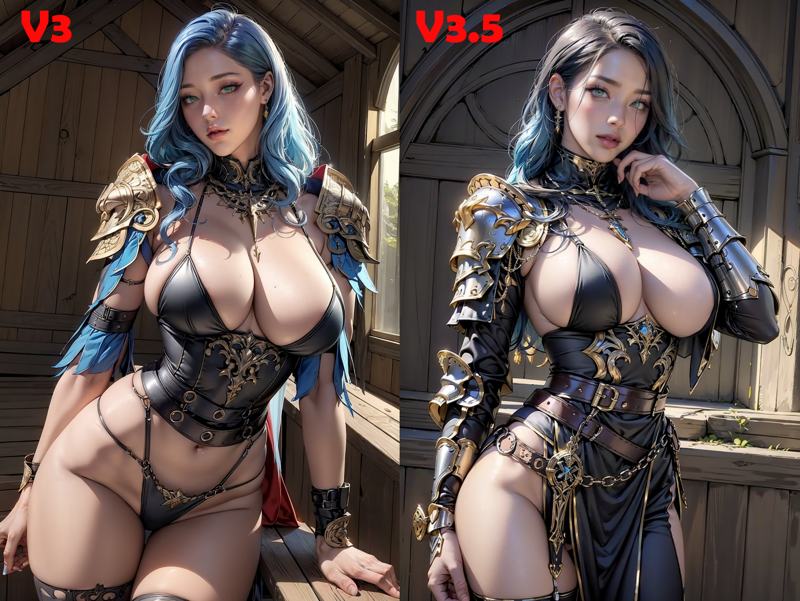
V3.5 is released ! :
Update note :
- body type has been adjusted for more proportional
- face type adjusted
- overall little hand fix ( kinda )
- adjusted well with male model
- adjusted armor fantasy type for woman
here some comparison :
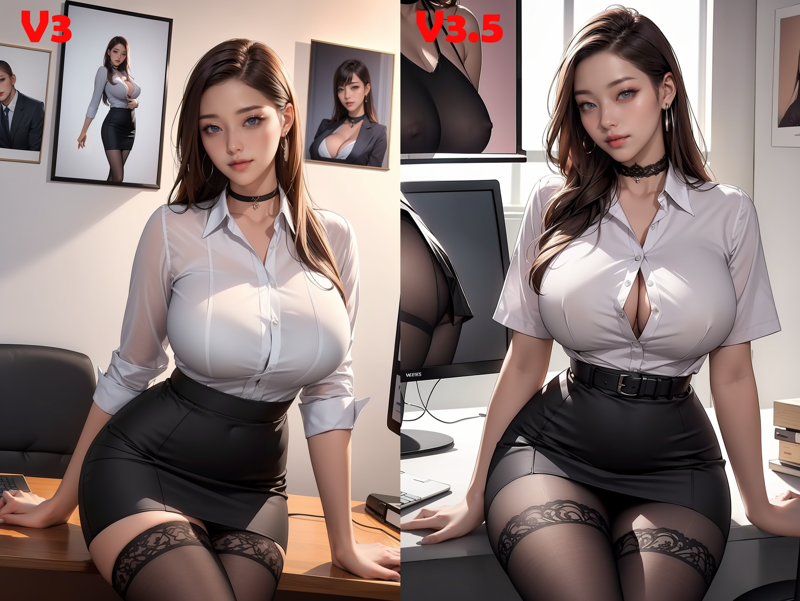
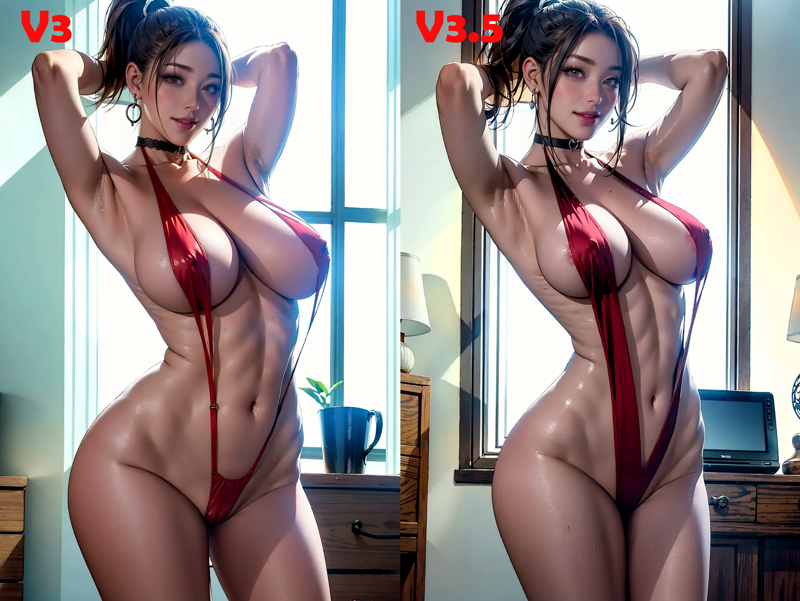
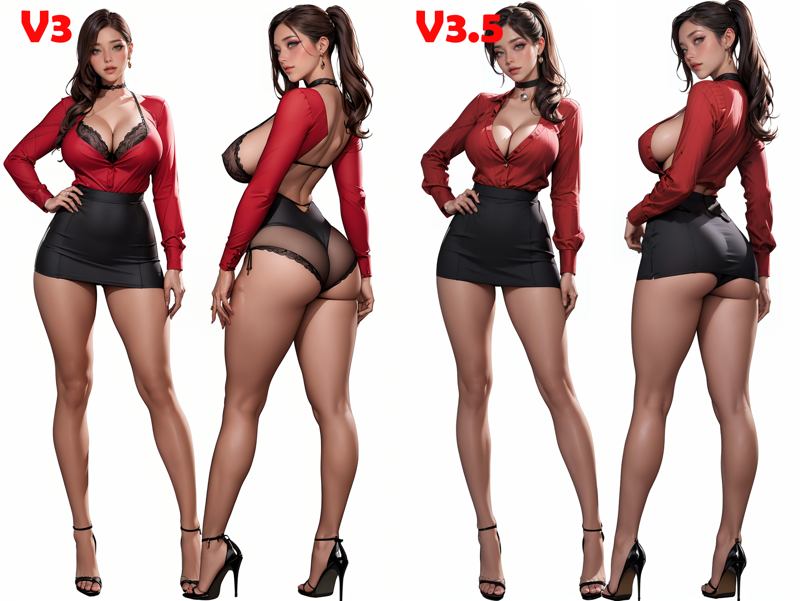
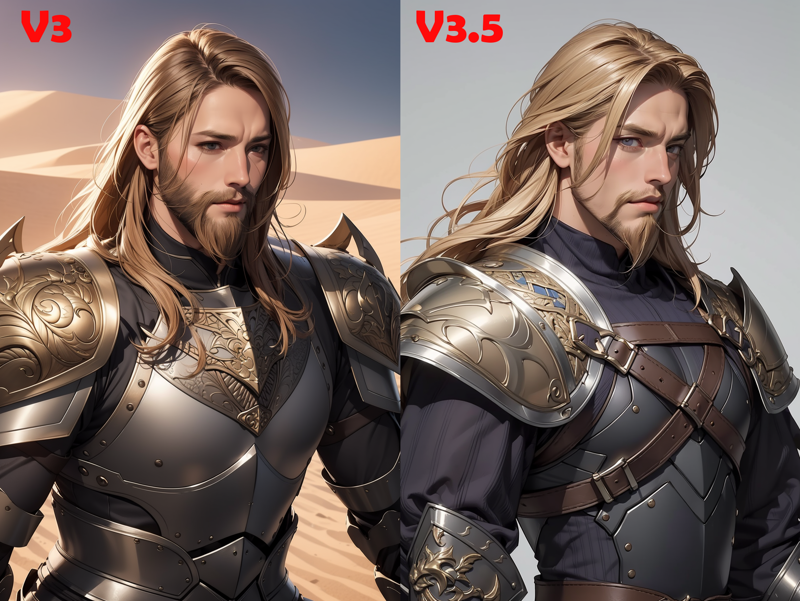
Update 2/6/2023 :
V3 is released !
about this version :
- Body and face is more mature like
- more sensual expresion
- merged with some new loras
- suitable for NSFW content
- can create MALE model
Bit reminder, all preview images in this version are using After Detailer Extension, so if you try just copy the prompt, the result might be different from the preview.
If you want install AD extension, just scroll , you will find the link and how to install.
Update 28/5/2023 :
About After Detailer extension :
there is a question : " i make with the same prompt, and the result for body proportion is same but but for some reason, there are some differences in the face... "
that's because i used the extension that called Automatic Face AI / After Detailer
basically this extension will enhance the face, it also enhance the hands.
It work on txt2img and img2img
i will show you the difference between not using AD and using AD :
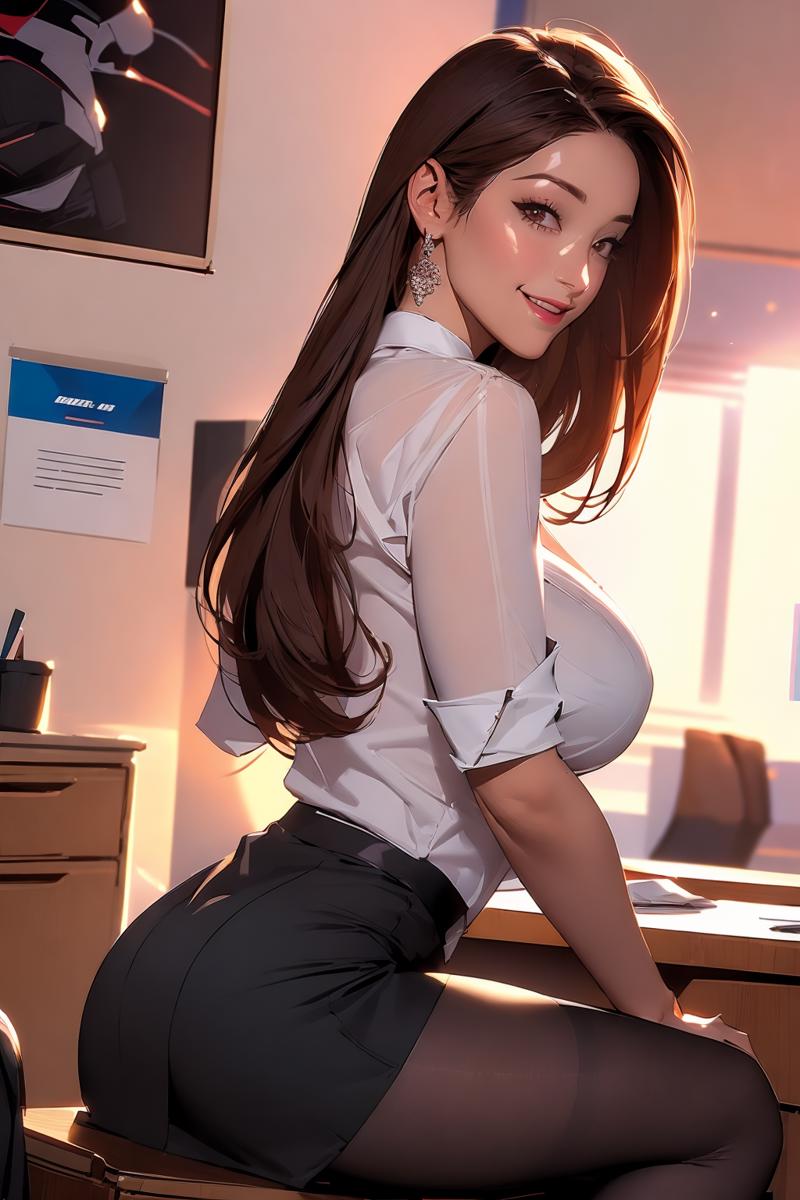
first this one is not use AD :
here the example picture that include a loras, let say , in this picture , i like the angle and the body proportion, but the face is not my liking, so i want to change the face with the original ( not using lora )
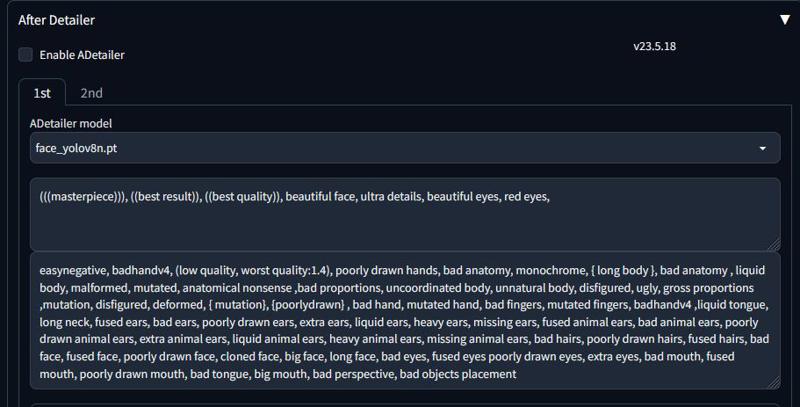
then at After detailer extension, i chose the ADetailer model i chose face_yolov8n.pt , i just want focus only the face to be detailed. Then i put on positive prompt only focus on face,
on negative : you can copy same as the original prompt,
then click enable ADetailer and then go to generate
This is the result after using AD :
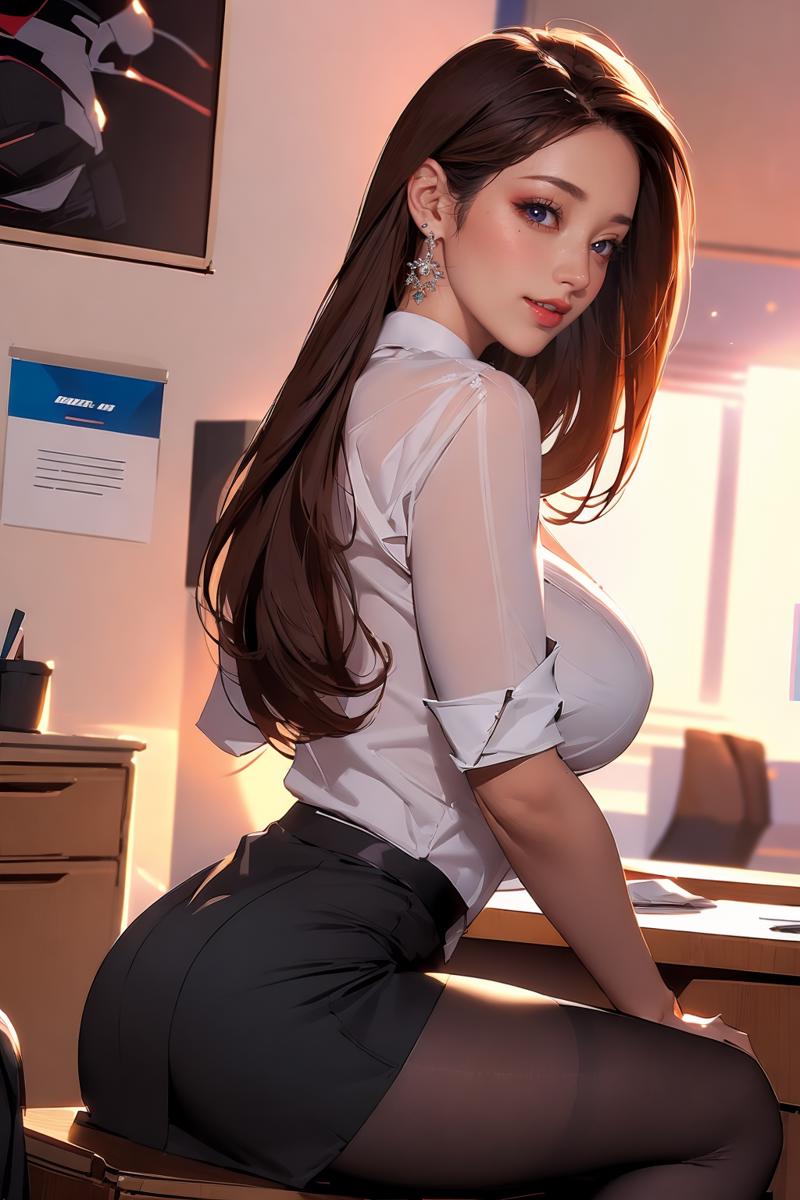
Here the comparison :
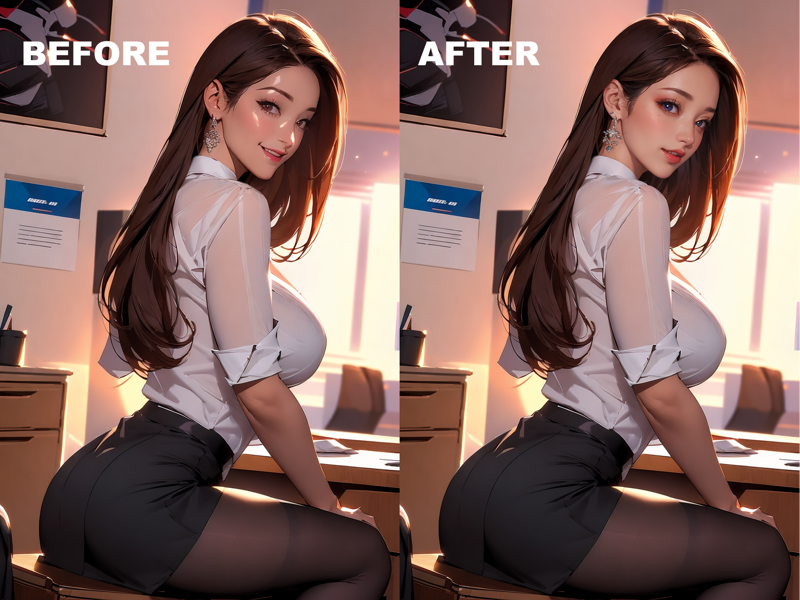
as you can see , the face is changing without change the angle or the proportion :
It can also enhance the face from far :
we already know, the result that when character from far, the face will become less detail, and sometimes it become worse, with the AD extension it will make the face more detailed, once again without change the pose or anything.
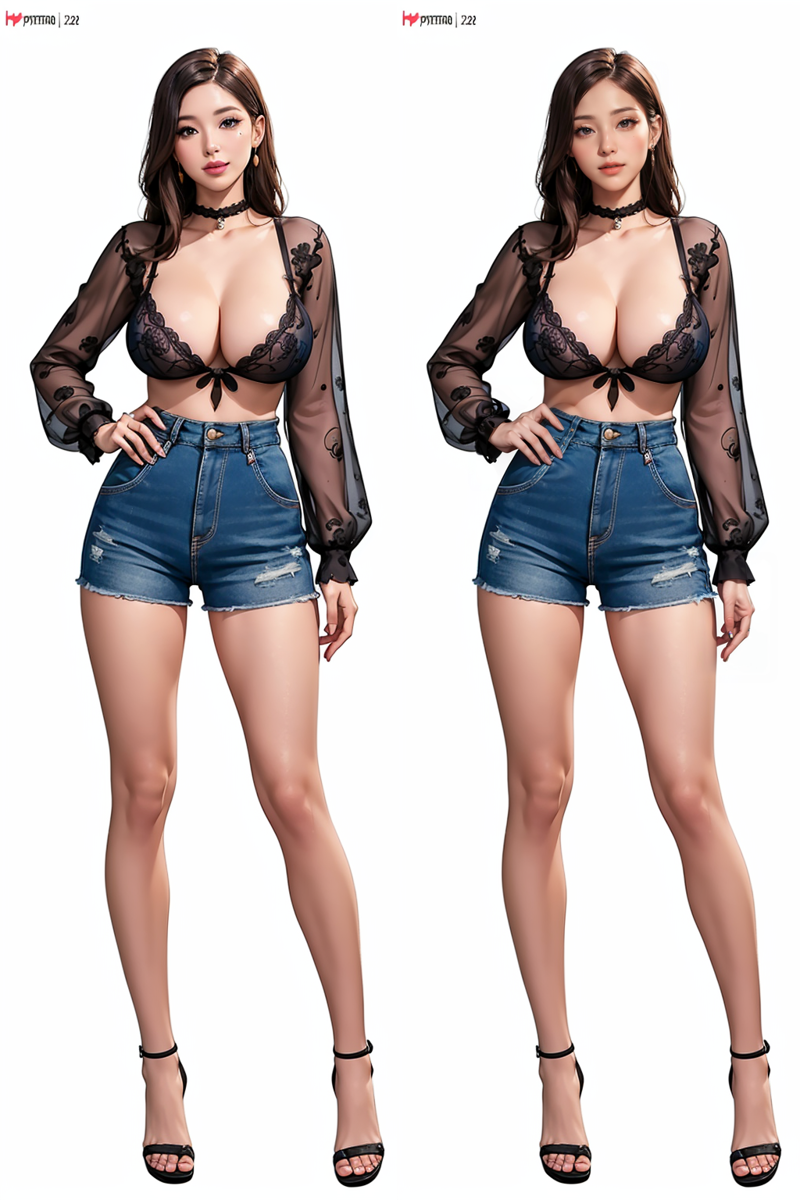
Here is the link and the tutorial how to install the extension
https://github.com/Bing-su/adetailer
just go on the link , the tutorial will explain in there
and i add a video that i recommended from youtube , if you feel like confuse how to install etc, the video will guide you :
you can start at minute 6:00 for AD tutorial
I hope this will be help :)
New Update 22/5/2023:
V2 is released
if you want painterly / illustration style , use the V1.5
if you want 2.5D or realistic photography style , use the V2
New Update 20/5/2023 :
V1 update:
- the V1 just been reupload
-the loras in V1.5 are not merge with the checkpoint in V1.0
V1.5 update:
- now V1.5 ver change to safetensor
- the ckpt ver of V1.5 is no longger can be download
- the model have been update , with some loras that have been merged
model information :
this model are merge from
Meinamix, Chikmix and Darksushi
already baked VAE
recommended sampling method:
Sampler DPM++ SDE Karas : 20 steps
CFG Scale: 7
Resolution: 512x768, 768x512, 512x512, and 768x768
Hires.fix : R-ESRGAN 4x+Anime6b, with 7 steps at 0.1 up to 0.5 denoising
Clip Skip: 2
to find negative embeddings :
https://huggingface.co/embed/EasyNegative/tree/main
badhandv4 - AnimeIllustDiffusion - badhandv4 | Stable Diffusion Textual Inversion | Civitai
veryBadImageNegative - veryBadImageNegative_v1.3 | Stable Diffusion Textual Inversion | Civitai
VAE:ClearVAE - Main | Stable Diffusion Checkpoint | Civitai
some loras that already merge with this model :
https://civarchive.com/models/25758?modelVersionId=31269
https://civarchive.com/models/25769?modelVersionId=37110
https://civarchive.com/models/58390/detail-tweaker-lora-lora
I hope everyone is happy with this model, can't wait to see your result!
Description
New meichidark SDXL version, focusing on anime style
FAQ
Comments (49)
i think u should post on the previous one instead create a new page
Will you be making a safetensor version?
能否提供V1版本下载,谢谢
Will you share the v1 version? Thank you.
Thanks for share!
I really love your MERGE style! I hope more people will appreciate it in the future! However, it's a bit disappointing that DANNI 2D, which seems to be a perfect match with your CHECKPOINT, appears to be 404....
Thanks to dieyourdn985 AD tutorial, the wonderful Meichidark CHECKPOINT has become even more creative!
This has quickly become my favorite model and I have tried hundreds of them. Thank you so much for the incredible mix of Danni and Oda Non loras, hope you will make more models with cool loras merged in them. 10/10
Anyway, I like it because the costumes come out beautifully.
I think full body armor with a lot of ornamentation would be more effective.
She has a good face and seems to go well with full body in general.
Thank you for the good explanation and model for Newbie.
This model is crazily amazing! One of the best out there when it comes to generating beautiful female! Great work and keep up the good job! :)
First: I want to thank you for the amazing model.
second: (the most important) ((Adetailer)) You made my day, brother, just by this trick to finally make my characters look as I desired in the matter of the face correction to the big eyes and fine details.
In a few minutes, I will send you my first creation on that model, and I already appreciate your respective work and the other creators who made this possible.
❤️❤️❤️❤️❤️❤️❤️❤️❤️❤️❤️❤️❤️
This is an amazing work,but I can't find the lora:kight.Anyone can tell where should i go to find it?
This series is fabulous,please make more of it!!
冰冰含量太高了你这,很漂亮
One of my new favorite models! Really underrated. Thank you and keep it up! :)
can only produces a single type of face. Overbloated with junk data which don't do anything.
哥,下次记得剪枝缩小下体积……
提个缺点吧,女性蓝色眼睛的权重很高,我尝试随机了100多张图,随机眼睛颜色,几个方式随机方式包括通配符都试了下,都是很蓝色眼睛,美丽的眼睛,完美的眼睛这些Tag似乎会触发蓝眼睛的权重
my favorite model by far
给模型穿个正常的衬衣好难啊,模型的样子很好看,就是很难穿一件正常的白色衬衣
Welcome back!I'm glad to notice that the new version has improved the performance of the fingers. While there may be some differences in the style, I'm still trying to find my favorite one! Anyway, I appreciate your artwork!
1. 脸和身体比例有点时候会崩
2. 总是出的同一张脸,能不能换换
⭐⭐⭐⭐⭐⭐⭐⭐⭐⭐
有点像织田non的风格
May we know the difference between V4 and V3.5?
Lora for the face models?
Are you going to release your realistic checkpoint?
(Only Meichi real)
Should i delete v4?? for some save space,? is difference?
This model is one of the best if not THE best when it comes to creating amazingly beautiful female. Thanks for the great work and happy to see you are updating the model!
脸蛋绝美
I have tried them all, this is the best model for hires api created asian females.
Wow, your work is amazing!!!
Is it just me, or do all the ladies generated with these models appear to have the same type of face? It's really unusual to get variety of facial structure
Hi, Im really enjoy your model! I make a merge model based on your's. dark v3.8 + light v1. Can I share it in civitai?
Any chance for SDXL version?
by the way, GREAT MODEL, ONE of the best.
I love this model very much and it's definitely a great job. But I don't know if I am using it in the wrong way, the images generated with v4.5 dosen't seem to be as good as the example, and I personally think that v3.8 is the best(it is also my favorite and most used version), hopefully there will be an optimized version based on v3.8 in the future, thx.
SUPER NICE, MANY THANKS
Thanks a lot,I love this model, good job
I love this model. Fitting well with my LORAs!!
Well, how do I get DPM++ 3M Karras to use? Right now I'm using A1111 V1.7.0. There is no DPM++ 3M Karras method.
Very awesome model! Any plans for sdxl support please?
I hope the creator could consider optimizing and releasing a new version built upon Meichidark_Mix_3.8, as there remains a significant number of users who are fond of this particular version. In my personal view, the latest iteration has become overly realistic to the point that it may have lost some of its distinct characteristics. Please accept my apologies if my candid thoughts have caused any offense.
I have been merging this model with westmix, and I have been loving the results. Great checkpoint.
An SDXL version would be amazing.
This Checkpoint hate caucasians
Great checkpoint, thank you! Just what I needed for the images I create that other CP's have lost because of their updates and no longer support earlier versions here.
Is this model an SDXL or a PONY model
I think CFG scale : 40 - 70 is a typo. Did you mean 4-7?
Details
Files
Available On (1 platform)
Same model published on other platforms. May have additional downloads or version variants.