

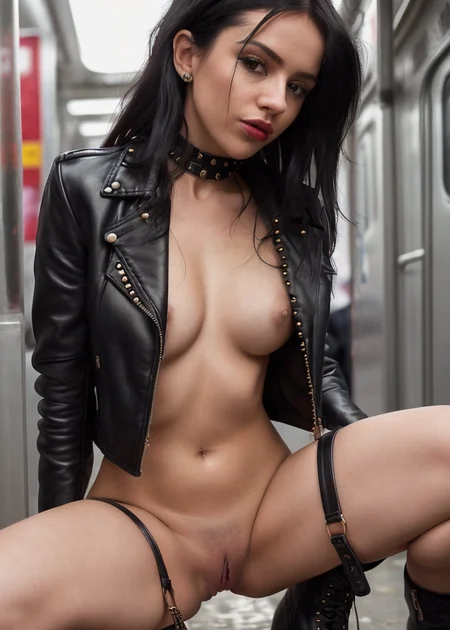
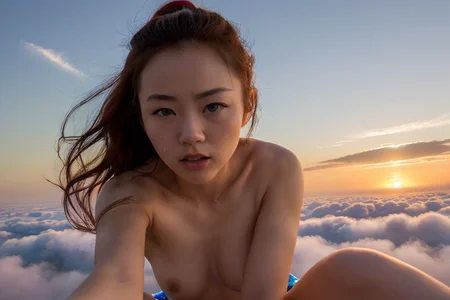


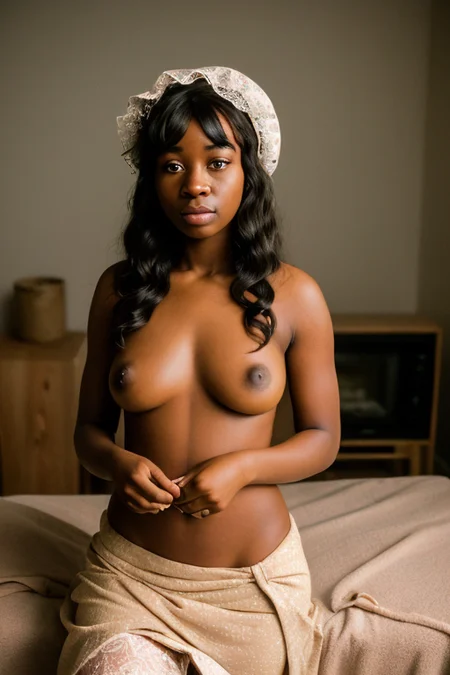


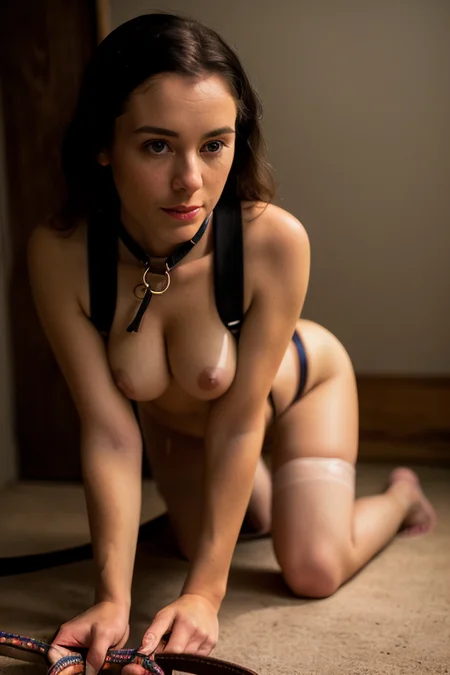
Attention: You need to get your own VAE to use this model to the fullest. While it does work without a VAE, it works much better with one. I recommend you try this one out.
Hey everyone. After GrapeLikeDreamFruit hit, I started missing having a more general purpose model for the mundane kind of pictures - nude photographs on different backgrounds and some light hardcore capabilities. This model here is my response to that need. It handles the female nude superbly, and while it's less of an artistic model than GrapeLike, it's still quite capable in that regard. It's quite good at hardcore, even if that is just a secondary goal for this model, and can be prompted for a variety of acts. Model has a good response to Danbooru tags.
This model involves dreamlike photoreal, so here is the license that you must abide by.
See examples for some ideas.
Deeper explanation:
This model merge was done following a similar phylosophy to GrapeLike: a Block merge between a realistic anatomy + skin core and a posing anime core. The block merge is done in such a way as to emphasize the anime core in the center of the Unet, while rapidly decaying back to the realistic core at the edges. This has the effect of bringing a lot of posing and composition ideas from hentai models inside the photorealistic core we have available without touching textures and photorealism. Full recipe follows:
Anatomy core:
izumi, F222, dreamlike photoreal, realistic vision 1.2, sxd, all at the same intensity. ie, the merge chain was:
(((izumi + F222 0.5) + dreamlike photoreal 0.33) + realistic vision 0.25) + sxd 0.2
Anime core:
Anything v4.5 merged with Basil Mix using the same block merge coefficients used in mixing Abyss Orange Mix, then merged 40% with grapefruit, the result was merged 30% with gape60 and finally 15% with RPG v4.
Bringing both together:
The block merge for both was done using a formula. I kept the bottleneck Model A was anatomy, model B was anime. I kept the center lalyer at 0.7, as well as base alpha, then followed 0.8/(n**1.1)as a merge rule, with n being distance from the center. Full numbers were "0.05199847612695355,0.05722134125067434,0.06354625877794251,0.07135480548979826,0.08122523963562354,0.09407671474206218,0.11146117361039158,0.13621438760332552,0.17411011265922482,0.23892225595753655,0.373213196614723,0.8,0.7,0.8,0.373213196614723,0.23892225595753655,0.17411011265922482,0.13621438760332552,0.11146117361039158,0.09407671474206218,0.08122523963562354,0.07135480548979826,0.06354625877794251,0.05722134125067434,0.05199847612695355".
Description
The first version of the model.
FAQ
Comments (43)
Does this need VAE or anything? I can't manage to make any of the reference pictures, even when changing the resolution.
Those were made with VAE, yes. You should use the standard one from stability AI.
same issue here, got to be missing the same vae
@damnsaint Can you post exactly what the issue is? What is coming out of the output in your case?
Would be nice to filter out which models need VAE and which don't. Feel like that would be an easy filterable box Civ could implement. Some systems still can't utilize them and it'd be helpful to narrow down exactly which models are using what.
cant it do lesbian breast sucking and breastfeeding?
I have occasionally been blessed by some breast sucking gens, but it's not something you can count on. It can't do breastfeeding.
@rocp dang, well thanks anyways for this model
lmao i read ur commend twice because i though u said genes intsead of gens
i was like "hell nawh this dude horny too, damn i got a friend for life with the same interests"
Is there a .ckpt version? Safetensor files don't work for me
You need the VAE
@Ailuring_Imagery what vae mean?
Converted to ckpt file, i just get really blurry images in SD 1.9.1
Hey, I don't know how that UI works, so can't really help, but blurry images are (usually) a symptom of a missing VAE. Do you have a VAE installed and does it work?
Perfect mix!!!
lil'bit of vintage tentacles...
This is great!
You can probably make it greater by setting a VAE up, though. Follow the link in the write up to download the file, look up on Google how to install it on whatever UI you are using and when you redo these prompts, you will see them look much better.
@rocp thnx for advice, already on it
This is by far the best model I've tried. I've tried many but this one is the best, very versatile, I'm impressed at its capability of wide range poses.
I am always getting purple spots on the skin... any idea how to get rid of them?
Do you have a VAE? If you don't, that's one of the symptoms.
What's your CFG? If CFG is too high, this can also happen. Try something in the range 5-7.
Could you please send me the model files which I can use for further training in DreamBooth?
If you don't mind, please reach me out in Telegram @kopyl or email – [email protected]
was able to convert to CKPT and successfully train on Dreambooth, using this util: https://github.com/diStyApps/Safe-and-Stable-Ckpt2Safetensors-Conversion-Tool-GUI
@rrrttt Please, could you upload to Google Drive the original file converted to CKPT (without training) and sharing the link here?
Hi -- awesome model! Any chance you would be willing to post the full, unpruned version of this that includes EMA weights? It would be handy for dreambooth training.
Thanks!
Hey, sure. I don't know if I still have that version, but if I still do I will upload it here.
@rocp awesome thanks! Hope it's not lost!
Any luck?
Excellent model, perhaps the best for versatility top work!
Can you implement the VAE into the model? Most models I use already implement the VAE inside. This will be very useful for things like XYZ plots where there are a mix of models that do and don't include the VAE.
I really like the model, but im having a heck of a time with sd upscale. It just keeps making everything blurry with pink spots
Strange. Do you have a VAE installed and active?
I use this model to get some rough ideas. It has a much better initial quality than most. The only downside is that I can never use it for details or polishing. It even has issues with generating pink spots that dont' seem to be affected by either prompts. That being said, I enjoy using this model at the beginning and making everything look consistent.
Pink spots are because you aren't using a VAE
Despite having tried multiple different VAE files, every image has a weird grey sheen that appears right at the end of the process?! What am I doing wrong?
It's fine - I fixed it! The path folder was linked to an old install for some reason!
I still have this problem, I checked the path multiple times (and copied it from the Explorer), still having a grey haze/noise over all images.
@Bexxperience Which setup are you diffusing with? I may be able to help...
@SerenityX I am running InvokeAI
@Bexxperience Same here! I ended up finding that it only works if the original checkpoint is used. It stops working if you try to convert the model to a diffusers copy?
I was hoping the new build today would fix it, but it didn't. I'll open a bug post on Github... x
Same issue here with InvokeAI. I've tried using a fresh copy of the mix in a different folder and it's still muted at the final render. I wasn't having this problem on 2.3.2, but 2.3.4 is for this mix.
@nathanrlight187 It's weird, but it seems to be an Invoke thing... Bug ticket will be posted later today
Ou, I have the same problem, InvokeAI 2.3.5. Trying Invoke inbuild VAE, or VAE recommended by rocp, images has the same noise over all image...