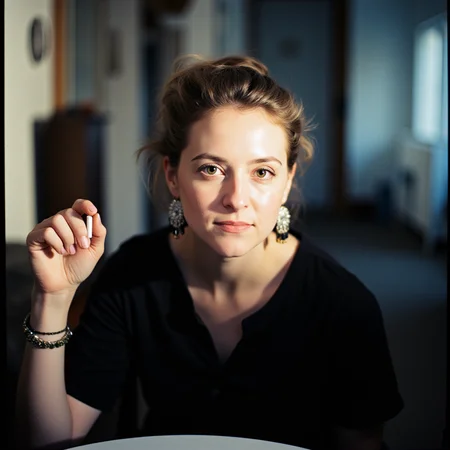

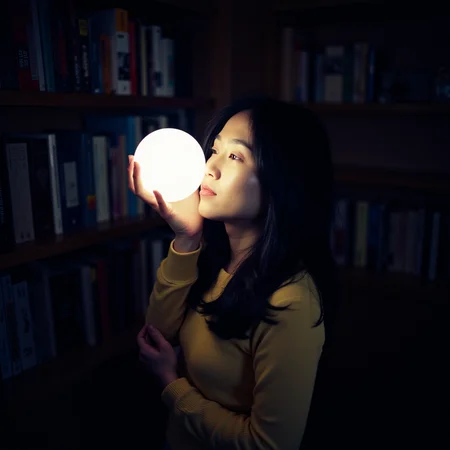



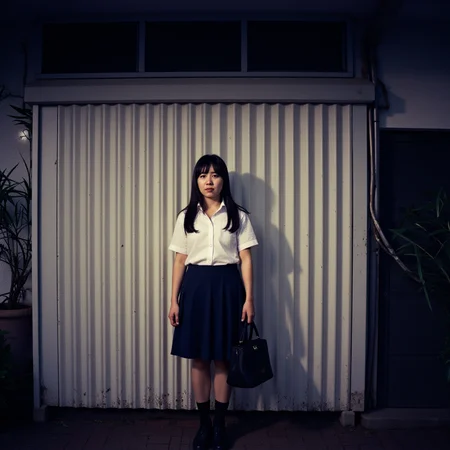
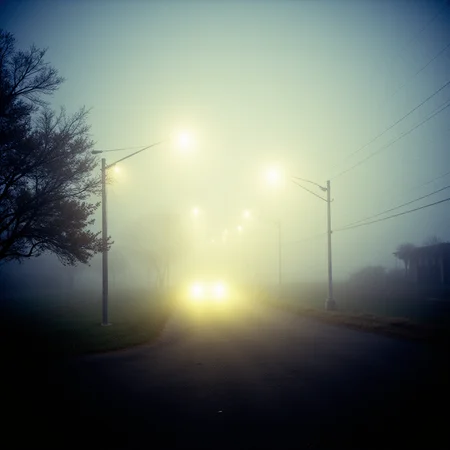
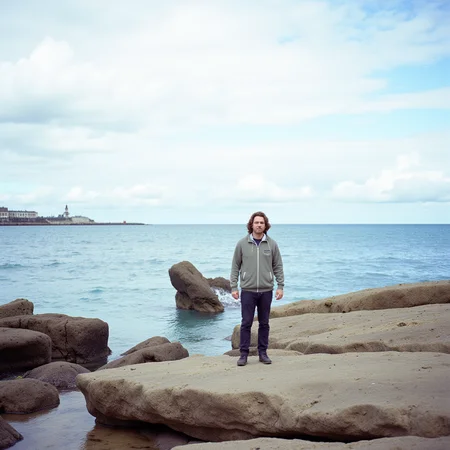
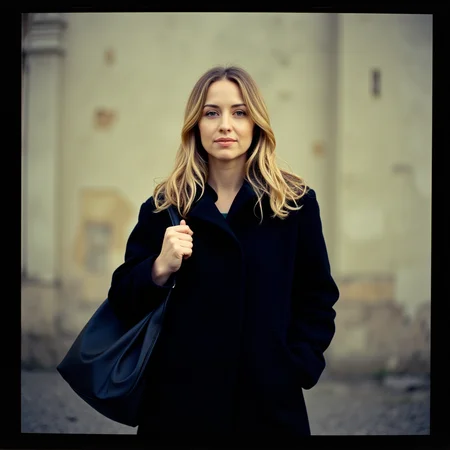
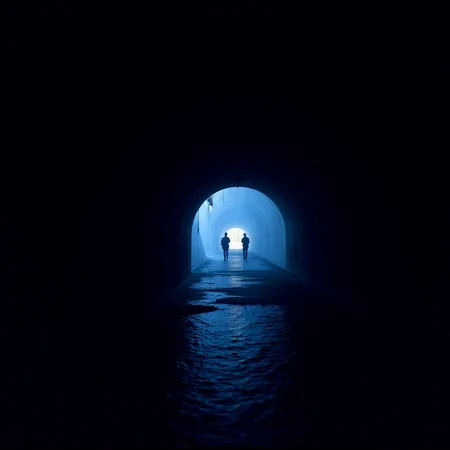
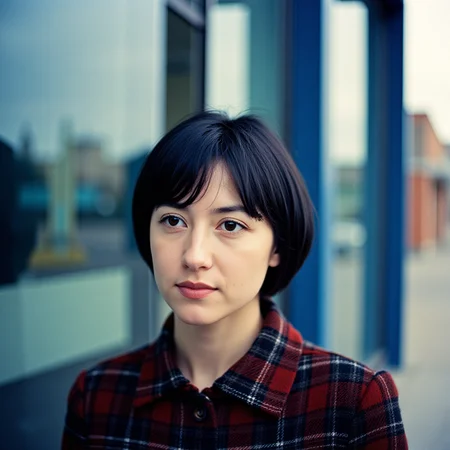




Update: Please if you see any of my models somewhere else report or let me know! Thnx
Trained on base model xl 1.0 +F1D
Please read about version info on the right box
Feedback and ratings are much appreciated.
Feel free to check other similar models:
Kodak Ektar Film Camera style F1D
Kodak VISION3 250D analog film stocks footage F1D + XL
Kodak Vision3 500T analog film stocks Footage F1D + XL
Kodak Portra 400 analog film stocks Footage F1D + XL
Kodak Gold 200 analog film stocks Footage F1D + XL
FUJIFILM ETERNA analog film stocks Footage F1D + XL
Cinematic "Bleach Bypass" Film style XL + F1D
Diffused Light (Glowing) "Black Pro Mist" filter style XL + F1D
16mm (Super) Film Emulator style XL
Anamorphic format film style XL (Hollywood Cinematic style)
Cinematic text title (on screen) style XL
Cinematic "color grading" motion picture film style XL
Cinenaut XL (A TRUE CINEMATIC DIFFUSION)
Cinematic Photography Style XL
Cinematic Kodak Motion Picture "Film Still" Style XL
Cinematic Film Stock Footage Style XL
Cinematic Vintage Film Style XL
High Angle (from above) cinematic style XL
Hyperrealism 3D Cinematic Style XL
Instant Film "Polaroid Effect" Style XL (Overexposed On-Camera Flash)
Kodak Film Grain (Cinematic) Photography style XL
Infrared Cinematic Photography style XL
Lens Flare Cinematic Reflection style XL
Low Angle (from below) cinematic style XL
Music Video cinematic style XL (Including 60's 70's 80's 90's, etc.)
Point of view (pov + fps) cinematic subjective camera style XL
Rotated View (Dutch Angle) Cinematic Style XL
Realistic Photographic Film Stock Footage Style XL
Set design style (cinematic scenic design) XL
Skin Texture style XL (Detailed Skin)
Skin Tone Style XL (Human skin color)
Split Diopter style (Deep Focus) XL
Television advertisement cinematic Film style XL (including fashion models)
Text message on screen bubble (cinematic style) XL
Description
A better trained version.
FAQ
Comments (7)
Are there any specific trigger words to control or remove the sprocket holes that tend to appear? I enjoy them, but they often appear in the wrong position.
They only show in Kodak VISION3 250D model. You can use the other Kodak models or simply lower lora weight till they are gone. You can try adding "film strip" in negative prompt but it may not be effective.
Thank you! I am getting quite a lot in 500T, I would be willing to share them privately so you can use study them. I was using your cine checkpoint, your ancient egypt, egypt mythology and chiaroscuro in combo if that helps you. I like this aesthetic so please don't take this as any sort of complaint! I obviously love your work and am grateful. I did get a few that had them on all sides and even in the center with this combo! I suspect I am pushing the limits with aspect ratio, it does seem to look natural in standard 1024x1024. I hope my ramblings can help you push your work further. It is amazing work by any standard! Thank you endlessly.
@fromshahnahnahb957 Just try lowering lora weight when using Kodak lora. (0.5 maybe less or more) might work that way.
@EauDeNoire Yes, it does work and does take the sprocket holes away! Thank you! Your work is legendary. <3
Is there a image to image workflow to allow me to enter a photo and then automatically match the color and texture of the film? How can I do this?
Not that I know of. Not yet. Sorry.