

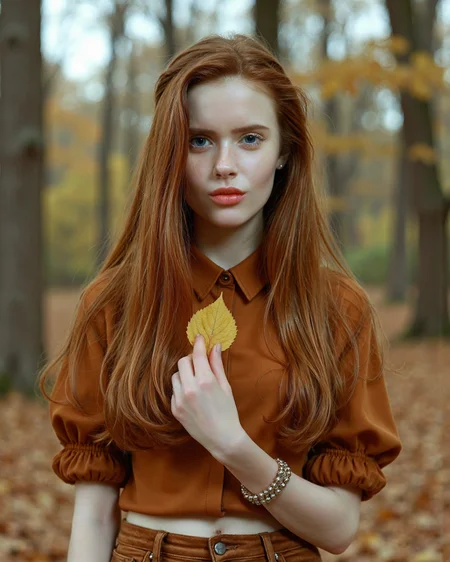
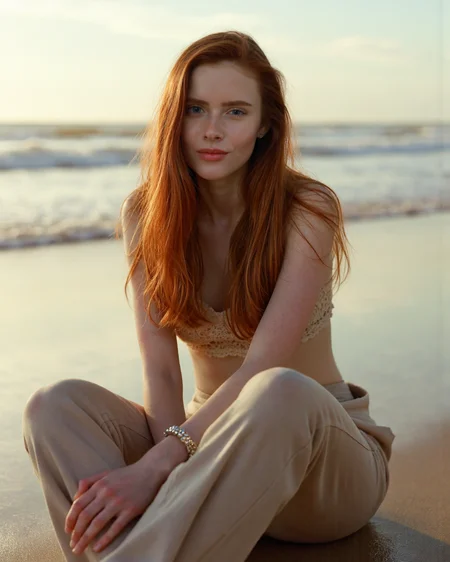






Bella Milano
is a popular adult model born on February 19, 1998, in Moscow, Russia. She began her modeling career at the age of 19 and has been active in the industry for seven years. Known for her striking red hair and blue eyes, Milano has built a following for her captivating presence and natural beauty. With a slim figure and measurements of 33-22-35, she has appeared in a variety of adult content.
Image Generation Suggestions
I generate these images via Mcmonkeyprojects' fantastic branch of the SwarmUI (a powerful but easy to use front end for ComfyUI and other backends). I find presently other UIs producing lacklustre results. YMMV.
Core Parameters
Model: Flux1-dev with clip_l, t5xxl_fp16.
Steps: 30
CFG Scale: 1
Sampling
I've had success with a good amount of samplers and schedulers, but at present am using the following,
Sampler: DEIS
Scheduler: Beta
Flux Guidance Scale: 3.5
Prompting
With SwarmUI use the <Segment:> feature to inpaint particular portions of the output. This can be nearly anything the segment model used was trained on, face, eyes, feet, top, etc.
Segmentation (spot in-painting)
A general statement I tag to most of these prompts is:
<segment:object,0.7>prompt
Where object is the particular object in the image you'd like to inpaint and the number is the strength. SwarmUI explains additional variables. Use like a superior aDetailer. Yolo models can also be added to SwarmUI and used as well.
Refine/Upscale (Hi-Res Fix)
These settings can be used to get higher resolution outputs without the banding it produces. Starting with a higher resolution and using this as a Refiner mechanism is often the way to maintain detail fidelity. I generally stay between 1 and 1.25 upscales for this reason.
Refiner Control Percentage: 0.3 - 0.7
Refiner Method: Post-Apply
Refiner upscale: 1 - 1.5
Refiner Upscale Method: Latent: Bislerp
Refiner Do Tiling: Checked (Important!)
Posted for civitai.com and tensor.art only
Each of these LoRAs take me dozens of hours and GPU usage out of pocket. Every review is appreciated and encourages me to do more of these.
-MoC
Description
FAQ
Looks like we don't have an active mirror for this file right now.
CivArchive is a community-maintained index — we catalog mirrors that volunteers upload to HuggingFace, torrents, and other public hosts. Looks like no one has uploaded a copy of this file yet.
Some files do get recovered over time through contributions. If you're looking for this one, feel free to ask in Discord, or help preserve it if you have a copy.
Details
Available On (1 platform)
Same model published on other platforms. May have additional downloads or version variants.