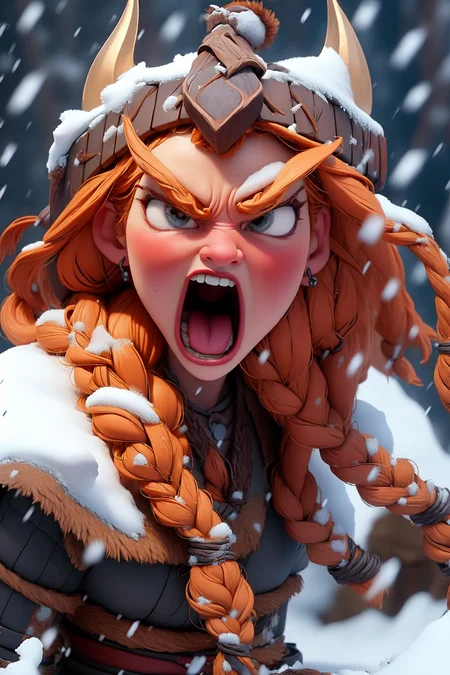
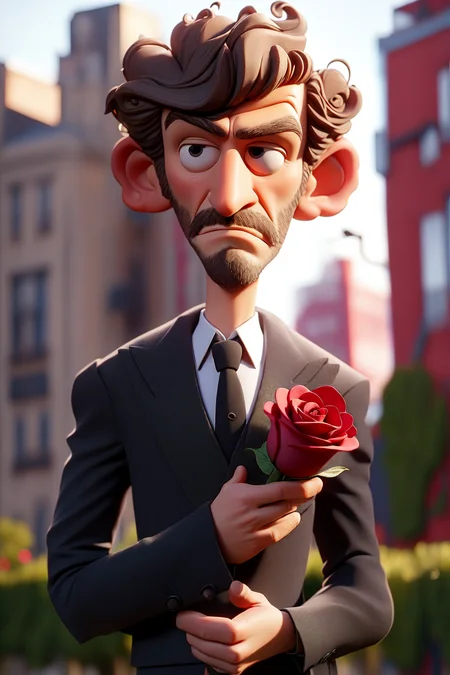
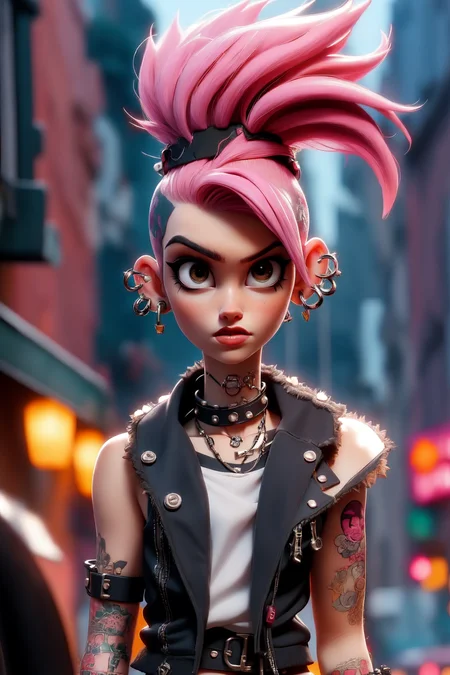
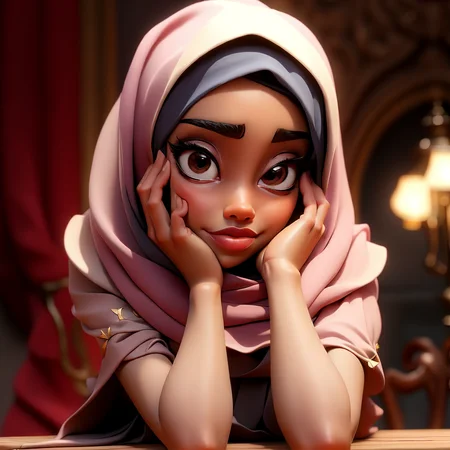
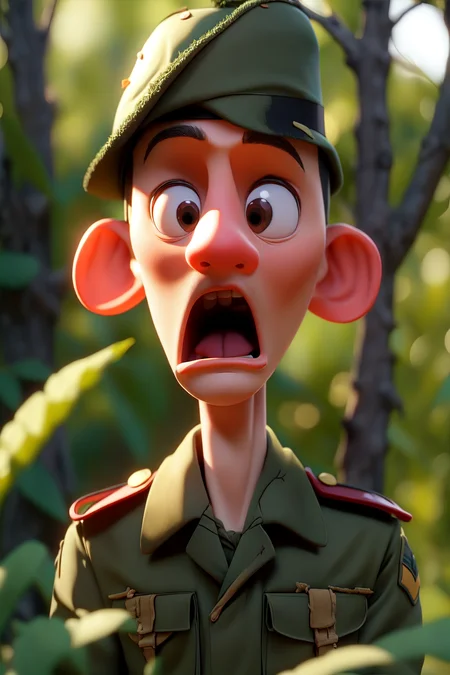
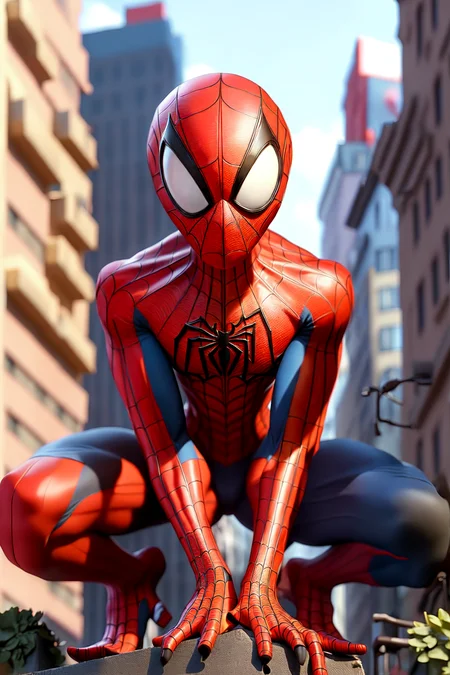
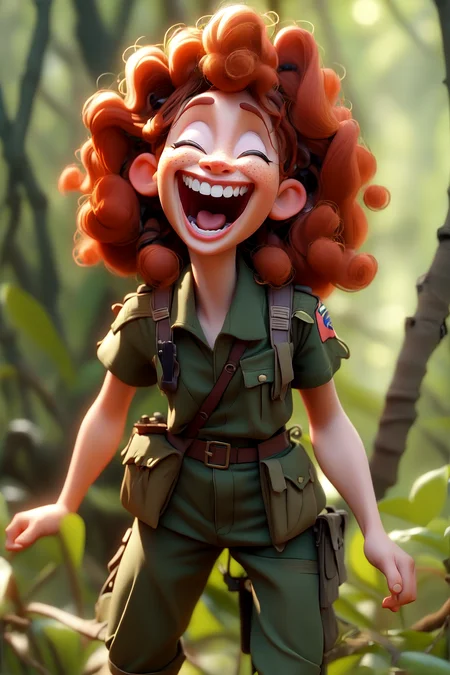
Version 4 is for SDXL, for SD 1.5 version please pick version 1,2,3
I don't know a good prompt for this model, feel free to experiment
i also have a lora sdxl for this model
https://civarchive.com/models/121932/samaritan-3d-cartoon-sdxl
For SD 1.5 version make sure to use hi res fix and use a decent VAE or the color will become pale and washed out
if you like the models, please consider supporting me on, i will continue to upload more cool stuffs in the future
patreon.com/PromptSharingSamaritan
https://ko-fi.com/promptsharingsamaritan
Description
This third version are trained on entirely different set of images, hundreds of them, it took me long time, hope you like it
I Use hires. fix, upscale latent, denoising 0.5, hires steps 20, upscale by 2 . Clip skip 2 .
I use night sky yozora VAE in the examples https://civitai.com/api/download/models/14459?type=VAE
if you like the models, please consider supporting me on, i will continue to upload more cool stuffs in the future
patreon.com/PromptSharingSamaritan
https://ko-fi.com/promptsharingsamaritan
IF YOU'RE NEW HERE
U need to use a proper VAE or the color become pale, and it will look way better if you use hi-res fix
copy the yozora VAE to stable-diffusion-webui-master\models\VAE and then go to automatic1111 webui , click on settings tab, the go to stable diffusion tab to the left, then go to SD VAE to select which VAE u want and then click apply settings.
FAQ
Comments (9)
There is an option to save your checkpoint at different steps. That will help u next time. awesome model btw
a bit overtrained means...PERFECT FOR MIXING!
"the third version trained on totally different set of images [...]"
Exact same comment on all versions ? Not really useful...
Write a comment PER version. Don't delete them when uploading updates. Keep all descriptions in in the list so that "show more" shows us a progress.
Thank you
yes sorry, i didn't realize that , i think i copy pasted the texts by mistake, only the third version trained on totally different set of images
The link of the VAE is broken: "VAE not found".
i think the owner of the vae deleted it, you can try other popular vae
请问使用哪个VAE,我的画面有问题
what vae should i use,my imagie get so pale
i use yozora vae but the owner deleted it for some reason, you can try any other anime vae
Details
Files
samaritan3dCartoon_v30.safetensors
Mirrors
samaritan3dCartoon_samaritan3dCartoonV3.safetensors
samaritan3dCartoon_samaritan3dCartoonV3.safetensors
Samaritan 3d Cartoon-v3.safetensors
samaritan3dCartoon_samaritan3dCartoonV3.safetensors
samaritan3dCartoon_samaritan3dCartoonV3.safetensors
samaritan3dCartoon_samaritan3dCartoonV3.safetensors
samaritan3dCartoon_samaritan3dCartoonV3.safetensors
samaritan3dCartoon_samaritan3dCartoonV3.safetensors