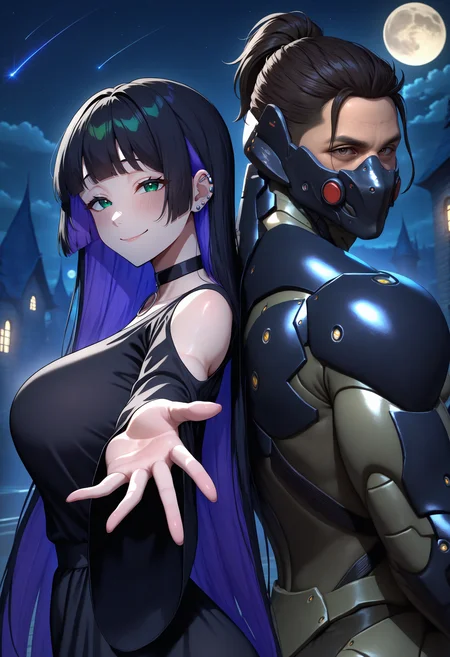
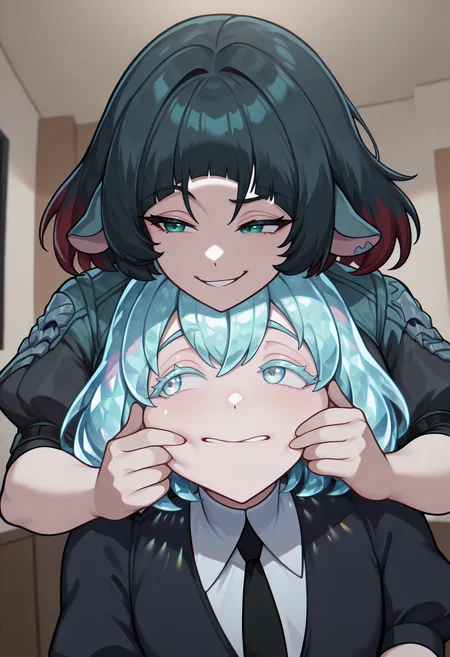
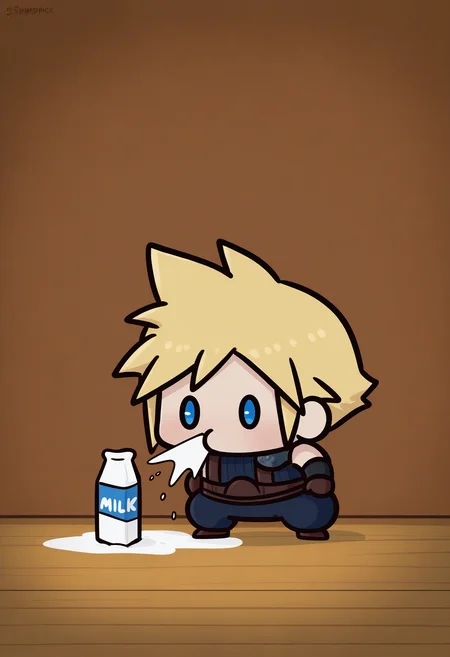
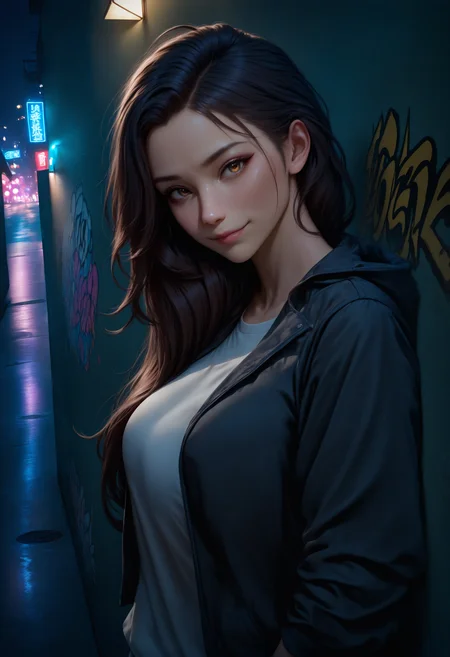
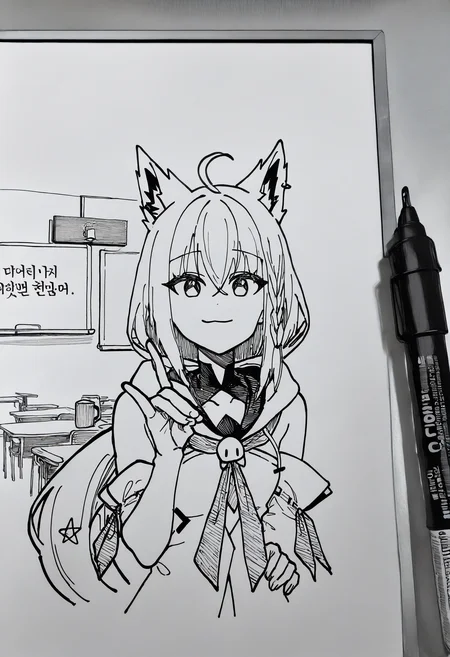
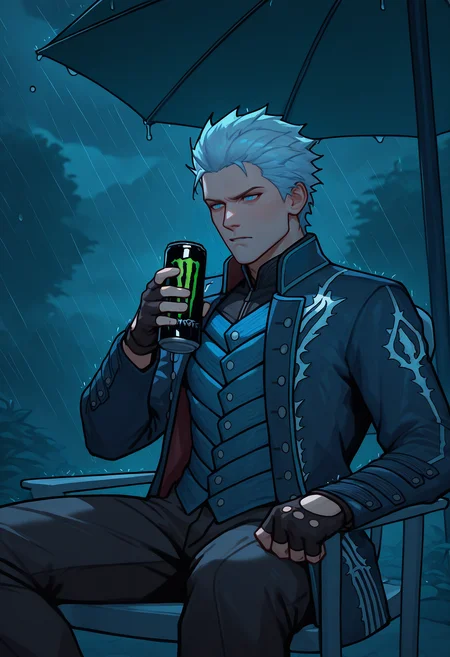
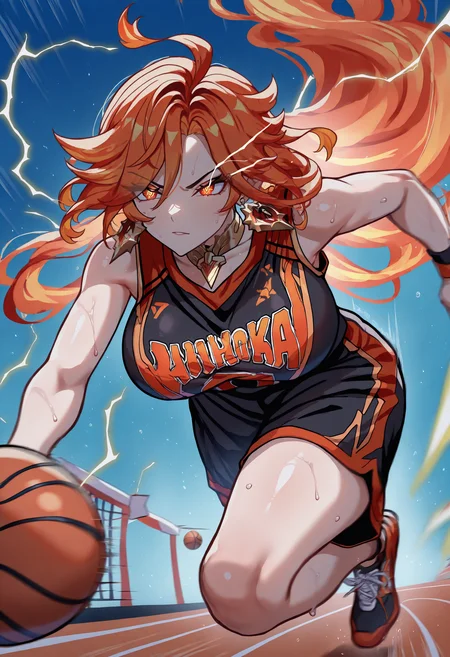
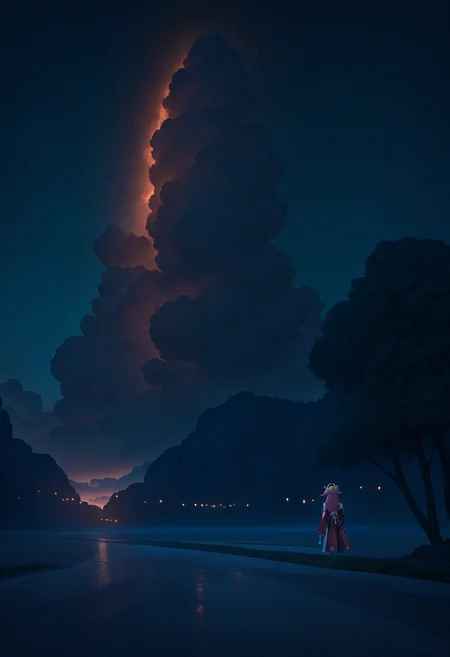
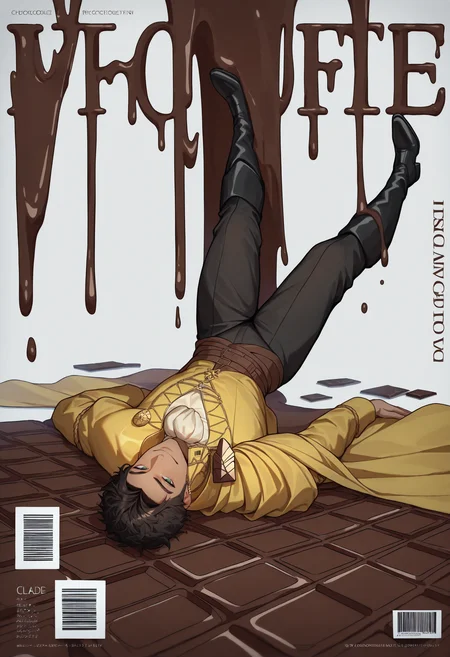
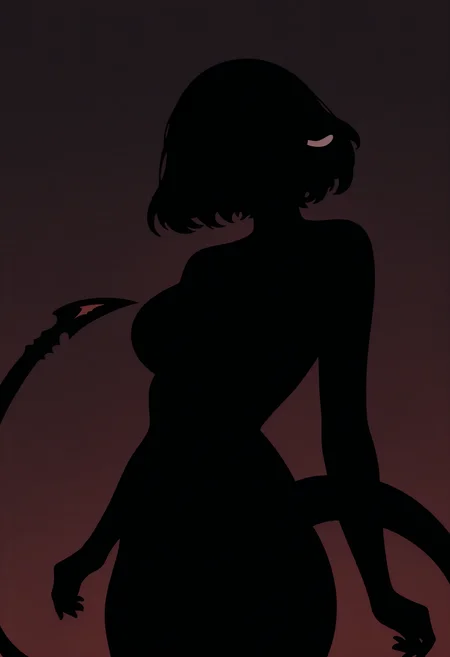
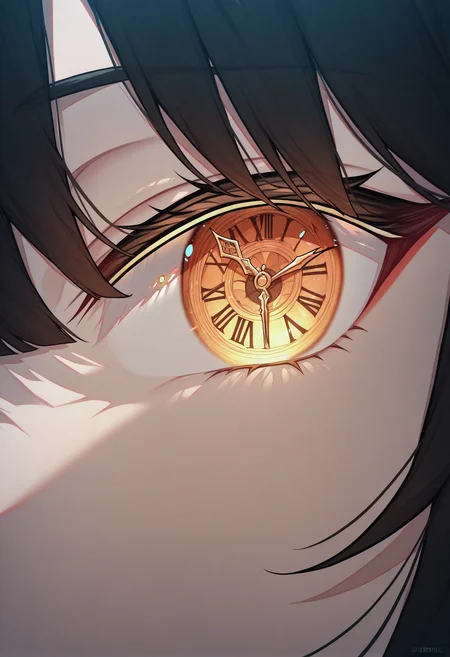
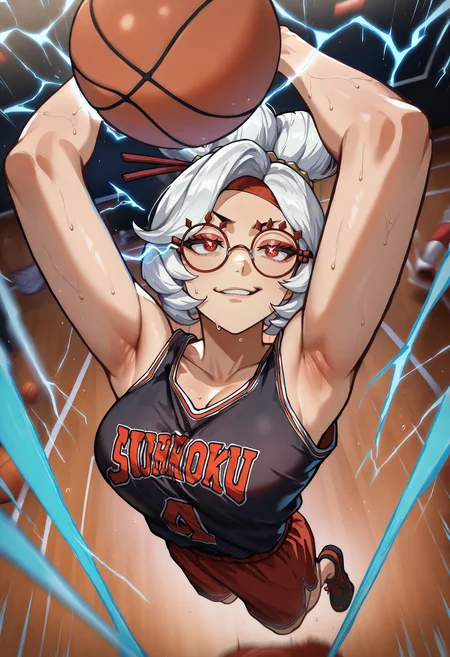
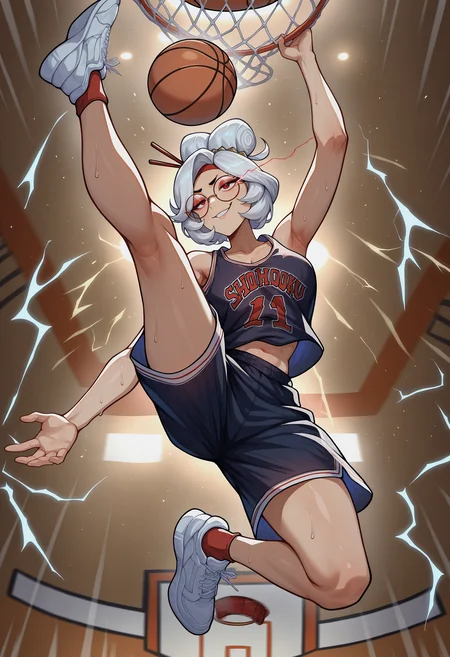
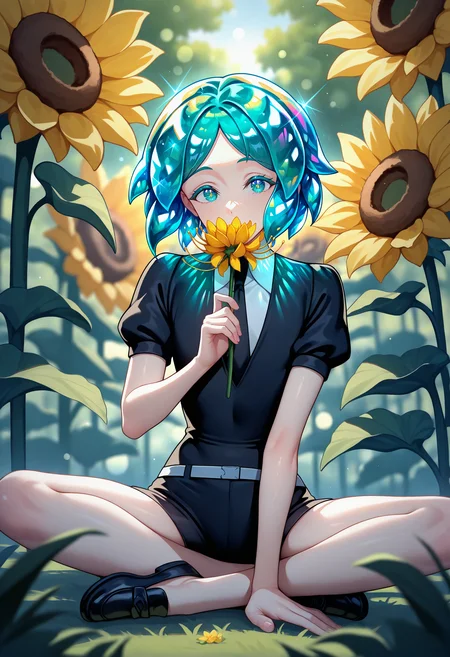
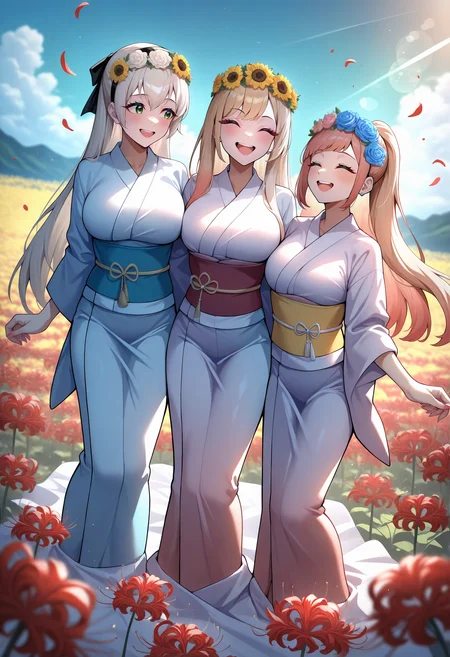
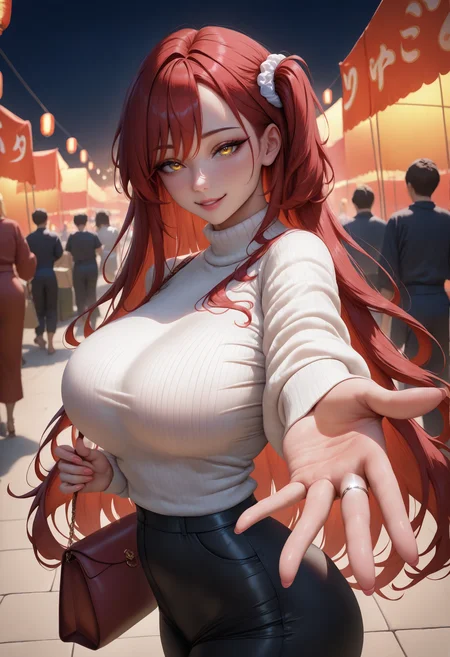
This is my flagship PaSanctuary (SDXL, IllustriousXL). I find it's in line with what the community on Civitai likes producing. It's pretty versatile while also having an artstyle that's unique in image generation. NSFW compatible. Check out my other Checkpoints.
Refer to the version details for Changelog.
V5:
This Checkpoint is trained on the awesome Basemodel NoobAI-XL V1.1.
The only prompt you ever need is this positive prompt:
masterpiece, best quality, newest, absurdres, highresDefault negative Prompt:
worst quality, old, early, low quality, lowres, bad hands, mutated hands, greyscaleAdditional option for Style change are:
realistic
No need for any additional negatives. Anything else for tag related stuff, see Basemodel NoobAI-XL V1.1.
This model is designed to work with resources trained on NoobAI-XL V1.1. Other SDXL or pony resources may not work.
I also recommend to use the Extension Adetailer.
Settings for generating Images for V5:
Sampler: Euler a
Steps: 30
CFG 6.0
Base Resolution 1024x1024
Recipe:
Merge to Checkpoint: TCV Style LoRA Restart Illustrious-XL + NoobAI-XL V1.1.
No additional Merge with block weights, adjustment and clip/tenc.
V4:
This Checkpoint is trained on the awesome Basemodel NoobAI-XL V1.1.
The only prompt you ever need is this positive prompt:
masterpiece, best quality, newest, absurdres, highresDefault negative Prompt:
worst quality, old, early, low quality, lowres, bad hands, mutated hands, greyscaleAdditional option for Style change are:
realistic/3d
No need for any additional negatives, except realistic, 3d, if the realism is bleeding in. Putting 3d in negative prompt is mostly enough. Anything else for tag related stuff, see Basemodel Illustrious-XL.
This model is designed to work with resources trained on Illustrious-XL-v0.1. Other SDXL or pony resources may not work.
I also recommend to use the Extension Adetailer.
Settings for generating Images for V4:
Sampler: Euler a
Steps: 24-30
CFG 5.0-6.0
Base Resolution 1024x1024
If you have the Option, i would recommend this for Realism:
Sampler: Restart
Scheduler type: SGM Uniform
Steps: 16-18
CFG 6.0
Base Resolution 1024x1024
Recipe:
Merge to Checkpoint: TCV Style LoRA V4 Illustrious-XL on Weight 0.6 + TCV Style LoRA V2 Illustrious-XL on Weight 0.3 + night 黑夜概念 from @lchxi on Weight 0.4 + NoobAI-XL V1.1.
No additional Merge with block weights, adjustment and clip/tenc.
V3:
This Checkpoint is trained on the awesome Basemodel IllustriousXL.
The only prompt you ever need is this positive prompt:
masterpiece, best qualityDefault negative Prompt:
lowres, worst quality, low quality, bad anatomy, bad proportions, simple background,Additional option for Style change are:
realistic/3d
No need for any additional negatives, except realistic, 3d, if the realism is bleeding in. Putting 3d in negative prompt is mostly enough. Anything else for tag related stuff, see Basemodel Illustrious-XL.
This model is designed to work with resources trained on Illustrious-XL-v0.1. Other SDXL or pony resources may not work.
I also recommend to use the Extension Adetailer.
Settings for generating Images for V3:
Sampler: Euler a
Steps: 24
CFG 6.0
Base Resolution 1024x1024
If you have the Option, i would recommend this:
Sampler: Restart
Scheduler type: SGM Uniform
Steps: 16-18
CFG 6.0
Base Resolution 1024x1024
Recipe:
Checkpoint Merge: PaSanctuary v2.5 (38%) + Nooabi v1.0 Epsilon (62%)
Merge to Checkpoint: TCV Style LoRA V2.5 Illustrious-XL on Weight 0.8 + night 黑夜概念 from @lchxi on Weight 0.55.
Replaced CLIP G and CLIP L from SPO and merged into Checkpoint.
V2.5:
This Checkpoint is trained on the awesome Basemodel IllustriousXL.
The only prompt you ever need is this positive prompt:
masterpiece, best qualityDefault negative Prompt:
lowres, worst quality, low quality, bad anatomy, bad proportions, extra limbs, extra digit, extra legs, extra legs and arms, disfigured, missing arms, too many fingers, fused fingers, missing fingers, unclear eyes, username, simple background,Anything else for tag related stuff, see Basemodel Illustrious-XL.
This model is designed to work with resources trained on Illustrious-XL-v0.1. Other SDXL or pony resources may not work.
I also recommend to use the Extension Adetailer.
Settings for generating Images for V2.5:
Sampler: Euler a
Steps: 24
CFG 6.0
Base Resolution 1024x1024
If you have the Option, i would recommend this:
Sampler: Restart
Scheduler type: SGM Uniform
Steps: 16-18
CFG 6.0
Base Resolution 1024x1024
Recipe:
Merge to Checkpoint: TCV Style LoRA V2.5 Illustrious-XL on Weight 1.0 + night 黑夜概念 from @lchxi on Weight 1.0 + NoobAI-XL V1 (NAI-XL).
No additional Merge with block weights, adjustment and clip/tenc.
This ckpt is now under Fair-AI-Public-License-1.0-SD.
V2:
This Checkpoint is trained on the awesome Basemodel IllustriousXL.
The only prompt you ever need is this positive prompt:
masterpiece, best qualityAdditional option for Style change are:
animerealistic
Default negative Prompt:
lowres, worst quality, low quality, bad anatomy, bad proportions, extra limbs, extra digit, extra legs, extra legs and arms, disfigured, missing arms, too many fingers, fused fingers, missing fingers, unclear eyes, username, simple background,No need for any additional negatives, except realistic, 3d, if the realism is bleeding in, despite prompting anime. Anything else for tag related stuff, see Basemodel Illustrious-XL.
This model is designed to work with resources trained on Illustrious-XL-v0.1. Other SDXL or pony resources may not work.
I also recommend to use the Extension Adetailer.
Settings for generating Images for V2:
Sampler: Euler a
Steps: 24
CFG 6.0
Base Resolution 1024x1024
Recipe:
Merge to Checkpoint: TCV Style LoRA Illustrious-XL on Weight 1.0 + NoobAI-XL V0.5 (NAI-XL).
No additional Merge with block weights and adjustment.
This ckpt is now under Fair-AI-Public-License-1.0-SD.
V1:
This Checkpoint is trained on the awesome Basemodel IllustriousXL.
This is in Collaboration with @Anzhc. Check out his AAAAAAAAAAAAAA.😉
The only prompt you ever need is this positive prompt:
masterpiece, best qualityDefault negtive Prompt:
lowres, worst quality, low quality, bad anatomy, bad hands, 4koma, comic, greyscale, jpeg artifacts, overly saturated, overly vividNo need for any additional negatives, except realistic, 3d, if you want to change the style. Please dont use any or at least only use negatives, that you dont want in your current image. I'm sick of seeing schizo negatives and schizo positives. Anything else for tag related stuff, see Basemodel Illustrious-XL.
This model is designed to work with resources trained on Illustrious-XL-v0.1. Other SDXL or pony resources may not work.
I also recommend to use the Extension Adetailer.
Settings for generating Images for V1:
Sampler: Euler a
Steps: 24
CFG 6.0
Base Resolution 1024x1024
Recipe V1:
Merge to Checkpoint: TC V Style LoRA Illustrious-XL on Weight 0.8 + Illustrious-XL.
Additional Merge with block weights and adjustment:
PaSanctuary_v0.5 x (1-alpha) + PaSanctuary_v0.5 x alpha (0.2,0.017,0.434,0.052,0.485,0.038,0.652,0.206,0.421,0.032,0.144,0.073,0.27,0.249,0.331,0.849,0.653,0.847,0.979,0.065,0)
Adjustment: -0.38,0.55,0,0.59,-2.74,0,0,0.92
Everything else is specified in the image tags. Make sure to leave a review or a comment if you got good use out of this Mix.
How to use Checkpoints's in auto1111:
Download Checkpoint
Copy the file to
stable-diffusion-webui/models/Stable-diffusionSelect your Checkpoint
Have Fun!
Description
New Merge Recipe
Reduced contrast issues
Reduced glowing issues (is still visible sometimes)
added
realisticagain. Better control.has now more knowledge thanks to noobai v1.1
Is now more versitile.
FAQ
Comments (22)
Sorry but the realistic prompt doesn't work on 4.0, especially compared to 3.0...
The realistic prompt should be more controllable in comparison to 3.0. It doesnt overfit to tan or latex and can still be enhanced with negatives. Do u have a comparison? I did test and compare those 2 versions as well.
@FallenIncursio Here goes: https://civitai.com/posts/9874553
First pic was generated with version 3.0, second pic with 4.0
@yellowpower this seems to be an issue with non human entities. Pa v3 is too strong for human generation, but perfect for non-human. It prob also doesn't help to have almost no non-human images in my dataset.
In your case, pav3 would be your best choice.
@FallenIncursio Got it. There's just one thing... I can't generate images at all unless it's by using the Civitai generator. Could you do me a favor and make version 3.0 available again? Please?
@yellowpower That's unfort not possible, because Civitai doesnt have enough GPU's for that. I can only make one Generator open and that would be v4 (current newest), unless theres a huge problem in V4 to switch it temp.
@FallenIncursio I see... Is there possibly a way to emulate the style of version 3.0, somehow?
@yellowpower maybe combine it with one of these loras:
https://civitai.com/models/885394?modelVersionId=991101
https://civitai.com/models/1003513?modelVersionId=1124771
@FallenIncursio Sure thing, will try! Thanks
Banger.
Had to steal your whiteboard preview image, slight tweak to it, ended up glorious :D still struggling with some things from v4 from v3, finding the right settings to get similar results to what I was in v3 but both are good for different things currently for me :D
Are artist tags still part of the training? I feel like it's less effective on 4.0 compared to 3.0, let alone 2.0...
Artist tags still work, see here: https://civitai.com/images/43357082
I also tested artist Tag combination, just didn't publish the testing tho.
Also, V4 should be the best case for artist tags, because it's more neutral. I even made sure, to not burn the style too much like the old versions, where artists didn't represent the style at all.
Mind sharing the workflow you use? Or settings. You generate great images.
Hey, every image has metadata in it, so u could just drag and drop to image info. I use forge for generating images. Some images use the Extension Forge couple / Regional prompt for more controlled output tho.
any way to reduce the chance of double images or cropped images? 'full body shot' only works half of the time
full body does work better, if you use more tags. Most people doesnt prompt anything for the lower body part, like bare legs, socks and/or shoes. This solves most issues.
@FallenIncursio thank you. model is working great majority of the time.
Please make mix based on NoobAI-Xl. Illustrious is yesterday.
Pa V4 is currently based on NoobAI-Xl.
This was frustrating. Kept getting hints of a female with black curls that I could never completely get rid of even with high CFG and high negative prompt weights. I named her Karen, but I'm wondering if she's a specific character. She was even appearing when the negative weights were causing glitching.
Examples:
https://civitai.com/images/50974676