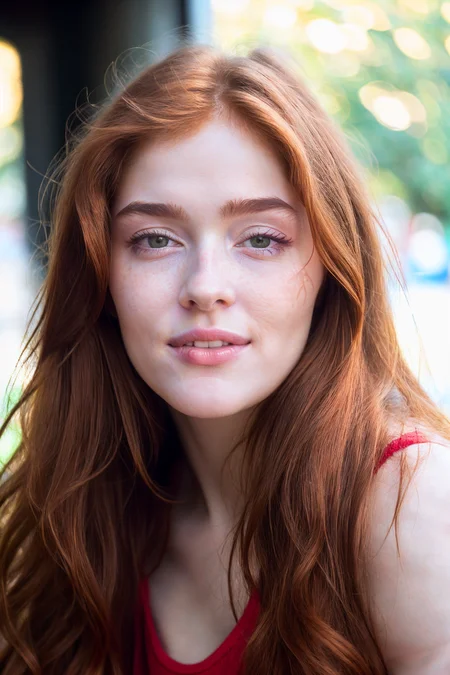
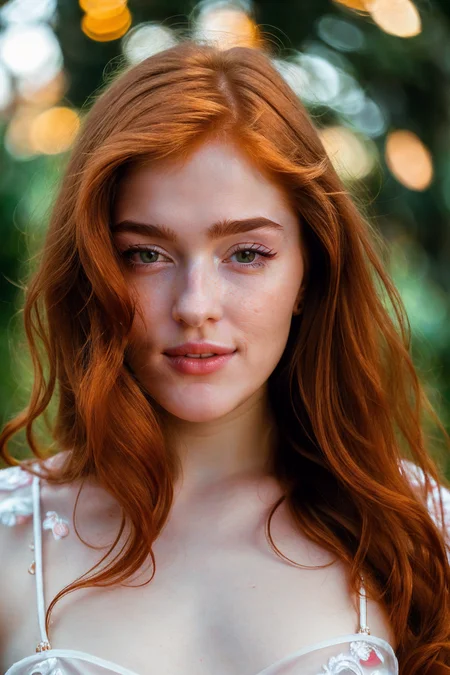
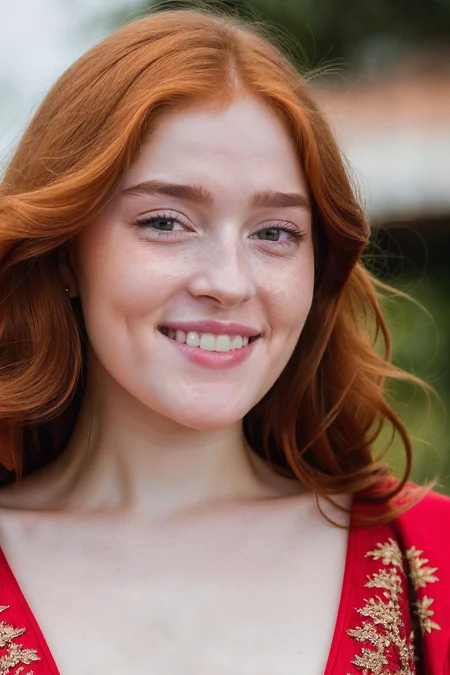
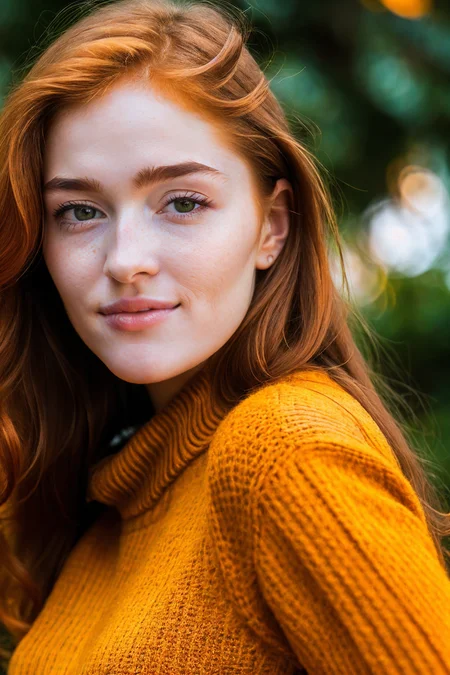
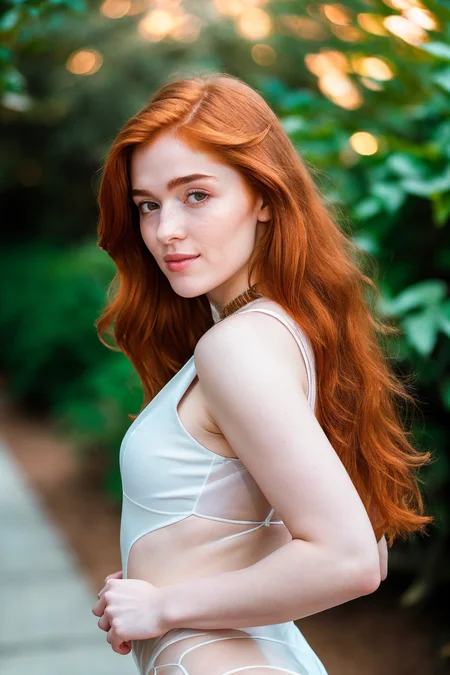
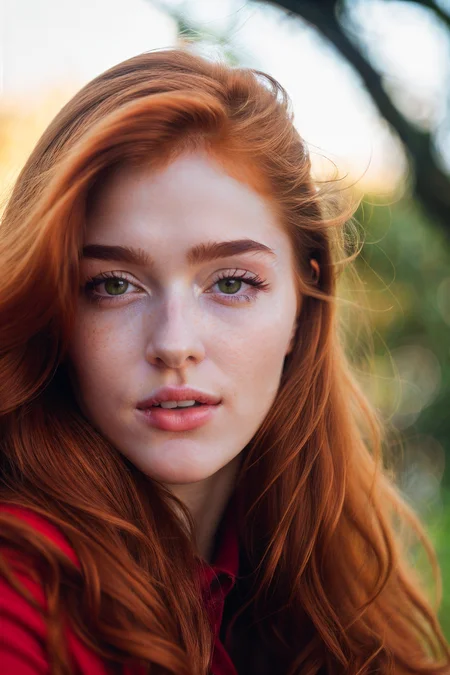
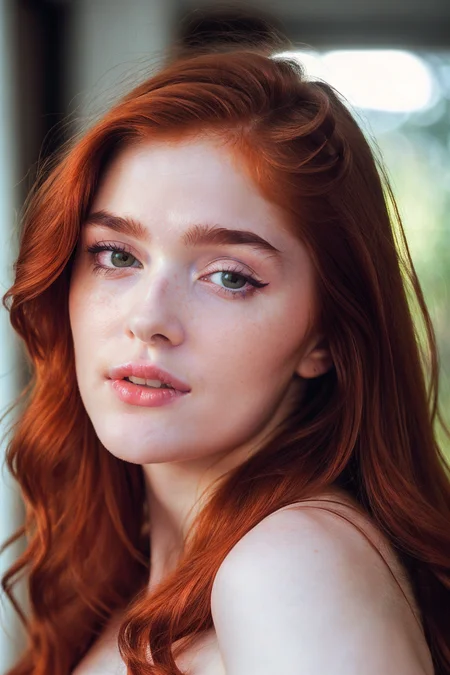
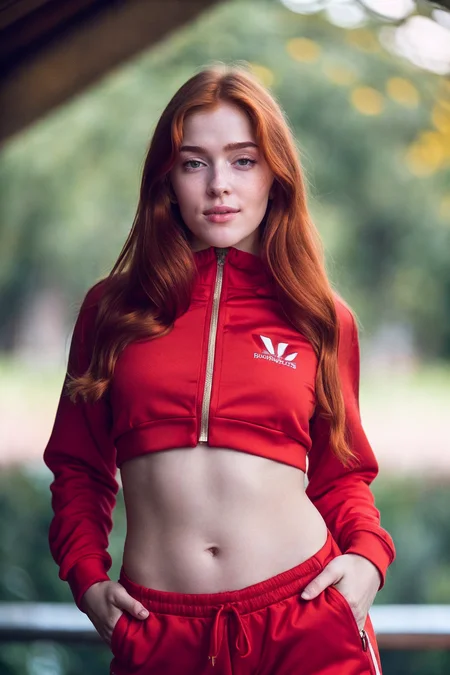
LyCORIS of Jia Lissa. Trained at 768x768 with 83 images, a mix of close-ups, waist up and full body shots. I find a strength of 0.8-0.9 works best for this model.
Use jia_lissa as the trigger word.
Sample images were generated with realisticVisionV20, with 0.65 strength then inpainted at 0.85 strength.
Description
FAQ
Comments (11)
The photo I made is very different from your photo, why so?
@stablediffusion650531 Your link isn't working for me. Are you using realisticVisionV20_v20 base model and highres fix?
@definitelynotadog Image Link :- https://civitai.com/posts/277533
I have the same problem, I used the exact same settings and got a different image (I tried with several examples)
@juniix you have the lycoris extension installed?
@definitelynotadog I do have it, in fact it works with jia lissa I can generate images of her but they do not look like yours at all. I will try to reinstall the extension
@juniix ok sure, if you want to post an image with the gen settings I can try and see why there's a difference. I have lycoris, batch face swap and multidiffusion upscaler installed.
@definitelynotadog I just posted the 3 first images of your post generated by me after copying generation data (without upscaling, I only have 8Go of VRAM)
@juniix Ok that looks fine for no upscale. The 'clothing-female' prompt with underscores either side is from a wildcard .txt file that randomly selects clothing, so replace with whatever. If you install the multidiffusion upscaler you can probably do highres fix easily with 8GB vram, I can do 3.5x upscale with 10gb vram, search for TiledDiffusion in extensions then enable tiled VAE on the txt2img page. I had to set cross attention optimization to sdp - scaled dot product under settings -> optimizations for lowest vram usage. Also unless the gen is super closeup on the face it helps to inpaint the face with only masked checked, then it'll re-gen just the face at full res.
@definitelynotadog thanks for the tip, I can indeed do nice upscales now, but the images still to not loook as sharp and do not look like jia lissa as much as your images
Details
Files
Available On (1 platform)
Same model published on other platforms. May have additional downloads or version variants.