


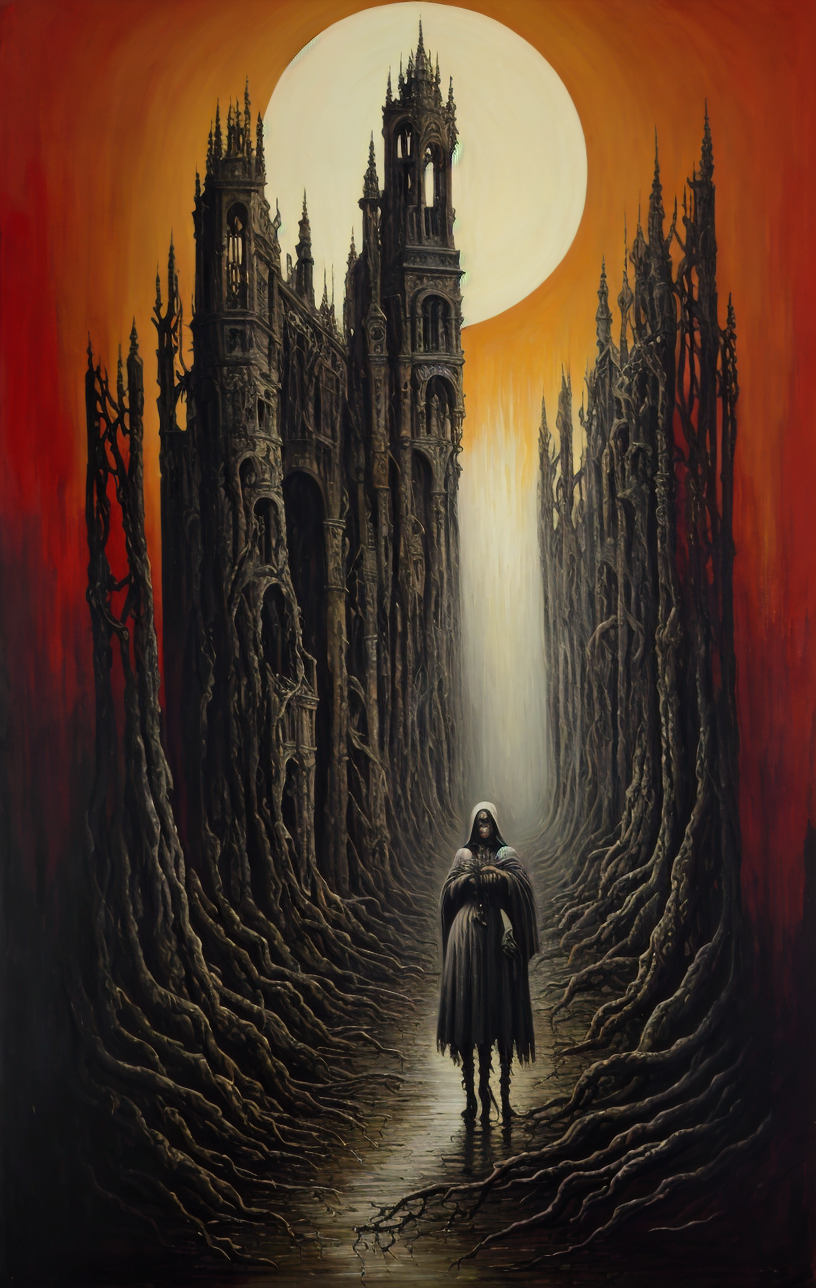


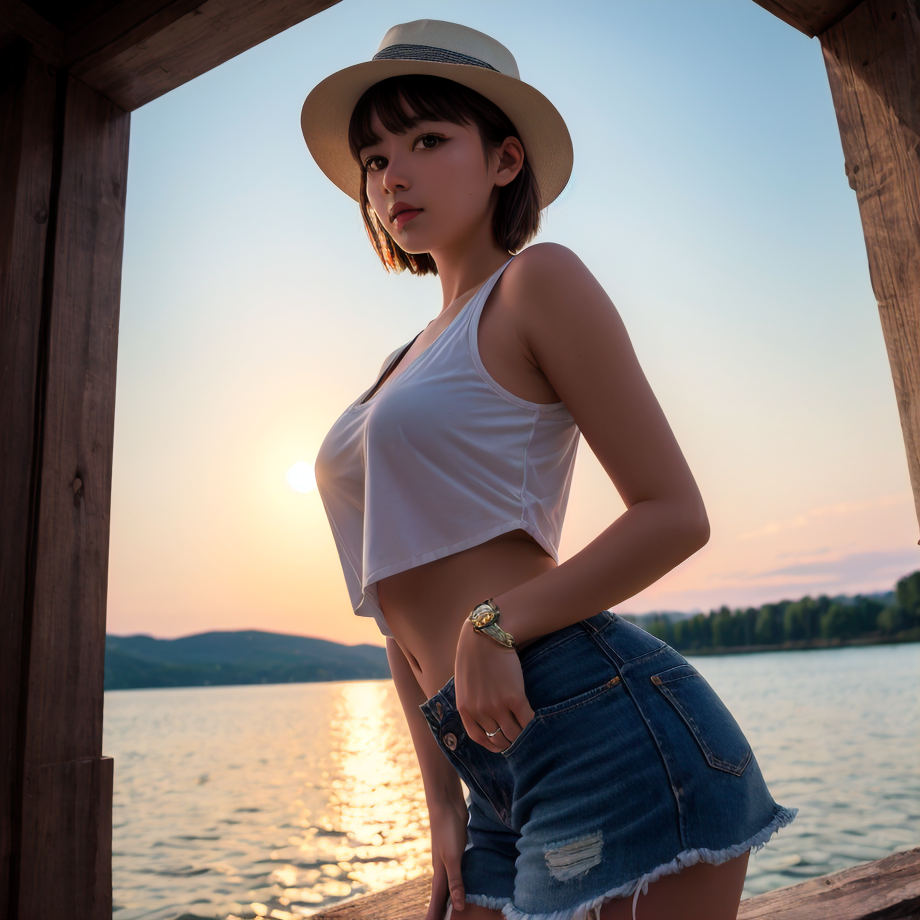
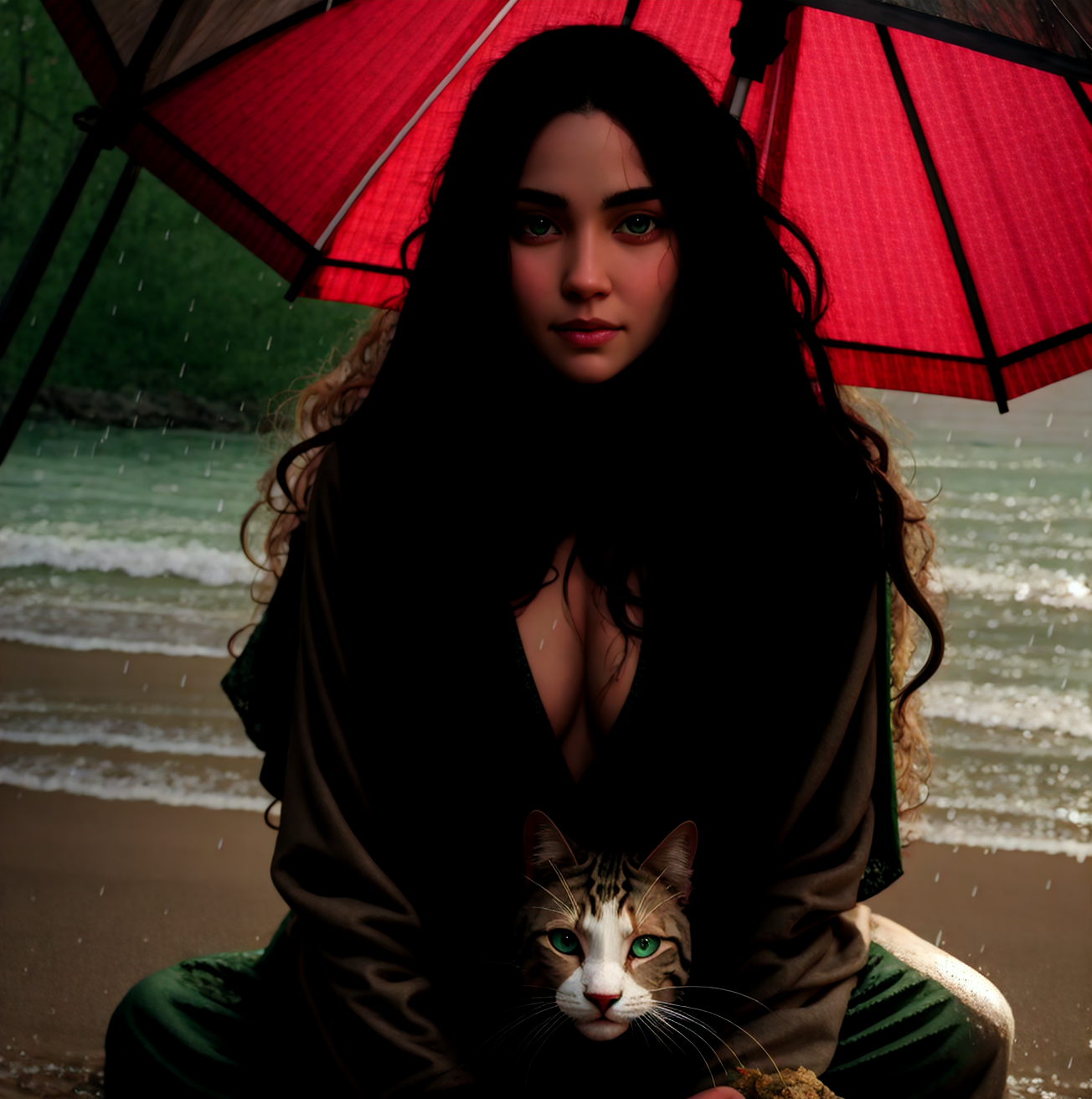


The model generates realistic and semi-real pictures and tends to lean towards NSFW with some more basic prompts so you might need to add a few extra tags to work around that. It can also do different styles of art when you prompt for it correctly. There's only a few TI's and Lora's that haven't worked for me but I also had issues with them on other models so that might be unrelated.
Below is a short list of settings and tricks I use for basic txt2img gen. If you have any questions feel free to ask and I'll answer as best as I can.
If you enjoy using this I'd really like to see what you make with it so please share :)
Recommended Settings:
Prompting- The model can produce good results with very few prompts.
Try to keep negs to a minimum unless you happen to find a set that works.
If you are having issues still, try turning the prompt tokens below (:1) sometimes (:0.99) is all it takes. Some tokens can get over represented and will make the image distorted or baked. This can work for any model and helps with longer prompt strings. This is also true for img2img, lowering the token value will help prevent a baked picture if you want to keep the same seed. (:0.6-:0.8) Are good values to start with if you choose to do this and every word in the prompt can be manipulated in this way and will change the outcome.
Sampling Steps- 7-150, Also using a really low step count can give some very cool results if you plan on using hires.fix. 10-30 is a good place to start.
Sample Method- Any sample method works.
Restore Faces- Don't use it... Unless you plan on doing img2img or inpaint and only as a last resort.
CFG Scale- 4-10 Works for the majority of things. I've had a few prompts work with 15+ but not many. I normally use 4.5-9.
Hires.fix- For this you can do up to a 4x upscale but you need to use a 768x768 or lower resolution and lower the denoising strength the larger you upscale 0.2 or less usually for 4x. Start small then go big. I usually use x1.25-x2.
x1.1-x1.3 Upscaling you can go all the way up to 0.99 denoise value. (You will get a completely different picture but it will probably be coherent). For x1.5-2+ you will need to lower it to 0.7 or less. Most larger pictures I generate with 0.2-0.5.
This can generate 1:1 at 904x904 without hires.fix but there's a high risk of getting artifacts and distorted pictures.
768x768 or smaller will give the most consistent results. Also you can get away with a lot more with different aspect ratios at a larger scale. I seem to have good luck with 4:3 and similar sizes.
With hires.fix you can zoom in on something adding detail. For example you have a 512x768 picture and you want to x2 upscale to 1024x1536 you can instead set the sliders to something like 1024x1200 then you will get a cropped version of your picture that will have more detail added to it. It's a great trick if some parts of the picture refuse to turn out or you want to focus on the center of the picture more.
Img2Img-Inpainting- These work just about the same as txt2img and seem to work just fine. I've never really used inpainting specific models so I don't have any experiences to compare it against.
Remember! if it doesn't turn out right the first time change a few settings and try again :) its all about finding the sweet spots.
Have Fun and Enjoy!
Description
First Release
FAQ
Details
Files
Available On (1 platform)
Same model published on other platforms. May have additional downloads or version variants.