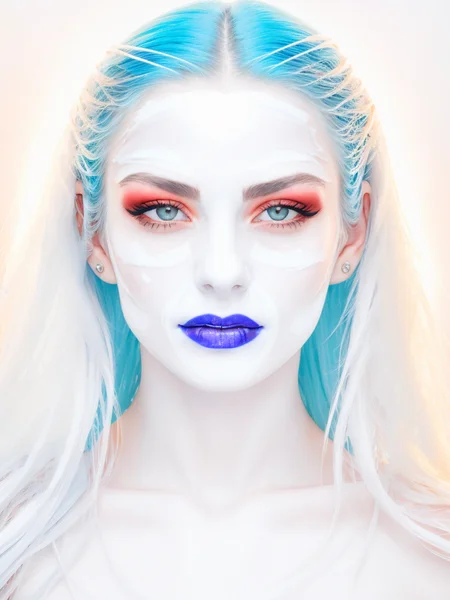
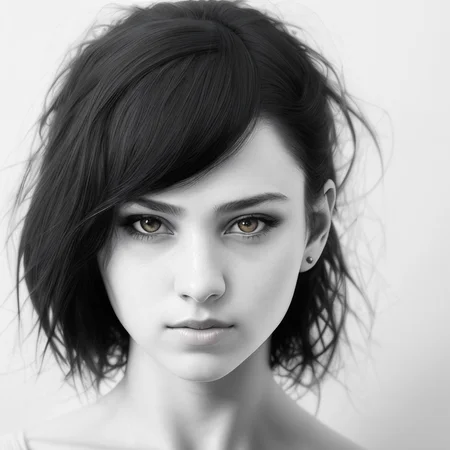


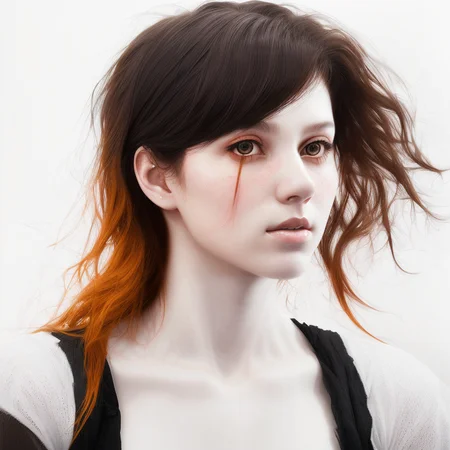

This LORA model is trained using the technique described in https://www.crosslabs.org//blog/diffusion-with-offset-noise
Use it to produce beautiful high-key images that SD just wasn't capable of creating until now.
Sample images were generated using Illuminati Diffusion v1.0
The LORA was trained using Kohya's LORA Dreambooth script, on SD2.1-768 and SD1.5 with a dataset of 53 high-key, high-quality photographs.
Model weights can be used to affect the 'blown-out' lighting.
SD 1.5 version coming soon.
Description
Sampled generated on Deliberate
FAQ
Comments (6)
Where can i find "Kohya's SD network extension"?
it's literally the first link in google
well in fact it's an extension of SDwebui111 (automatic), no need for the Koyya coz the extension network can use lora directly, Koya is about training and merging and extracting specific parts of models ( = lora) :
Koya: https://github.com/kohya-ss/sd-webui-additional-networks
but the oldy one (integrated in webui) to use lora is:
https://github.com/AUTOMATIC1111/stable-diffusion-webui/tree/master/extensions-builtin/Lora
So go use webui and find the lora add networks, or in extensions too if not installed.
这个模型是什么意思?可以让绘画的光影更好吗?
Hello, the lora I trained with 2.1 always fails, can you share the parameters or reference information you use?
Thanks for created such a nice useful lora, it save a lot of work for me to create a simple bright pictures prompt.