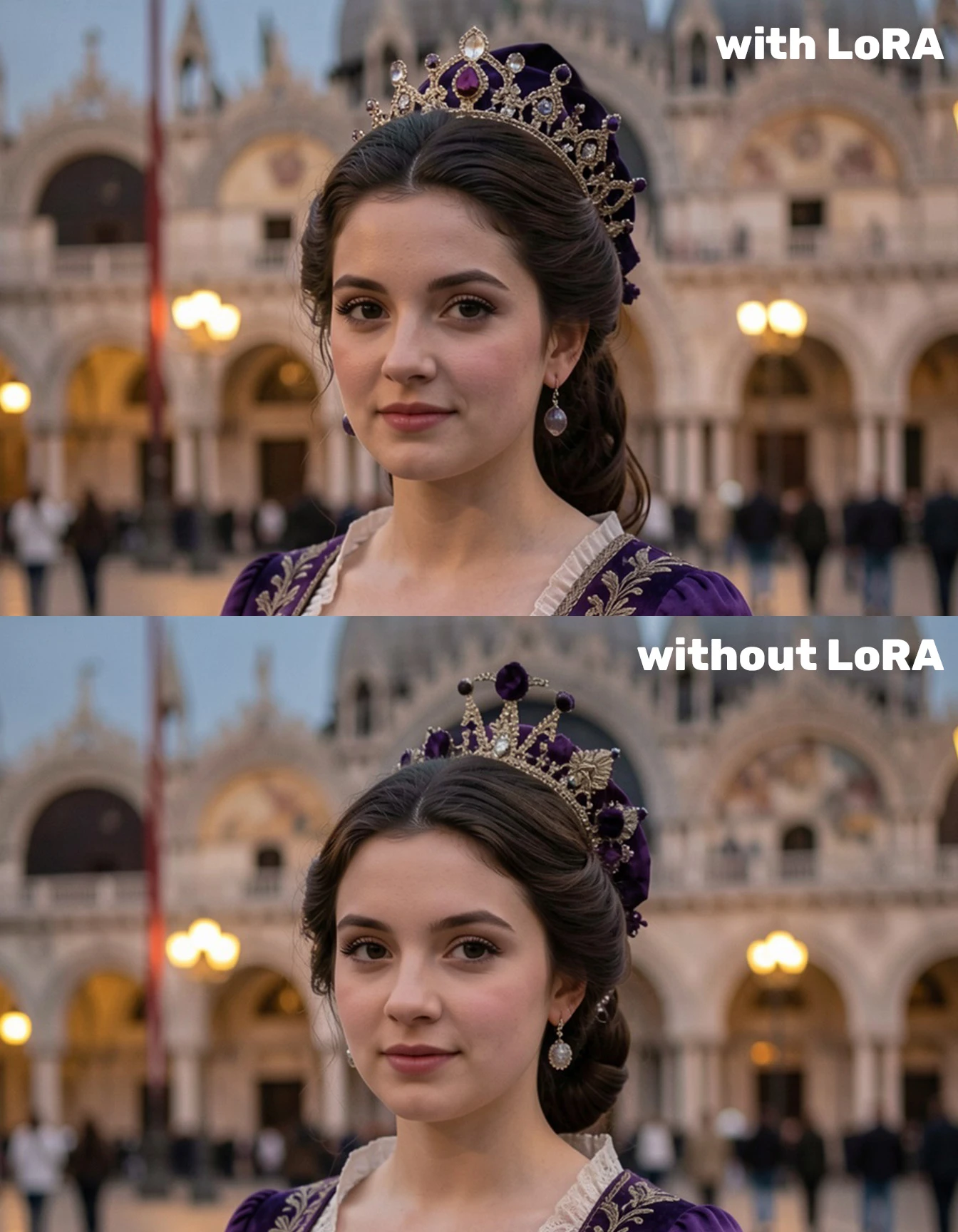
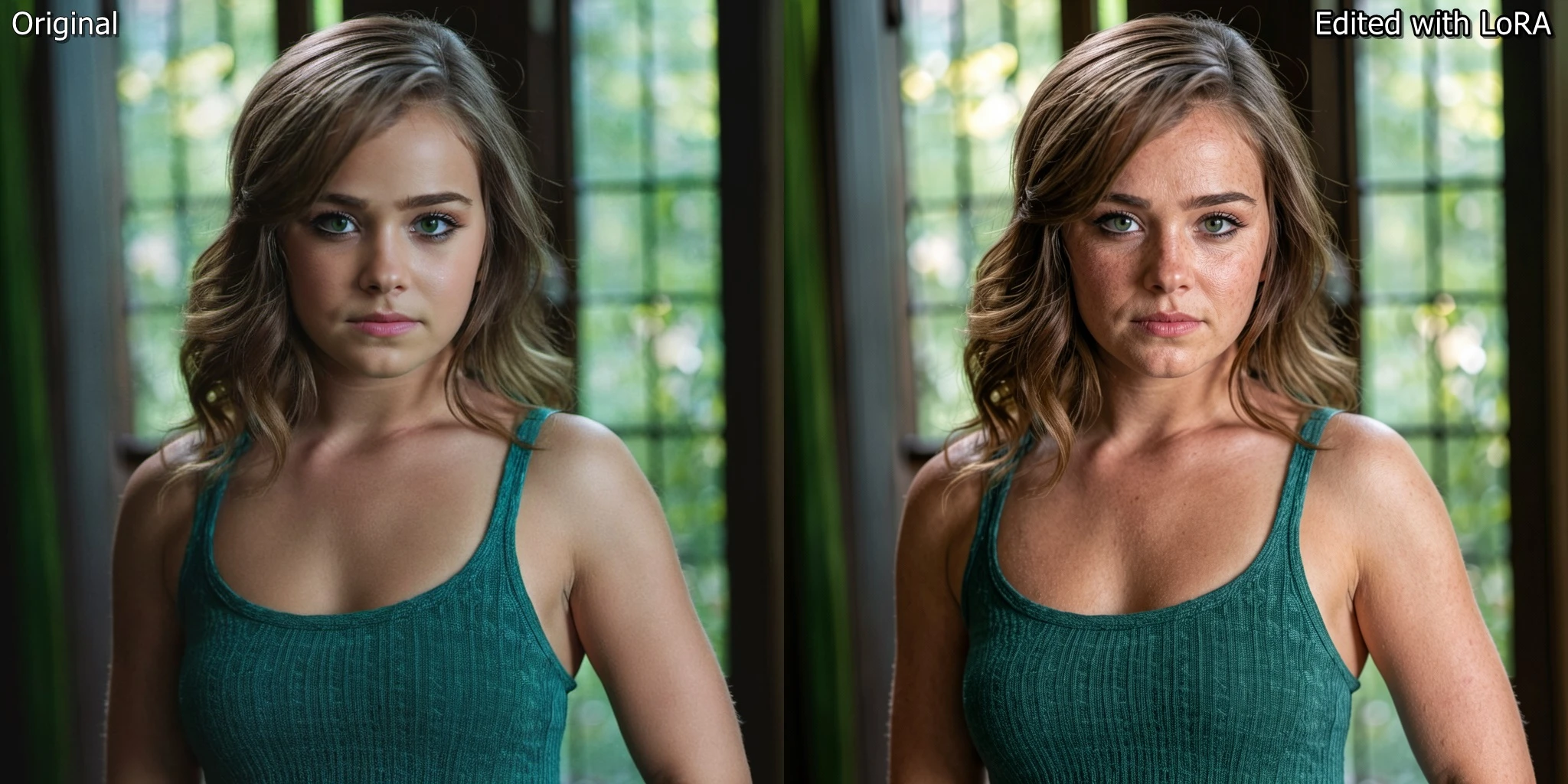
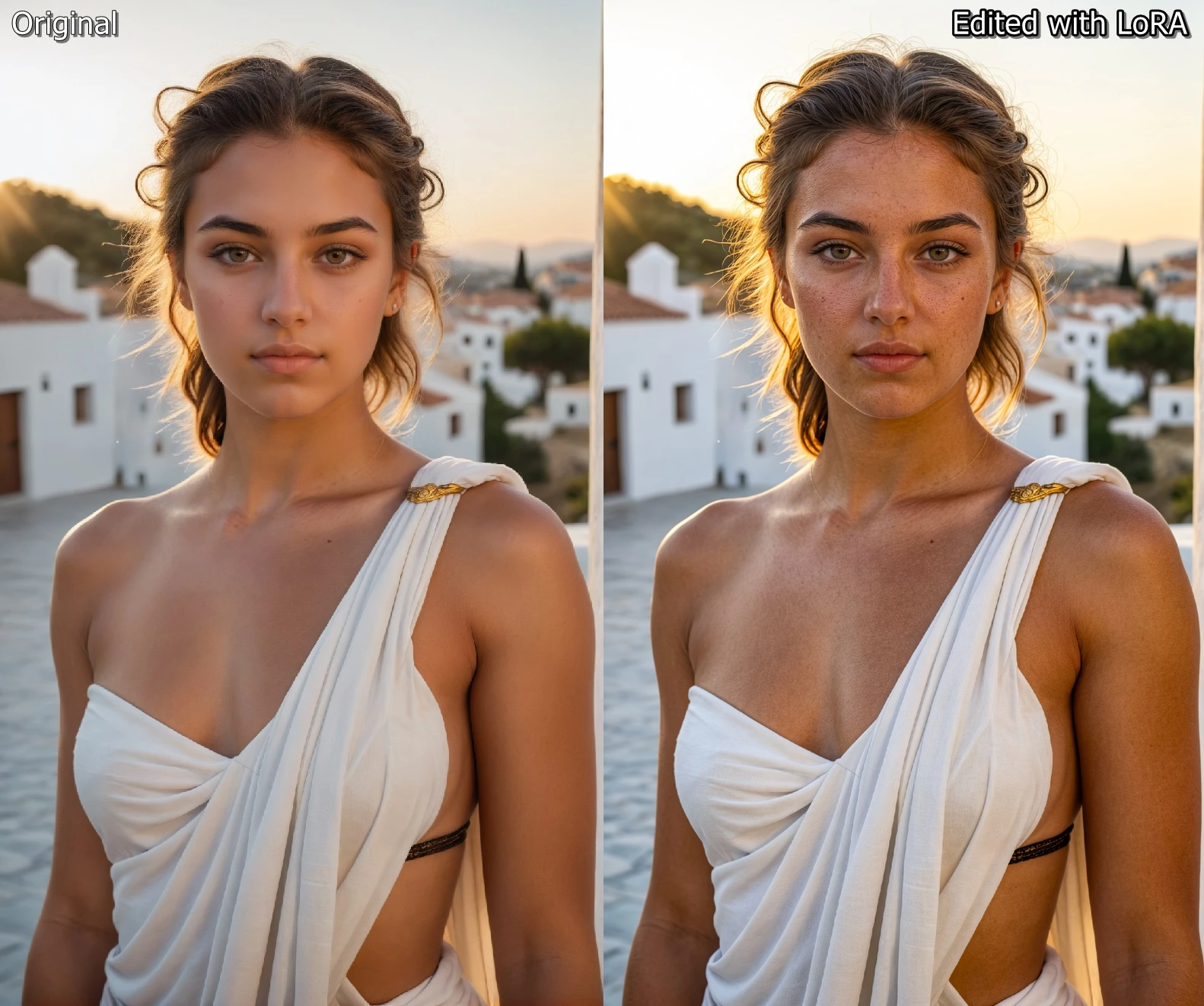
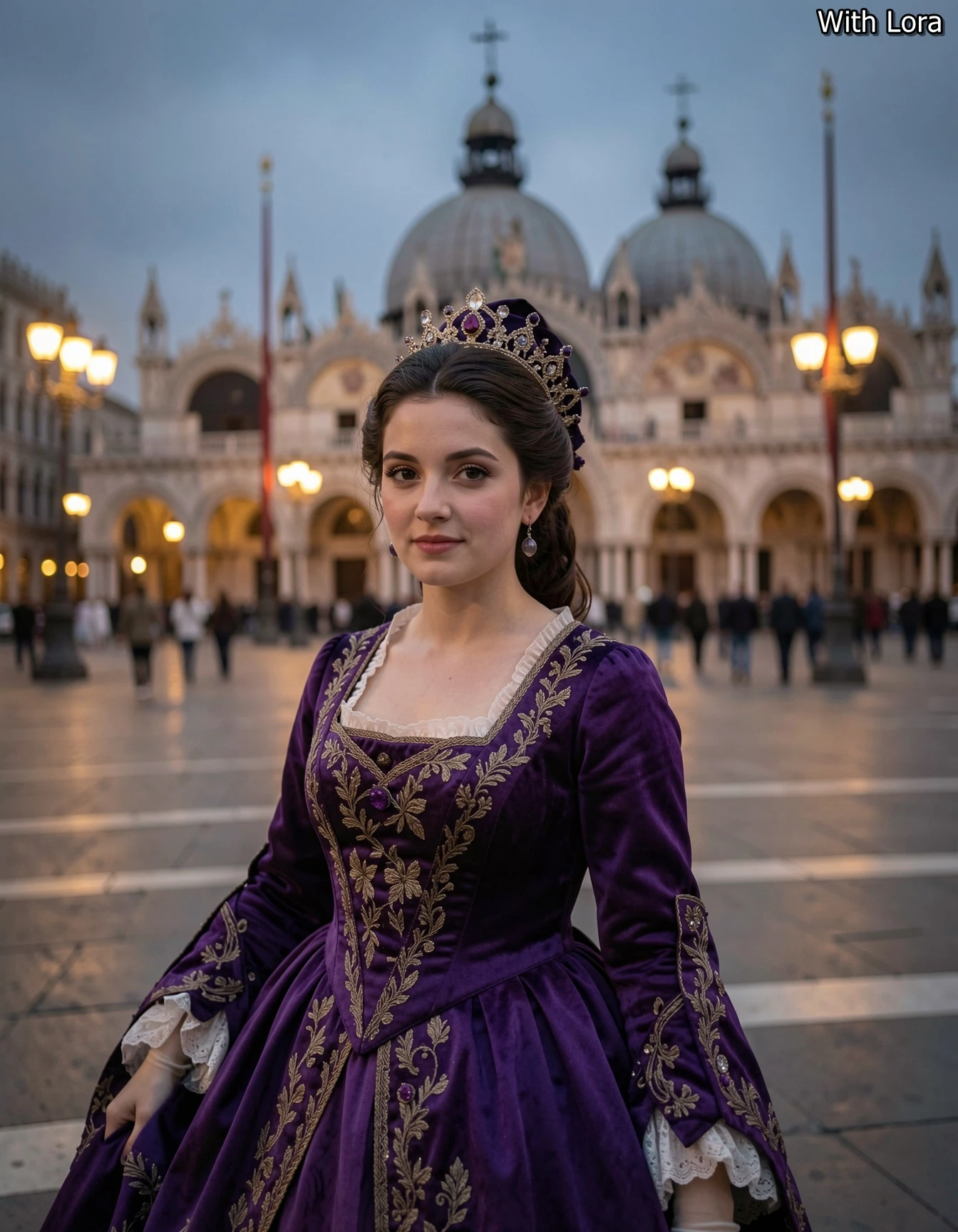
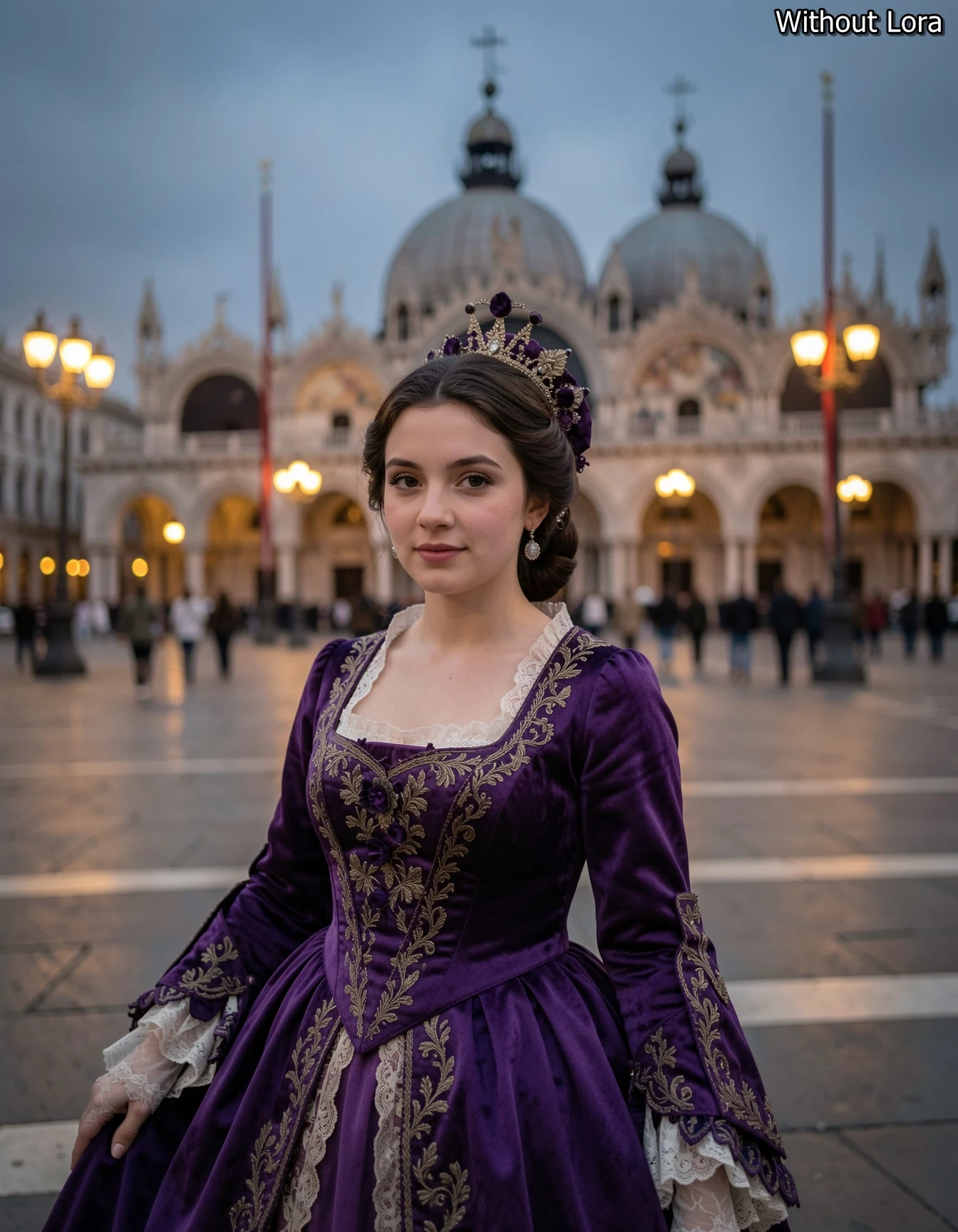
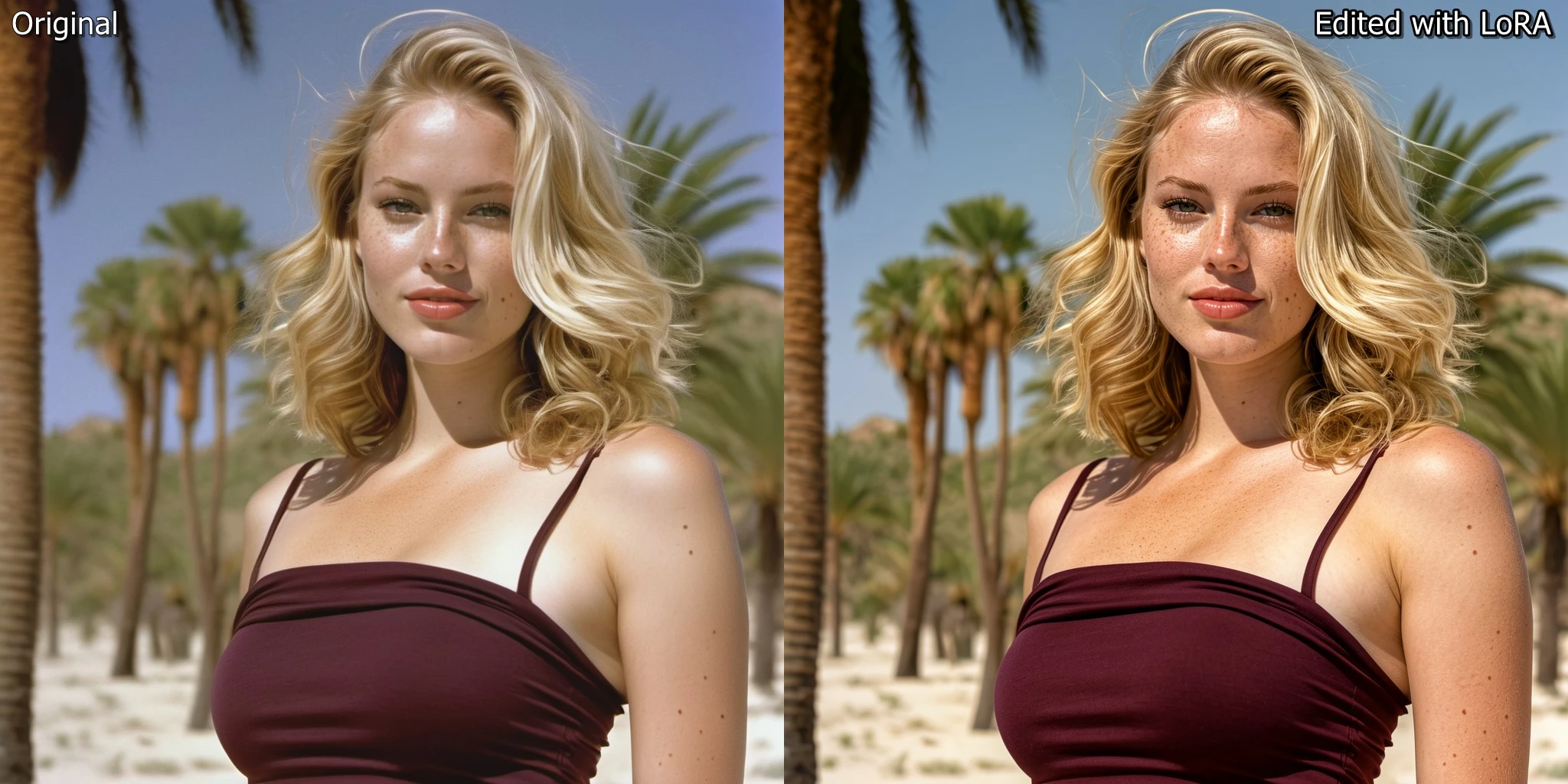
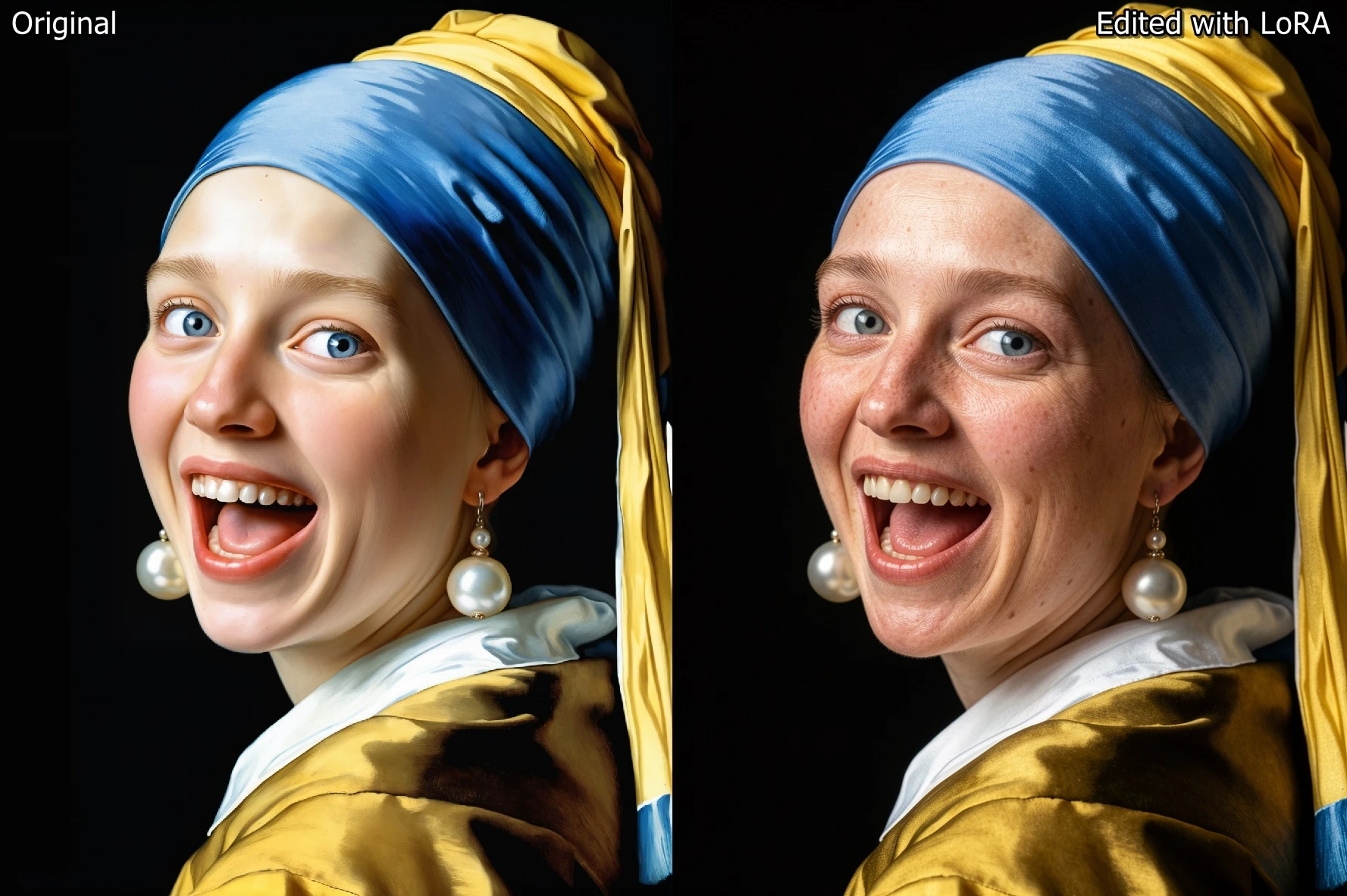
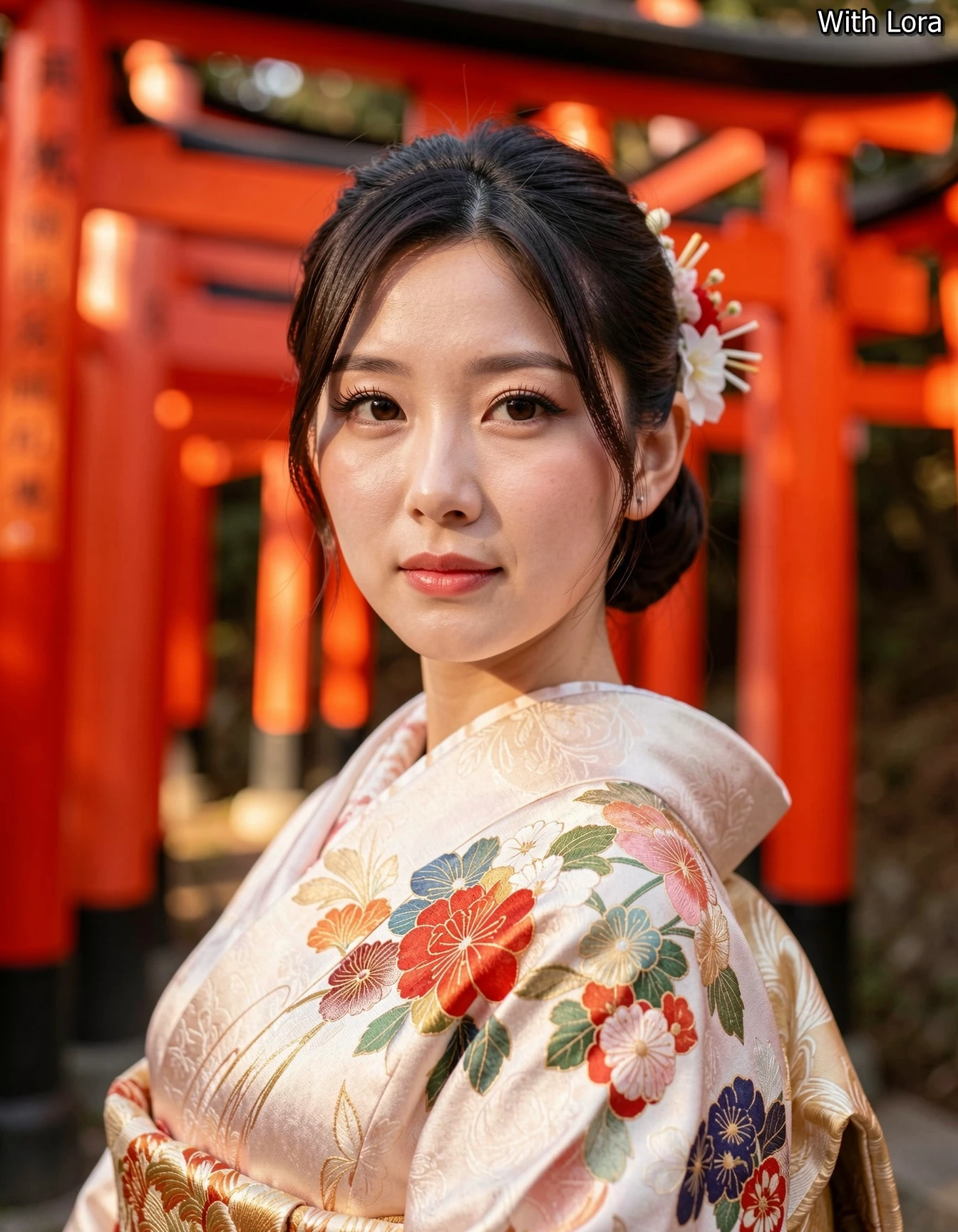
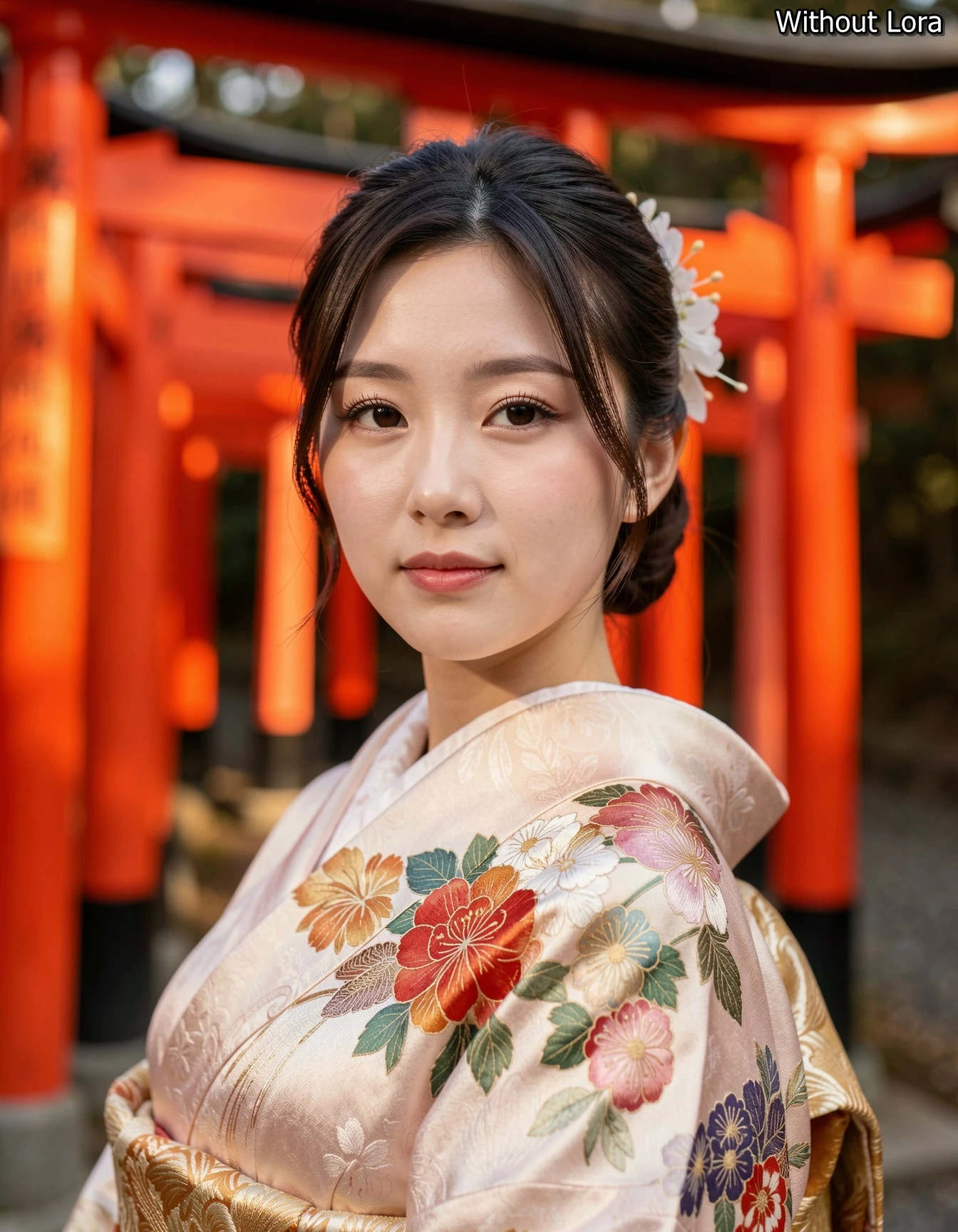
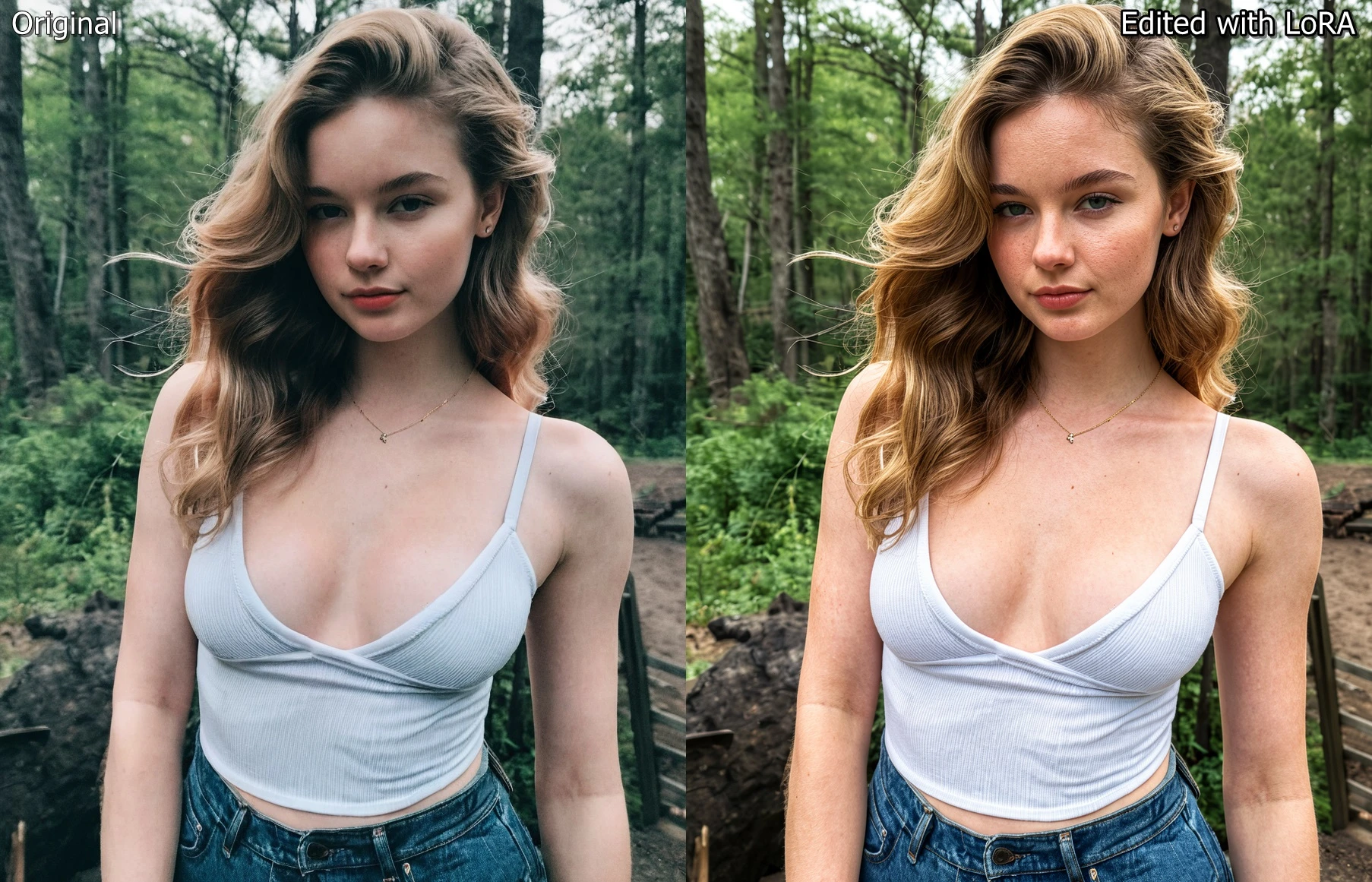
LoRA designed to reduce the typical smooth/plastic AI look and add more natural skin texture and realism to images. It works especially well for close-ups and medium shots where skin detail is important.
V2 for more real and natural looking skin texture. It is good at preserving skin tone and lighting also.
V1 tends to produce overdone skin texture like more pores and freckles, and it can change lighting and skin tone also.
TIP: You can also use for upscaling too or restoring old photos, which actually intended for. You can upscale old low-res photos or your SD1.5 and SDXL collection. There is "ScaleToPixels" node which is set to 2K, you can change this to your liking. I have tested it for 4k Upscaling.
🛠️ Editing Workflow - https://github.com/vizsumit/comfyui-workflows
LoRA Weight: 0.5
V2 Prompt: Make this photo high-quality with natural skin texture. Preserve subject's facial features, expression, figure and pose. Preserve overall composition of this photo.
V1 Prompt: Make this photo high-quality featuring realstic skin texture. Preserve subject's facial features, expression, figure and pose. Preserve overall composition of this photo.
🖼️ Generation Workflow - https://github.com/vizsumit/comfyui-workflows
LoRA Weight: 0.7
V2 Prompt: A high-quality medium close-up photo with realistic skin texture featuring a (your subject...)
V1 Prompt: This is a high-quality photo with realistic skin texture and details of a (your subject...)
Support me on - https://ko-fi.com/vizsumit
Feel free to try it and share results or feedback. 🙂
Description
FAQ
Details
Files
Available On (3 platforms)
Same model published on other platforms. May have additional downloads or version variants.