
kegant - PDXL
✨ simple comfyui workflow: ✨ https://civitai.com/models/861472?modelVersionId=963859
V2 UPDATE: V2 is the first version I have trained and influenced myself manually. It is still mostly the same stack as V1, however some weights have been lowered and the images I have added and trained fixed a few issues V1 was having. V2 focuses more upon desert style lighting and effects, as well as changed the artistic style slightly for a bit smaller eyes and a bit smaller lips. The lighting has only gotten more ridiculous in this version and I feel if I try to do much more with lighting the whole thing will collapse. I guess we can call this the kegant dune update.
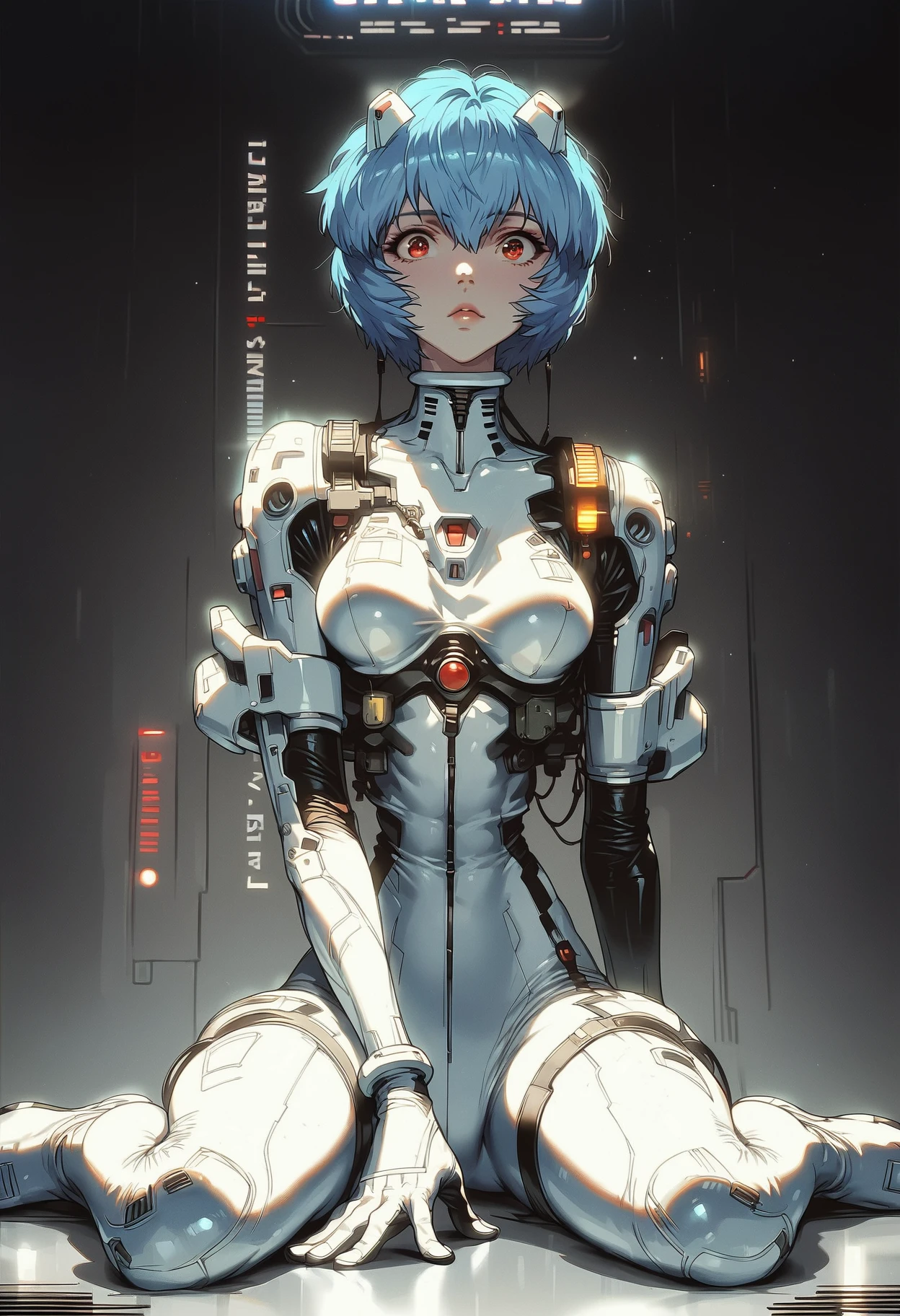
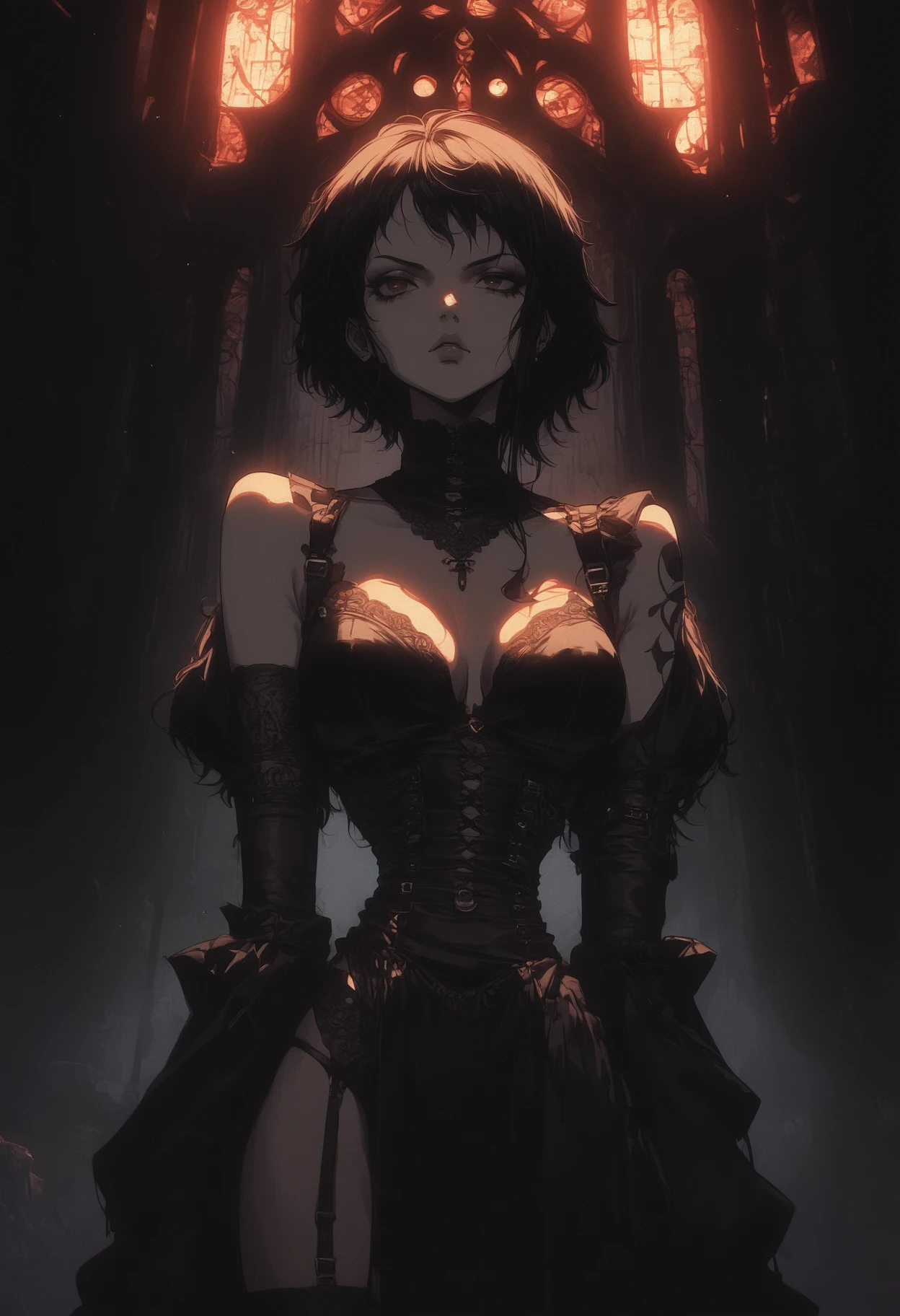
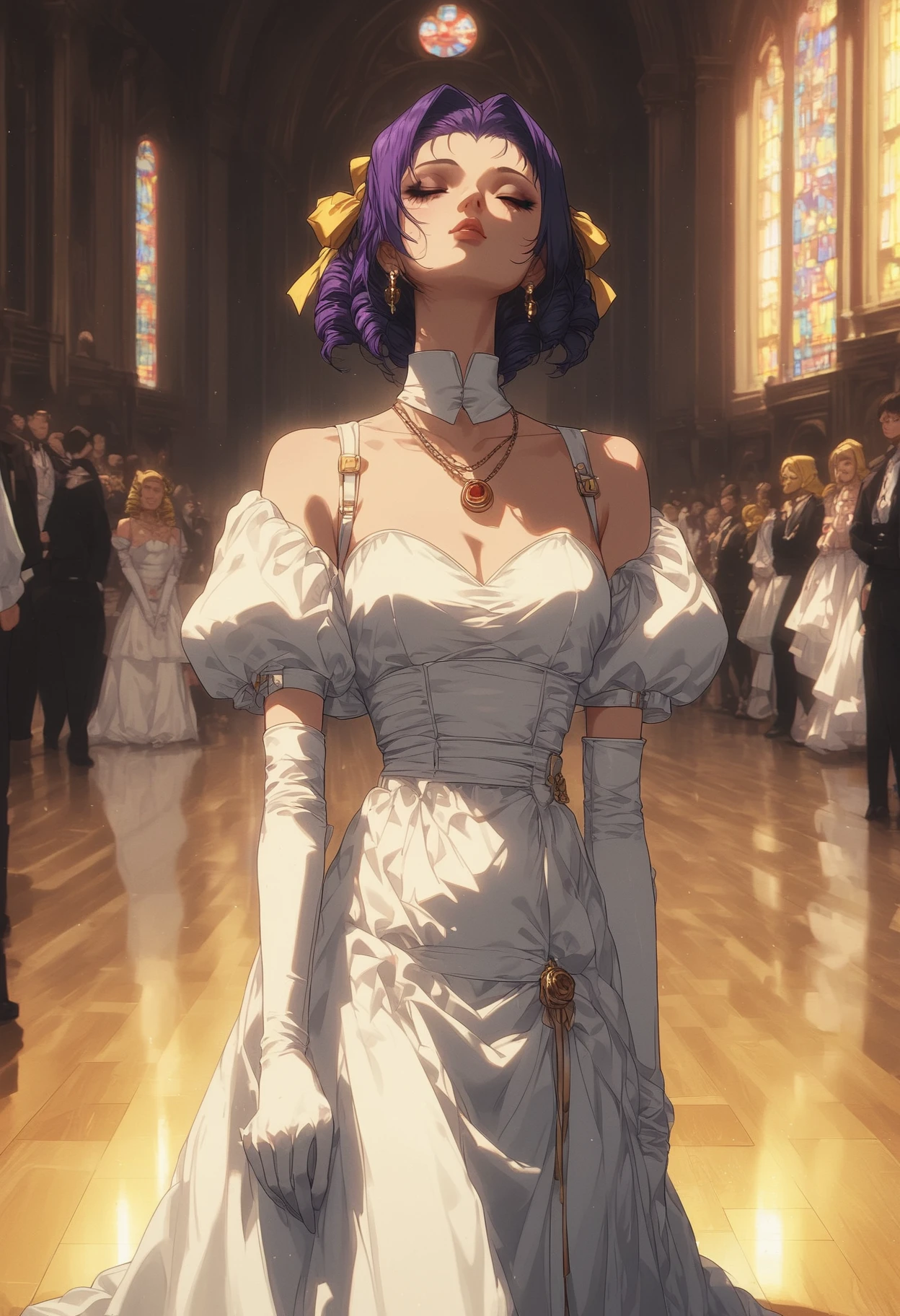
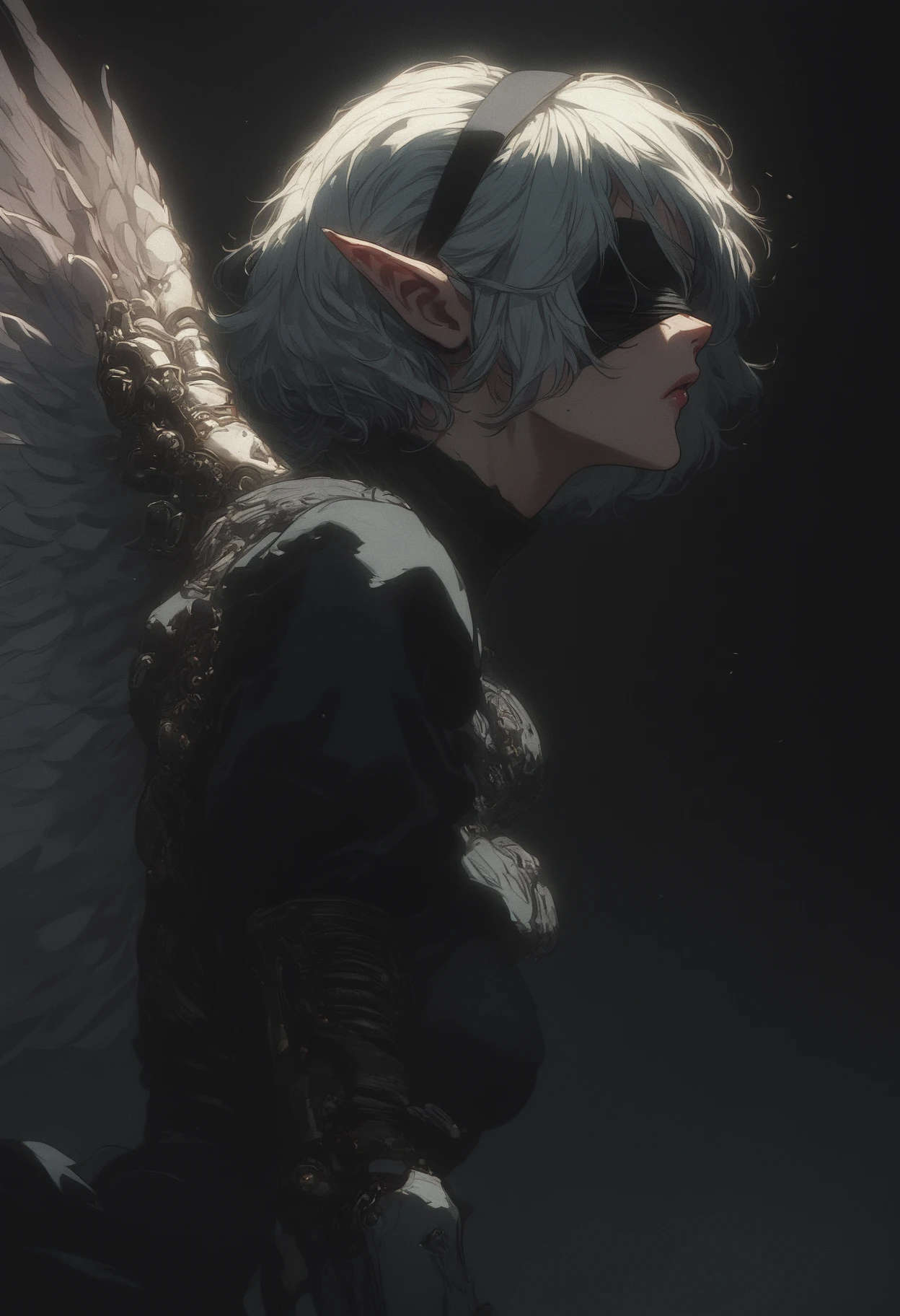
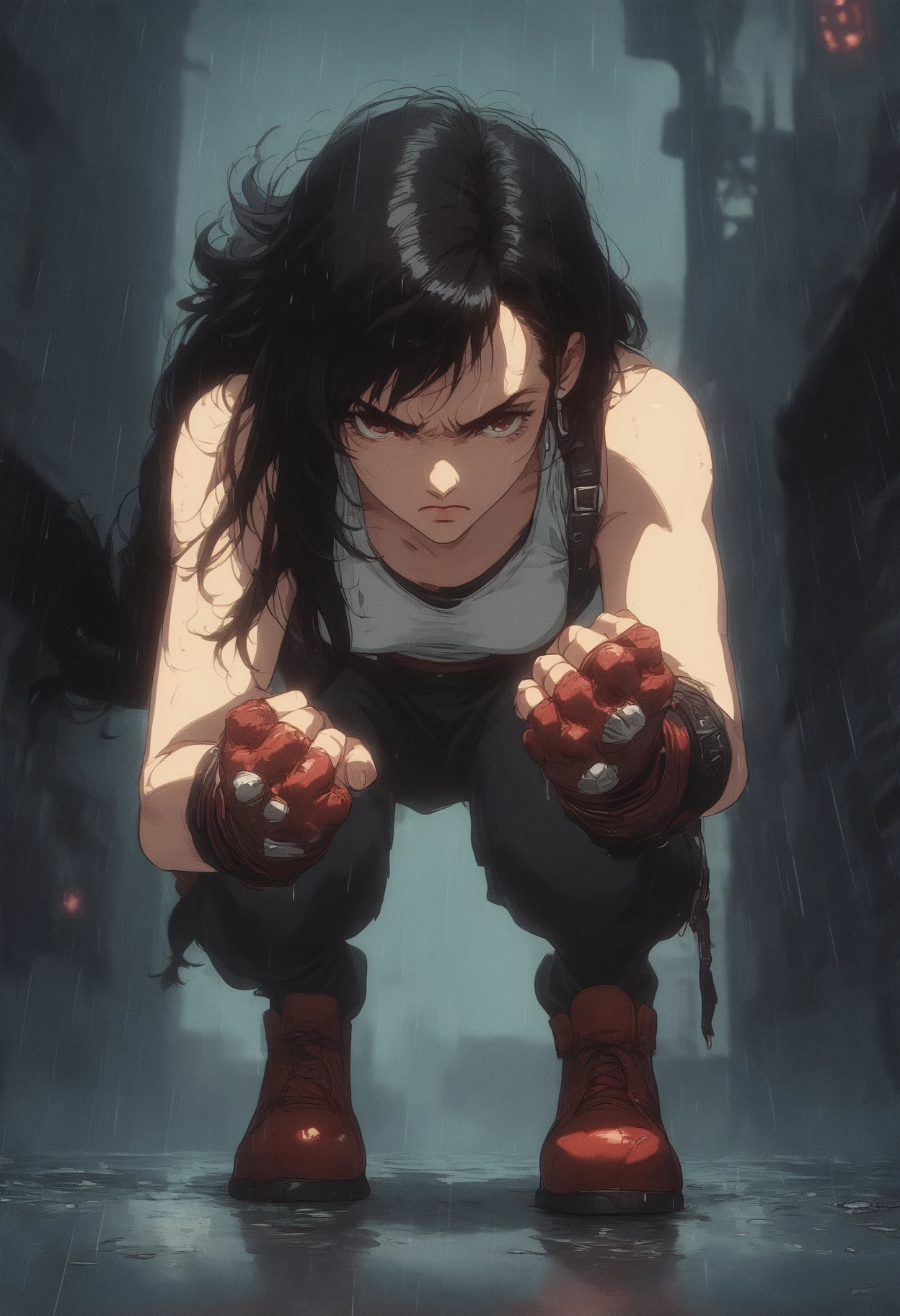
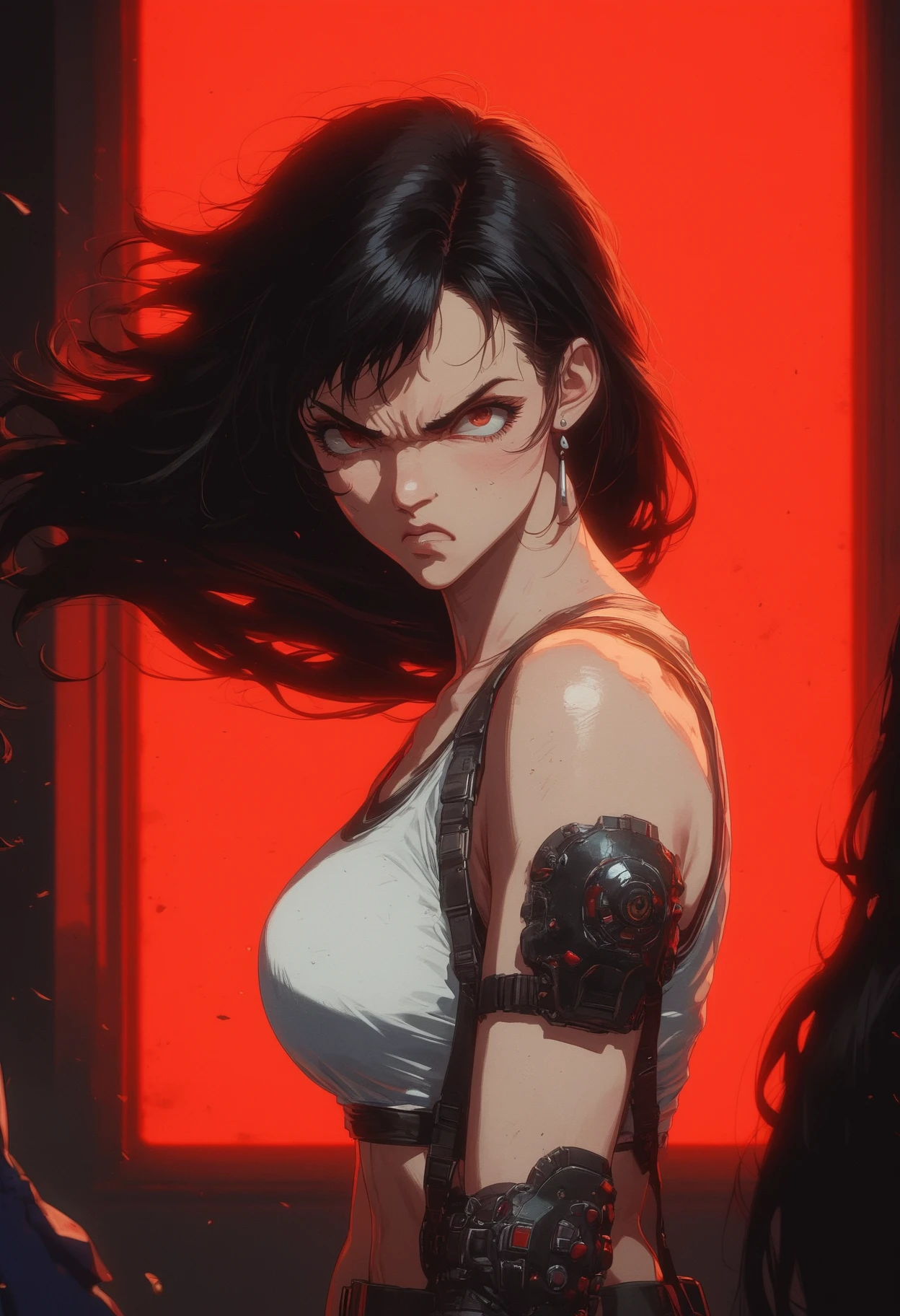
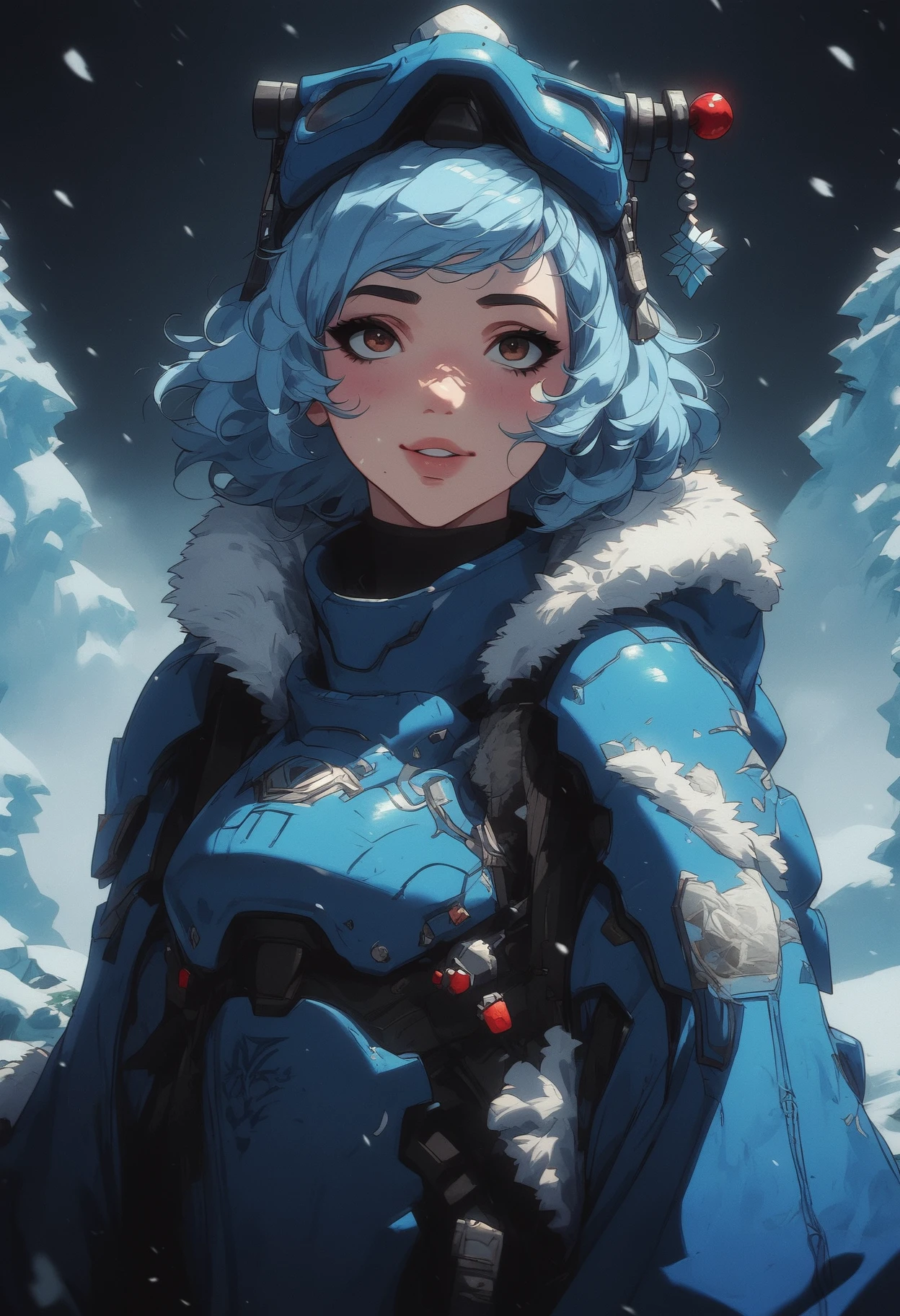
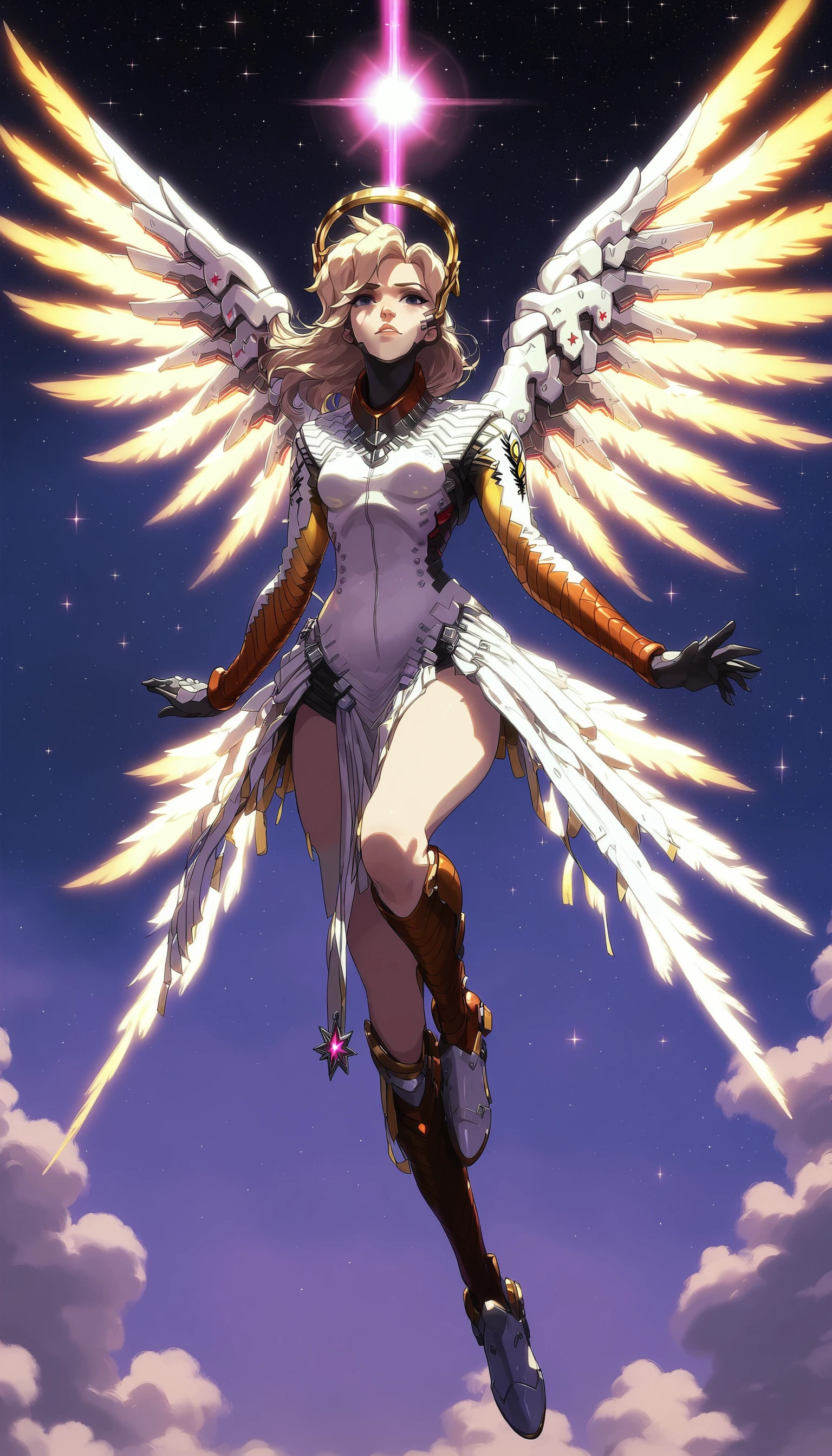
kegant PDXL is a pony based model focused on mutating pony to a more retro and gritty appearance while focusing heavily upon lighting effects.
It primarily focuses around the baked version of 5 separate loras and 1 embedding into the ponyv6 model. These models are:
https://civitai.com/models/366990/pony-custom-styles?modelVersionId=454703
https://civitai.com/models/341353/expressiveh-hentai-lora-style?modelVersionId=382152
https://civitai.com/models/550871/bss-styles-for-pony?modelVersionId=669776
https://civitai.com/models/122359/detail-tweaker-xl?modelVersionId=135867
https://civitai.com/models/118418/negativexl?modelVersionId=134583
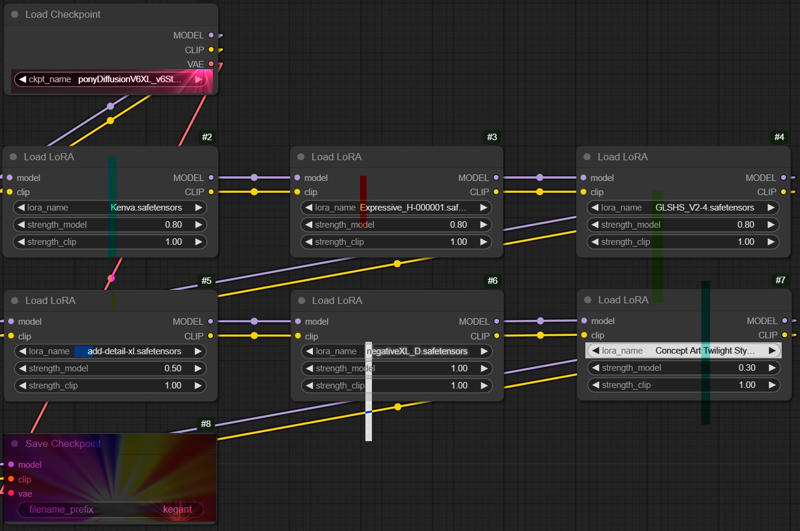 If you can't see the image the following settings were used during the bake:
Kenva: .8
ExpressiveH: .8
GLSHS: .8
add_detail: .5
negativeXL_D: 1
Concept Art Twilight: .3
Please note that this model has biases in generating females, and prefers to keep subjects not too far away, and not too close. Producing full body may be a little difficult but keep in mind if you specify things like 'shoes', 'boots' or 'feet'/'toes', it will much more be inclined to give you those full body examples you desire. Remember -- This is a pony based checkpoint. It much prefers danbooru style tagging instead of plain english. Sometimes, less is more. Overloading a prompt with too many tags makes it harder for it to understand what to do. If full body is important to you, tag that at the start of your prompt as the higher up in the prompt something is, the more importance it gives it. You can also weight it manually which will help further. I leave all my prompts open on this checkpoint if you are seeking guidance on how to use it.
With that said, this checkpoint isnt as flexible as the goat (aka v6), however what you pay for in flexibility, you gain the additional lighting, artstyle, and speed of generation. To gen the same stack of images with all of the associated loras baked in is about 3 times the speed vs if you did it with v6 and the entire stack, which was the primary focus of this checkpoint.
✨ Please Share Your Cool Creations Below! ✨
Thank you all so much for trying out my first checkpoint.
Please refer to Pony V6 model page for more detailed prompting guidelines.
☄️ Generation Recommendations
* All preview images were generated with no LORA's except for the final two with Haruko Haruhara and Lain as pony has no concept of these characters and they are highly stylized characters that would be very difficult to prompt alone. No other resources were used, just pure text to image with a second pass of latent upscaling only (no pixel upscaling was involved).
Most sample images were generated with ancestral samplers of these types for the initial pass:
Sampler: Euler A / DPM++A
Schedule Type: Karras
Steps: 20 - 30
CFG: 2 - 6
Clip Skip: 2
Denoise: 1
The latent upscaler used was very similar to above, usually opting for a Euler variant as they are typically faster to produce images.
Sampler: Euler A / DPM++A
Schedule Type: Karras
Steps: 15
CFG: 2 - 6
Denoise - 0.5
Upscale By: 1.5-2.0
For some tips on generation, the lower your CFG on the latent upscaler (and steps), the more 'painted' look its going to have, with softer less defined features which creates the 'mist' look in some of the images. Vice versa, the more cfg added, the more 'baked' and shiny it looks. 3.0 cfg is perhaps the closest medium between all the loras that emphasizes each of them the best. For the Harley Quinn image attached, I went nuts with a 10cfg setting to show as well what that looks like, however its highly abstract.
PLEASE look at my attached workflow as it details how you can manipulate kegant to the fullest whether you prefer the sleak glossy design, or the softer extreme retro vibes with film grain effects.
One last note - this checkpoint tends to add 'jpeg artifacts' and various fauna such as 'plants' and 'flowers'. Also it tends to add 'cyberpunk' elements. Add those to the negative prompt if you care to not see those, and it should handle removing them fairly well if so desired. For male work, specifying '1girl' in negative extremely helps it, although the checkpoint as previously mention highly prefers females.
Description
FAQ
Details
Files
Available On (8 platforms)
Same model published on other platforms. May have additional downloads or version variants.