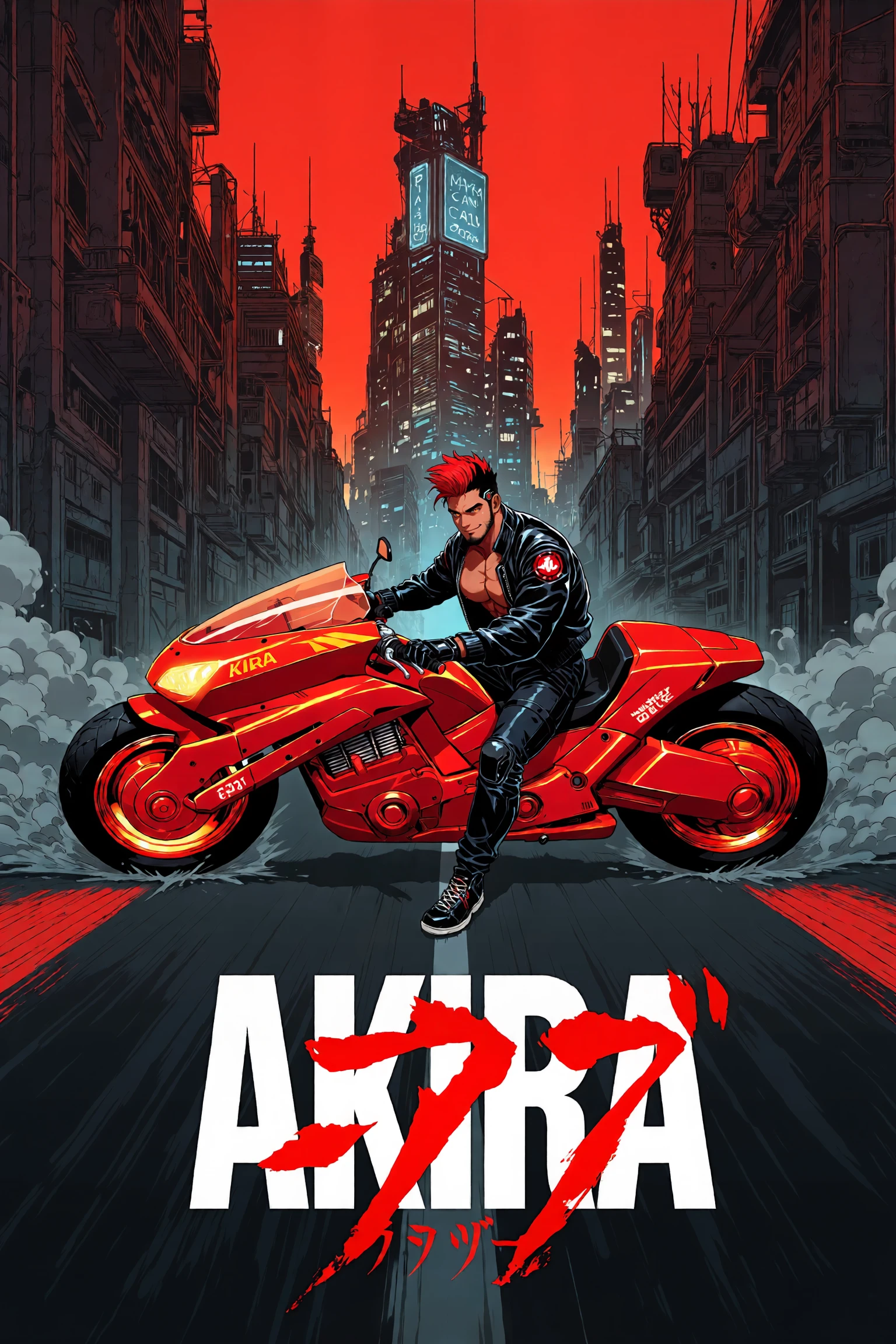
Simile = comparison, likeness, parallel, similar, resembling
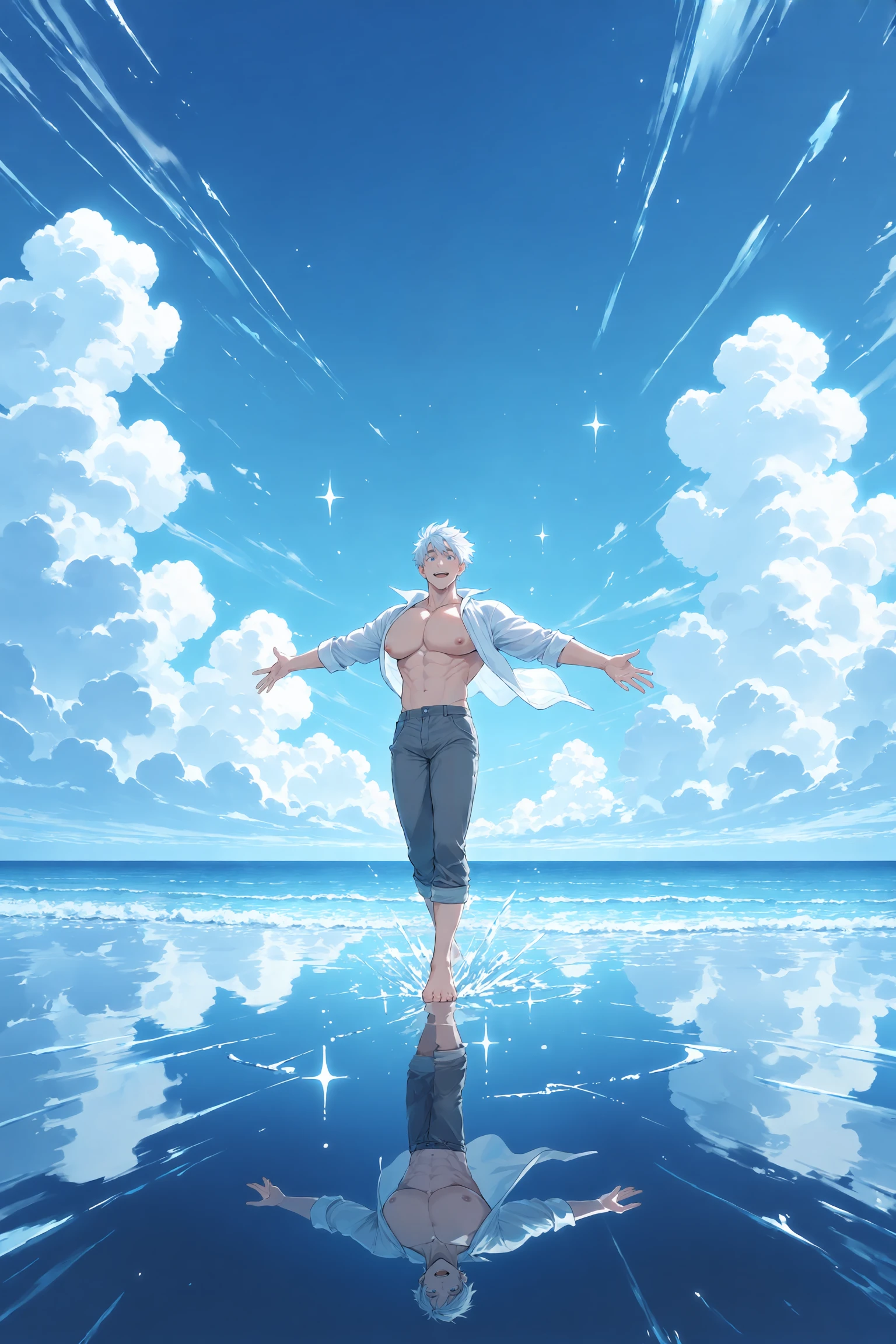
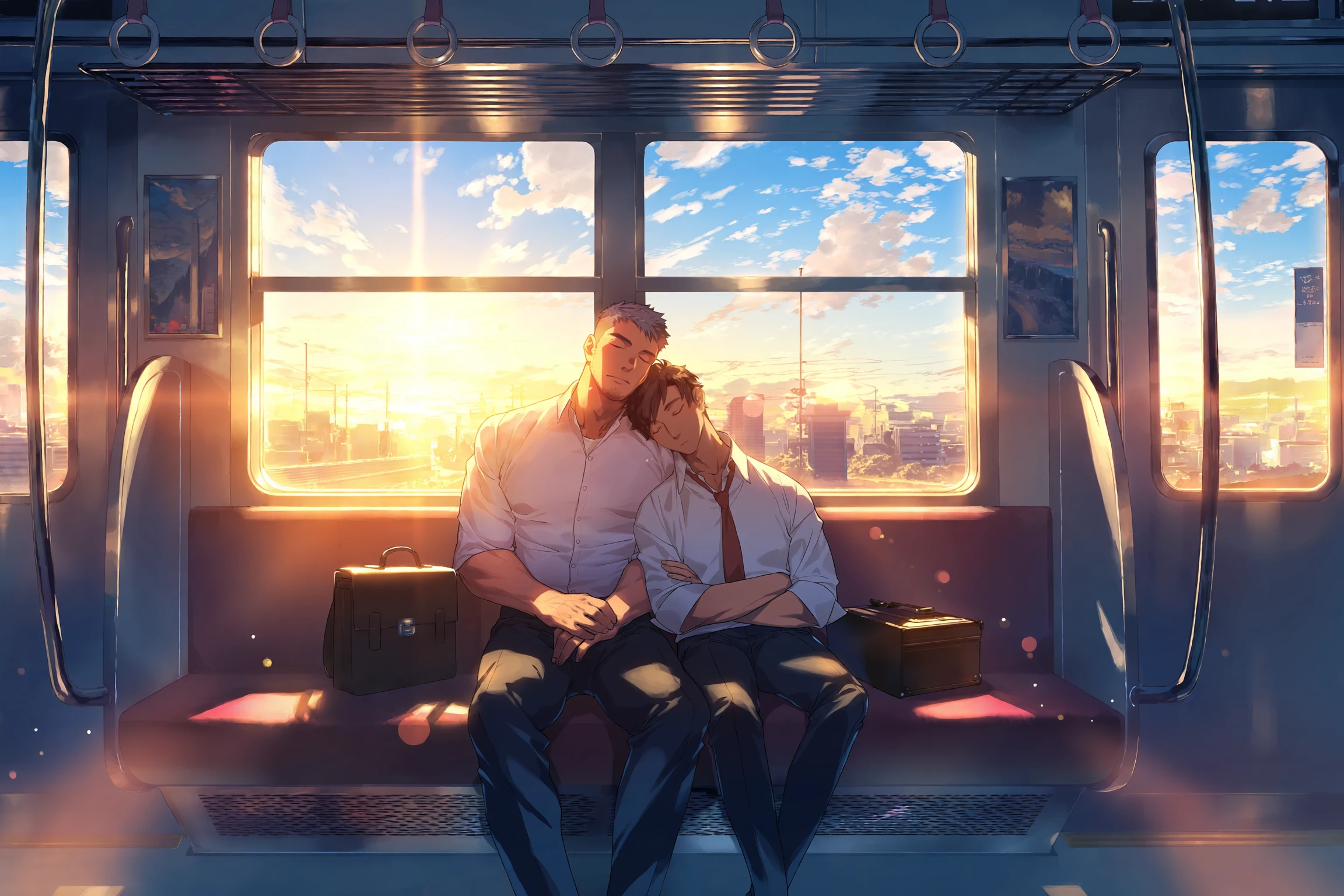
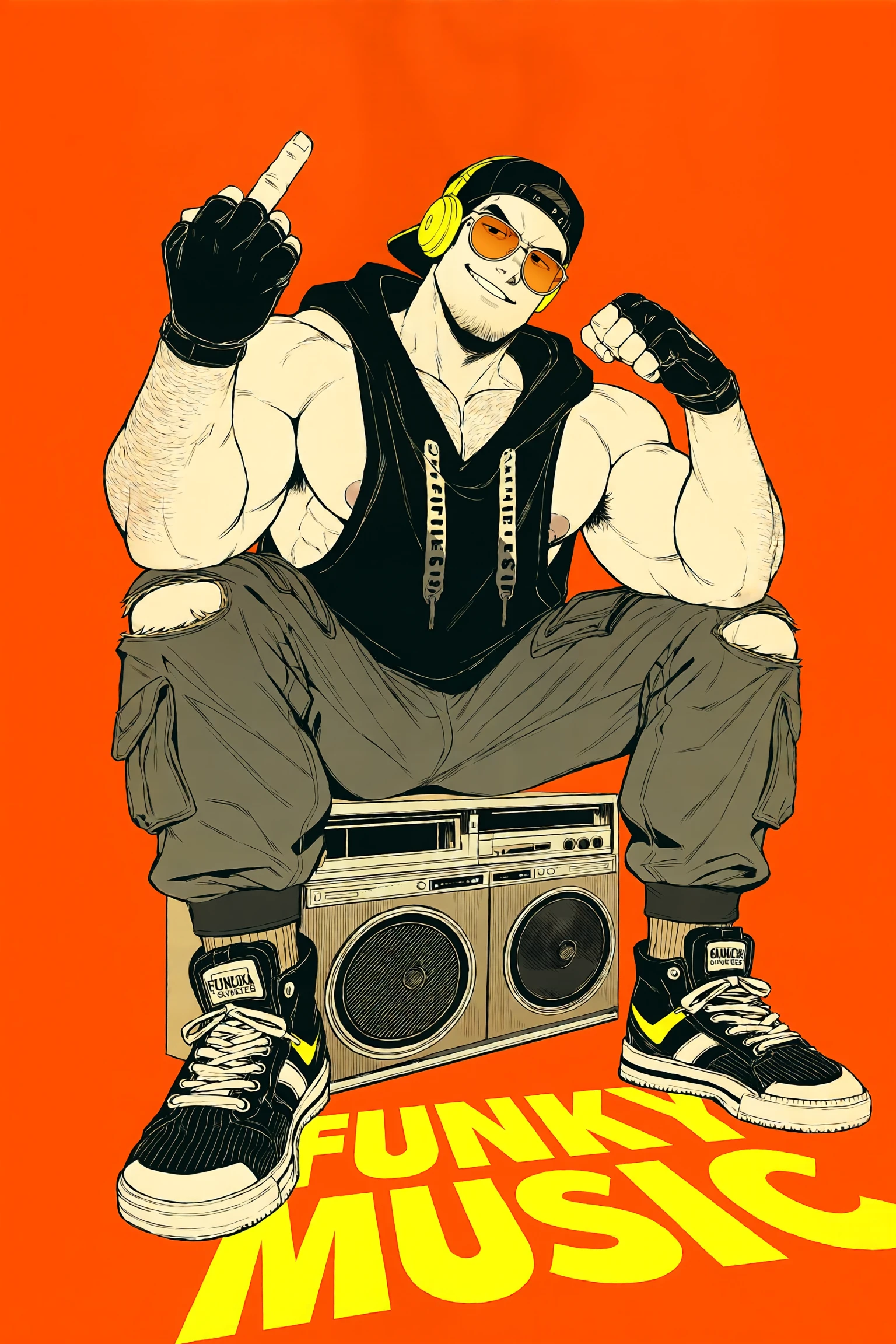
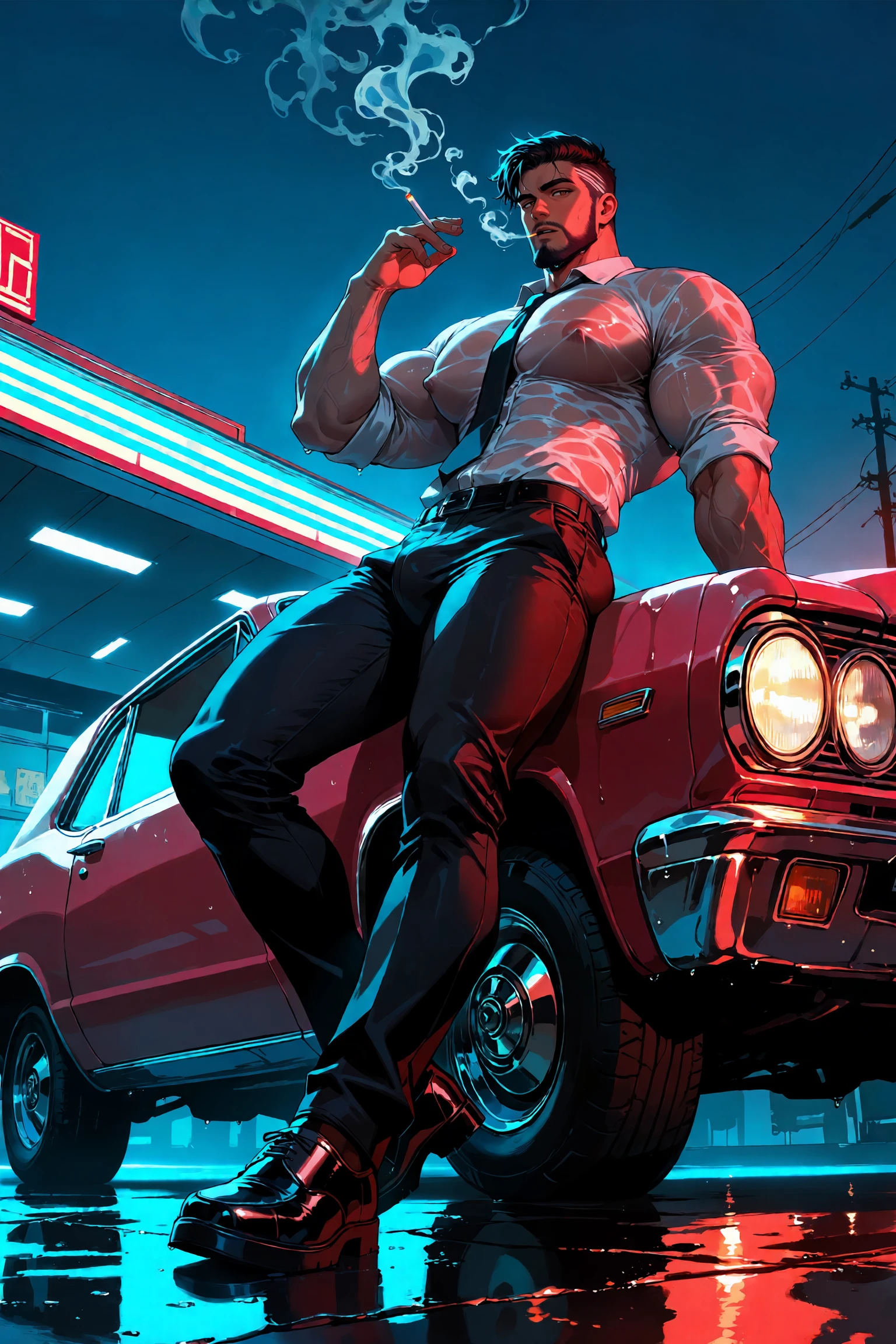
Note: Preview images are generated without the use of LORAs on ForgeNeo
Anima ver.
About
[Version v1.0 - 17/6/2026]
This is my first attempt at an Anima-based checkpoint model, and it is very different from SDXL models, so I'm still not sure how it'll perform for other people. This is based on the initial full release of Anima base-v1.0 model, so the same licensing and permissions applies. As usual with all of my checkpoint models, I try to make them more male focused, specifically with bara body types. But you can still get twink and bishounen characters with the right prompts.
And for people who are new to Anima models, the prompting is pretty similar to Illustrious XL and NoobAI models. The main difference is Anima is better at handling natural language prompting than ILXL/NAI (see examples). It also uses primarily Danbooru and Gelbooru-style tags. Unlike NoobAI models, they don't use e621 datasets, so their tags don't work. Artist style tags works similarly to ILXL/NAI models, but you have to add @ in front of the artist name. So instead of dizdoodz, it has to be @dizdoodz. Character tags work the same way with ILXL/NAI.
As I have mentioned earlier, this is my first attempt, so I'm still very inexperienced with Anima. If you encounter any issue I welcome any feedback and I will attempt to improve and refine them in future updates.
Tips and Usage
Unless you're using Civitai's generator, you'll need either ComfyUI or ForgeNeo to run it. Check the official Anima model page [HF] for the required text encoder and VAE file that's necessary to run it.

My Settings
Resolution: between 512^2 and 1536^2
            but my go-to resolution is 1024x1536
Sampling Method: - ER SDE (my go-to default sampler)
                 - Euler a (cleaner and smoother, better for anime styles)
Sampling Steps: 25 - 35
Upscaler: R-ESRGAN 4x+ Anime6B
CFG Scale: 4 - 6
Hires fix: upscale - 1.5x
           upscaler - R-ESRGAN 4x+ Anime6B
           denoising - 3.5 - 4
Note: Do NOT go over 1.5x for the upscale or your image will get messed up.
Positive Prompt:
masterpiece, best quality, very aesthetic, extremely detailed, score_7Negative Prompt:
worst quality, low quality, lowres, score_1, score_2, score_3, jpeg artifacts, bad , watermark, artist name⚠️DISCLAIMER⚠️
Please do NOT generate with this model. You are solely responsible for any unethical use of this model(s)
Model License
Description
FAQ
Details
Files
Available On (1 platform)
Same model published on other platforms. May have additional downloads or version variants.