
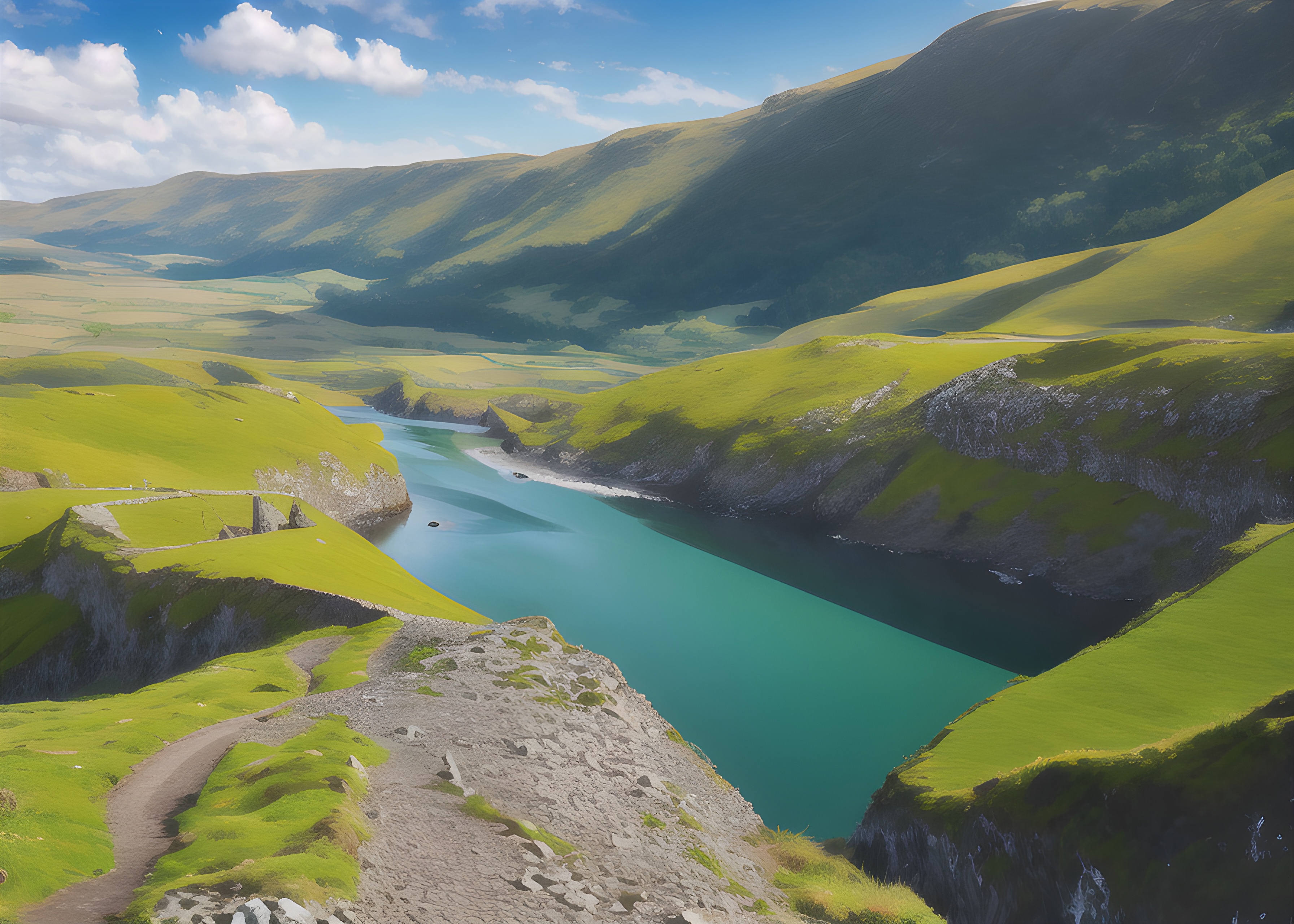
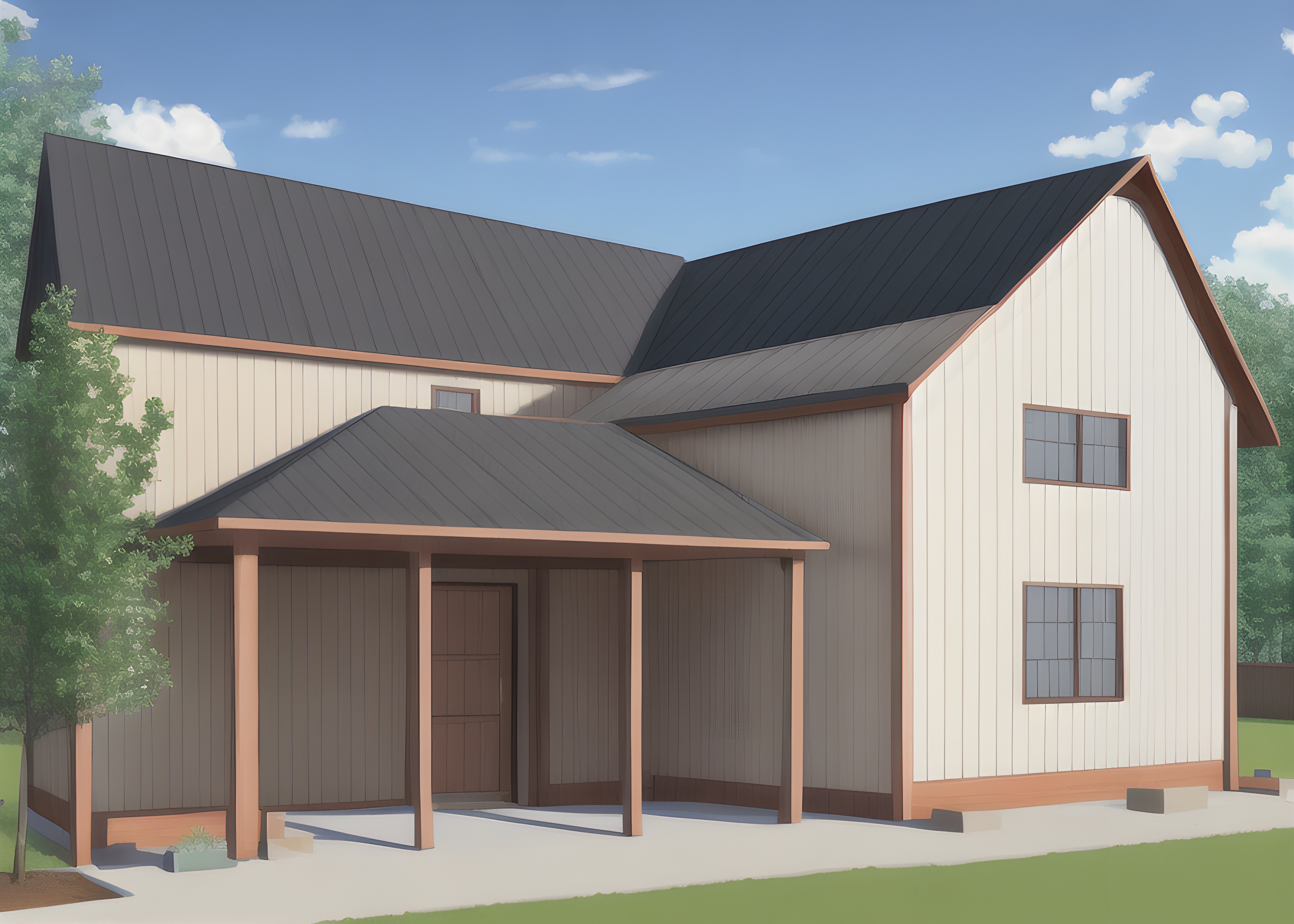
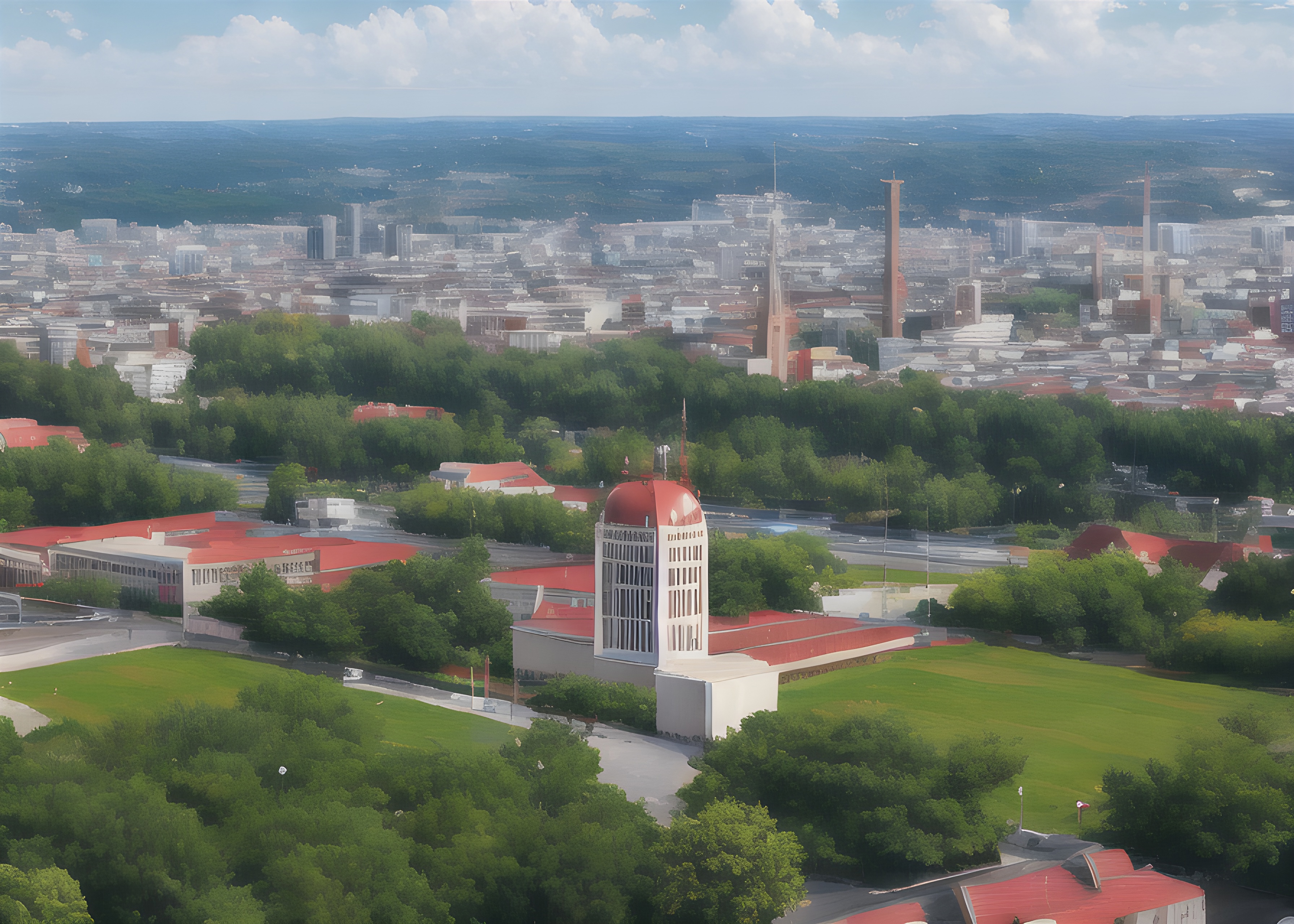
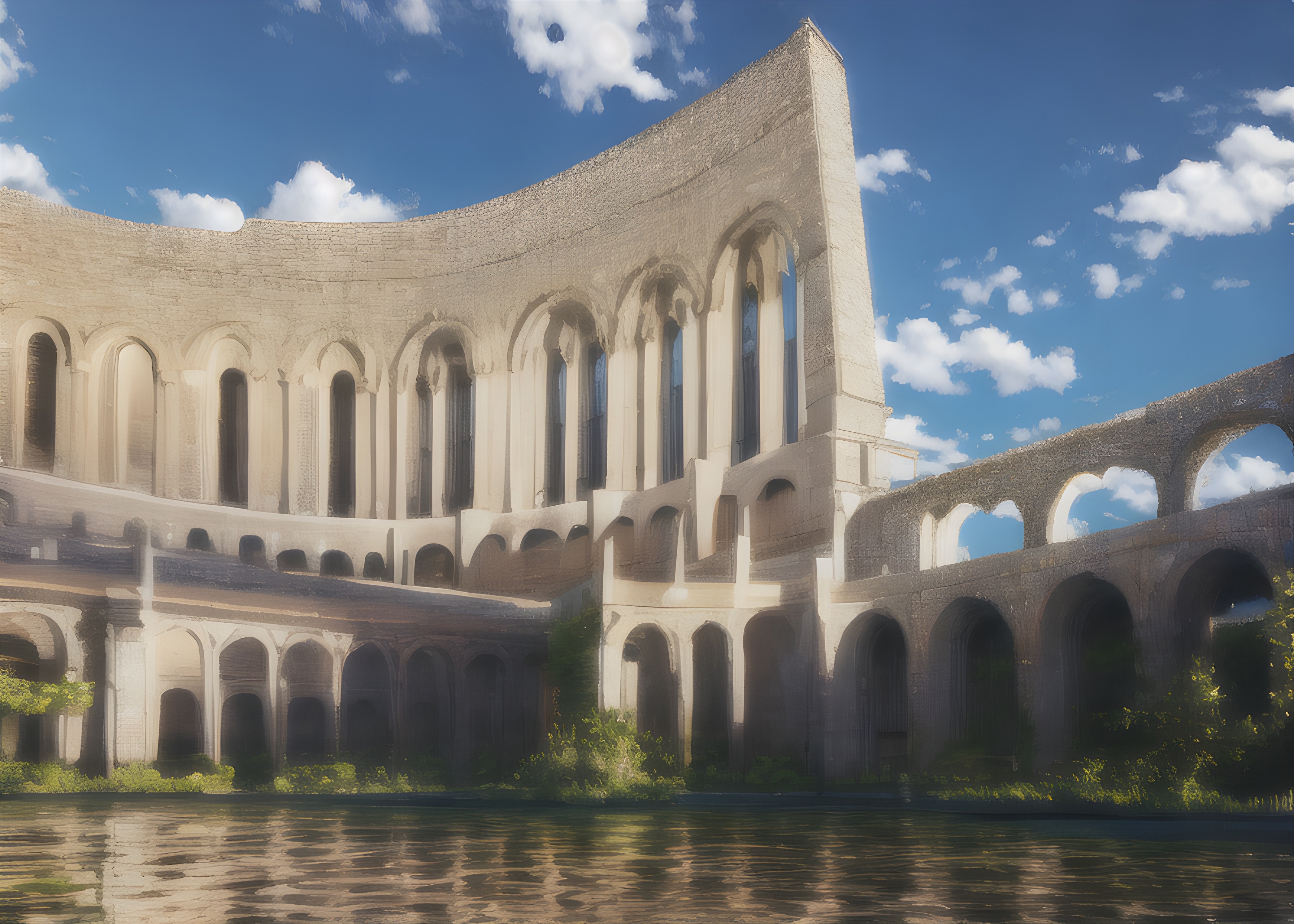
CLICK 2.4 TAB For PHOTOREALISM MODEL - IT WAS ASKED FOR AND IVE DELIVERED (HOPEFULLY) - 2.5 (FULL SIZE ALSO - DREAMBOOTH1.CKPT ADDED) 16.5GB DONT COMPLAIN ABOUT THE SIZE OF 2.5 - ONLY FOR THOSE THAT REALLY WANT A POWERFUL MODEL AND DONT CARE ABOUT FILE SIZE
VERSION 2.3 HAS ARRIVED, PLEASE ENJOY (CONTROLNET BAKED IN FOR IMPROVED IMAGE GENERATION + KADINSKY MODEL ADDED FOR QUALITY BOOST). For 2.3 you will need to make sure both the safesensor and yaml config file are downloaded and installed in the same directory or you wont get the proper results. this is because of multi language support built into the model based on the alt-diffusion model - mostly for chinesse, french, spanish and a few other language specific models that can work with english and vise versa.
Easy Diffusion Can we downloaded here, they are currently looking for developers who can code up contributions to merge LORA files directly into main models in an easy way, something that should be possible but automatic1111 doesnt have yet. U can add a comment on the pull reques there cmdr2/stable-diffusion-ui: Easiest 1-click way to install and use Stable Diffusion on your own computer. Provides a browser UI for generating images from text prompts and images. Just enter your text prompt, and see the generated image. (github.com) and download it too. Its easier to get into for newbies than other stable diffusion programs
Currently sitting at 1390 Model Merges, Im happy for other model users to use this model for mergers, it is a very powerful beast that gets results
Both fp16 versions can be found across the left tabs where versions are now listed on civitai.com after their recent website update. A 32 and 16fp sized file (yes they are big please do not clutter up comments about size , it is what it is if its to much then just pass on the model
works fine with easy diffusion UI as well - which is the program i use to run it, automatic1111 and stable diffusion WebUI are fine with the config file placed alongside the saftensor - config file will be in a light blue message on the upper right side of this page on the download screen.
To find other models search for "mega model" or search my username info.
Credit to all the model makers, merges and the community in general without which this wouldnt be possible. Hope u all enjoy it and feel free to merge it into your own models as well - im interested to see what people do with this (this is a general acknowledgement to all model producers here, because if i listed 1700 models that have been merged there wouldnt be enough space and there would be complaints about clutter) so the above is a general acknowledgement to all of civitai and huggingface model producers
My username is u/ollobrains on reddit if u have any questions u can drop me a line there - Donations can be made here Buy asmrgaming a Coffee. ko-fi.com/asmrgaming - Ko-fi ❤️ Where creators get support from fans through donations, memberships, shop sales and more! The original 'Buy Me a Coffee' Page.
Description
32fp file, unpruned, but is now slimmed down with automatic1111 with "no junk" as the size detractors like to call it ( i still have the larger model) but for the most community members to play with this
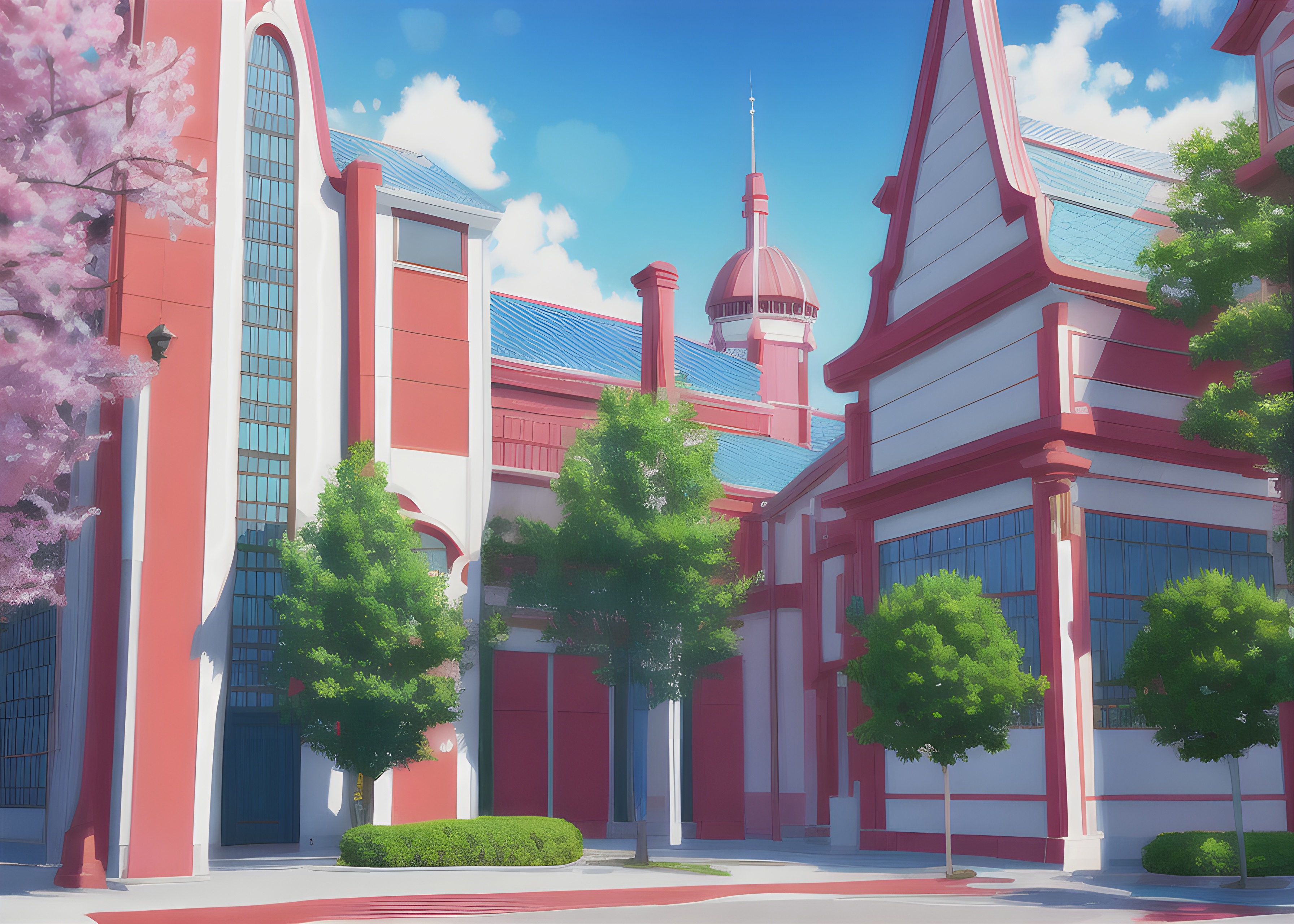
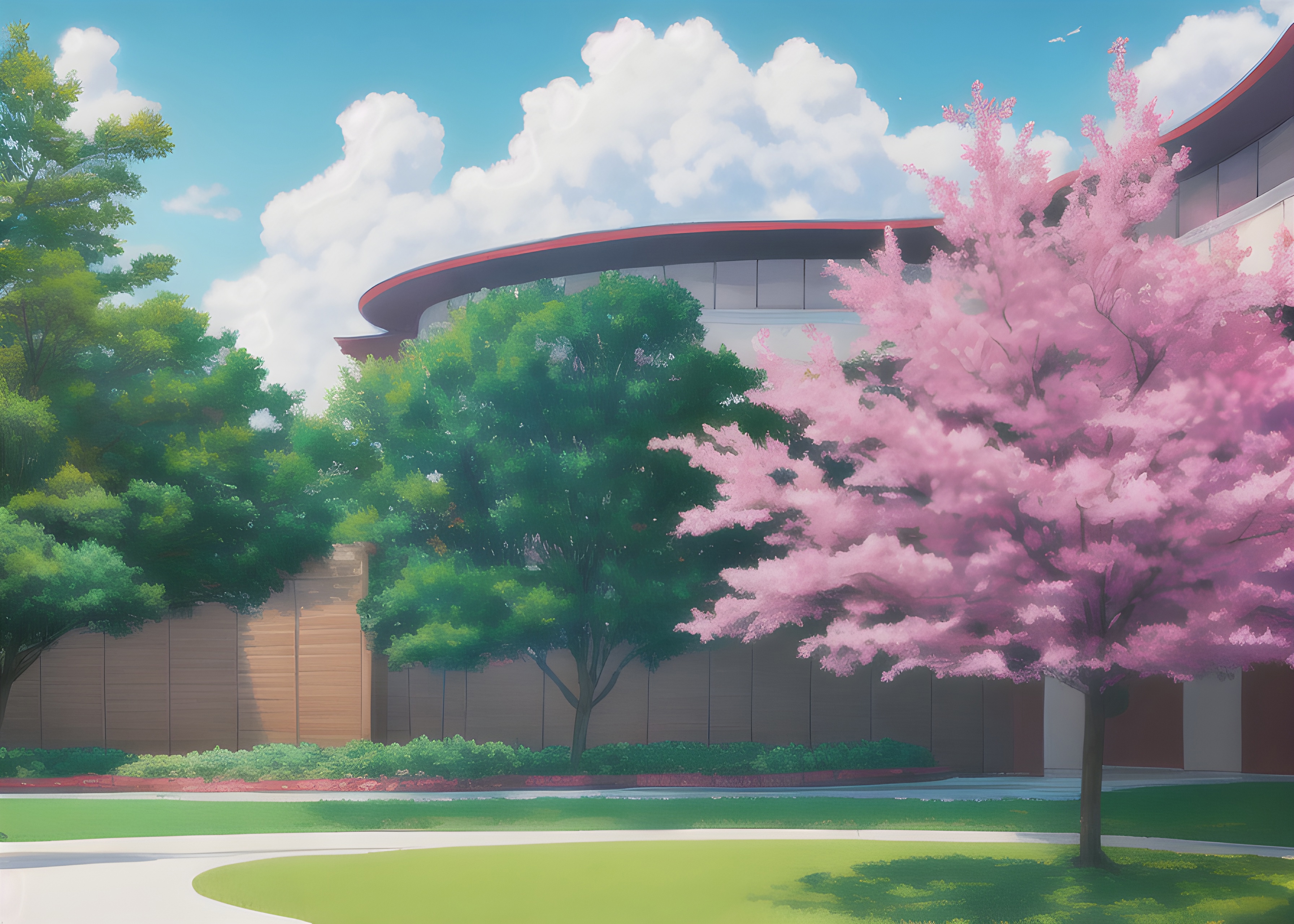
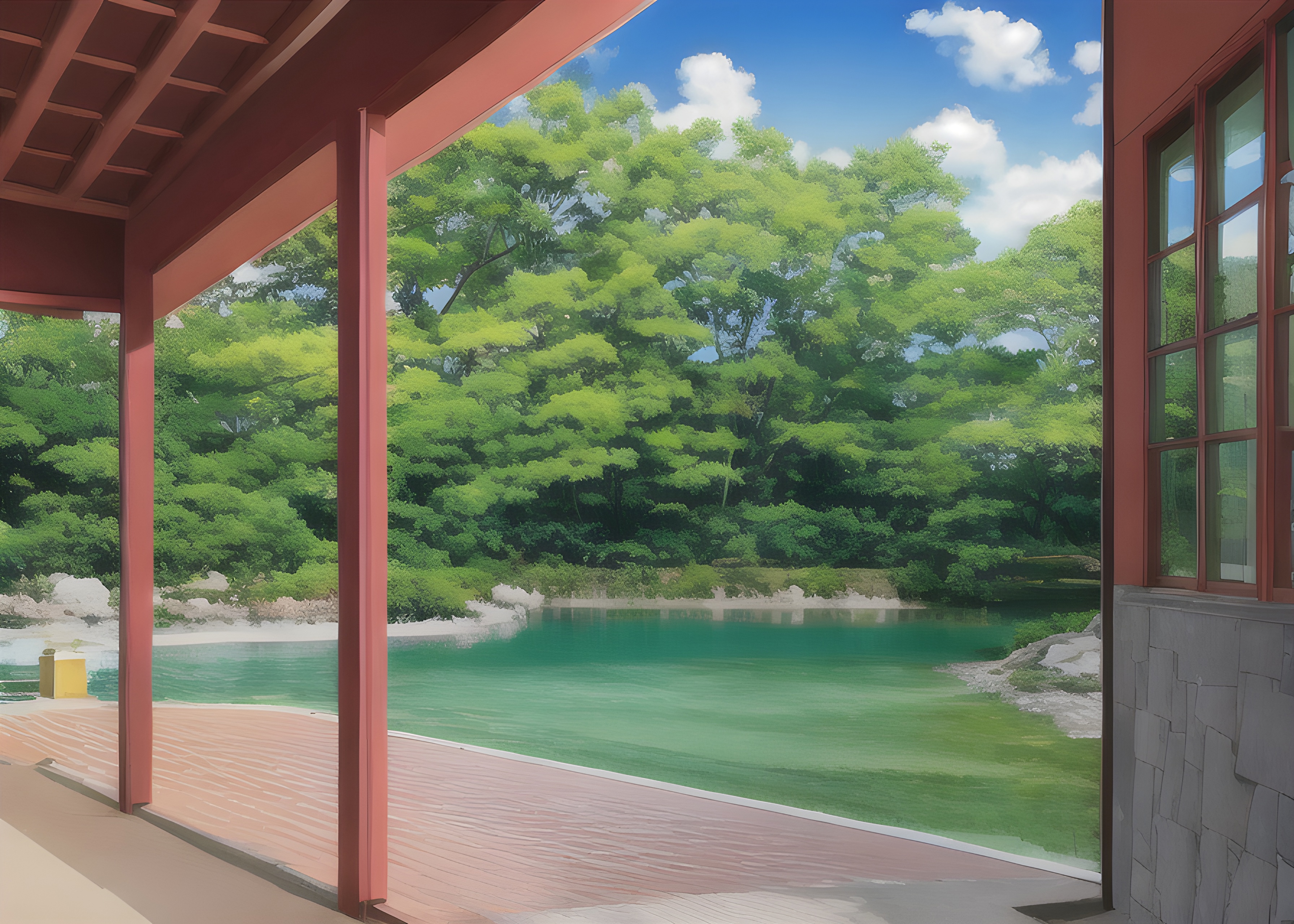
it is well over 4000 merges at this point. this one is semi realistic, semi realistic anime, backgrounds are more high detailed brushstroke. It is kinda where all the models land when u throw in a lot of high quality photo realistic, high quality anime and an assortement of other random and some pretty niche community models. No config file is needed either for this one
FAQ
Details
Files
Available On (13 platforms)
Same model published on other platforms. May have additional downloads or version variants.