ANNOVision - Unleash Your Inner Icon
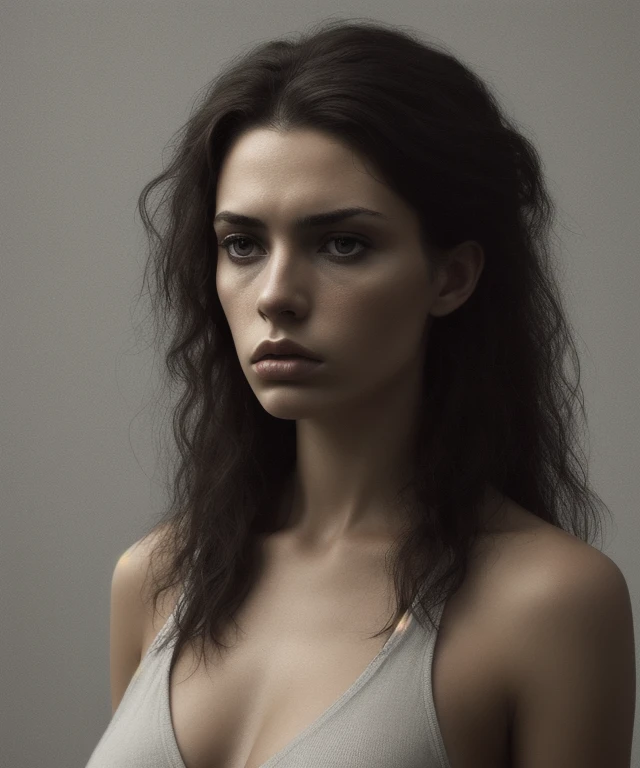
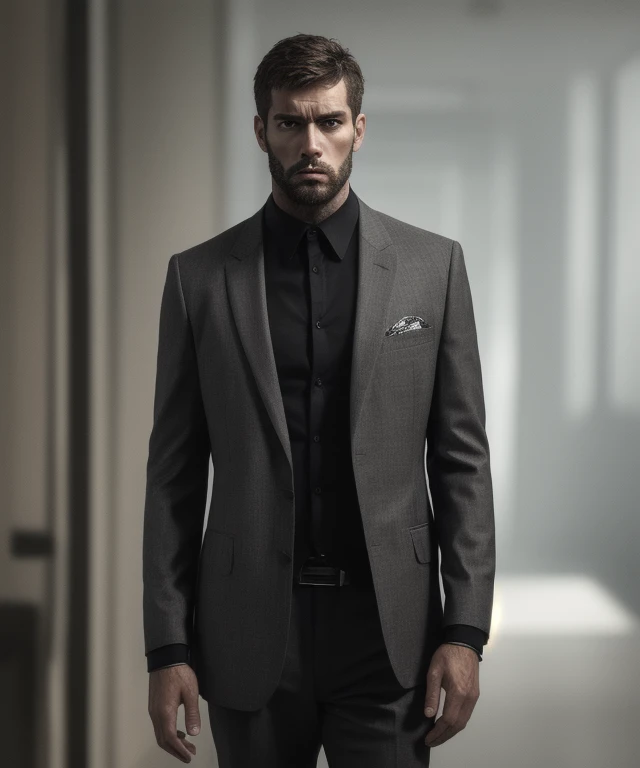
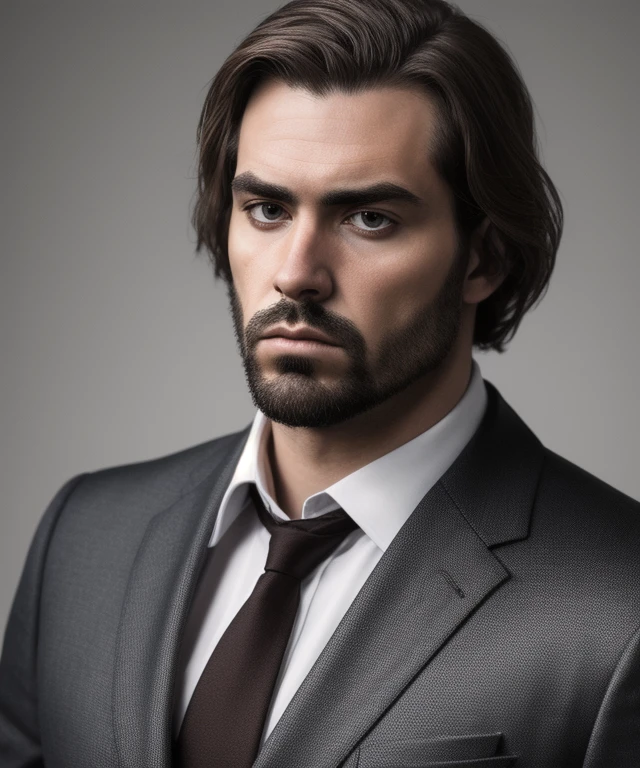
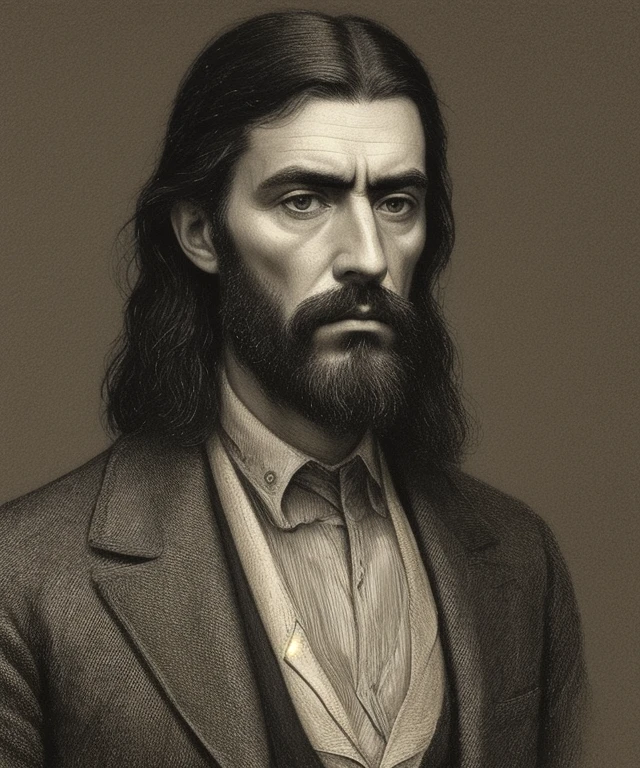
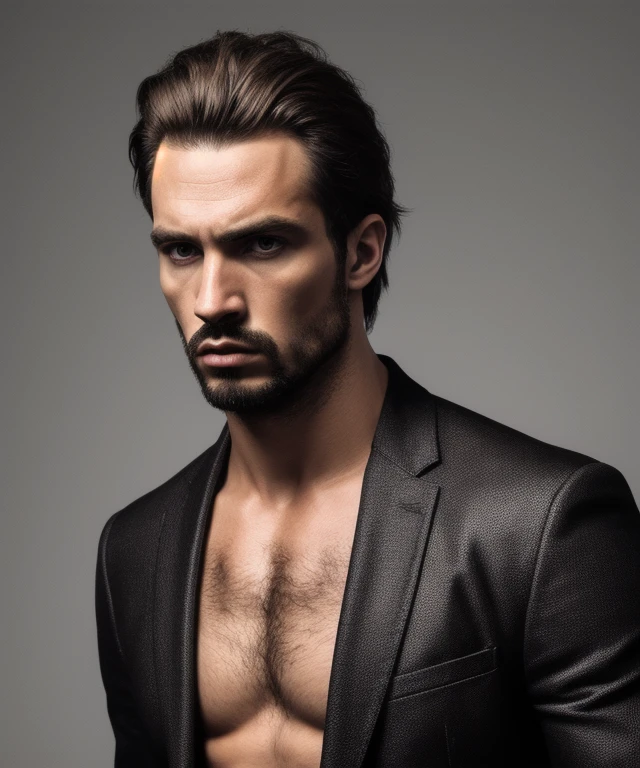
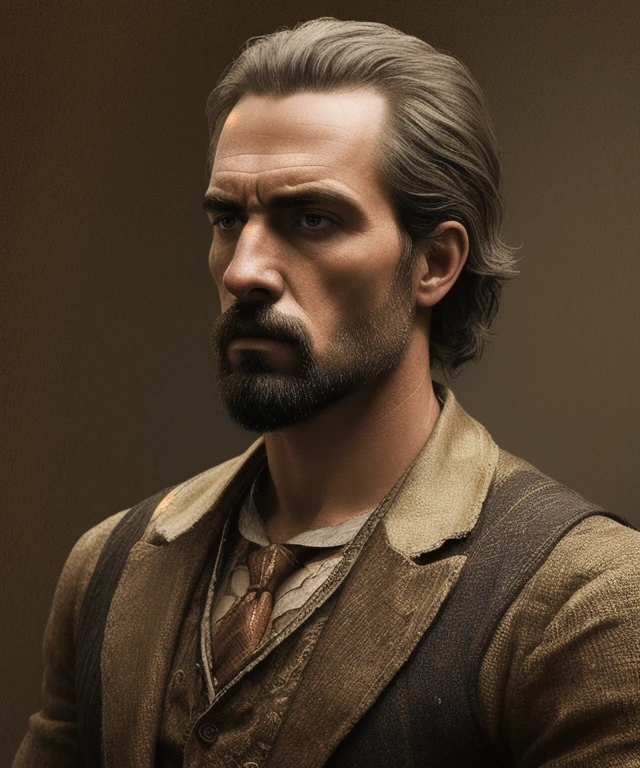
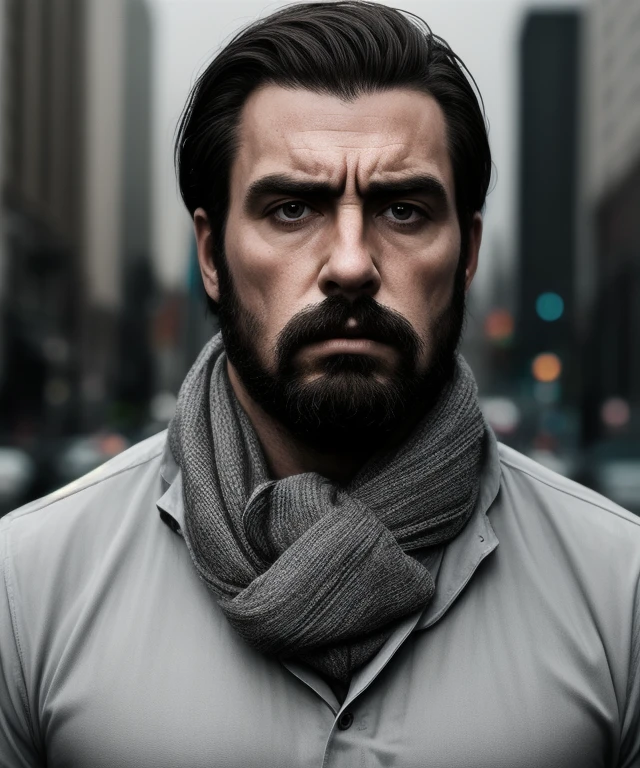
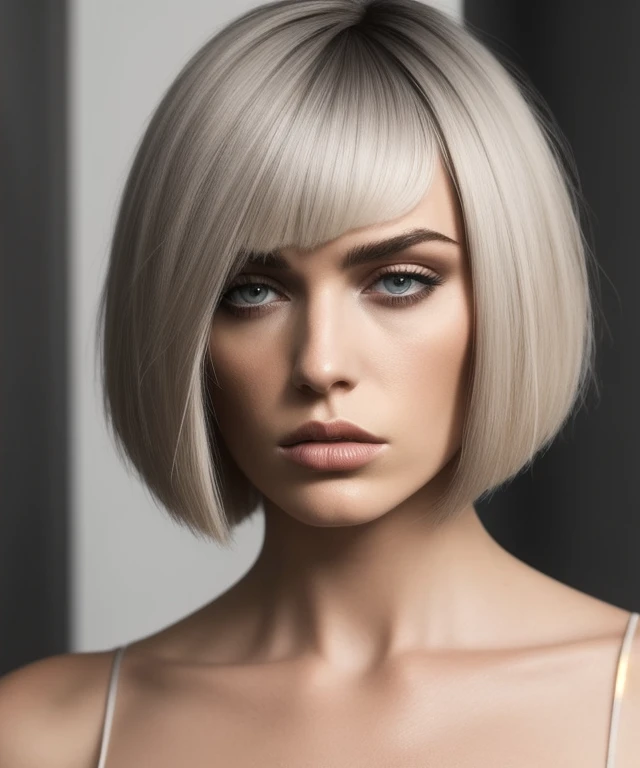
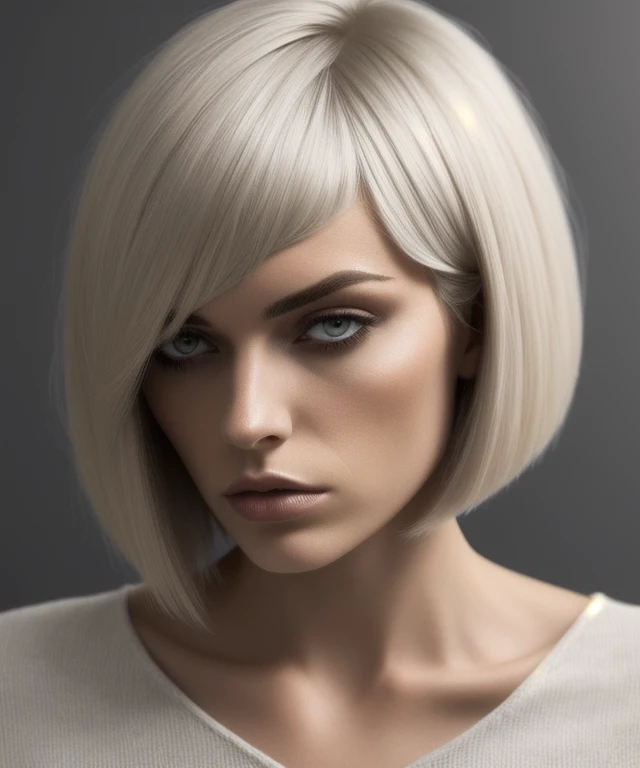
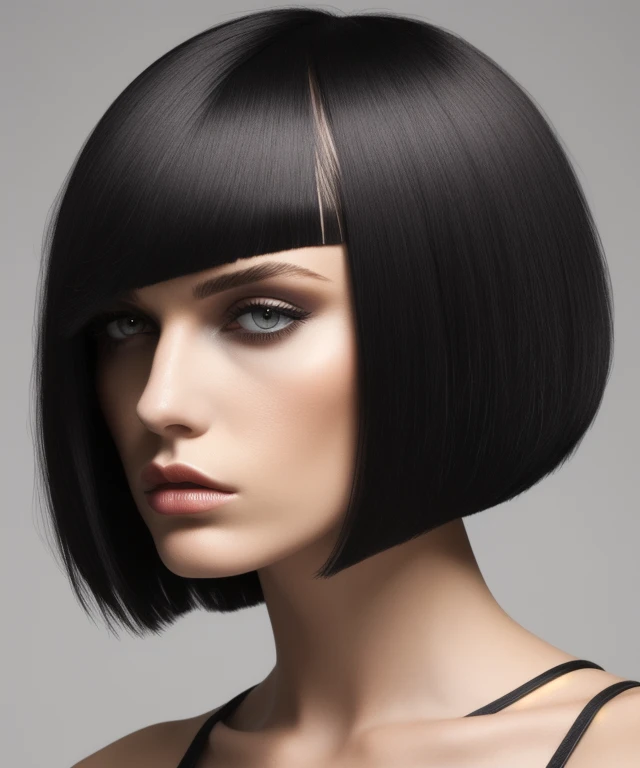
ANNOVision is an AI model designed to transform ordinary photos into stunning, stylized images that evoke the glamour and sophistication of a professional photoshoot. This model specializes in enhancing your features, adding a touch of high-fashion flair, and creating visuals that capture the essence of modern style. Imagine yourself stepping out of a fashion magazine – ANNOVision can make it a reality.
ANNOVision is perfect for:
Social Media: Create profile pictures and posts that exude confidence and style.
Personal Branding: Develop a polished and professional image for your online presence.
Fashion and Beauty Enthusiasts: Experiment with different looks and styles without the need for a full photoshoot.
Creative Expression: Explore the intersection of AI and aesthetics to create unique and visually captivating artwork.
How to Use ANNOVision:
Clip Skip: 1-12 (Experiment to find the setting that works best for your images)
Sampler: Euler a, DDIM, DPM++ 2M Karras, UNI_PC (Try different samplers to explore varied styles)
CFG Scale: 7-15 (Adjust to control the strength of the stylistic enhancements)
Steps: 20-40 (More steps can lead to more refined results)
Hires Fix: Recommended for upscaling and enhancing the final image. Use a high-quality upscaler like "8x_NMKD-Superscale" or "Latent."
VAE: A good VAE can further enhance the quality and style of the generated images.
Size: Start with a reasonable resolution and upscale with Hires Fix for optimal results.
Scheduler: Normal, Exponential, Karras
Example Prompts:
Positive: A portrait of a woman with glowing skin and perfectly applied make-up, wearing a stylish outfit, professional lighting, fashion photography
Negative: cartoon, drawing, painting, sketch, blurry, distorted, amateur, low quality
Tips for Success:
Use high-quality source photos for the best results.
Be descriptive in your prompts, specifying desired make-up styles, outfits, and overall aesthetic.
Experiment with different CFG scales and step counts to fine-tune the level of styling.
A good VAE can make a significant difference in the final output.
You can also support me with a cup of coffee Support AINNO on Ko-fi! ❤️
You can also make me an offer.
Description
Details
Files
Available On (1 platform)
Same model published on other platforms. May have additional downloads or version variants.