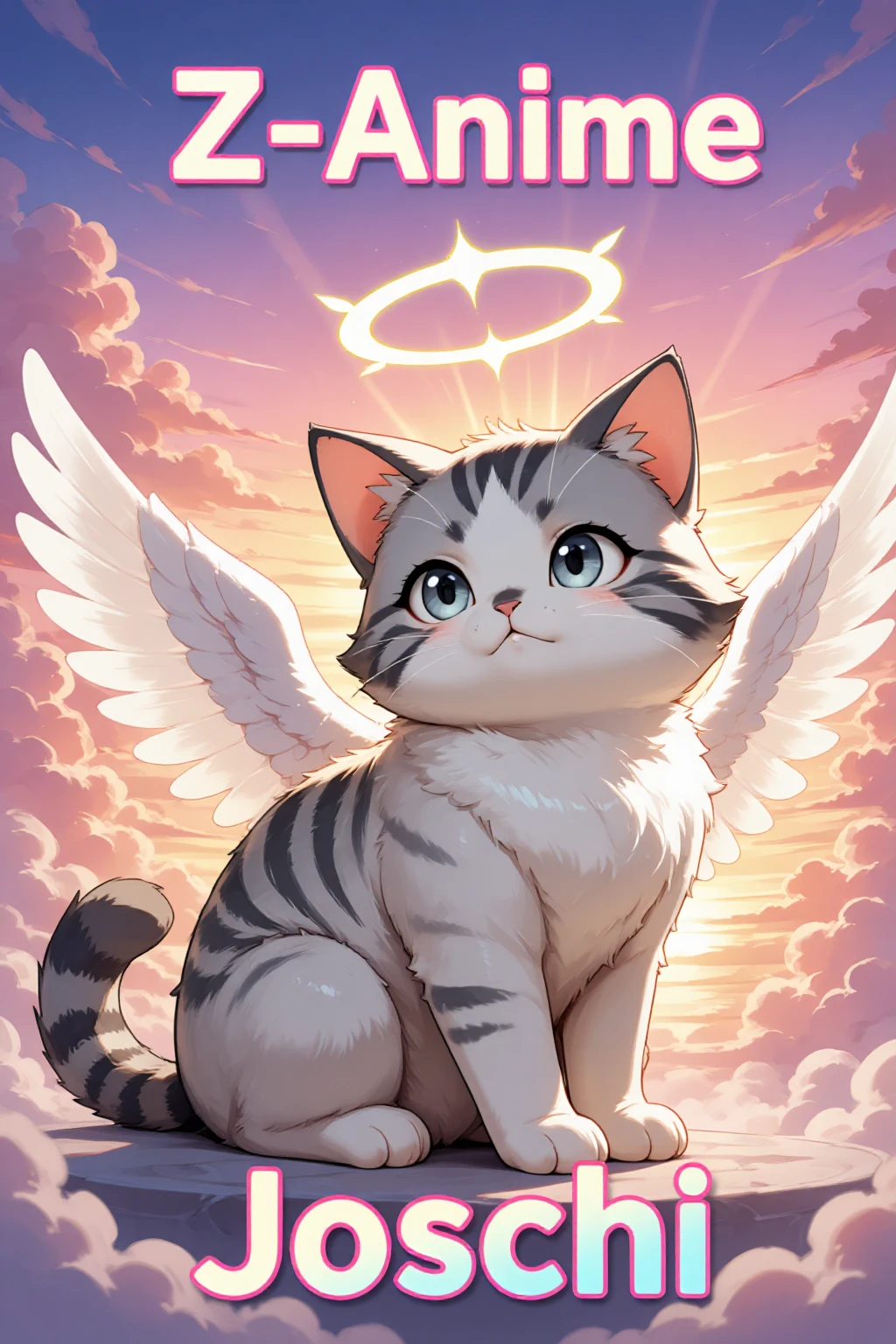
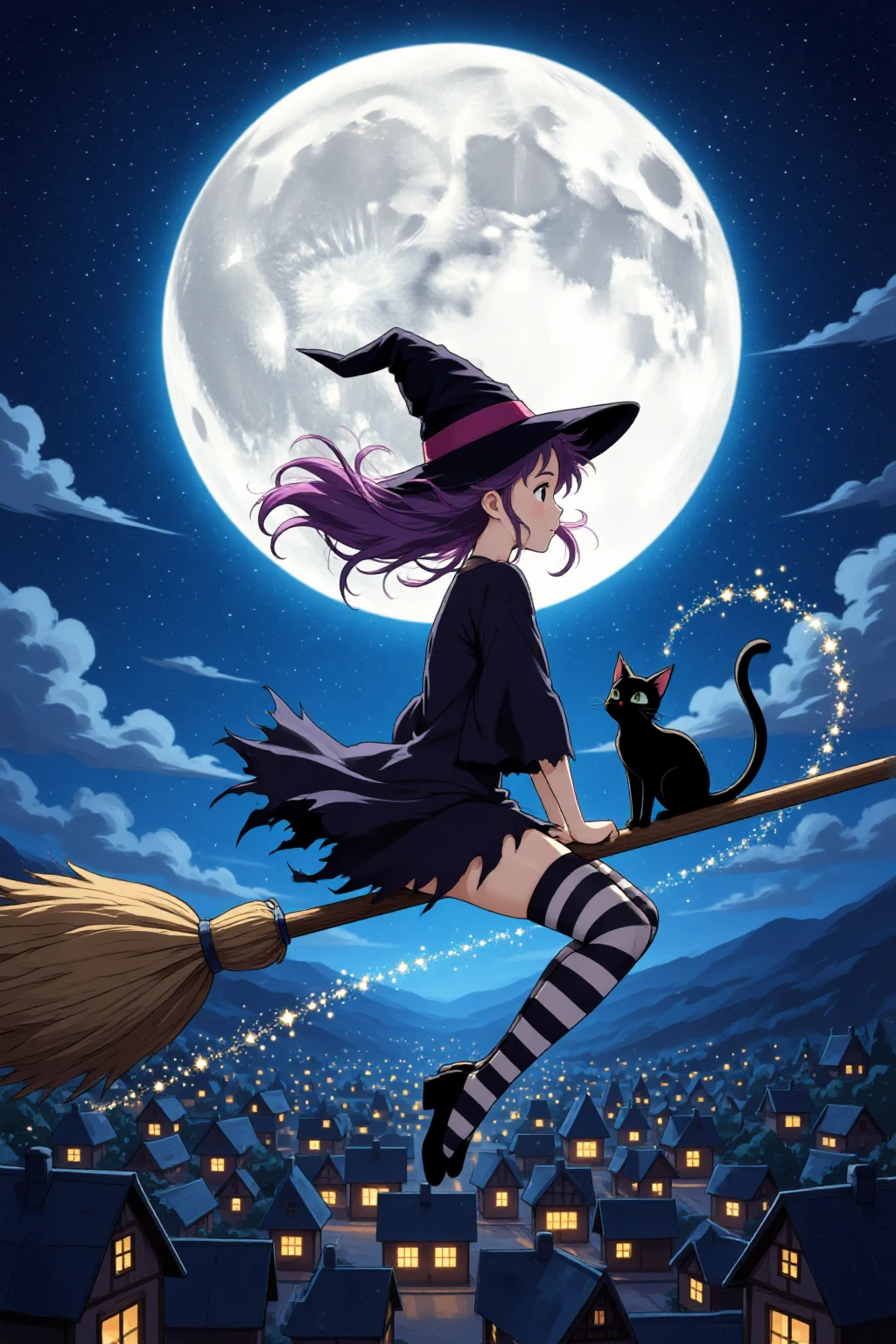
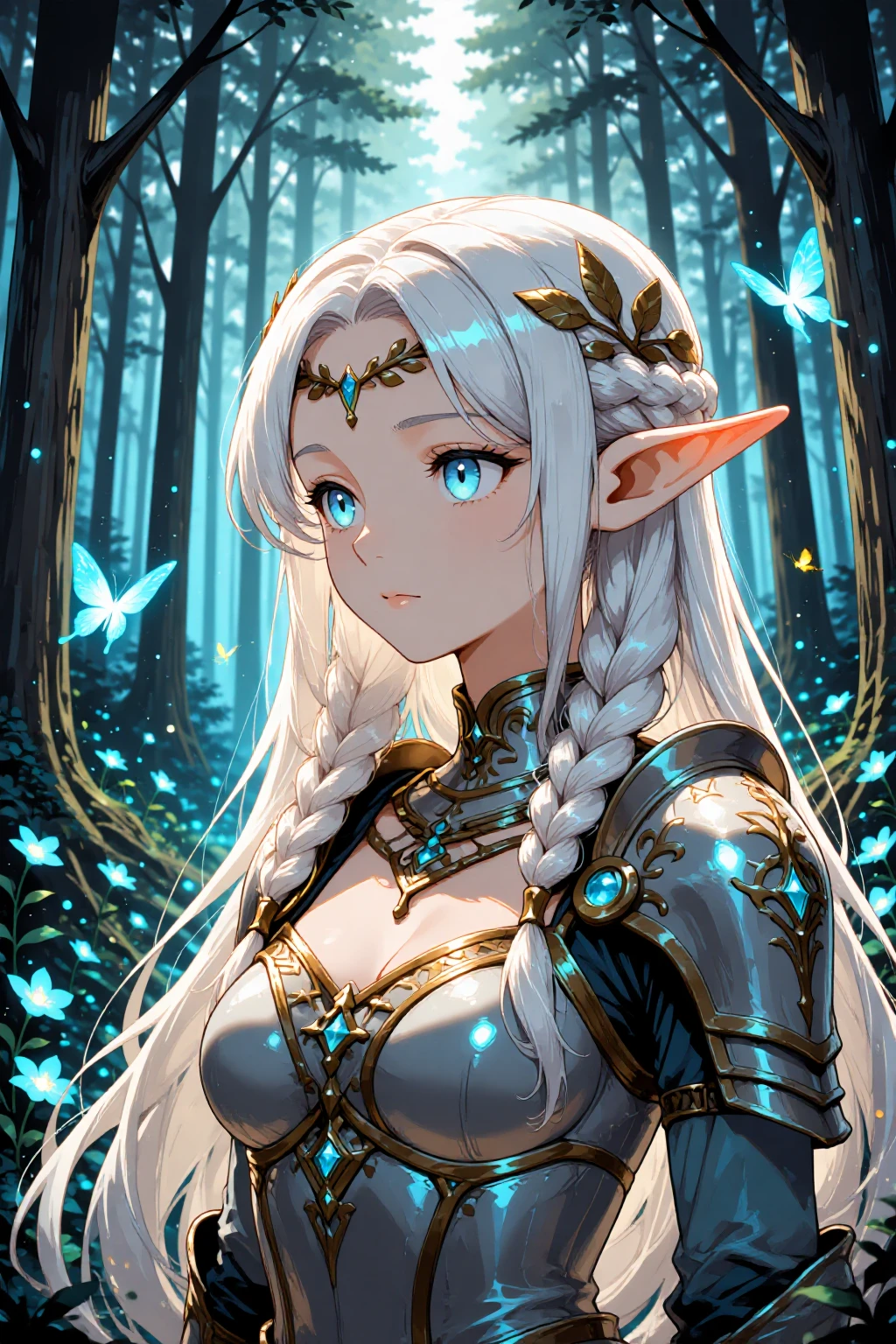
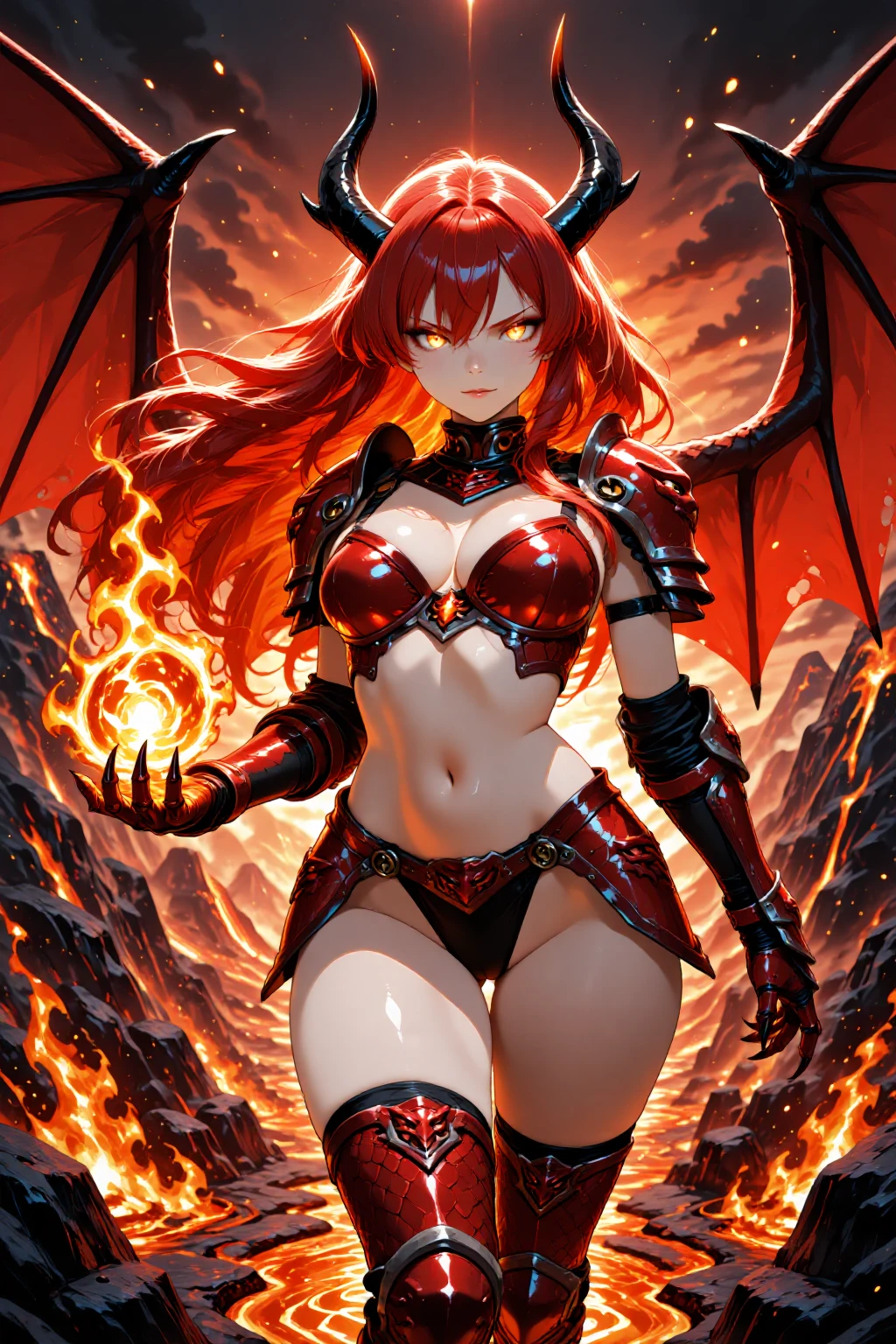
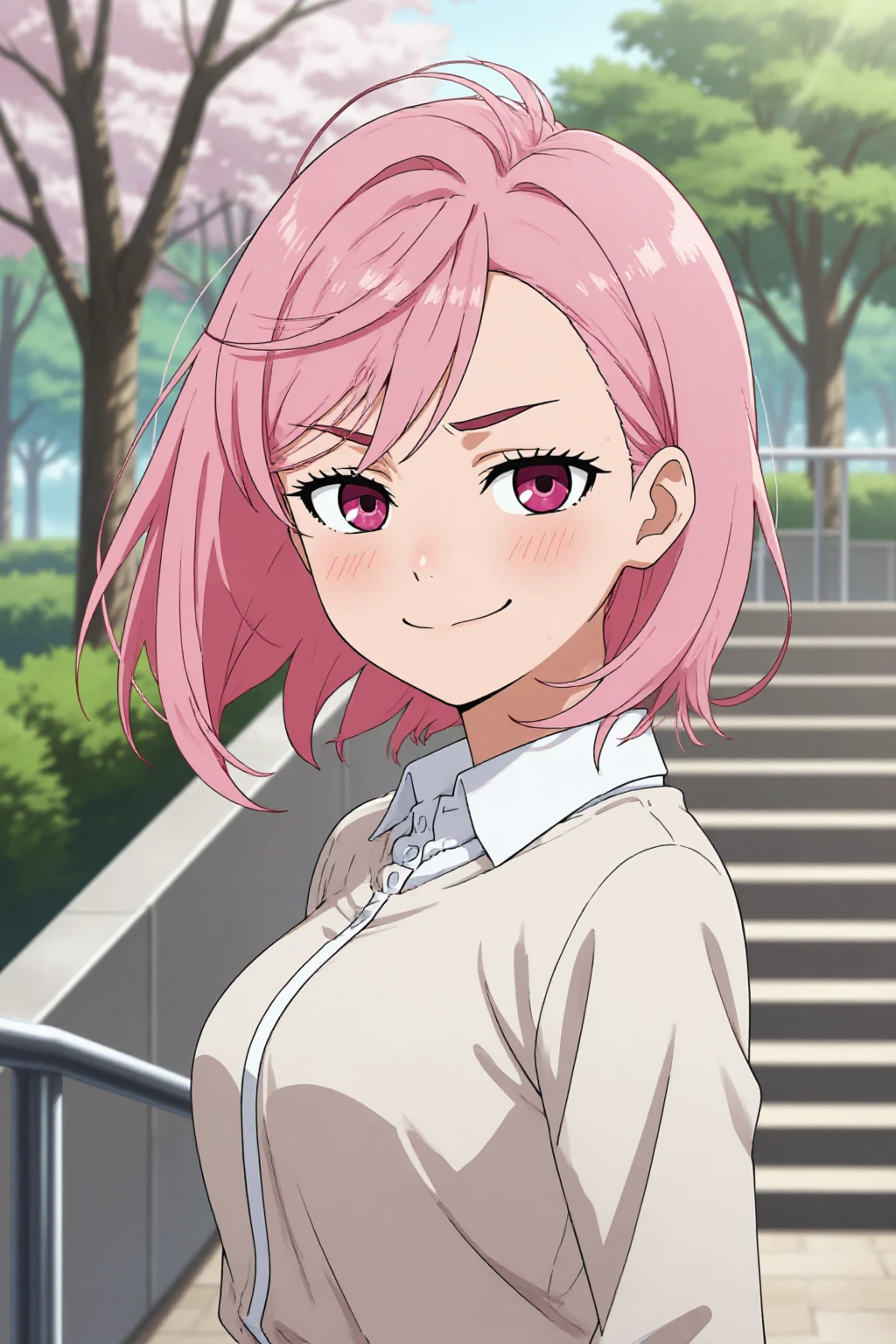

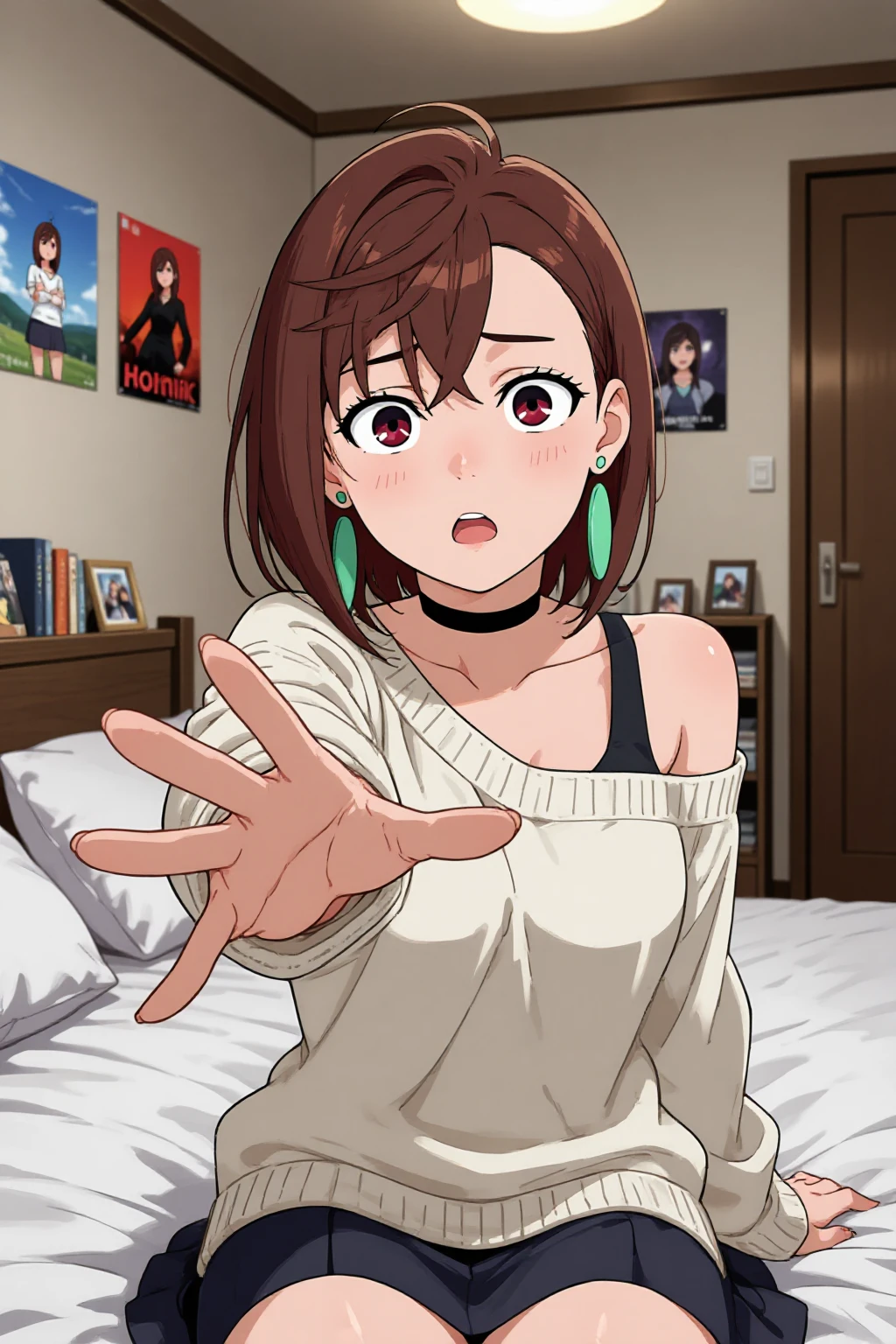
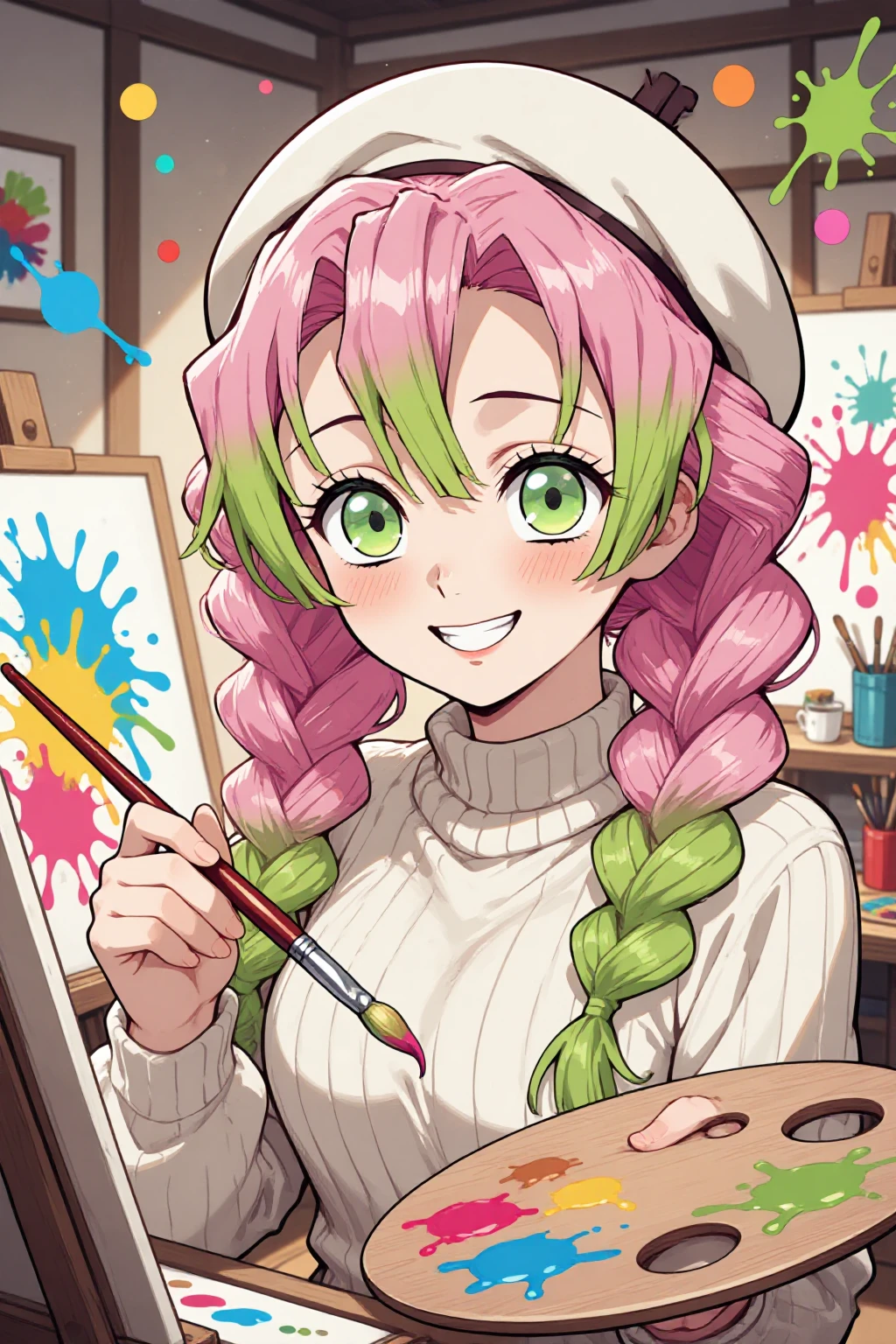
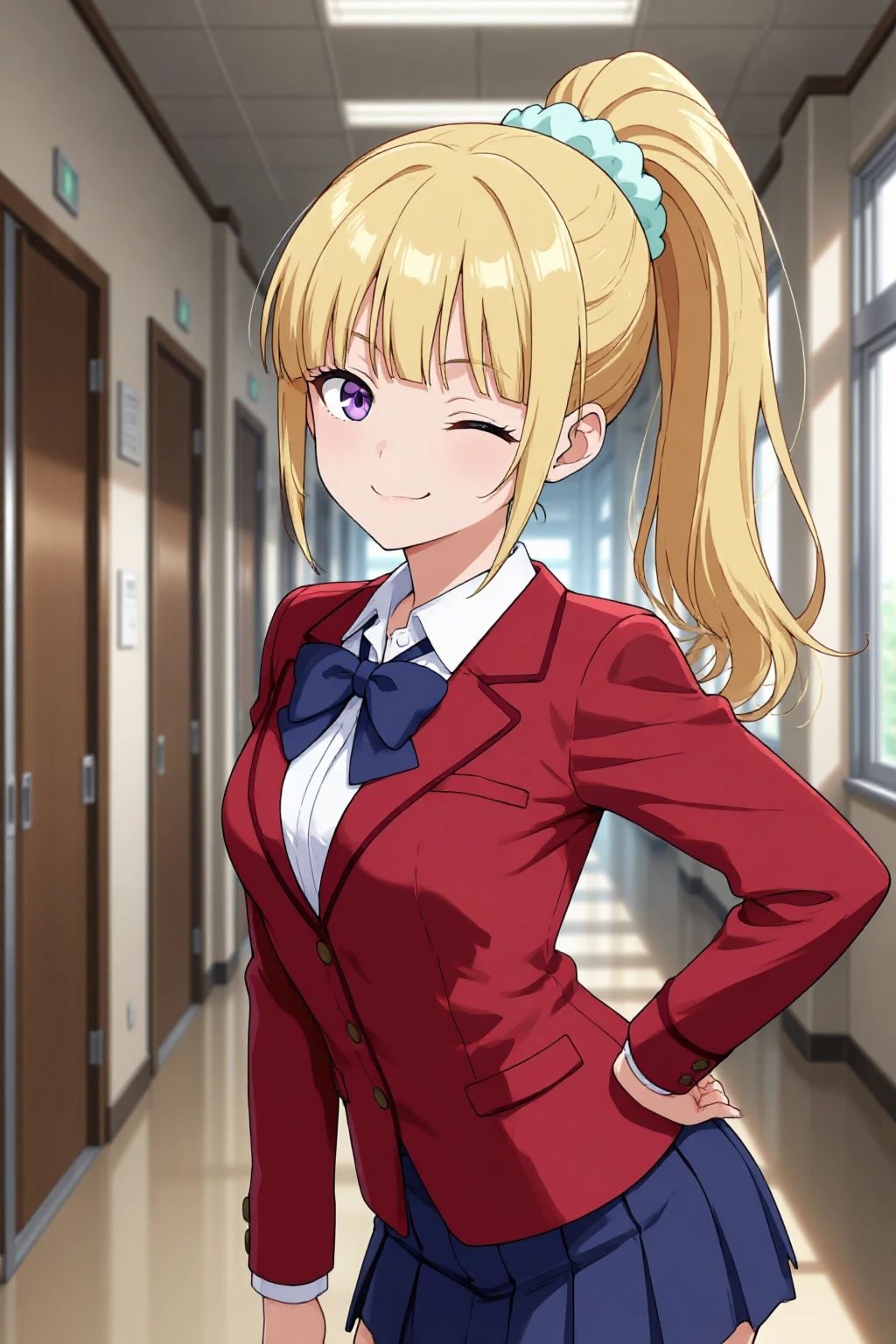
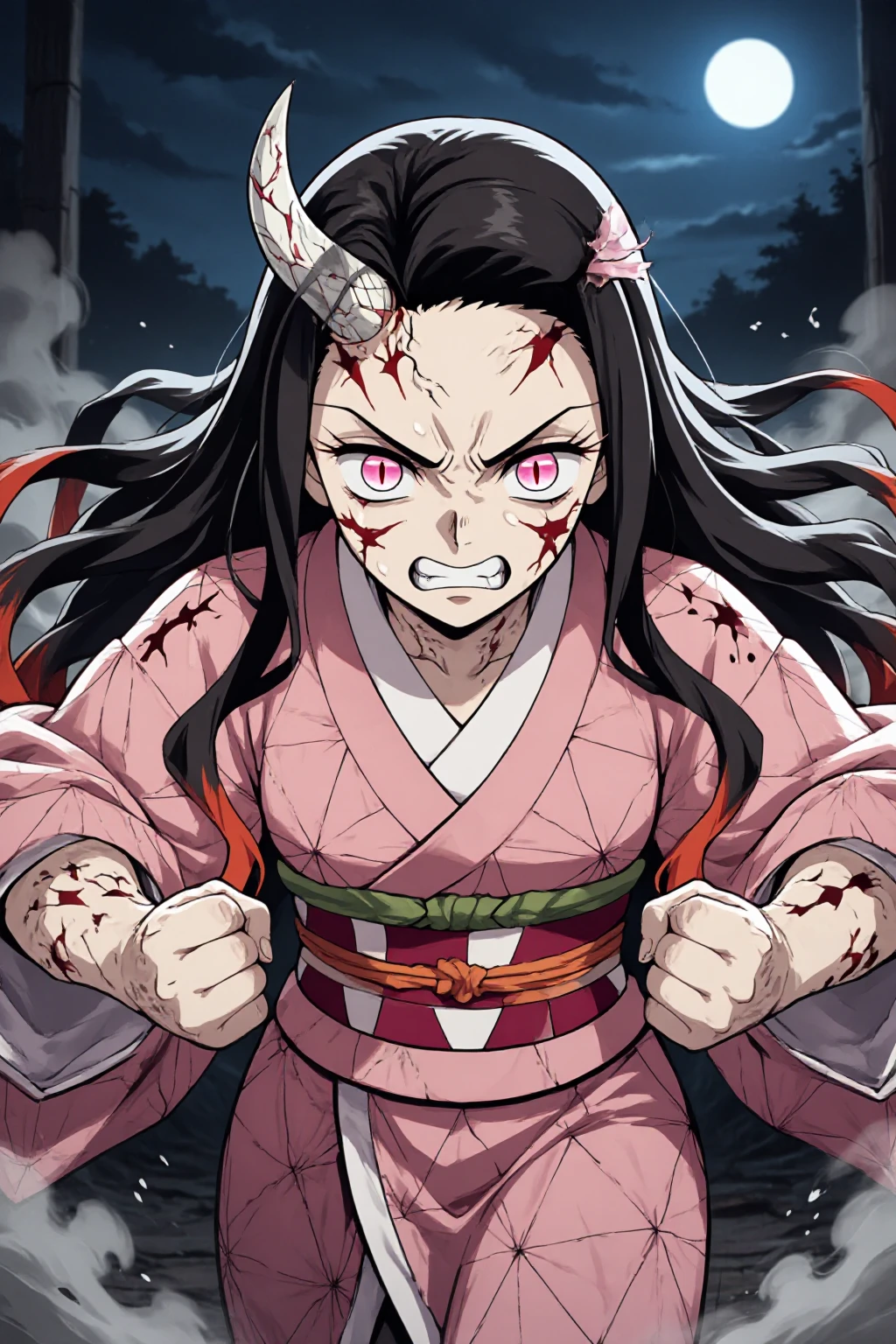
🎌 Z-Anime | Full Anime Fine-Tune on Z-Image Base
Full Fine-Tune • Rich Aesthetics • Strong Diversity • Full Negative Prompt Support
BF16 & FP8 • Natural Language Prompts • 8GB VRAM
✨ What is Z-Anime?
Z-Anime is a full fine-tune of Alibaba's Z-Image (Base) architecture — not a LoRA merge, but a completely retrained model optimized for anime aesthetics from the ground up.
Built on the S3-DiT (Single-Stream Diffusion Transformer) with 6 billion parameters, Z-Anime inherits everything that makes Z-Image Base special: rich diversity, strong controllability, full negative prompt support and a high ceiling for fine-tuning — now fully tuned for anime.
This page contains all three variants:
🎌 Z-Anime Base — Full quality, full control, full creativity ⚡ Z-Anime Distill-8-Step — Great results in 8 steps 🚀 Z-Anime Distill-4-Step — Maximum speed, 4 steps
Each variant is available in BF16 (~12GB) and FP8 (~6GB).
🎯 Key Features
✅ Full fine-tune on Z-Image Base — not a LoRA merge
✅ Rich anime aesthetics with strong style diversity
✅ Natural language prompts — detailed descriptions, not tag lists
✅ High diversity across characters, poses, compositions and layouts
✅ LoRA training ready — perfect base for further fine-tuning
✅ Partially NSFW capable
✅ 8GB VRAM compatible
✅ All variants supported by the official Z-Anime ComfyUI Workflow
🗺️ Z-Anime Roadmap
✅ Released
🎌 Z-Anime Standard
Full fine-tune on Z-Image Base — BF16 & FP8 → Available now on CivitAI
⚡ Z-Anime-Distill-8-Step
BF16 & FP8 Fast anime in 8 steps, CFG 1.0
🚀 Z-Anime-Distill-4-Step
BF16 & FP8 Ultra-fast, 4 steps, CFG 1.0
🔜 Coming Soon
🔧 Z-Anime ComfyUI Workflow
Official workflow — supports all variants
🎲 Upload Diffusers folder to Hugging Face
🔮 Planned
📦 GGUF Variants
all versions For low VRAM and CPU inference
📦 AIO Versions
all versions VAE + Text Encoder integrated, single file
More updates coming — follow to stay notified! 🎌
📦 Versions Overview
🟢 BF16 (~12GB)
Maximum precision. BFloat16 format, no quality compromise. Best for professional or commercial work and LoRA training. Still runs on 8GB VRAM.
🟡 FP8 (~6GB)
Recommended for most users. Half the file size, much faster downloads. Excellent quality, barely distinguishable from BF16. Perfect for everyday use and testing.
🎌 Z-Anime Base
The foundation of the Z-Anime family. A full fine-tune with the highest quality ceiling, the widest creative range and full negative prompt support.
Recommended Settings:
Steps:      28–50
CFG:        3.0–5.0  (up to 9.0 possible)
Sampler:    euler_ancestral
Scheduler:  beta
Negative:   strongly recommended — very responsive!
CFG Guide: 3.0–5.0 is the sweet spot for balanced quality and creativity. 5.0–7.0 gives tighter prompt adherence. 7.0–9.0 is for maximum control — watch for over-saturation. Above 9.0 is not recommended.
Negative prompts have full effect on Z-Anime Base. The official workflow ships with an optimized negative prompt ready to use.
⚡ Z-Anime Distill-8-Step
The sweet spot of the family. Distilled from Z-Anime Base, delivering strong anime results in just 8 steps. Much faster than Base while keeping most of the quality intact.
Recommended Settings:
Steps:      8
CFG:        1.0  (max ~1.5)
Sampler:    euler_ancestral
Scheduler:  beta
Negative:   limited effect
CFG Guide: Runs best at CFG 1.0 by design. Small nudges up to 1.3–1.5 are possible for slightly tighter prompt adherence. Do not go above 1.5 — artifacts may appear.
Negative prompts have limited effect at this distillation level. Use ConditioningZeroOut (included in the workflow) instead of writing a full negative prompt.
🚀 Z-Anime Distill-4-Step
The fastest Z-Anime variant. Built for maximum throughput — rapid prototyping, batch generation and situations where speed matters most.
Recommended Settings:
Steps:      4
CFG:        1.0  (max ~1.5)
Sampler:    euler_ancestral
Scheduler:  beta
Negative:   limited effect
CFG Guide: At 4 steps the model has very little correction room. Stay at CFG 1.0 for the most stable results. Nudging up to 1.3–1.5 is possible but increases instability. Do not go above 1.5.
Tips for 4-Step: Be specific and front-load the most important details early in your prompt. The optional upscaler (hires fix or SeedVR2) in the workflow is especially useful here to recover fine detail.
📐 Resolution Guide
⭐ Portrait: 832×1216 — Character art Landscape: 1216×832 — Scenes, backgrounds Square: 1024×1024 — General purpose Tall: 768×1344 — Full body, phone wallpaper Cinematic: 1920×1088 — Wide scenes, wallpapers High Quality: 1024×1536 — Detailed portraits
Supported range: 512×512 to 2048×2048, any aspect ratio. All resolutions run on 8GB VRAM.
💡 Prompting Guide
Natural language — not tag lists!
✅ Good:
A young anime girl with long silver hair and golden eyes, wearing a
traditional shrine maiden outfit with white haori and red hakama.
She stands in a sunlit bamboo forest, cherry blossoms falling softly
around her. Warm afternoon light filtering through the trees,
detailed fabric shading, expressive face, calm serene expression.
High quality anime illustration with fine line work.
❌ Avoid:
anime girl, silver hair, shrine maiden, bamboo, cherry blossom, warm light
Character portraits:
Detailed anime portrait of [character], soft rim lighting,
expressive eyes with detailed reflections, fine hair strands,
clean linework, professional anime illustration quality.
Action scenes:
Dynamic anime [scene], dramatic angle, motion energy, speed lines,
particle effects, cinematic composition, detailed shading,
high quality anime art.
Backgrounds & landscapes:
Anime [location] at [time of day], [lighting], [atmosphere],
Studio Ghibli inspired detail level, beautiful background art,
wallpaper quality.
🔧 Installation
Step 1 — Download your version (BF16 or FP8) for the variant you want.
Step 2 — Place the files:
ComfyUI/models/diffusion_models/
└── z-anime-base-bf16.safetensors        (Base BF16)
└── z-anime-base-fp8.safetensors         (Base FP8)
└── z-anime-distill-8step-bf16.safetensors
└── z-anime-distill-8step-fp8.safetensors
└── z-anime-distill-4step-bf16.safetensors
└── z-anime-distill-4step-fp8.safetensors

ComfyUI/models/clip/
└── qwen_3_4b.safetensors

ComfyUI/models/vae/
└── ae.safetensors
Step 3 — Load in ComfyUI:
Use the Load Diffusion Model node for the model file, a CLIPLoader node for the text encoder and a VAELoader node for the VAE.
Or use the official Z-Anime ComfyUI Workflow — it handles all three variants and both precisions with a built-in model switch.
📦 Custom Nodes (for the official workflow)
ComfyUI-SeedVR2_VideoUpscaler (optional, only for SeedVR2 upscale)
📈 Version History
v1.0 — Initial Release
Z-Anime Base: Full fine-tune on Z-Image Base, BF16 & FP8
Z-Anime Distill-8-Step: BF16 & FP8
Z-Anime Distill-4-Step: BF16 & FP8
Optimized for euler_ancestral + beta across all variants
Official ComfyUI Workflow included
🙏 Credits
Base Architecture: Tongyi Lab (Alibaba) — Z-Image Fine-Tune: SeeSee21 License: Apache 2.0 Architecture: S3-DiT (Single-Stream Diffusion Transformer, 6B parameters) Base Model: Tongyi-MAI/Z-Image GitHub: Tongyi-MAI/Z-Image
Z-Anime — Anime at its finest, powered by Z-Image Base. 🎌
Description
🚀 Z-Anime-Distill-4-Step | Ultra-Fast Anime in 4 Steps
Distilled from Z-Anime • 4-Step Generation • Maximum Speed • BF16 & FP8
Full Anime Fine-Tune • Natural Language Prompts • 8GB VRAM
✨ What is Z-Anime-Distill-4-Step?
Z-Anime-Distill-4-Step is the fastest variant of Z-Anime — generating anime images in just 4 steps. Pushed further than the 8-step distill, this version is built for maximum throughput: rapid prototyping, batch generation and situations where iteration speed matters more than the highest quality ceiling.
Available in two precisions:
Version Size Use Case 🟢 Z-Anime-Distill-4-Step BF16 ~12GB Maximum quality at 4 steps 🟡 Z-Anime-Distill-4-Step FP8 ~6GB Fast downloads, daily use, 8GB VRAM friendly
🎯 Key Features
✅ 4-step generation — the fastest Z-Anime variant ✅ Distilled from the full Z-Anime fine-tune ✅ Anime aesthetics preserved despite extreme compression ✅ Natural language prompts (detailed descriptions) ✅ Partially NSFW capable ✅ 8GB VRAM compatible ✅ Ideal for rapid prototyping and batch generation
🔄 Choose Your Version
🟢 Z-Anime-Distill-4-Step BF16 (~12GB)
Maximum precision at 4 steps
BFloat16 — best possible quality at this speed tier
For when you need results fast but still want BF16 precision
Still runs on 8GB VRAM
🟡 Z-Anime-Distill-4-Step FP8 (~6GB)
Recommended for most users
Half the file size, fast downloads
Excellent quality at 4 steps
Best choice for rapid iteration and prototyping
Very 8GB VRAM friendly
🎯 Quick Start
Installation
Download your preferred version (BF16 or FP8)
Place in
ComfyUI/models/checkpoints/orComfyUI/models/unet/Use the official Z-Anime workflow or load manually
Generate!
Recommended Settings
Steps:      4
CFG:        1.0  (default — see notes below)
Sampler:    euler_ancestral ⭐
Scheduler:  beta ⭐
Negative:   limited effect (can leave empty or use ZeroOut)
⚙️ Settings Deep Dive
CFG Behavior
At 4 steps, the model is operating in highly distilled territory. CFG 1.0 is the default and recommended value. Small nudges are possible but the window is narrow:
CFG Value Effect 1.0 Default — most stable results 1.1–1.3 Slight prompt tightening, subtle difference 1.3–1.5 More adherence, use with care above 1.5 ⚠️ Not recommended — instability increases at 4 steps
At 4 steps the model has very little correction room. Keep CFG close to 1.0 for consistent results.
Negative Prompts
Negative prompts have limited effect at this distillation level. Use the ConditioningZeroOut node included in the workflow rather than writing a full negative prompt. Keep prompts positive and descriptive.
Prompt Detail Matters Most Here
With only 4 steps to work with, the model relies heavily on your prompt from the very first step. Write clear, specific descriptions — vague prompts will produce noticeably less consistent results compared to the Standard or 8-Step variants.
📐 Resolution Guide
Format Resolution Use Case 🖼️ Portrait 832×1216 Character art ⭐ 🖼️ Landscape 1216×832 Scenes, backgrounds ⬛ Square 1024×1024 General purpose 📱 Tall 768×1344 Full body, phone wallpaper 🎬 Cinematic 1920×1088 Wide scenes, wallpapers 🔲 High Quality 1024×1536 Detailed portraits
Supported range: 512×512 to 2048×2048 — any aspect ratio.
💡 Tip for 4-Step: Stick to more standard resolutions (832×1216, 1024×1024) for the most stable output. Extreme aspect ratios can be less consistent at this step count.
💡 Prompting Guide
Natural language — be specific!
✅ Good:
Cheerful anime girl with short orange hair and bright green eyes,
wearing a white sundress with sunflower pattern. She is sitting on
a wooden bench in a sunny flower field, holding a large bouquet.
Soft natural lighting, warm summer atmosphere, detailed fabric,
expressive face with a wide smile. Clean anime illustration style.
❌ Avoid:
anime girl, orange hair, sundress, flowers, summer
4-Step Tips
Front-load the most important details — character features, clothing, setting — early in the prompt
Keep the prompt focused — too many competing elements can get lost at 4 steps
Use the upscaler — the optional hires fix or SeedVR2 upscaler in the workflow can recover fine detail that 4 steps may leave rough
If a result looks almost right, re-run with a new seed before changing the prompt — variance at 4 steps is higher
🔧 Installation
Checkpoint (BF16 or FP8)
ComfyUI/models/Load Diffusion Model/
└── z-anime-distill-4step-bf16.safetensors   (or fp8 variant)

ComfyUI/models/clip/    → qwen_3_4b_z_image_engineer_v4.safetensors
ComfyUI/models/vae/     → ae.safetensors
🆚 All Z-Anime Variants at a Glance
Aspect Standard Distill-8-Step Distill-4-Step Steps 28–50 8 4 CFG 3.0–9.0 1.0 1.0 Speed Slow Fast Fastest Quality ceiling Highest High Good Negative prompts Full support Limited Limited Diversity High Medium Medium Best for Quality work Balance Speed / Prototyping
When to Use 4-Step
✅ Rapid prototyping — test compositions and ideas fast ✅ Batch generation — produce many variations quickly ✅ Concept sketching — explore before committing to a full render ✅ Low VRAM + CPU offload situations — minimum memory per image ✅ Real-time or near-real-time applications
When to Use 8-Step or Standard Instead
For final renders or publication-ready images → use Standard or 8-Step
When negative prompt control matters → use Standard
For consistent characters across many images → 8-Step or Standard
📈 Version History
v1.0 — Initial Release
Distilled from Z-Anime full fine-tune
4-step generation
BF16 and FP8 versions
Optimized for euler_ancestral + beta
🙏 Credits
Base Architecture: Tongyi Lab (Alibaba) — Z-Image Fine-Tune & Distillation: SeeSee21 License: Apache 2.0 Architecture: S3-DiT (Single-Stream Diffusion Transformer, 6B parameters) Base Model: Tongyi-MAI/Z-Image GitHub: Tongyi-MAI/Z-Image
Z-Anime-Distill-4-Step — when speed is everything. 🚀
Details
Files
Available On (3 platforms)
Same model published on other platforms. May have additional downloads or version variants.