
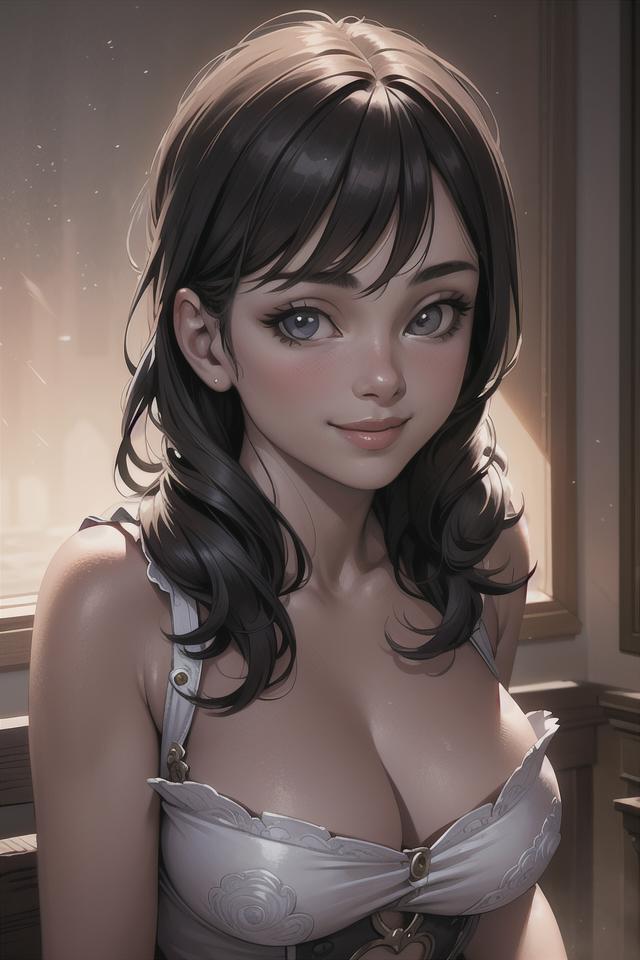

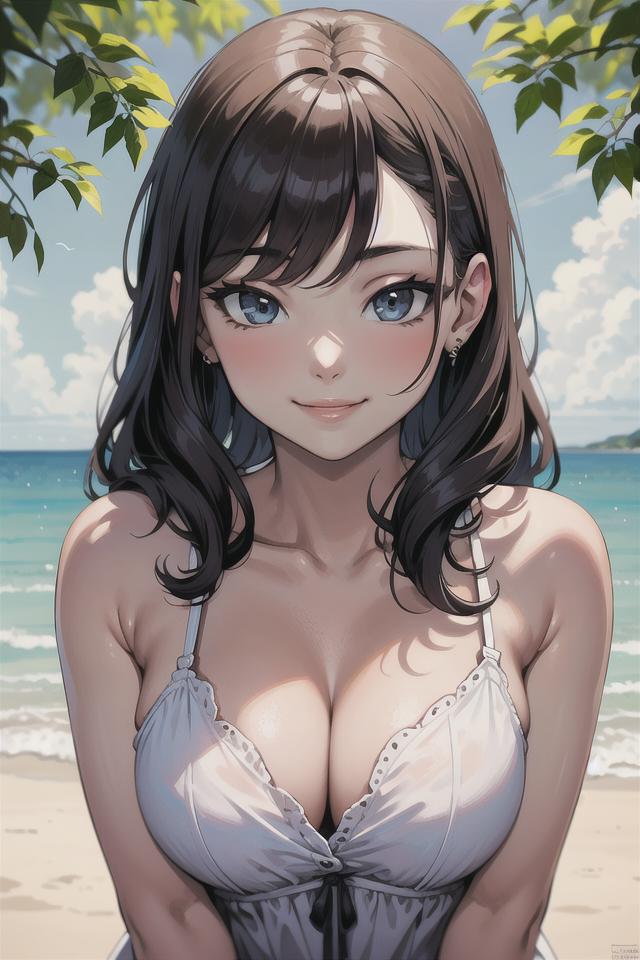
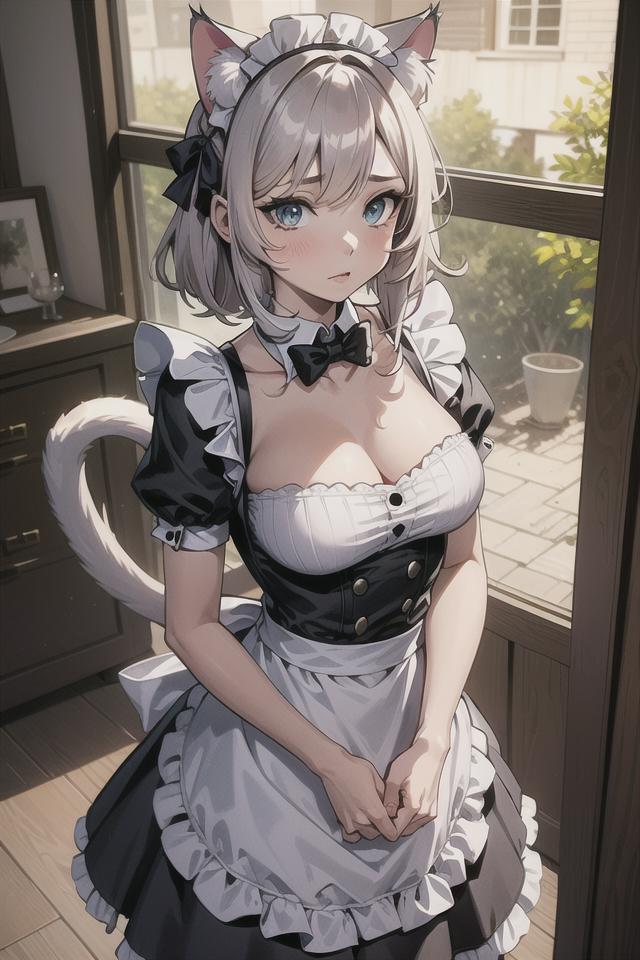
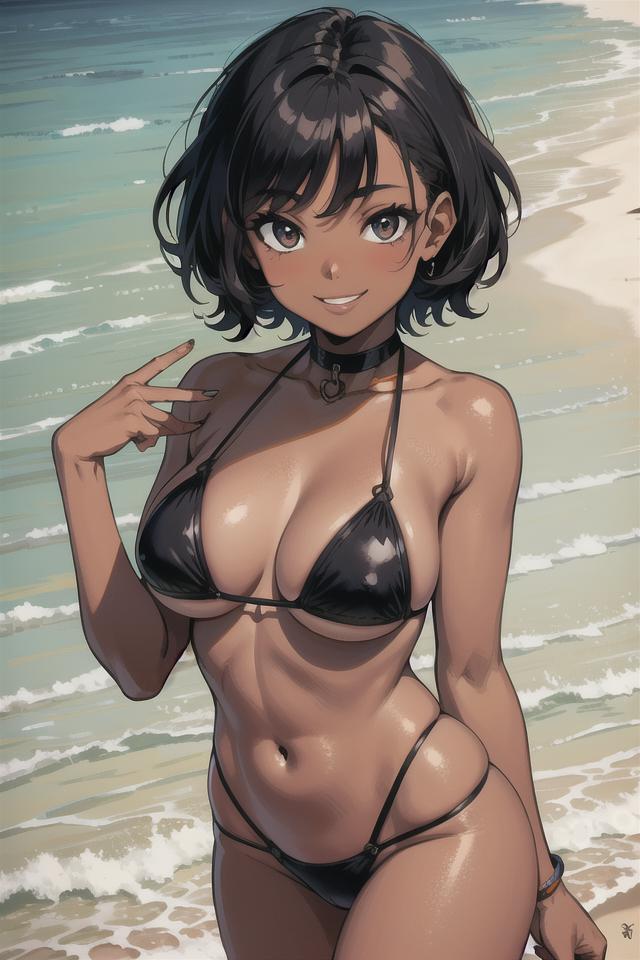
EndlessMix is a merge of multiple models
For sampling methods, use either Euler a or DPM++ 2M Karras
DOWNLOAD/INSTALLATION
Step 1: download SAFETENSORS file.
Step 2: put the SAFETENSORS file under "stable-diffusion-webui\models\Stable-diffusion"
Step 3: Done! enjoy the model
USAGE
-use a minimal negative prompt for best results
-use Euler A or DPM++ 2M Karras and 20-25 steps for best results
-use danbooru tags
-I used a CLIP blending (optional) Link to script: https://gist.github.com/catboxanon/bdcf23a2699c920da0d8177dbfa34e15
https://github.com/AUTOMATIC1111/stable-diffusion-webui/discussions/8266
-I use the upscaler Latent (nearest) with a highres step of 0-20 and denoise of 0.6 for when there's a detailed background (optional)
-I use the upscaler Latent (nearest-exact) with a highres step of 0-20 and denoise of 0.6 for close up of characters (optional)
EXAMPLE PROMPT
masterpiece, best quality, ultra-detailed, beautiful lighting, 1girl, short hair, (multicolored hair:1.2), green eyes, cowboy shot, turtleneck, turtleneck sweater
negative prompt: (low quality, worst quality:1.4)
VAE
No VAE is needed, loras should work as intended. Using a VAE could make your images look "burnt" or "fried".
CREDIT TO THE PEOPLE WHO MADE THE MODELS Ether Blu Mix, AnyHentai and iCoMix
Description
FAQ
Details
Files
Available On (1 platform)
Same model published on other platforms. May have additional downloads or version variants.