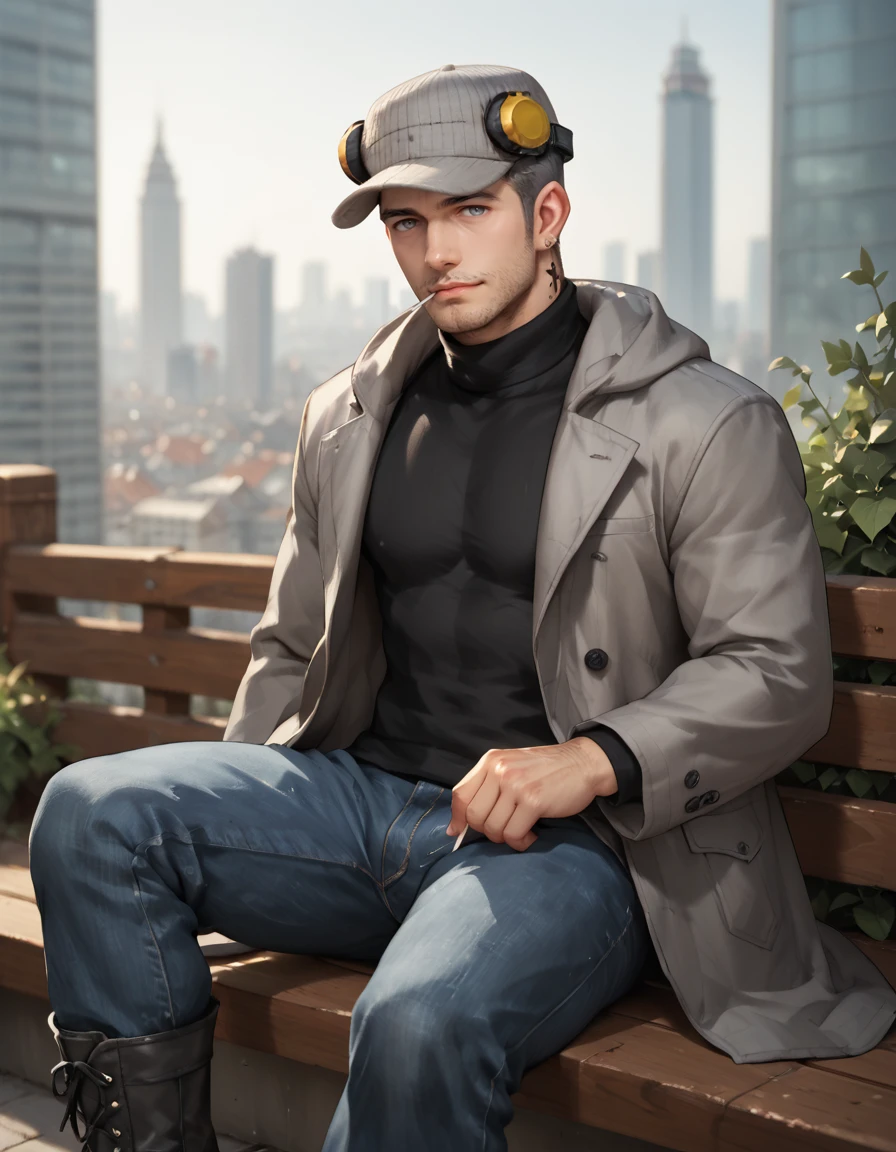
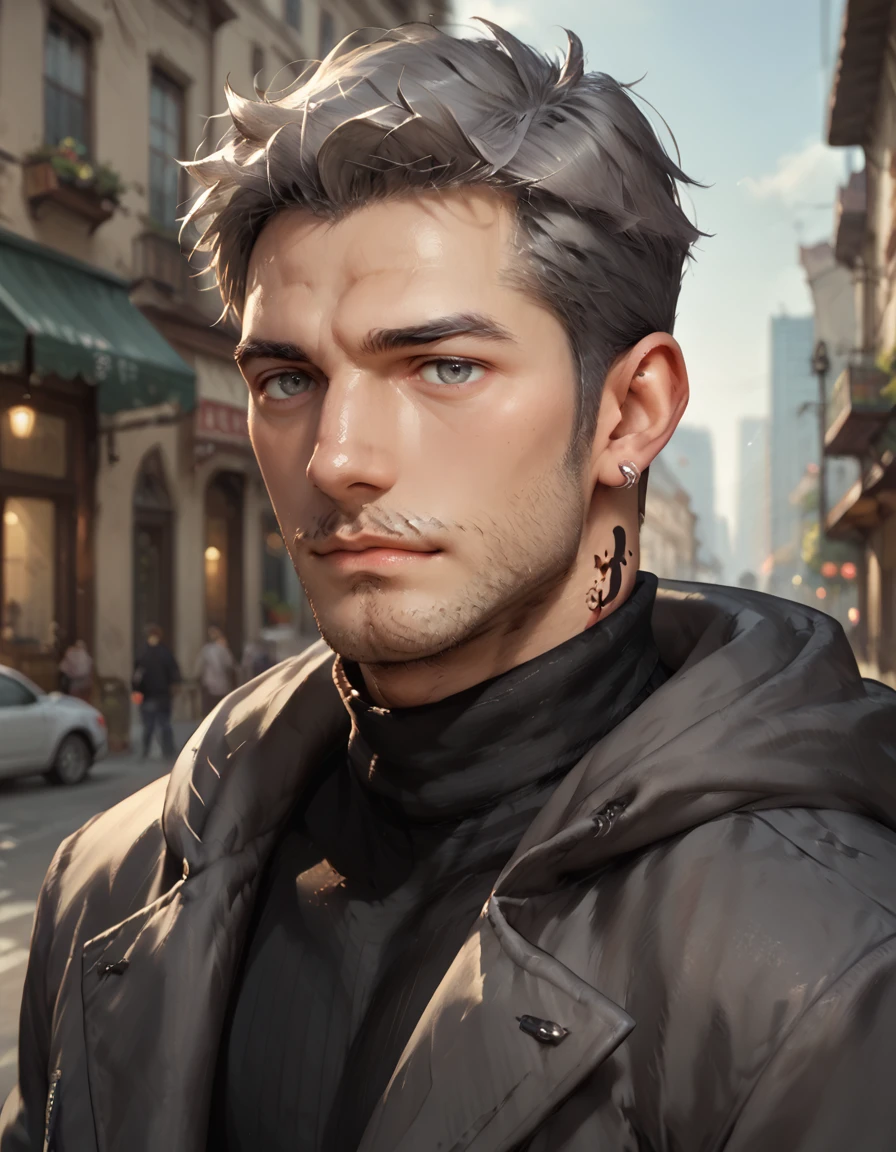
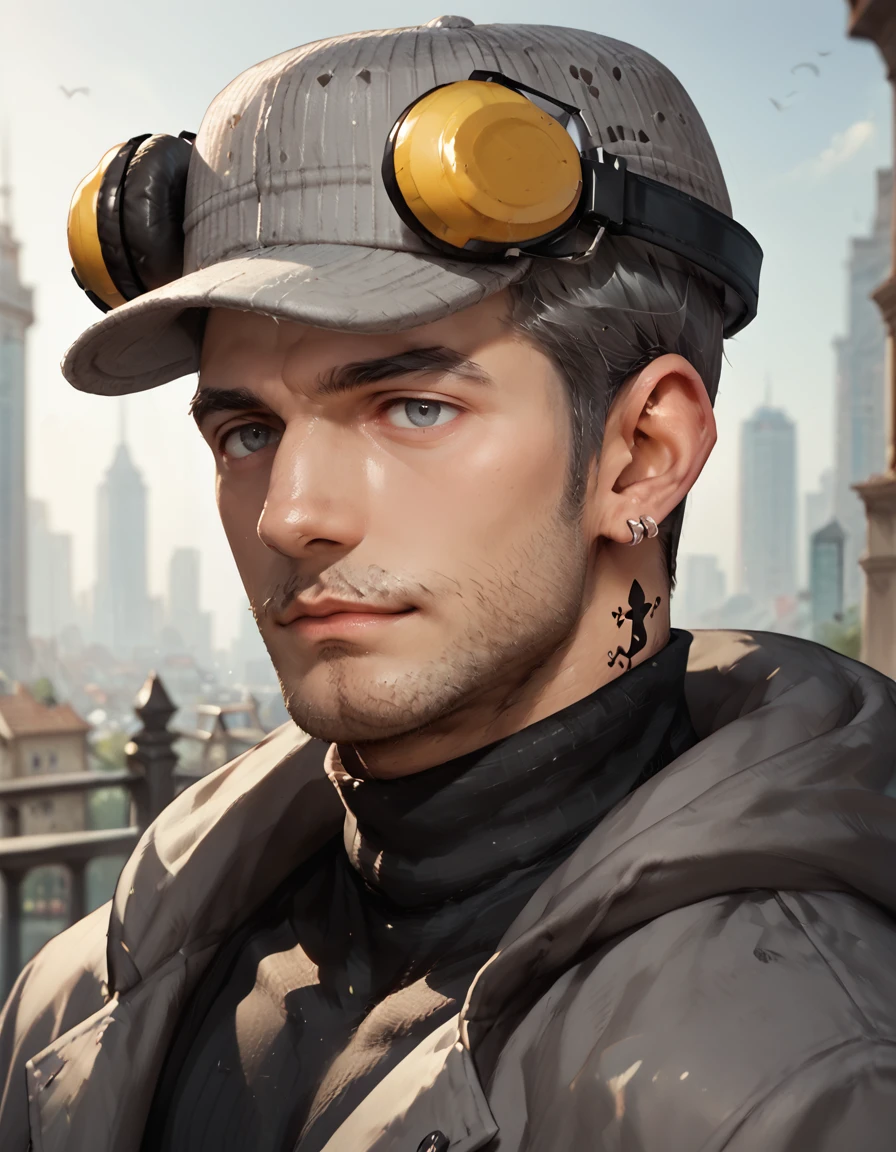
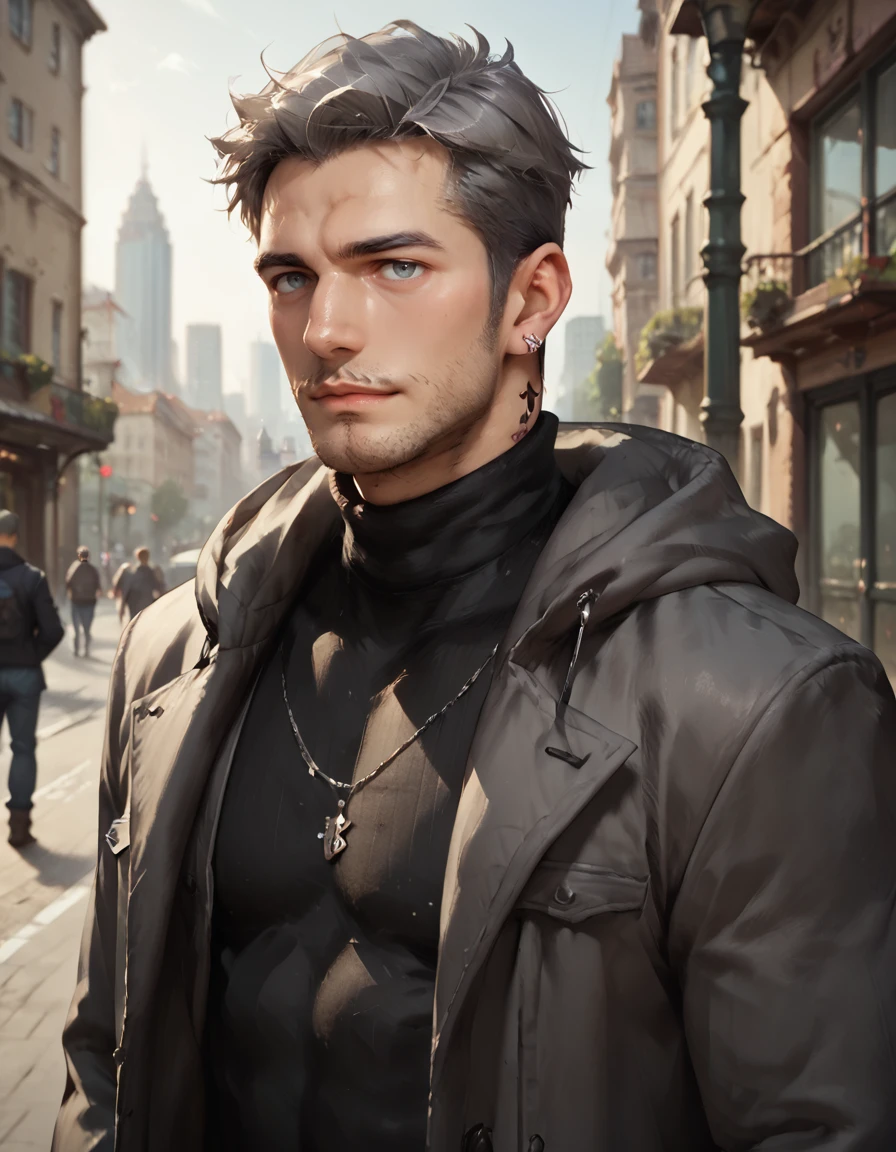
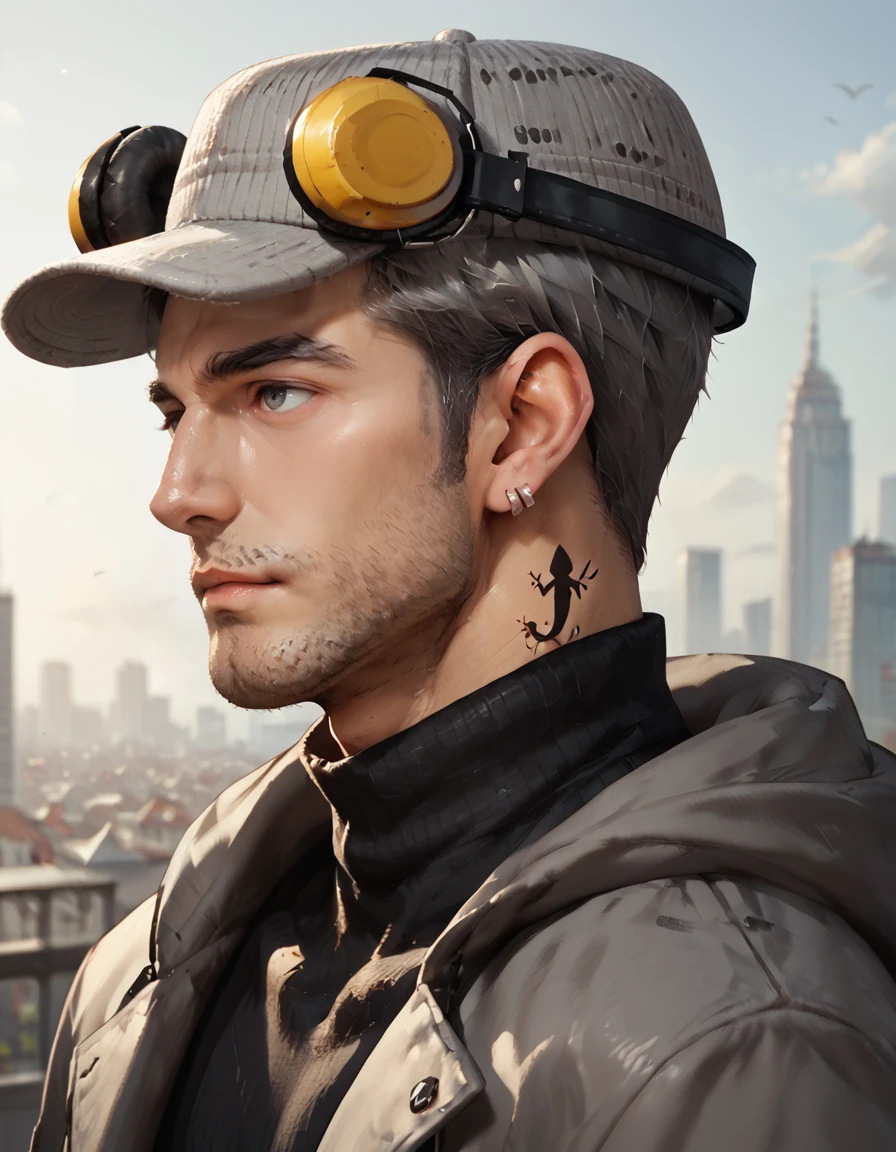
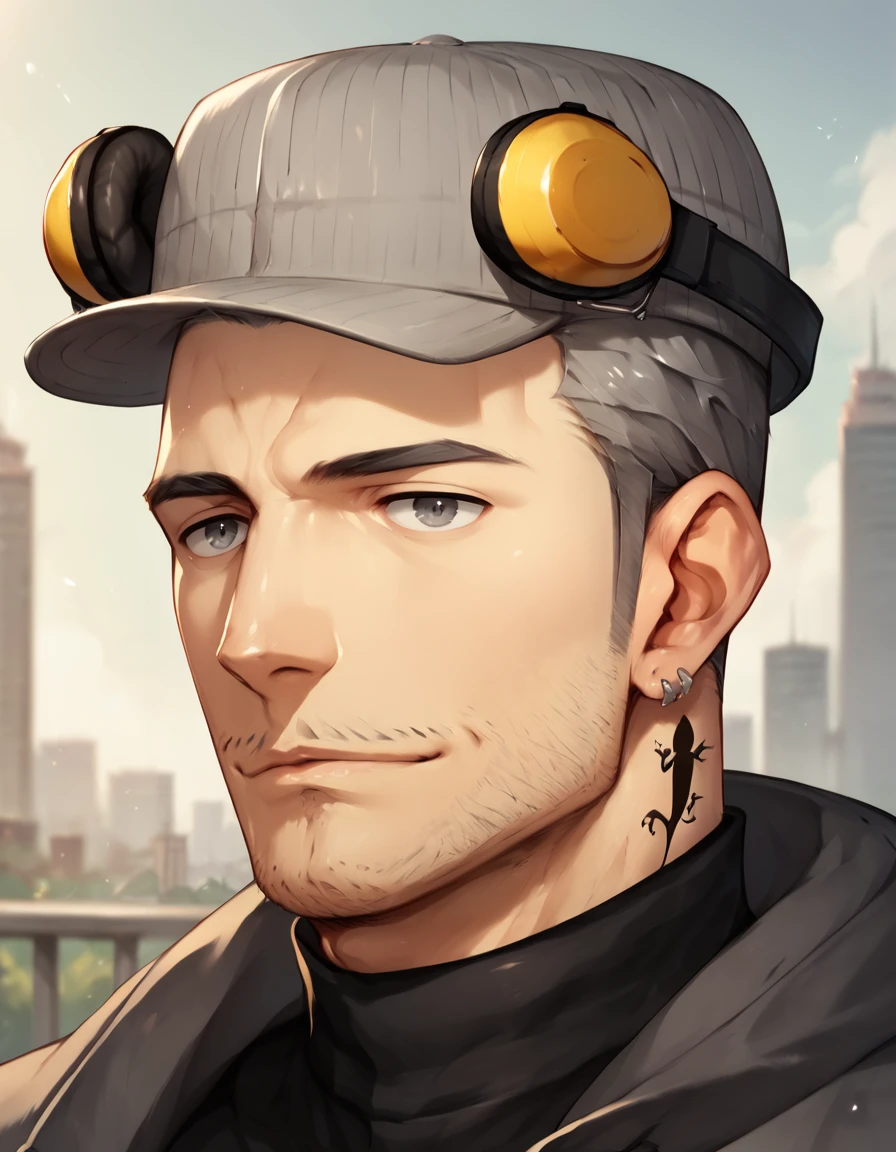
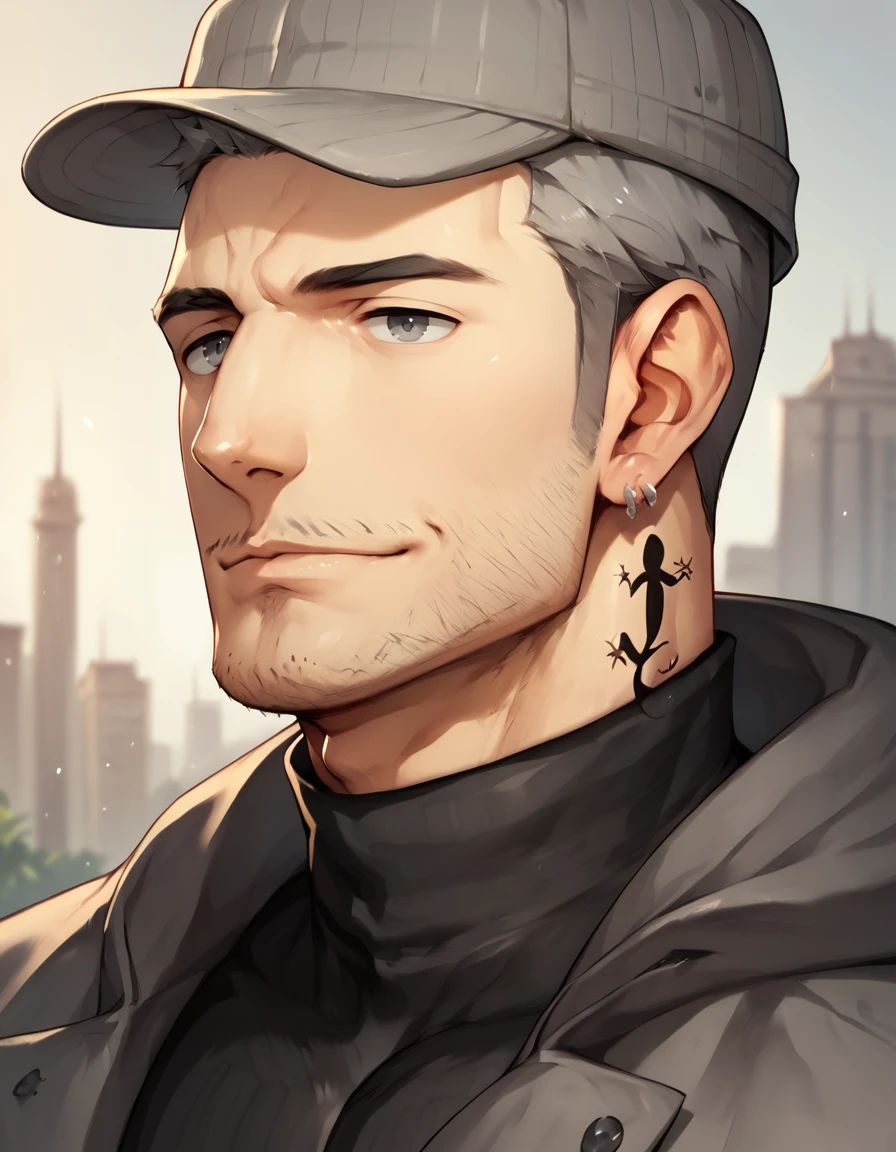
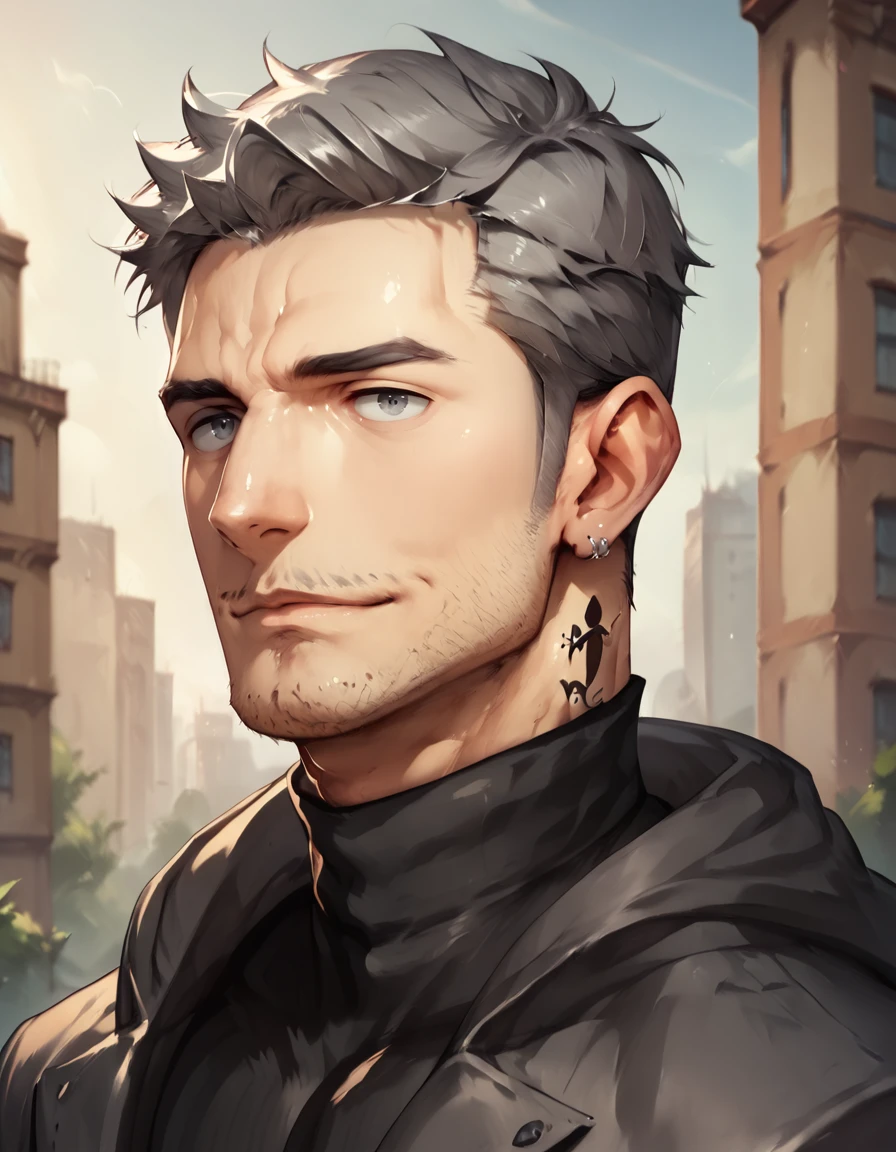
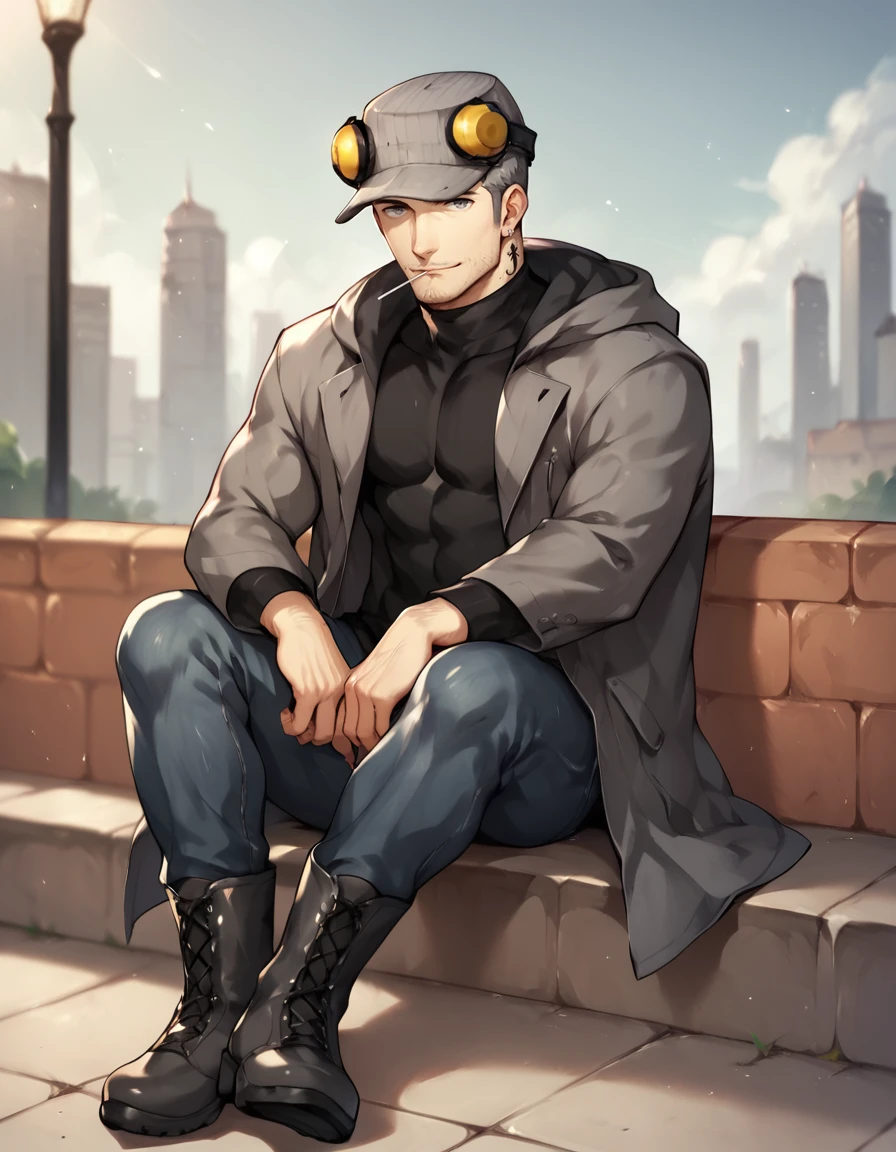
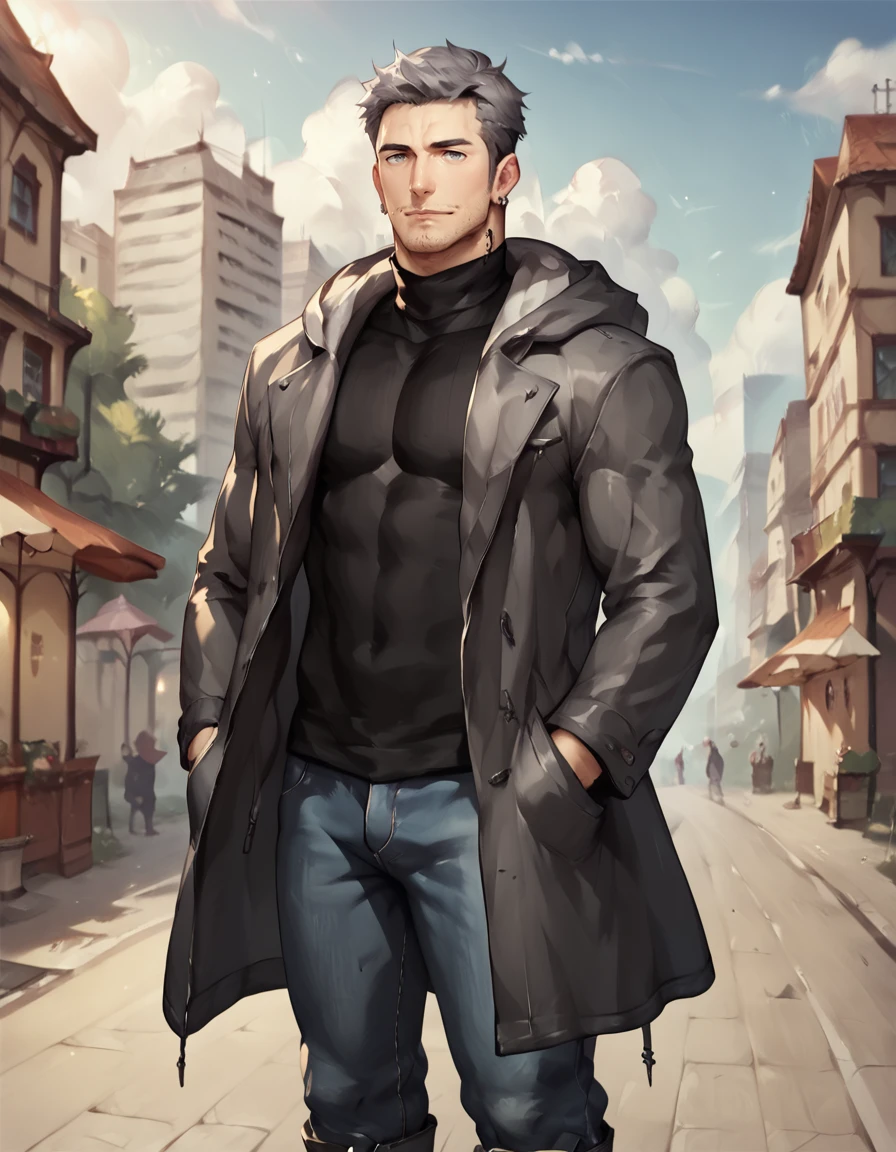
I know there are a few other Iwai LoRAs but I wanted one where I can better hide specific parts of his outfit (like the hat or jacket). This is far from perfect and can be hit/miss unless you get really specific with your prompts but it worked well enough in my testing.
V3 (clip skip 1) is my attempt at trying to further refine the LoRA a bit more, especially for the 2D styles.
The tattoo and earrings still have a mind of their own on placement and accuracy...but at least those are optional tags and simply leaving them out of the prompt removes them if they get too annoying.
I recommend an adetailer when doing generations that are more zoomed out/full body/upper body. It was less needed on close-ups and portraits.
optional negative prompt tags:
logo, belt, tucked shirtV3 main tags are as follows:
m_iwai, 1boy, mature male, grey hair, grey eyes, long sideburns, stubble, neck tattooneck tattoo (can be a bit temperamental unless you just leave this tag out/don't care about full accuracy of the original character likeness)
V3 outfit tags are as follows:
multiple earrings, pinstripe hat, ear protection, grey long coat, hood down, jeans, boots

optional: lollipop
multiple earrings can be temperamental at times
All of my testing was done in Forge on DPM++ 2M SDE - Karras at 20 steps with LoRA strength set at 0.7 and using an adetailer. I also used the following CFG settings in my testing:
3-4 CFG for NSFW
3-5 CFG for SFW
V2 (clip skip 1) is my attempt at making the LoRA a bit cleaner and changing to clip skip 1 as I've been finding a lot of my clip skip 2 LoRA don't look as good with realistic characters.
The tattoo and earrings still have a mind of their own on placement and accuracy...but at least those are optional tags and simply leaving them out of the prompt removes them if they get too annoying.
I recommend an adetailer when doing generations that are more zoomed out/full body/upper body. It was less needed on close-ups and portraits.
optional negative prompt tags:
necklace, belt, tucked shirtV2 main tags are as follows:
m_iwai, mature male, grey hair, grey eyes, stubble, neck tattooneck tattoo (can be a bit temperamental unless you just leave this tag out/don't care about full accuracy of the original character likeness)
V2 outfit tags are as follows (leaving out any of these tags will generally remove them from the generation):
multiple earrings, grey hat, ear protection, grey long coat, hood down, jeans, bootsmultiple earrings can be temperamental at times
All of my testing was done in Forge on DPM++ 2M SDE - Karras at 30 steps with LoRA strength set at 0.7 and using an adetailer. I also used the following CFG settings in my testing:
3-5 CFG for realistic/2.5D checkpoints (NSFW)
5-6 CFG for autismMix/Pony/2D checkpoints (SFW/NSFW)
V1 (clip skip 2) was my initial at creating this LoRA.
V1 main tags are as follows:
m_iwai, mature male, grey hair, grey eyes, stubble, neck tattooneck tattoo can be a bit temperamental unless you just leave this tag out/don't care about full accuracy of the original character likeness)
V1 outfit tags are as follows (leaving out any of these tags will generally remove them from the generation):
earrings, hat, ear protection, dark grey long coat, jeans, bootsV1 optional tag:
lollipop
Example: If you dislike the placement of his earrings or tattoo you can simply leave the earrings and neck tattoo tags out of your prompt and he won't generate with them (same goes for other outfit parts).
Example: If you want to remove his headgear just leave out the hat and/or ear protection prompt tags.
Also to be noted, add the lollipop in mouth if you want his signature look (it can be a bit wonky and sometimes the lollipop is backward/in a random place)
All of my testing was done in Forge on DPM++ 2M SDE - Karras at 30 steps - 4-6 CFG with LoRA strength set at 0.9
Description
V2 (clip skip 1) is my attempt at making the LoRA a bit cleaner and changing to clip skip 1 as I've been finding a lot of my clip skip 2 LoRA don't look as good with realistic characters.
The tattoo and earrings still have a mind of their own on placement and accuracy...but at least those are optional tags and simply leaving them out of the prompt removes them if they get too annoying.
I recommend an adetailer when doing generations that are more zoomed out/full body/upper body. It was less needed on close-ups and portraits.
FAQ
Details
Files
Available On (1 platform)
Same model published on other platforms. May have additional downloads or version variants.