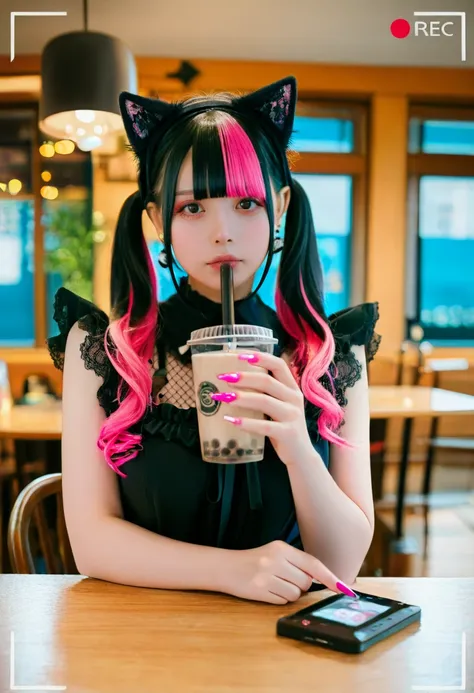
https://civitai.com/models/1045588?modelVersionId=2107048
模型介绍为中英双语,中文用户可以关闭翻译。
--
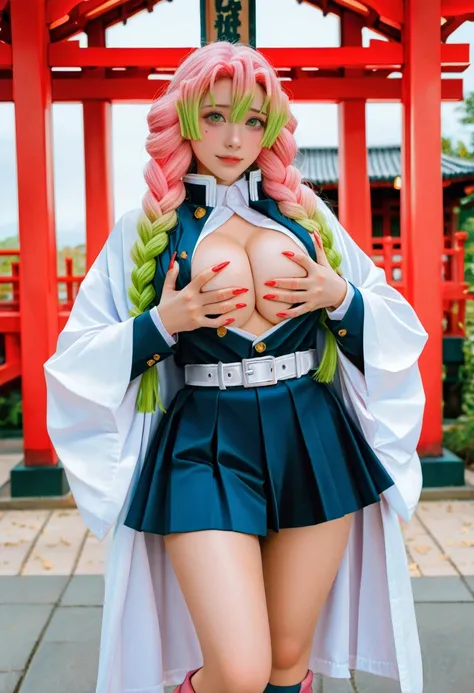
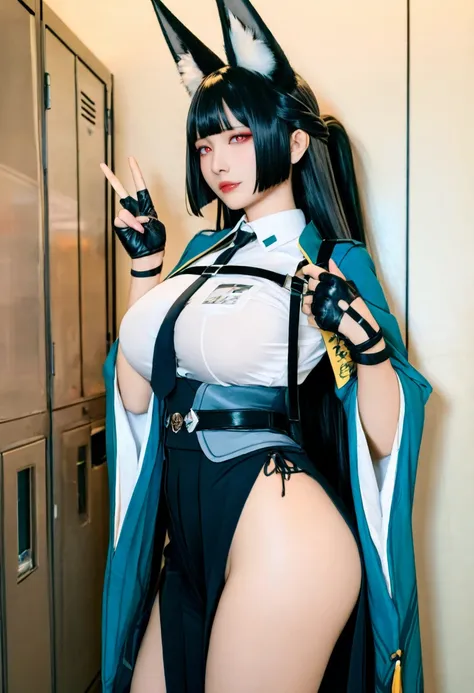
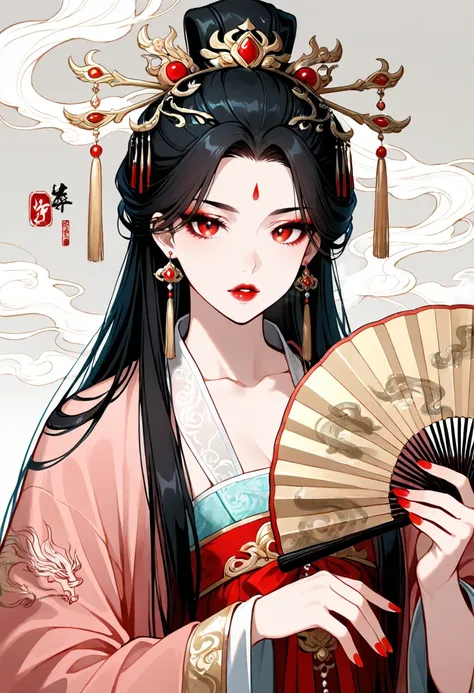
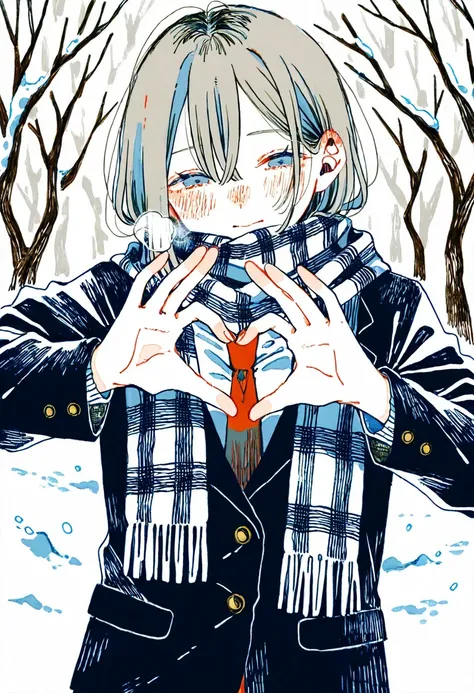
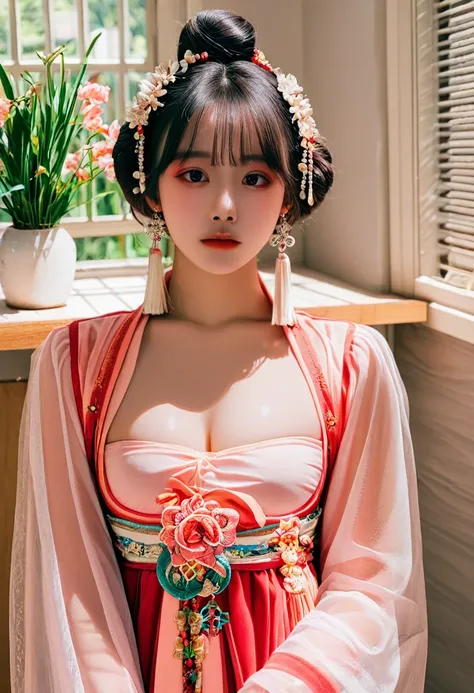
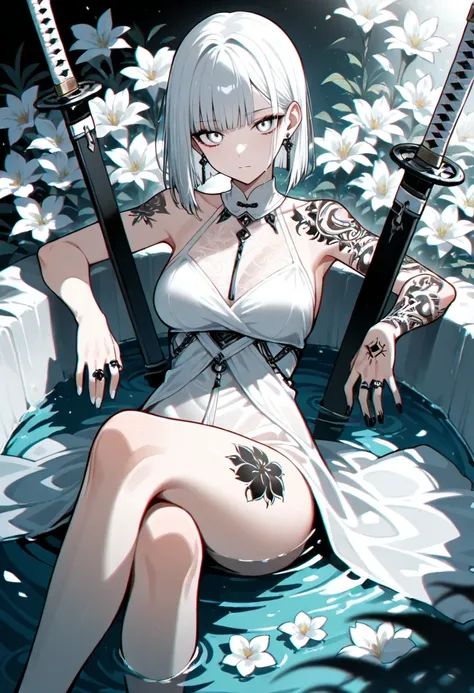
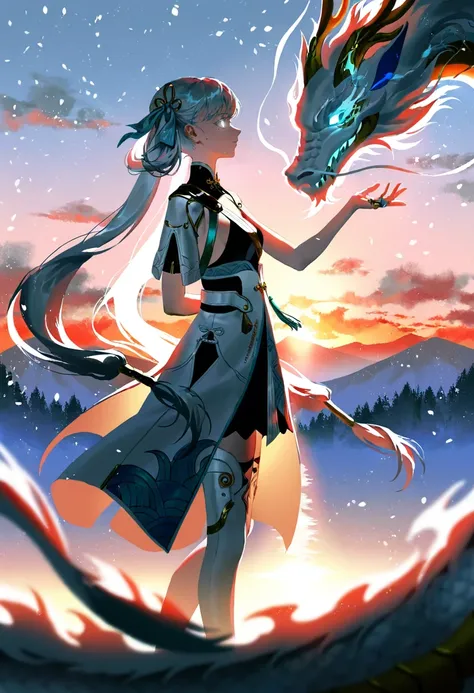
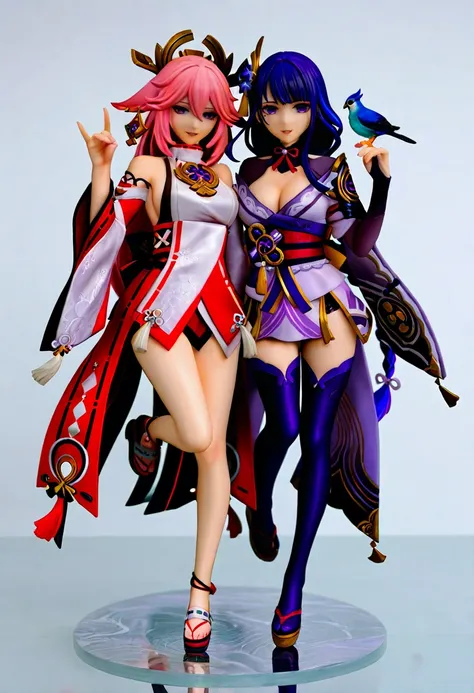
此版本可以在写实风格与动漫风格之间切换。
可使用写实风格或动漫风格的lora。
可使用sdxl和Illustrious的lora。也可以使用部分的"pony"lora。
--
This version can switch between realistic style and anime style.
This version can use realistic or anime style lora.
Can use sdxl and lora of Illustrious.This version can also use parts of the "pony" lora.
--
Sliders lora for color temperature, brightness, saturation, and contrast.
--
My other checkpoints and Lora.
--
sd-webui-regional-prompter <<<<<
--
Light and color control: sd-channel-offset
--
Adhere to the Fair AI Public License, ensuring that any derivative works are also open source.
遵守Fair AI Public License,確保任何衍生作品也是開源的。
--
--
Preview images & prompts for 20,000+ Danbooru Characters:
https://www.downloadmost.com/NoobAI-XL/danbooru-character/
Preview images & tags for 6,000+ Danbooru Artists' styles:
https://www.downloadmost.com/NoobAI-XL/danbooru-artist/
Preview images & tags for 4,000+ e261 Artists' styles:
https://www.downloadmost.com/NoobAI-XL/e621-artist/
Preview images & tags for 3,000+ e621 Characters:
https://www.downloadmost.com/NoobAI-XL/e621-character/
--
简易使用方式:
至” Danbooru"或"e621”选择一张图片,将图片中的提示词全部复制,然后输入提示词即可,或是對空格添加逗號並且移除下畫線。
Easy to use:
Go to " Danbooru" or "e621" to select a picture, copy all the prompt words in the picture, and then enter the prompt words, or add commas to spaces and remove underscores.
使用自然语言并且混合"danbooru"标签时,能获得更好的效果。
Better results are achieved when using natural language and mixing in "danbooru" tags.
--
如果你喜欢我的模型,可以用"buzz"鼓励我。
If you like my model, you can encourage me with "buzz".
--
客製化lora:我的Telegram ID:@iamddtla0620
我的微信ID:iamddtla
我的line ID:iamddtla
时间宝贵,请直接说明来意,例如:订制LORA.
Customized lora: My Telegram ID: @iamddtla0620
My WeChat ID: iamddtla
My Line ID: iamddtla
Time is precious, please state your intention directly, for example: customized LORA.
--
面部局部重绘可使用adetailer.
高解析度放大可使用"ultimate SD upscale".
--
For partial facial redrawing, use adetailer.
High resolution upscaling can be done using "ultimate SD upscale".
Description
V1.5版本比PornMaster-Pro-noob-V1具有更好的手和脚、更好的背景,生成1216*832的图片时,速度提升2~3秒钟。
Version V1.5 has better hands and feet, better background than PornMaster-Pro-noob-V1, and the speed of generating 1216*832 pictures is increased by 2~3 seconds.
--
已知问题:某些种子可能导致生成的图片变成纯白色,只需替换种子即可解决。
Known issue: Certain seeds may cause the generated image to become pure white. This can be solved by simply changing the seed.
--
可搭配PornMaster-Realism-IL-V1作为精炼器来提升真实感。
Can be used with PornMaster-Realism-IL-V1 as a refiner to enhance realism.
--
此版本可以在写实风格与动漫风格之间切换。
This version can switch between realistic style and anime style.
--
模型中已包含VAE。
VAE is already included in the model.
--
可以使用PornMaster-Pro-SDXL-V2或PornMaster-Amateur-SDXL-V1作为” Refiner”来增加真实感。(使用fp16的Pruned版本速度较快。)
也可以使用BigAspV2或CyberIllustrious来做为精炼器。
--
You can use PornMaster-Pro-SDXL-V2 or PornMaster-Amateur-SDXL-V1 as a "Refiner" to increase the realism.( The Pruned version using fp16 is faster.)
You can also use BigAspV2 or CyberIllustrious as a refiner.
--
--
--
--
Negative prompt for NoobAI-XL。
--
NoobAI-XL ControlNet-OPENPOSE.
--
Comparison of painting styles.
--
Sliders lora for color temperature, brightness, saturation, and contrast.
--
Prompt words from "Danbooru" and "e621" can be used.
--
简易使用方式:
至” Danbooru"或"e621”选择一张图片,将图片中的提示词全部复制,然后输入提示词即可,或是對空格添加逗號並且移除下畫線。
Easy to use:
Go to "Danbooru" or "e621" to select a picture, copy all the prompt words in the picture, and then enter the prompt words, or add commas to spaces and remove underscores.
--