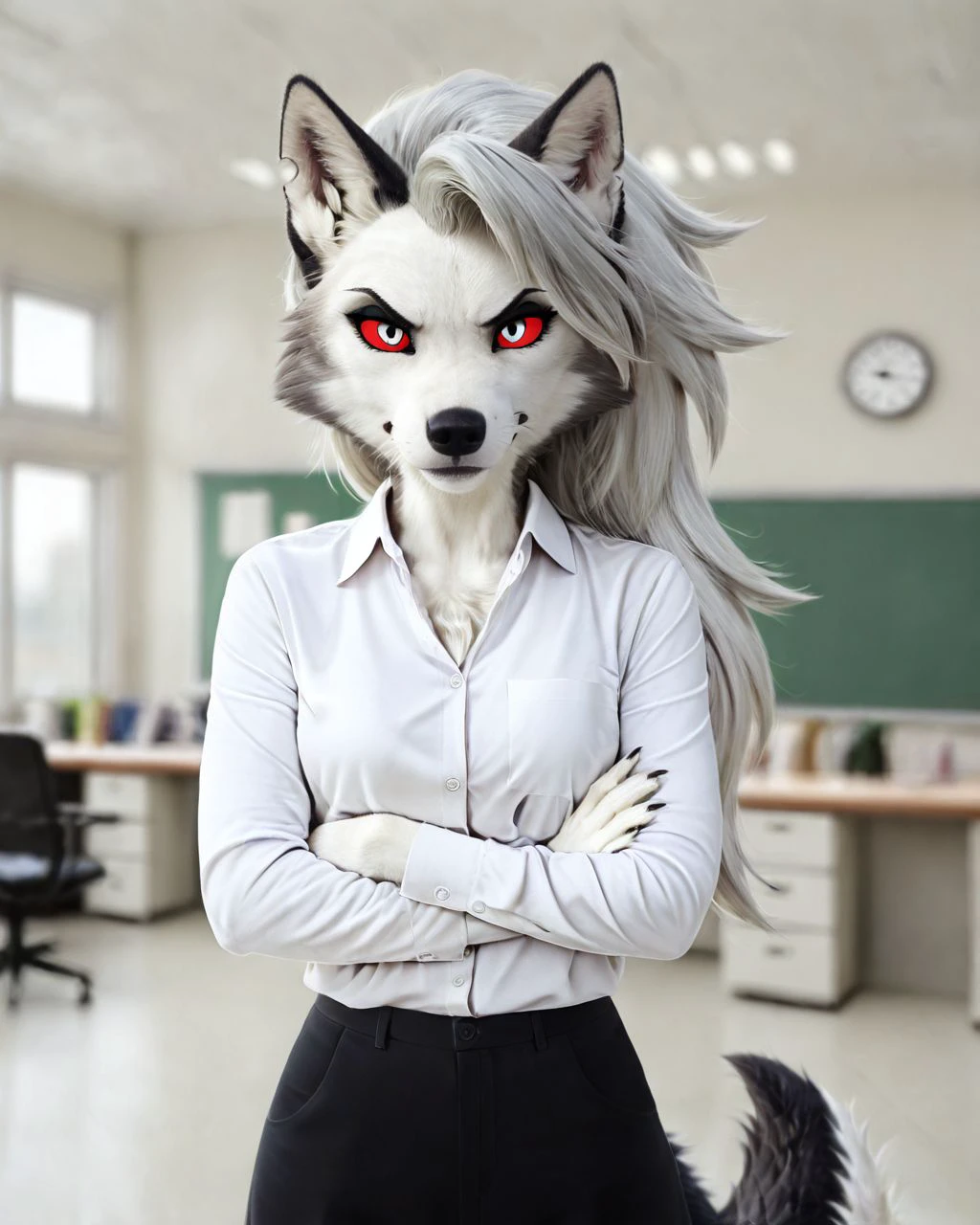


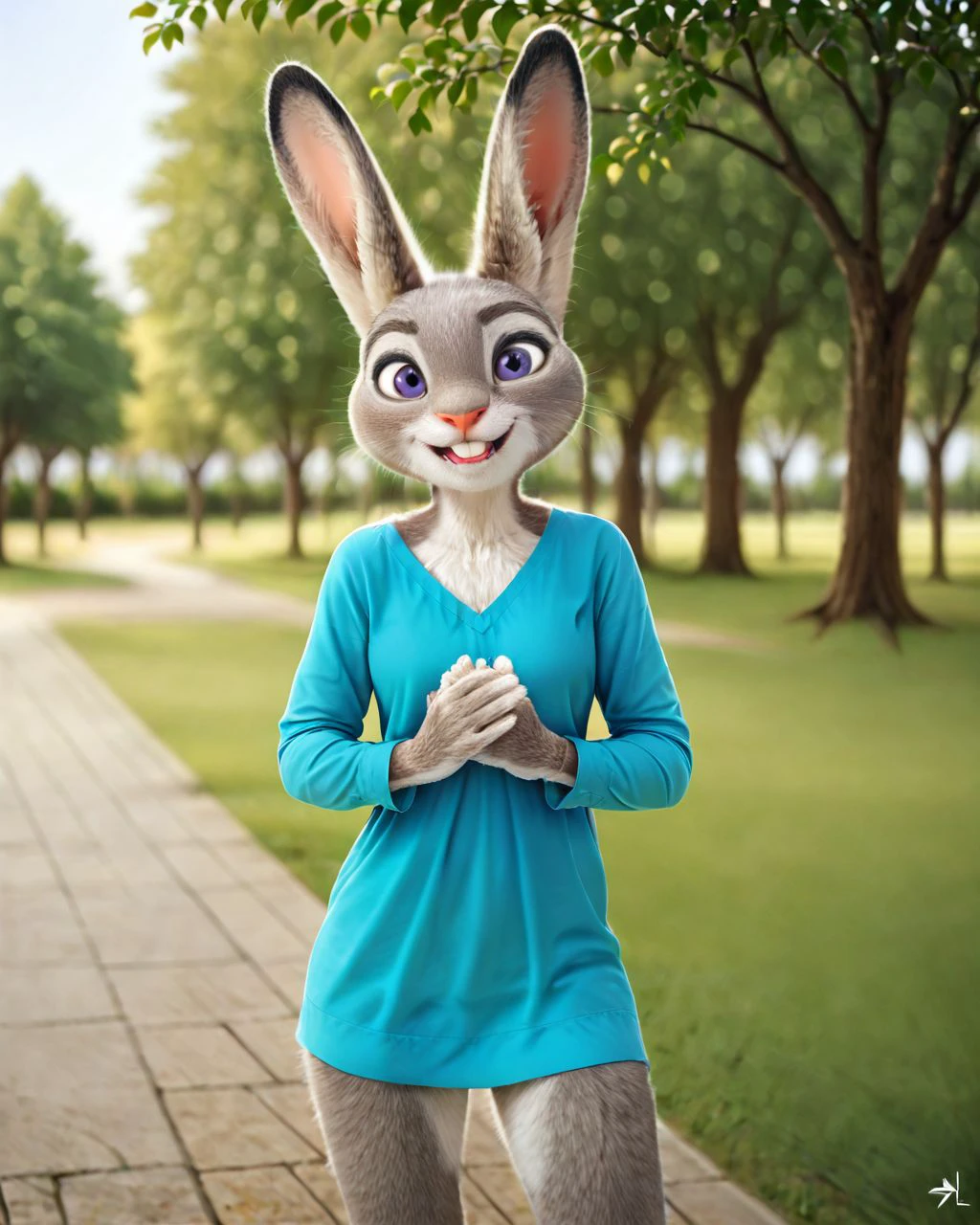
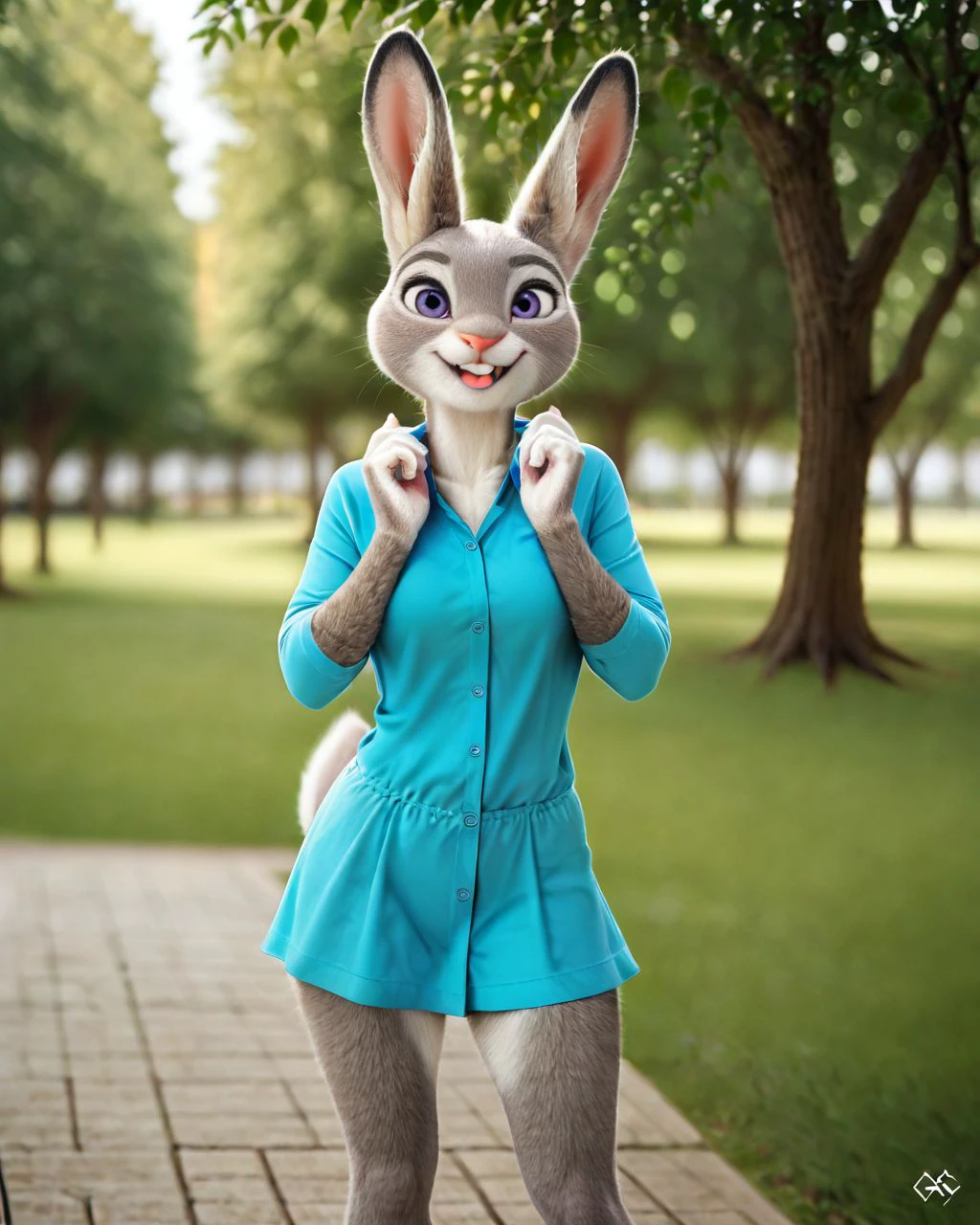

Photorealistic LoRA Creation Tutorial
Prepare Your Dataset and Style:
Gather high-quality photorealistic images that match the "photo," "photorealistic," or "realistic" aesthetic.
Aim for a resolution of 1024x1024 for best results, as recommended.
Set Up the Trigger Words:
The trigger words for this LoRA are:
"photo","photorealistic", and"realistic". These words will help invoke the photorealistic style when using this LoRA in prompts.
Using LoRA in auto1111 Web UI:
Download your LoRA and place it in
stable-diffusion-webui/models/lora.Select the LoRA model in the Web UI and use one of the trigger words (e.g.,
"photorealistic") in your prompt.
Adjust Weight:
Modify the weight of the LoRA if needed. Recommended range:
0.6 - 0.9. Lower weights produce subtler effects, while higher weights make the photorealistic style more pronounced.
Run Your Prompt:
Try different prompts using the trigger words for best results, and avoid prompts with specifics about eyes, as suggested.
Summary
This LoRA model is designed for photorealism using trigger words "photo", "photorealistic", and "realistic".
Have Fun!
Description
FAQ
Details
Files
Available On (1 platform)
Same model published on other platforms. May have additional downloads or version variants.