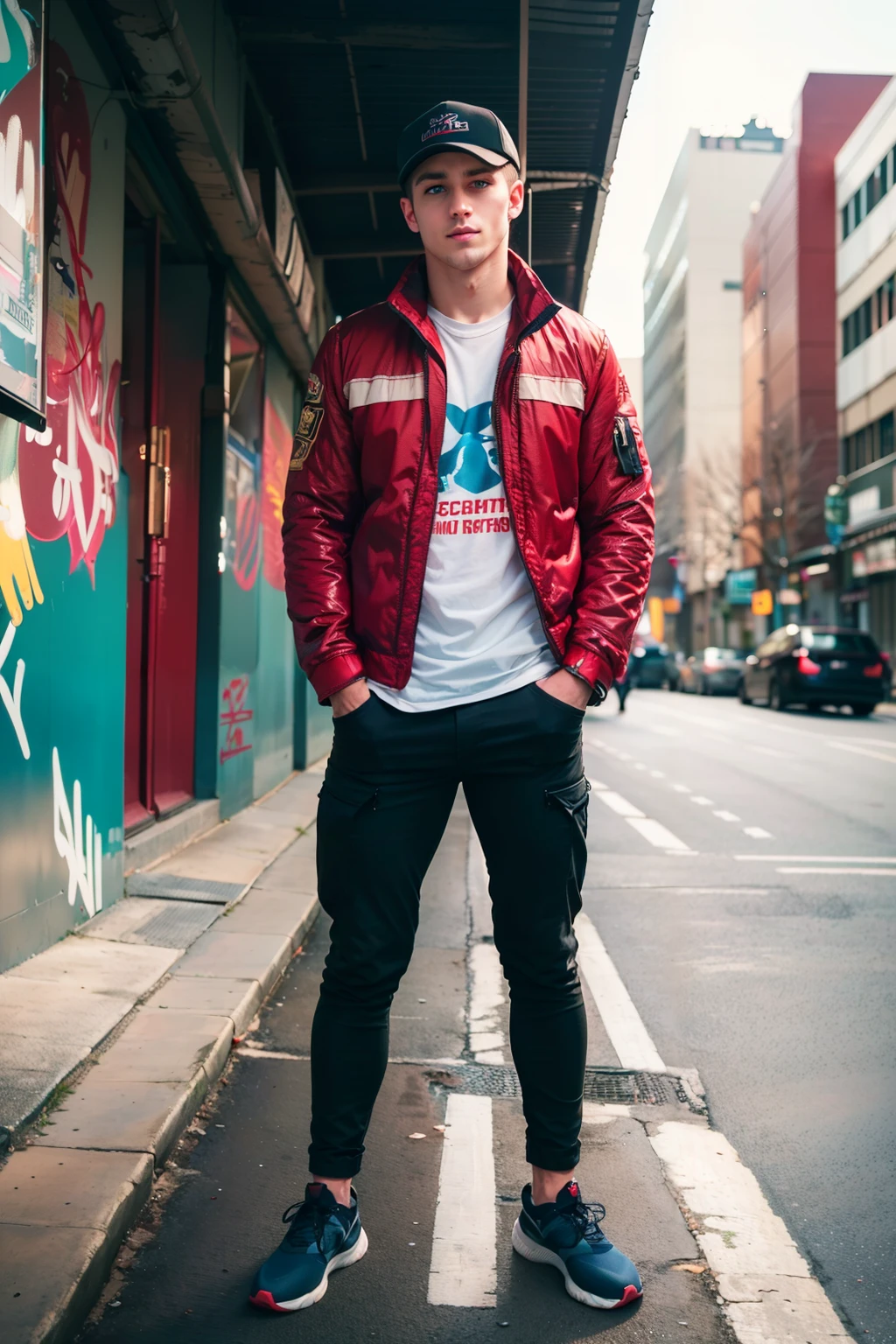

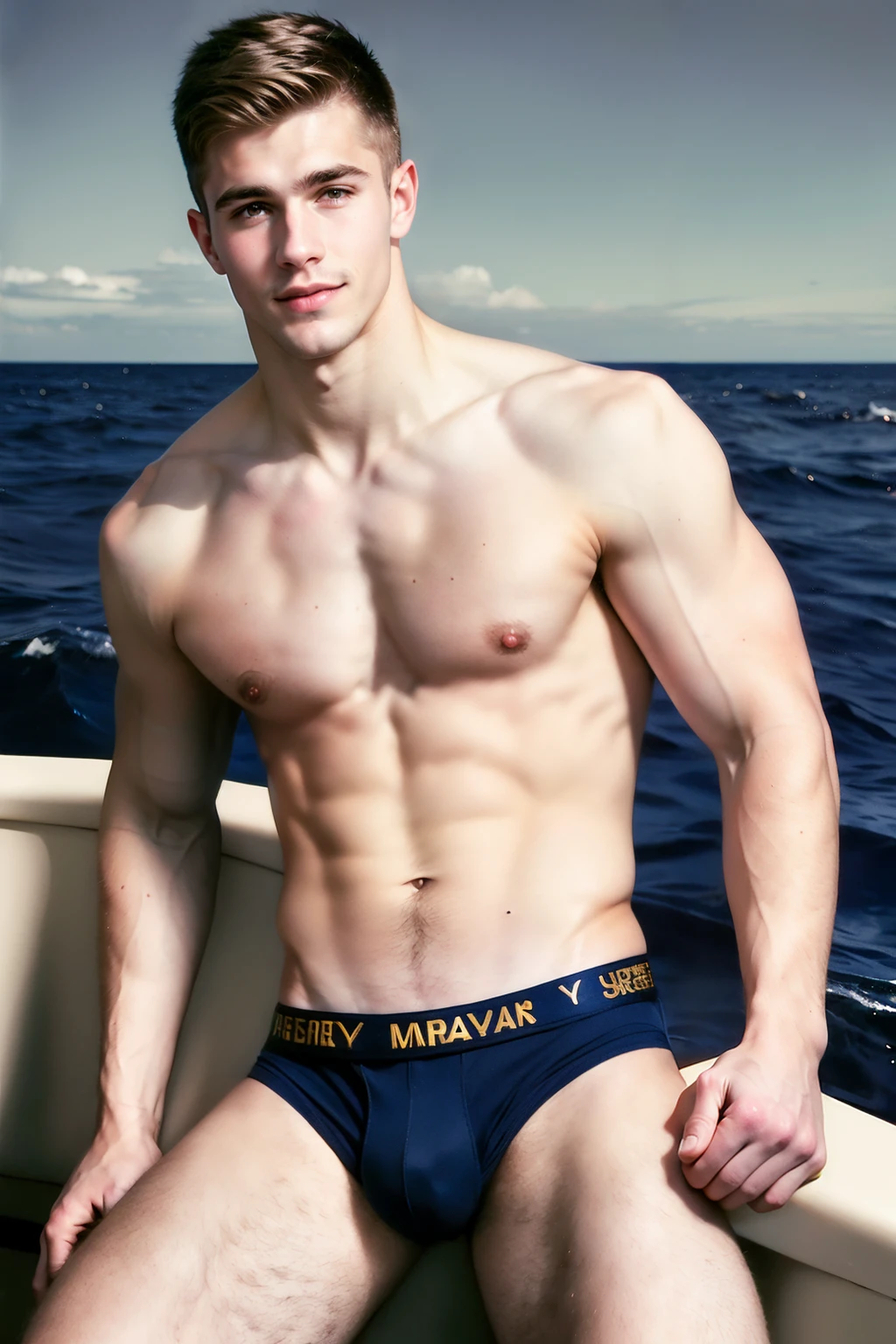
VERSIONS
(full comprehensive list of versions available)
TastefullyNude-Triforce (2.5D bordering realism, spiritual successor for TastefullyNude-Wildmix, has a lot of similarity and fixes a lot of issues)
TastefullyNude-Triforce-Alt (Triforce that underwent detail adjustment, very weak sampler compatibility, but slightly better ??????? and abstraction)
TastefullyNude-MatureYozoraMix12 (2.5D leaning 2D, outlines, older guys)
TastefullyNude-Naty-MatureYozoraMix12 (based on ^^^, but with better and strictly flaccid ???????? that can be inpainted much smaller; style changes a little towards realism)
TastefullyNude-MatureYozoraMix14 (2.5D leaning 2D, outlines, younger guys)
Naty-SaturdayMorningSpecial (flat 2D toony leaning 2.5D, outlines, based on watered down GoldenCat)
TastefullyNude-Wildmix (2.5D leaning realism)
TastefullyNude-Naty-Wildmix (based on ^^^, but with better and strictly flaccid ???????? that can be inpainted much smaller)
What is this all about???
These were my ongoing attempts to merge a natural male genital capable checkpoint.
Most of them can produce at least a vague resemblance.
All of them have untagged loras merged in - so they really like to generate male ??????. Highly NSFW.
Notable checkpoints:
TastefullyNude-Triforce
TastefullyNude-MatureYozoraMix14
Naty-SaturdayMorningSpecial
Rest are either variations or dated versions.
Did you succeed???
Yes, but not here.
UltronMerge - UltronForever | Stable Diffusion Checkpoint | Civitai
^^^ This is my newest most spicy model.
While some of TastefullyNude series checkpoints have their own strengths, UltronMerge is a step ahead, I feel.
Tips and Notes (TN-Triforce)
- ???????? attached to '???? man' prompt. Add to the front when inpainting. But my advice - don't spend more than 1-2 batches trying, if some part doesn't work, just add <lora:ppello:0.5> to the prompt and it will inpaint like a charm (need only half weight for this merge, because ppello is already in there 5 times over; ppello is one of Realistic Size Male ???????? Lora versions).
- Clothes mostly work, but merge is leaning male ??????, because of loras merged in, so don't be surprised if underwear look weird and ???????? are showing.
- For all other models I use latent upscaling at 0.4 denoise with 4x-Ultrasharp, rarely 0.35. TN-Triforce is so cooked and full of detail, that 0.3 denoise works best for me. At 0.4 artifacts appear (some weird spot pattern on leg hair for example).
- General darkness and cookedness of TN-Triforce can pull male figure output towards bronze/chocolate skin color. Use negative 'african' or positive prompt 'pale, irish' for somewhat lighter skin tone if needed.
- From limited testing, all inpainting best done before upscaling. Model upscales quite well, but inpainting at high resolution is often problematic.
- If you do need to inpaint after upscale, then inpainting at ??0x??0 resolution anecdotally works better than 512x512.
- For artistic Img2Img output from vague/abstract base latents, generate at 0.5+ denoise without Negative Prompt, or at least with no embeddings. If multiple characters persistently appear, add 'solo' to prompt. Artists with 'art by ...' work great in this format. Once sufficiently denoised and inpainted, upscale as suggested above, with whatever embeddings you like.
Goodies
I don't normally upload training data (because these are mostly merges), but some checkpoints have extra files available. What those are and how to use them will be described here.
Negative Embedding Wildcards
Are you tired of 5 page negative prompts that all produce same looking images and faces all the time? Well, now we have an ultimate solution for you!
The answer is - Negative Embedding Wildcards!
Find 'Files' section in TN-Wildmix.
Grab the .zip file containing the .txt wildcard file.
Unzip and open it to make sure you have all the listed negative embeddings in your Webui */embeddings/ folder (if not, download them from CivitAI; add your own or remove some, doesn't matter!).
Place the wildcard file into */wildcards/ folder (likely, inside your Dynamic Prompts Extension folder).
Now you're all set! This is your ultimate negative prompt:
[__r-negative__ : __r-negative__:0.5]
Use it to generate and use it to latent upscale! And behold the variety! You will never see the same image again!
(Dynamic Prompts actually throws an ERROR at this Negative Prompt if you use any additional tags; the only way around it, that I'm aware of, is to set 'Batch Size' to 1, and use 'Batch Count' instead)
Lora Wildcard Maker-3000
ATTENTION: If you're novice PC user struggling with basic operation system control, I advise against using this script.
Is your hard drive littered with hundreds upon hundreds of Loras you downloaded but never used? Do you sometimes get an urge to just use random Lora you own, but decisions are hard?
Well, look no further! For we bring you Lora Wildcard Maker-3000!
Find 'Files' section in TN-MatureYozoraMix14.
Grab the .zip file containing the .bat wildcard maker file.
Unzip the file and open it in Notepad. Find and change "list.txt" to any filename you like the resulting list to be stored in. While you're at it, you can adjust default weight to anything you want by editing where it says ":1".
Place .bat file in your Lora folder and run it. Your wildcard txt file will be ready in less than a second! (you will have to run this in every subfolder separately; only .safetenstors format Lora are ran through)
Place the wildcard txt file into */wildcards/ folder (likely, inside your Dynamic Prompts Extension folder).
One last thing left to do before you're all set. If you're an Automatic1111 or Forge WebUI user, go to Settings -> Extra Networks -> "When adding to prompt, refer to Lora by", and set this to 'Filename'.
Now you can prompt your Lora wildcard as __list__ (or whatever you called it). Enjoy!
(Chinese/Japanese/Korean hieroglyphs will show up as '??????')
(I added 'GhettoTriggers' version for LoraWildcardMaker3000. What it does, is remove all numerals and some special symbols from lora names, making them look like a tag, and adds them along with lora name to wildcard .txt file. This will slightly improve chances of your loras working without any extra effort.
You can customize symbols being removed/replaced, if you want. Syntax is pretty simple:
set file=!file:12345=abcde!
12345 - is what you're removing
abcde - is what you're replacing it with
Can be special characters and spaces, can be full words or single letters.
!!! You're not actually editing filenames, mind you, you're just adjusting text to be written into wildcard .txt file !!!)
Underpainting Package
If you haven't yet seen, I've wrote a couple of articles on generating images from custom crafted abstract latents using Img2Img. Checkpoints I merge are somewhat tailored towards that purpose.
I've uploaded 1.5GB of random Underpaintings along with prompts in file Metadata, for people who don't feel like making their own underpaintings.
Find 'Files' section in TastefullyNude-MatureYozoraMix12.
Download .zip file and unpack it.
It contains 'Abstract' latents and 'Male Character' latents.
Two aspect ratios - 512x768 and 768x512. But since we're denoising unfinished abstract latents, you can set resulting image resolution to anything you like! Flipping height and width for resulting image will often make surprisingly good images
'Sharp' and 'Vague' subdivision is arbitrary. The only thing it means, that Vague images were generated at 5 steps, and Sharp - at 10 steps.
Sort files inside folders by 'Date' to arrange them by color.
I did not curate the quality. Some of them might be bad. If you can't find anything you like - just grab the prompt and generate some yourself.
Description
FAQ
Details
Files
Available On (1 platform)
Same model published on other platforms. May have additional downloads or version variants.