ANNOReal - The Pinnacle of Photorealism
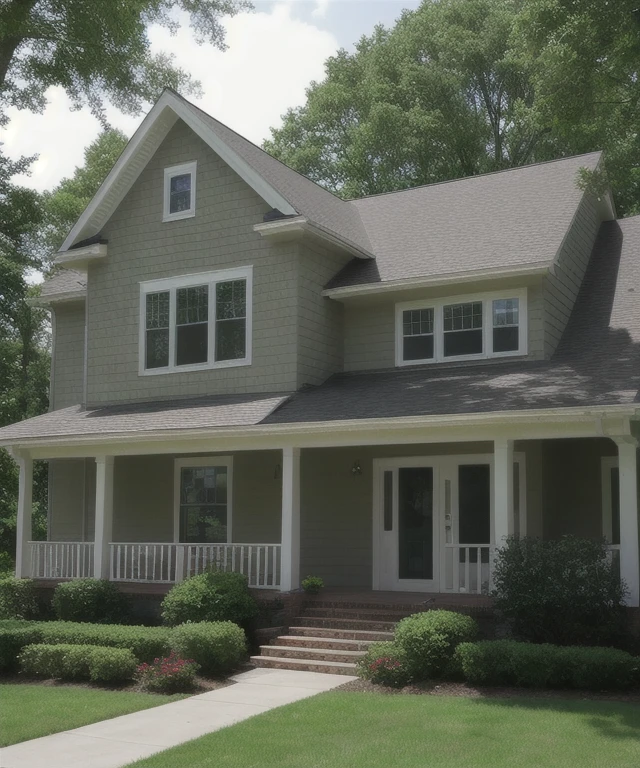
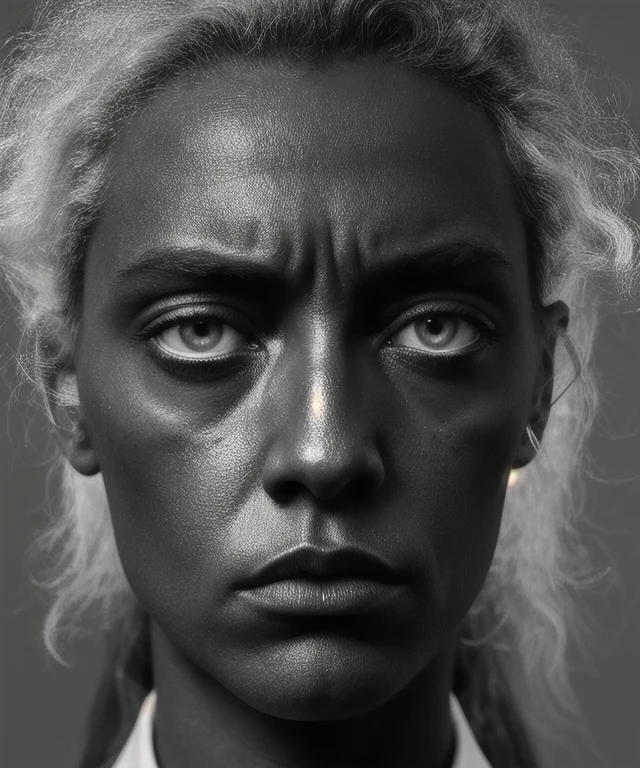
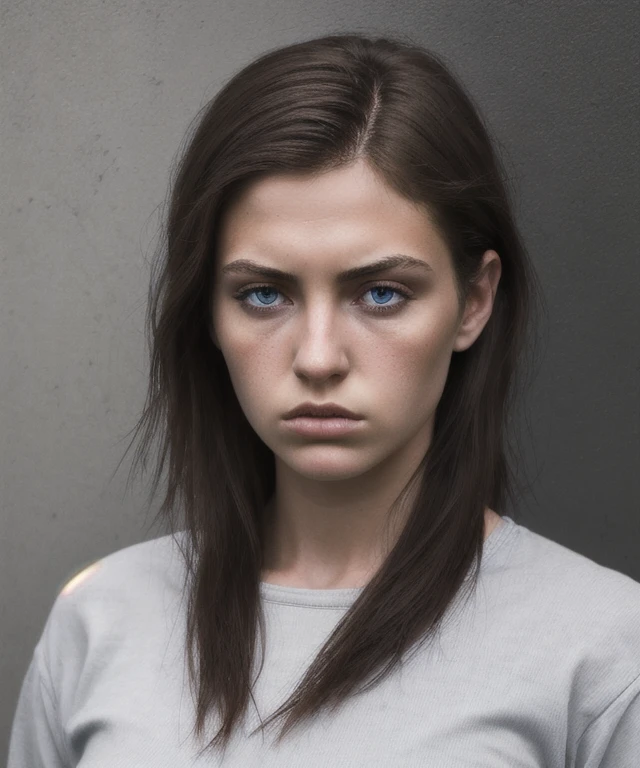
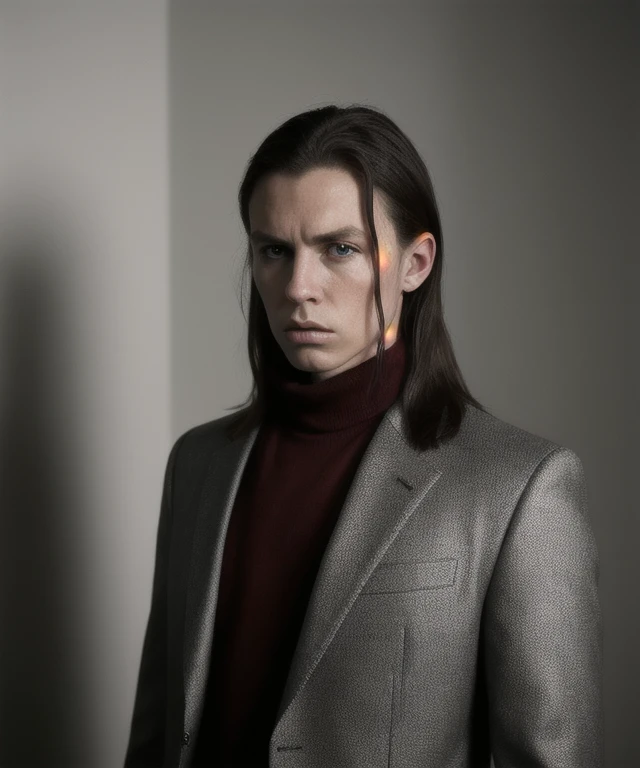
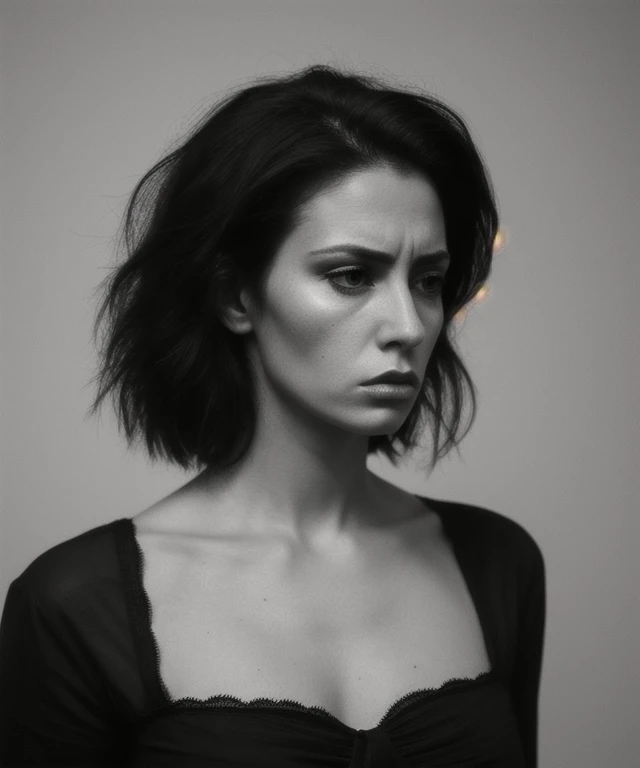
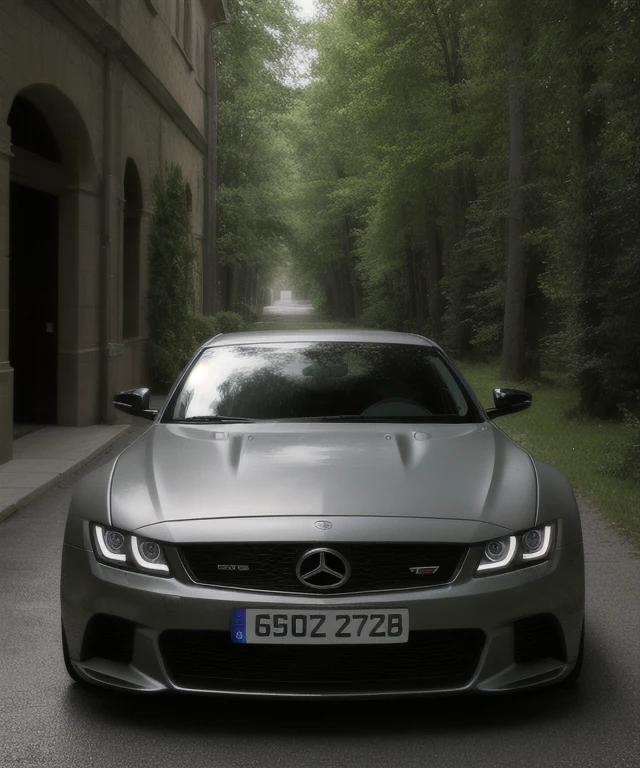
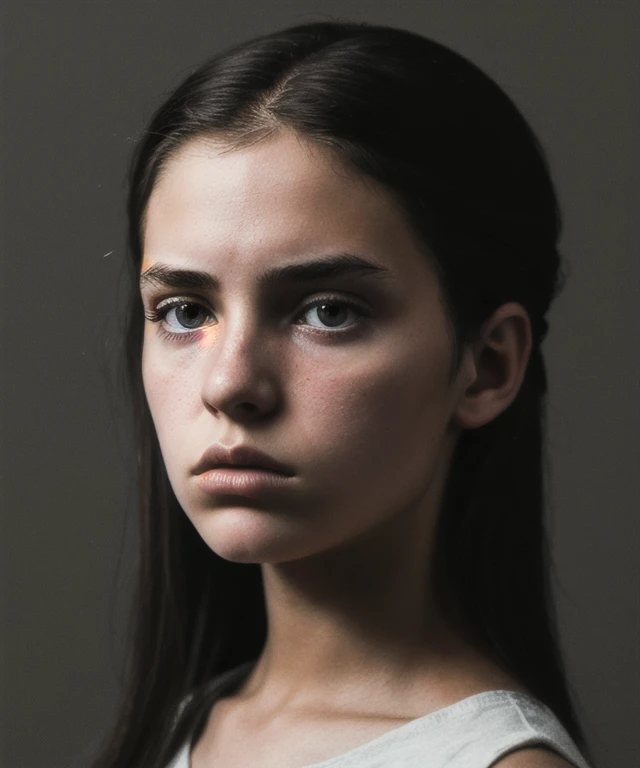
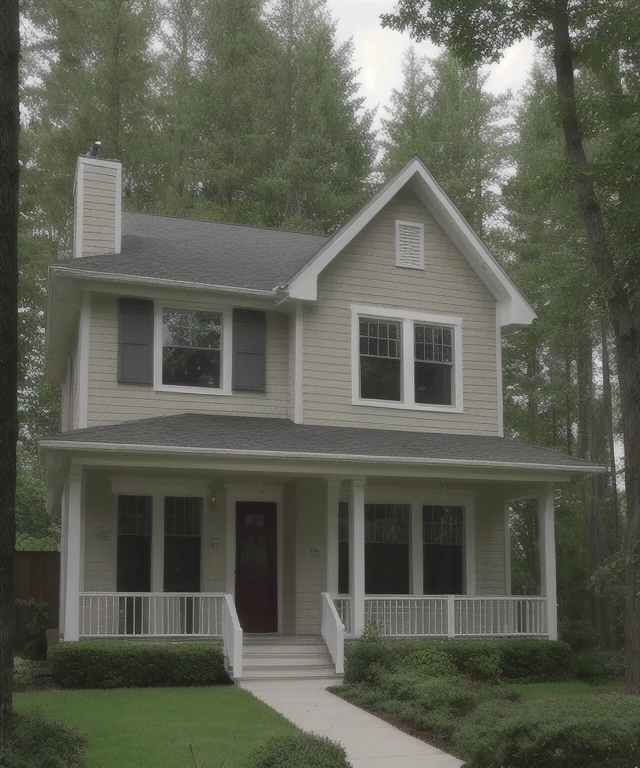
ANNOReal is a state-of-the-art AI model engineered to achieve the highest level of photorealistic image generation. This model excels at creating visuals indistinguishable from real photographs, pushing the boundaries of what's possible with AI art. From lifelike portraits to stunning landscapes and intricate product shots, ANNOReal captures the nuances of the real world with breathtaking accuracy.
ANNOReal is an invaluable tool for:
Photography: Generate realistic photographs for various purposes, including stock photos, product showcases, and artistic projects.
Advertising: Create compelling visuals for marketing campaigns that capture the authenticity of real-world imagery.
Film and Television: Generate realistic scenes and characters for visual effects and virtual productions.
Design and Visualization: Produce photorealistic mockups and prototypes for products and environments.
Ease of Use: ANNOReal is designed to be user-friendly, making high-quality photorealistic generation accessible to all.
How to Use ANNOReal:
Clip Skip: 1-12 (Experiment to find the sweet spot for your prompts)
Sampler: Euler a, DDIM, DPM++ 2M Karras, UNI_PC (Explore different samplers for varied results, but Euler a is often a good starting point for realism)
CFG Scale: 5-10 (Lower CFG scales can sometimes produce more realistic results, but experiment to find what works best)
Steps: 30-50 (Higher step counts can contribute to increased realism and detail)
Hires Fix: Absolutely essential for photorealism. Use a high-quality upscaler like "8x_NMKD-Superscale" or "Latent" for best results, particularly at high resolutions.
VAE: A high-quality VAE is crucial for achieving photorealistic results. Experiment to find one that complements the model.
Size: Start with a reasonable resolution like 512x512, 768x512, or 512x768 and upscale with Hires Fix for higher quality.
Scheduler: Normal, Exponential, Karras
Example Prompts:
Positive: A young woman with long brown hair smiling naturally in a sunlit field, detailed skin, realistic lighting, professional photography
Negative: cartoon, anime, drawing, painting, illustration, sketch, blurry, distorted, extra limbs
Tips for Success:
Be extremely descriptive in your prompts. The more details you provide about lighting, composition, and subject matter, the better the model can understand your vision.
Pay close attention to lighting cues in your prompts. Realistic lighting is essential for photorealism.
Experiment with lower CFG scales and higher step counts to fine-tune the level of realism.
Use a high-quality VAE that is well-suited for photorealistic generation.
You can also support me with a cup of coffee Support AINNO on Ko-fi! ❤️
You can also make me an offer.
Description
FAQ
Details
Files
Available On (1 platform)
Same model published on other platforms. May have additional downloads or version variants.