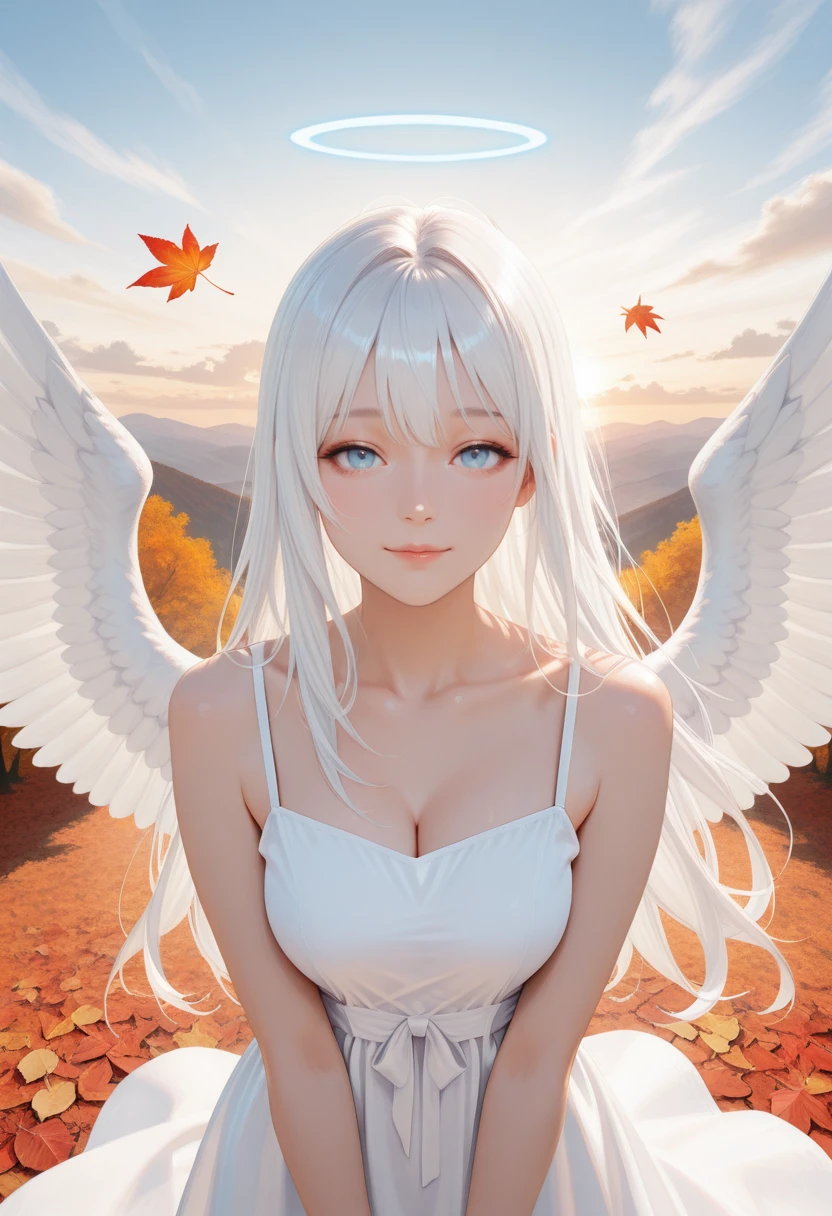
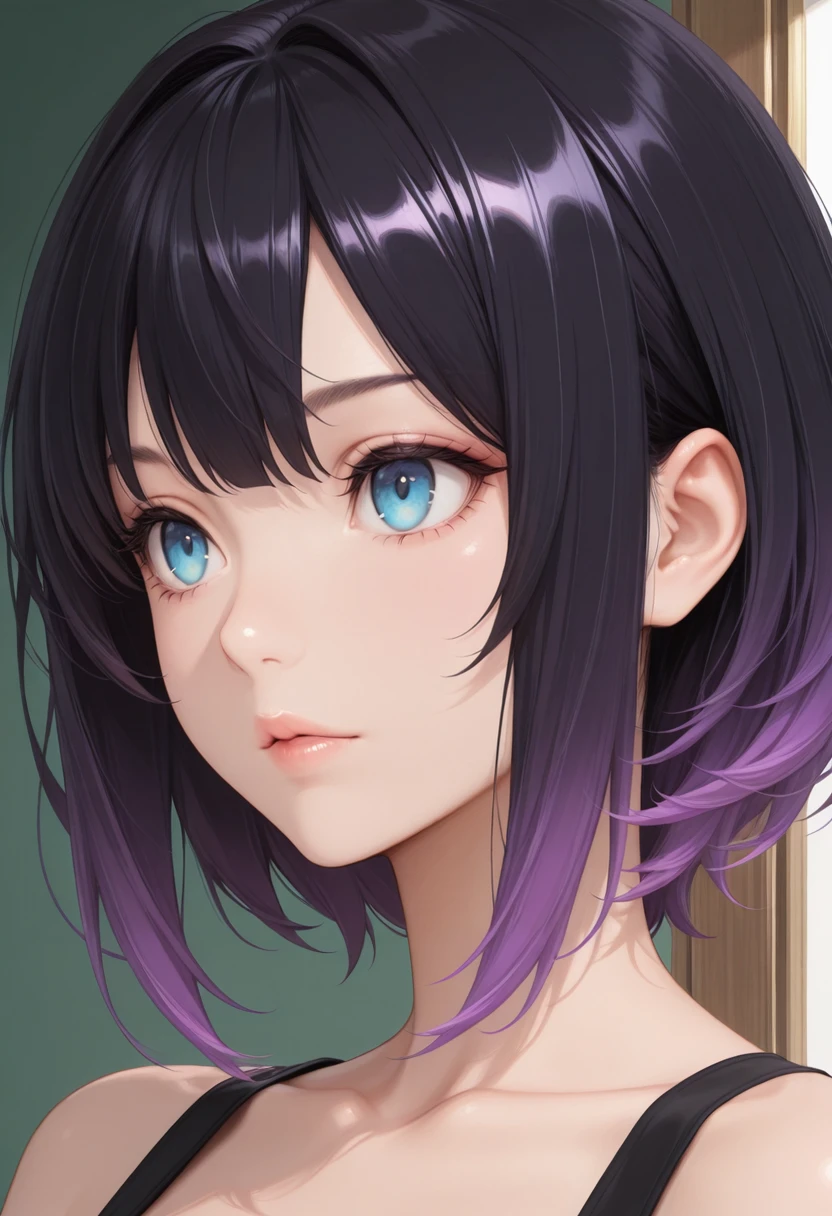
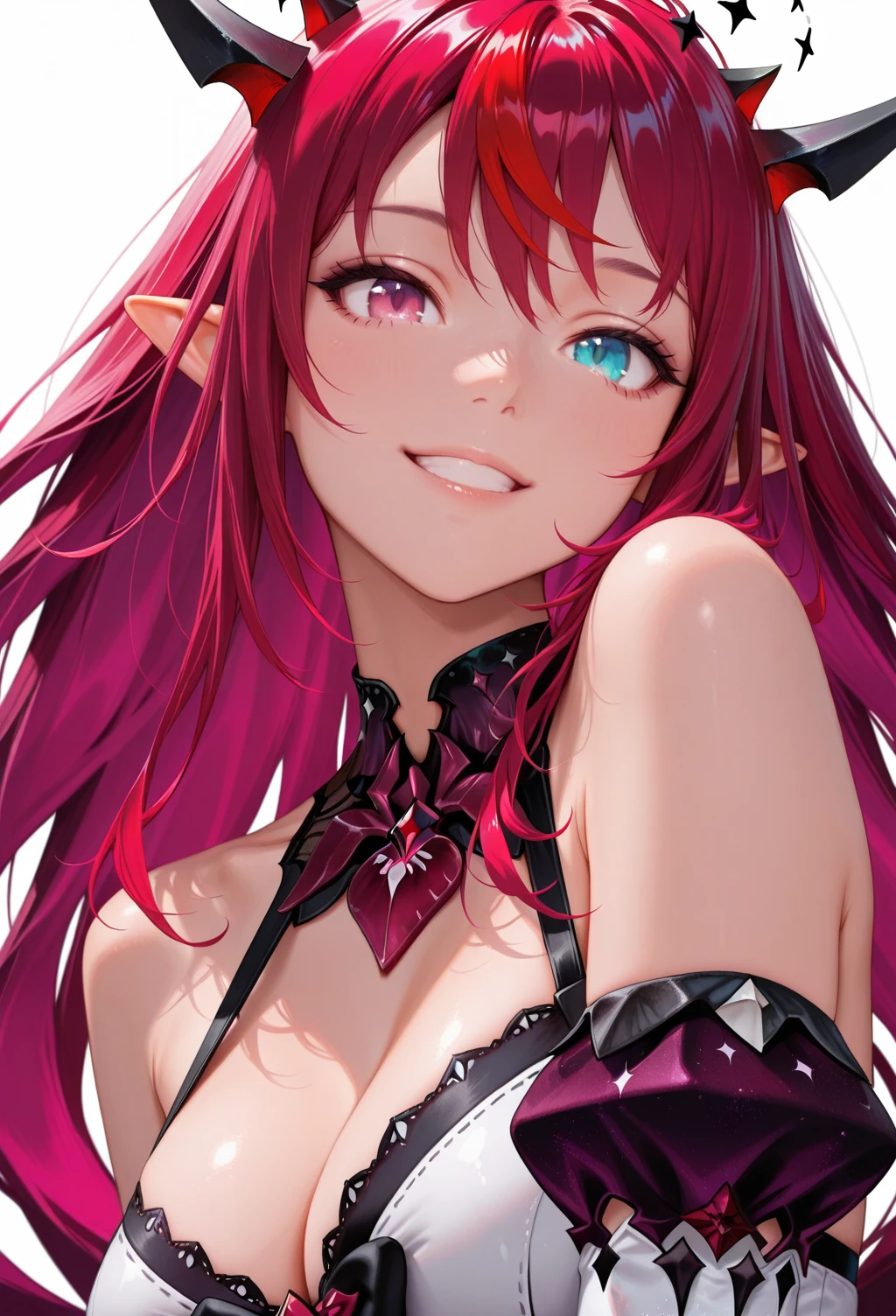
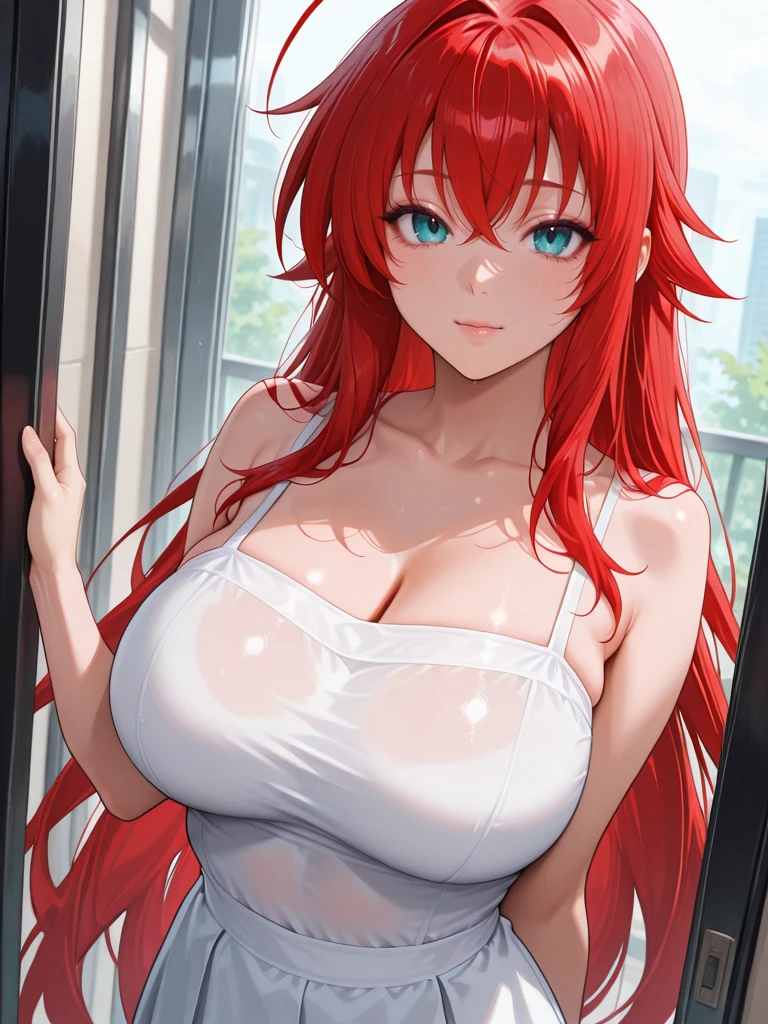
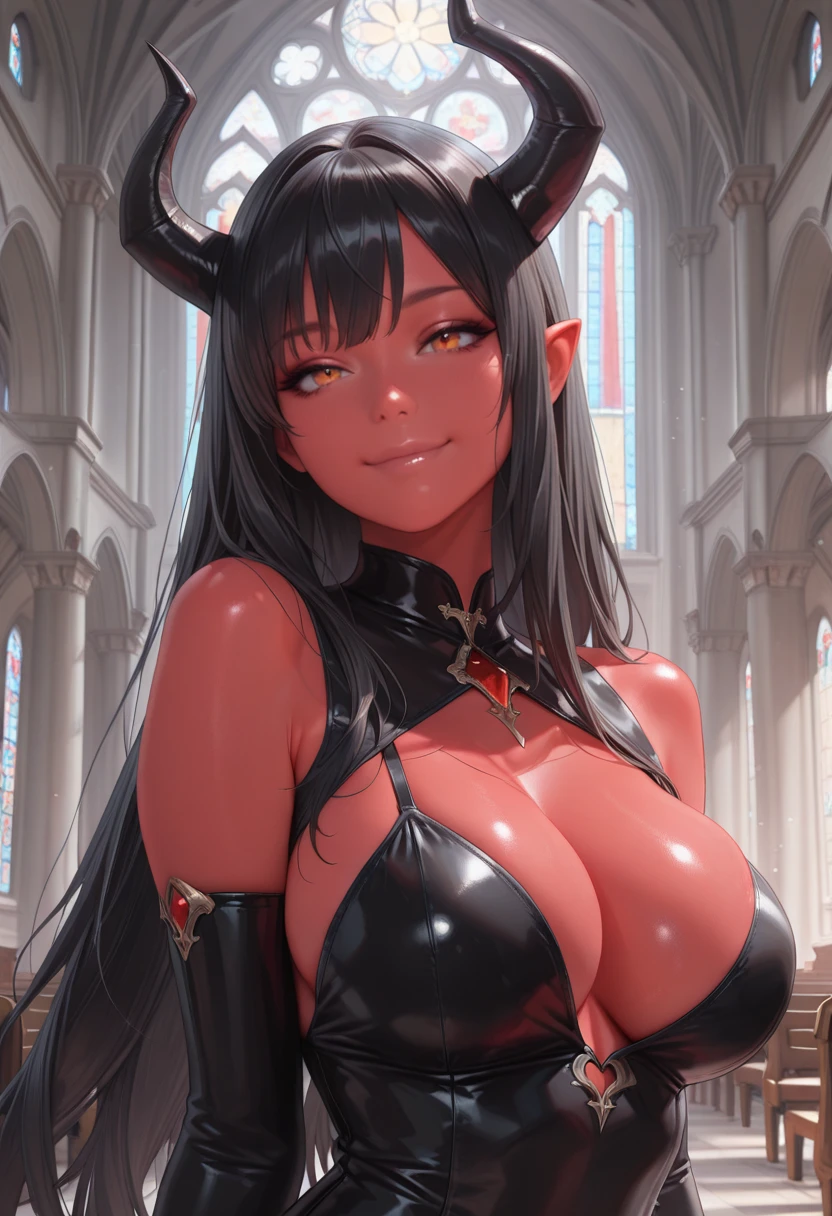
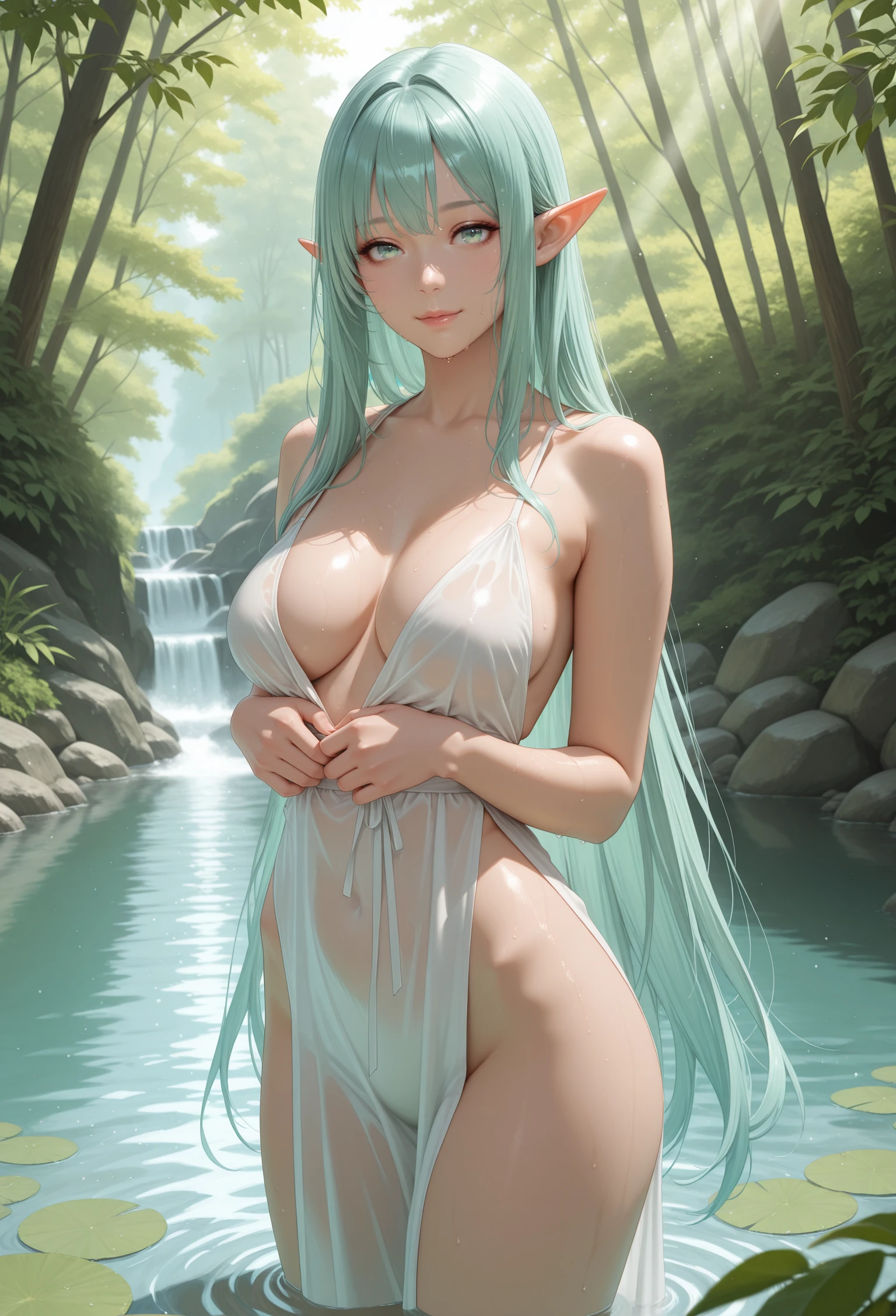
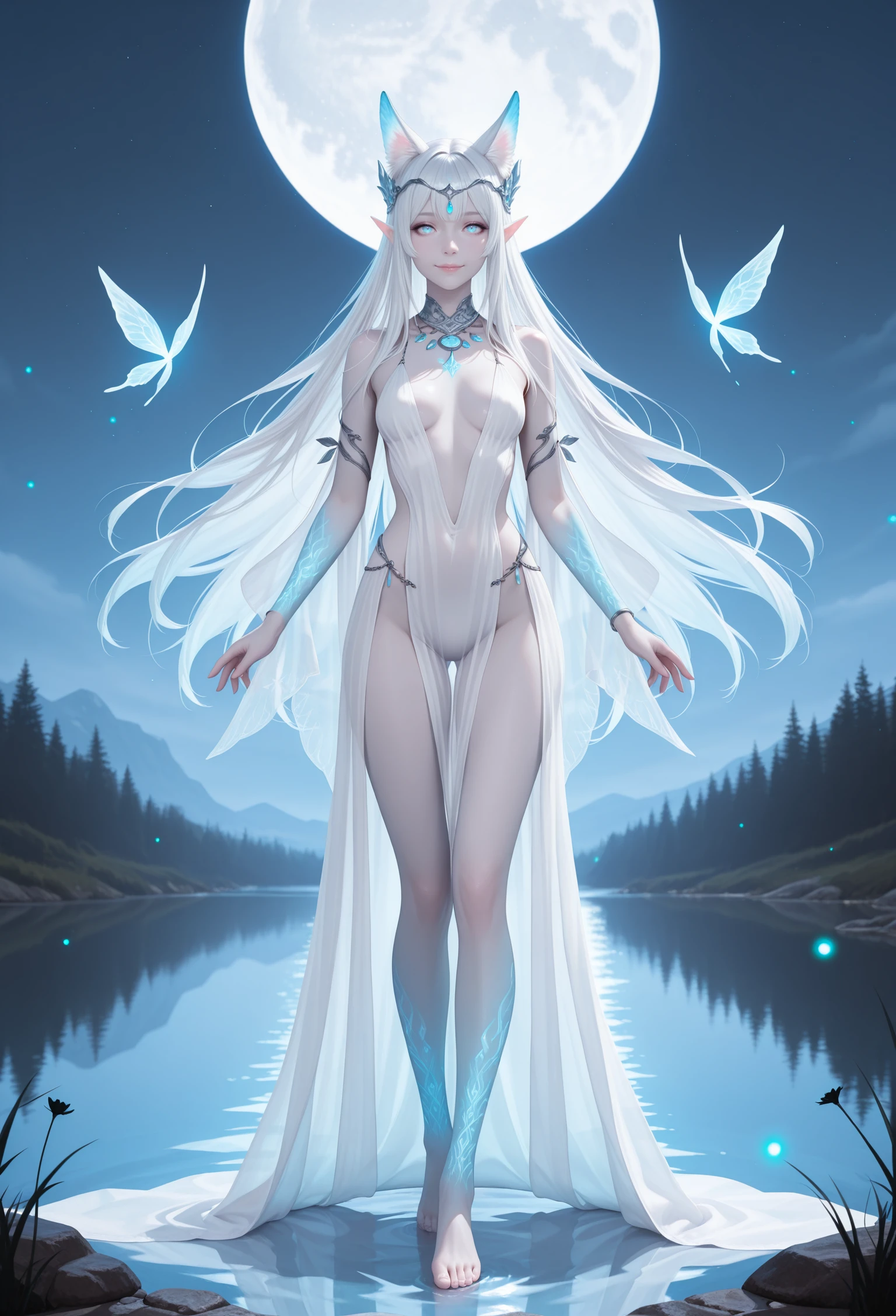
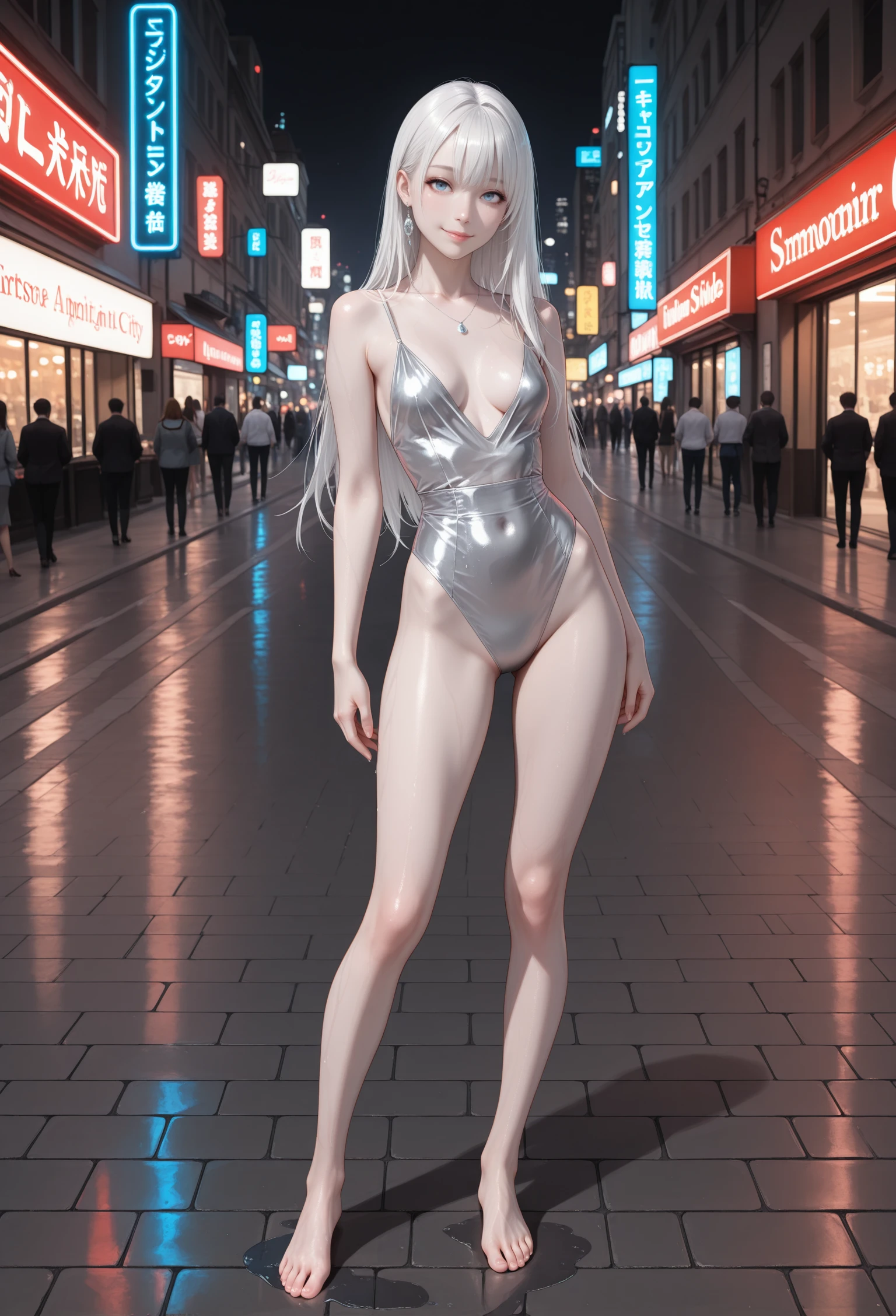

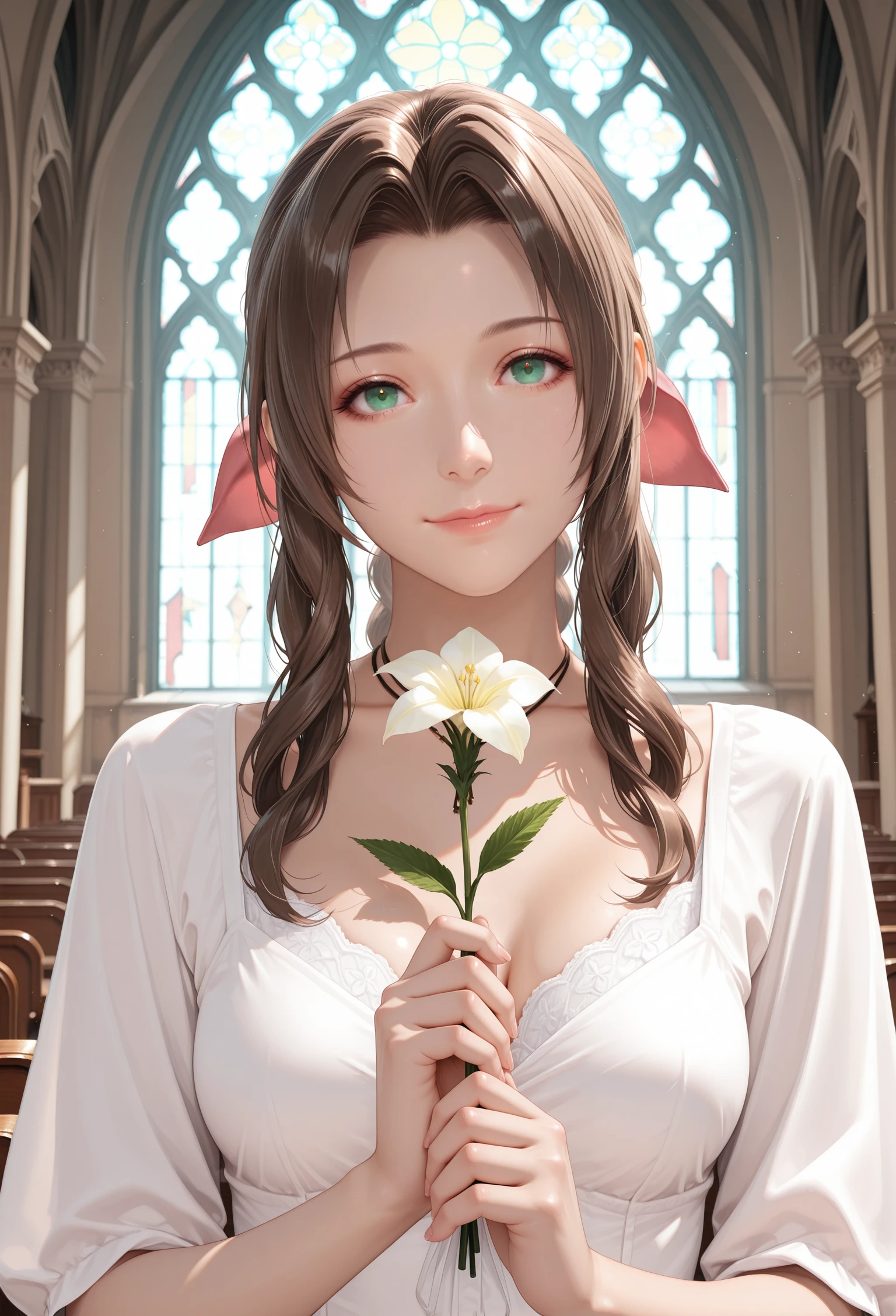
Hello everyone. I'd like to introduce you to my first Checkpoint Merge. I decided to take my favourite models and get something of my own that will combine elements of realism (proportions, light and shadows) and anime style.
Ver. 2.0 The Rising Star
A new model that more strongly blends anime style with elements of realism. This model incorporates several of my LoRA models as well as an unpublished LoRA style model designed to enhance realism while preserving anime aesthetics. Additionally, the checkpoint WAI-NSFW-illustrious-SDXL ver 140, merged with my LoRAs and base model, was used during development.
This new version is named "The Rising Star" because I concentrated on integrating my personal LoRA models and enhancements to achieve something more than just a simple merge — marking a step forward toward new semi-realistic styles. Nevertheless, I plan to introduce small refinements in future models to steadily and smoothly evolve the series.
It is important to highlight that the tag 'realistic' still effectively strengthens the realism elements in the model.
Ver. 1.5 Stable
A stable version that reinforces more of the realism elements with the tag ‘realistic’ than the previous version.
Ver. 1 Pure (+VAE)
An updated first version that I added VAE to. Retains more of the anime aesthetic.
If you used the first version and like it better, please download it. In the future, I will remove the version without VAE. This version is compatible with adetailer.
In some cases, mask boxes still appear in this version, mostly on arms and legs. The solution is the same as for the version without VAE: after ADetailer, apply Hires.fix.
Another method that seems to work is to go into ADetailer’s settings before generating and set the Mask merge mode (the 5th option) to “merge.” This can help reduce or eliminate mask box artifacts.
Ver. 1 Without VAE
Known issues: Adetailer leaves a visible square.
Temporary solution: Use Hires.fix after generation with Adetailer.
Unfortunately my first merge checkpoint turned out to be not without its flaws. I'll try to fix that in the new version.
For the merge, I used the following models:
- Illustrious-XL-v2.0-stable
- WAI-NSFW-illustrious-SDXL
- iLustMix
- My unpublished style LoRA (only for first version, In the stable version I decided to reduce the weight for now)
I will gradually try to complete the post on using the model, and I would also welcome feedback.
But here are some recommendations:
Euler a - 15-30
CFG scale: 5-7
ADetailer
Hires upscale: 1.5, Hires steps: 20, Hires upscaler: R-ESRGAN 4x+ Anime6B,Denoising strength: 0.35~0.5
By default, the model creates in anime style. You can use the tags realistic and realistic eyes to improve the result and add realistic elements
Positive tags:
masterpiece, detailed eyes, high quality, best quality, highres, amazing quality, very aesthetic, perfect eyes, realistic, realistic eyes, subject focus, depth of field,
Negative tags:
bad quality,worst quality,worst detail,sketch,censor,poorly detailed,jpeg artifacts, bad anatomy,Safety rating tag: nsfw
All images are polished through ADetailer
Description
FAQ
Details
Files
Available On (2 platforms)
Same model published on other platforms. May have additional downloads or version variants.