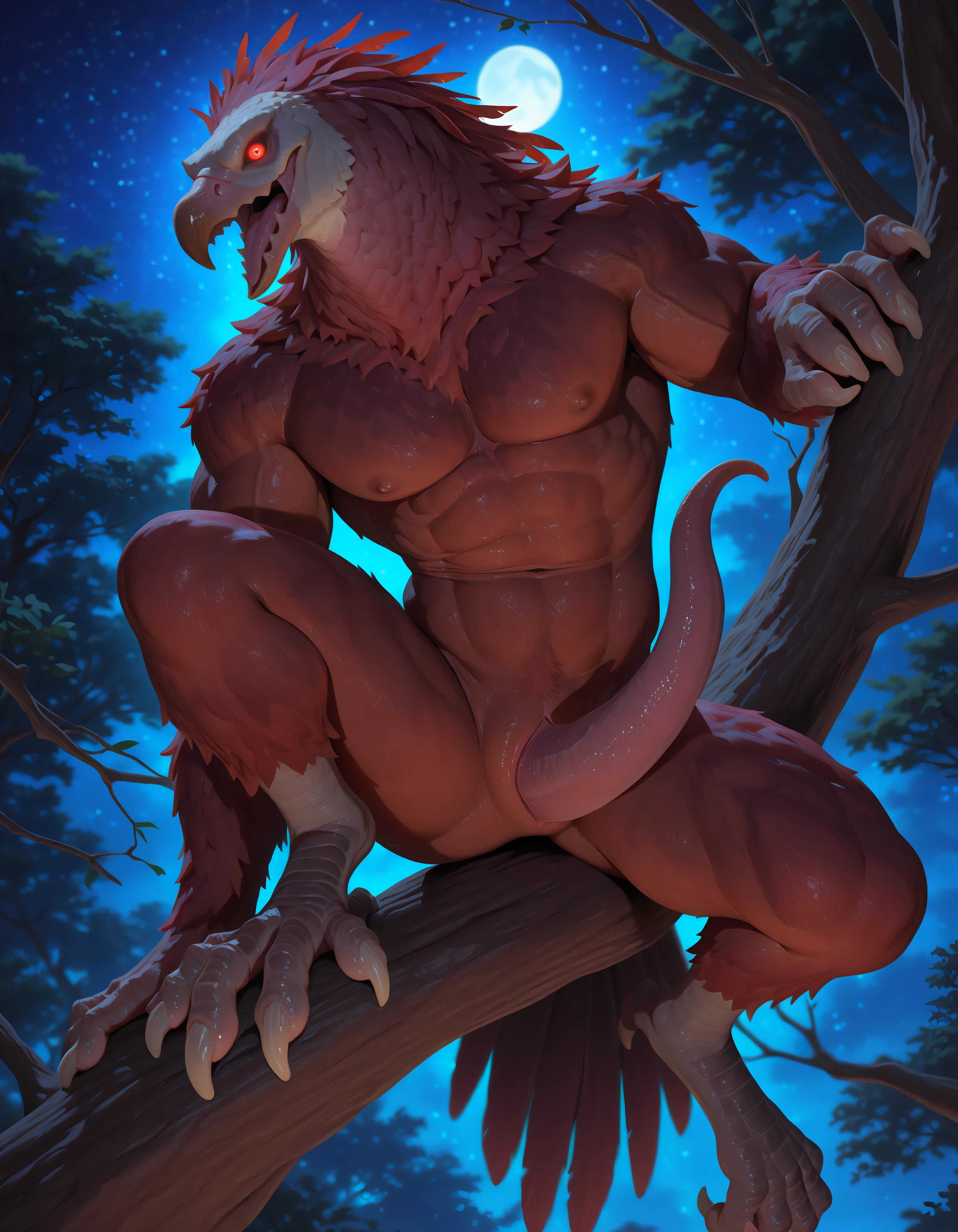

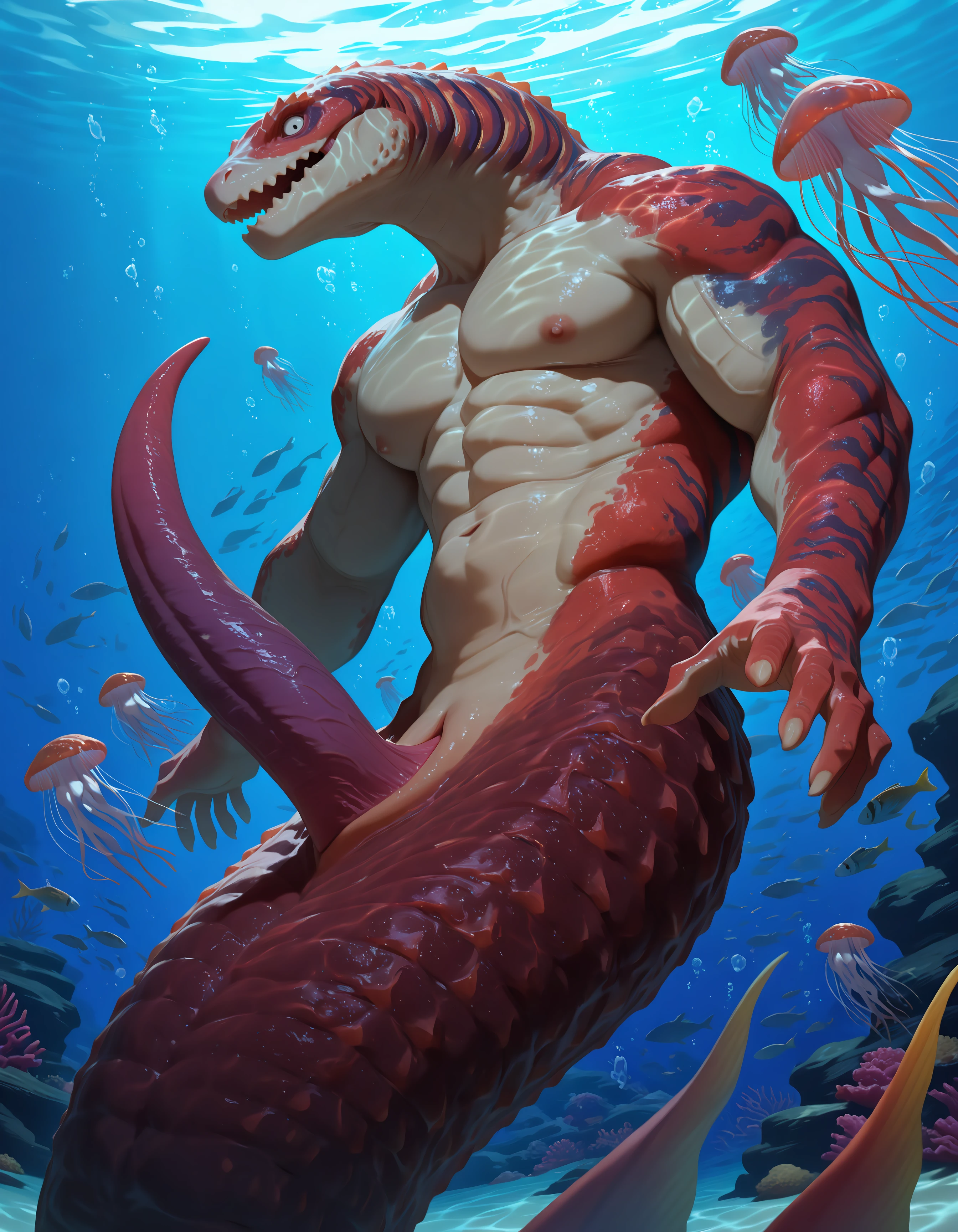
This is for all the freaks out there. This lora can work as a detailer lora (if your detailer can detect tapering penises) or a main image lora. As a main image lora, I recommend lowering the strength to about 0.7 to prevent style bleed. When used in the detailer you can bump that weight up to 1 or higher. The trigger words are listed on the right, be sure to mix and match and add parenthesis if needed.
I have to confess that only about half of the penises in the dataset used for this are actually tapering penises. If I just included those then I feared the result would be pretty boring, so I threw in a lot of penises that I considered close enough. All the purely tapering penises were tagged with "thin penis tip", so include that tag if that's the look you're after. With all that said I'm not super ecstatic with how this one came out. It's not as consistent as I'd like but when it hits it does a good enough job to make me think it's worth sharing.
There are 2 ways this lora can be used and both methods were used to generate the sample pics:
Use as a normal lora. Works but can change the style and composition of your image. Use a weight of 0.7 or lower to reduce that. You can always add a higher weight to the lora in the detailer later to bump it up in the details.
Use only as a detailer. Great way to boost the peens visuals with 0 affect on overall image style. I personally recommend this approach but I know its not available to everyone.
For those curious on how to do method 2, here's a quick guide.
Generate your base image the same way you usually would up until applying detailers. Leave out the lora or include it with a low weight, like 0.7.
Add trigger tags like "m0nster t4pering pp, tapering penis, nubbed penis, spiked penis, penis, ribbed penis" if you want a specific look.
Plug this lora into either your adetailer or fdetailer.
Adjust the weight of the lora and the denoise of the detailer as you want. In my testing, a weight of 1 on the lora and a denoise of 0.40 is the sweet spot. The higher the denoise the higher the risk/reward.
If you're struggling, check the quick example workflows I have attached to the sample pics.
Description
Trained with the below parameters.
172 images:
{
"engine": "kohya",
"unetLR": 0.0005,
"clipSkip": 2,
"loraType": "lora",
"keepTokens": 1,
"networkDim": 16,
"numRepeats": 5,
"resolution": 1024,
"lrScheduler": "cosine",
"minSnrGamma": 5,
"noiseOffset": 0.1,
"targetSteps": 4300,
"enableBucket": true,
"networkAlpha": 8,
"optimizerType": "Prodigy",
"textEncoderLR": 0.00005,
"maxTrainEpochs": 20,
"shuffleCaption": true,
"trainBatchSize": 4,
"flipAugmentation": true,
"lrSchedulerNumCycles": 3
}
Details
Files
Available On (1 platform)
Same model published on other platforms. May have additional downloads or version variants.