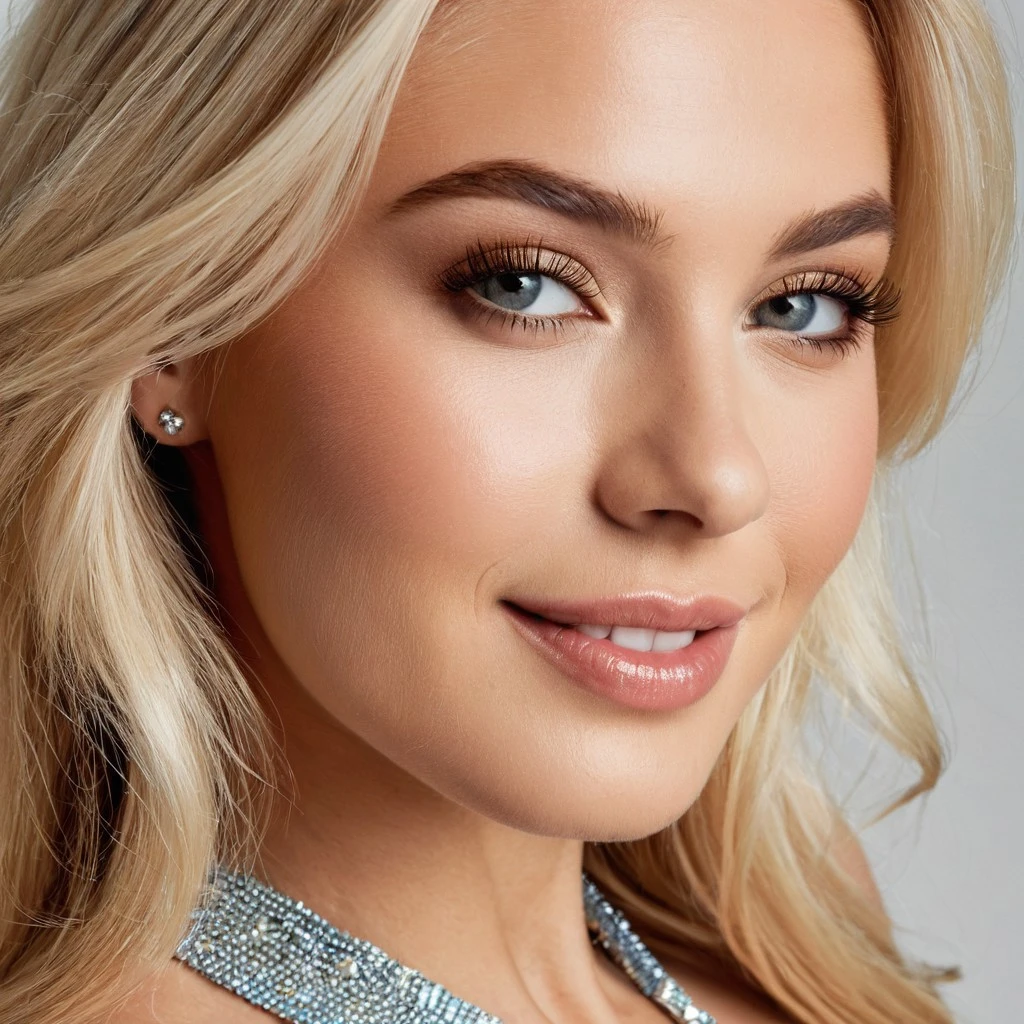
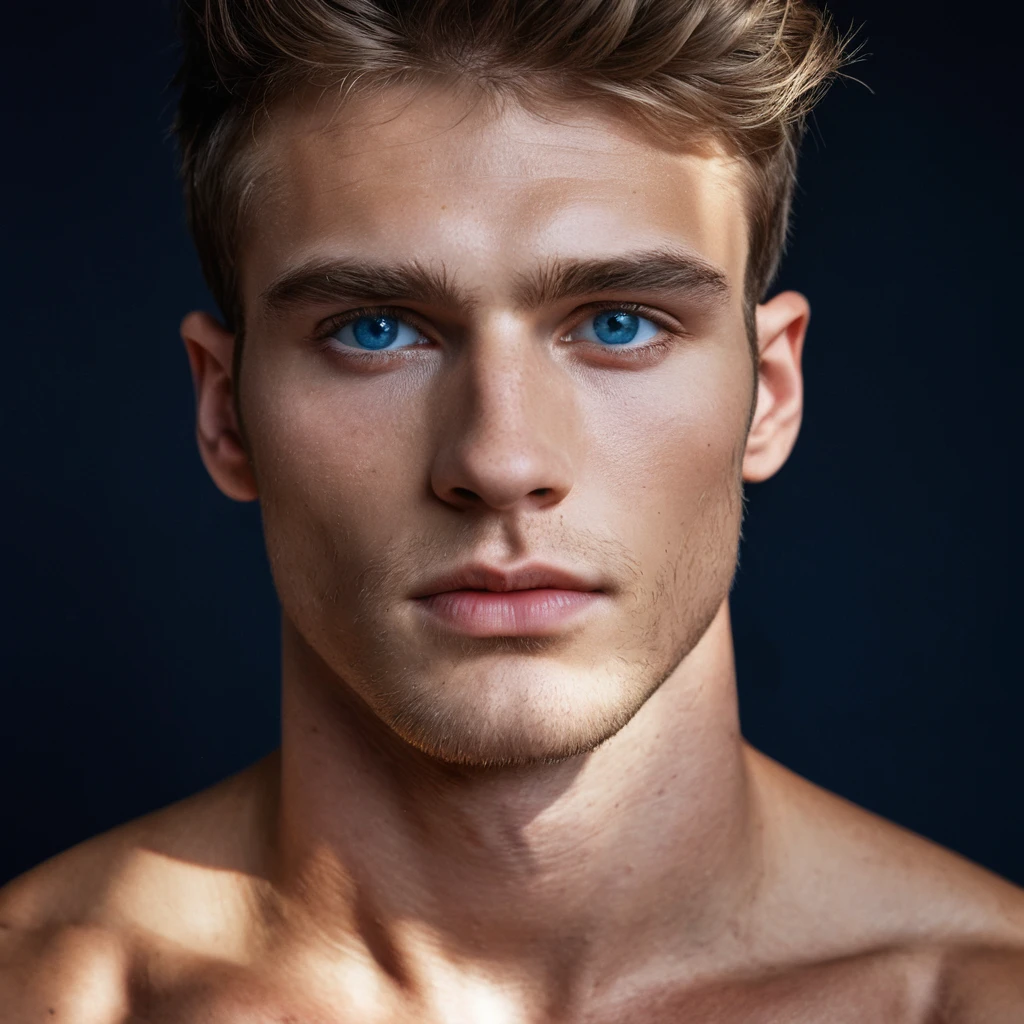

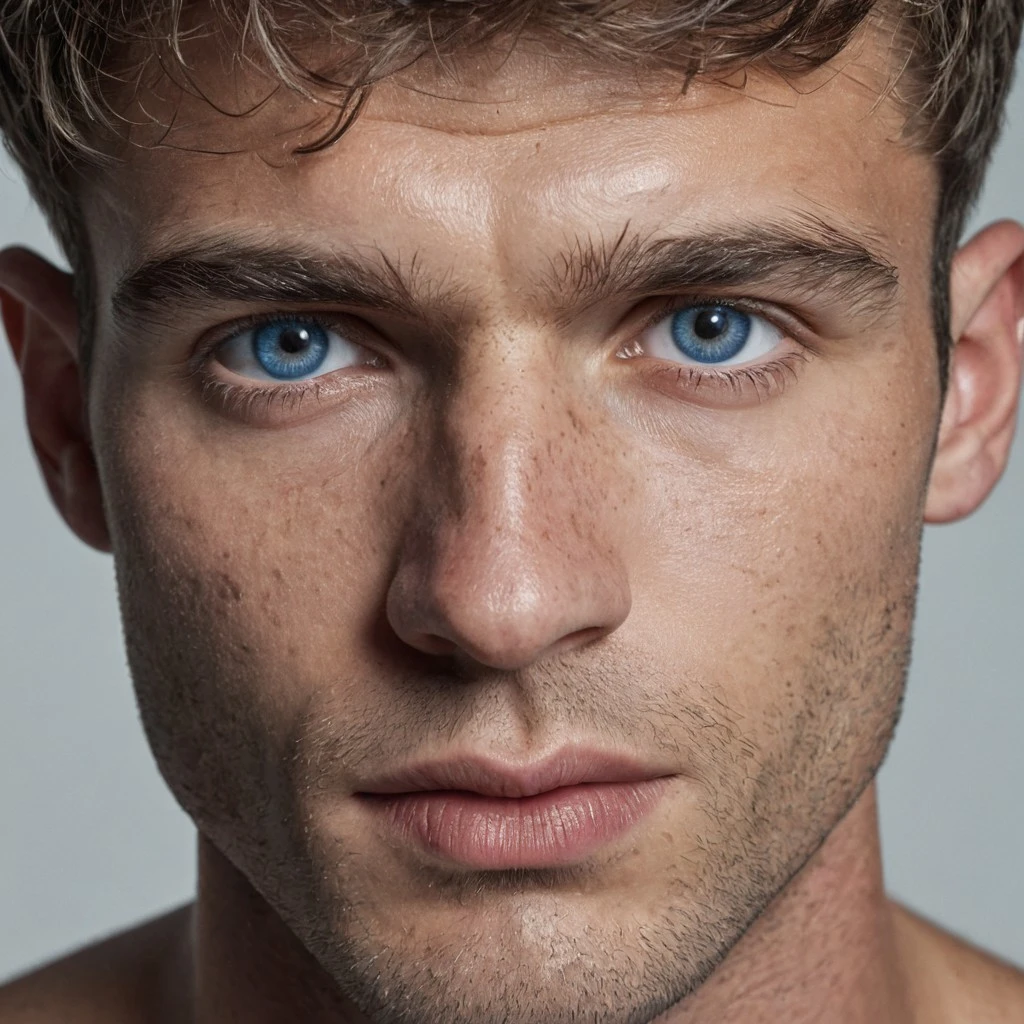
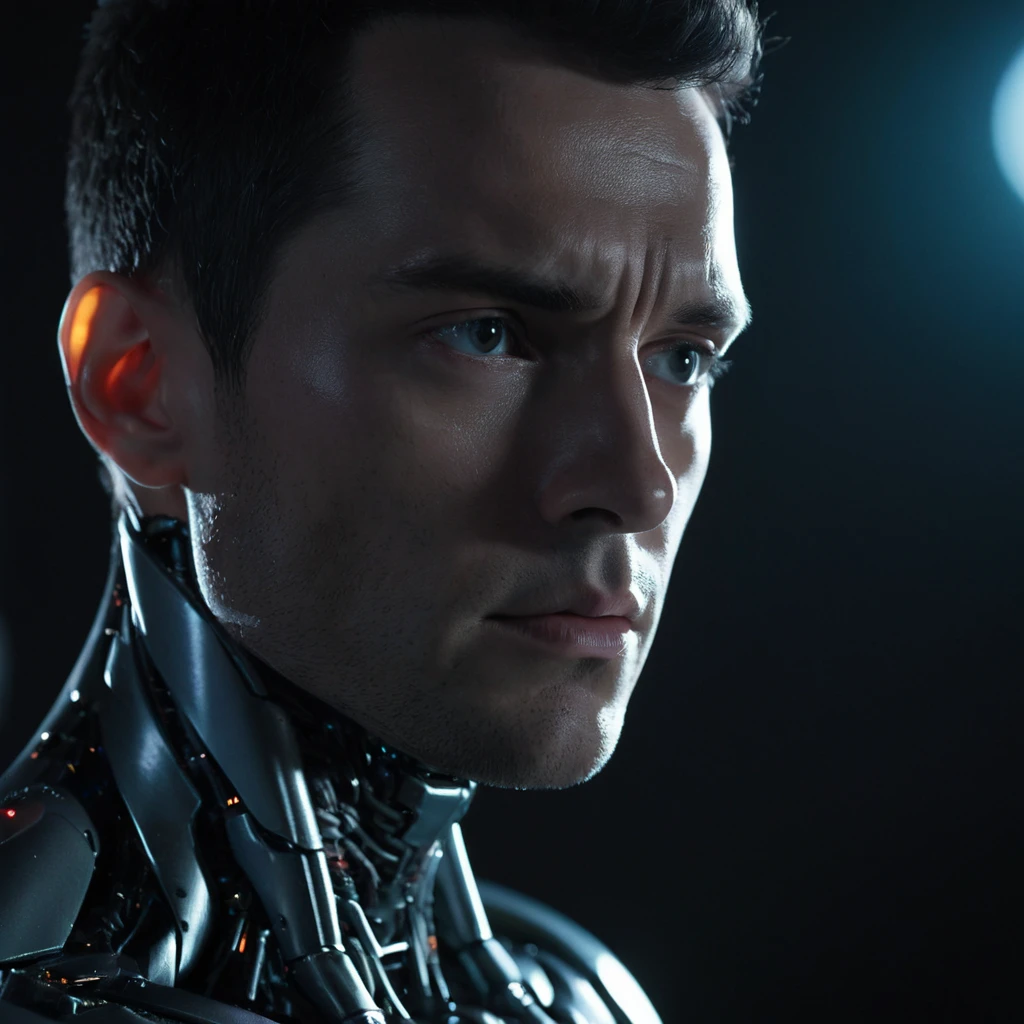

V4 DESCRIPTION
It was hightime for a new version to arrive and V4 brings more realism, more ???? and more diversity!
As you can see from the pictures, all these aspects improved since the last version and although this version too has areas for improvements, it clearly is way better than all previous versions.
Technical details
CGF: 3-5
Steps: 25-50
DPM++3M SDE Exponential (2M seems to be okay too)
As for the prompts, you can see many examples in the galleries.
As a merge, I need to say thanks to the creators of the original great models:
Pornmaster Pro-SDXL-V7
https://civitai.com/models/82543?modelVersionId=1915737
Photonic Fusion SDXL - Finale
https://civitai.com/models/683210/photonic-fusion-sdxl
Juggernaut XL - Ragnarok
https://civitai.com/models/133005/juggernaut-xl
LUSTIFY! (OLT)
https://civitai.com/models/573152/lustify-sdxl-nsfw-checkpoint?modelVersionId=1569593
Have fun, and cannot wait to hear your comments and see your creations : -)
V3 DESCRIPTION
V2 was a nice improvement in many ways, it lacked NSFW aspects and had problems with male ????????? sometimes. The goal of V3 is to add some new layers of NSFW aspects while keeping or raising the photorealism/detail/quality aspect.
V3 is the result of dozens of hours of experimentation and tweaking, so, I really hope you will like it :)
Still under exploration but it seems to be a real multi-purpose checkpoint, as you can see from the examples too. It can do photorealism but also anime, oil paintings, etc.
Score references are not necessarily needed but based on my experimentation they can be very useful many times. Seems like score references are most useful in case of NSFW pictures.
SETTINGS:
DPM++3M SDE Exponential, CFG: 2-7, steps: 30-50
DPM++3M SDE Karras, CFG: 2-7, steps: 30-50
DPM++2M SDE Karras, CFG: 2-7, steps: 30-50
Seems like the sweet spot for photorealism in CFG is around 2-4.
Negative prompts and quality improving prompts:
no need to be super fancy about it, it seems that model works really well without them, just check this image:
https://civitai.com/images/42192528
Last but not least, the credit goes to the original creators from which this checkpoint was created:
Iris Lux
https://civitai.com/models/201287?modelVersionId=656689
Juggernaut XL
https://civitai.com/models/133005/juggernaut-xl
Photonic fusion
https://civitai.com/models/683210/photonic-fusion-sdxl?modelVersionId=7??695
Anteros XXL
https://civitai.com/models/430454/anteros-xxxl
Enjoy it, explore it. Cannot wait to see what you create with it!
V2 DESCRIPTION
Whereas v1 was really good at ???? it can be improved in many ways. V2 brings about these changes at the expense of losing a little quality of the ???? side (harder to get certain things done or it does not look that perfect, e.g. poses, ???, etc.).
On the good side, v2 brings many imporvements:
people are much more beutiful than before
eyes are much better
texture and photorealism improved
easier to prompt and prompts are more followed (v1 has the tendency to not to follow some parts of prompts)
richer database --> better quality pictures, more details, wider range of images, wider range of styles
negatives and image improving prompts are hardly needed if at all
SETTINGS:
DPM++3M SDE Exponential, CFG: 4-6, steps: 30-40
DPM++2M SDE Heun Exponential (or Karras), CFG: 4-6, steps: 30-40
The best way is to start with no negatives and image improving prompts and step-by-step building it up.
For more details and ideas look the examples in the gallery.
The earlier version was tweaked in some ways and the mixture changed too. Here is the list of models included in this version:
Iris Lux
https://civitai.com/models/201287?modelVersionId=656689
HimerosXL
https://civitai.com/models/255907?modelVersionId=423235
DucHaiten-Pony-XL
https://civitai.com/models/37??50?modelVersionId=706363
Juggernaut XL
https://civitai.com/models/133005/juggernaut-xl
Enjoy it, explore it. Cannot wait to see what you create with it!
V1 DESCRIPTION
This is my first checkpoint merge so if it has some flaws that is the reason :))
This is an all-purpose checkpoint capable of creating images of art, everyday scenes or even ????. The main idea was to have a checkpoint which is hassle-free yet creates photorealistic images and capable of creating ?????? images too at the same time while still can cater many other type of needs, like making art or animes.
A unique feature is that it is not only able to create reaslism and illustration but it can also create REALISM AND ILLUSTRATION in one picture ;-)
There is yet many to explore in it and even more to improve but I definetely l like too much to not to share it : -)
These are the details what I have understood so far.
SETTINGS:
DPM++3M SDE Exponential, CFG: 6-7, steps: 30-35
DPM++2M SDE Heun Exponential, CFG: 6-7, steps: 30-35
DPM++2S a Karras, CFG: 6-7, steps: 30-35
DPM++3M SDE Karras, CFG: 6-7, steps: 30-50 (this pushes photorealism to its extreme)
The model does not need too much negative prompts to look great, neither lenghty positive prompts.
With people, use this negative prompt as a start:
render, ugly
Portraits and close-ups are natively great at creating photorealism without much extra prompting.
These might improve your prompt for photorealism:
POSITIVE PROMPT: portrait
POSITIVE PROMPT: close up
or
POSITIVE PROMPT: score_9, photo \(medium\), realistic style photo,
NEGATIVE PROMPT: render
or
POSITIVE PROMPT: score_9, photo \(medium\), realistic style photo,
NEGATIVE PROMPT: render, score_6, score_5, score_4,
BACKGROUND INFO
Negative prompts with good effects:
render (improves realism) --> must have
bad quality / worst quality (improving overall esthetics, color tones and lighting but in slightly different ways)
poorly drawn (esthetics, color tones, details, lighting)
grainy / film grain (improves sharpness, details and depth of field)
blurry (slightly improves sharpness, details and depth of field)
uncreative / beginner (slightly improves esthetics, general image quality)
General positive prompts with good effects:
intricate details (adds richness) --> probably always useful :-)
best quality (hugely improves sharpness and realism) --> definetely use it with people
Canon EOS R5 (improves color tones, realism, details, sharpness, depth of field)
sharp focus (improves color tones, realism, details, sharpness, depth of field) --> definetely use it with people
cinematic / cimematic shot
8k (adds richness, sharpness) --> definetely use it with people
32k (adds even more richness, depth)
color graded (drastically improves color tones, details, focus, composition, esthetics) --> works nicely with people
wallpaper (improves color tones, details, depth, composition, esthetics) --> works nicely with people
most beautiful photo in the world (improves color tones, details, composition, esthetics) --> works nicely with people
hyperrealism (improves realism) --> definetely use it with people
digital photography (improves realism and sharpness) --> definetely use it with people
analog photography (improves realism and details)
epic (improves realism and details) --> definetely use it with people
High-resolution (improves details, color tones)
35mm photograph (details, color tones) --> definetely use it with people
sharp (slightly improves sharpness)
professional shot (slightly improves color tones and lighting)
"close up" (drastically changes sharpness, composition, color tones, realism but also focuses on a smaller area)
HINTS:
Do not overuse quality improving prompts, the model needs only a few of them.
Order DOES matter. So, "Canon EOS R5, digital photography, sharp focus." at the end will have slightly different results than "Digital photography, sharp focus, Canon EOS R5.".
People oriented positive prompts:
highly detailed eyes / highly detailed glossy eyes
realistic natural eyes / realistic natural eyes with pupil and iris
skin details
photo \(medium\) (before prompt)
source_photo (before prompt)
source_photo, photo \(medium\) (before prompt)
"portrait" (not definetely improves but changes details, lighting and color tones)
This model IS CAPABLE OF MALE ????????? OUT OF POCKET, see the exemples in the gallery. If you want to dive into this area then I also suggest to use one of my loras, for example this one:
Homoerotic Photography + POV uncut suck/handjob
https://civitai.com/models/632793?modelVersionId=707442
And in general, feel free to mix it with my loras if you are into male ???????. I have many loras for many aspects of this interest : -)
Last but not least, the credit goes for the original creators. Here are the three checkpoints which this is based on:
Iris Lux
https://civitai.com/models/201287?modelVersionId=656689
HimerosXL
https://civitai.com/models/255907?modelVersionId=423235
DucHaiten-Pony-XL
https://civitai.com/models/37??50?modelVersionId=706363
Enjoy it, explore it. Cannot wait to see what you create with it!
Description
FAQ
Details
Files
Available On (1 platform)
Same model published on other platforms. May have additional downloads or version variants.