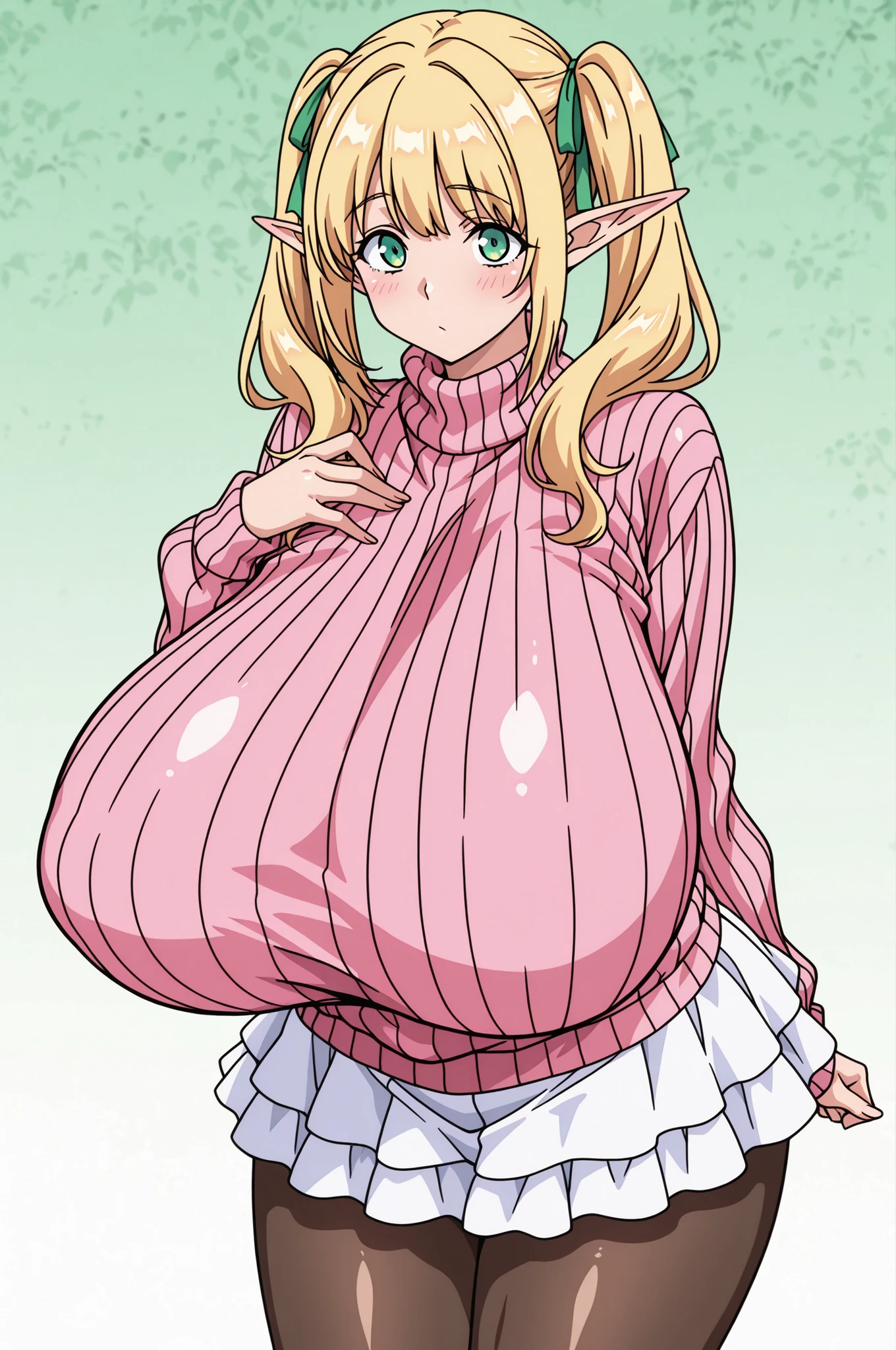
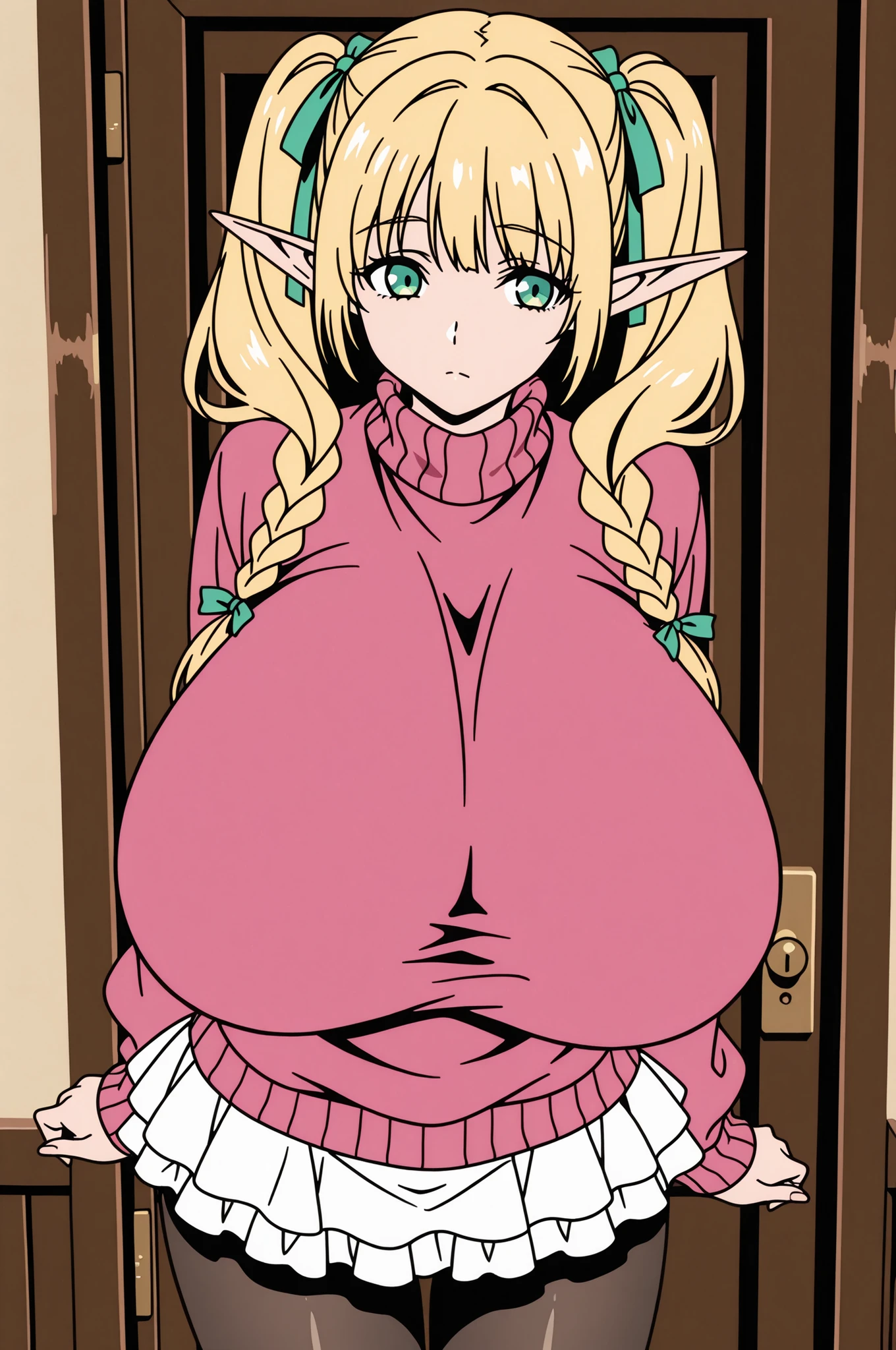
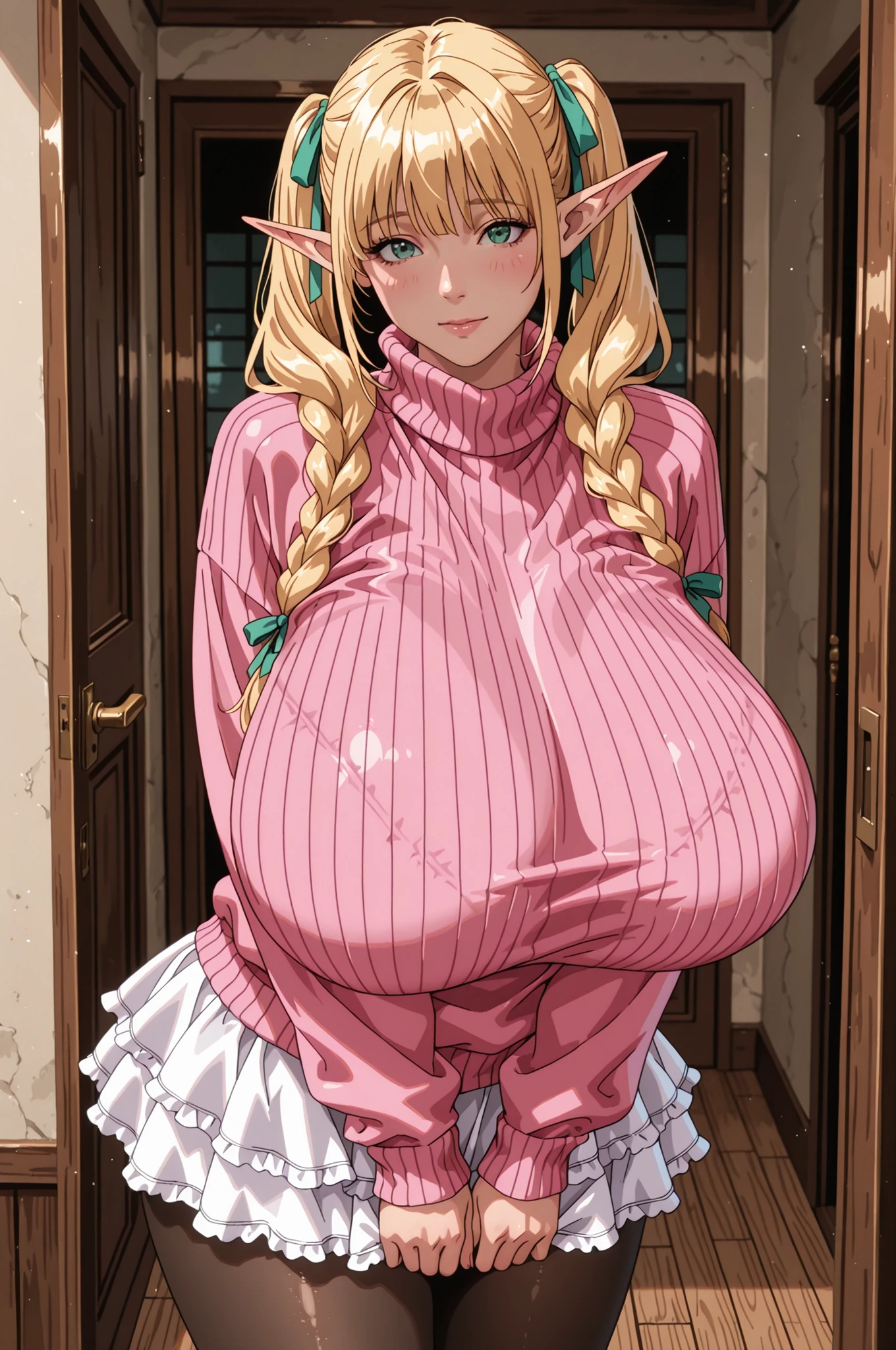
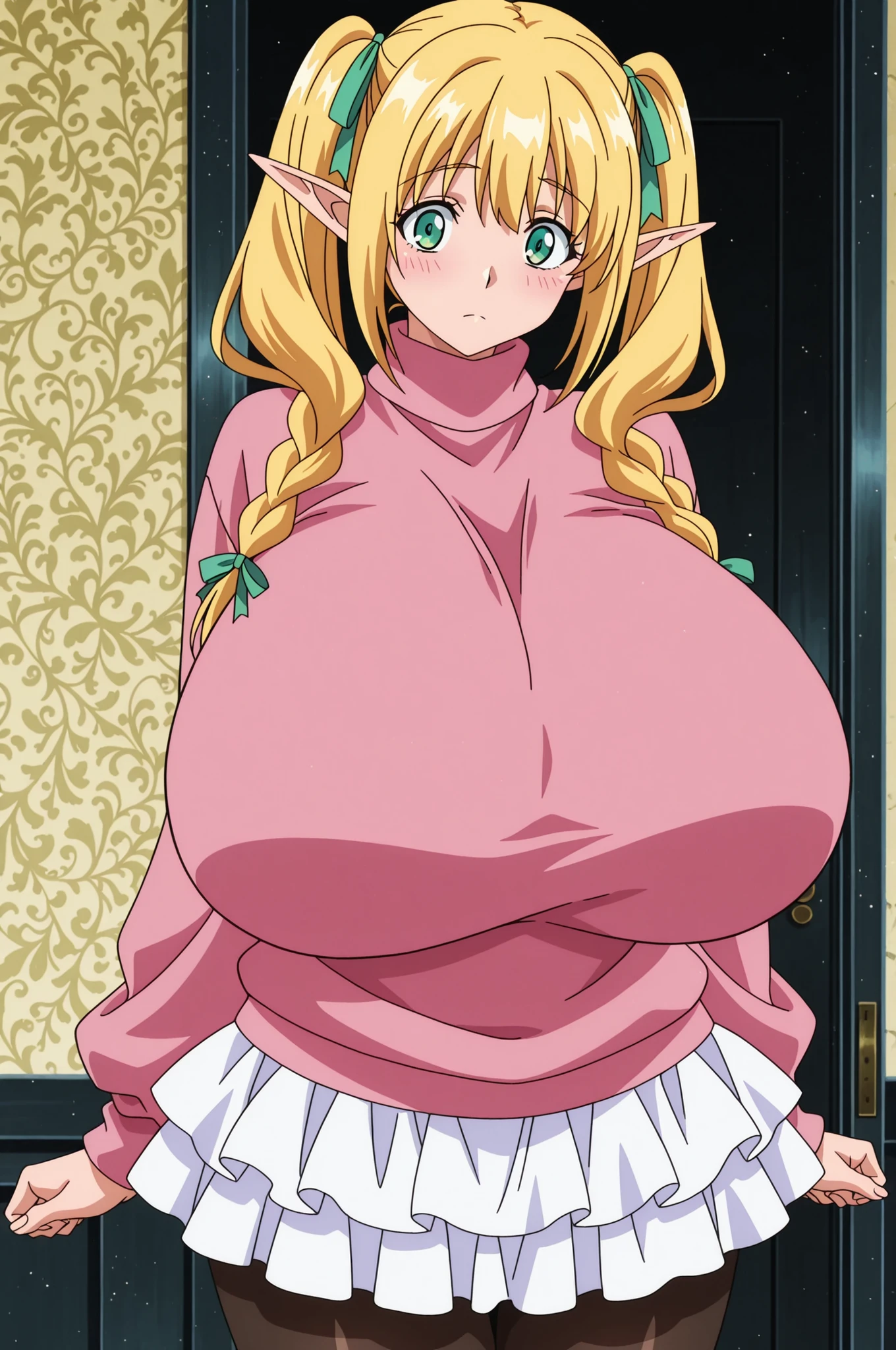
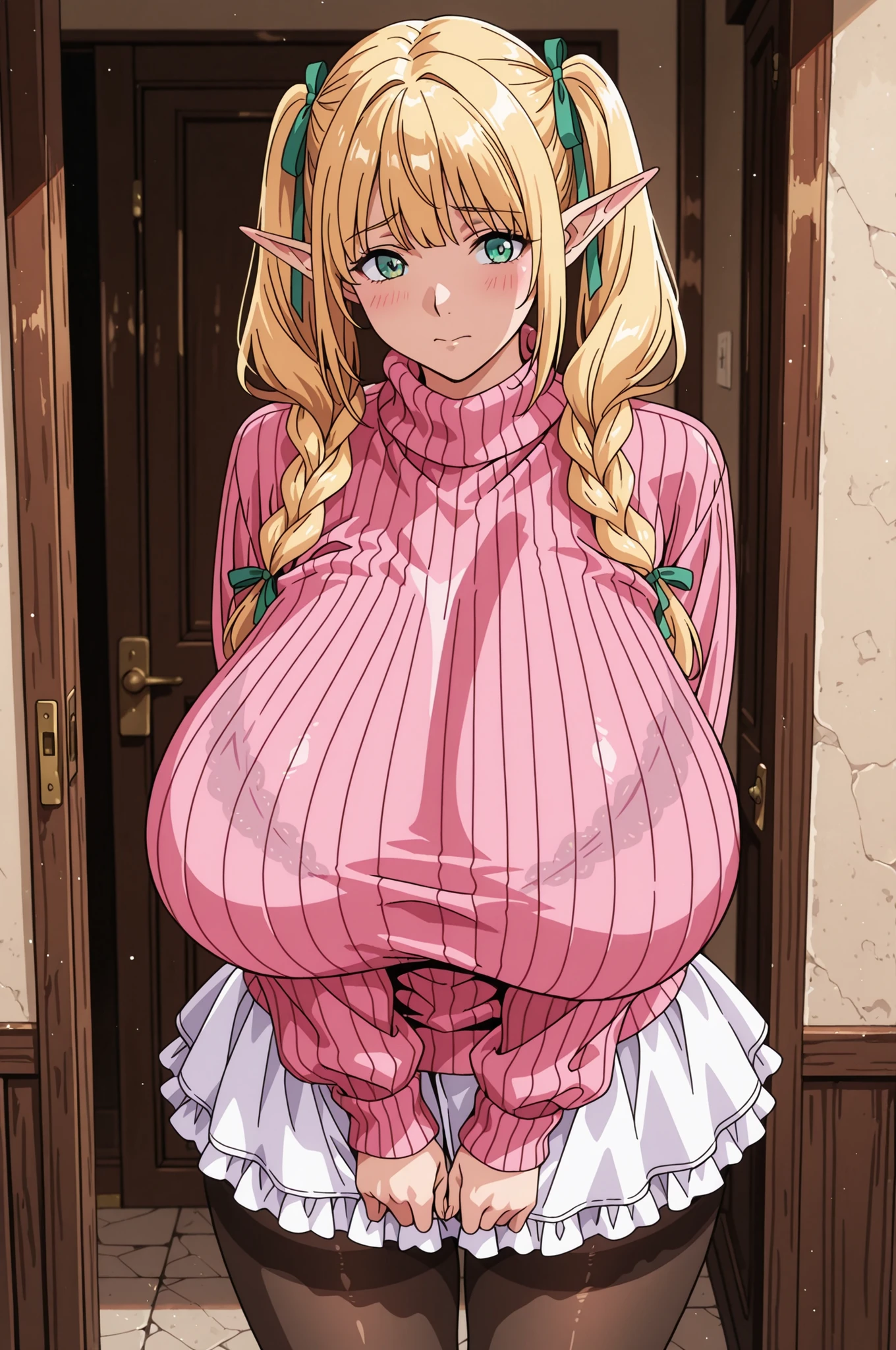
By default this model is like old style anime with a modern touch. For better details use best quality, masterpiece, in the FRONT of your prompt for the most effect.
To Shapeshift the Models style use: realistic, semi-realistic, anime coloring, anime screencap, or flat color, vector art,
- Model Merged by Chronos Dragon/ChronosDrifterAI -
~
All display images are made on the Sea Art platform. Prompts are a mix of ones I found and used as is, other ones I altered, and my own. The negative I put together from multiple negative examples.
~
Settings I use personally (I always use high settings but feel free to experiment)
Dimensions:2:3 (1024x1536)
Sampler: Euler A
Vae: Blessed
Steps: 40
CGF: 6
Clip Skip: 2
Character Repair->Upscale: Ultra Sharp
- Final upscale choice varies by image along this line of thinking..
Ultra Sharp = "it's great how it is don't change anything aside from higher res"
Creative = "roll for potential neat improvements or fix small flaws"
Anime6b = "thicker lines please, bolder anime look"
Description
* "shiny skin" works well in prompts, especially the default style
* Great style reference
* Amazing quality
* Retro style anime and manga (by default)
* Character and artist tag recognition
* Lora compatibility
* Amazing color
* Outstanding prompt accuracy
* Fantastic details in textures and backgrounds
* Nice lighting dynamics
* Male prompt adherence