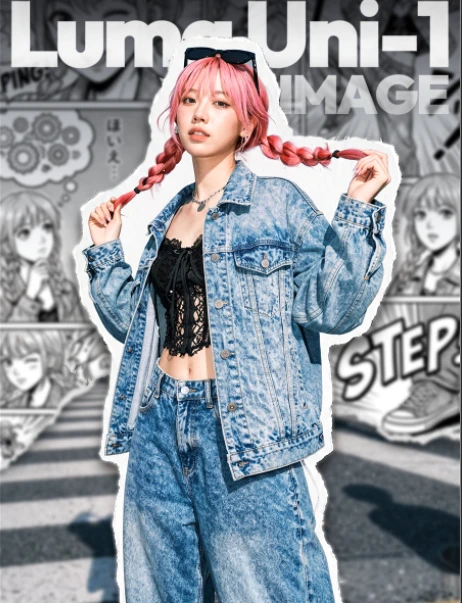
Luma Uni-1 Image
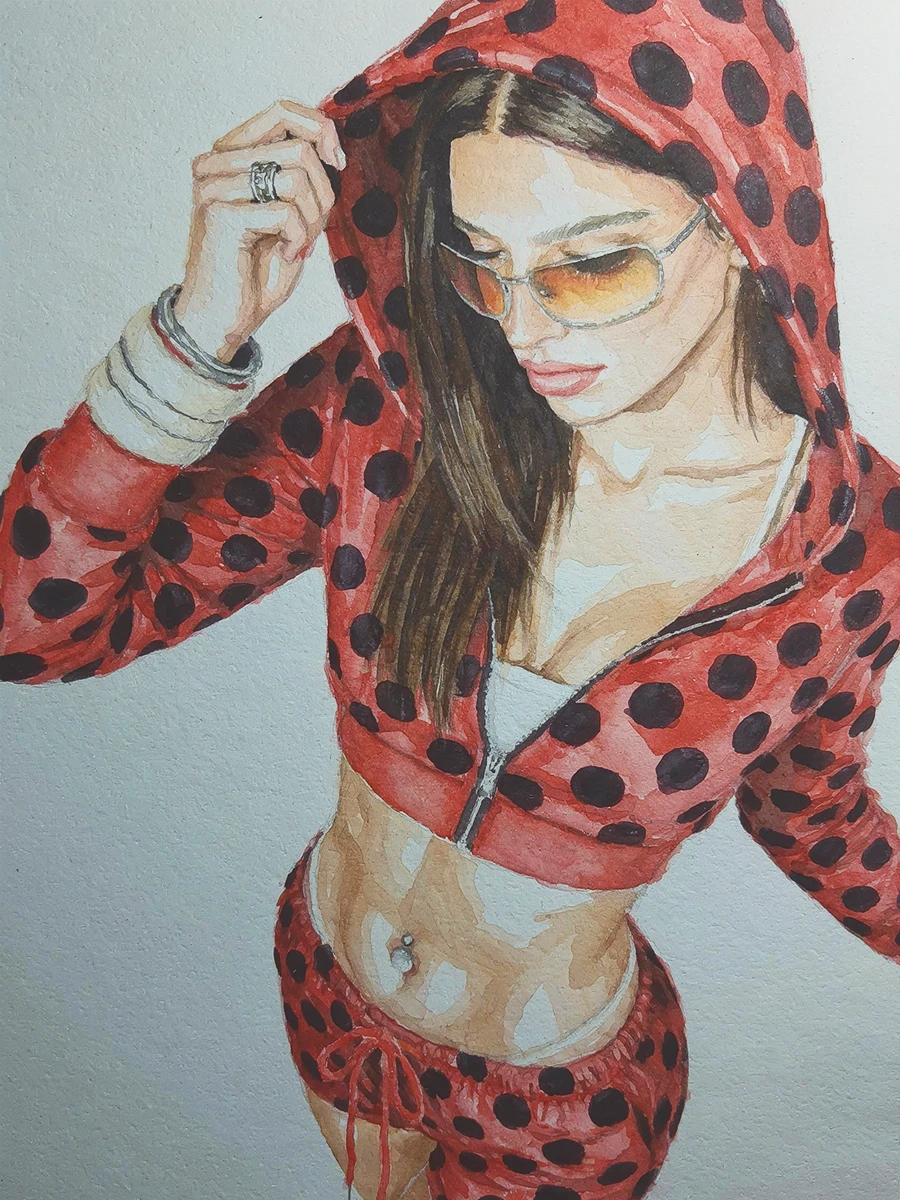
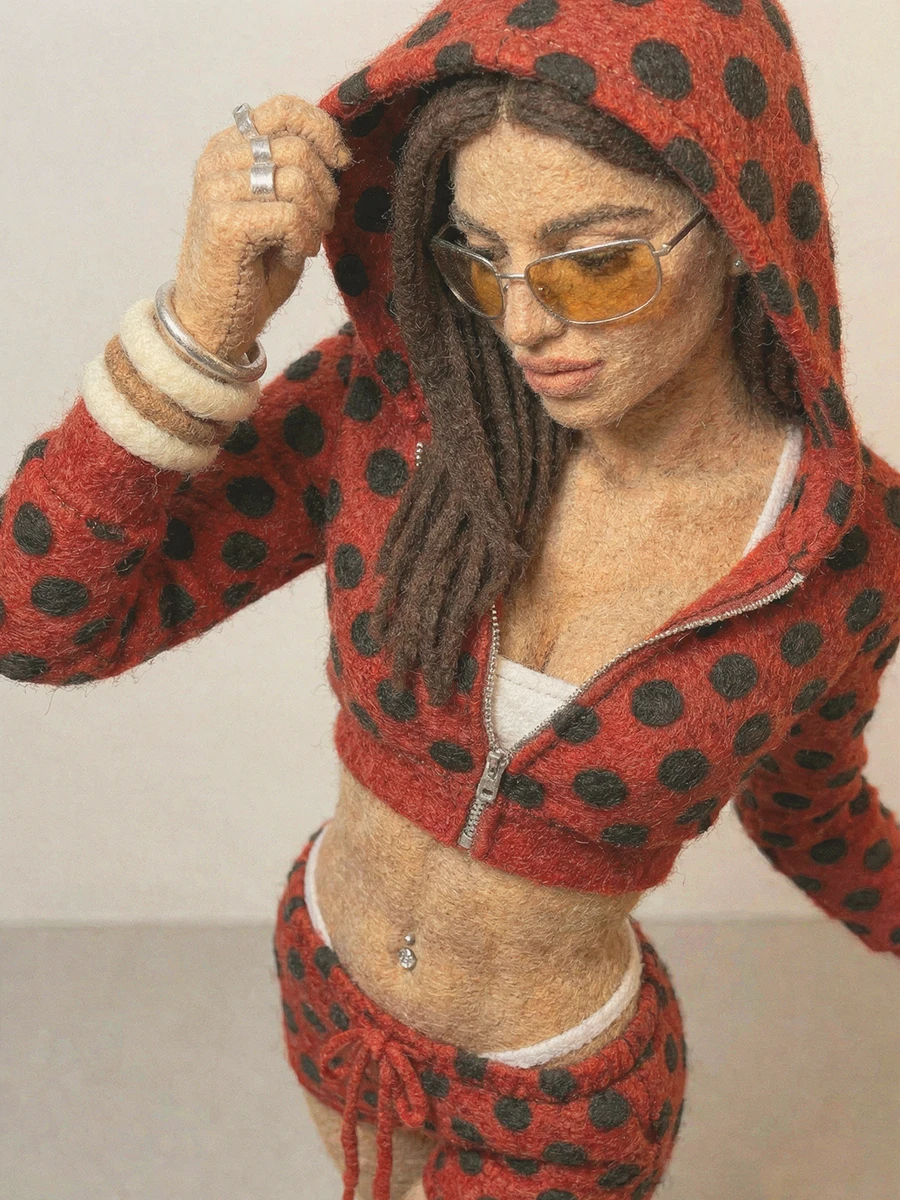
Luma Uni-1 isn't just an image generator — it's a multimodal reasoning model that can generate pixels. Instead of guessing what you might mean, Uni-1 is designed to understand intention, respond to direction, and "think with you" as you create.
What Makes Uni-1 Feel Different
1) One model, two crystal-clear modes: Create vs Modify
Uni-1 is built around a simple creative question:
Are you creating something new, or changing something that already exists?
l Create Image → generates a brand-new composition (can be inspired by references, but doesn't "preserve" them).
l Modify Image → edits a specific input image, preserving structure and composition unless you direct otherwise.
This "mode-first" design makes Uni-1 especially strong for real production workflows: concept → refine → polish.
2) Reference-guided control (up to 9 images) — with roles, not vibes
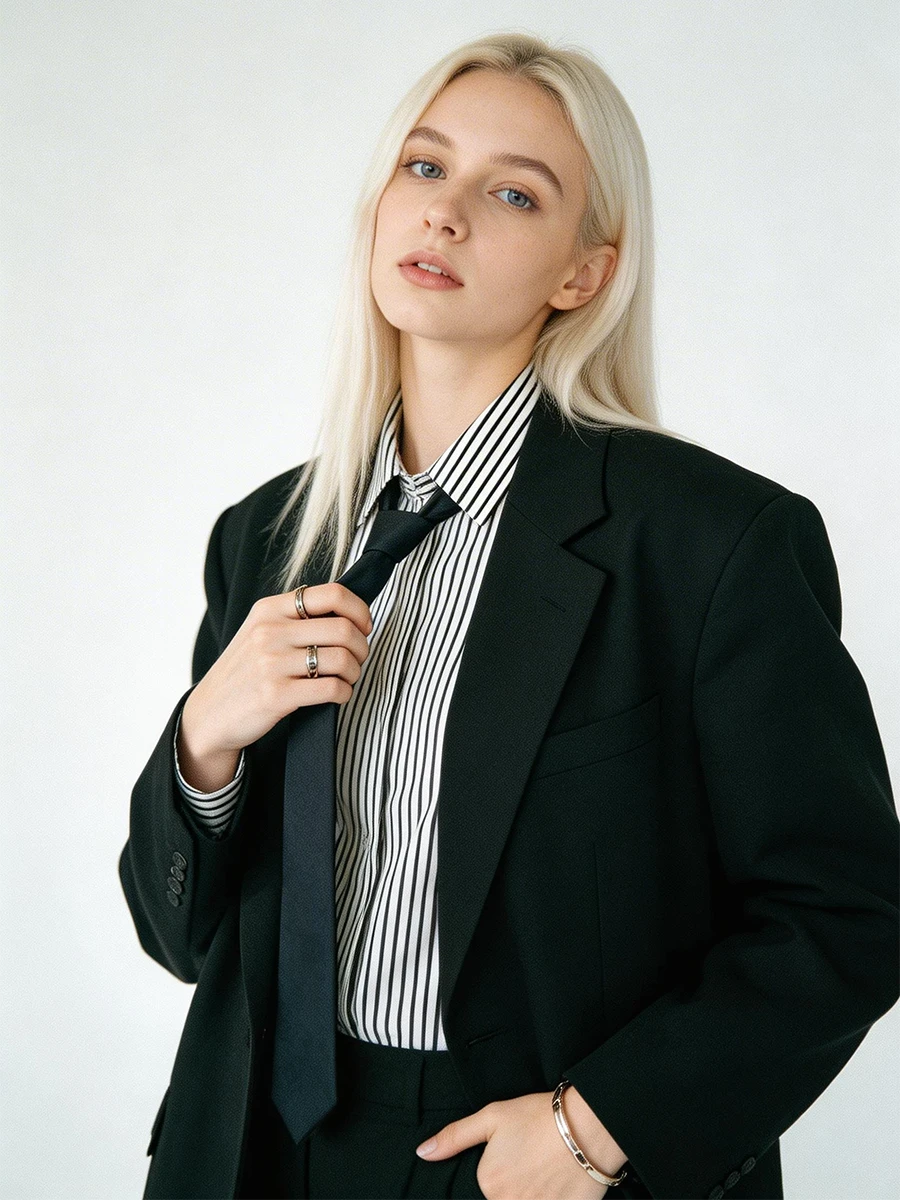
Uni-1 supports up to 9 reference images, and the key is that references work best when you label what each reference is responsible for (style, character, composition, color palette, lighting, texture, mood, etc.).
That means you can direct outcomes like a creative lead:
l "Use IMAGE1 for style, IMAGE2 for lighting, IMAGE3 for composition…"
l Get controllable results instead of "pretty but random."
3) Seeds for reproducibility (turn experiments into recipes)
Uni-1 supports seed control so you can lock a winning look and iterate intentionally:
l same seed + same prompt → same result
l same seed + changed prompt → controlled variation
This is huge if you're building series consistency, brand assets, or a repeatable pipeline.
4) Designed for intelligent scene completion + plausible transformations
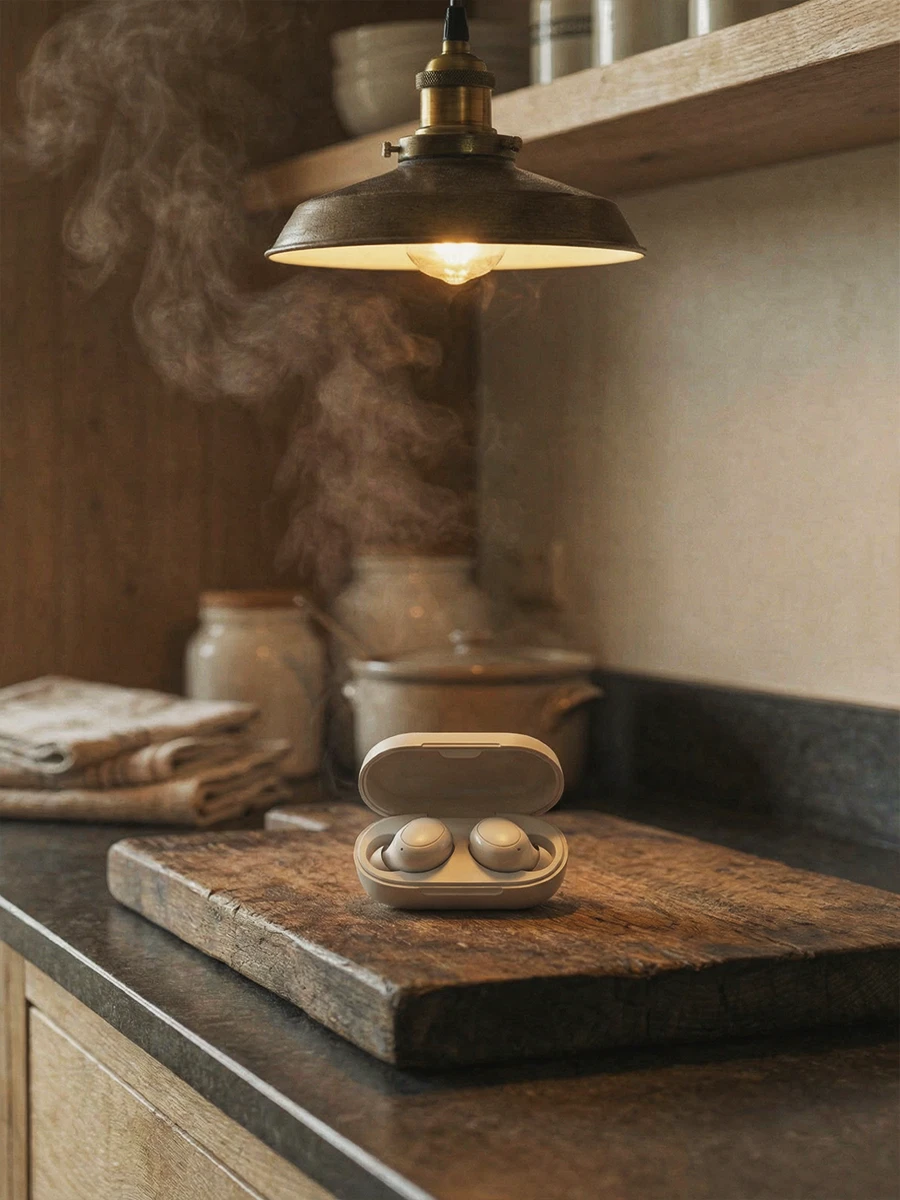
On Luma's Uni-1 page, the model is positioned around common-sense scene completion, spatial reasoning, and plausibility-driven transformation — i.e., not just "render," but "make it make sense."
Creative Superpowers on SeaArt AI
Cinematic creation (Create mode)
l Build new worlds from a structured brief.
l Strong support for niche, specific visual styles.
l Choose from nine aspect ratios (ultra-tall → ultra-wide) to match where your image will live.
Precision editing (Modify mode)
l "Surgically modify" an existing image: lighting shifts, mood changes, weather, texture upgrades, controlled additions/removals — while keeping composition stable when required
l In Modify mode, Uni-1 keeps the original dimensions and locks the aspect ratio to the source image.
Multi-reference art direction (Directable)
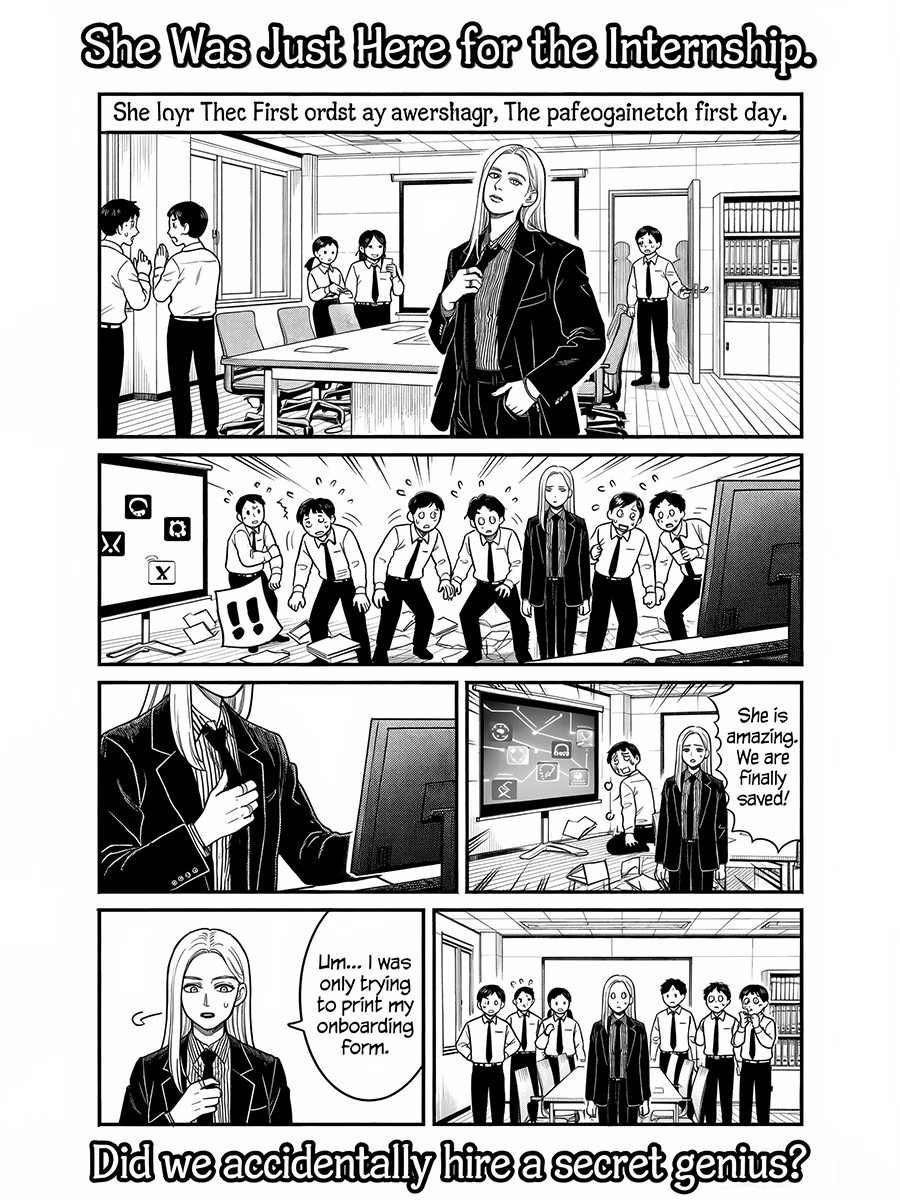
Uni-1 is explicitly described as reference-guided generation with source-grounded controls — perfect for creators who want "this character, in that lighting, with this palette, framed like that shot."
Best-Fit Use Cases
l Brand & series consistency: lock a seed, reuse a character reference, iterate safely.
l Concept-to-final pipelines: Create → Modify chains for predictable refinement.
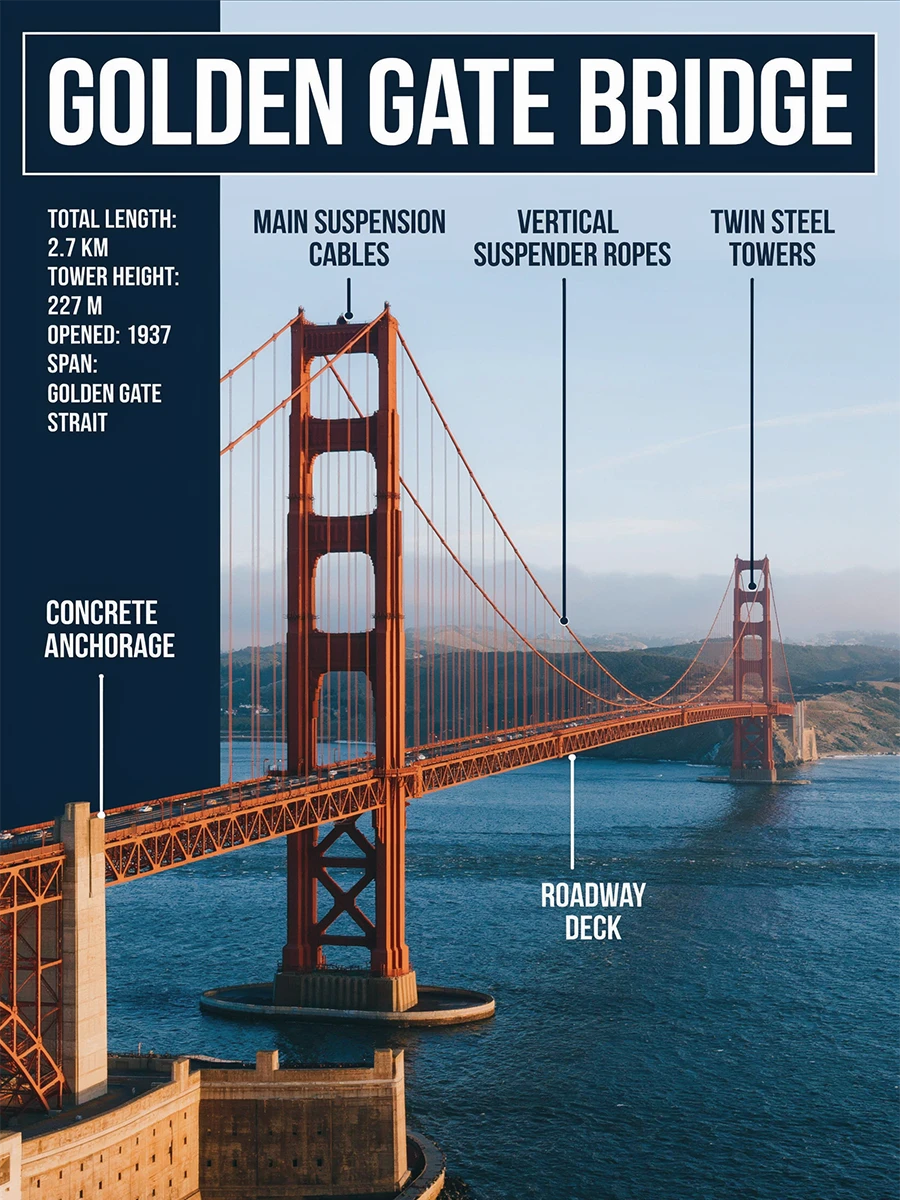
l Style-accurate design: niche aesthetics, art-direction heavy prompts, structured outputs.
l Editing that must stay believable: plausibility-first transformations and spatial coherence.
Prompting Tips
l Pick the right mode first. If you want "a version of this image," use Modify; if you want "inspired but new," use Create.
l Name your references + assign roles. Uni-1 is strongest when references aren't ambiguous.
l Explore without seeds, then lock. Find a great result, freeze the seed, then change one variable at a time.