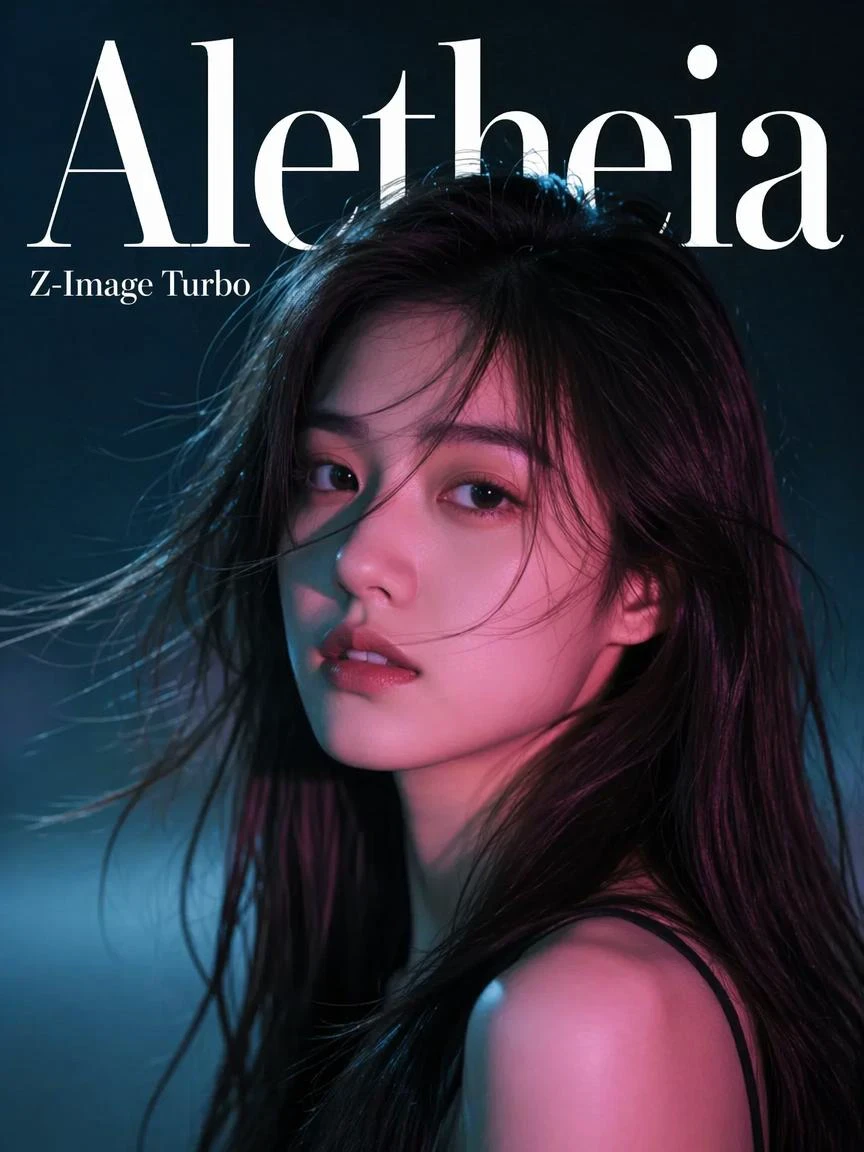

Aletheia Z-Image Turbo
Description
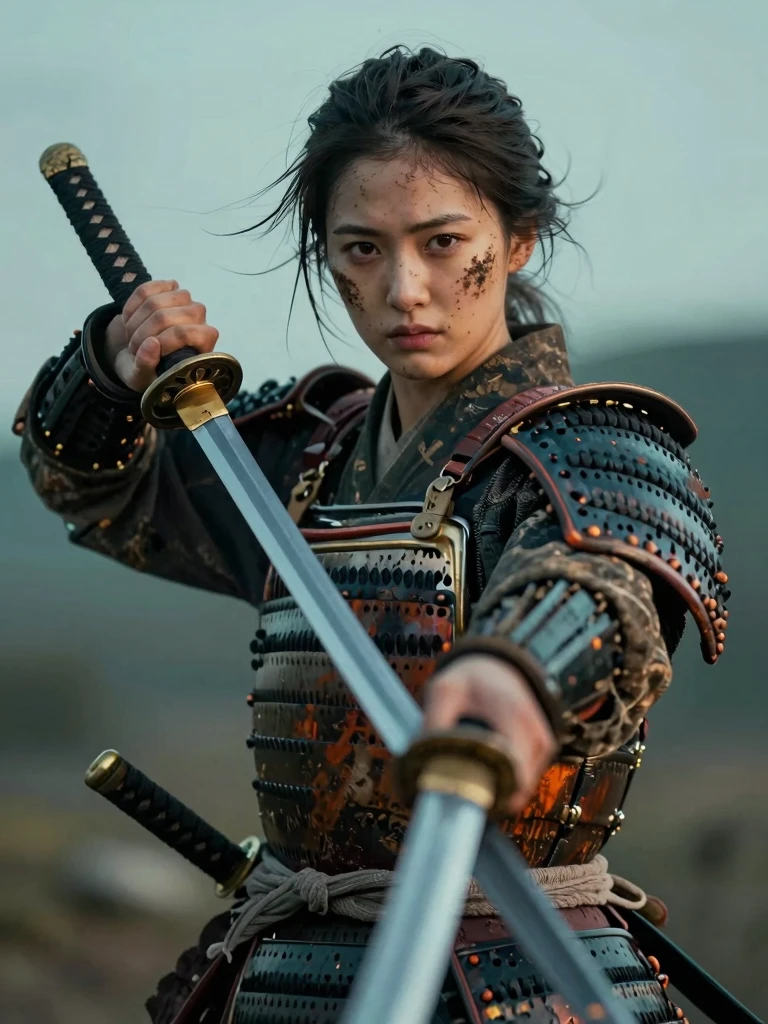
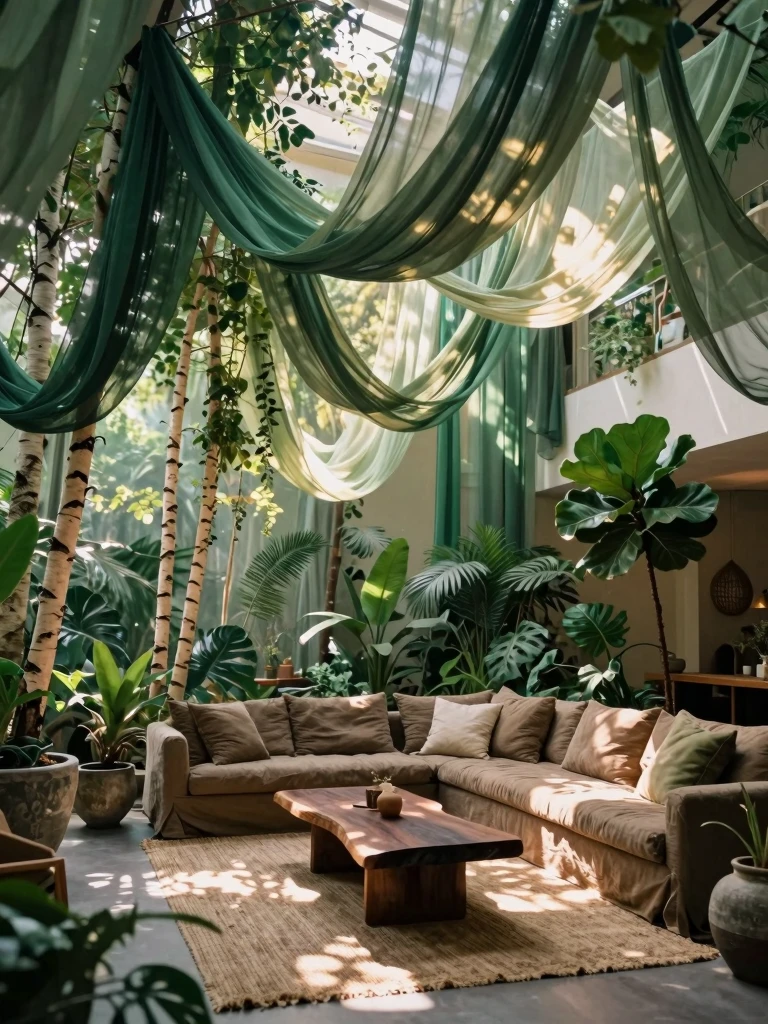
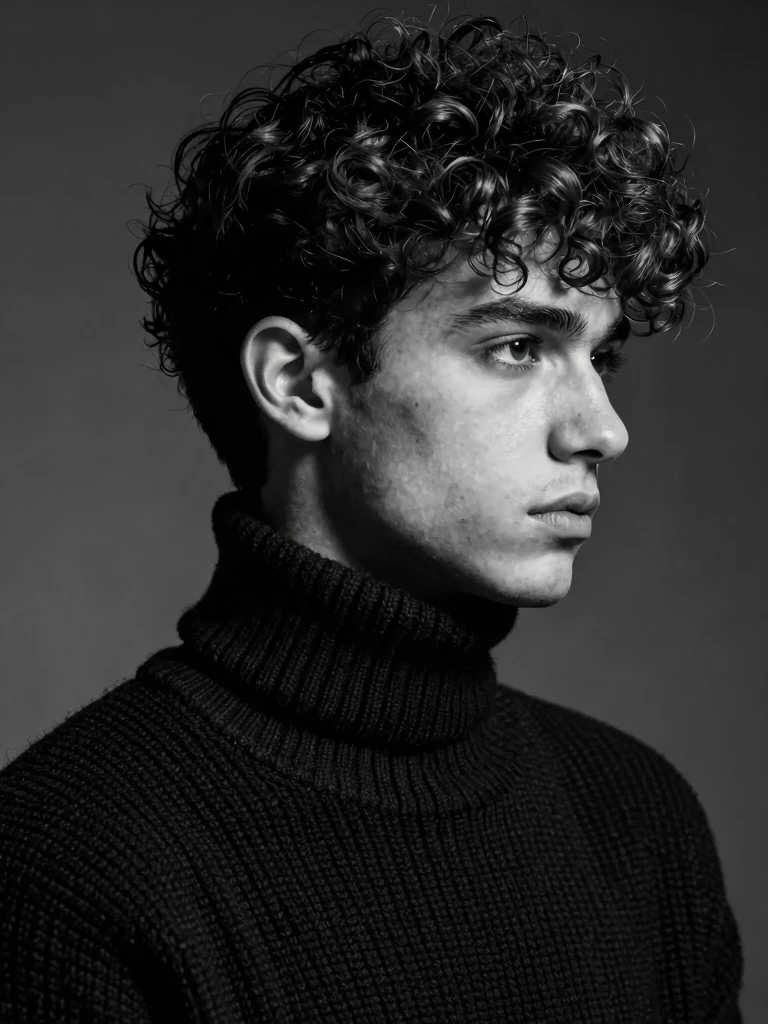
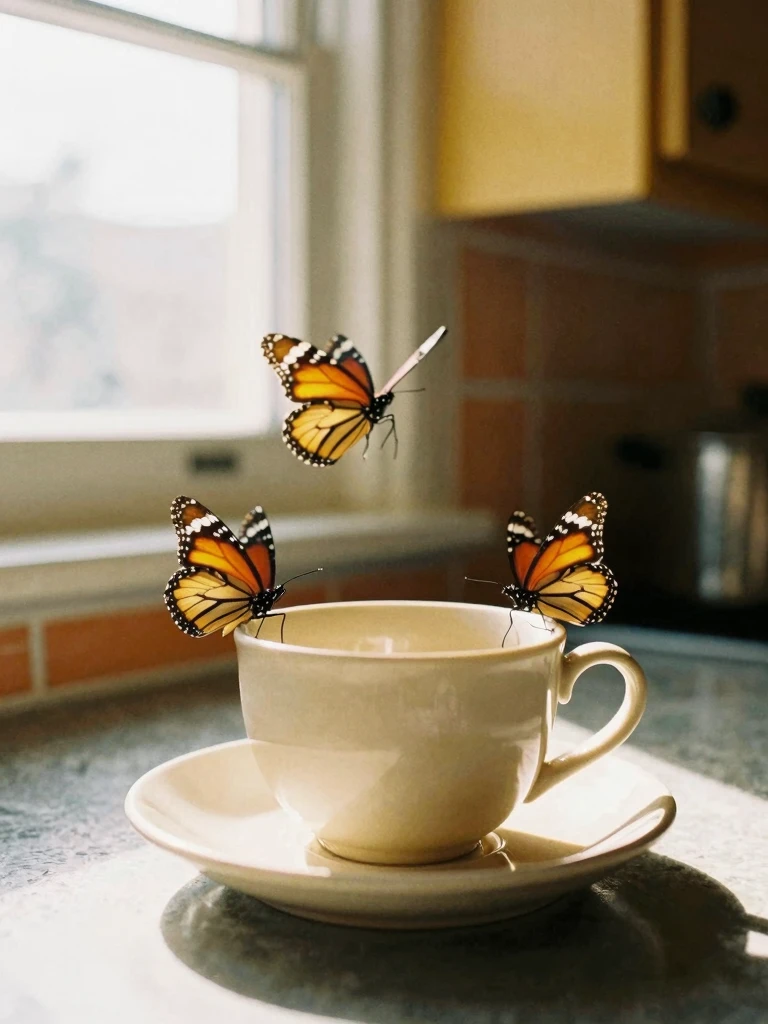
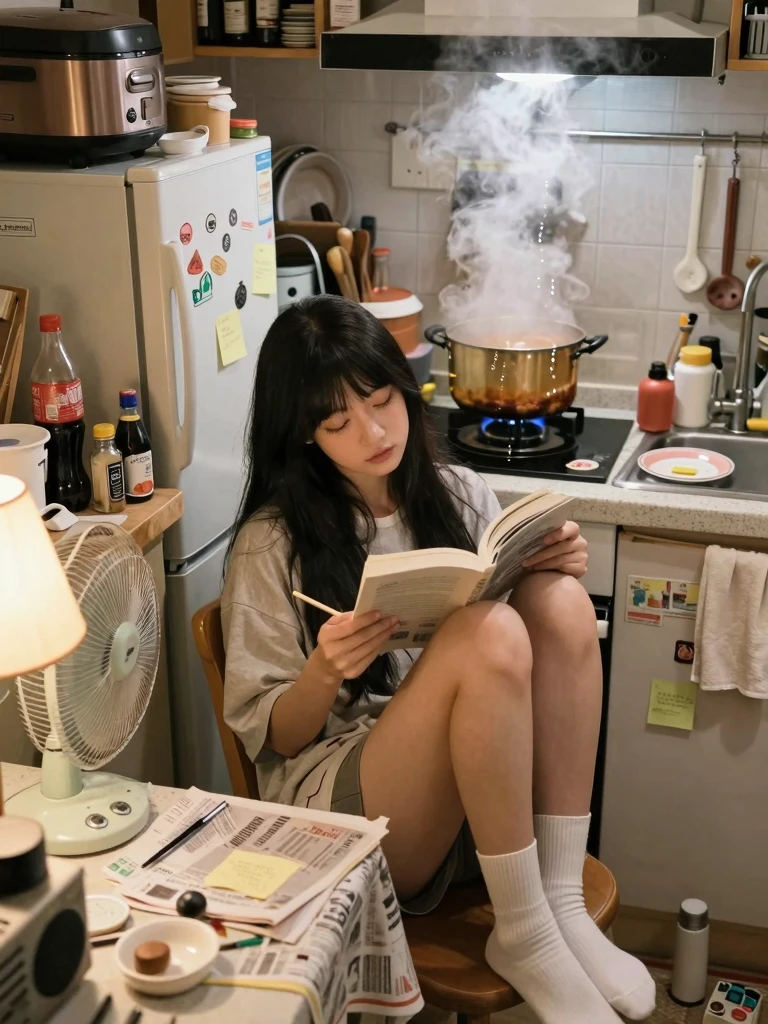
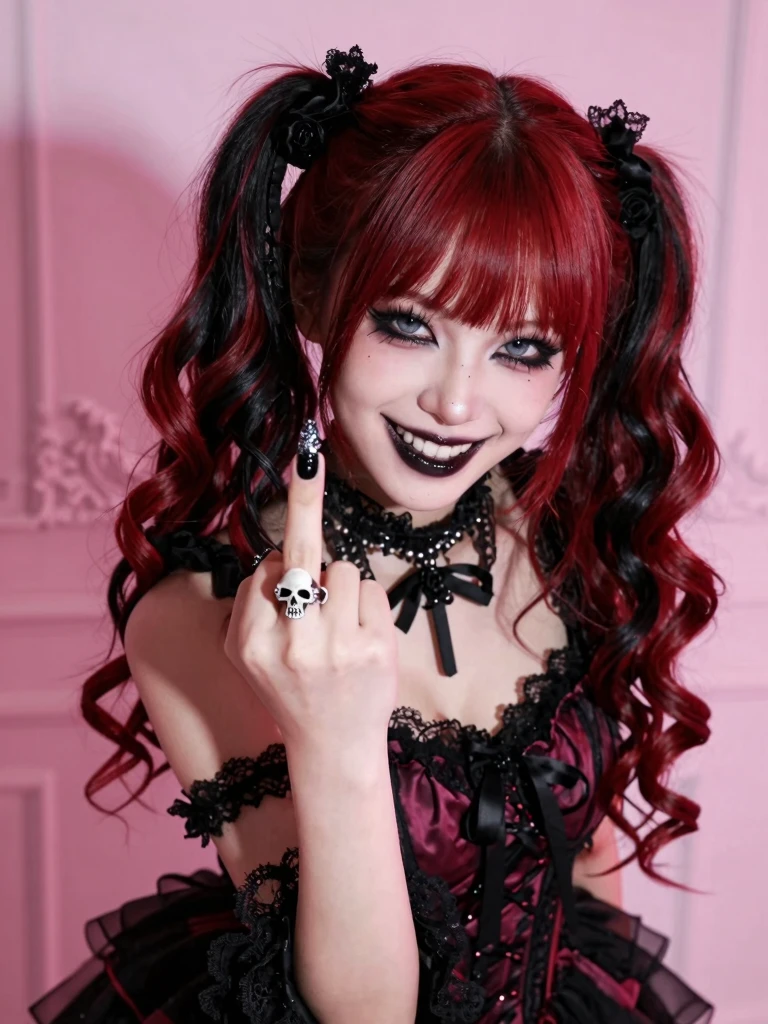
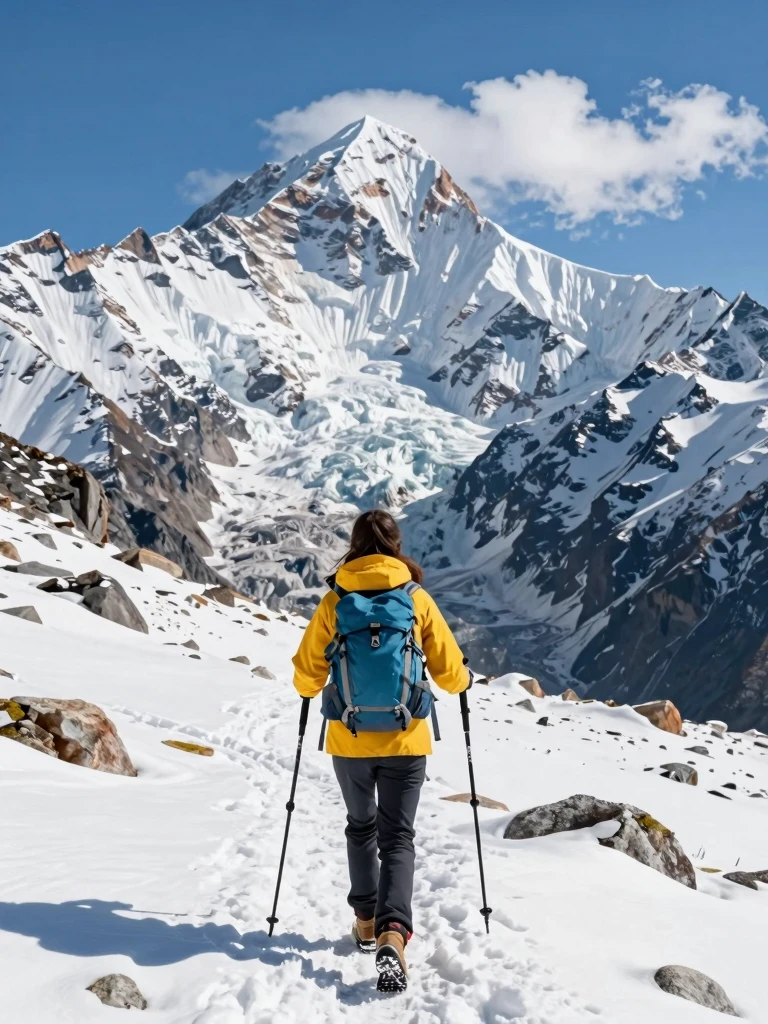
To get the best results from Aletheia Z-Image Turbo, write your prompts as a cohesive scene rather than a disconnected stack of aesthetic buzzwords. The model becomes highly reliable when you clearly establish what is actually in the frame, where items are placed, and how the scene is lit. Instead of simply making prompts longer, focus on clarity by defining your main subject's visible attributes, their actions or poses, and the surrounding environment.
To maximize the model's precision, incorporate specific details regarding materials, surfaces, and key color decisions to shape the overall visual mood. When composition matters, guide the framing and lighting directly rather than relying on generic shorthand. Finally, if your image requires typography, always include the exact text within your prompt. By treating your description as a structured blueprint of a physical space, you unlock the model's full potential for clean, predictable generations.