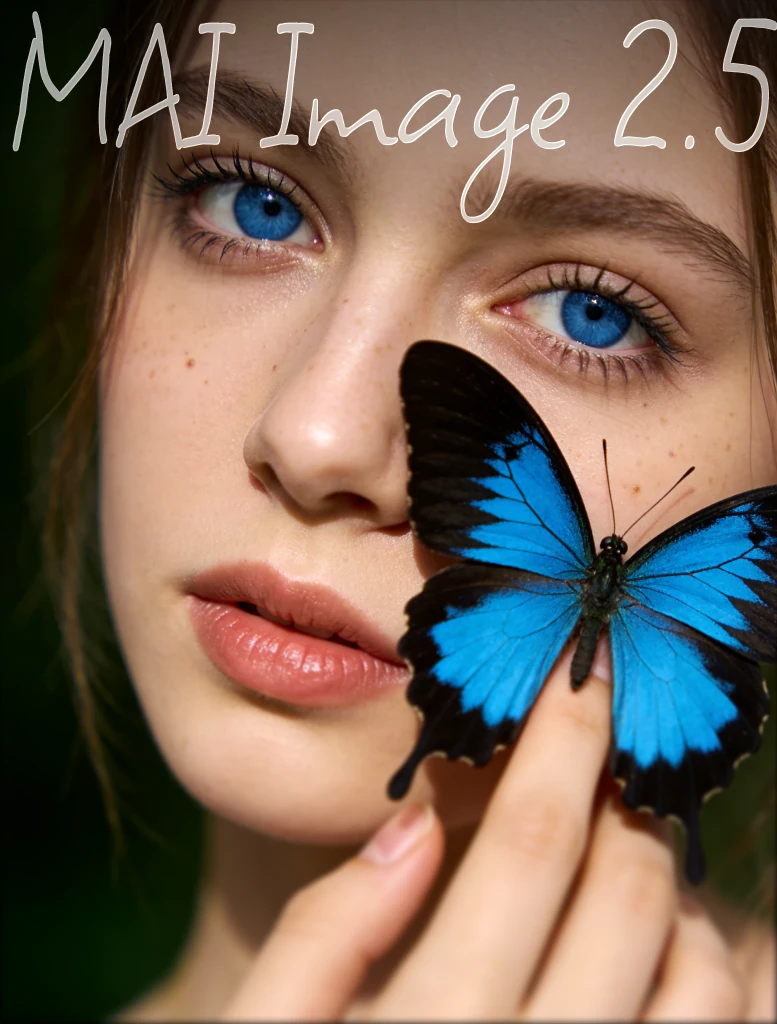
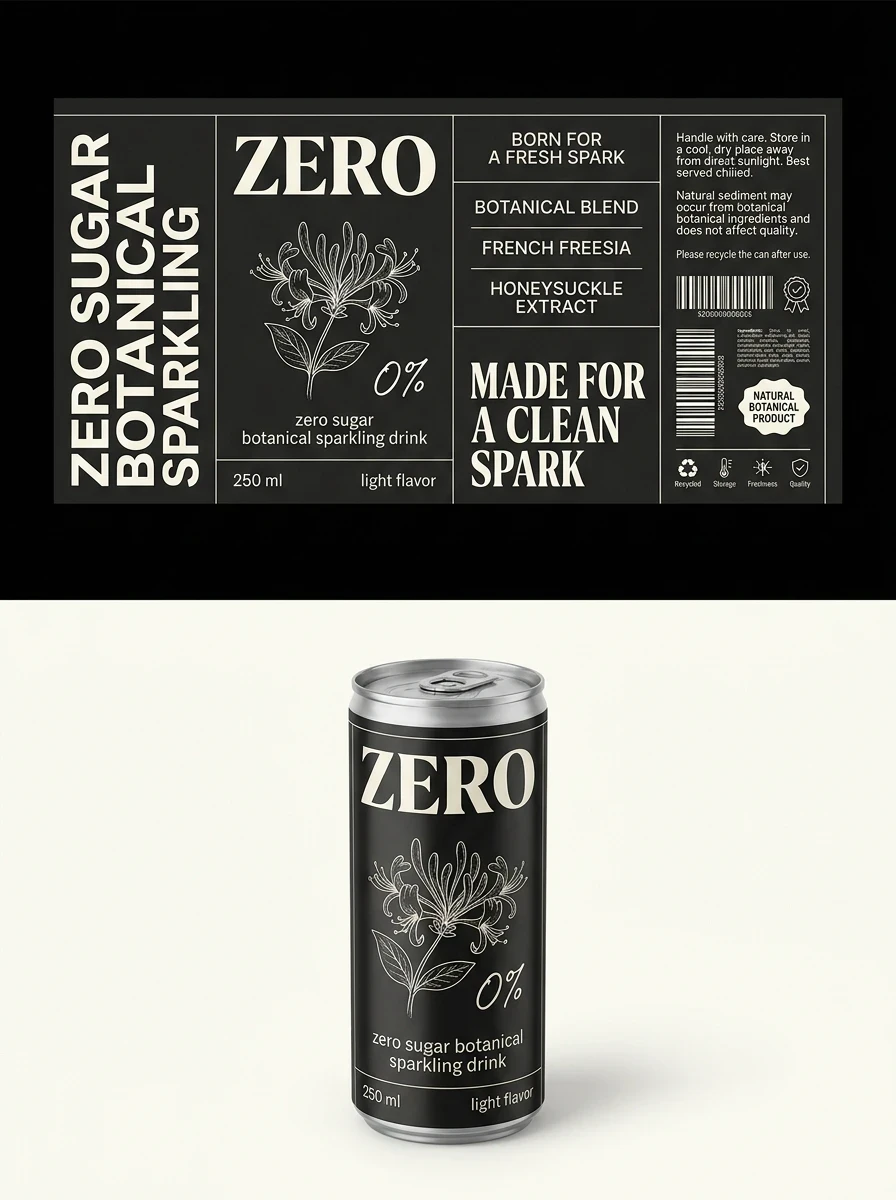
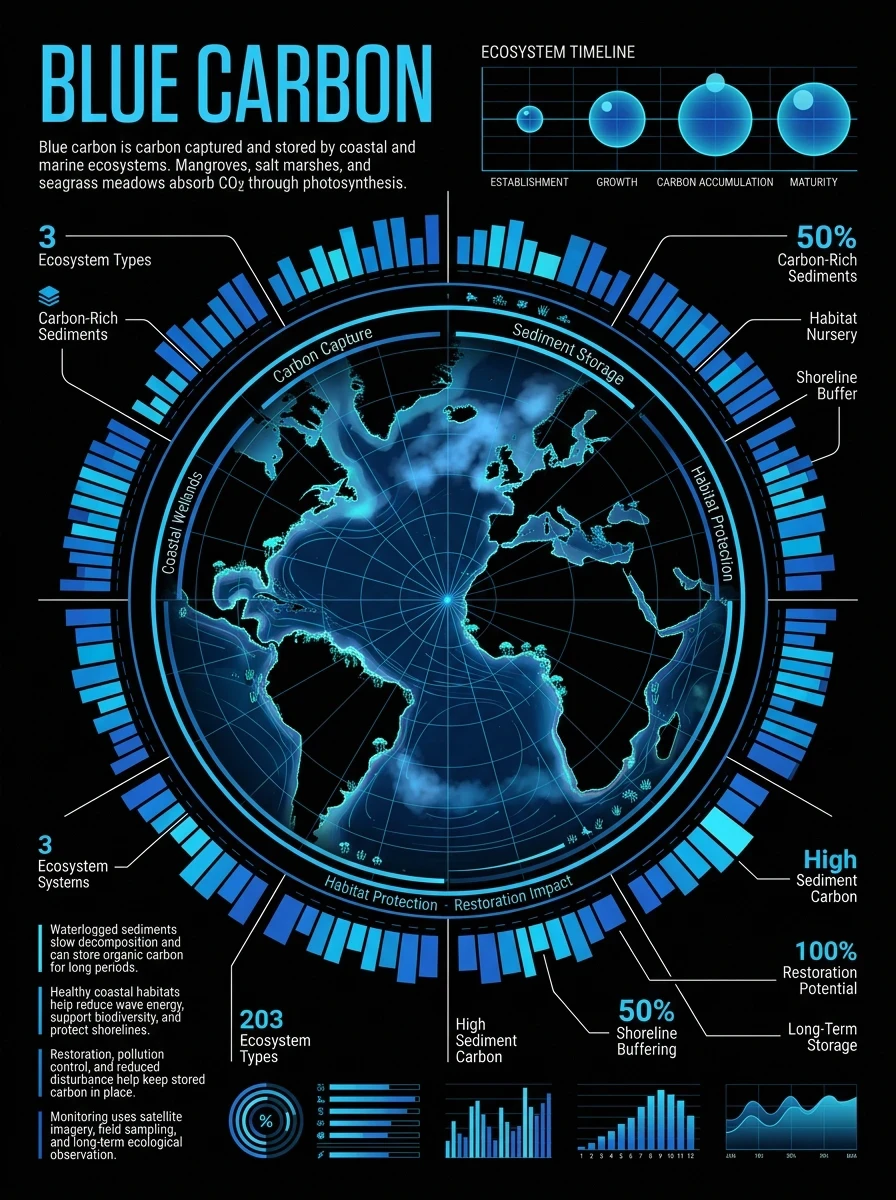
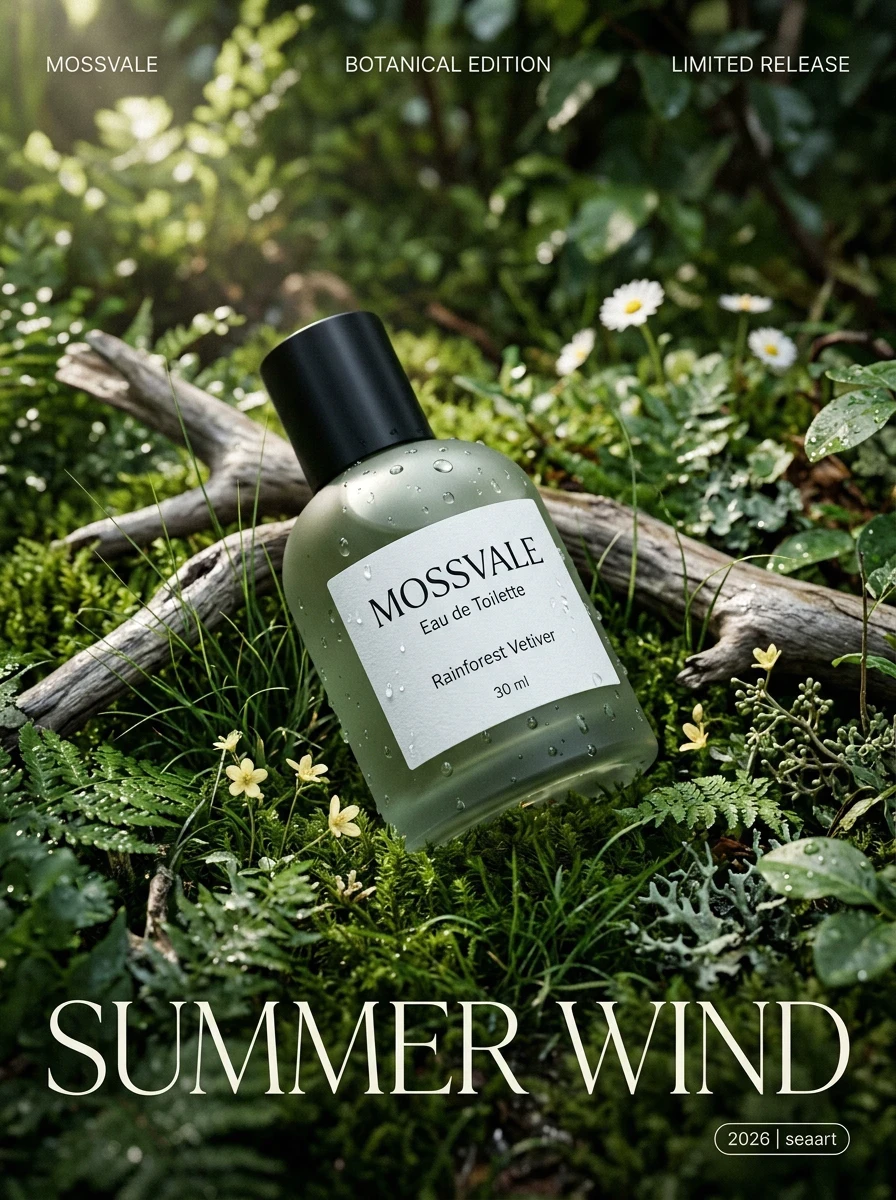
MAI-Image-2.5
MAI-Image-2.5 and MAI-Image-2.5-Flash are now available on SeaArt AI, bringing Microsoft AI's latest image generation and editing power into your creative workflow.
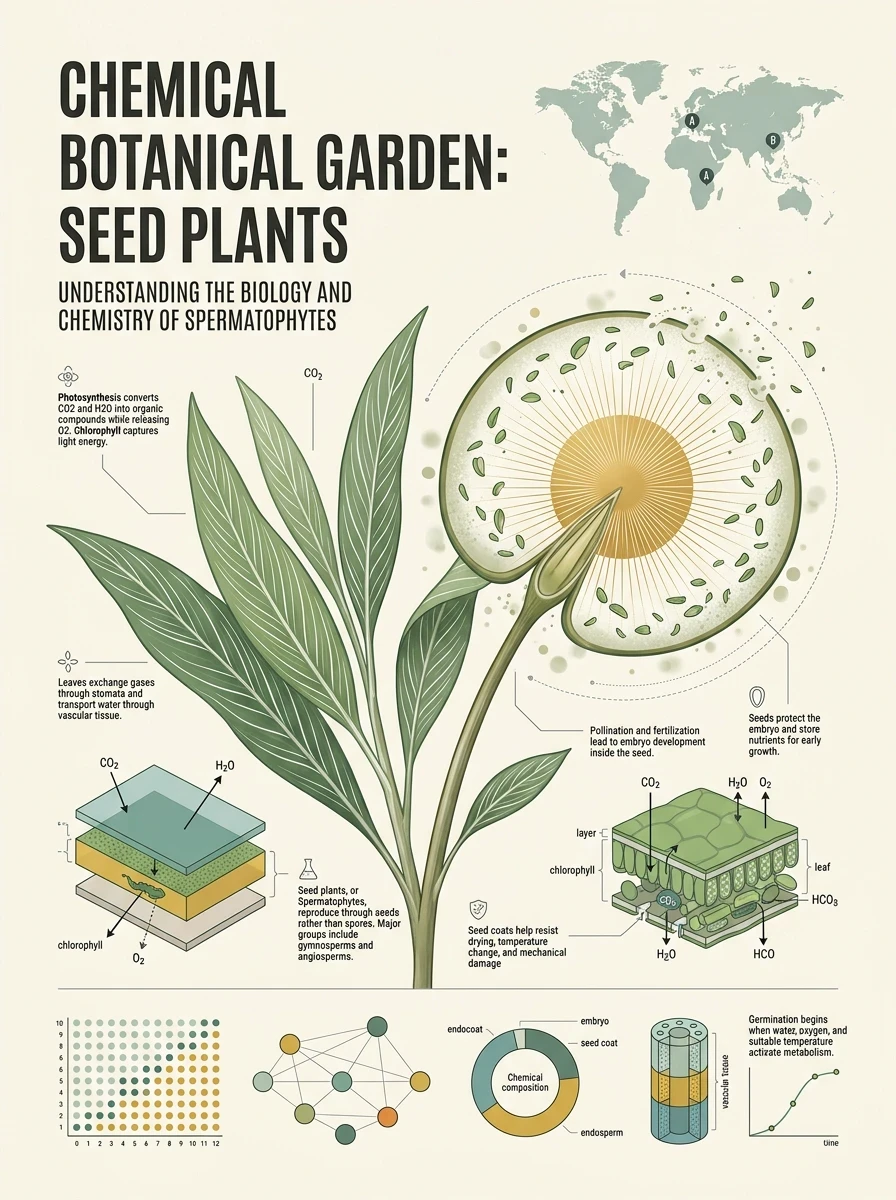
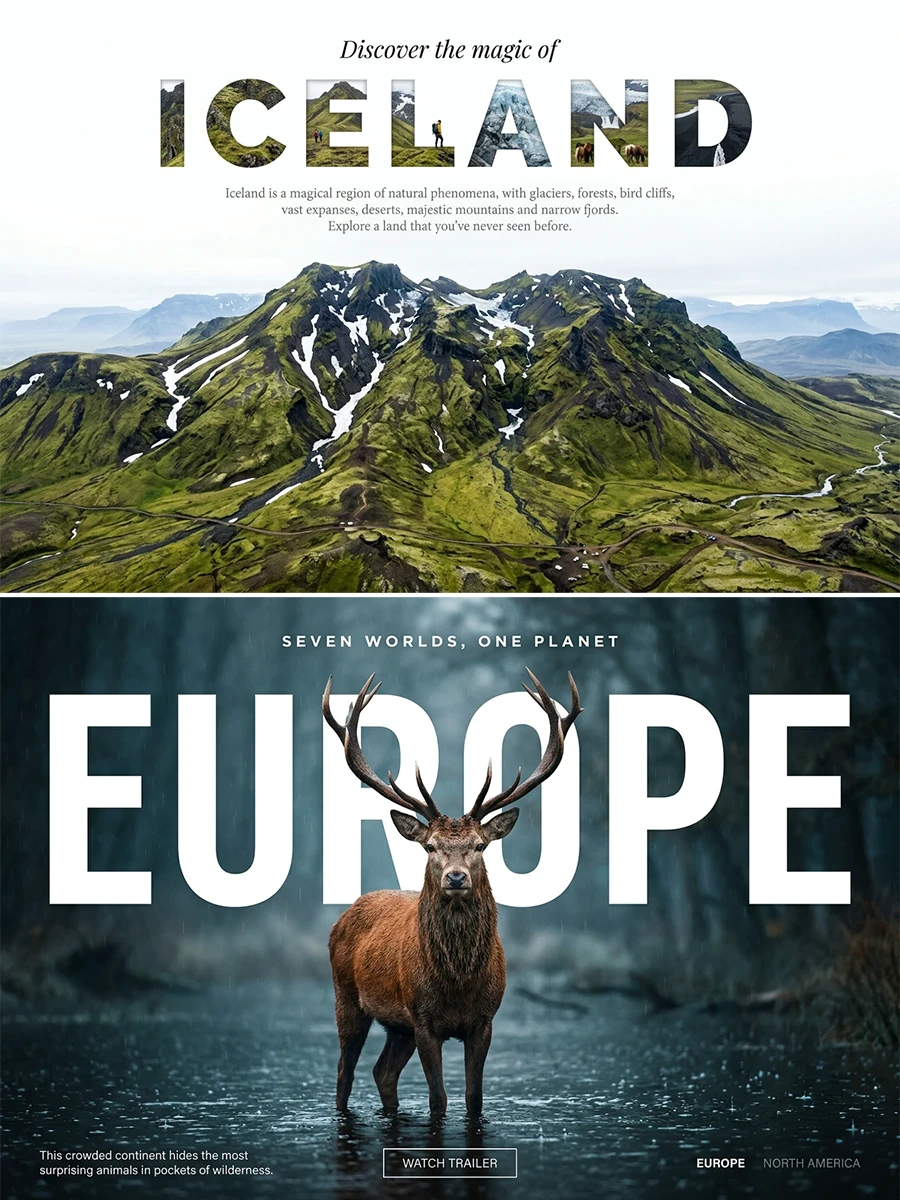
This is not just another model for making beautiful pictures. MAI-Image-2.5 is built for creators who care about the details that make an image usable: readable text, clean layouts, realistic lighting, polished product shots, consistent faces, and edits that do not break the rest of the image.
It feels less like asking an AI to "make a picture" and more like working with a visual partner that understands composition, branding, space, light, and design intent.
Why MAI-Image-2.5 Stands Out
It Understands the Whole Scene
Many image models can render a beautiful subject. MAI-Image-2.5 goes further by paying attention to how the whole image works together.
Objects sit in the right space.
Lighting feels more natural.
Shadows make more sense.
Scale feels more believable.
The background supports the subject instead of fighting it.
This makes the model especially useful for images where structure matters, such as product photography, posters, brand visuals, lifestyle scenes, room concepts, and character compositions.
Stronger Text Rendering for Real Creative Work
Text has always been one of the hardest parts of AI image generation. MAI-Image-2.5 brings stronger text rendering, making it more useful for posters, packaging, signs, labels, social graphics, thumbnails, and commercial-style visuals.
Instead of treating words as decoration, the model is better at making text feel like part of the design.
That matters when you are creating images that need to be shared, published, or used in a campaign.
Editing That Feels Surgical
MAI-Image-2.5 is not only for generating new images from prompts. It also supports image-to-image editing, making it easier to revise an existing image without destroying what already works.
You can change an object, adjust a color, update text, clean up blur, a distraction, add a detail, or refine a layout while keeping the rest of the image coherent.
This is especially useful when the image is already close to perfect, but one detail still needs fixing.
Better Identity and Character Consistency
For portraits and character-based creation, MAI-Image-2.5 is built to preserve recognizable identity across edits. That makes it valuable for creators working with AI characters, avatars, fashion looks, story concepts, brand personas, or recurring visual styles.
You can refine pose, expression, angle, outfit, or background while keeping the core subject more stable.
Made for Brand, Product, and Commercial Visuals
MAI-Image-2.5 has a strong design-aware personality. It is well suited for visuals that need to feel intentional, not random.
Use it for:
Product mockups
Packaging concepts
Brand posters
Ad creatives
Social media graphics
Fashion shots
Lifestyle scenes
Logo-adjacent visuals
Campaign concepts
Presentation-ready images
It is a model for creators who want images that can move from prompt to production faster.
MAI-Image-2.5 vs MAI-Image-2.5-Flash
MAI-Image-2.5 is the best choice when you want maximum quality, stronger visual fidelity, more careful editing, and polished final results.
MAI-Image-2.5-Flash is the better choice when you want speed, volume, and fast iteration. It is ideal for testing ideas, creating multiple variations, exploring different styles, or producing large batches of visuals quickly.
Think of them as two creative modes:
MAI-Image-2.5 is your final art director.
MAI-Image-2.5-Flash is your rapid concept studio.
Use Flash when you want to explore.
Use MAI-Image-2.5 when you want to refine.
How to Use MAI-Image-2.5 on SeaArt AI
1. Start from a Prompt or an Image
You can create from text or upload an existing image for editing.
For text-to-image, describe the subject, style, composition, lighting, mood, colors, camera angle, and any text that should appear in the image.
For image editing, upload an image and describe exactly what should change.
2. Be Specific About Design Intent
MAI-Image-2.5 works especially well when your prompt includes clear visual direction.
Instead of:
"Make a product poster"
Try:
"A premium skincare product poster with a white ceramic bottle on a marble surface, soft natural window light, clean beige background, elegant serif text reading 'ORVA', minimal luxury brand style."
Instead of:
"Edit the image"
Try:
"Keep the same composition and lighting, change the tote bag from beige to bright orange, add pink peonies inside the bag, and preserve the background."
3. Use MAI-Image-2.5-Flash for Fast Ideation
When you need many options quickly, start with MAI-Image-2.5-Flash. Generate different styles, layouts, color palettes, and concepts.
Once you find the strongest direction, switch to MAI-Image-2.5 for the more polished final image.
4. Refine with Targeted Edits
Use editing prompts to improve one part of the image at a time.
You can ask the model to:
Replace an object
Change product colors
Update text on packaging
unwanted elements
Clean up blurry areas
Adjust backgrounds
Add props
Improve lighting
Preserve the subject while changing the scene
Keep layout and composition consistent
Prompt Ideas for MAI-Image-2.5
Product Poster
"A premium perfume bottle on a reflective black surface, soft spotlight from above, elegant gold serif text reading 'NOIR', luxury magazine advertisement style, high-end product photography, clean composition."
Social Media Graphic
"A colorful summer drink poster with bold readable text saying 'MANGO FIZZ', tropical fruits, bright sunlight, playful commercial design, clean layout, square format."
Character Portrait
"A cinematic portrait of a cyberpunk street racer, neon reflections on the face, detailed jacket texture, shallow depth of field, rainy night street, realistic lighting, confident expression."
Anime Illustration
"A dreamy anime girl standing under glowing lanterns at night, soft wind moving her hair, warm orange and pink lighting, detailed background, emotional atmosphere, polished illustration style."
Image Editing Prompt
"Keep the same person, pose, and background. Change the jacket to a red leather jacket, improve the lighting slightly, and keep the face identity consistent."
Brand Mockup
"A clean product packaging mockup for organic matcha tea, white box with green accents, readable label text 'MORI MATCHA', natural paper texture, studio lighting, commercial product design."
Why Choose MAI-Image-2.5 on SeaArt AI
MAI-Image-2.5 is made for creators who want more than a beautiful first draft. It helps create images that feel complete: the lighting works, the layout holds together, the text is more reliable, the edits stay controlled, and the final image feels closer to something you can actually use.
On SeaArt AI, MAI-Image-2.5 and MAI-Image-2.5-Flash give creators two ways to work.
Create fast with Flash.
Refine deeply with MAI-Image-2.5.
Move from rough idea to polished image without leaving the creative flow.
For social content, character art, product visuals, brand design, commercial concepts, and AI image editing, MAI-Image-2.5 brings a more practical kind of image intelligence to SeaArt AI.