




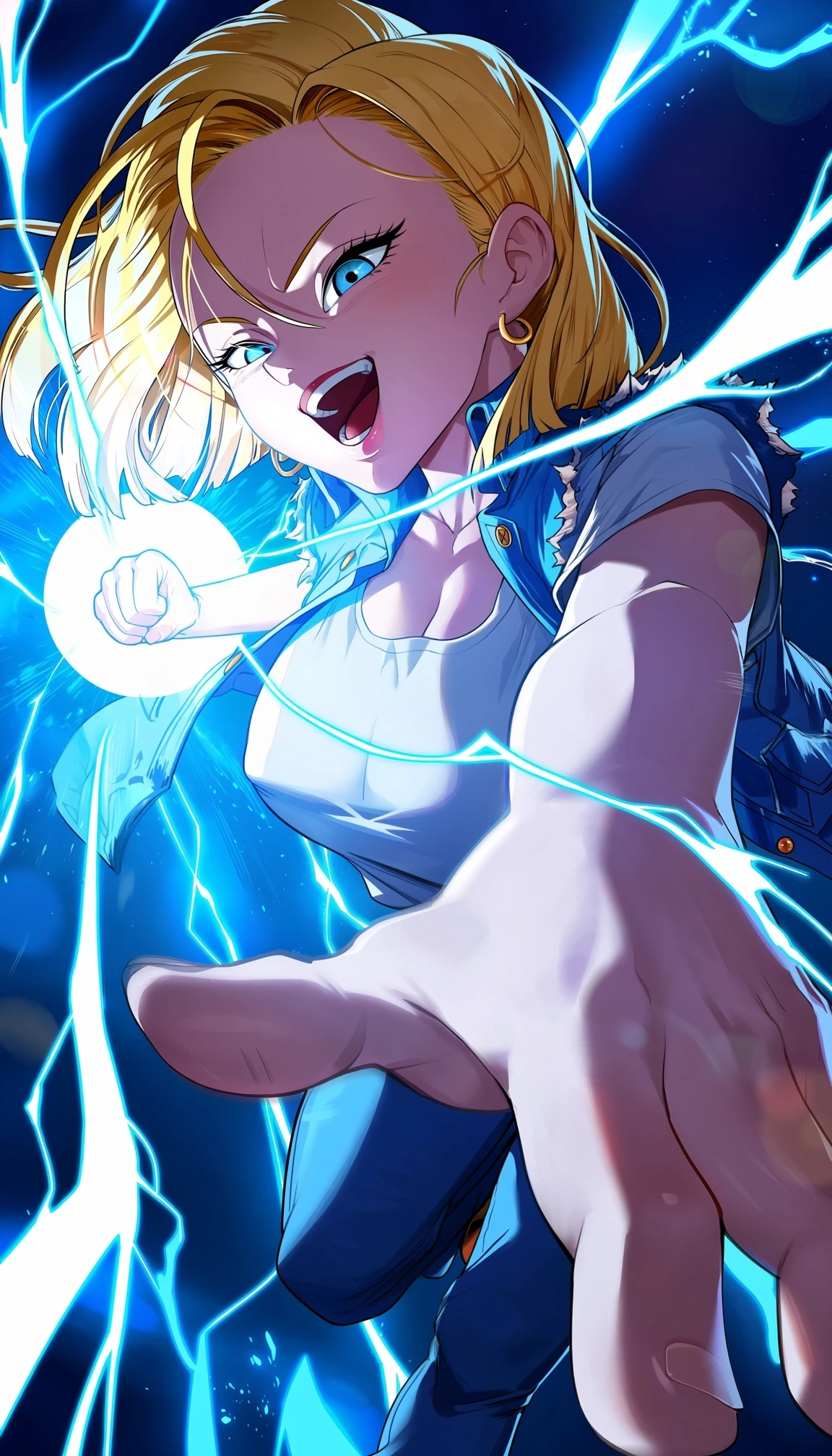
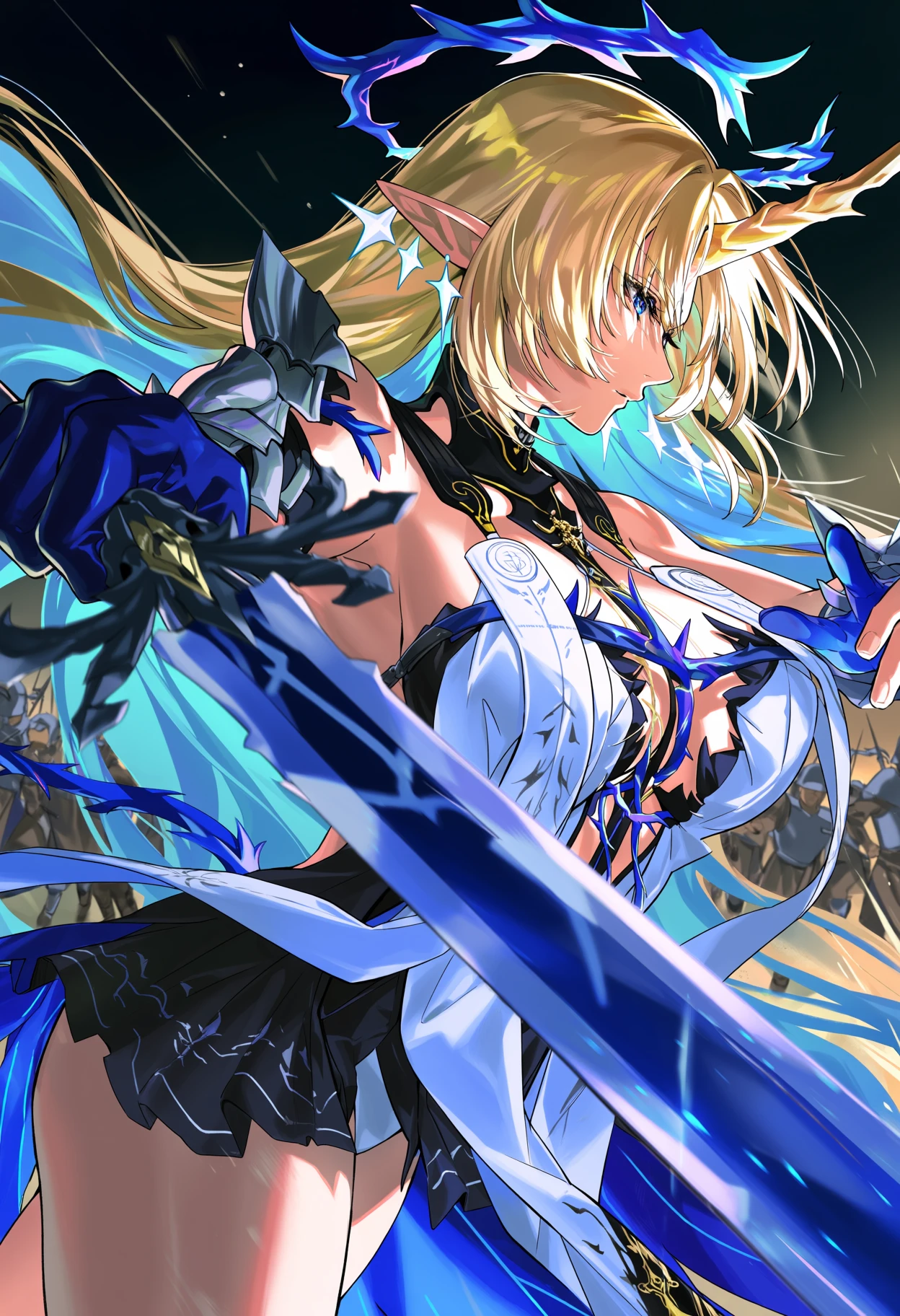




Please see the following URL for instructions and regulations:
https://huggingface.co/circlestone-labs/Anima
https://civitai.red/models/2458426/anima?modelVersionId=2945208
The model is natively supported in ComfyUI. The model files go in their respective folders inside your model directory:
Pearly Anima mix.safetensors goes in ComfyUI/models/diffusion_models
qwen_3_06b_base.safetensors goes in ComfyUI/models/text_encoders
qwen_image_vae.safetensors goes in ComfyUI/models/vae (Qwen-Image VAE,)
Prompt:
masterpiece,best quality,score_9,score_8,score_7, absurdres, newest, very aesthetic, amazing quality,highres,sensitive,
Negative prompt:
worst quality,low quality,score_1,score_2,score_3,artist name,blurry,jpeg artifacts,lowres,censor,
Note: Anima is great at recognising artist tags, just be sure you start them with @, example @piromizu
Description
Please see the following URL for instructions and regulations:
https://huggingface.co/circlestone-labs/Anima
https://civitai.red/models/2458426/anima?modelVersionId=2945208
The model is natively supported in ComfyUI. The model files go in their respective folders inside your model directory:
Pearly Anima mix.safetensors goes in ComfyUI/models/diffusion_models
qwen_3_06b_base.safetensors goes in ComfyUI/models/text_encoders
qwen_image_vae.safetensors goes in ComfyUI/models/vae (Qwen-Image VAE,)
Prompt:
masterpiece,best quality,score_9,score_8,score_7, absurdres, newest, very aesthetic, amazing quality,highres,sensitive,
Negative prompt:
worst quality,low quality,score_1,score_2,score_3,artist name,blurry,jpeg artifacts,lowres,censor,
Note: Anima is great at recognising artist tags, just be sure you start them with @, example @piromizu