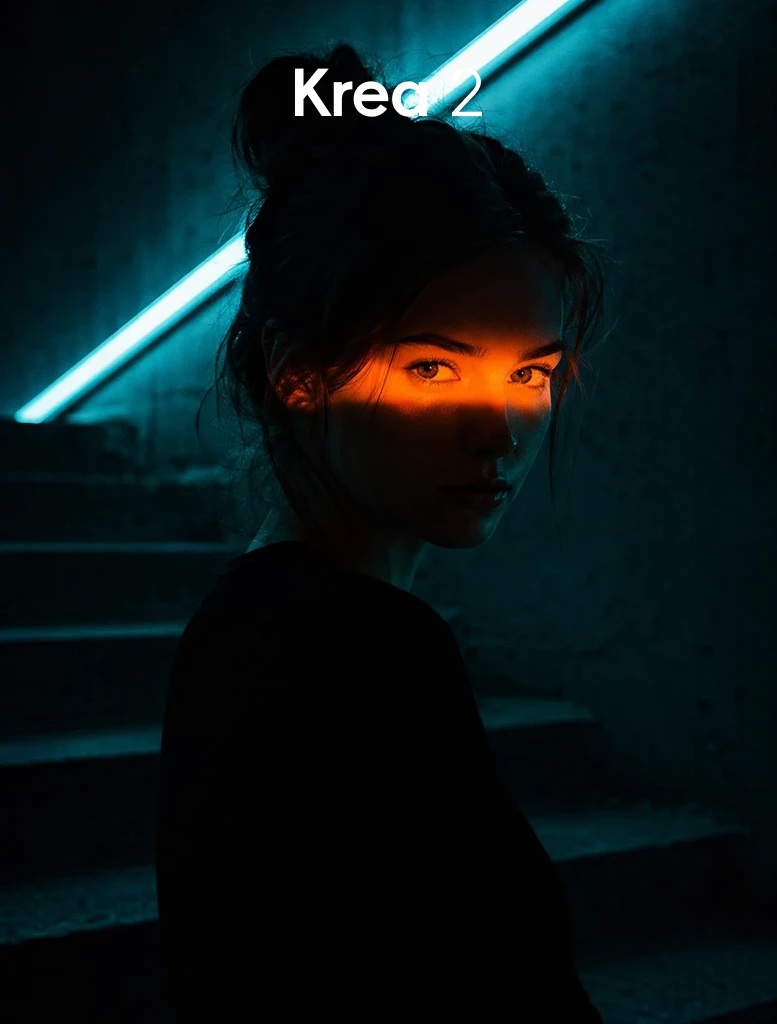
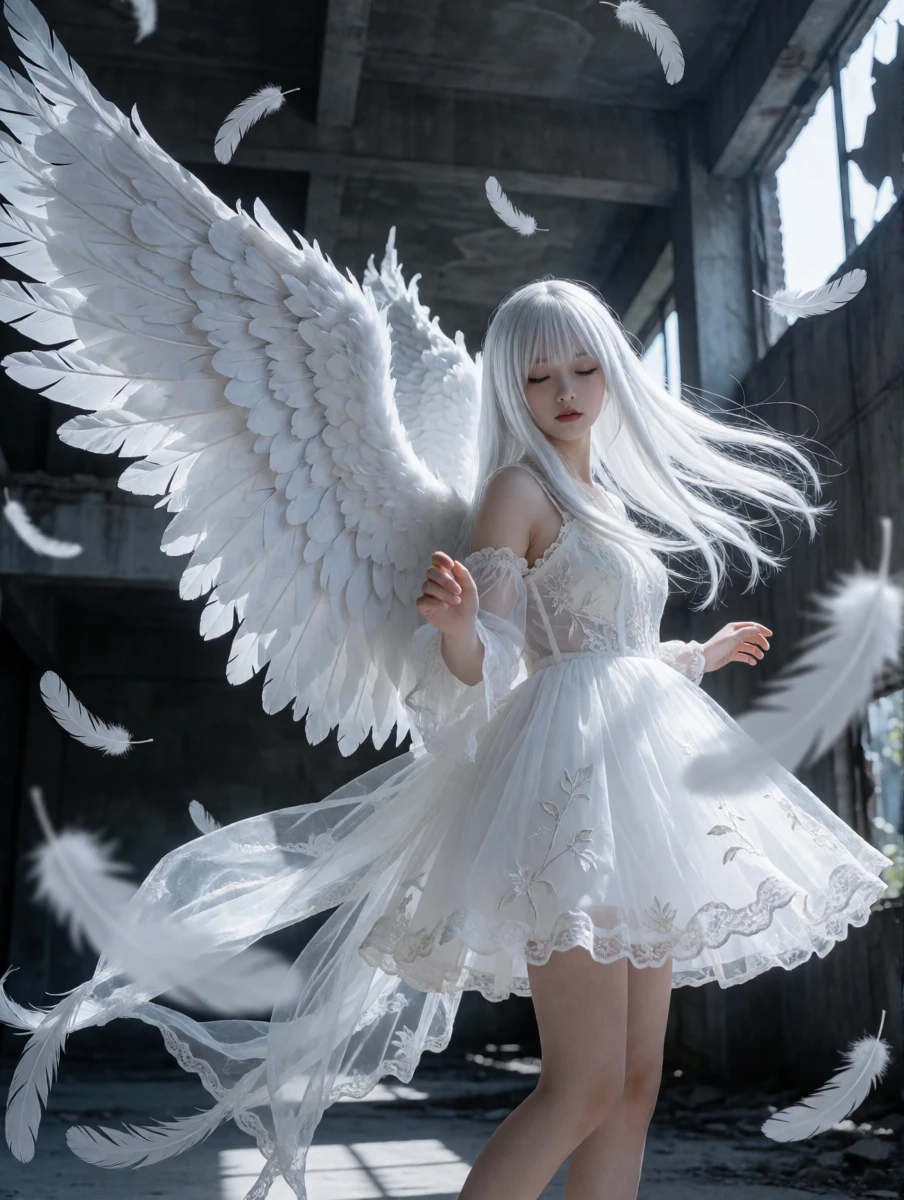
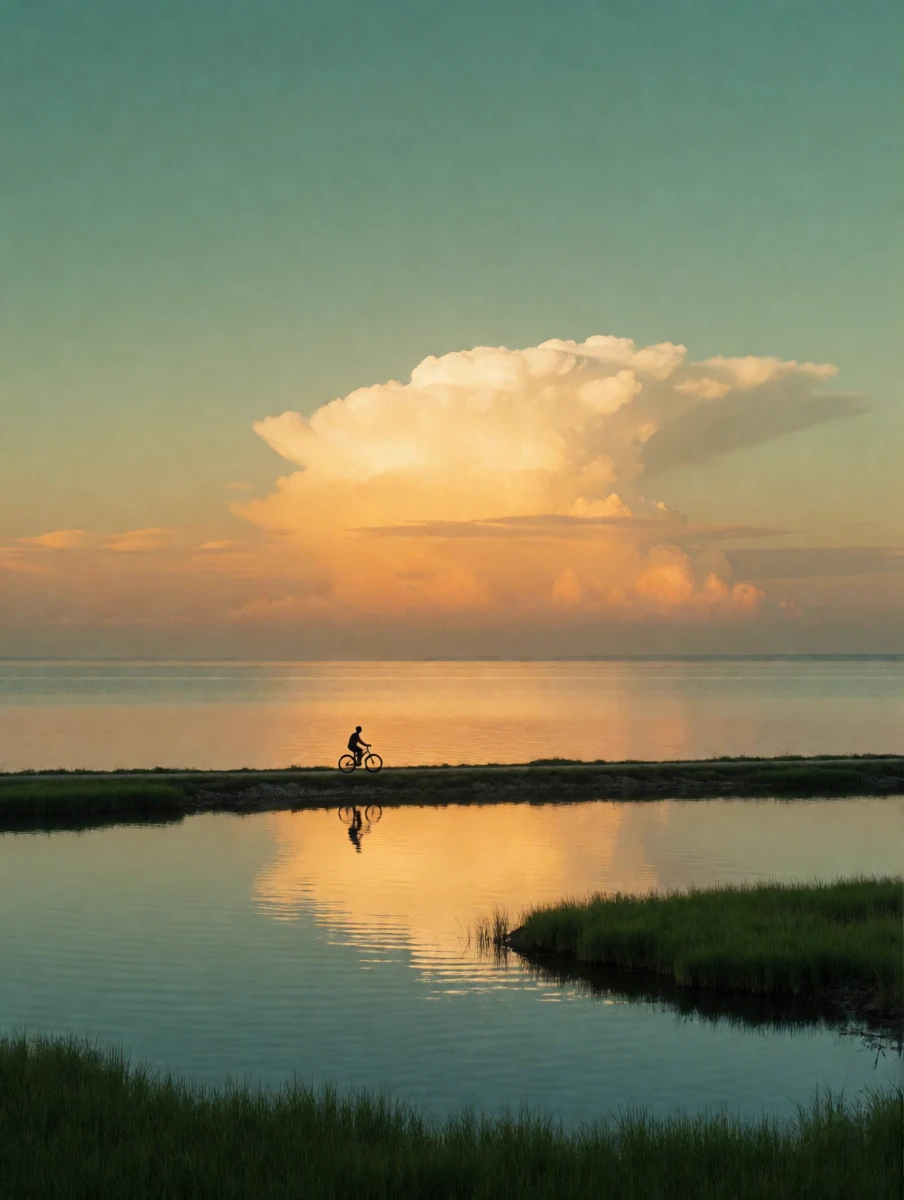
Professional high-aesthetic image generation model
Krea 2 has arrived on SeaArt AI. This professional image generation model is built for creators who want more than just beautiful outputs. It delivers stronger composition, cleaner visual direction, and more consistent style control across a wide range of creative workflows.
Unlike models that focus only on instant image generation, Krea 2 is designed for polished visual creation. It understands subject relationships, scene mood, camera language, and design intent more clearly, helping creators produce images that feel more intentional, cinematic, and commercially usable.
Whether you are creating brand visuals, concept art, fashion imagery, product shots, architectural scenes, or stylized illustrations, Krea 2 gives you a more refined starting point and a more stable path for iteration.
Why Krea 2?
• Higher Visual Quality: Generate images with stronger aesthetics, cleaner composition, and a more finished, professional look.
• Better Composition Control: Krea 2 responds more clearly to prompts about framing, spacing, balance, depth, and focal hierarchy.
• Stronger Style Consistency: Maintain a more unified visual language across photography, design, illustration, and stylized 3D-inspired outputs.
• More Reliable Creative Iteration: Explore variations and refine your ideas without losing the overall direction of the image too easily.
• Built for Real Workflows: Krea 2 works well for concept development, campaign visuals, moodboards, thumbnails, product art, and presentation-ready imagery.
How to Use Krea 2 on SeaArt AI
1. Select the Model: Choose Krea 2 in SeaArt AI and start with a text prompt or a reference image.
2. Describe the Visual Direction: Include not only the subject, but also composition, lighting, atmosphere, lens feel, color tone, and style references.
3. Be Specific About the Scene: Mention foreground, background, focal point, camera angle, and how elements should relate to each other.
4. Generate and Refine: Create multiple versions, then adjust details step by step to reach a stronger final result.
Best For
• Brand and campaign visuals
• Concept design and mood imagery
• Product shots and commercial-style scenes
• Fashion, beauty, and editorial looks
• Architectural and spatial visualization
• Illustration and stylized creative exploration