How to Use
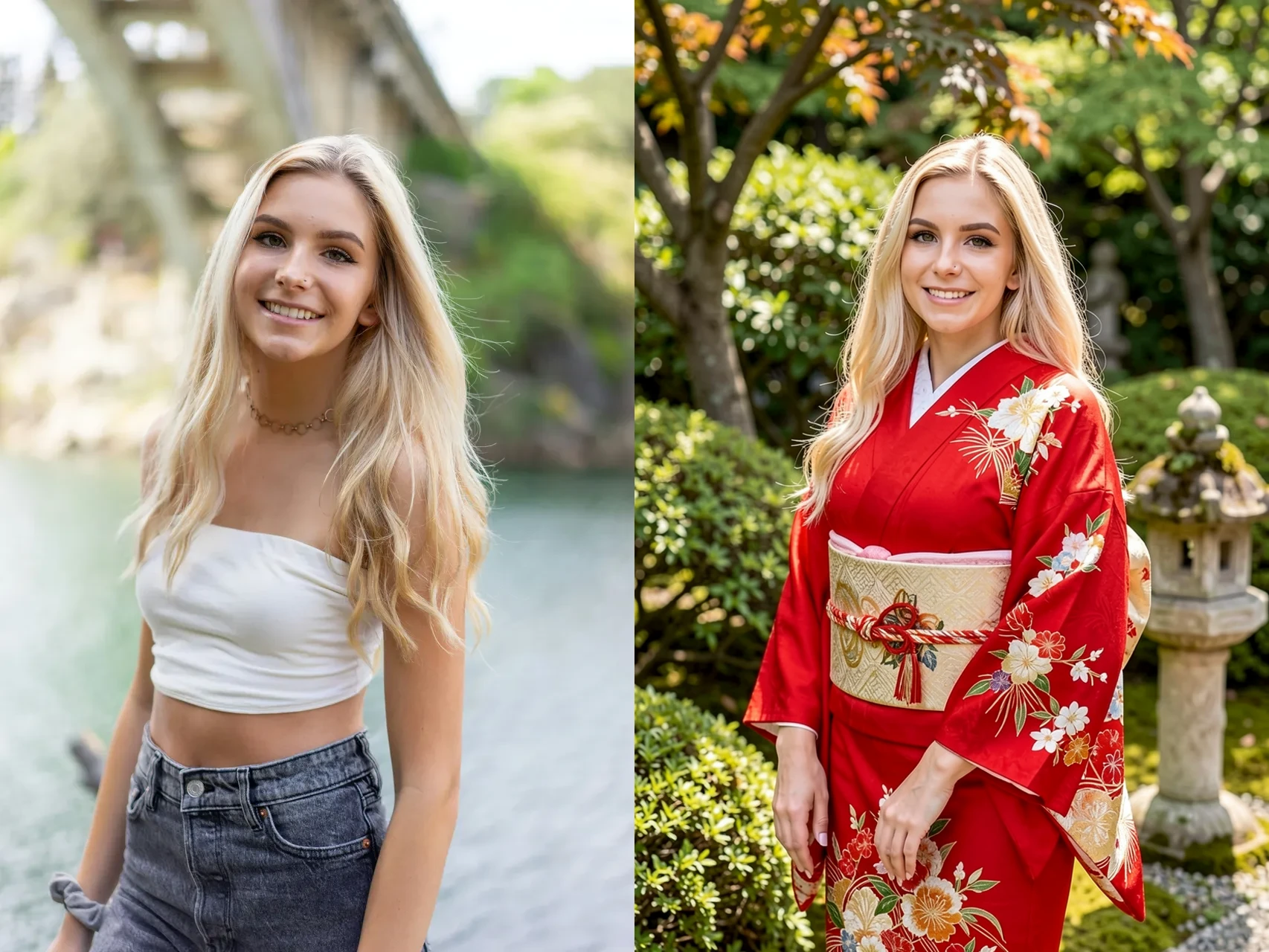
- Upload your original/reference image in the Image-to-Image (Img2Img) section.
- Enter your desired prompt describing the new image, scene, outfit, pose, style, or environment.
- Generate the image.
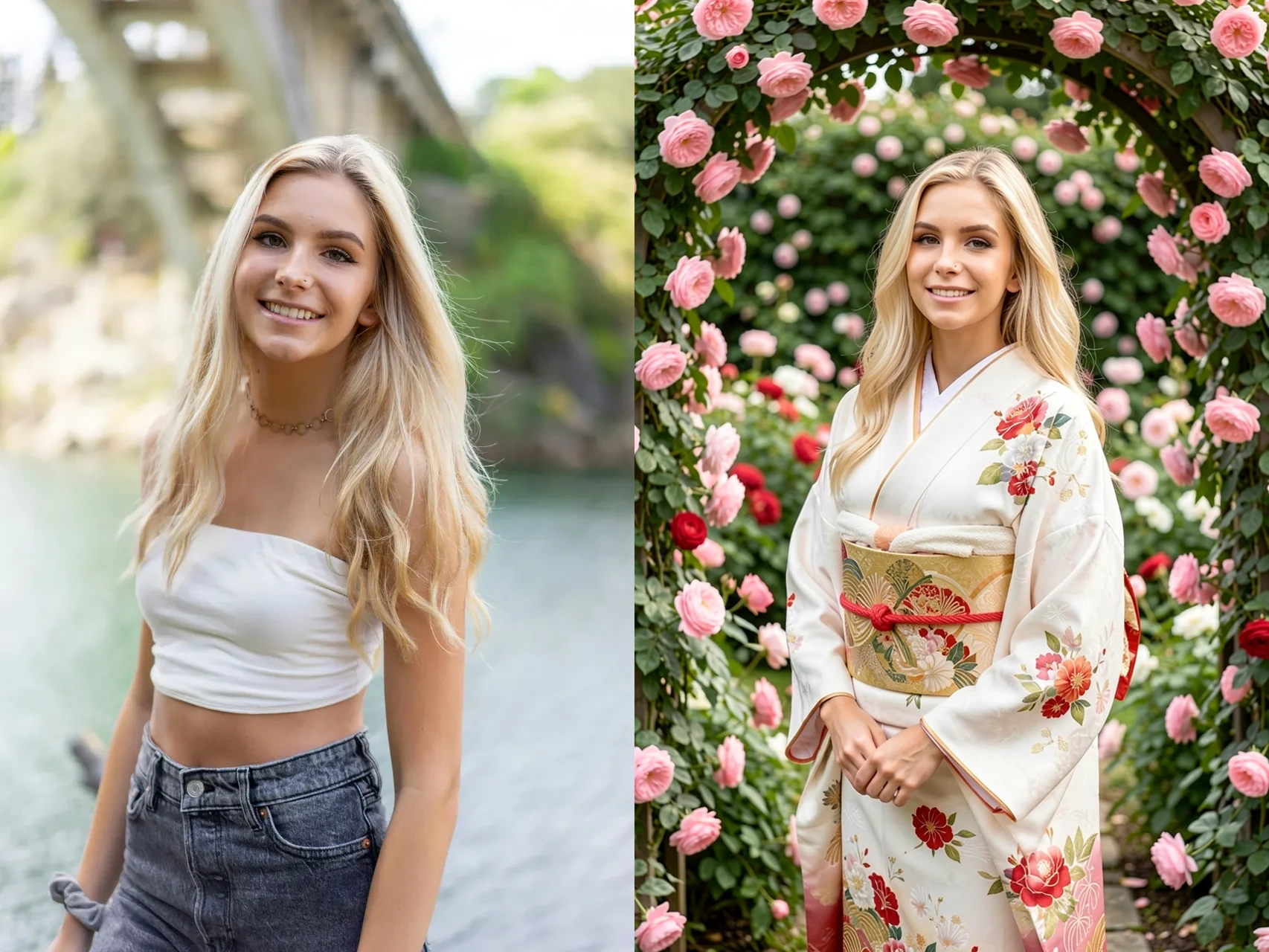
The model uses the uploaded reference image to preserve the character's facial identity and key facial features while creating a new image based on your prompt.
You can change the character's pose, outfit, hairstyle, environment, composition, lighting, and overall style while maintaining a strong resemblance to the original face.
Example
Reference Image:
Upload an image of your character.
Prompt:A cinematic portrait of the character standing in a futuristic Tokyo street at night, wearing a black leather jacket, neon lights, dramatic lighting, highly detailed
The generated image will create a new scene while retaining the character's recognizable face and identity from the reference image.
Description
Details
Downloads
12
Platform
SeaArt
Platform Status
Available
Created
8/9/2026
Updated
8/9/2026
Deleted
-