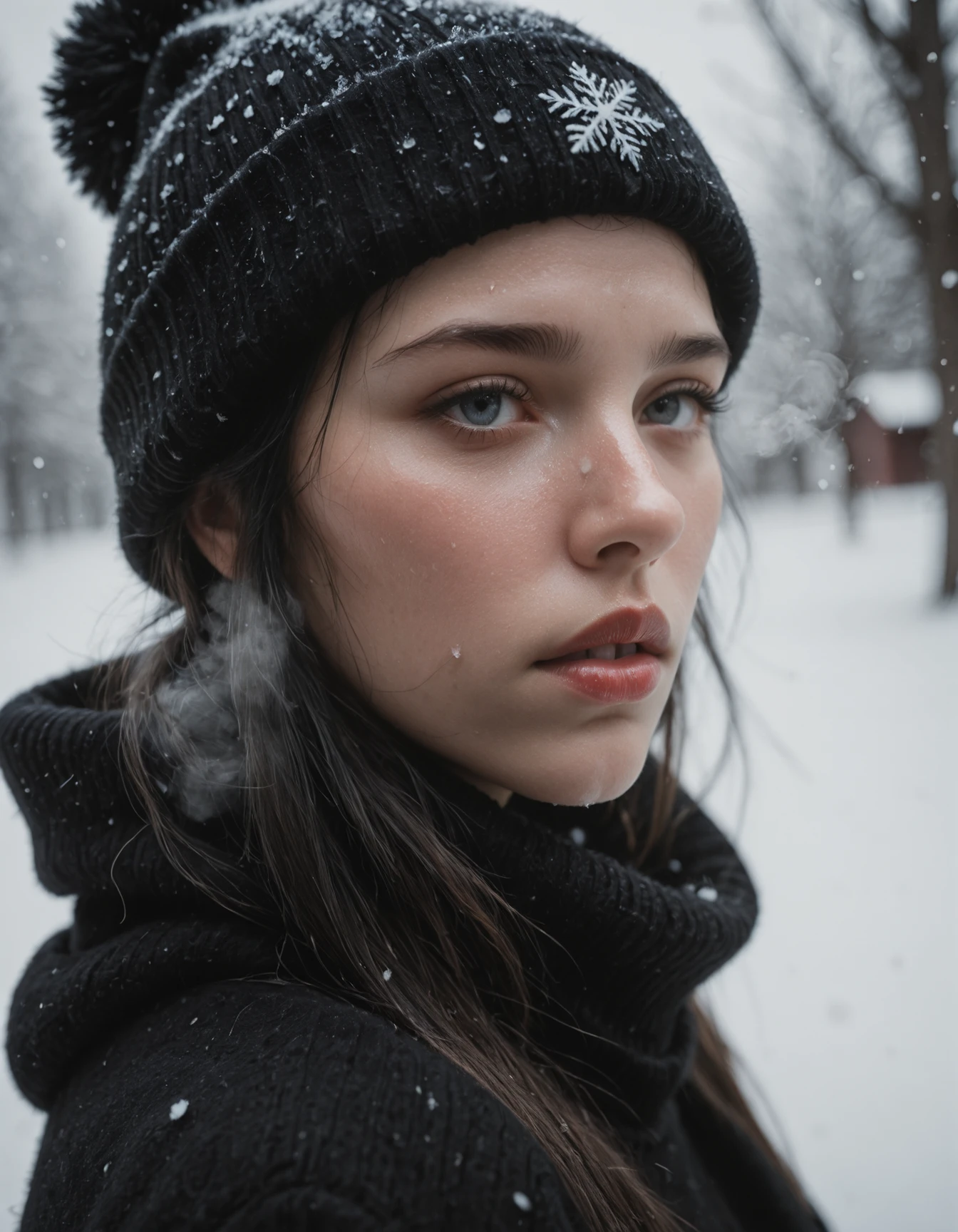

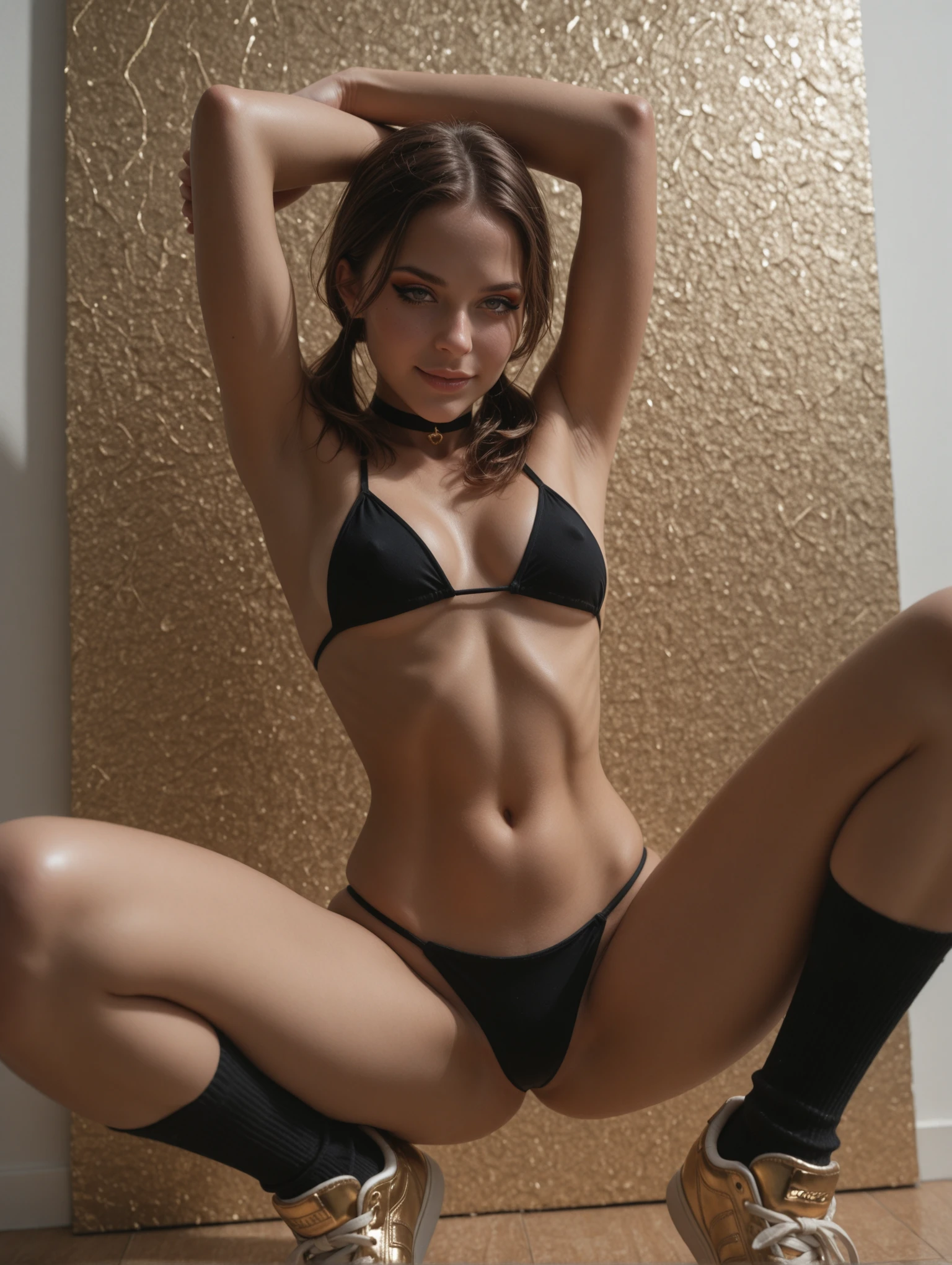
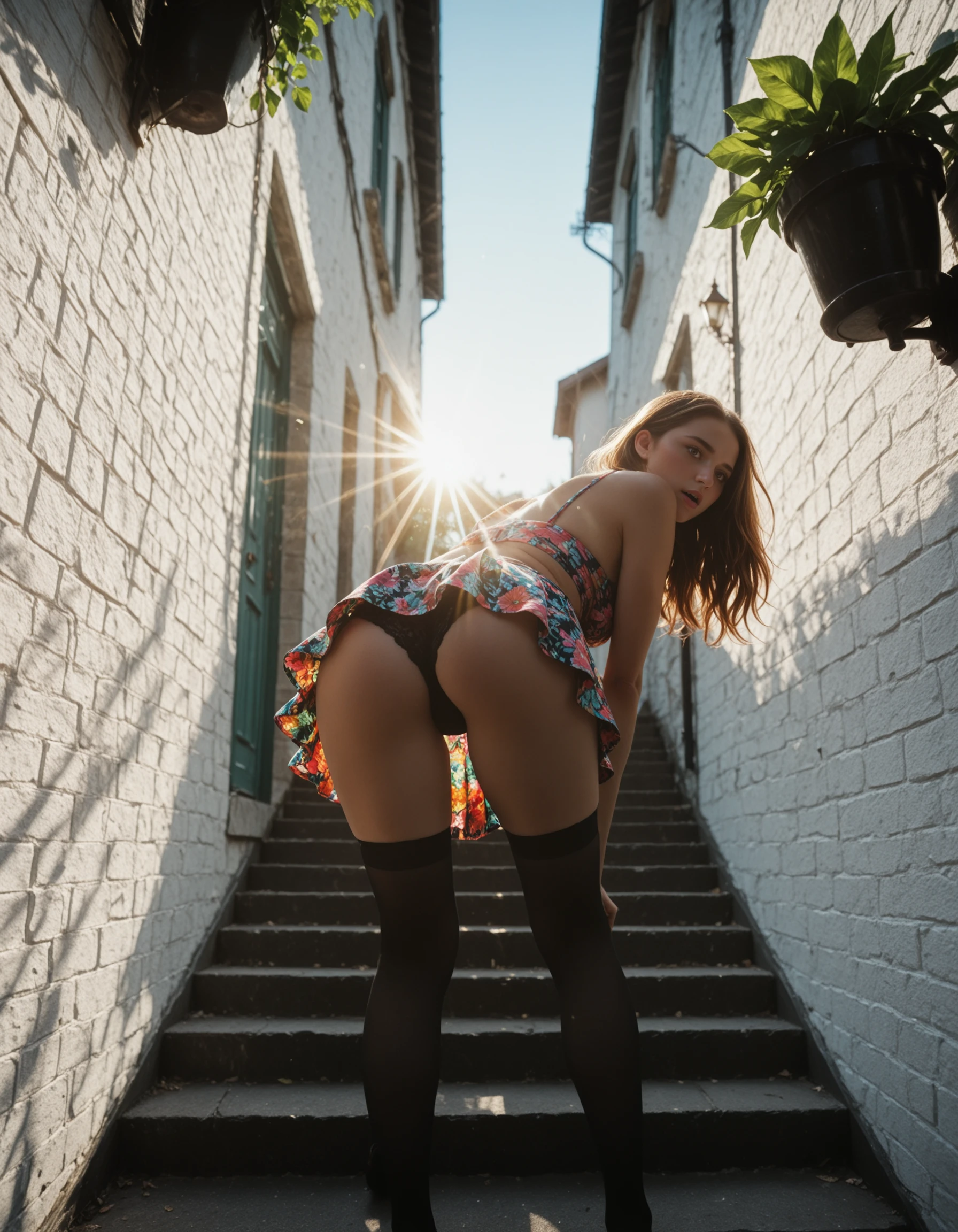
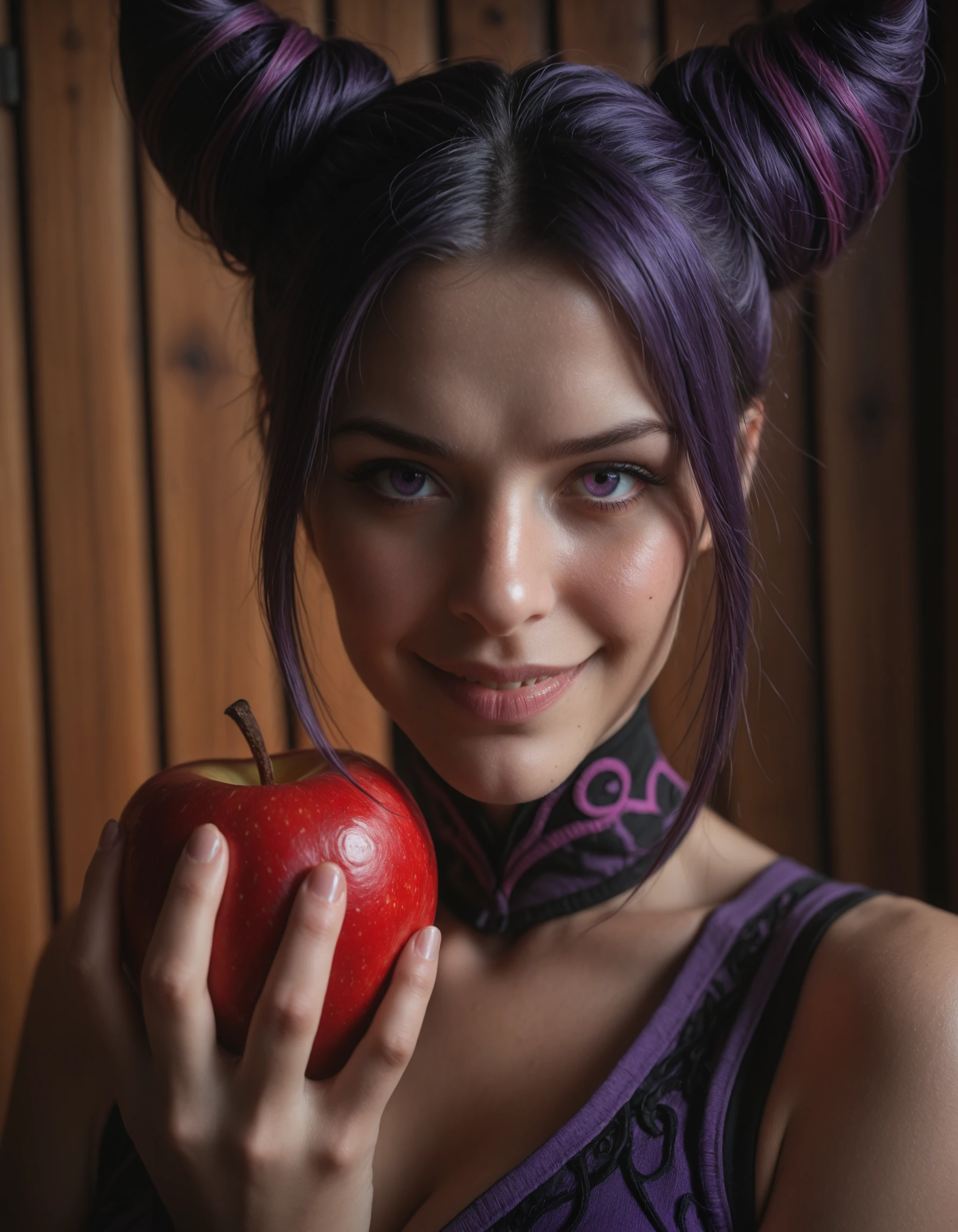
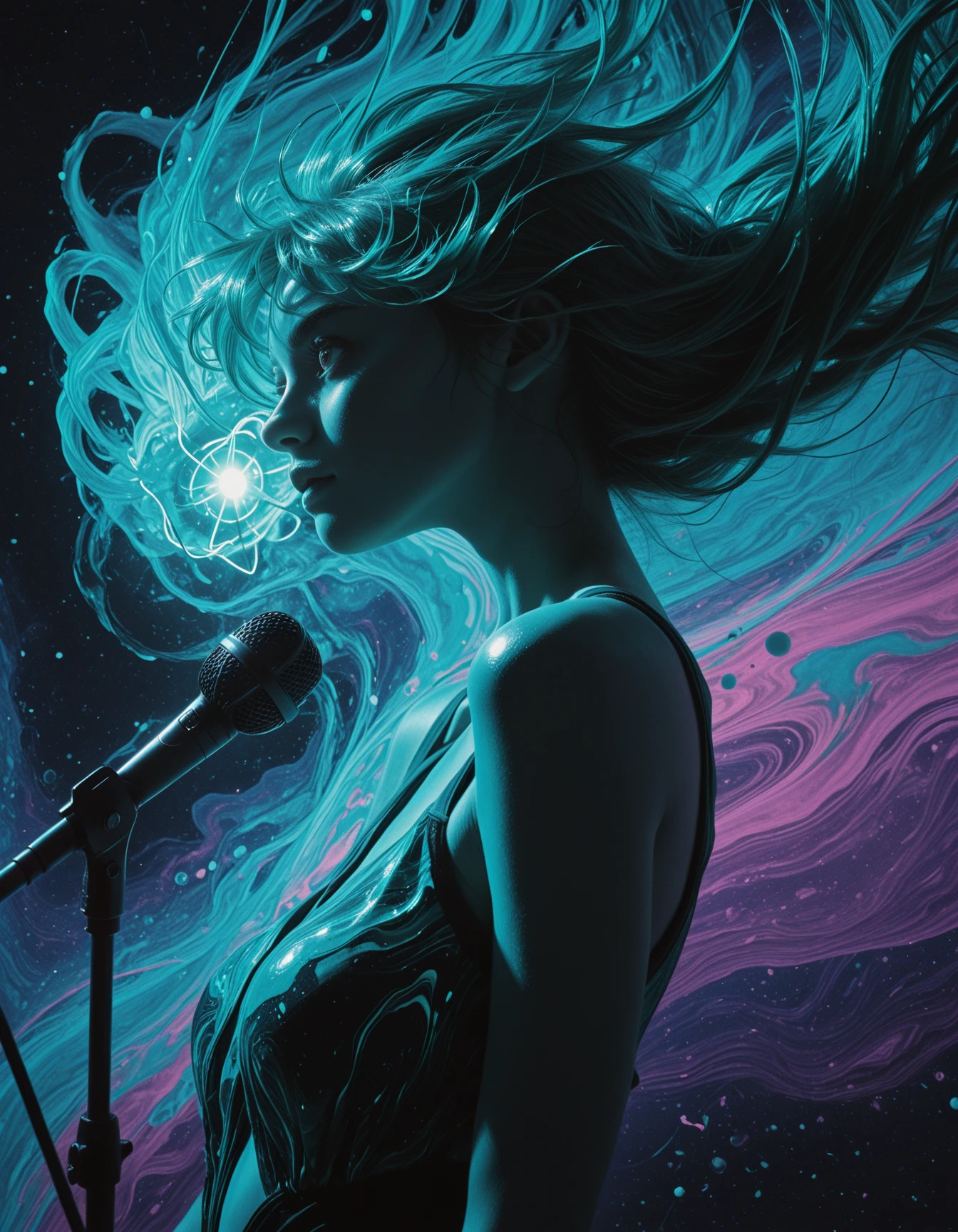
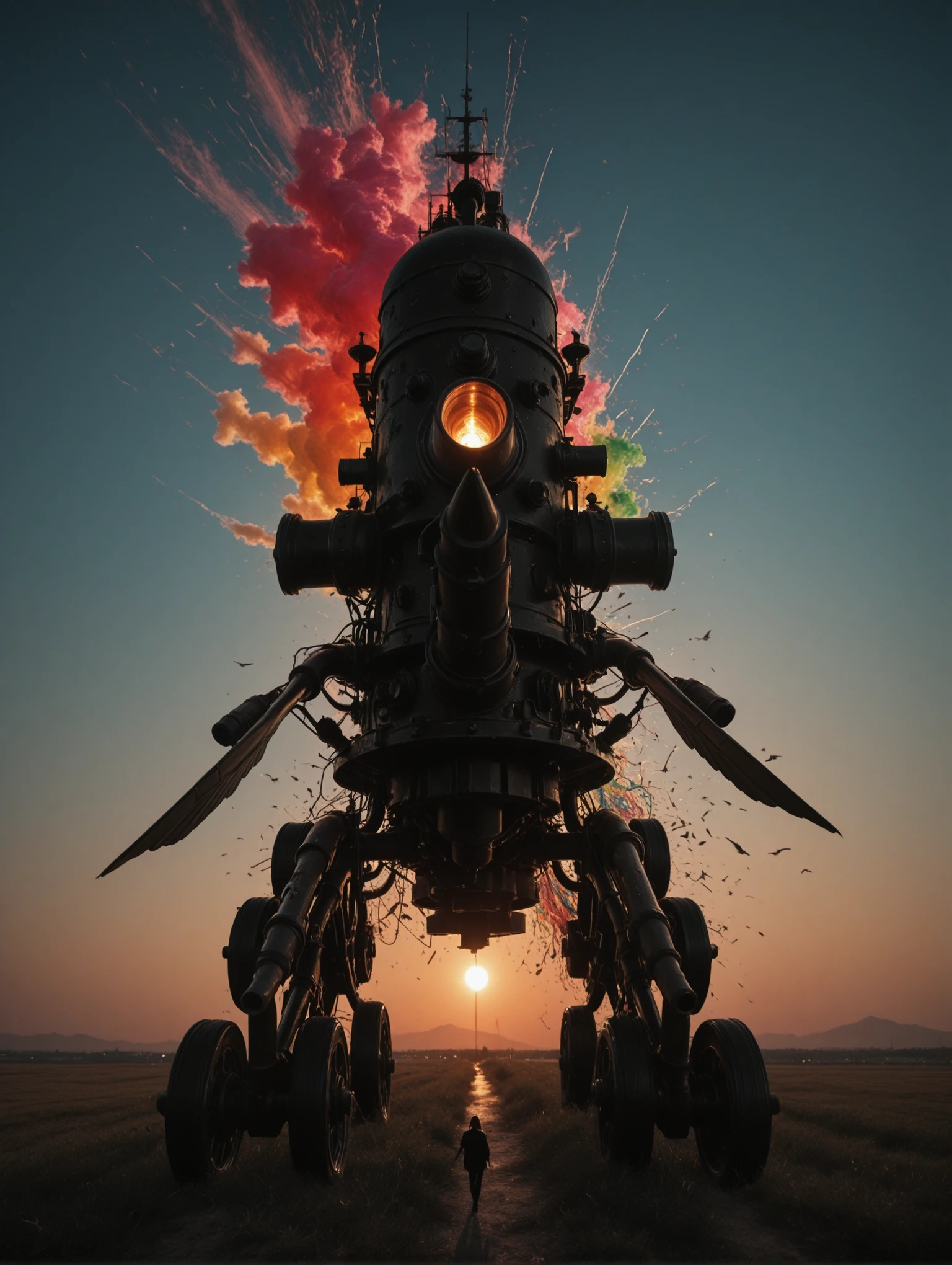
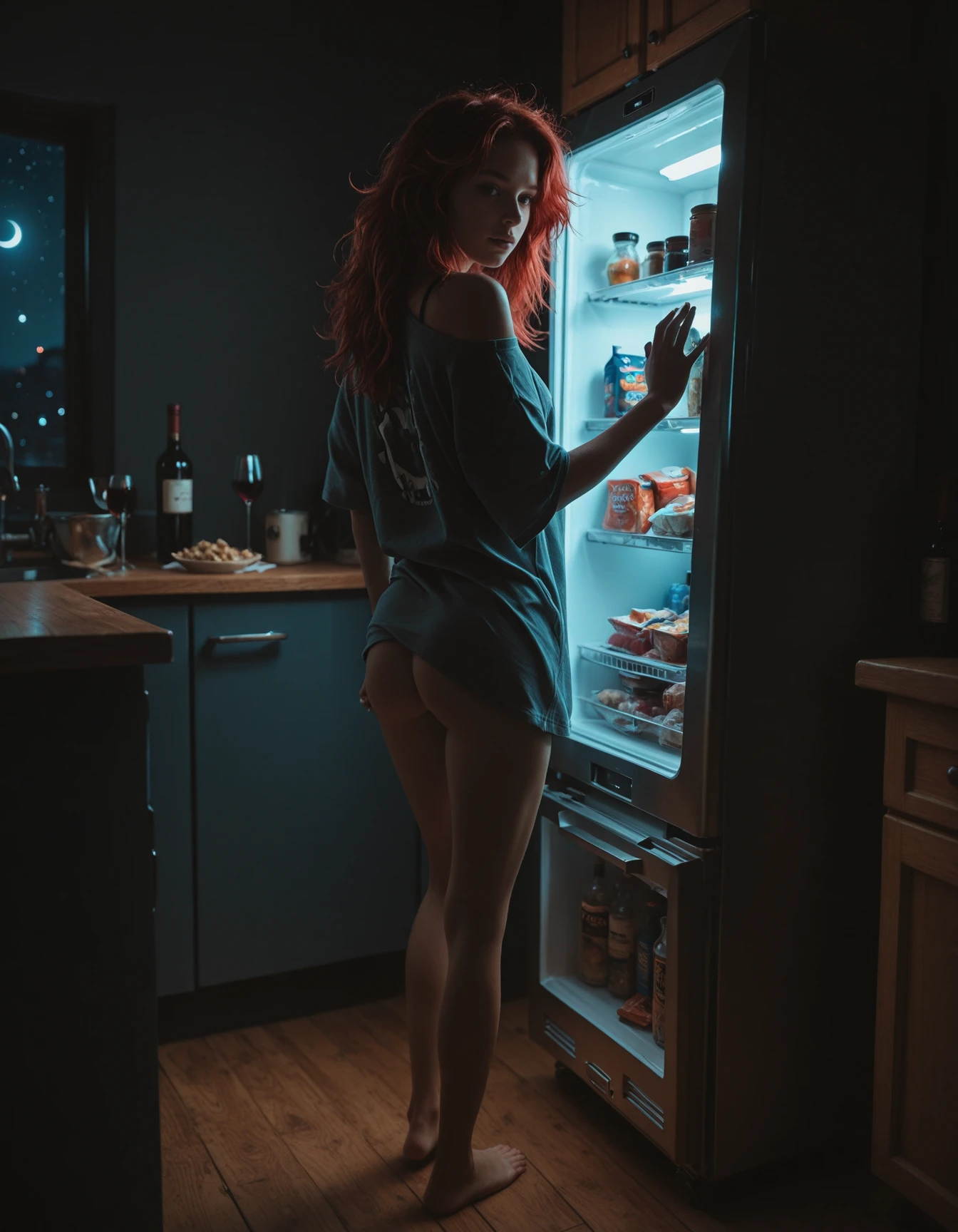
Please Rate! - Your feedback, ratings or a follow are greatly appreciated. - Thankyou!
(Semi & photo realism, with an eye to the artful).
v1 -(best for simi-realism, creative composition)
v2 -(very constant outputs with little fuss, High photorealism, detailed skin texture)
v3 -(Best retention of character, composition, & pose info from Illustrious, High versatility, with some patience, it's the most capable)
These models can use both Illustrious and XL Loras, though you may need to adjust the weights a bit.
I used a face detailer in about 10 of the 20 example images, and most use upscaling (4x-nickelback). A face detailer is generally helpful depending on zoom level, If your subjects face is about 30% or more of the image it can be detrimental. I urge experimentation in all areas.
V3 - Canny Mountain - (greater focus on retention of the illustrious knowledge base, camera film and post-processing effects)
Suggested settings:
VAE: sdxl_vae (baked in)
Clip skip: 2 was used during merge, (setting 1 or 2 should yield same results)
Samplers: DPM++ 2M SDE, DPM++ 3M SDE, Euler Ancestral Schedulers: SGM Uniform, Karras, Occasionally I use others for variance. (experimentation is recommended),
Resolution: all standard 1MP resolutions work well in portrait and landscape, (depending on context) (I often use 1024x1360 and 1120x1440 in portrait and landscape) I sometimes go as high as 1344x1728,
CFG: 3.8 - 8.0 (I typically use 3.8, -5.6 for photorealism)
Steps: 32 - 38 (I use 36 most often),
Prompting:
Danbooru tags, & natural language prompting. Generally less is more, for best results try to write clear concise prompts, (look to my sample images for examples and general formatting).
positive prompts - responds well to camera related tags: photorealistic, raw photo, amiture photo, depth of field, bokeh etc.
negative prompts - I generally recommend keeping sepia in your negatives to overcome a sepia bias. (it can be helpful to add a few things like "artificial, anime, illustration, unreal", if you're pushing for greater realism).
V2 - Fully REALized - (greater photorealism while maintaining much of the illustrious knowledge base)
Suggested settings:
VAE: sdxl_vae (baked in)
Clip skip: 2 was used during merge, (setting 1 or 2 should yield same results)
Sampler: DPM++ 2M SDE - SGM Uniform, (good option for photorealism) or Euler Ancestral - SGM Uniform (experimentation is recommended),
Resolution: all standard 1MP resolutions work well in portrait and landscape, (depending on context) (I often use 1024x1360 and 1120x1440 in portrait and landscape)
CFG: 2.8 - 9.0 (I commonly use 3.8, 5 & 7)
Steps: 24 - 38 (I use 36 most often, though I'm starting to use lower values with solutions like CFG rescale & Zero Star).
V1 - Beyond the Valley
Suggested settings:
VAE: sdxl_vae (baked in)
Clip skip: 2 was used during merge, (setting 1 or 2 should yield same results)
Sampler: Euler Ancestral - SGM Uniform (most consistent good results), DPM++ 2M SDE - SGM Uniform, (good option for photorealism)
Resolution: all standard 1MP resolutions work well in portrait and landscape, (depending on context) (I often use 1024x1360 and 1120x1440 in portrait and landscape)
CFG: 2.8 - 8.0 (lower for more photorealism - I commonly use 2.8, 3.8, 5 & 7)
Steps: 24 - 38 (I use 36 most often)
Prompting:
Primarily Danbooru tags, mixed with a bit of natural language prompting. Generally less is more, for best results try to write clear concise prompts, (look to my sample images for examples and general formatting).
positive prompts - Hype4realistic can be added to push realism a bit further.
negative prompts - I generally recommend starting with none and adding tags as needed. (it can be helpful to add a few things like "toon, illustration, unreal", if you're pushing for greater realism).
I started this project to in an attempt to recreated a specific aesthetic created by blinkdotleh using his workflow where 2 models split the steps during image generation. He created a series of images using Uncanny valley for the initial steps & my fabled Illusion model as a refiner. I created a style Lora from those outputs and included it in this merge. This is an attempt to recreate that look in a singe model while preserving as much of the Illustrious knowledge base as possible.
on the image generation side, this is roughly 50% Illustrious & 50% XL (mostly bigASP), while the CLIP more heavily favors Illustrious at about 65%.
Resources used / Creator thanks
Checkpoints:
Uncanny valley by meden - (clip only)
Loras:
Hyperrealistic [Pony | Illustrious] by Zoropaton
SPO-SDXL_4k-p_10ep_LoRA_webui by rockeycoss
custom style Lora - (not yet publicly available)
(Additionally, thanks to everyone whos prompts I've pilfered for testing).
Description
Note: keep "sepia" in Neg Prompt to correct color bias, (v3 only).
v3 focuses on greater retention of the Illustrious knowledge base. During iterative testing, I rendered a handful of characters and found the point where pushing further realism was causing the loss of key details, then dialed it back a bit.
There's a (situationally dependent) sepia bias. I recommended keeping sepia in your neg prompt.
CFG: 3ish - 9ish, (4.8 - 5.8 sweet spot)
32 - 38 steps, DPM++2M_SDE, Euler_A, DPM++3M_SDE, (SGM_Uniform, Karras).
Standard SDXL VAE is recommended & baked.
FAQ
Details
Files
Available On (1 platform)
Same model published on other platforms. May have additional downloads or version variants.