Hi,
this is my first (merged) checkpoint for Krea2. It based on the official Krea2 BF16 Turbo Version and converted after the merge to the int8_convrot Format with the convert_to_quant script by silveroxides. (https://github.com/silveroxides/convert_to_quant)
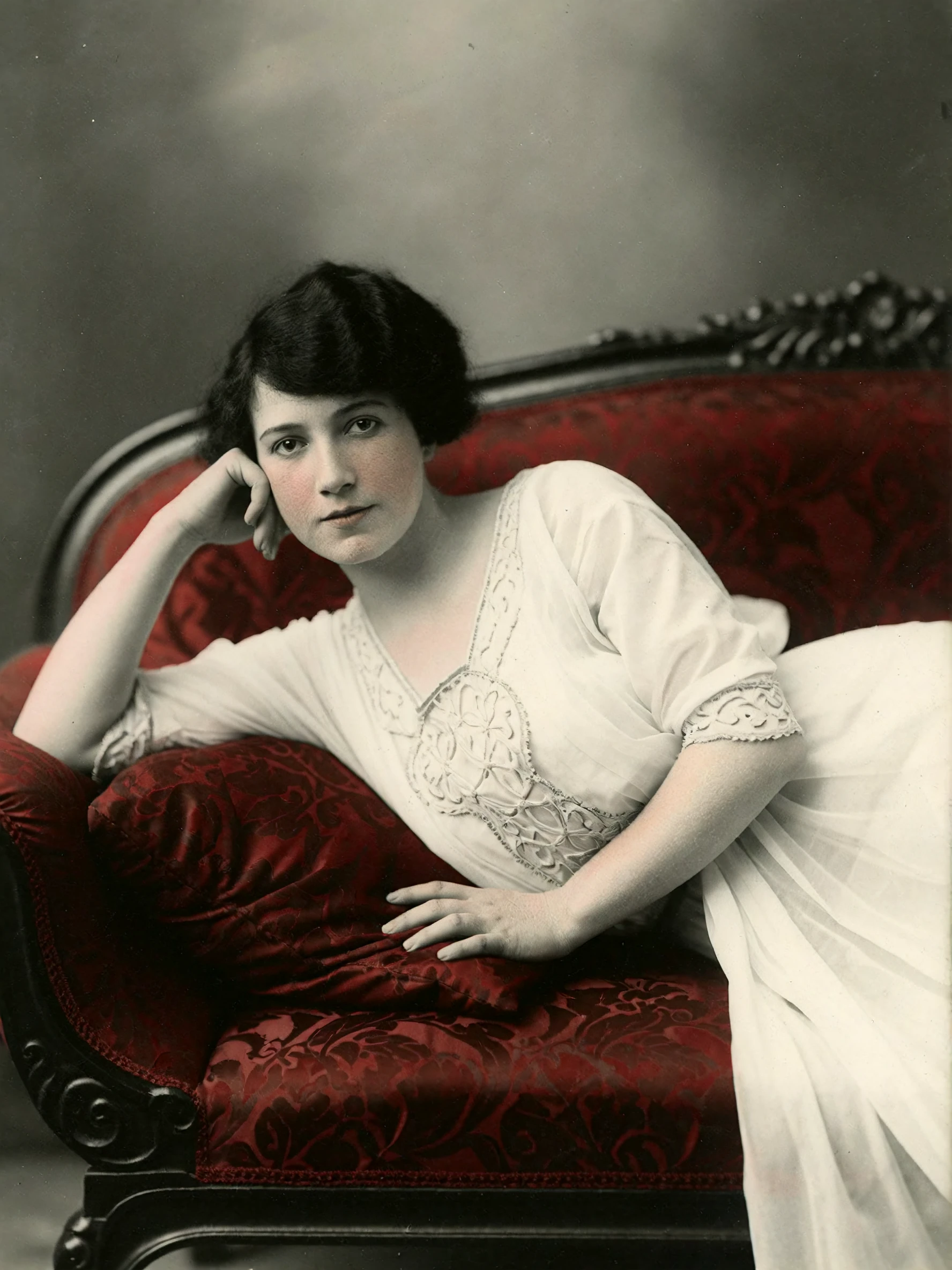
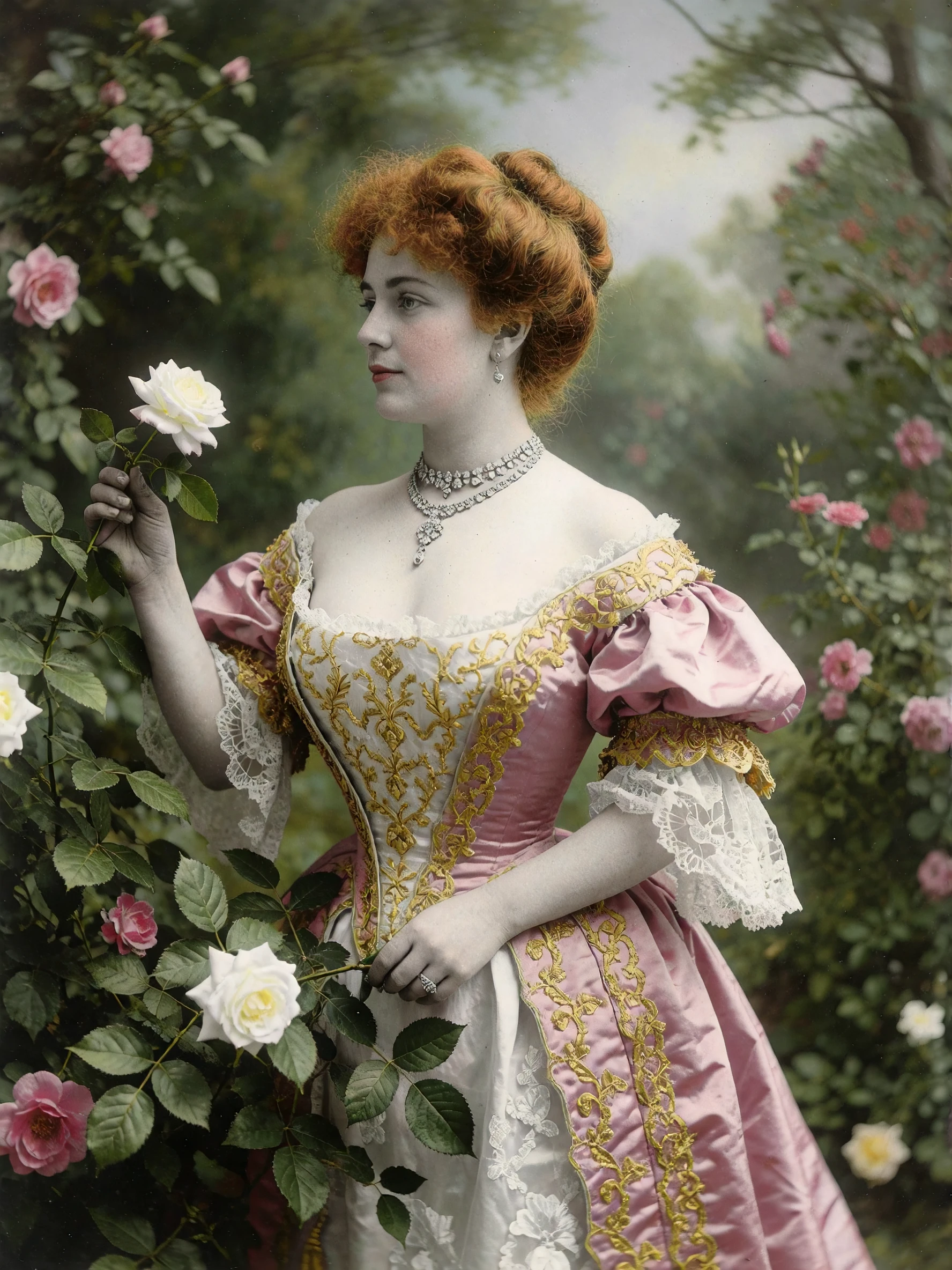
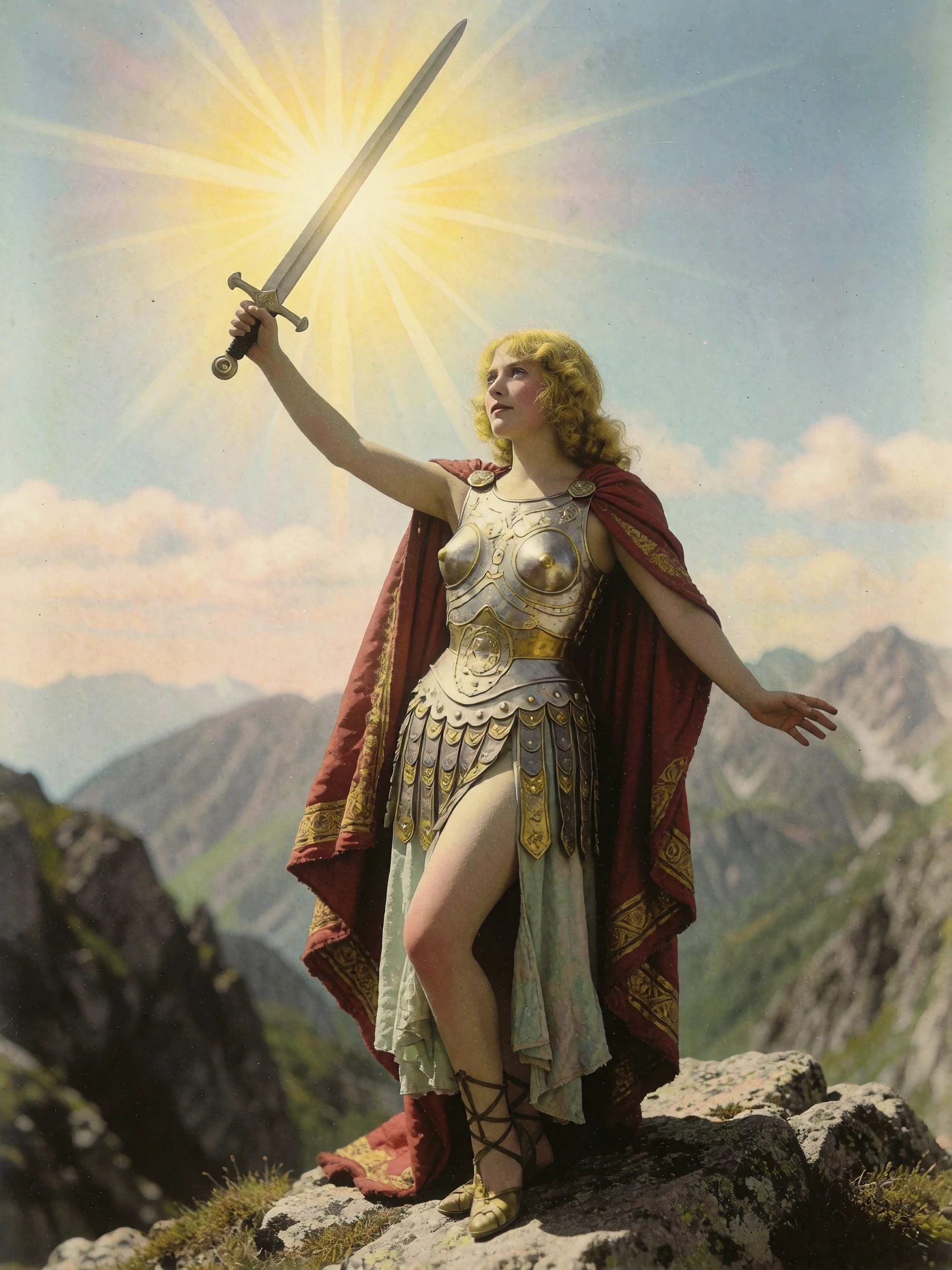
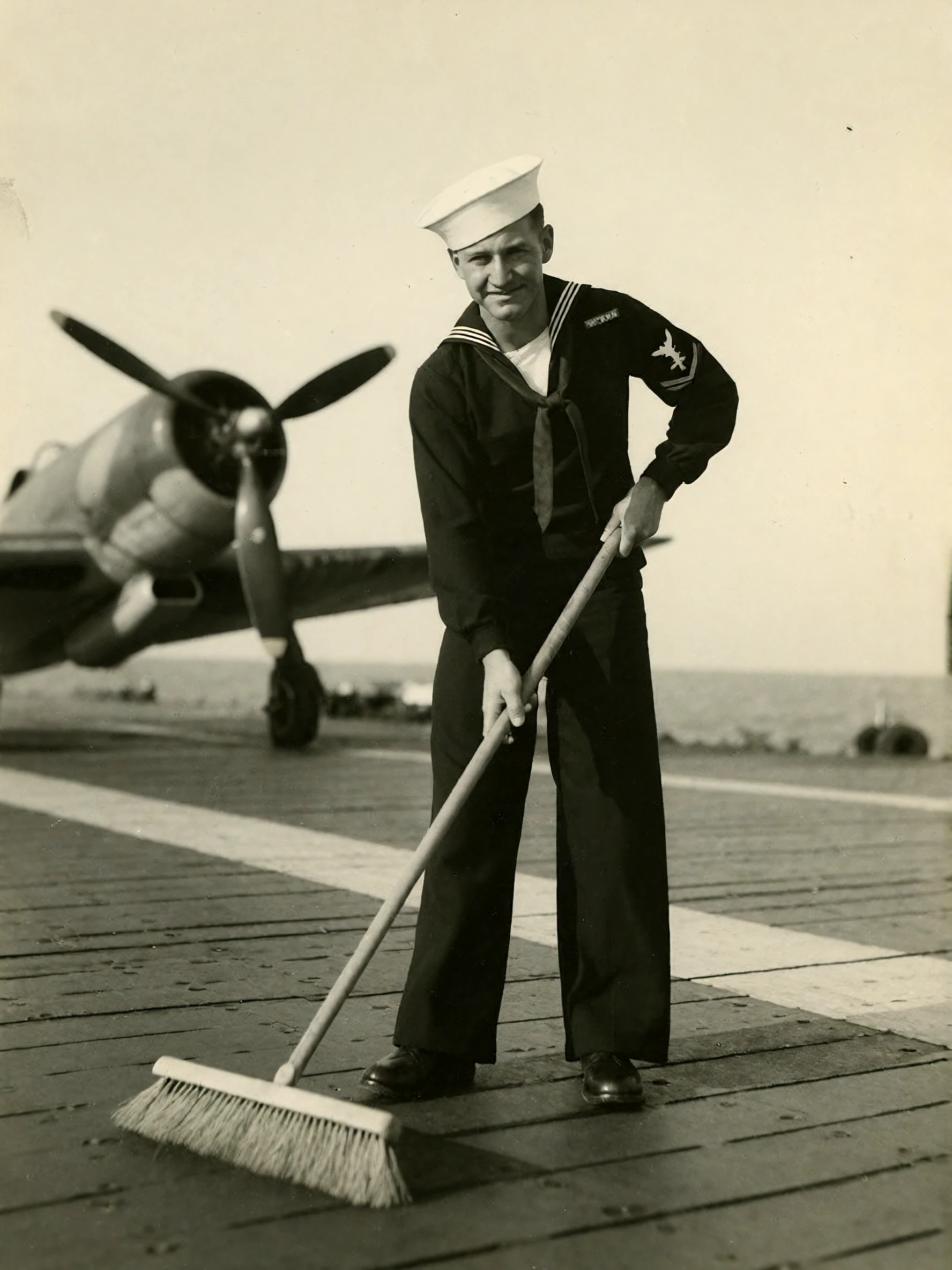
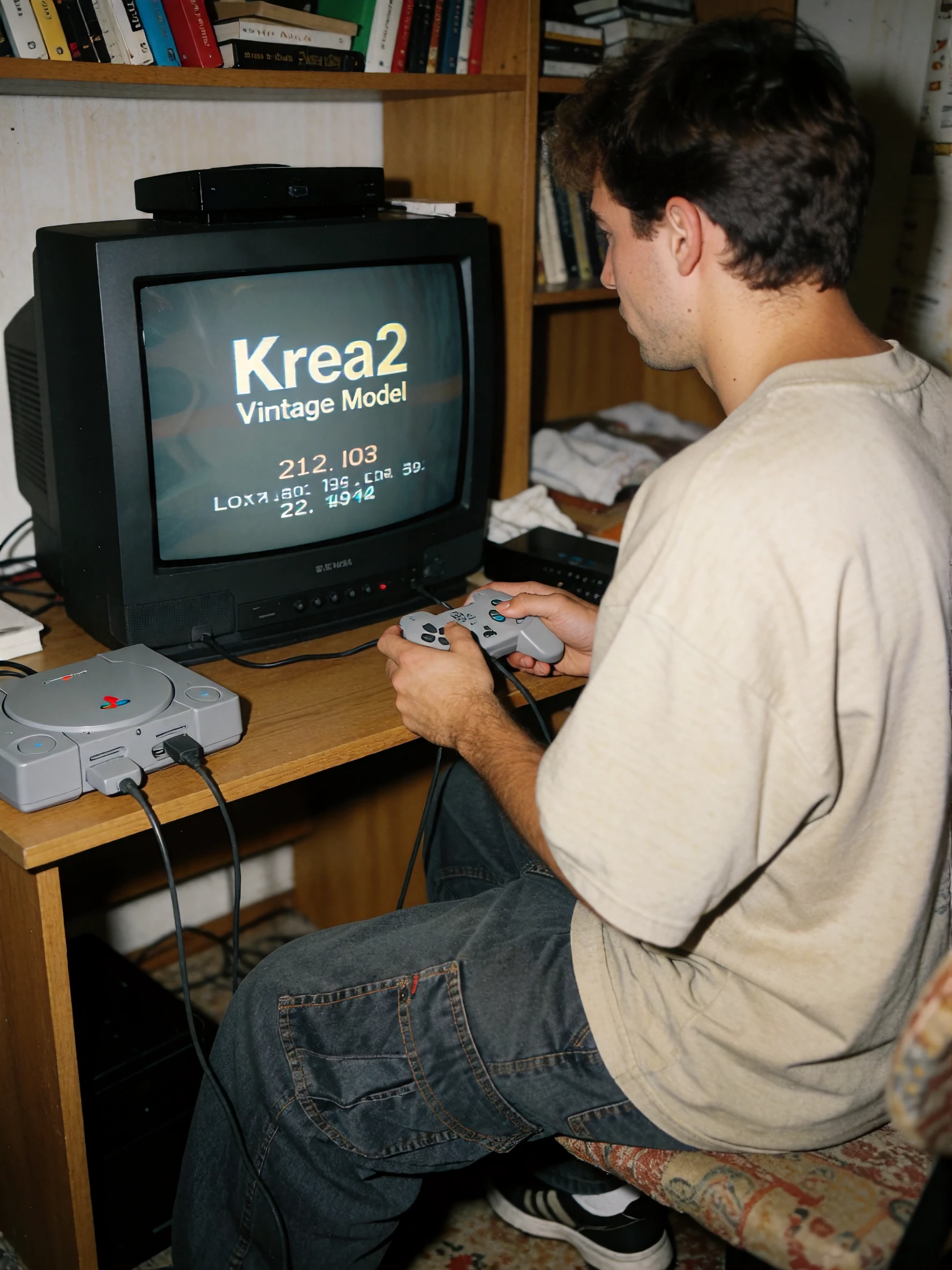
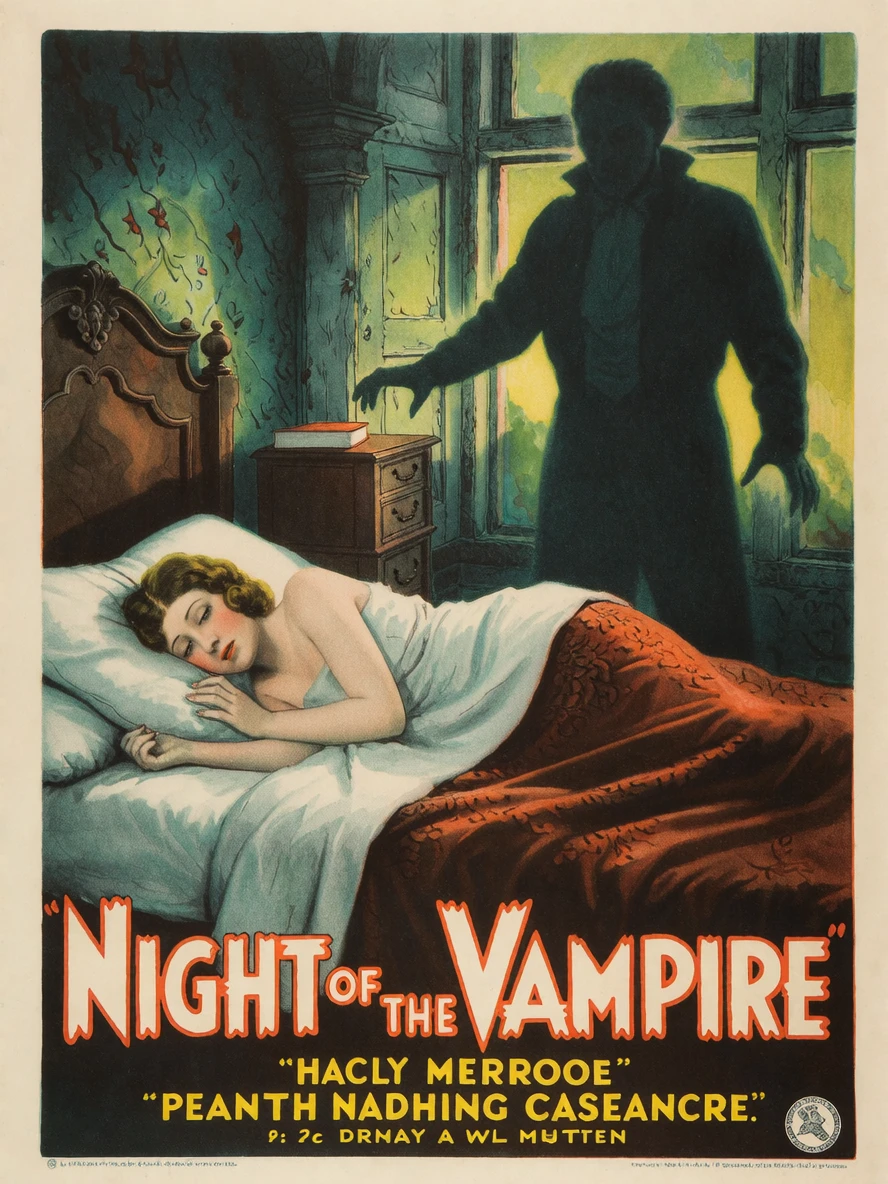
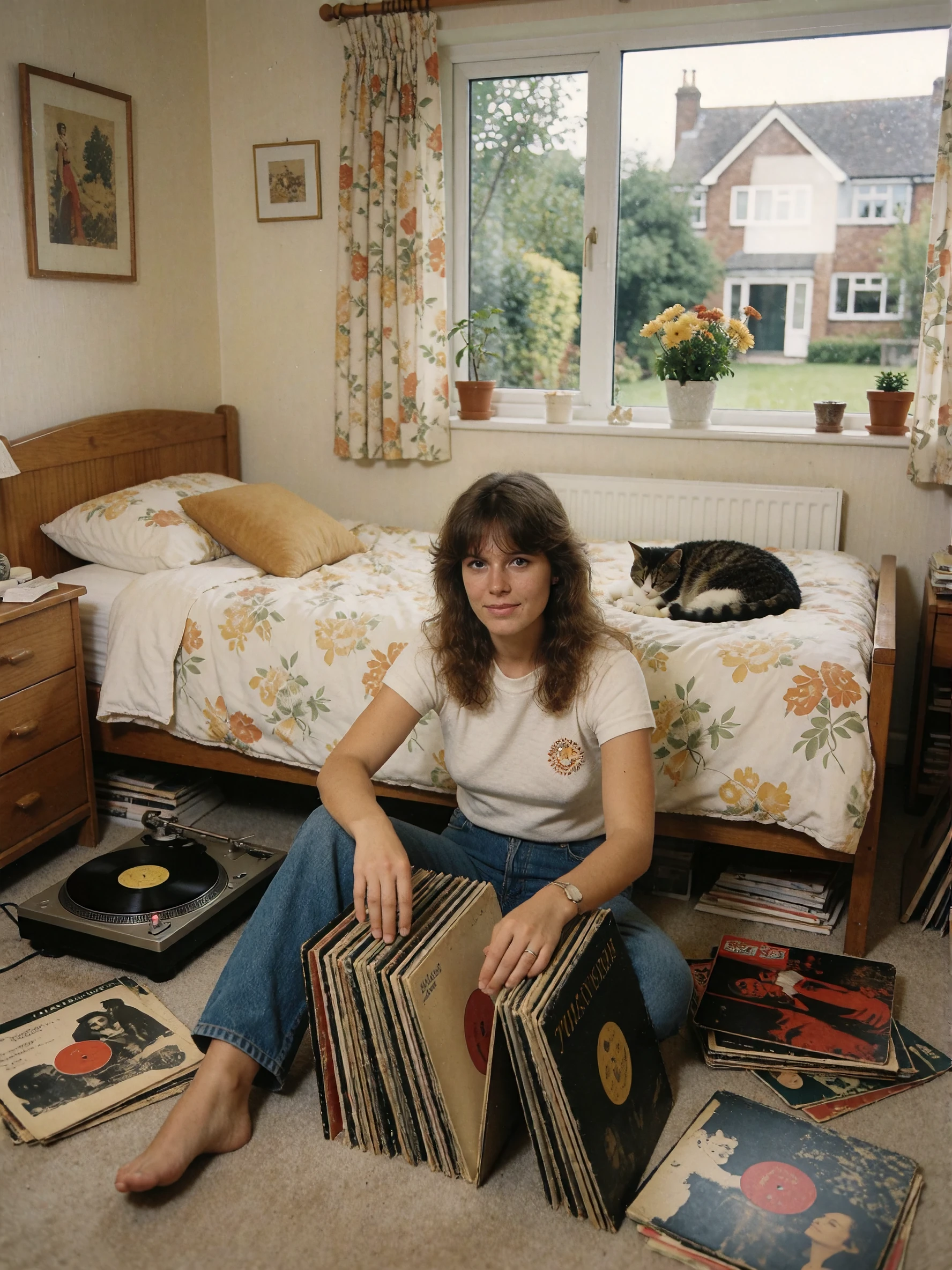
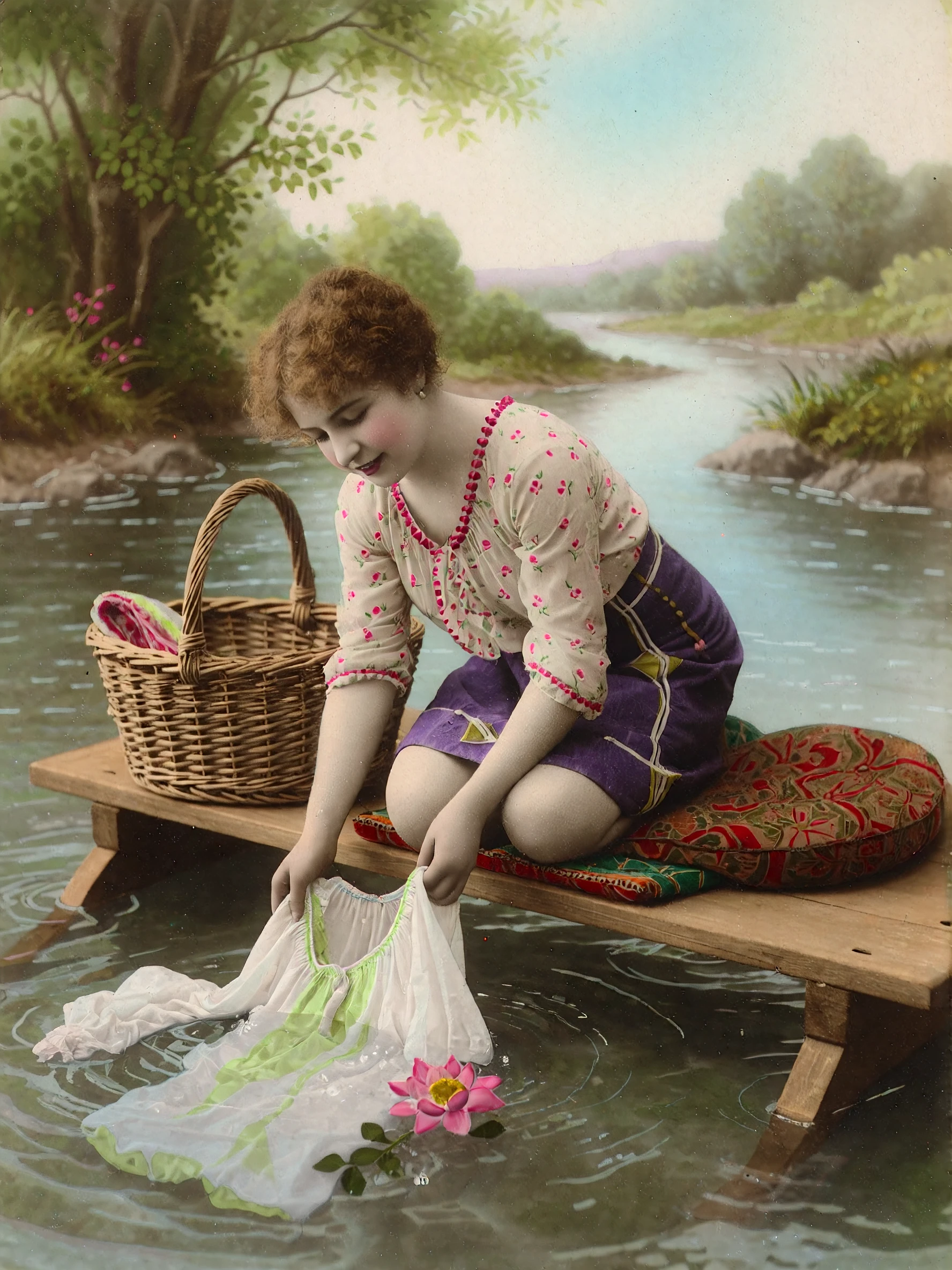
Idea behind this model: I want put my different vintage Loras for Krea2 into a model for universal usage to generate Images that Looks like from 1900 to 1990. I tested is witout any added other loras, because i want a Out-of-the-box model.
But what is inside?
I merged the following Loras into this model: (only the Krea2 TextFusion Refusal-Reduction LoRA is not made by my own) Thanks and all props to the creator!
1. Krea2 TextFusion Refusal-Reduction LoRA - Strenght = 1.0 (https://civitai.red/models/2775340/krea2-textfusion-refusal-reduction-lora)
2. Krea2 90s Amateur Lora v1 (80s/90s Style) - Strenght = 0.8 (unreleased)
3. Krea2 Golden-Age Lora v2 (40s/50s Style) - Strenght = 0.8 (https://civitai.red/models/2358411/golden-age-vintage-style)
4. Krea2 French Postcards v2 (00s/30s Style) - Strenght = 0.8 (https://civitai.red/models/2332342/french-postcard-vintage-style)
5. Krea2 Colored Monochrome Lora v1 (00s/30s Style) - Strenght = 0.8 (https://civitai.red/models/2479629/colored-monochrome-vintage-lora)
6. Krea2 80s Vintage Style Lora v1 (70s/80s Style) - Strenght = 0.8 (https://civitai.red/models/2637775/80s-vintage-style-lora)
For Generation i prefer 12 steps with the euler_ancestral sampler and the beta scheduler, but the standard 8 steps euler/simple or er_sde works too. If you have other good or better combinations, please leave a hint in the comments. Thanks :)
The prompt must be a little more detailed than working with the individual LoRAs. And you should describe the clothing if wanted, otherwise this could be very spicy ^^
Prompt Tips:
Start the Generation with "A vintage colored/black and white photo from 1900/1920/1930/1940/1950/1960/1970/1980/1990 of..." So you can set colored or black/white and respectively timeframe/style of the image. For black and white images avoid color description other then black or white.
Examples:
Color Image: a vintage color photo from the 1940s of a woman sitting in an american diner. She is a blonde haired woman with meticulously styled hair, likely a classic 1940s perm haircut. Her makeup is bold, featuring defined eyebrows and accentuated eyes. She’s wearing a low-cut, white blouse or dress with delicate lace detailing around the neckline and sleeves. She drinking a large milkshake. a window with the view of a street by night in the background.
Colored Image: a vintage colored photo from 1900 of young british woman sitting on a stool. she wearing a white lace blouse. she putting white strapless stockings on. she has black hair. natural skin blemishes. the scene takes place in a luxury bedroom at sunrise. the sunrise shining through the window on the girl.
Black and white Image: a vintage black and white photo from 1920 of a young caucasian woman with black bob haircut laid posing on a sofa. she wearing a white gown.
You can check my sample Images for prompting tips.
Thanks to all who downloading my Loras in the past. I would really appreciate some feedback from you about this Model.
Description
INT8 Version V1
Details
Files
Available On (1 platform)
Same model published on other platforms. May have additional downloads or version variants.