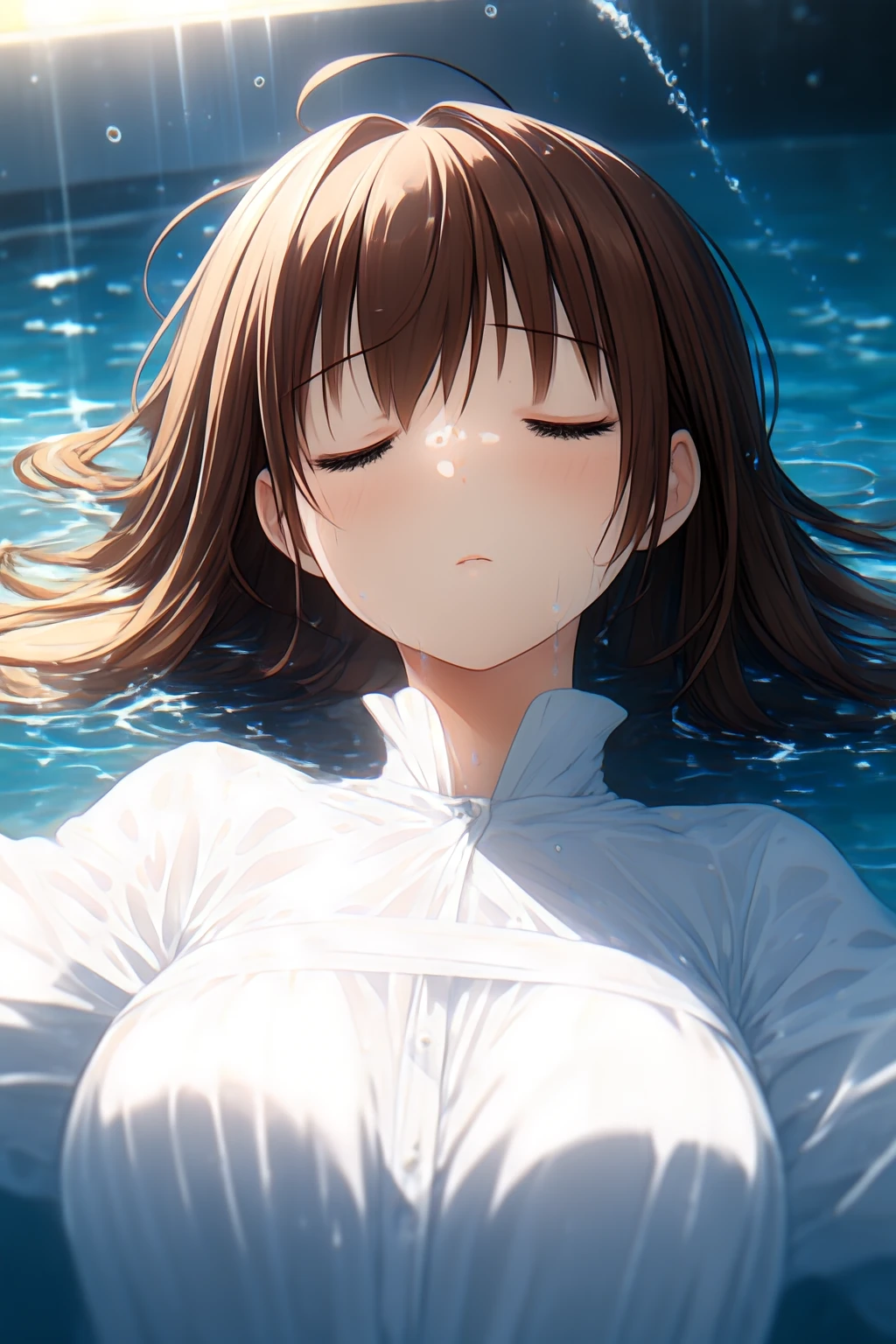


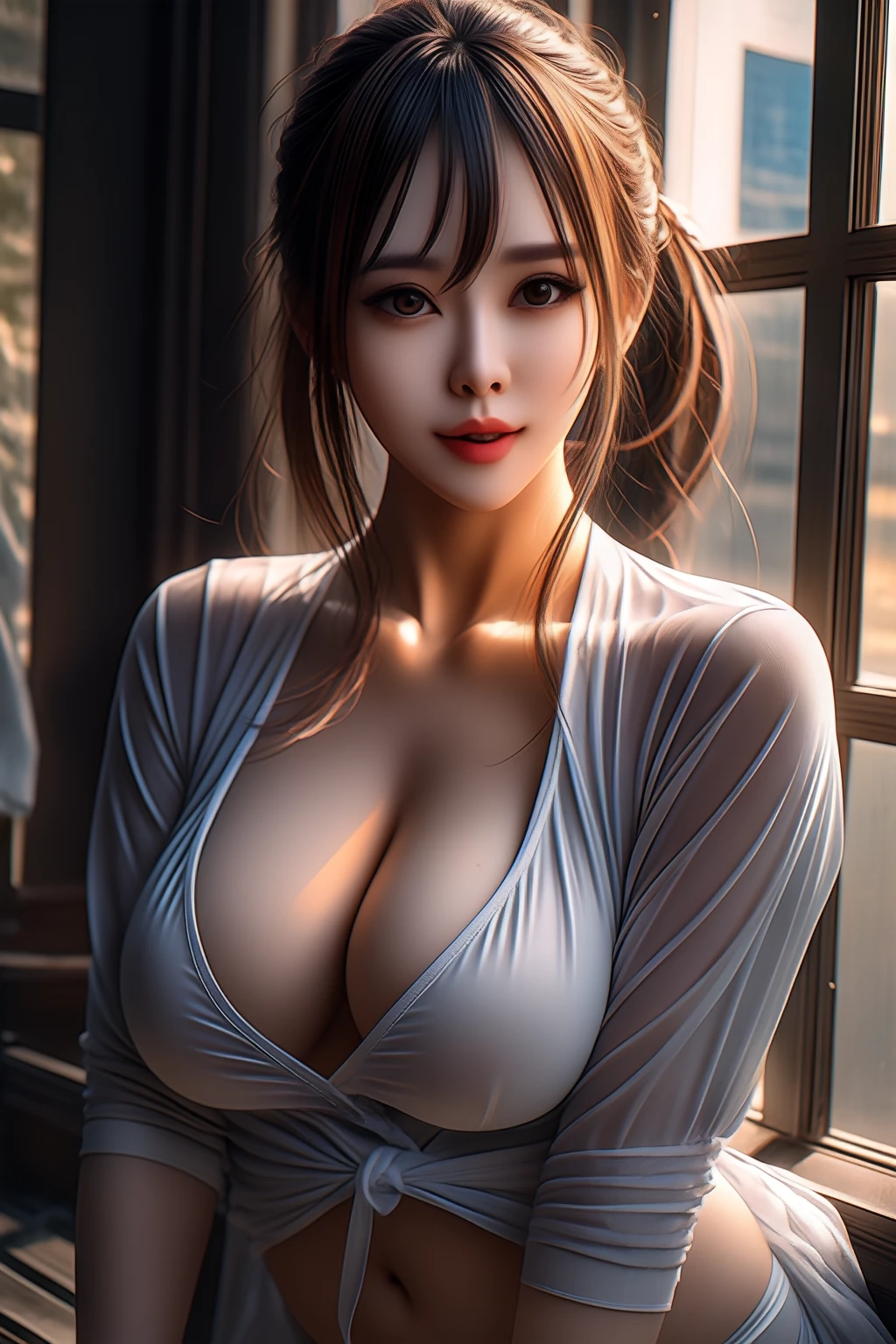
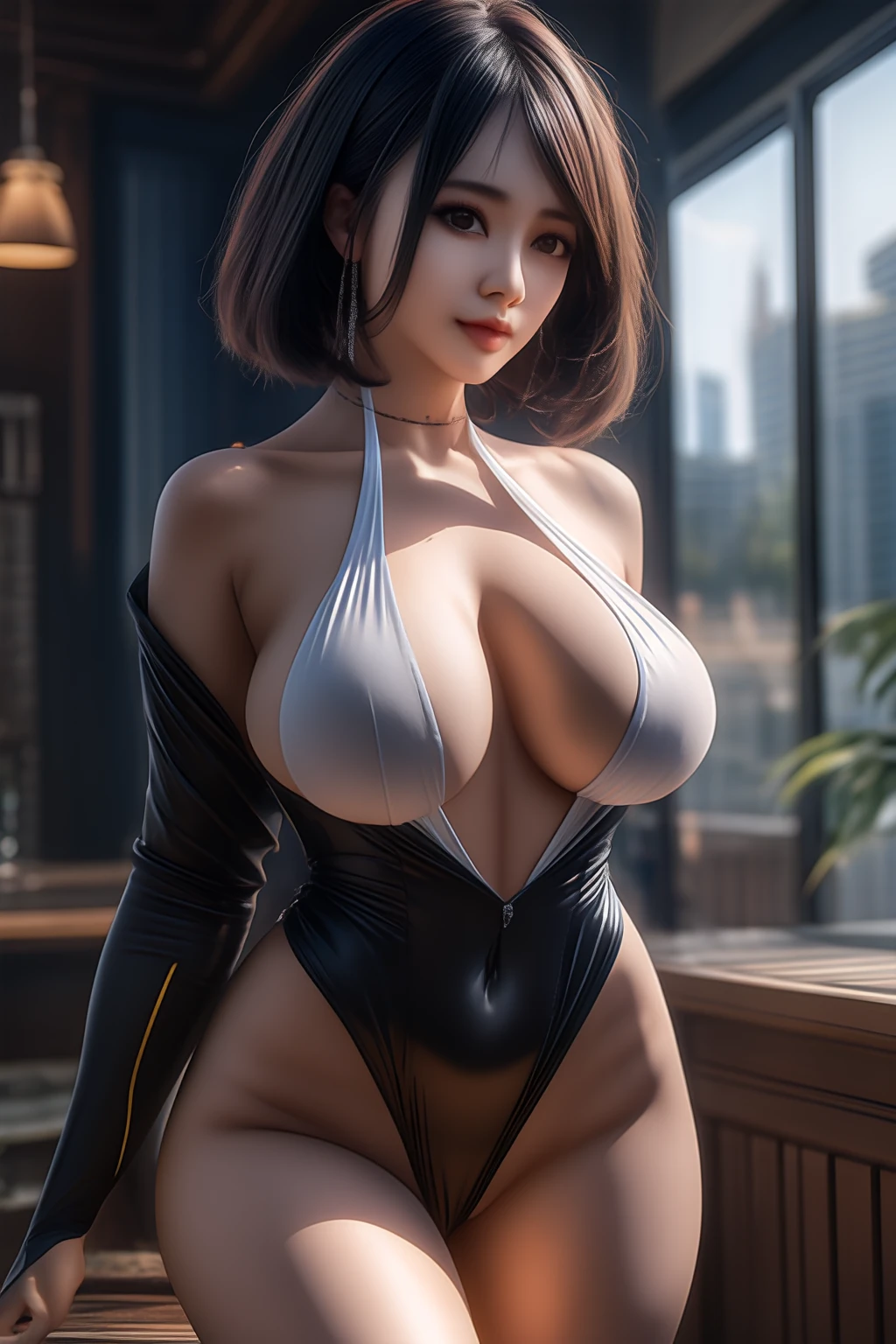
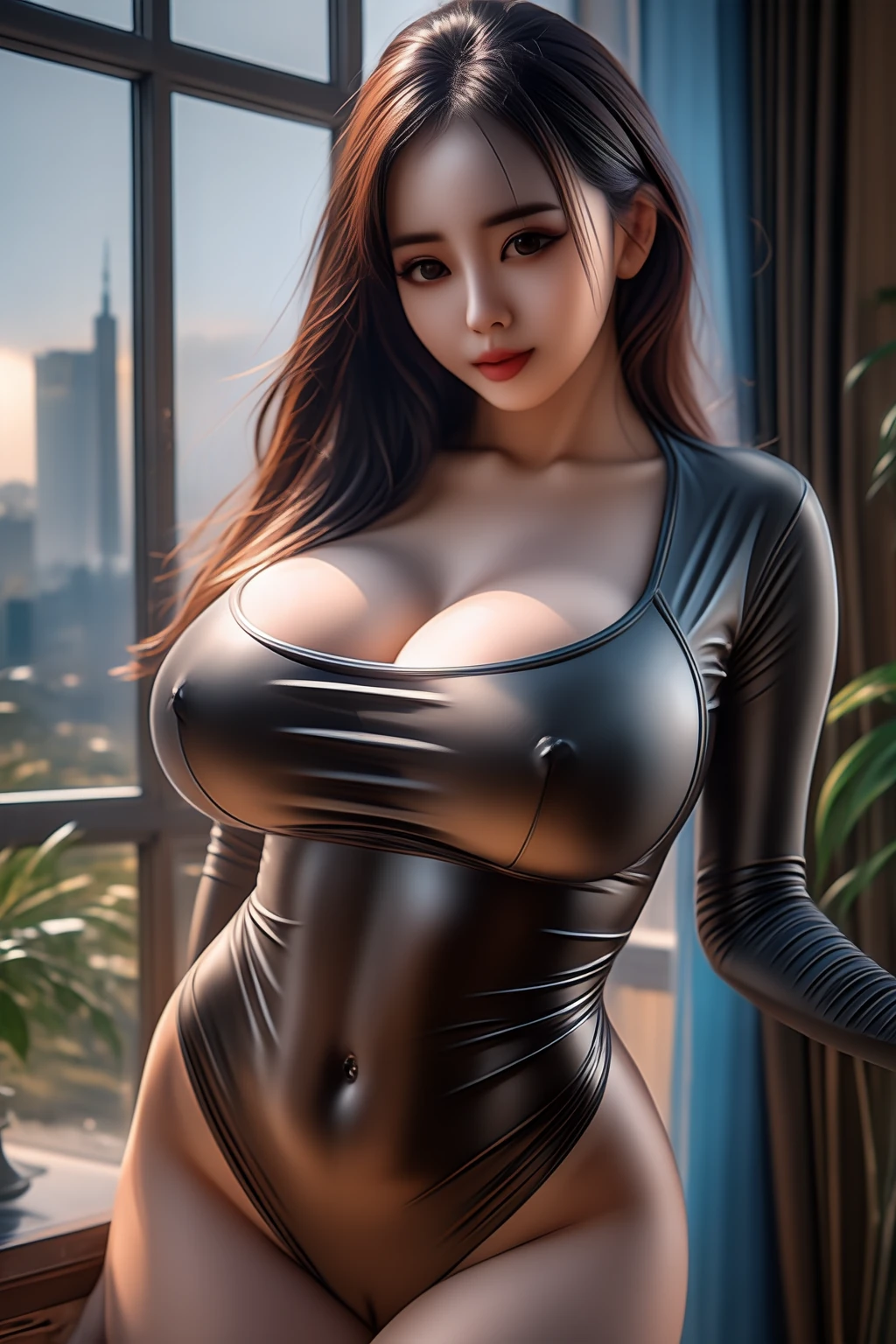
cascade_stage_c_lite_anime_finetune
■This is an experimental fine tuning.
Attention This model is very difficult!
I trained using onetrainer. I'm training on a 768px dataset.
Fine-tuning is performed on a 60,000-image dataset that mainly contains anime images, but also some realistic and AI images.
I would like to share the possibilities of cascade_stage_c_lite with everyone.
My wish is for many people to discover basemodels with potential and to see their possibilities unfold even further. I would be happy if I can help make that happen.
Please be careful as ?????? images are also generated.
There are cases where the look of something realistic or AI comes out strongly.
It might be a good idea to add "realistic" to the negative prompt.
"blush" This tag may be effective as it forces an anime style.
This is a very strong tag, so putting it near the beginning may be too strong.
If you've created a prompt that you're happy with, but you want more variety and the look is too flat, remove it.
My personal opinion is that negative prompts should be kept to a minimum for a high-quality base model. It would be a waste to limit the possibilities.
On the other hand, it might be fun to try something other than anime.
New discoveries are made in areas that were not originally intended.
I think cascade_stage_c_lite falls into the high quality category as a base model and can generate most basic things.I can roughly understand that common tags are pre-learned.
It's truly beautiful when done well!
If you have created your favorite image, please share it with us!
It's okay not to expect perfection too much.This model is still immature.The broken results are more interesting!
It would be interesting to generate various tags using something that can automatically generate tags.
■Added v0.1 model.
Please download the u-net+ text encoder model
I think the tag recognition rate has increased a little.The style has changed and will continue to change in the future...
It's still difficult to create something ??????, but you can create it if you try hard.
We also updated the ComfyUI workflow.
Fixed the settings to reduce corruption, and placed nodes that can be merged with other c_lite models.
Have fun merging! It doesn't matter if it's anime or real, so if you have a favorite image, please share it!
This model is very difficult, so don't push yourself too hard!
■Added v0.2 model.
Please download the u-net+ text encoder model.
Detailed explanation is written on the v0.2 tab.
I replaced it with the text encoder of Animagine-XL 3.1 and redid the fine tuning of u-net.
I've become more acquainted with anime styles than before, and I think the recognition rate for tags has also improved.
I don't know if the quality is better than before...
But it's an interesting experiment, so I'd like to share it with you.
We also updated the ComfyUI workflow.
Creating high-quality anime images is tiring...
Cascade has great contrast and backgrounds, but anime flattens those strengths...
Honestly, I think 2.5D or realistic images are better suited for cascade than anime images...
We will also add sample images in the future.
This model is very difficult, so don't push yourself too hard!
■There is no consistency in style.The quality is poor and there are no fixed settings or prompts.
It has no advantage over existing models and has a narrower dataset.
The advantage is that it is lightweight.
Even though the resolution is high, details such as hands and other small parts are not generated well, which is a characteristic of the model and difficult to improve. It would be fun to consider other approaches such as cascading the composition and enhancing the details with i2i.
■I am training with the danbooru tag.
We are only learning general tags such as 1gril, and we are not training artist or anime work tags.
A small number of tags will produce a disastrous result.The tags that are often used in danbooru and SD are the quality tags for this model.
The order of tags is important. Every tag has a unique image.
The more popular the tag, the better the quality may be, but the image will be reflected more strongly, so it is also effective to offset it with other tags or change the order to dilute it.
If the effect is too strong, it might be a good idea to lower the weight.
"Looking at viewer","upper body","shiny skin"etc... can easily be of high quality.
I'm training without adding the "nsfw" tag, but I feel like it's effective for some reason...
■There are tags that are not recognized, especially ?????? ones, due to lack of training. It is unclear whether Cascade can memorize them, but we will continue to strengthen them.
my playground-v2-512px-base anime fine tune recognizes tags more flexibly. I would like to have the same quality someday.
I'm currently training the text encoder so learning new tags might work.
There are still many things that are unclear, so I won't provide a detailed explanation, but if there is a positive opinion, I would like to share as much information as possible.
■I've also added a simple comfyui workflow that I'm using for my generation.
I am generating images between 1024-2048px.
Many people have shared their workflows. I'm still in the exploration stage. I think I'll make new discoveries by trying out various settings.
I find it difficult to generate details with cascade. It would be interesting to generate a rough composition with cascade and do i2i with other SD models!The advantage of stage_c_lite is that it is lightweight, so the workflow up to i2i will be less stressful. Me too. I'm enjoying the changes with i2i on my playground-v2-512px!
Generate 1024x1536px with cascade, downscale by 0.75, then i2i at 768x1152 to generate the best of both worlds without the stress of speed.
Ideal composition atmosphere + improved details such as eyes
I would be happy if you could share the results of combinations with other models such as i2i!
You can use it by simply changing stage_c of the existing workflow to this.
I use "madebyollin/stage-a-ft-hq" for stageA when generating. It may reduce noise. I like this model.
■It's an incomplete and very difficult model, but if you're interested, please give it a try. I'm not very good with prompts, so if you can generate interesting results, please share them so I can make this model even stronger.
If the generated results are good, we may move to a larger step with a wider dataset.
I haven't tried it, but merging it with other stage_c_lite would be interesting.
I'm new to civitai, so if you have any opinions, I'd appreciate it if you could let me know.
Your reaction is my driving force. m(_ _)m
The total number of downloads has exceeded 200. Thank you for your interest in my immature model! Thank you very much for your many likes. m(_ _)m
Cascades have potential.
My dream is to see more Cascade models. I'd love to see the models you've trained as well!
If you have any questions, please feel free to ask!
日本語での質問も大丈夫ですのでご気軽にお声がけください~
Description
■This model is experimental and very difficult!
Don't get too depressed if you don't get good results!
Please download these two models.
Pruned Model bf16 (1.92 GB):U-net
Pruned Model fp16 (1.41 GB): Text encoder
Please download the comfy ui workflow if you also need it.
Training Data (2.19 KB):comfy ui workflow
■I replaced it with the text encoder of Animagine-XL 3.1 and redid the fine tuning of u-net.
I've become more acquainted with anime styles than before, and I think the recognition rate for tags has also improved.
I don't know if the quality is better than before...
But it's an interesting experiment, so I'd like to share it with you.
■If you do not want a realistic image to appear, it will be improved by adding "blush" in the positive and "realistic" in the negative.
However, from my experience, flat patterns often break down and the results are not very good.Cascade is not good at handling fingers and the human body, so it does not work as well as SDXL.
Personally, I think it's better to generate 2.5D or realistic images to get the beautiful contrast and background of the cascade.
I prefer to keep negative prompts to a minimum. I don't want to limit the possibilities of the model...
■I haven't learned the quality tags or character tags, but I understand the text encoder, so it may be effective.
Maybe there is a tag rule effect of anime 3.1...I try to put the quality tag at the beginning. ↓
Positive prompt:
masterpiece, best quality, very aesthetic, absurdes,
Negative prompt:
low quality, worst quality, normal quality,lowres,pattern,simple background,realistic,
FAQ
Details
Files
Available On (1 platform)
Same model published on other platforms. May have additional downloads or version variants.