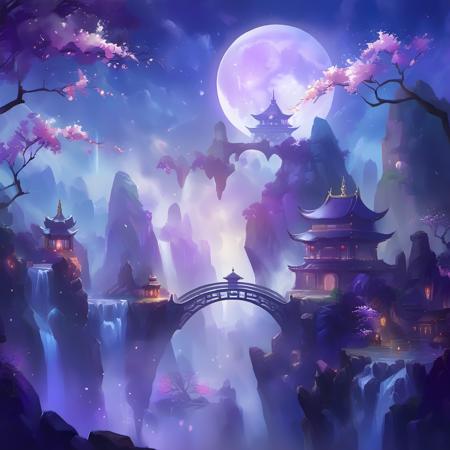
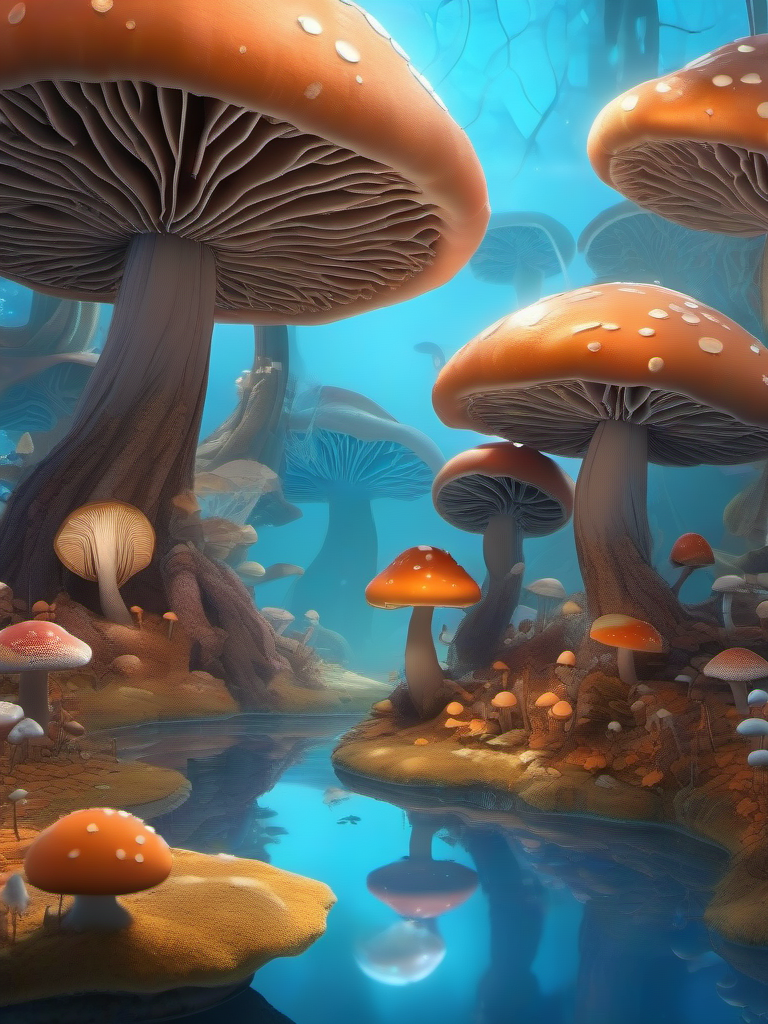
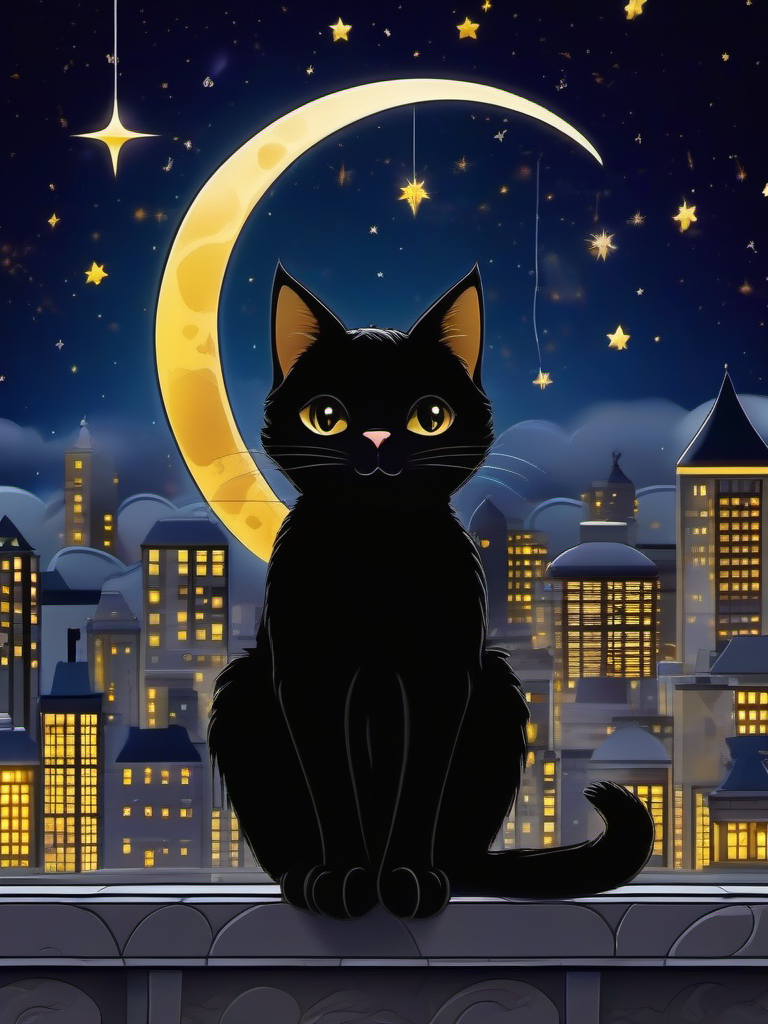
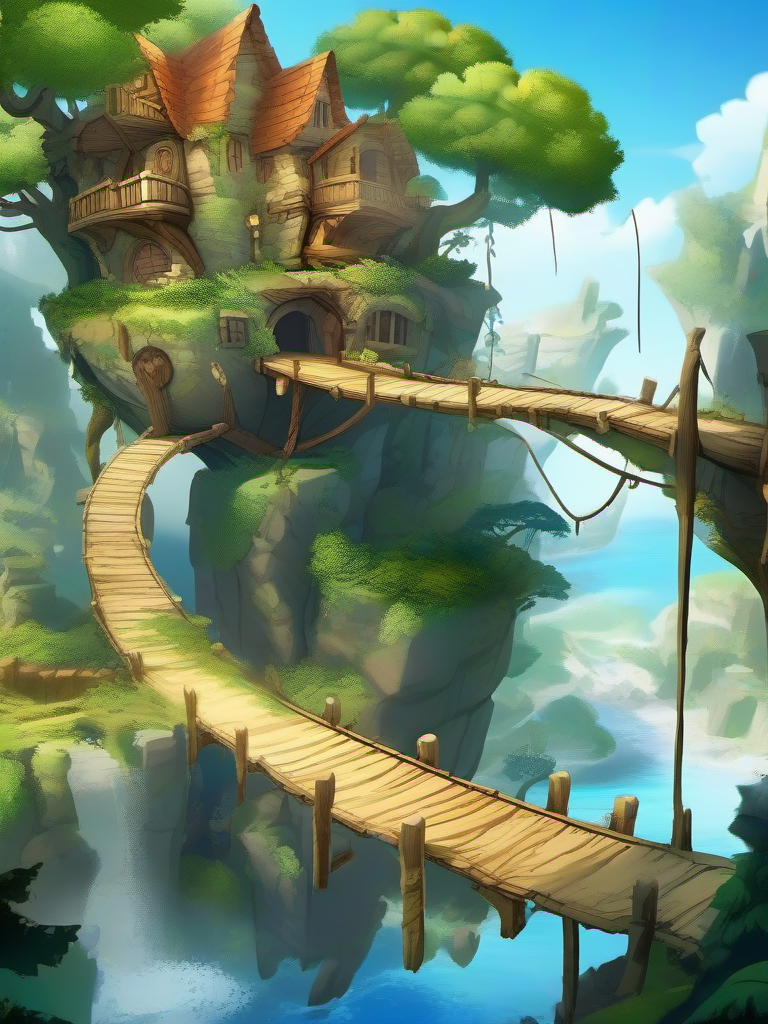
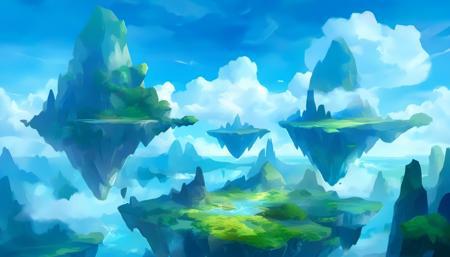
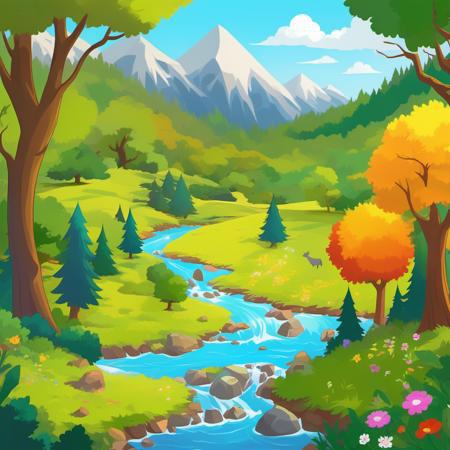
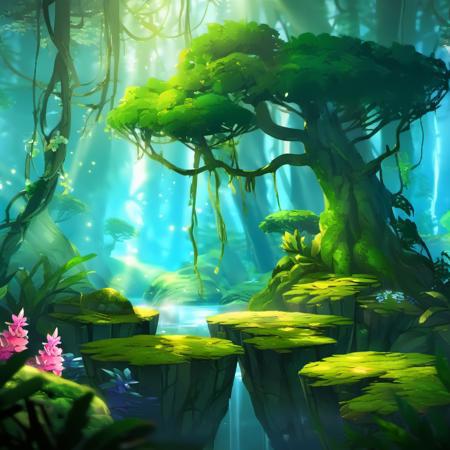
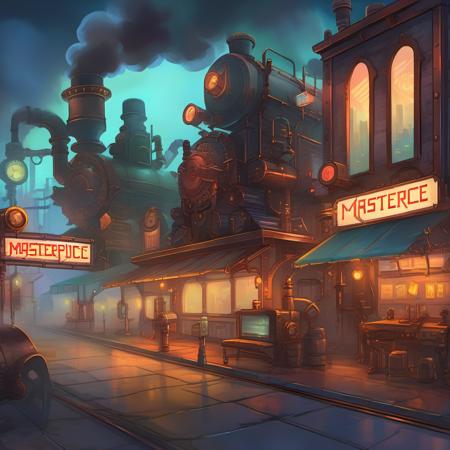
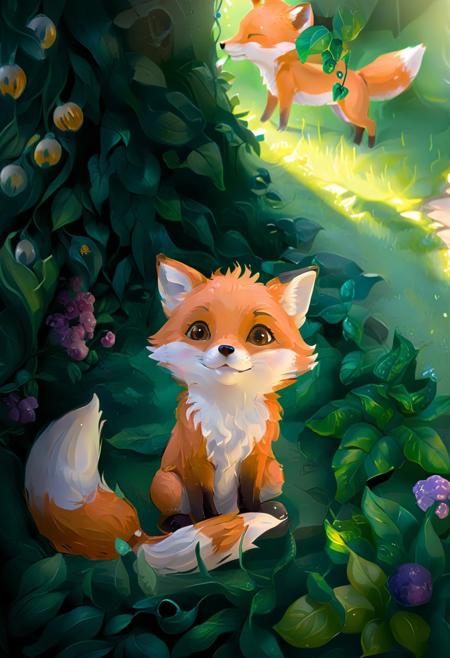
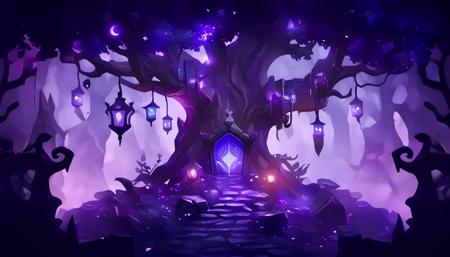
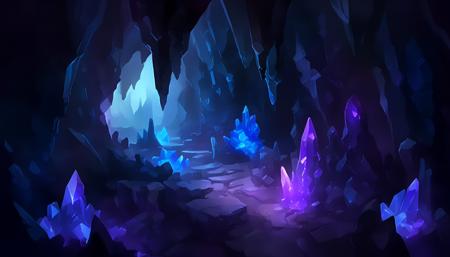
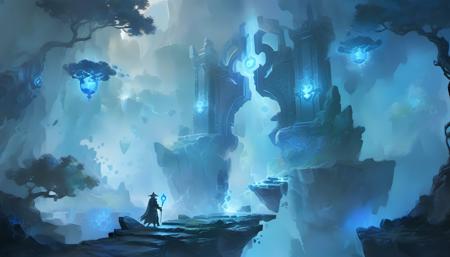
Description
❤️Hello everyone~~ Welcome to " Happy Ai Art Studio" ❤️
Bonjour~~Xin chào~~สวัสดี~~Hola~~Sveiki ~~大家好~~みなさんこんにちは~~
안녕하세요 여러분~~привет~~नमस्ते~~مرحبًا
If you like this model, please click on "Run Model" to try it out (please click it at least once, thank you very much!), as this is the greatest encouragement to our original model creator. Alternatively, for click"❤️"to support it or sharing artwork in gallery, please follow me and give the images lots of likes❤️, highly appreciated!O(∩_∩)O
Triggers: cartoon style
Lora weight: suggest 0.7
CFG Value: suggest 7
Sampler: EULER A
Tips:
LoRA Weight:
For generation on Shakker.ai online, lora weight is 0.7.
(range is 0.5-1.3, if over 1 on Shakker.ai, weird image may appear)
---------------------------------------------------------------------
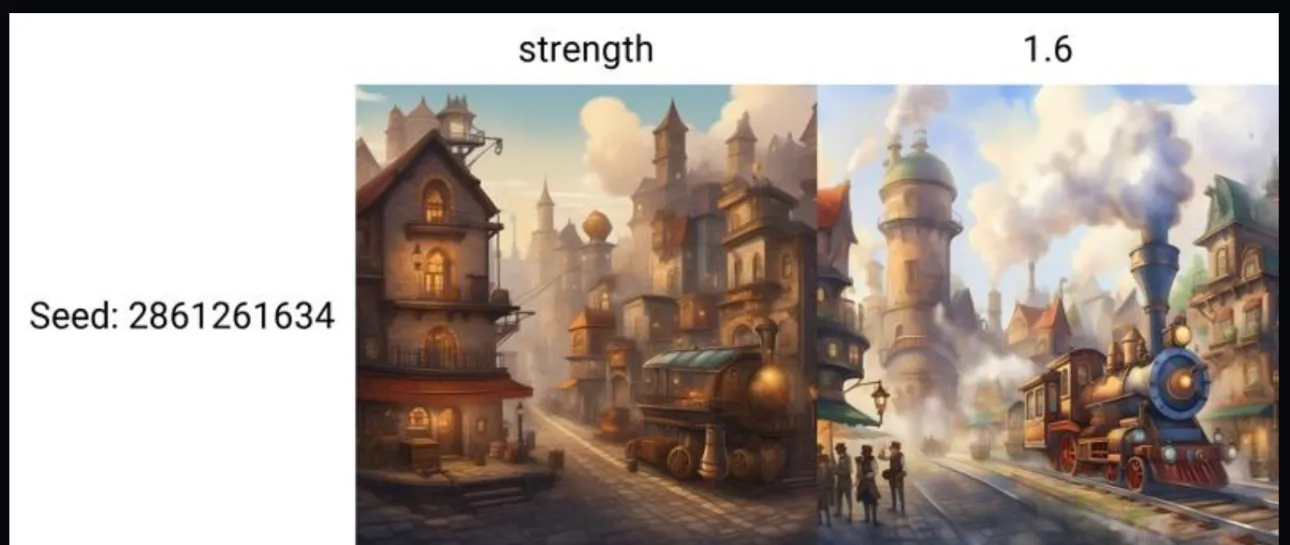
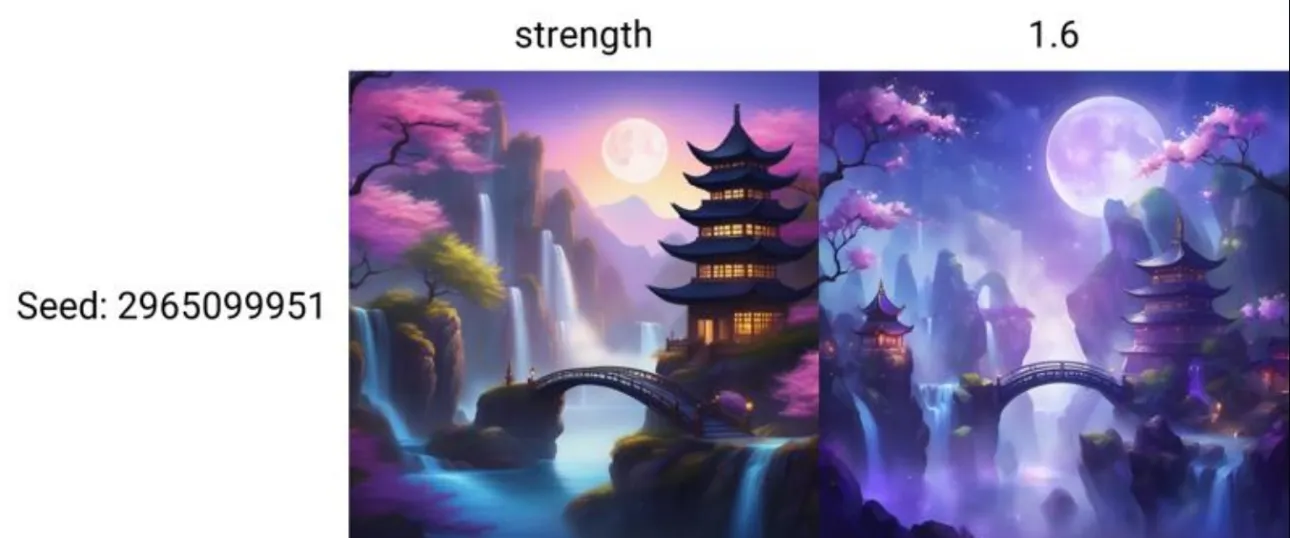
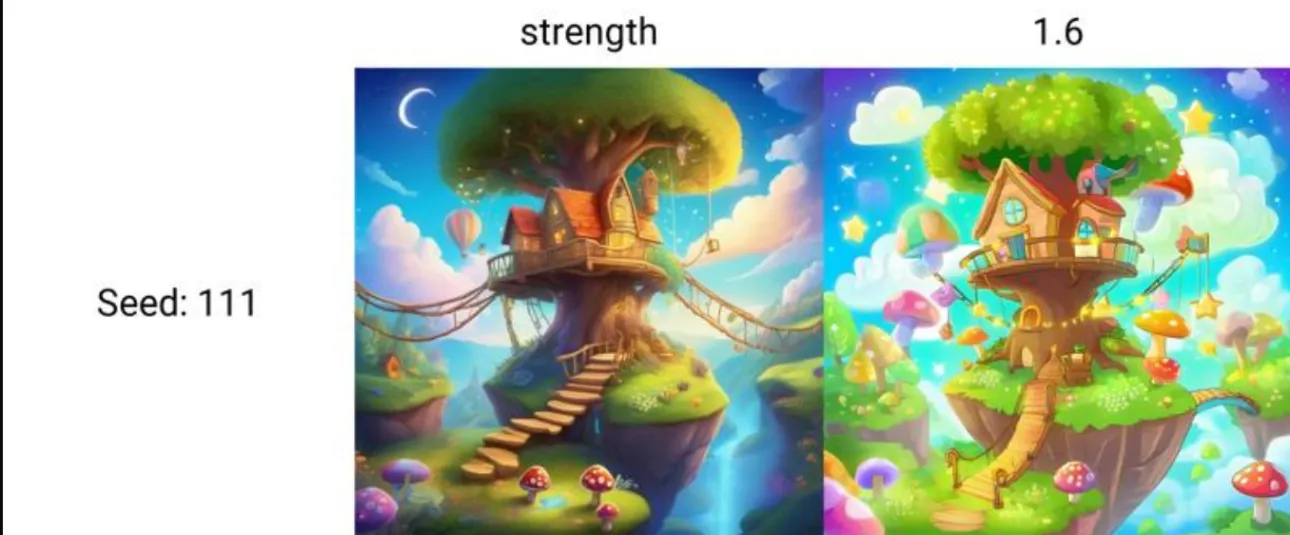
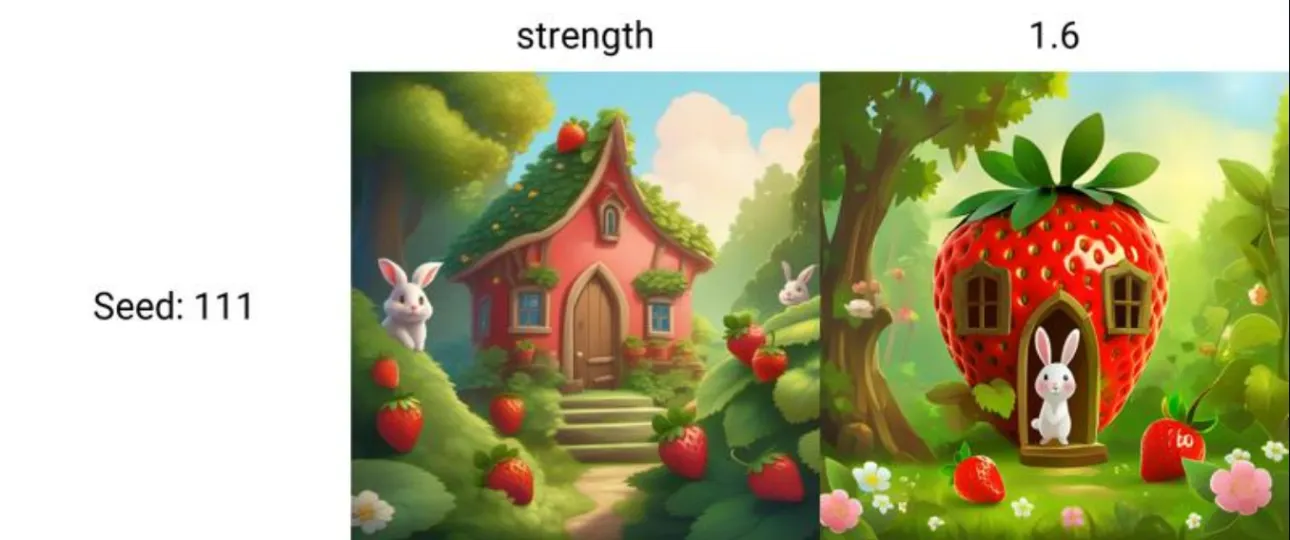
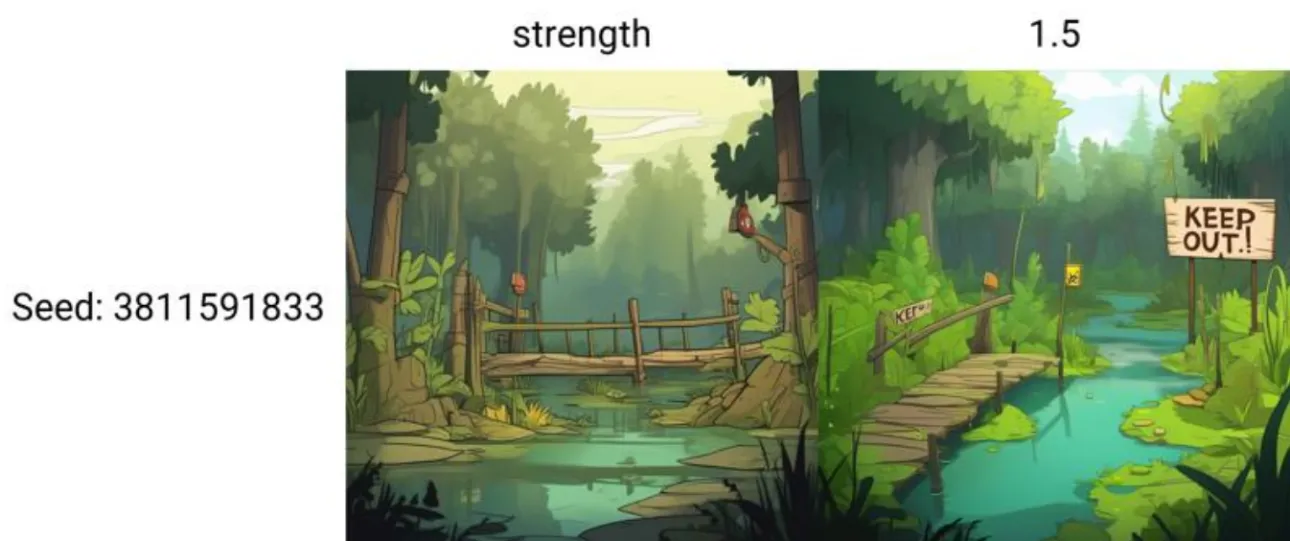
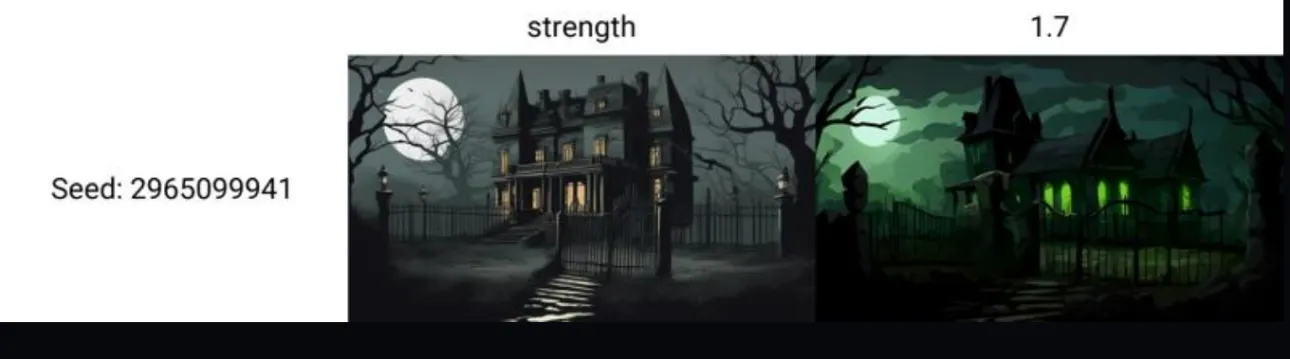
For generation on home computer, lora weight is between 1.5-2.5 range, recommended to start with 1.6
(If 1 or below 1, it has very little effects or no effect. If over 2.2 , some weird photos may appear) (pls find below some comparison photos for different lora weights)
---------------------------------------------------------------------
Quick Start Guide:
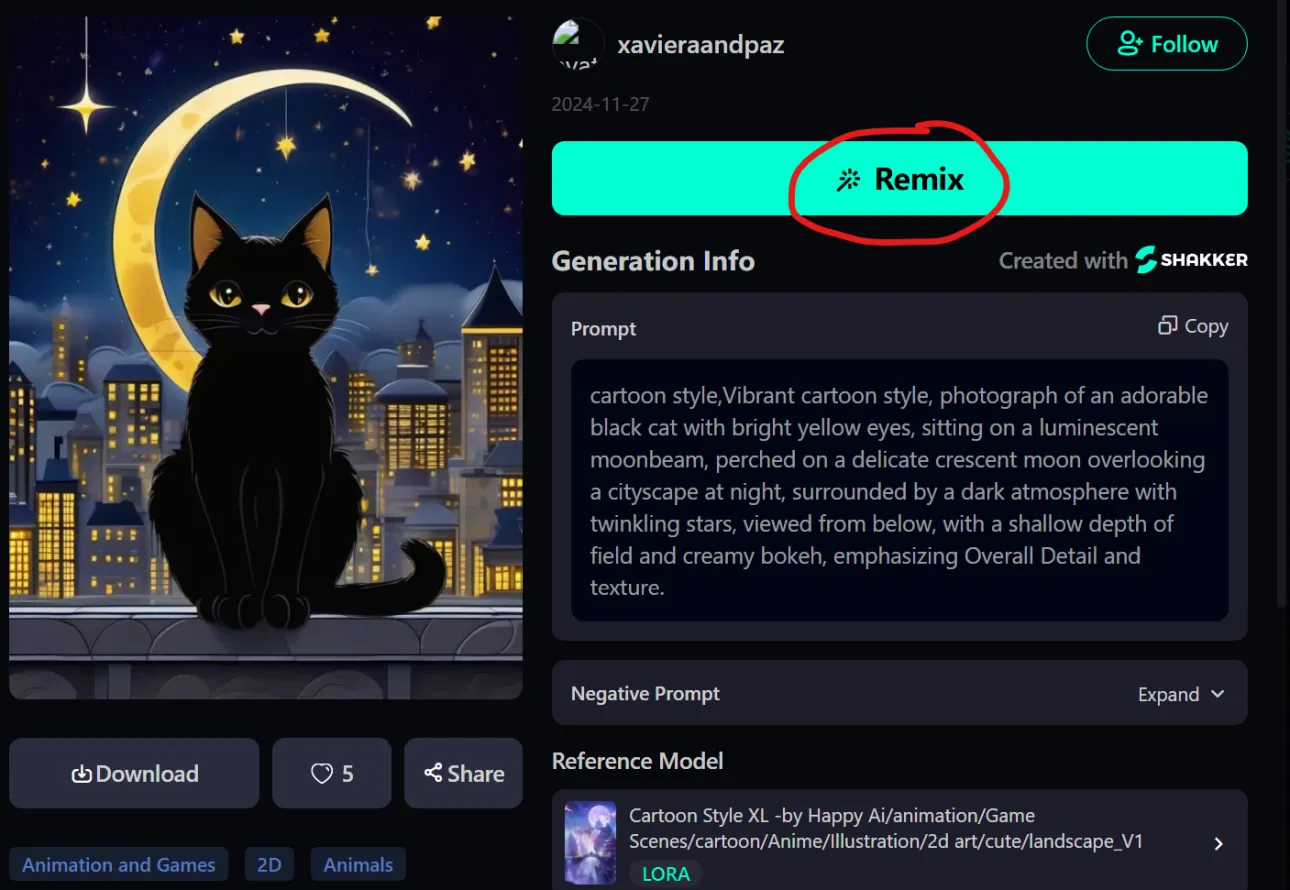
The best way: Firstly Please choose the first row's image from the gallery below, and then click on "REMIX" to quickly refer to prompt words and create artwork.
Introduction
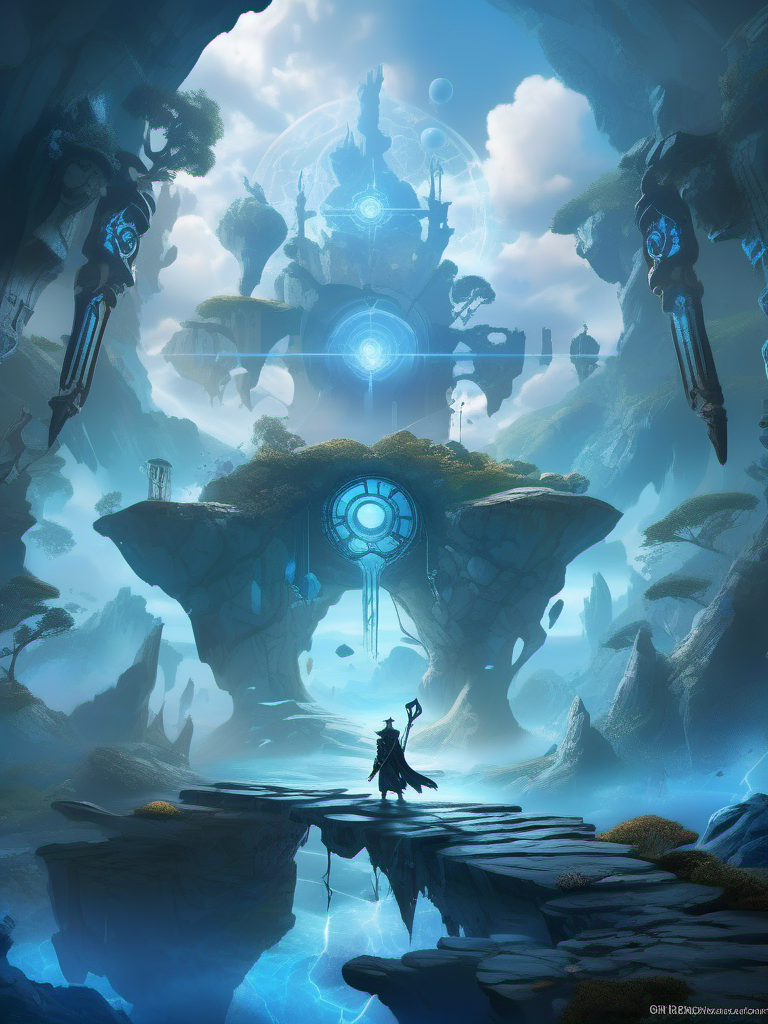
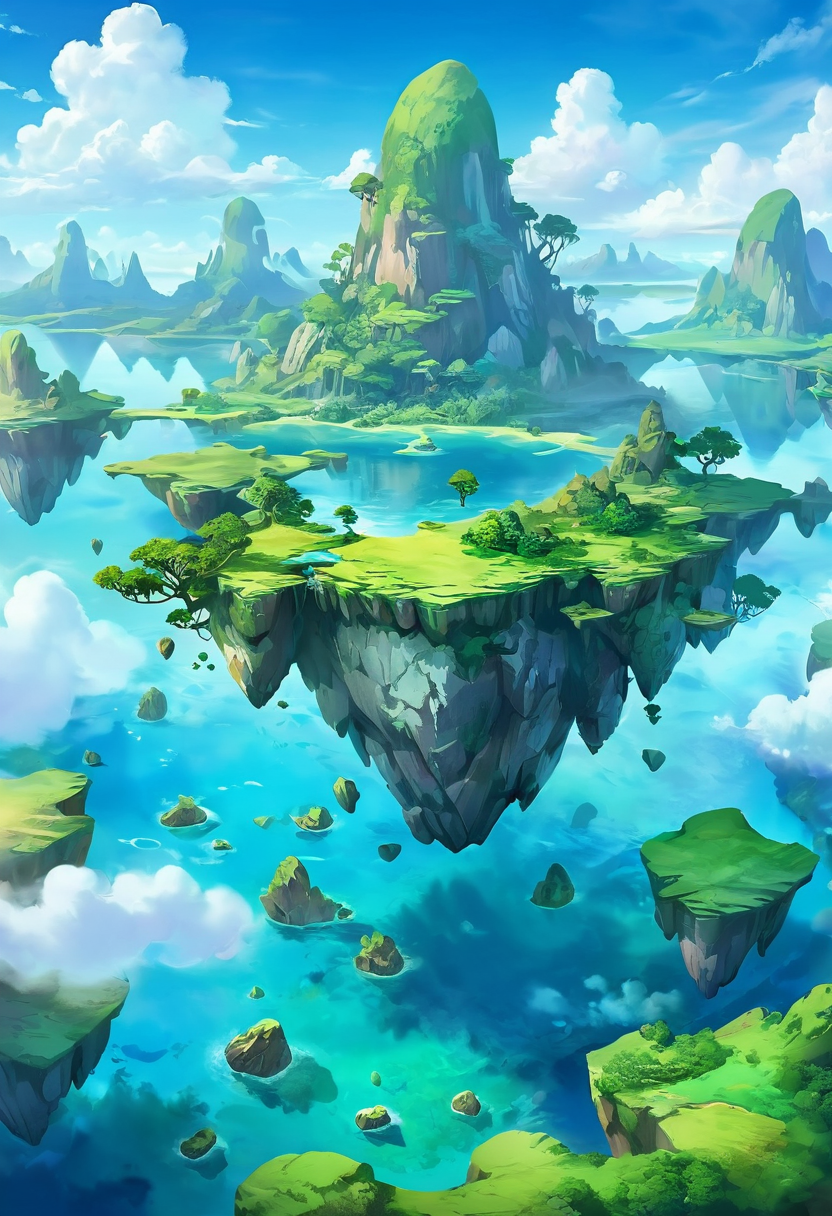
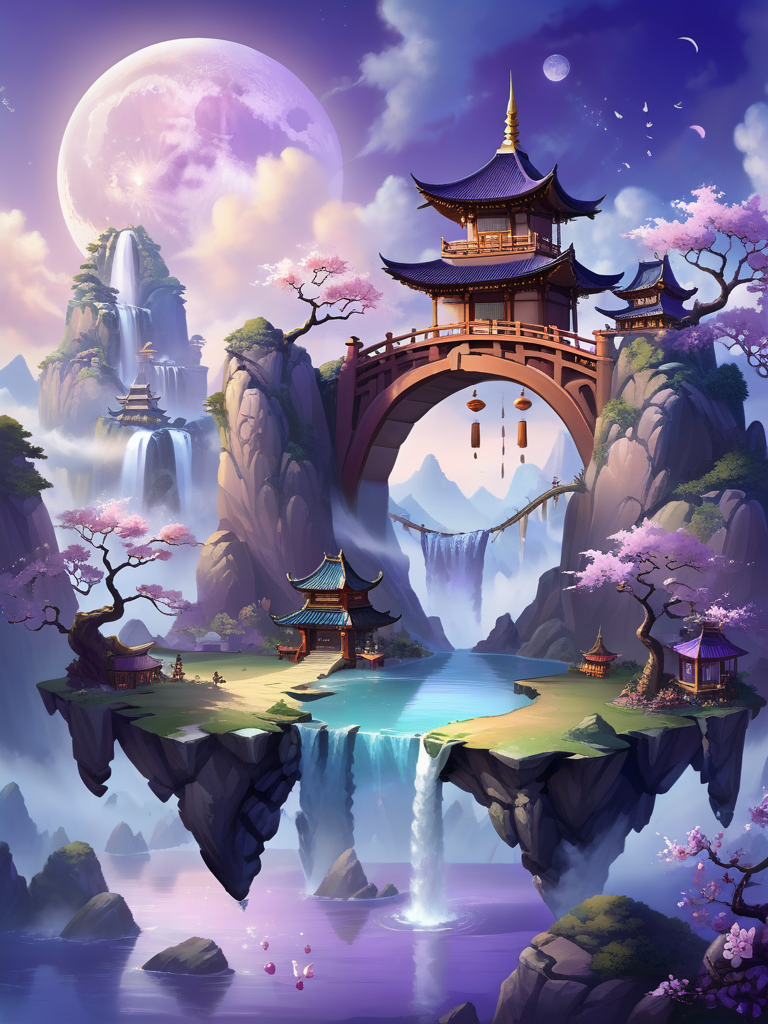
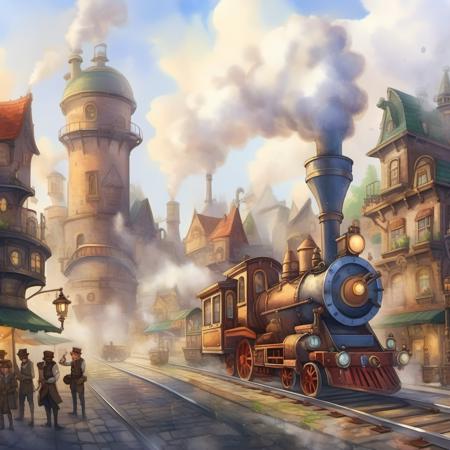
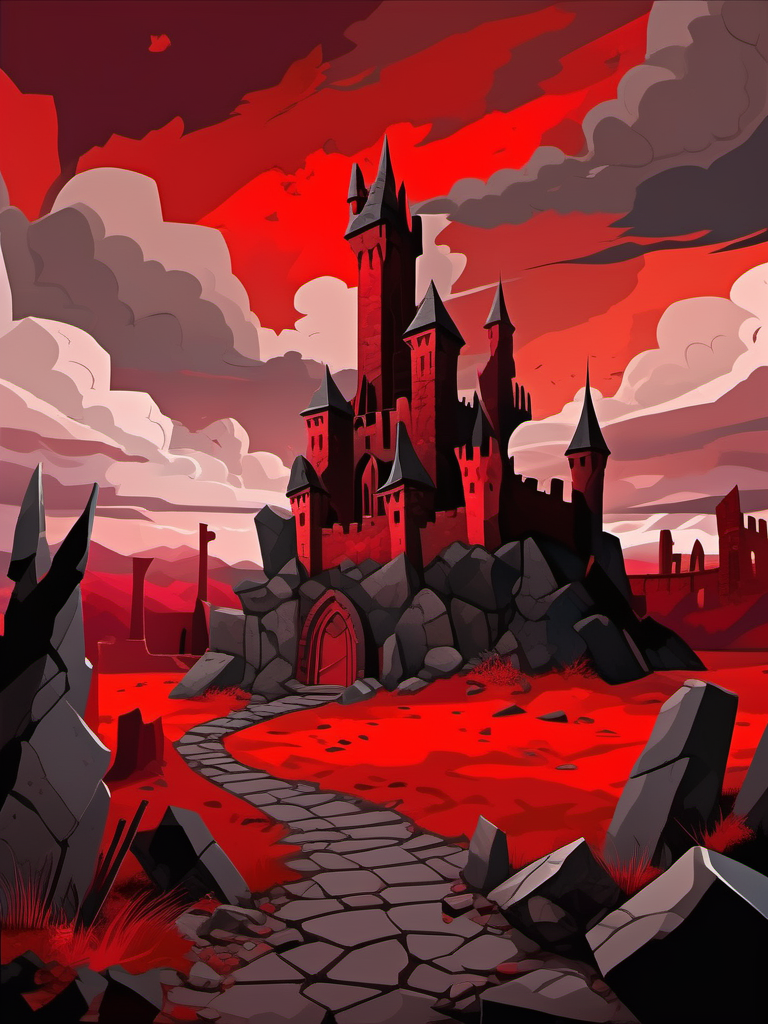
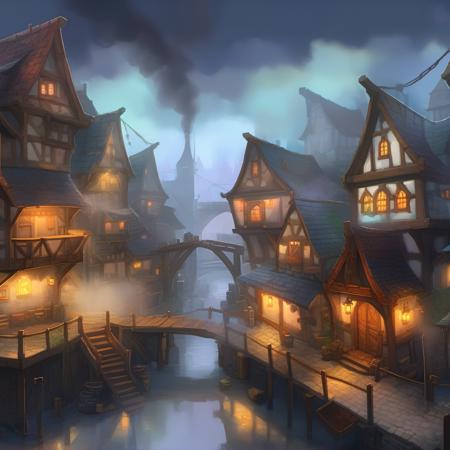
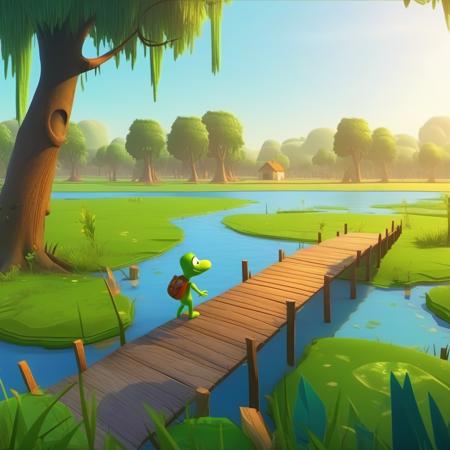
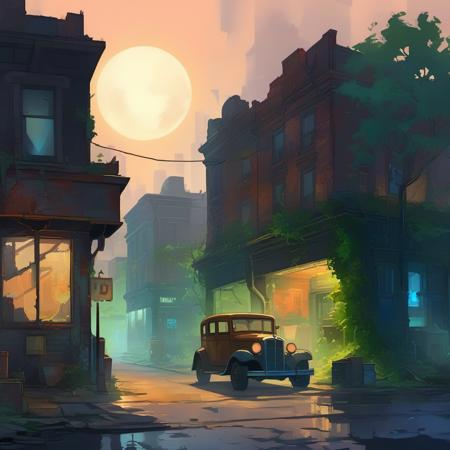
This LoRA is specifically designed to create cartoon effects for game scenes, game maps, animation scenes, UI design, fantasy environments, interiors, illustrations, or those who crave the 2d Flat Anime art. Unlike some SDXL models which often towards realistic textures or colorless scenes rather than vivid anime scenes, this LoRA model addresses this limitation. It is good at cartoonish effects of 2D game scenes, abstract scenes and landscapes. It also does well in fantasy theme atmosphere, natural landscapes, and animation environments. This model not only creates vivid, bright, or artful brush textures but also provides greater flexibility and give something genuinely new and engaging to creators.I sincerely hope you like the LORA and enjoy using it.
Triggers: cartoon style
Lora weight: suggest 0.7
CFG Value: suggest 7
Sampler: EULER A
Tips:
LoRA Weight:
For generation on Shakker.ai online, lora weight is 0.7.
(if over 1 on Shakker.ai, weird image may appear)
---------------------------------------------------------------------
For generation on home computer, Between 1.5-2.5 range, recommended to start with 1.6
(If 1 or below 1, it has very little effects or no effect. If over 2.2 , some weird photos may appear) (pls find below some comparison photos for different lora weights)
---------------------------------------------------------------------------------------------
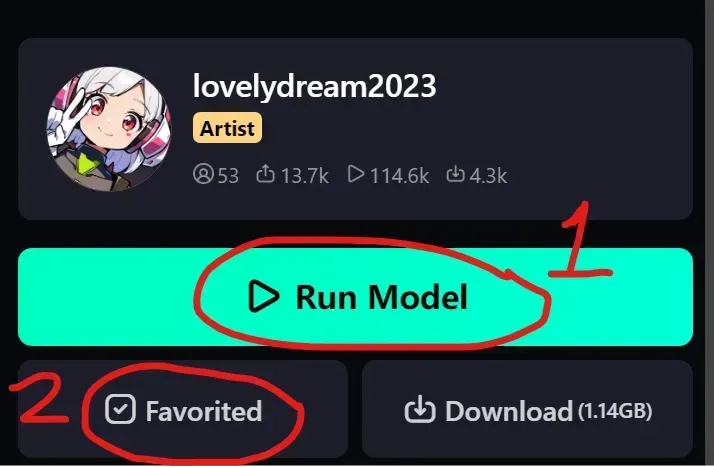
STEP1: Click " RUN MODEL"
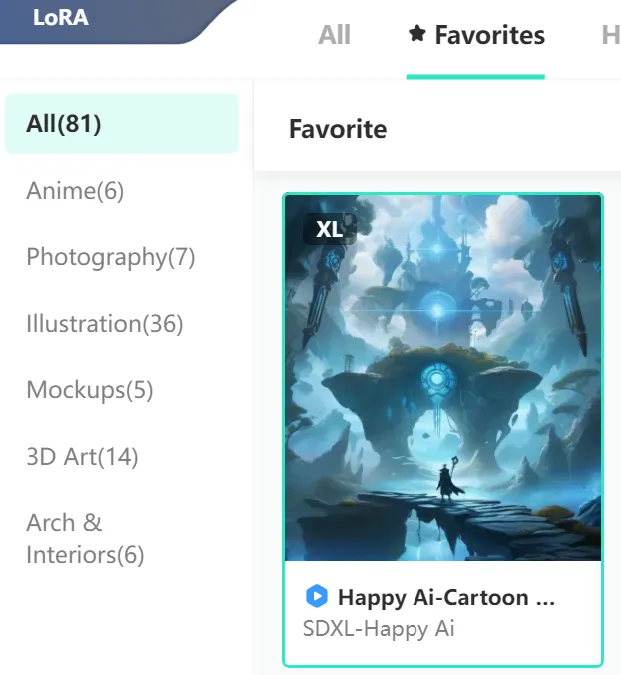
STEP 2: Click" Favorited" to collect it
(this is to choose the right lora model)
This is a high-quality Lora model, Definitely a classics in the SDXL's lora cartoon effects that is worth downlaoding and collecting!
Base Models:
Although various base models can function, models with realistic styles like the SDXL 1.0 series base models, DreamShaper XL are preferred for optimal performance, but you can also try pairing it with other base models to explore different styles like anime style...etc.
❤️Pairing with this lora,My favorite base model are below two, highly recommend you to use them :
1,Base Model: SDXL
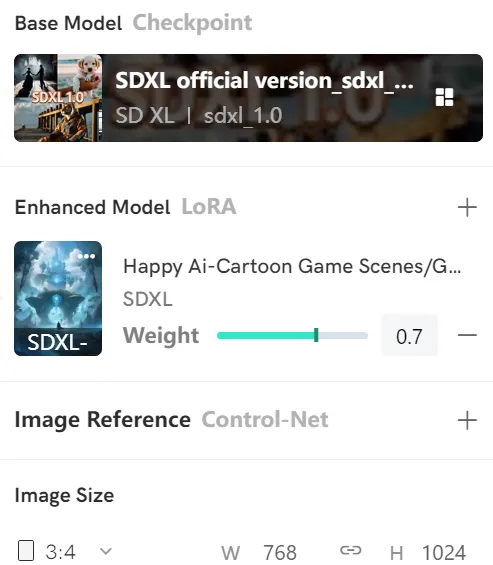
2,or DreamShaper X
https://www.shakker.ai/modelinfo/042389545b3d48a9b48c70197642e502/DreamShaper-XL?from=search
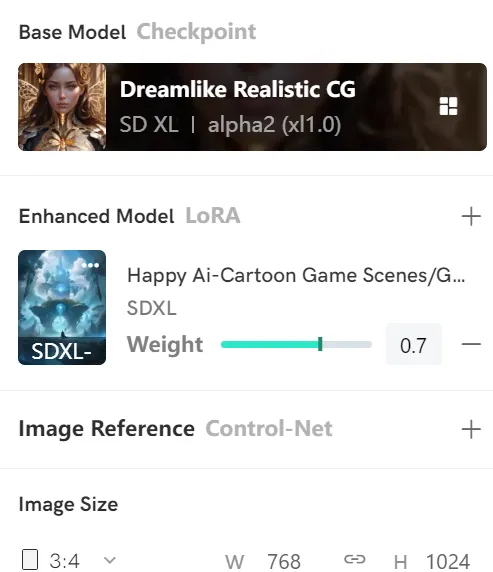
Resolutions:
Square 1024*1024 (recommended)
Portrait 768*1024, 832*1216 (recommended)
Landscape 1024*768 , 1216*832
Other SDXL Res will work fine
Recommended Setting for base model SDXL1.0
Sampler: Euler a: 30 to 60 steps
CFG Scale: 7
Resolutions: 768*1024
Clip Skip: 1
VAE: SDXL VAE
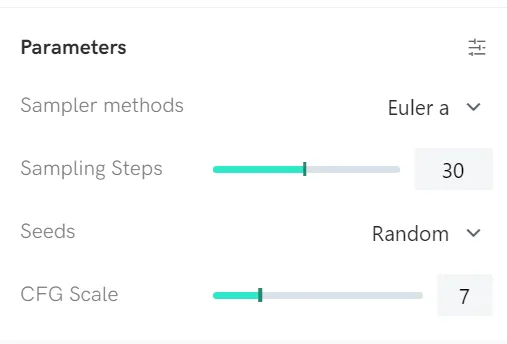
❤️For the optimal performance, recommend to download this lora model into your computer to generate images instead of creating it on Shakker.ai only, because due to different settings bettwen Shakker.ai Internet and home computer, the image may be different.
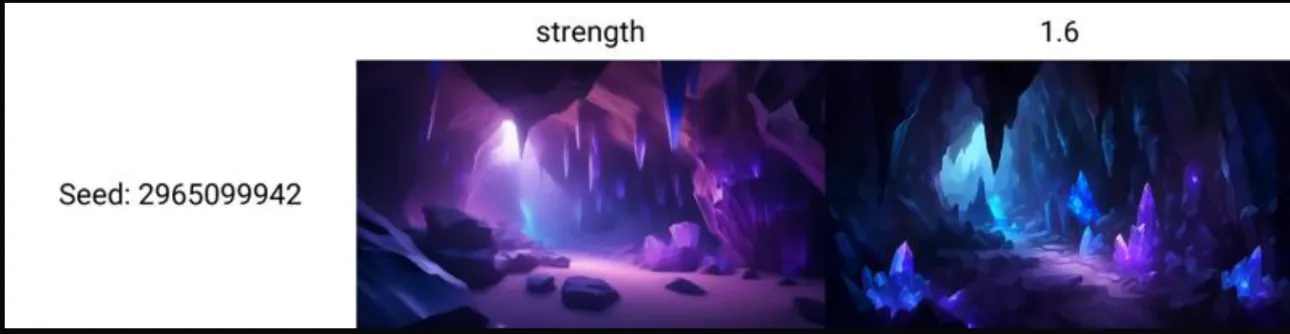
Below comparison image is created by home computer setting.
-----------------------------------------------------------------------------------------------
Model Usage Statement:
1. You cannot host this model and its derivative versions (such as fusion model versions) on websites/applications that plan to earn income or donations. If you need to use this model and its derivative versions for commercial purposes (such as generative services, selling pictures, using pictures for articles or publications published on short video platforms, etc.), please contact me through the website;
2. You cannot directly sell pictures generated by this model unless you have made sufficient manual modifications to the picture so that it can be completely determined as your personal work in a legal sense. If you violate this clause, you will be personally responsible for all legal consequences, and I will not be held responsible;
3. You cannot use this model to deliberately create or share illegal or harmful content for dissemination and output. Please abide by public order and morality and use this model for positive purposes.
Disclaimer:
All images generated by the model are created by the users themselves, and the model author cannot control the images created by the users. The model author will not be held responsible for any potential copyright infringement or unsafe images.
---------------------------------------------------------------------
Quick Start Guide:
The best way: Firstly Please choose the first row's image from the gallery below, and then click on "REMIX" to quickly refer to prompt words and create artwork.
Dear all friends, if search " happy ai" in the Shakker's home page, you can find all my models.
