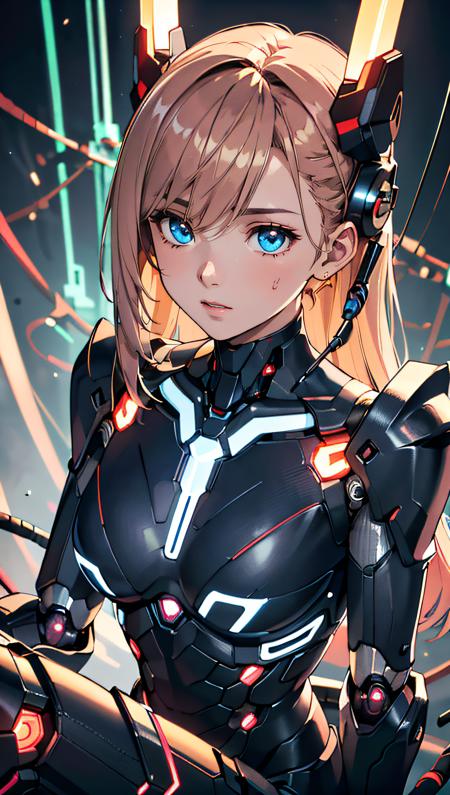
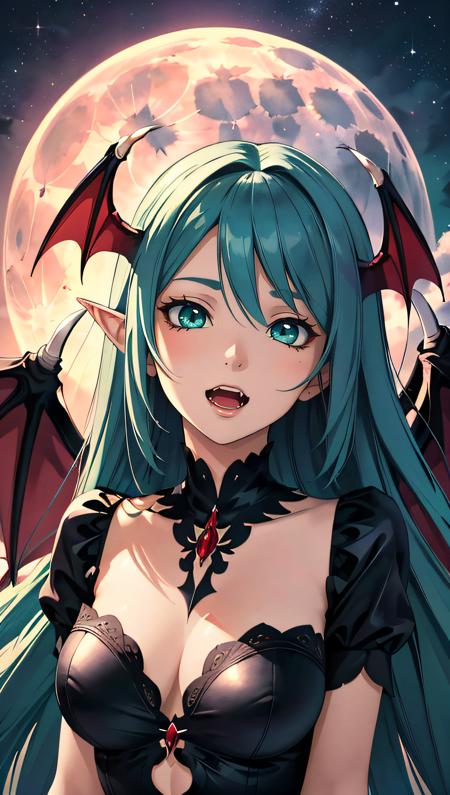
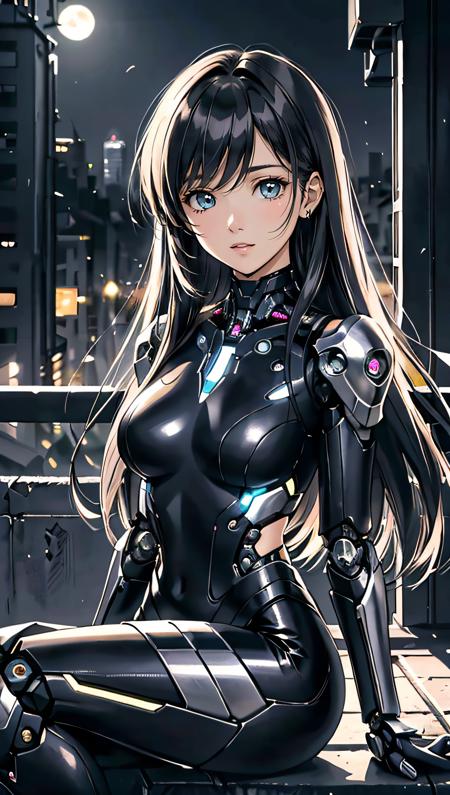
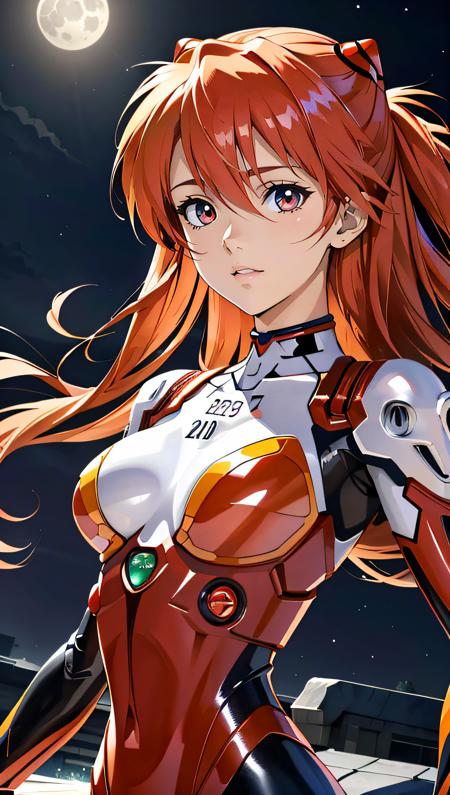
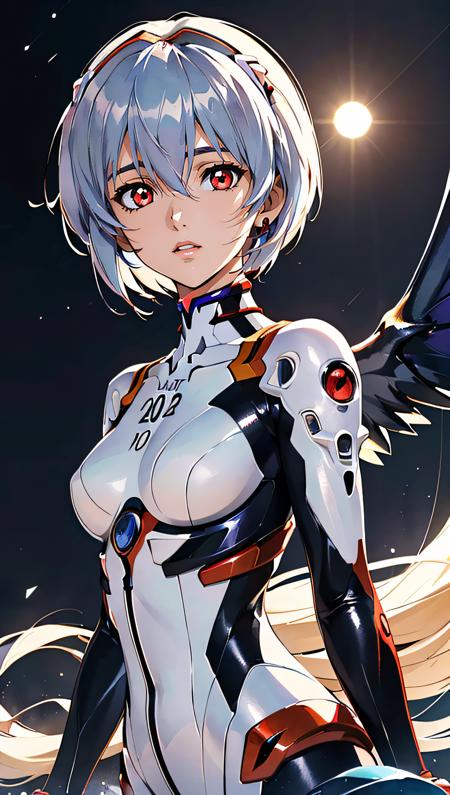
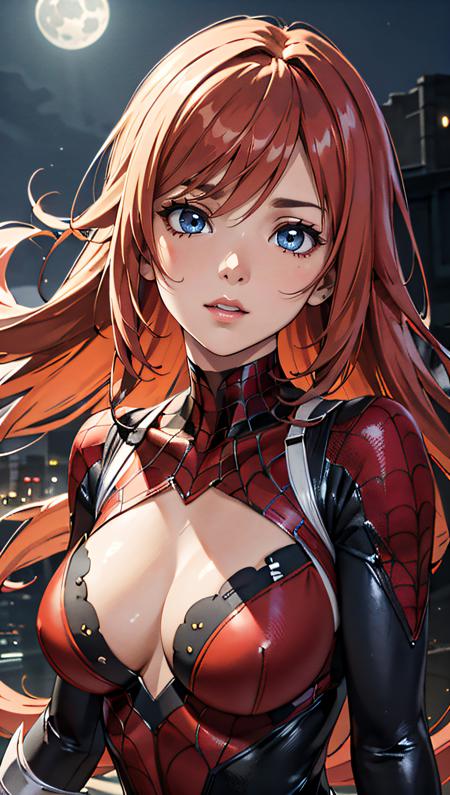
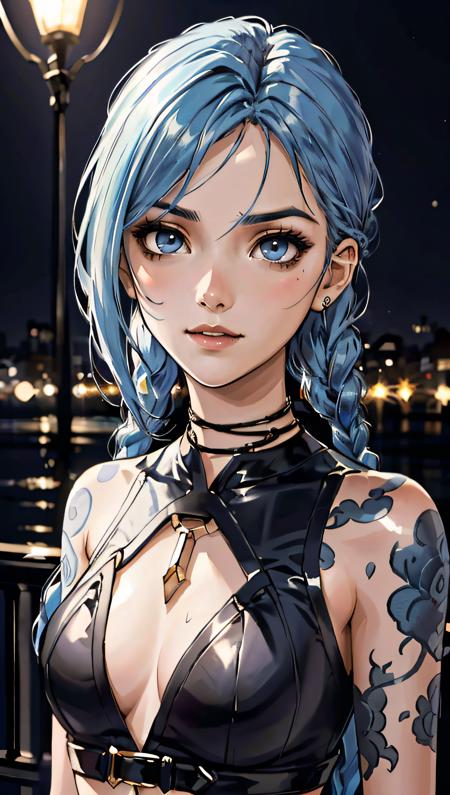
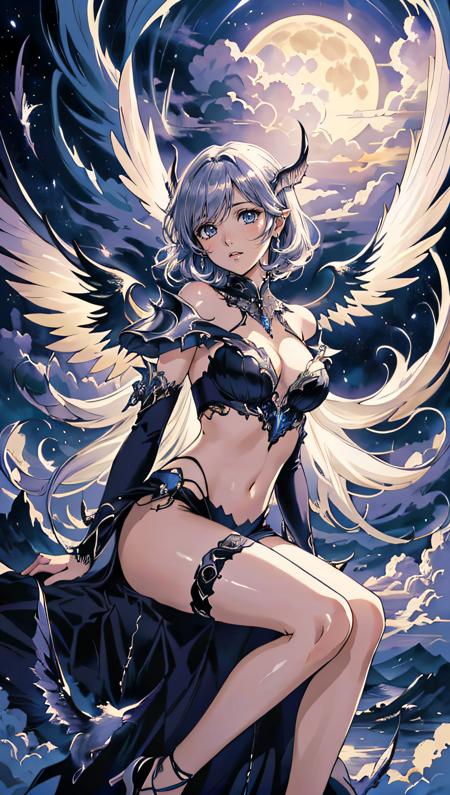
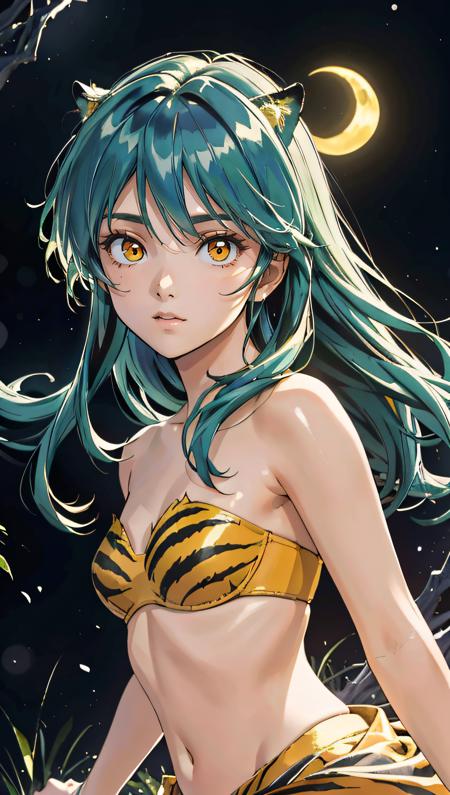
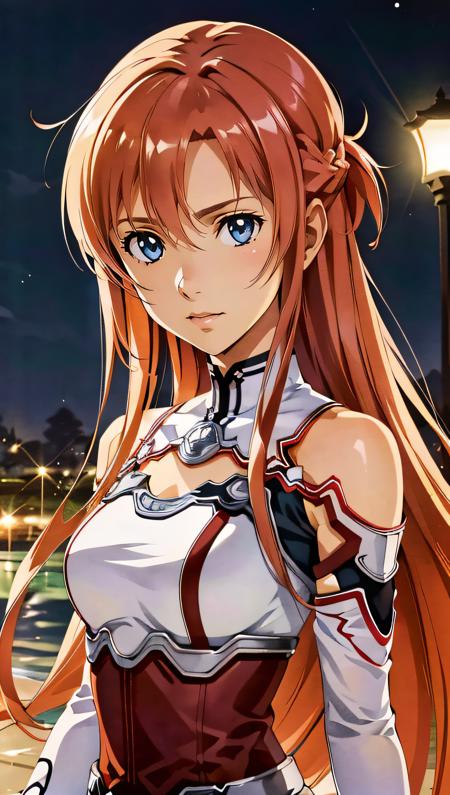
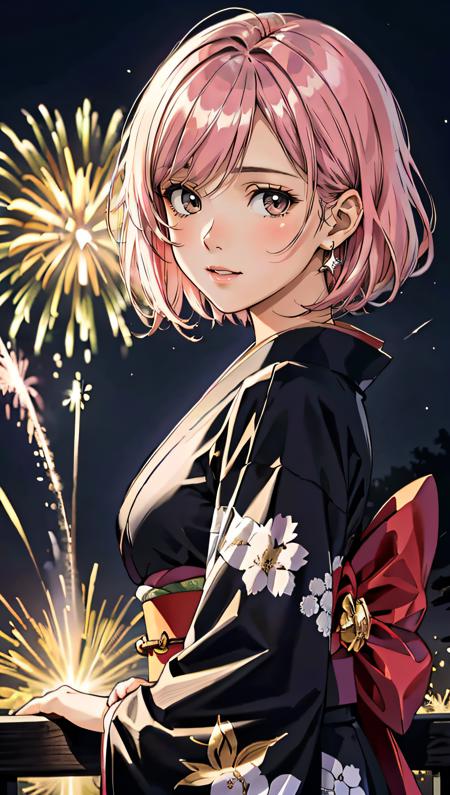
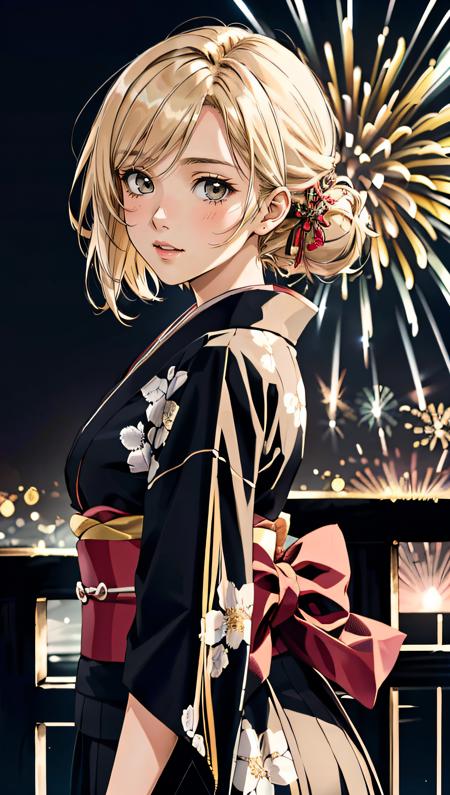
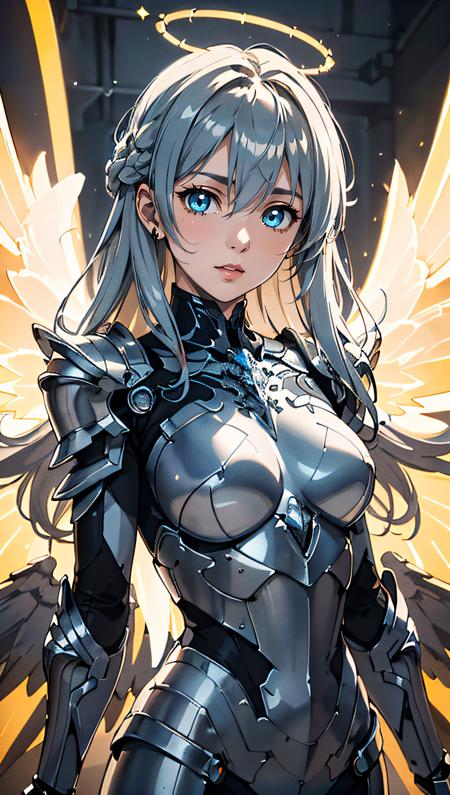
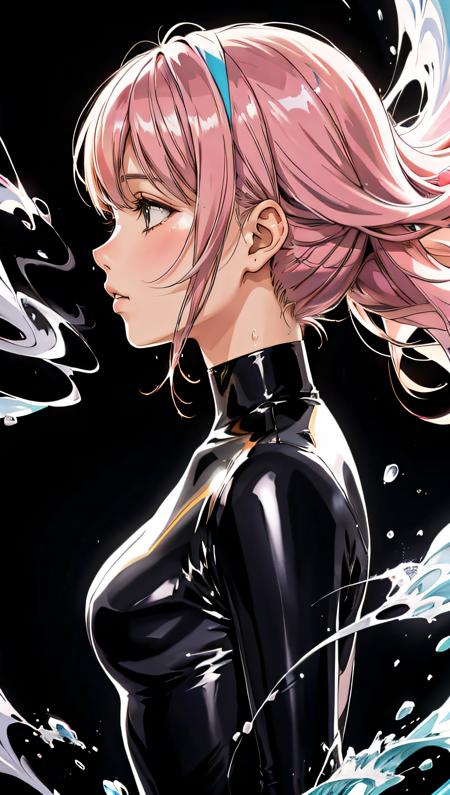
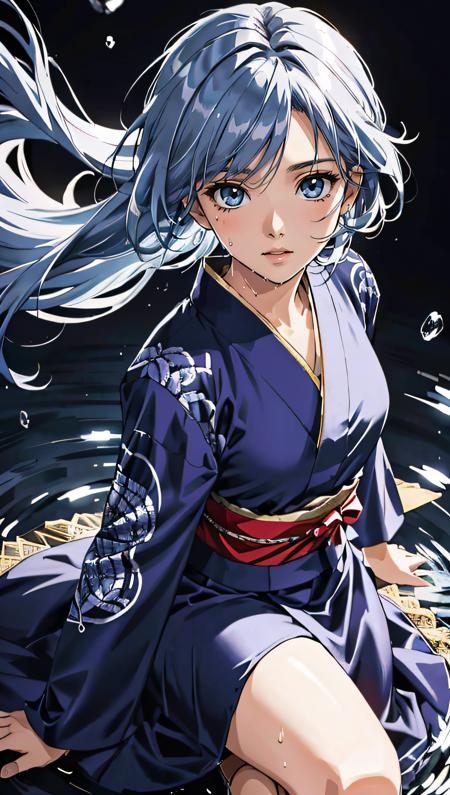
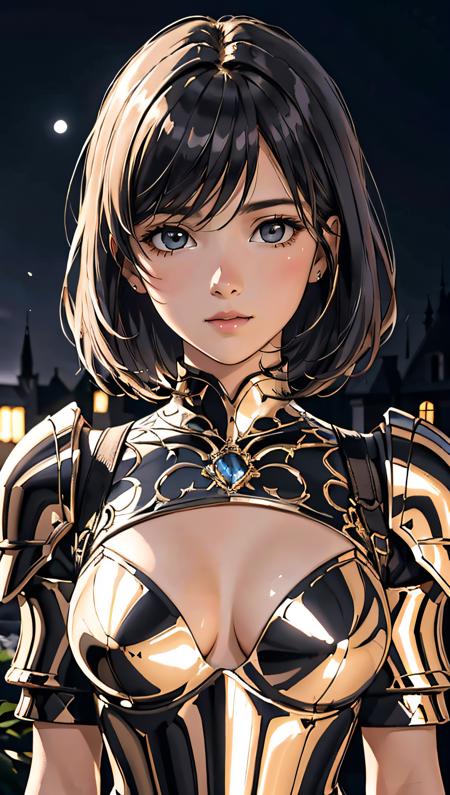
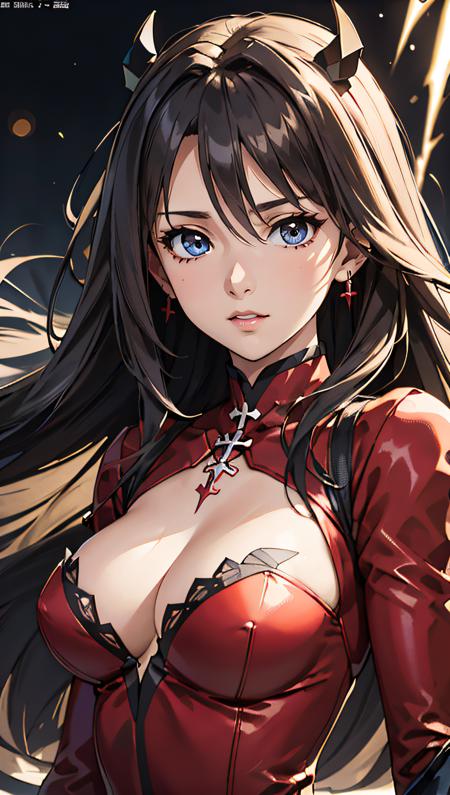
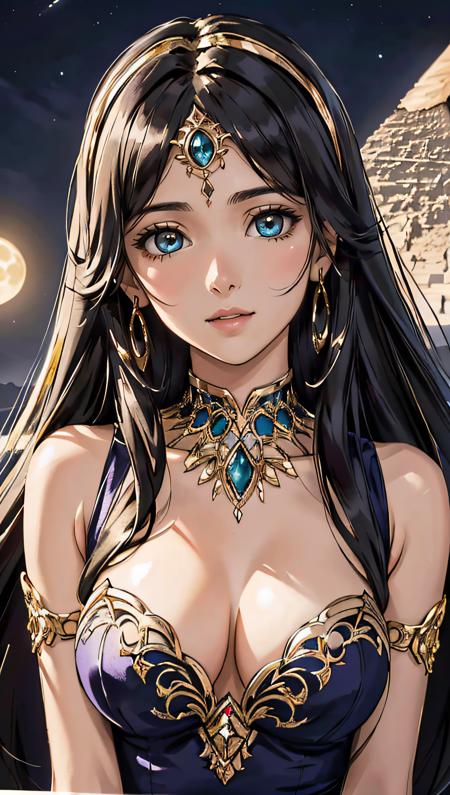
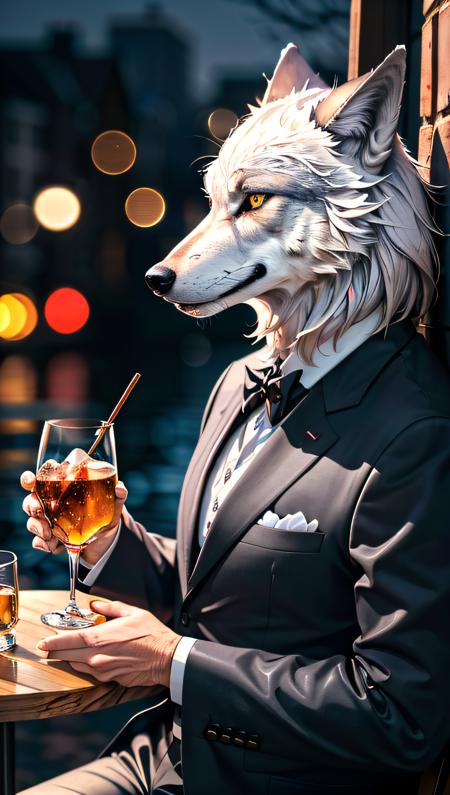
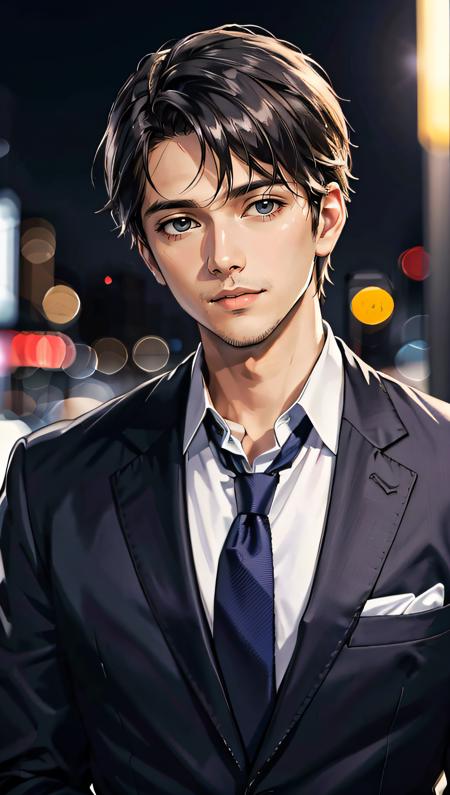
Description
ANITOON:
In reality, I've had this model in my head for some time, I just never found the time to do it... then the PC broke... and oh well.
Let's say Anitoon is squaring the circle: Animerge -> 3D, Aniverse -> 2.5D, Anitoon -> 2D
As you may have understood, this model was created with the aim of mimicking the 2D world of Anime, manga and Illustrations.
//////////////////////////////////////////////////////////////////////////////////////////////////////
ù
FIRST OF ALL:
MY RECOMMENDED SETTING HAS CHANGED. Now there is image optimization even for those who cannot install the xformers module.
!!!!ATTENTION PLEASE!!!!
The negative prompt has changed.
I highly recommend you use the following for best results
Pos Prompt: Use your best imagination. Usually I use (best quality, masterpiece)
MY FAVORITE PROMPT: (best quality, masterpiece, colorful, dynamic angle, highest detailed) upperbody shot, fashion photography, YOUR PROMPT, bokeh, light passing through hair, (abstract background:1.3), (official art)
Neg Prompt:
1) Easy Negative, moles, freckles, skindentation, cutoffs,2) Bad-Images-39000, moles, freckles, skindentation, cutoffs3) FastNegativeV2, moles, freckles, skindentation, cutoffs4) ng_deepnegative_v1_75t, (worst quality:2), (low quality:2), (normal quality:2), lowres, bad anatomy, bad hands, normal quality, ((monochrome)), ((grayscale)), ((watermark)), moles, freckles, skindentation, cutoffsNeg Prompt (5) (for MEN images): girl, woman, female, tits, BadImage_v2-39000, skindentation, cutoffs
//////////////////////////////////////////////////////////////////////////////////////////////////////
If you use my models, install the ADetailer extension for your A1111.
Navigate to the "Extensions" tab within ****** *********.
Go to the "Install from URL" subsection.Paste the following URL: https://github.com/Bing-su/adetailerClick on the "Install" button to install the extensionReboot your ****** *********