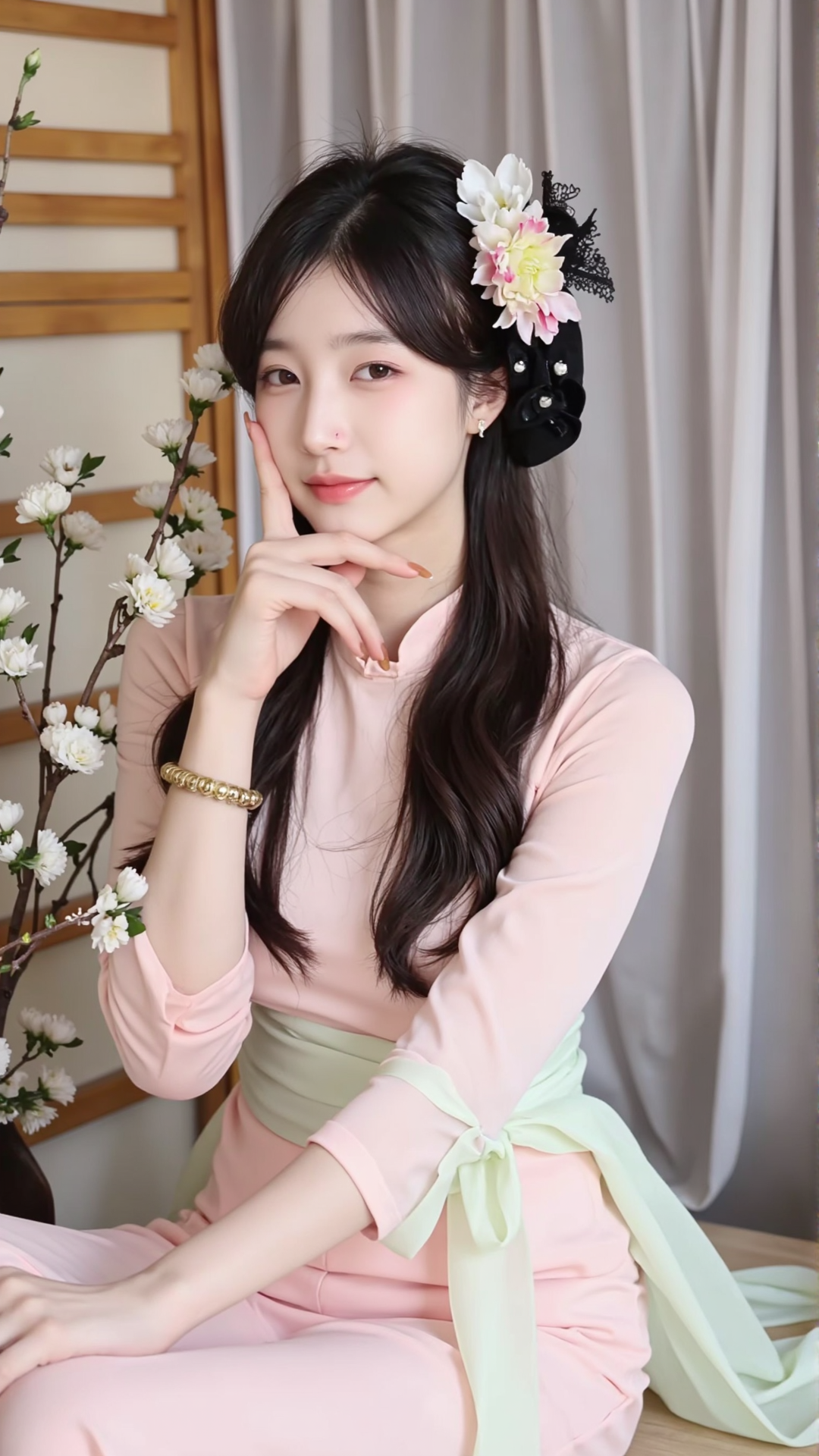
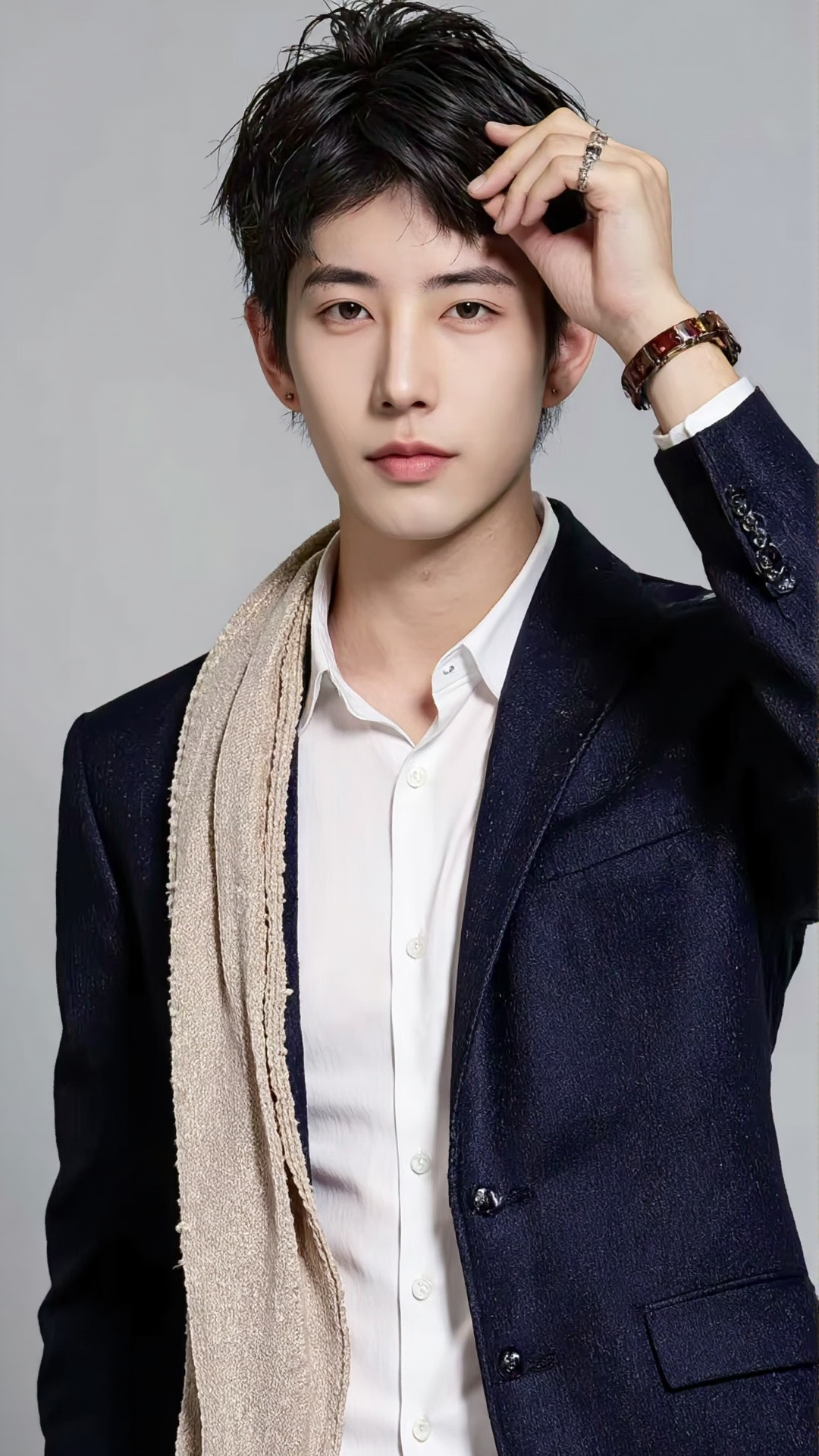
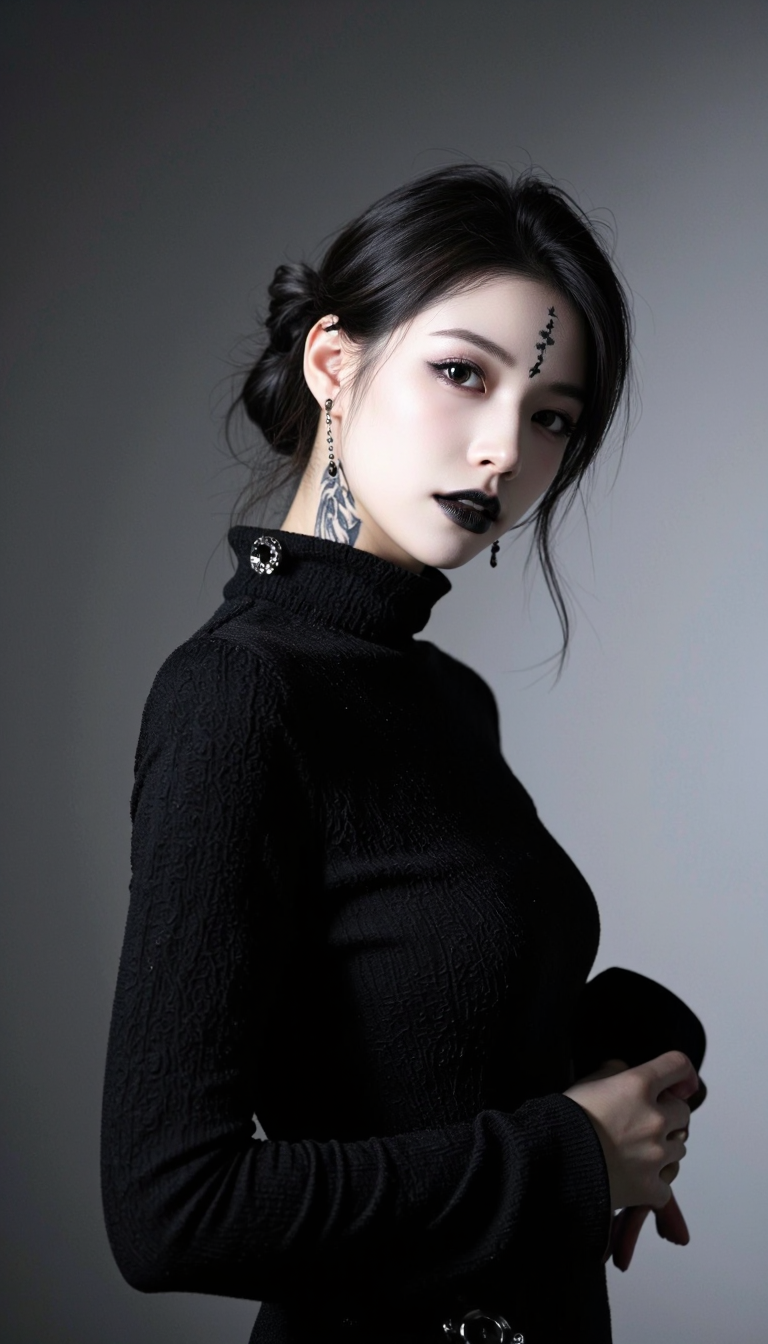
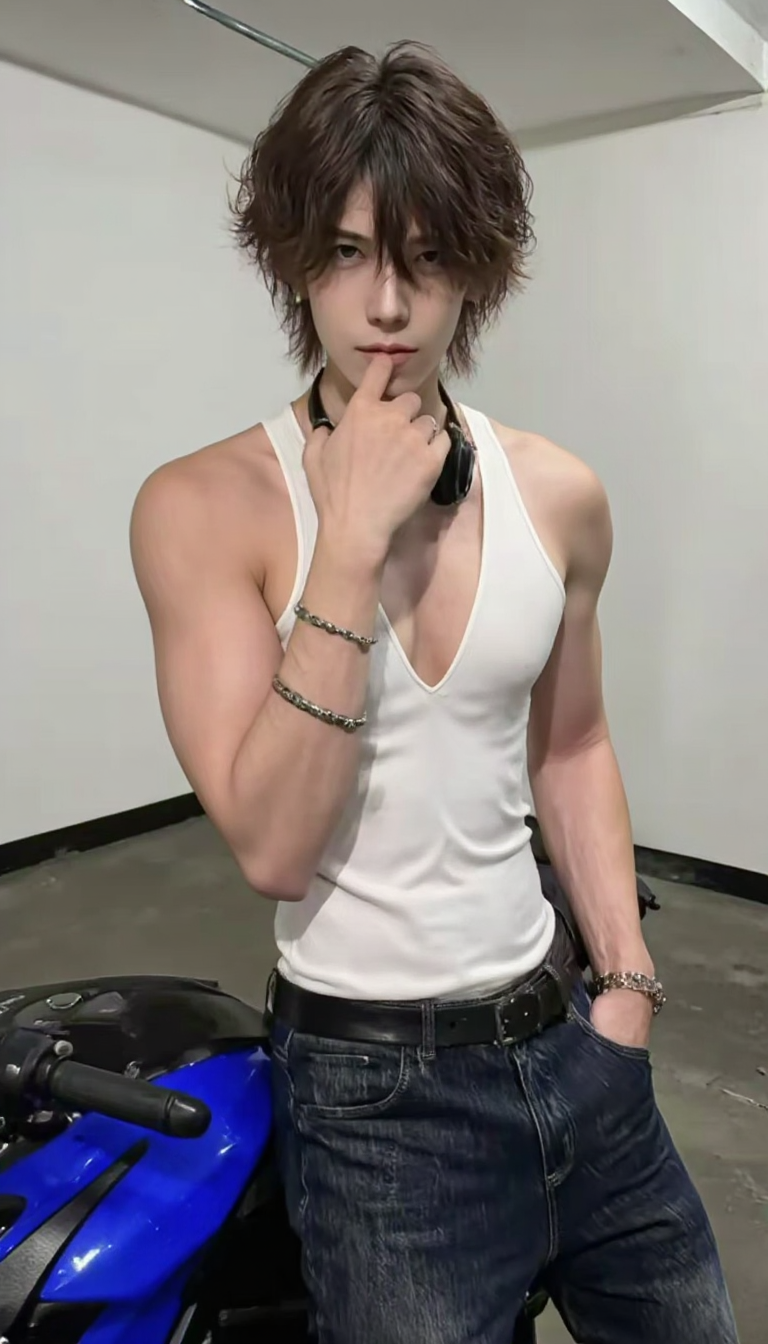

Description
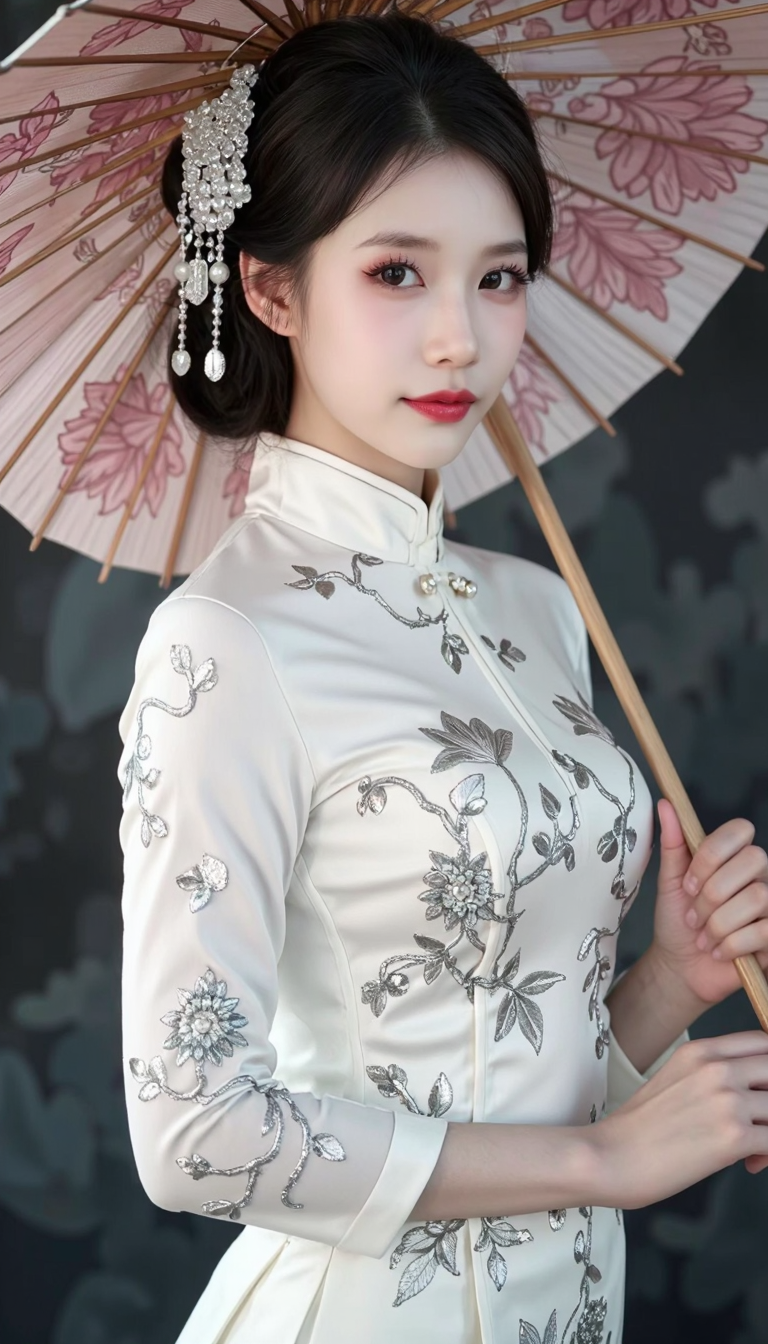
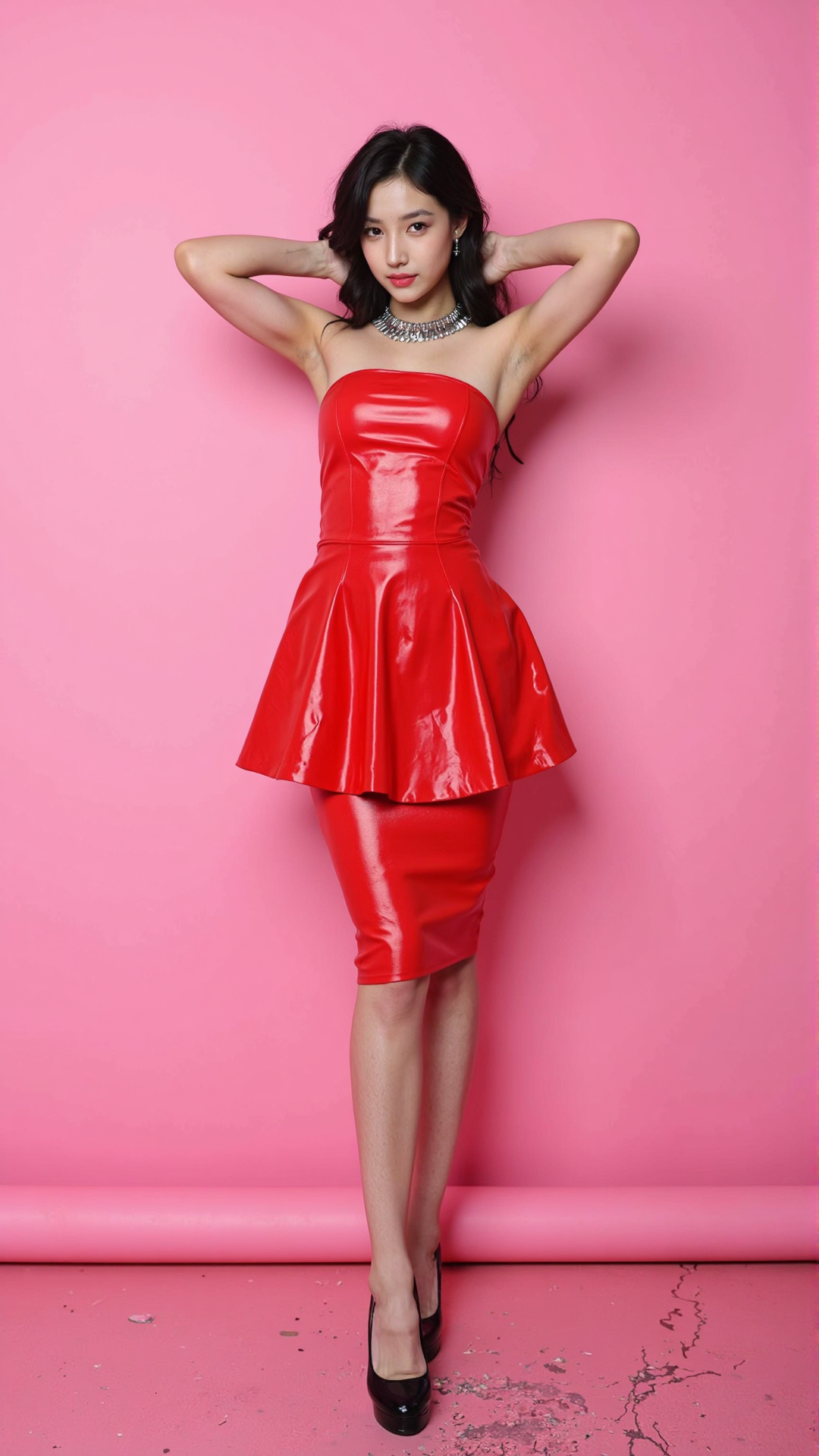
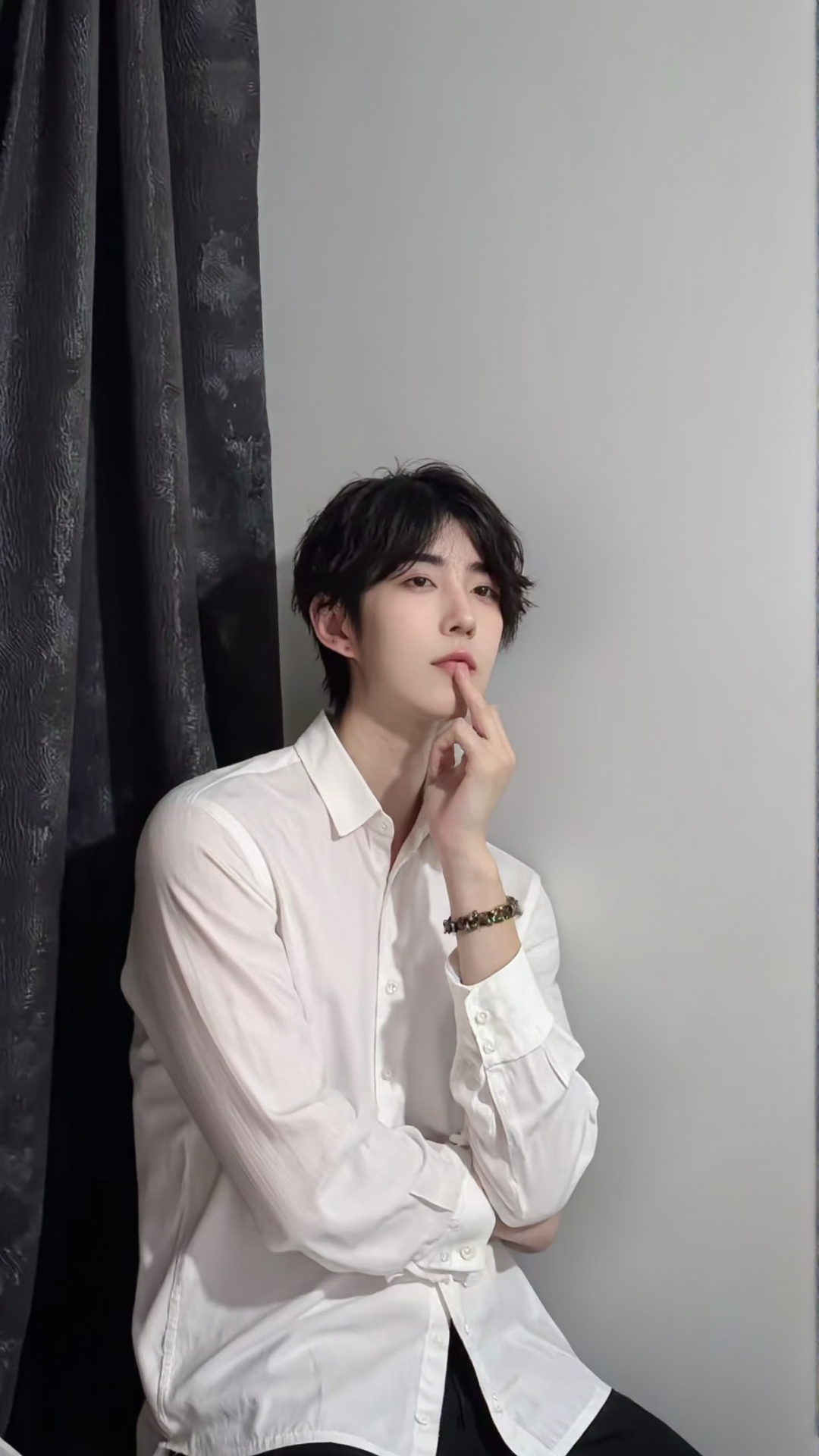
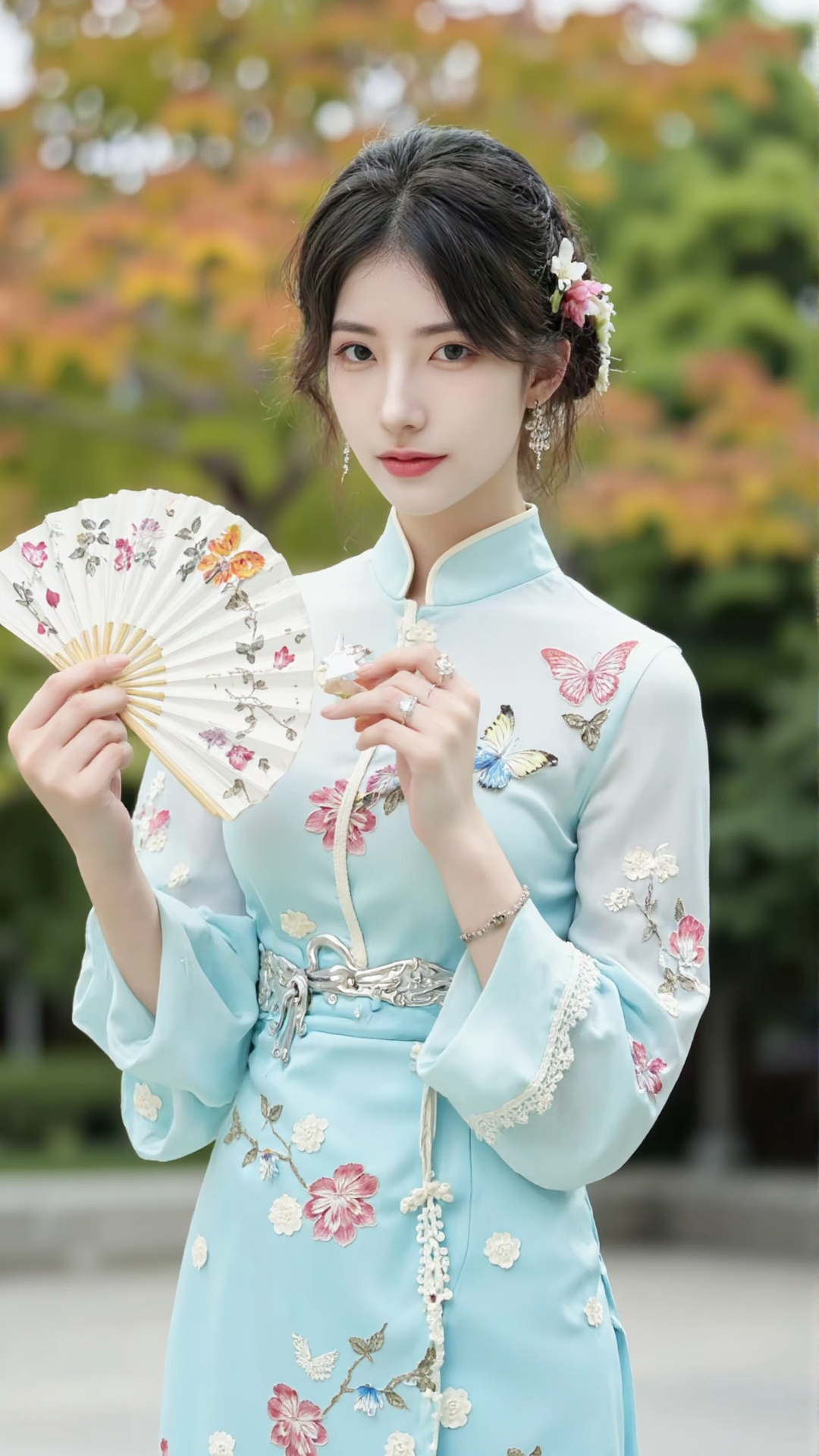
Enhance the depth of field effect based on the original true color, continue to refine the character structure, use the dev original clip for correction, reduce the impact of model prompt response, adjust the saturation guidance to enhance the sense of hierarchy and richness of the image, making the sweat and hair clear and visible. Achieve more natural body expressions: reduce the rate of distant body collapse.
Instructions for Use (experts, please skip):
1. First, you need to have a handy comfyui workflow (saves time and computation power, very fast):
When beginners encounter errors in node operation, the nodes will be highlighted. The issue may be that the model is not loaded. Click on the highlighted nodes to check if the model is correctly loaded. (It may also be due to missing input parameters)
Basic: I included an example image inside, just load it with one click. I also provided a workflow for beginnershttps://www.liblib.art/modelinfo/12b3b48ec1584969875ba7ed1b427dd7?from=personal_page (Assuming the model is in the database, otherwise it won't be found)
Advanced:https://www.liblib.art/modelinfo/782aacd70f604da39e83368c696a02a8?from=search Workflow created by Wolf, very comprehensive to use
2. Recommended Parameters:
Steps: 20-30 (too many are ineffective, too few will be blurry)
Guidance: 2.5-4 (clarity-saturation detail)
Sampler selection: euler
You need to input the seed for the online workflow by yourself; you can also choose randomize, otherwise it won't change.
3. How to write lyrics?
With joycaption, find the effect you want and add your own touch based on reasoning