Description
The post suggests using my workflow: https://www.liblib.art/modelinfo/6277684d8aaf4ff8ad6c6e0d4b8fd301?from=personal_page&versionUuid=3b49b42315c94cc783d84fead46dc2d4 Because it includes sharpening, the images look sharper and clearer.
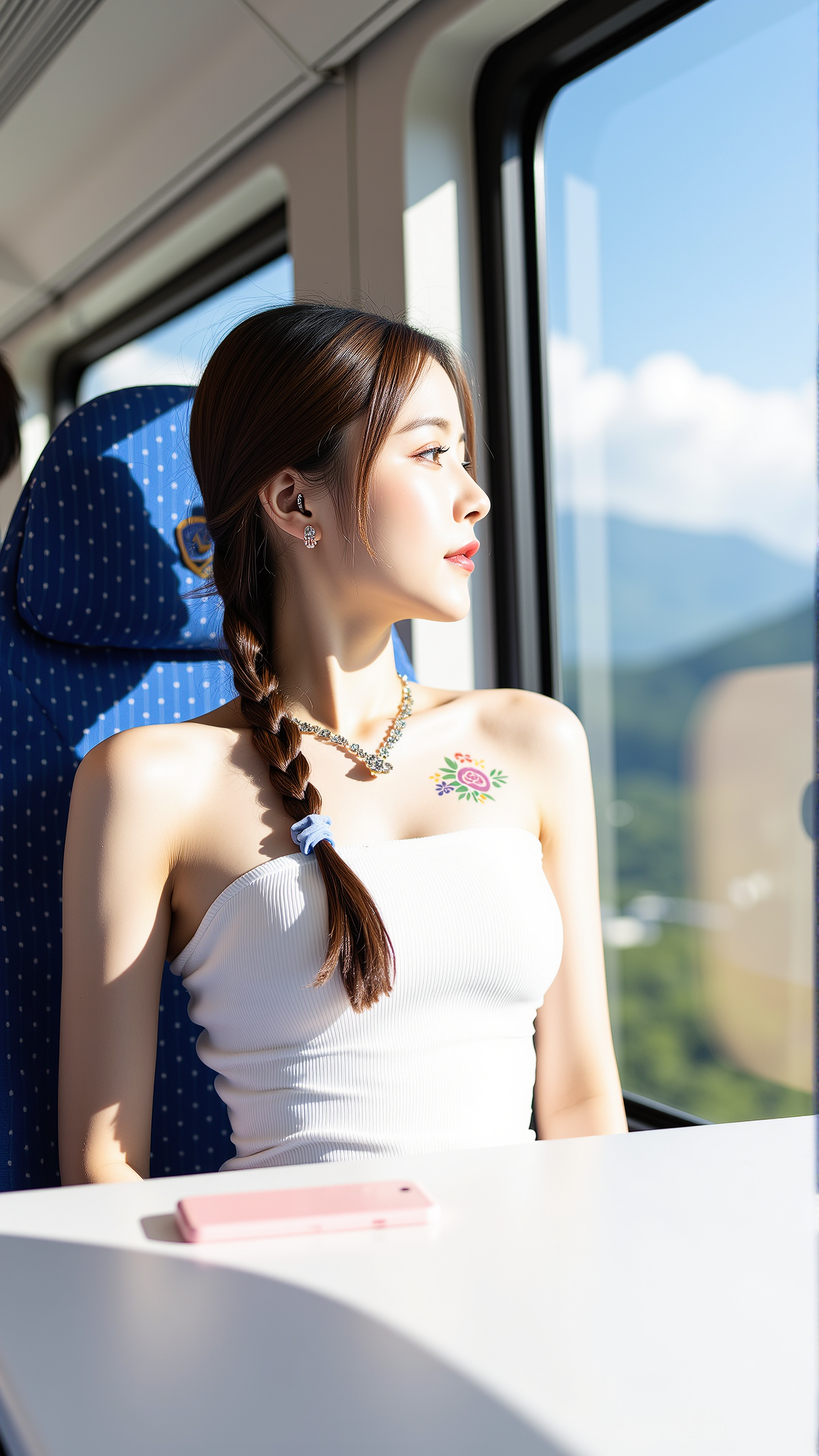
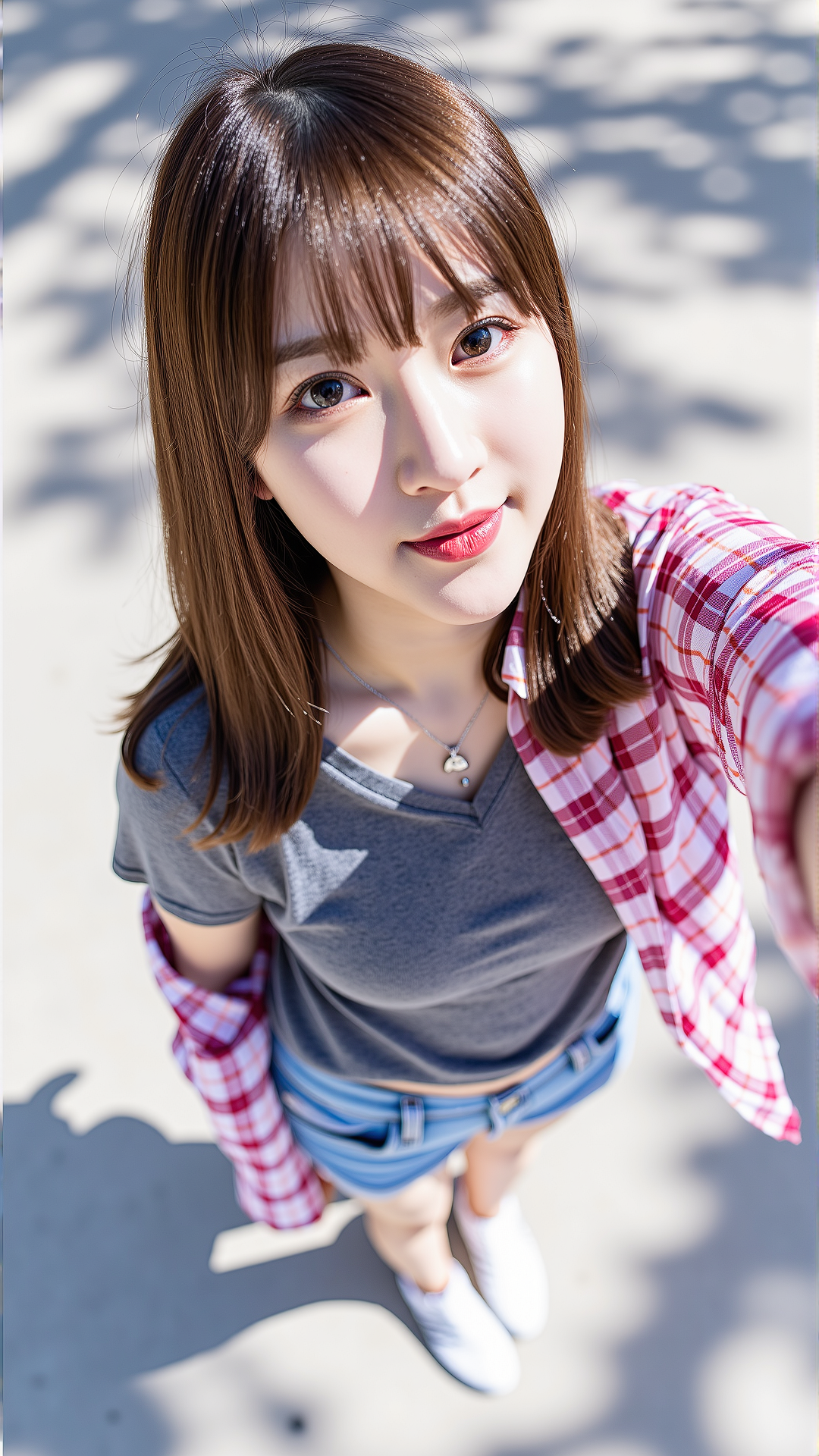
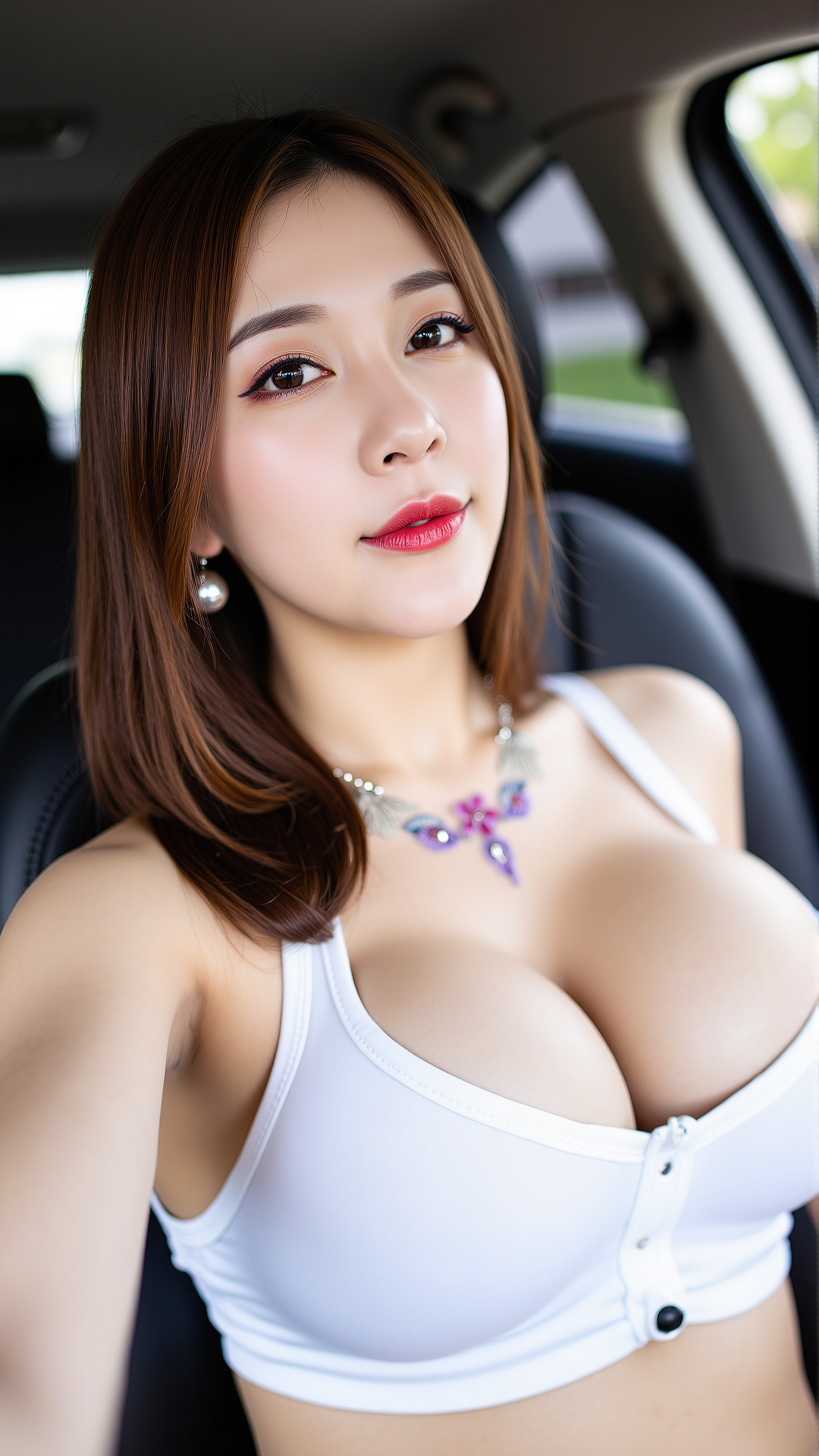
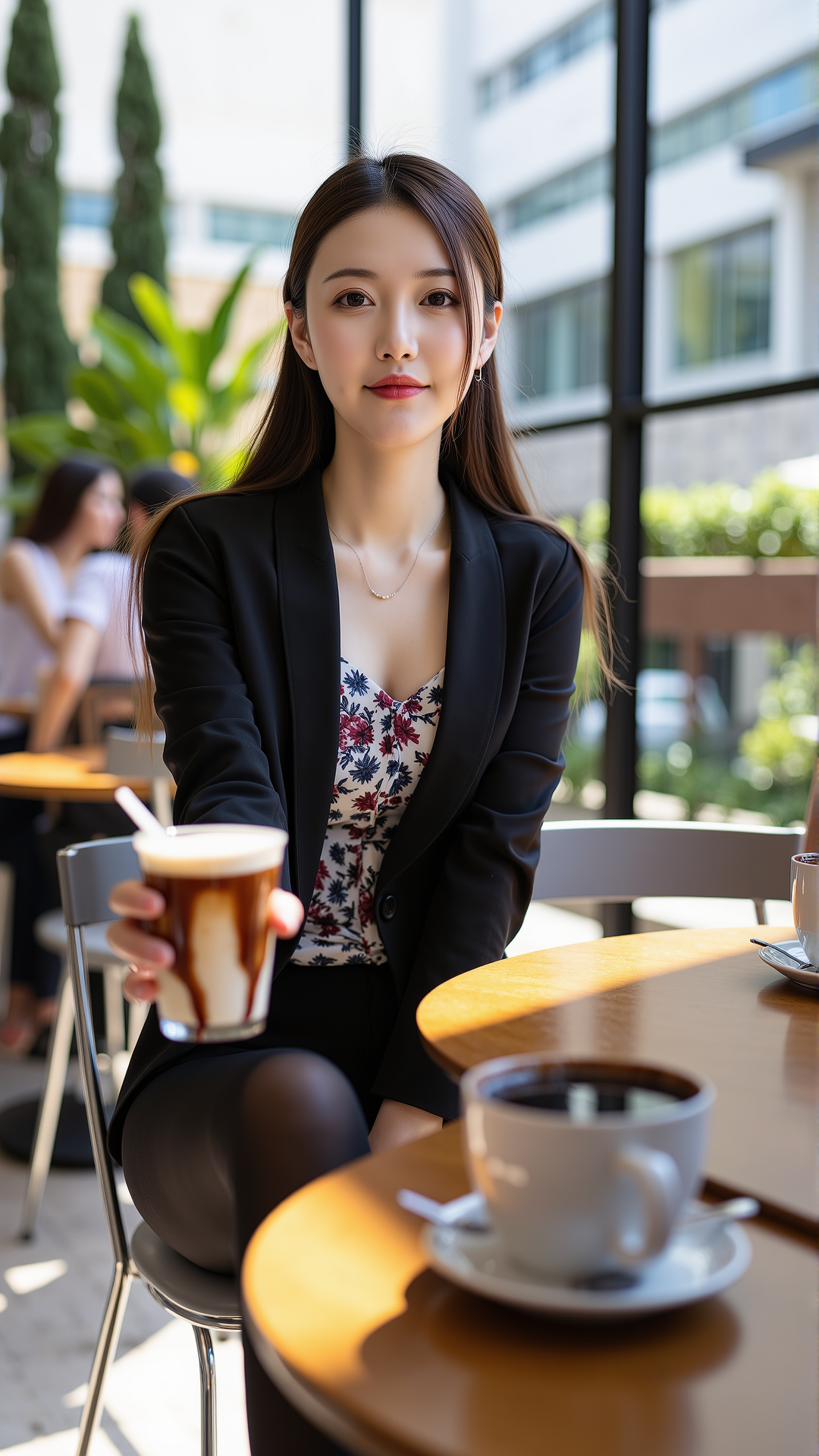
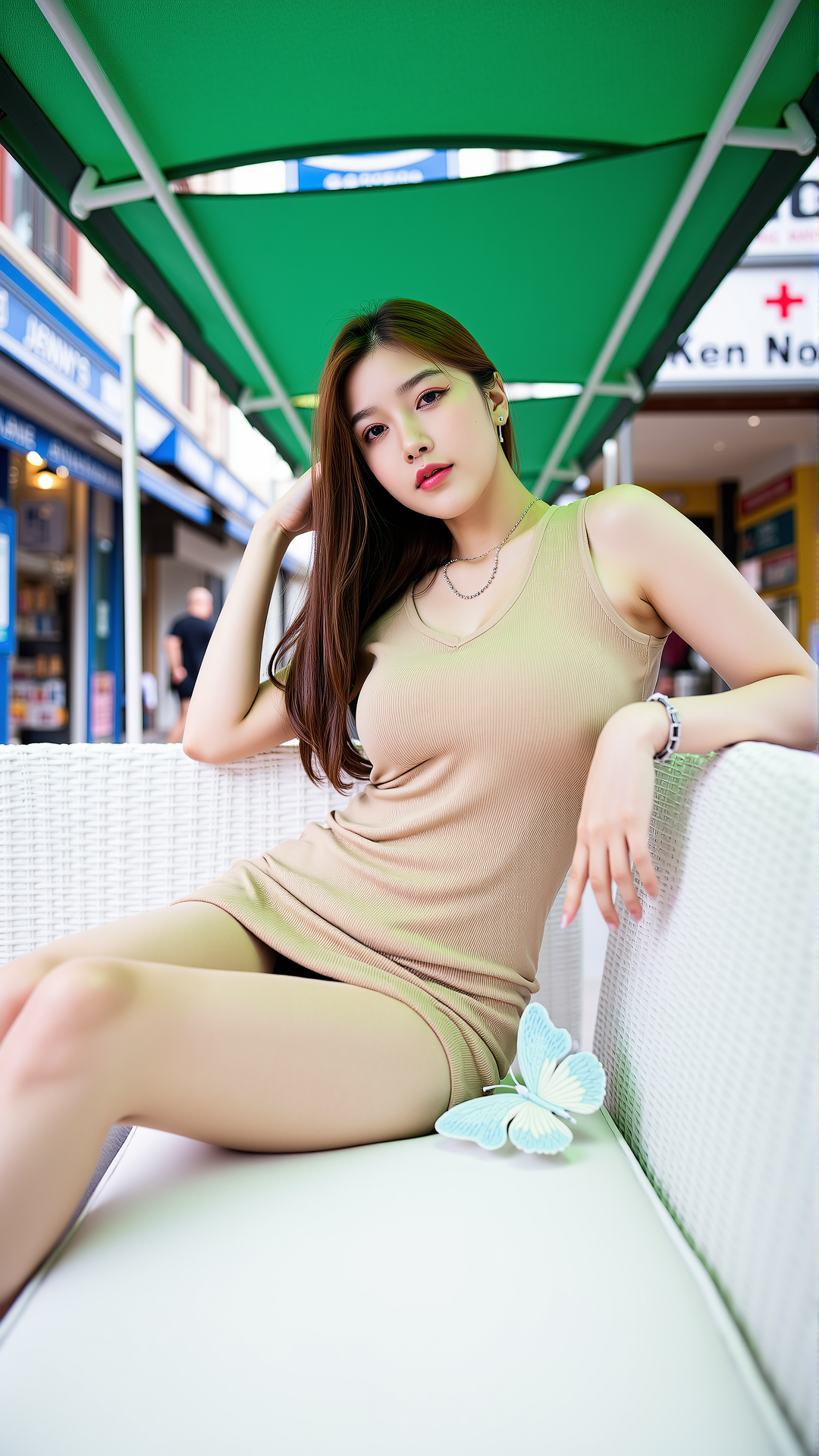
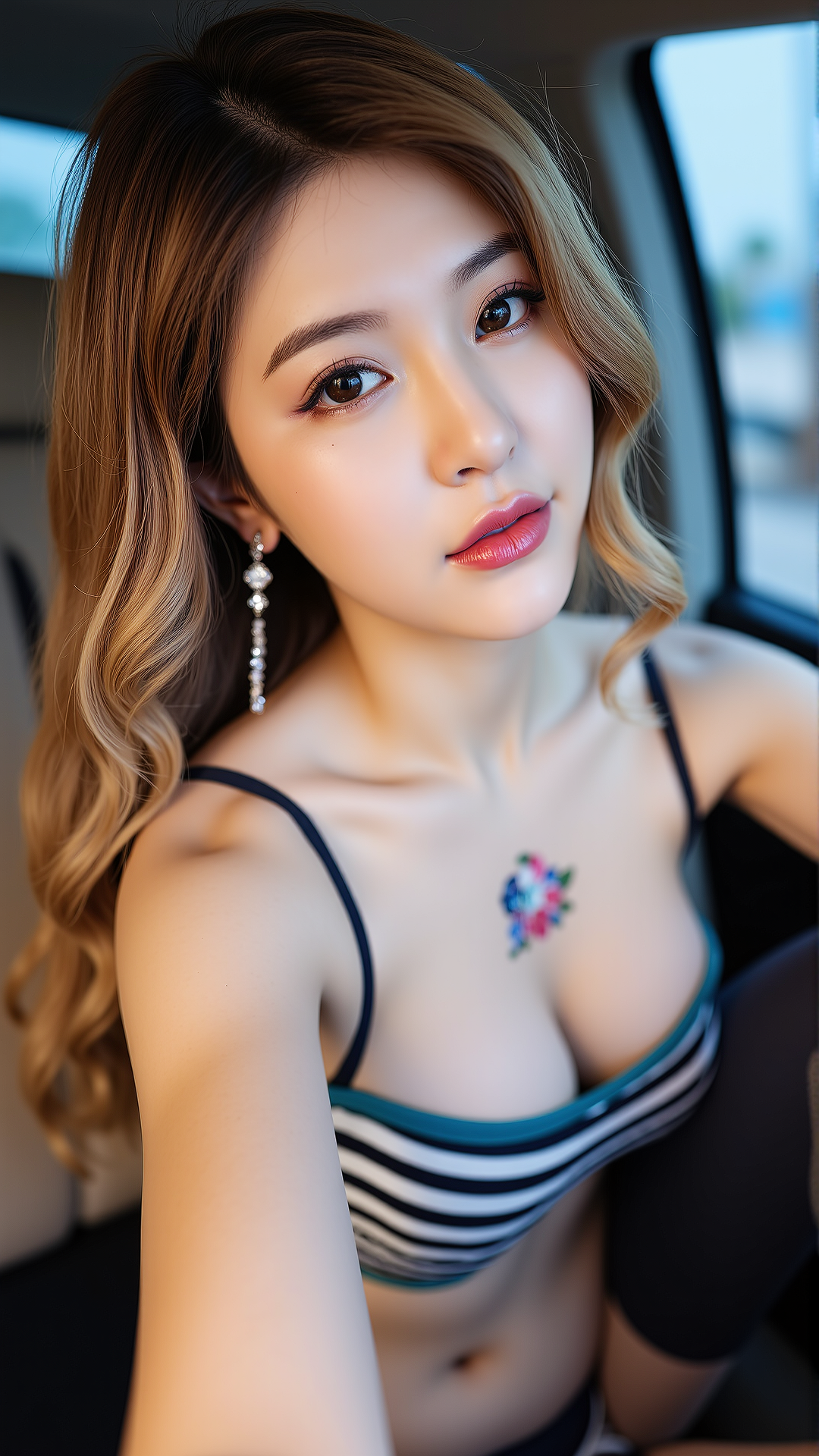
Recommended starter: IMG_1018.CR2: This is a high-resolution photograph featuring a young Asian woman, remember to include 'Asian' to avoid the chance of a European or American appearance.
++++++++++++++++++++++++++++++++++++++++
Tried again when I had some free time, it was experimental, and I processed 200 images. There was improvement compared to the previous version. However, I noticed that the more source images there are, the more the facial features tend to become blurred. Next time, I'll consider testing with at least 500 images to see the effect. I also plan to refine the source materials. I haven't found a suitable cloud rendering environment yet. The online training on this site filters out a large portion of the images I upload. It's hard to explain, after all, these are not explicit images.
As for the image results of photo shoots, those who are familiar with it understand that the official photo shoot images are already high-resolution and pursue a digital color aesthetic. They are a completely different category from the content found on platforms like Xiaohongshu (a Chinese social media platform, similar to Red Book). I believe many people prefer Xiaohongshu-style images, and I also think they are very well done. Additionally, over 90% of the images from the photo shoots are taken indoors, so the difference between processing indoor and outdoor images is minimal compared to the original.