Description
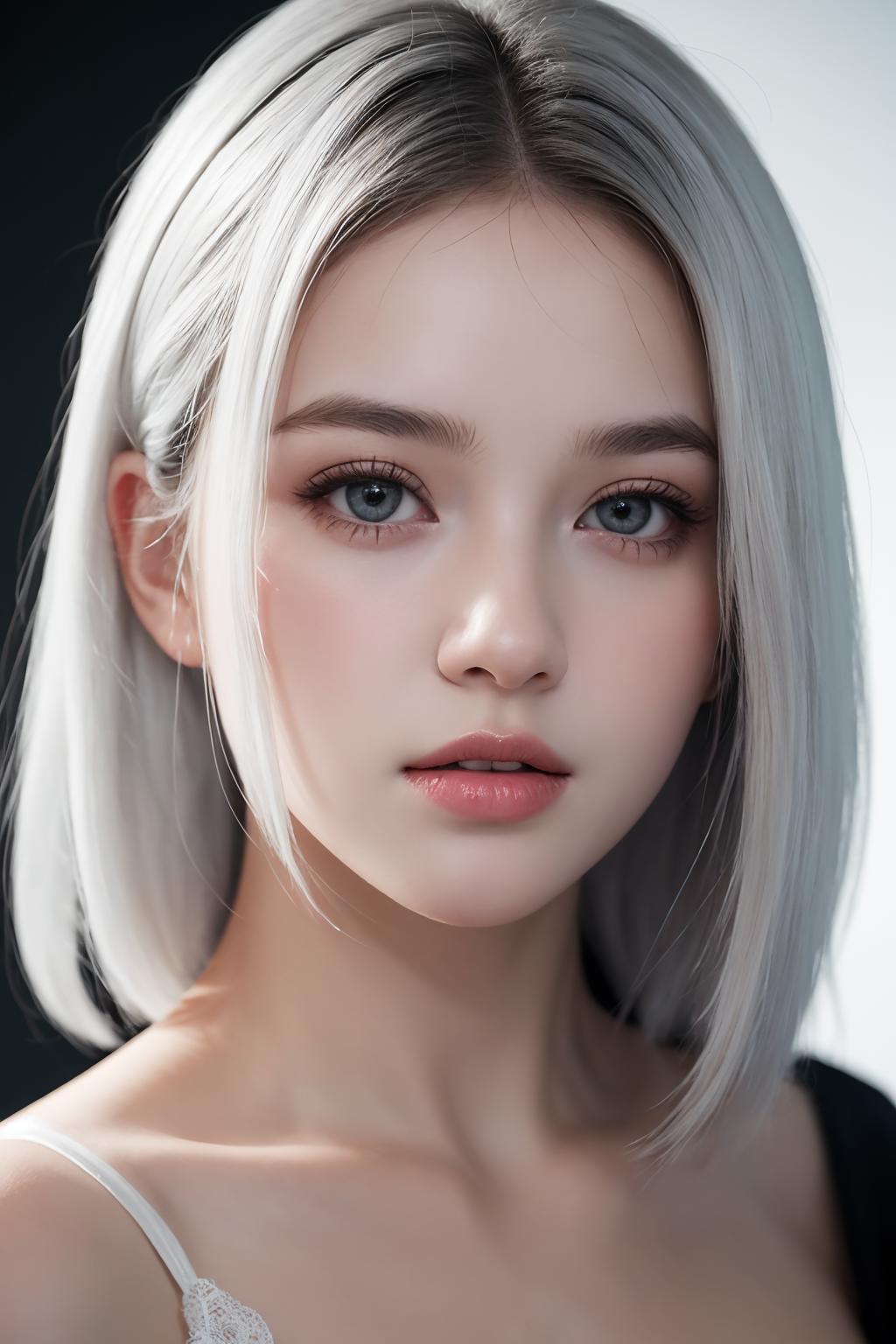
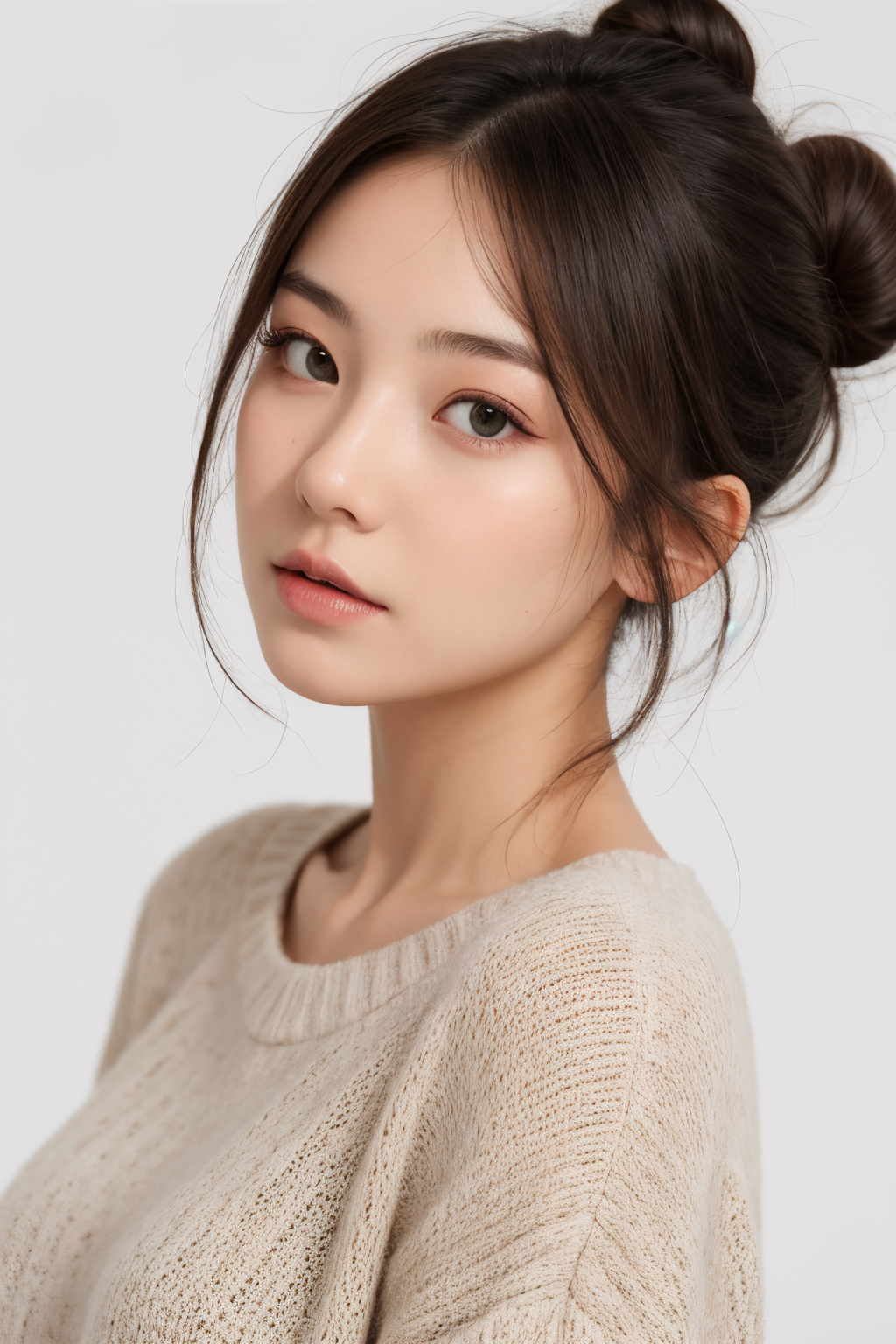
My model can generate a very beautiful girl without any complex prompts!
Here I recommend using the unique syntax of ****** ********* WebUI, making it easier to get the image you want:
1. Attention control symbols#
Control symbols "()", increase the attention to the central prompt words when creating a diagram, making it easier for AI to recognize our intent. In short, brackets are the key elements you want to emphasize. The more brackets, the more the generated result matches the prompt words in the brackets.
2. Prompt word editing symbols#
Specify the step to switch prompt words, [Cat:Dog:10], meaning start drawing a cat at the beginning, and switch to drawing a dog after 10 steps. This prompt word syntax often results in a fusion of two animals in the image!
The syntax is [Prompt word 1: Prompt word 2: Step number].
3. Word switching alternate words#
Use "| " to switch prompt words at each step. For example, I want to switch between "cat" or "dog" when inputting tags.
[Cat | Dog]
4. Combinable diffusion#
This syntax allows artificial intelligence to generate two different objects based on prompts.
For example, the generation of orange and apple, connected in between with uppercase "AND".
cat AND dog
Thank you for choosing my model!
Attached: Recommended starting syntax:
1gril\(character characteristics tag1, body tag2, clothing tag3...\),
1gril\(characteristic tag1, body tag2, clothing tag3...\),
If you like my other works, please go to site C for support: https://civitai.com/user/fuaneng/models