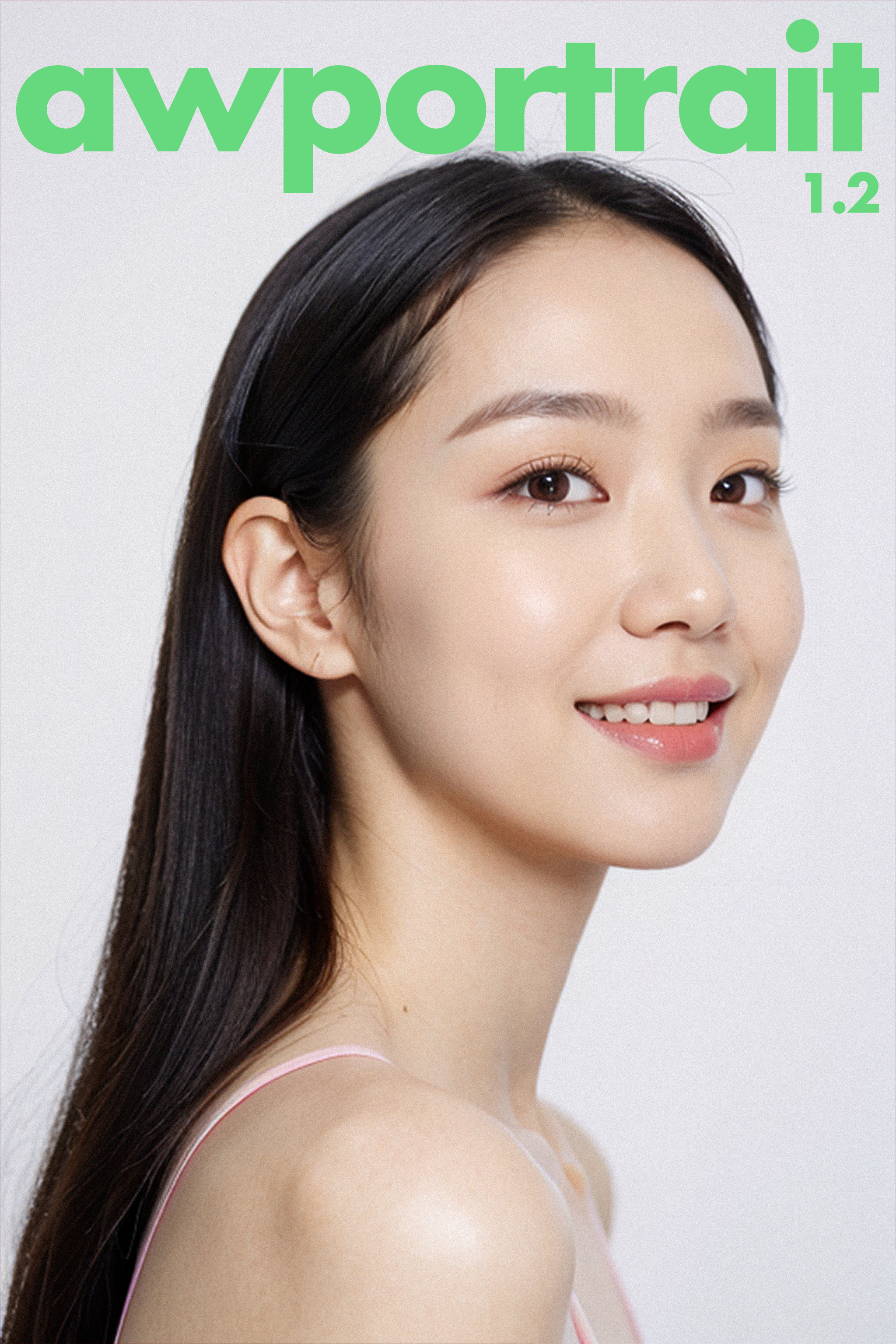
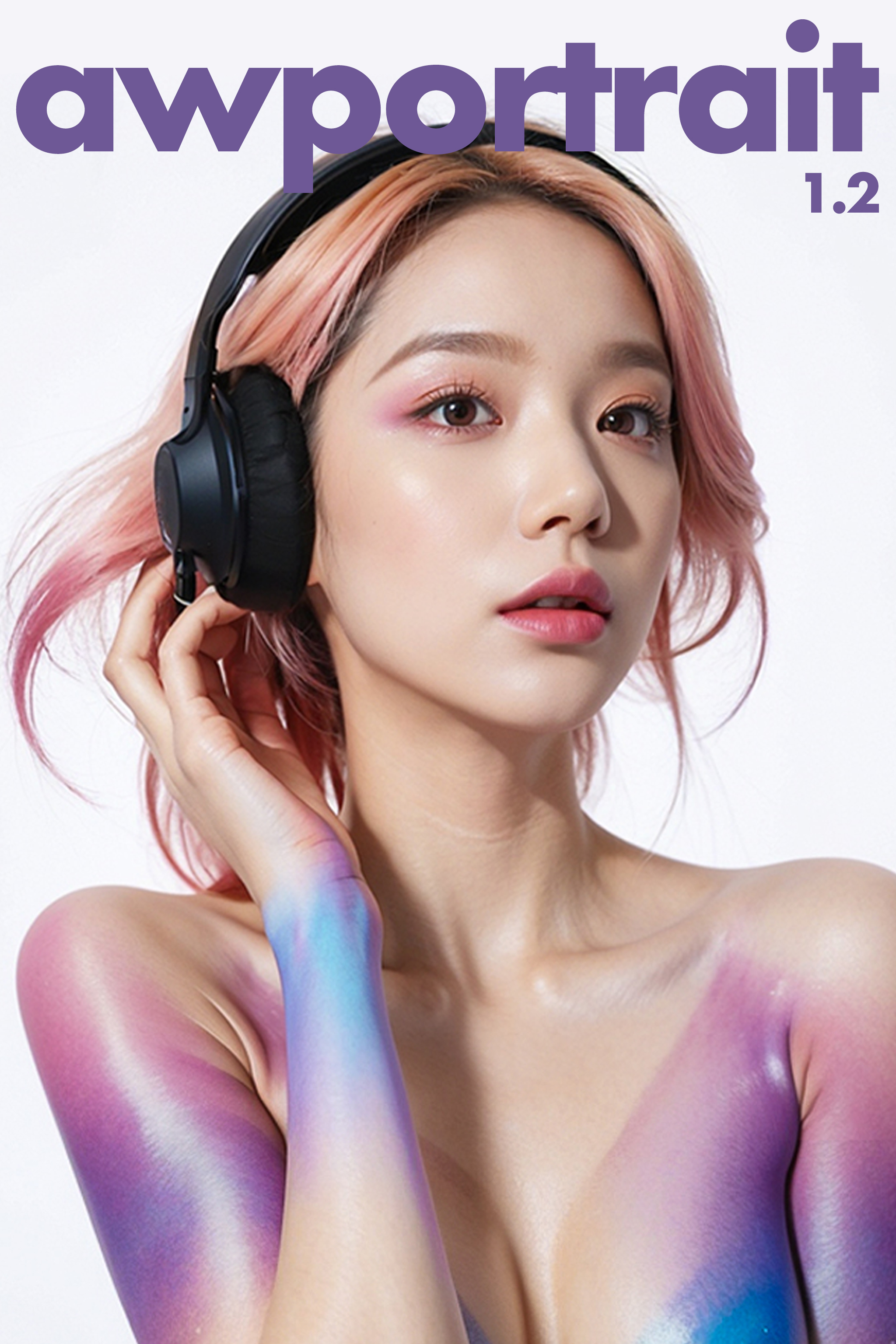
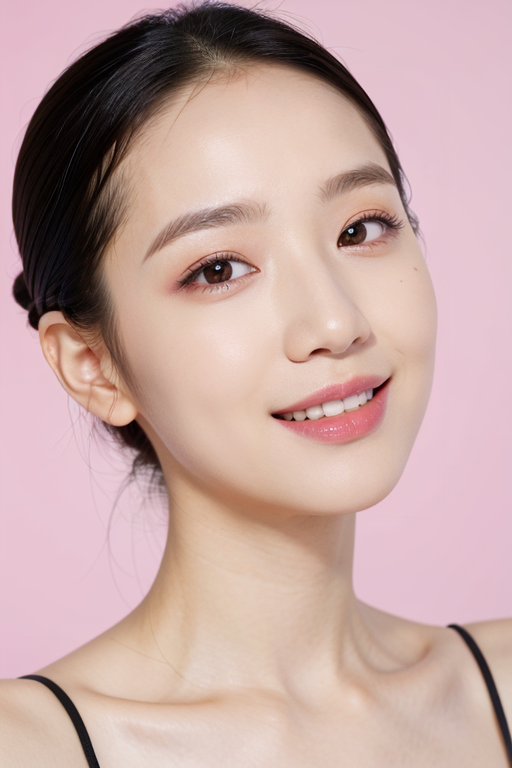
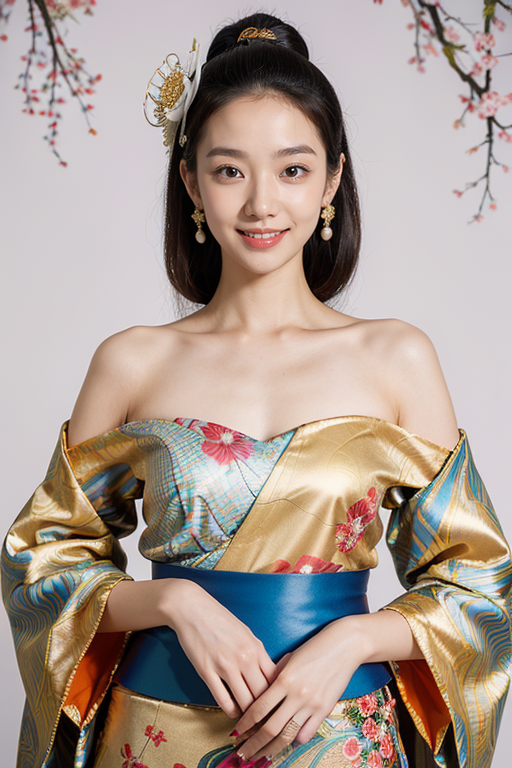
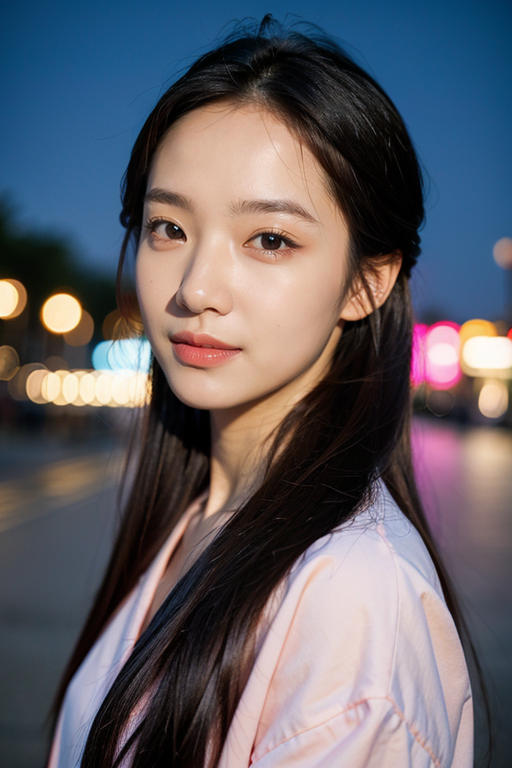
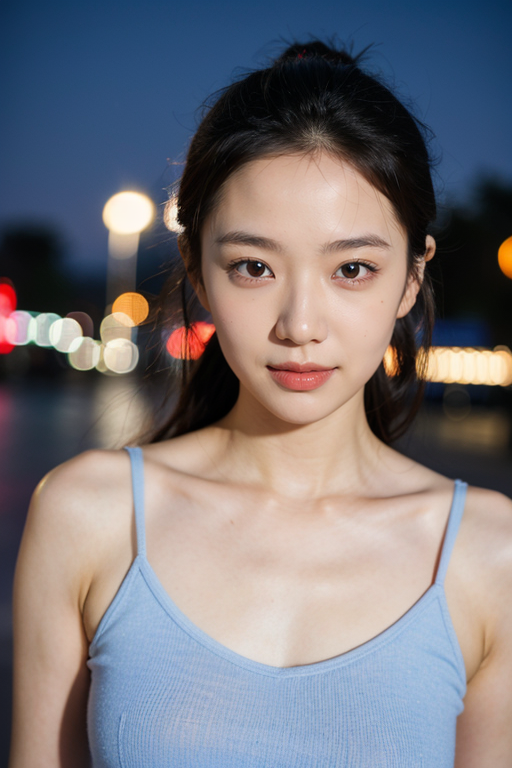
Description
AWPortrait1.2 1.2
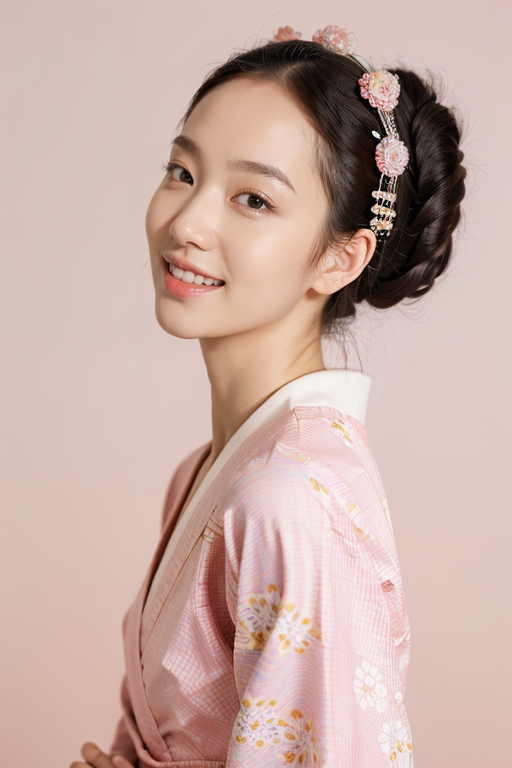
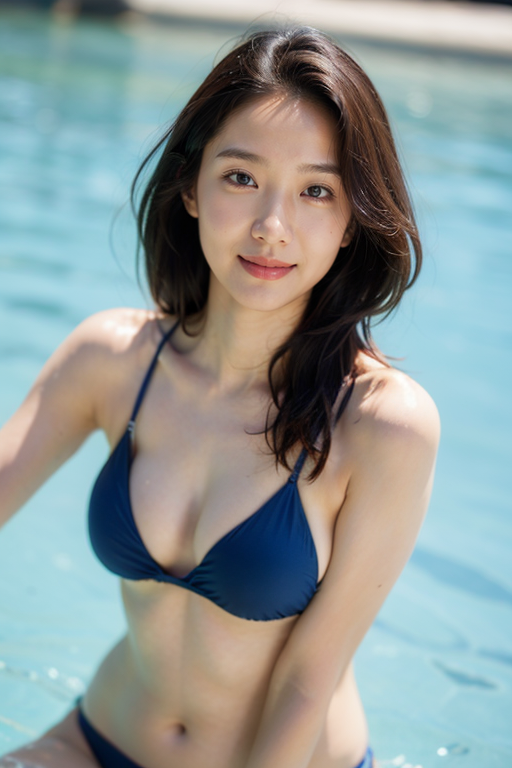
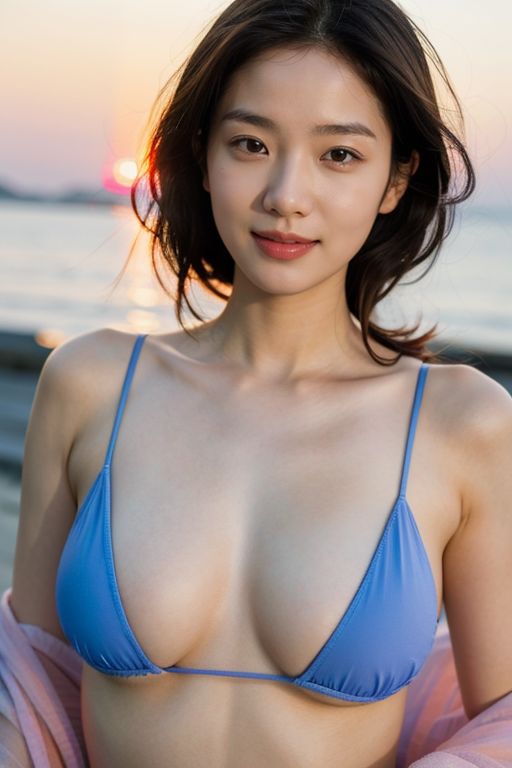
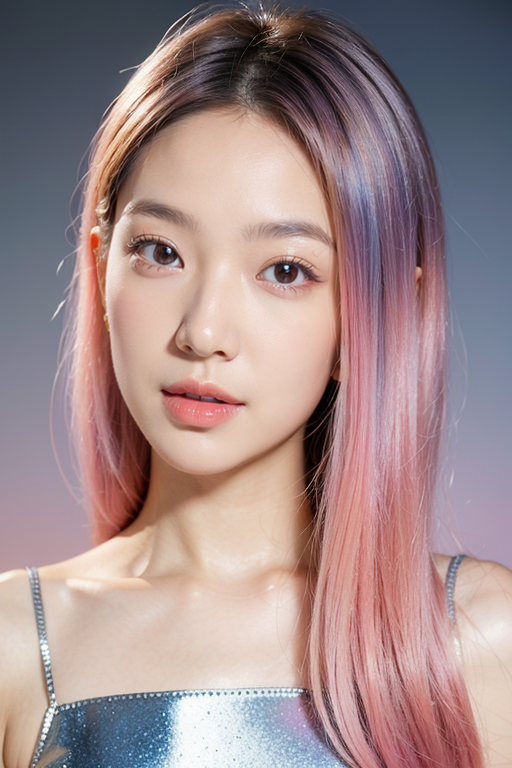
Upgraded light source simulations for studio shots and exterior scenes, and corrected character faces (in particular, facial abnormalities caused by close-ups), T2i
can go straight out of + aDetailer to get an extremely realistic effect close to the picture.
This model is ideal for creating photographically stylized LoRa, which can achieve very realistic photo effects.
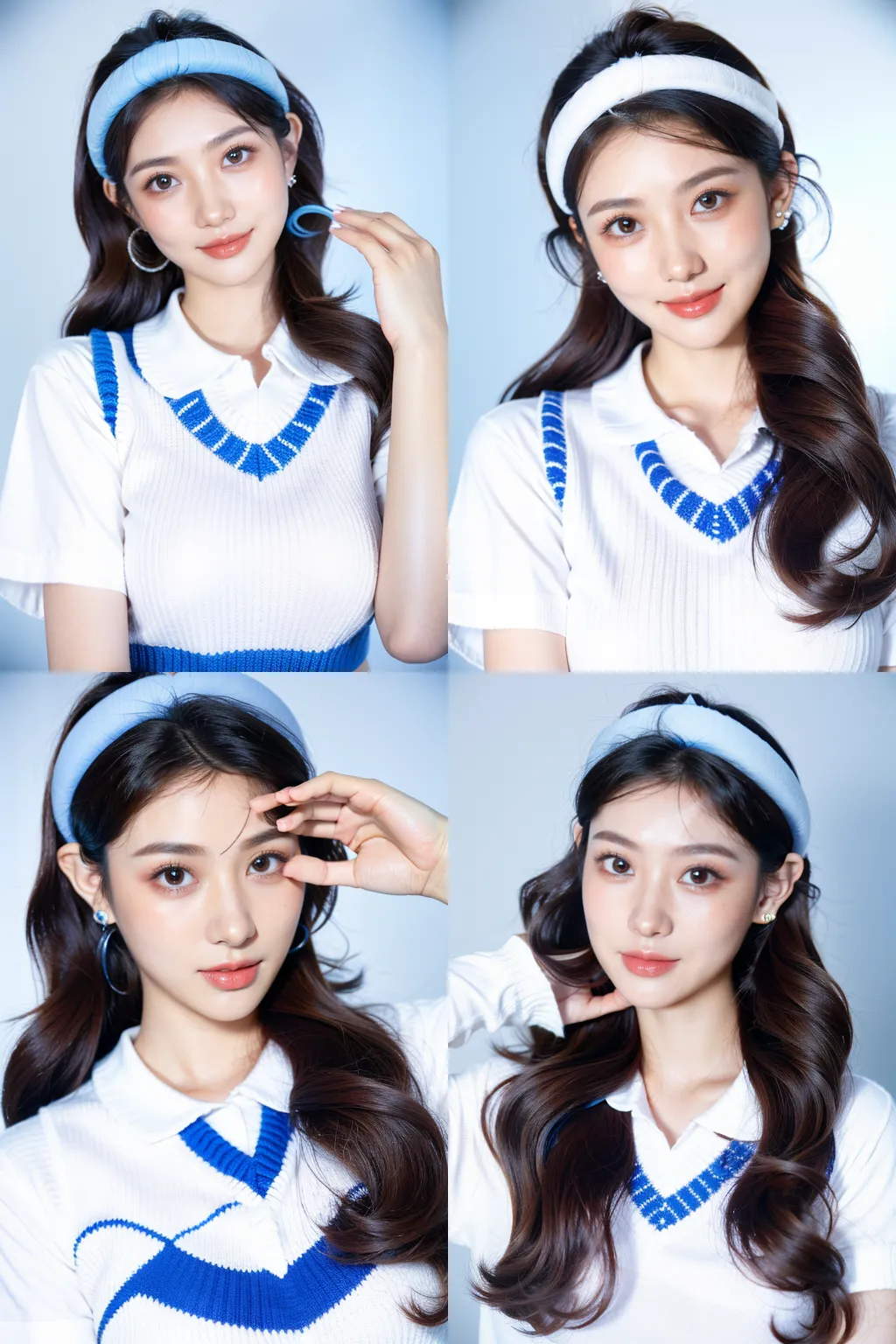

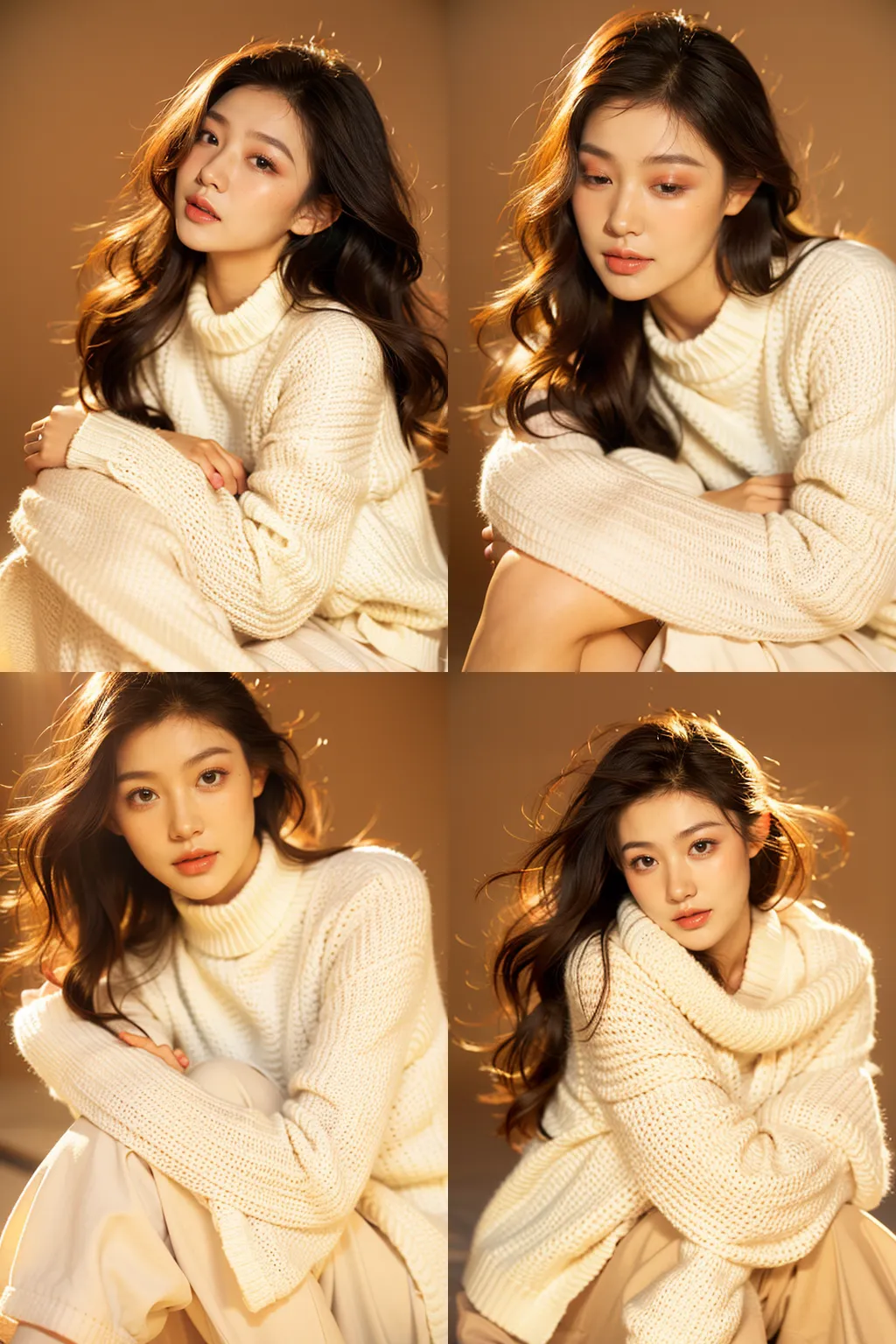
General instructions for use:
When the T2i is straight out, the effect of simulating studio portrait photography is the best, such as: Pure white background, Studio light
, Studio
Portrait scenes are optional, such as: Close-up, upper body, full body straight, need to control the face with the aDetailer plug-in (weight 0.3-0.5), you can use Prompts to control the model's makeup, such as: Make
Up Portrait, Pink
Optional emoticons such as eyeshadows, red lips, etc. (can also be added to aDetailer), such as: emotional face, smile, happy, etc. (can also be added to aDetailer) More Prompts references, see the example
directly.
Sampling recommended DPM++ 2M Karras Instructions for use: Simulate a studio when the T2i
is straight out
The effects of portrait photography are the best, such as: Pure white background, Studio light, Studio
portrait scene options, such as: Close-up, upper body, full body straight, need to be controlled with the aDetailer plug-in to control the face
Use Prompts to control the model's makeup, such as: Make Up Portrait, Pink Eyeshadows, Red Lips, etc. For more Prompts references, such as: emotional
face, smile, happy, etc., you can see the example directly
.
Sampling recommendation DPM++ 2M Karras
thanks for the support of the first members to join AWPlanet AWPioneer: Amier, misotofu, yuruying, 1.1 We
can't do without your support and help!