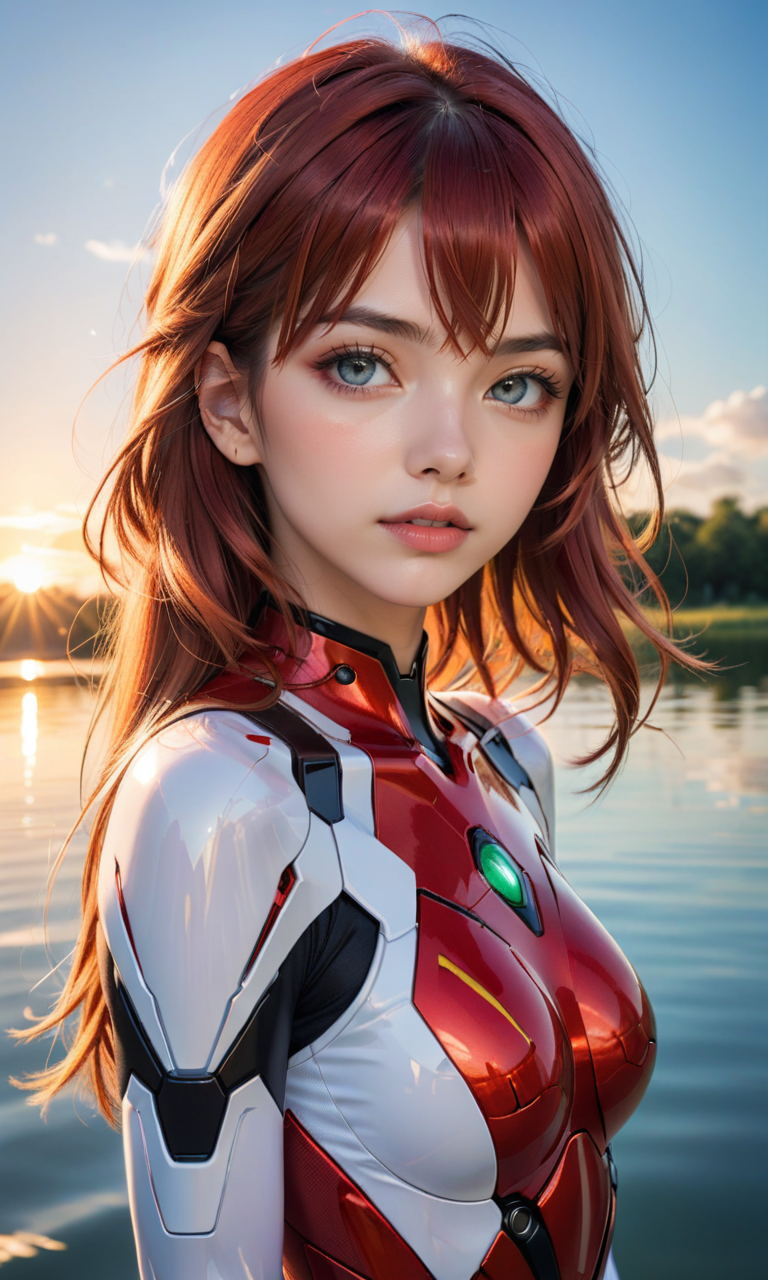
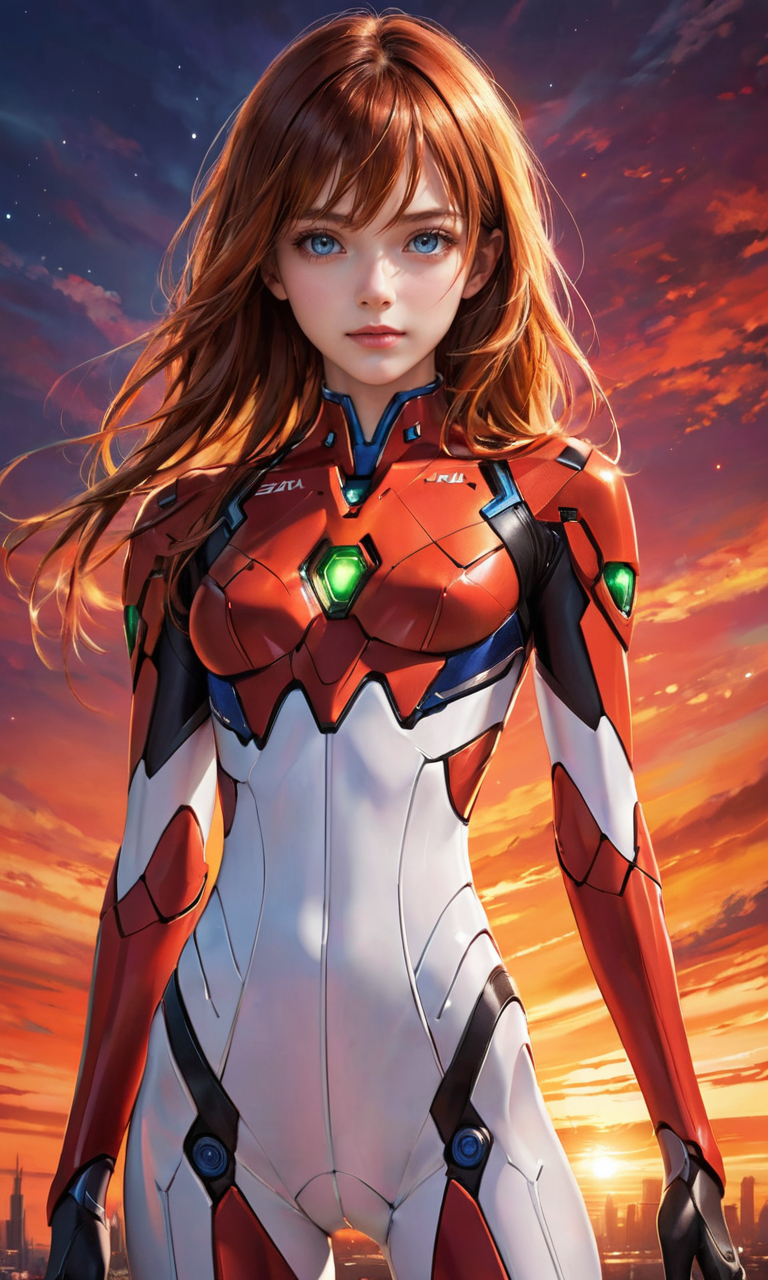
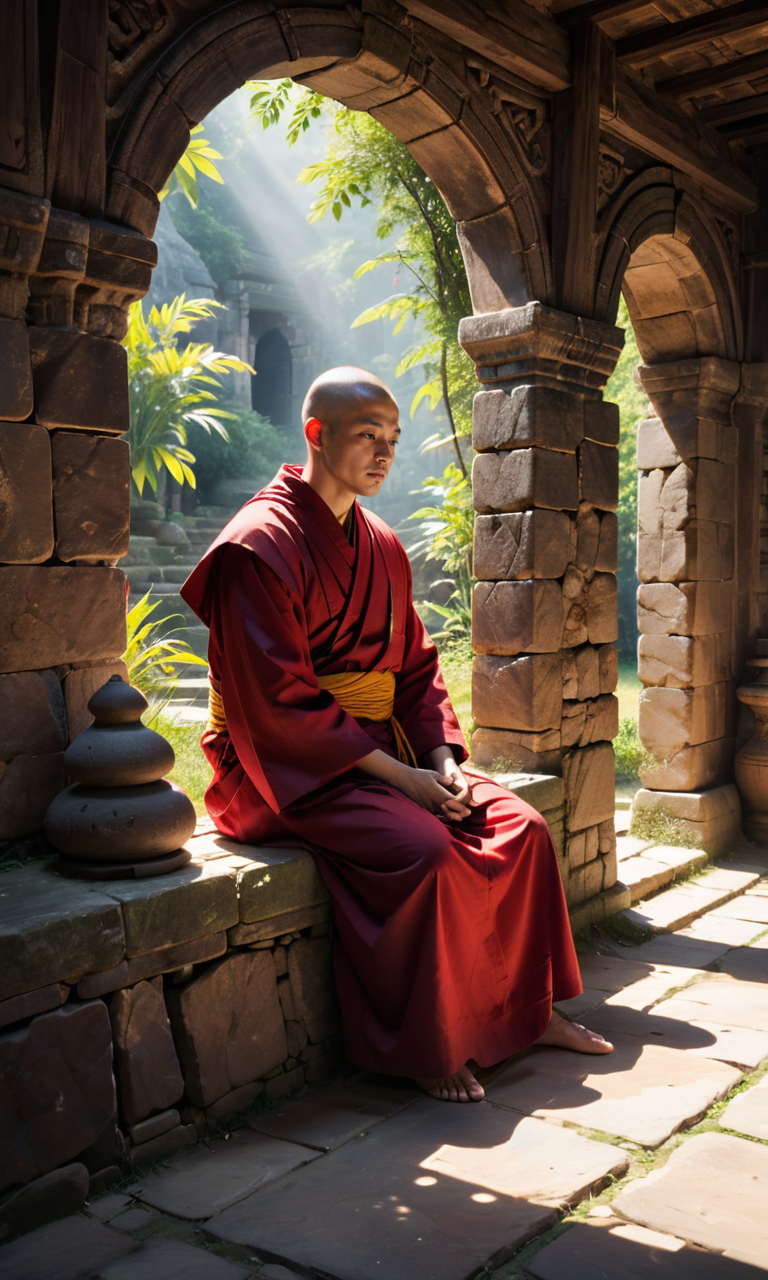

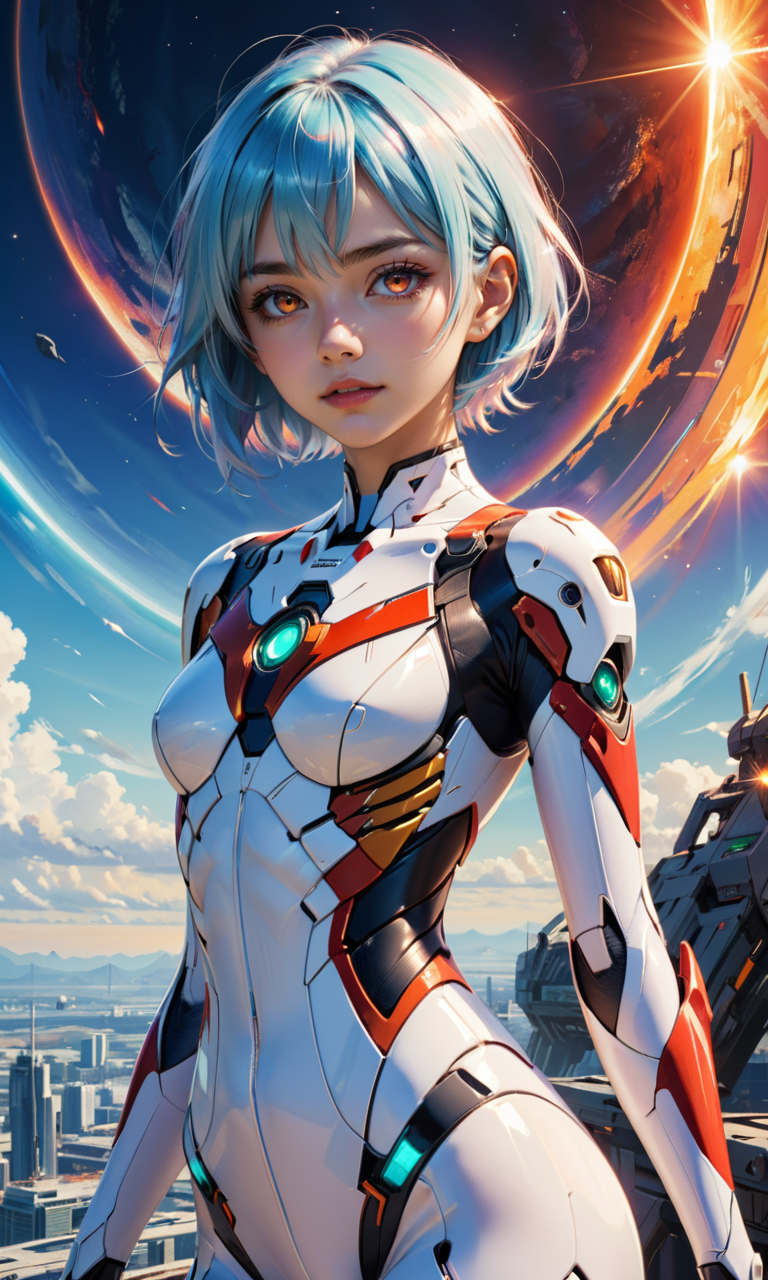
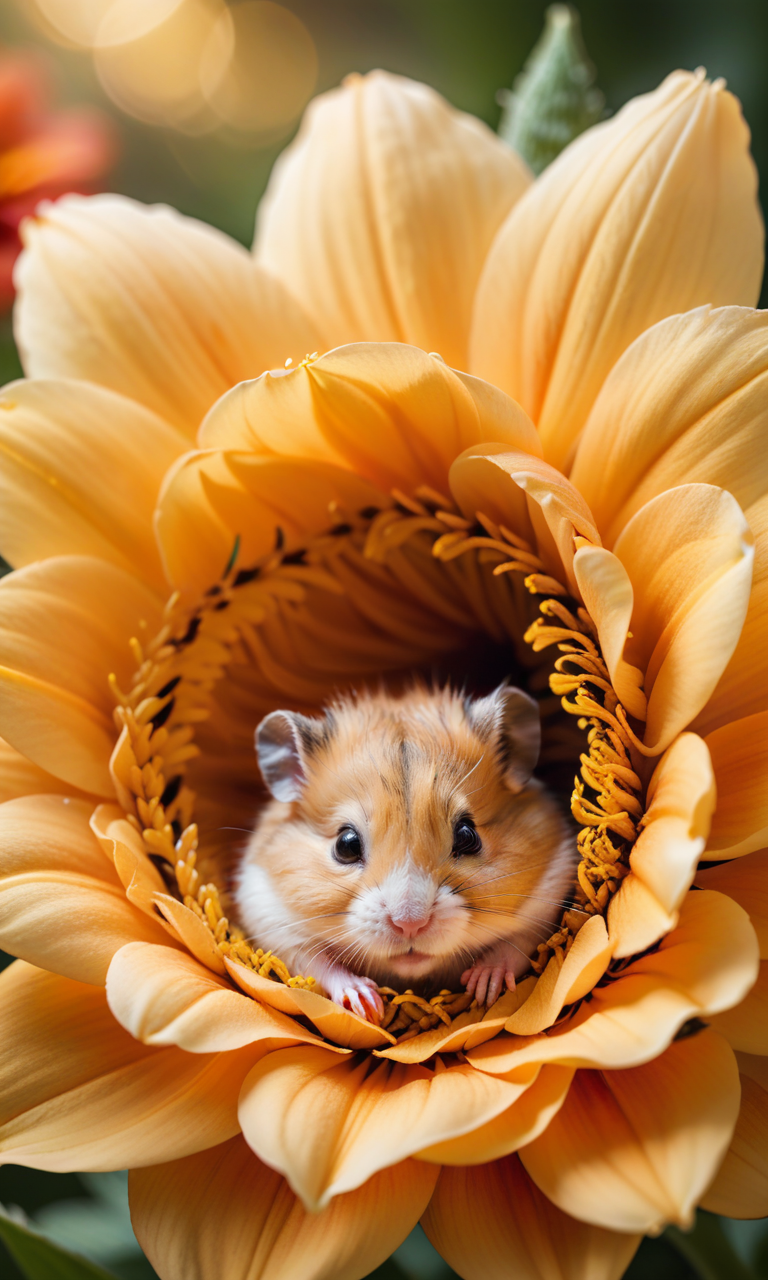
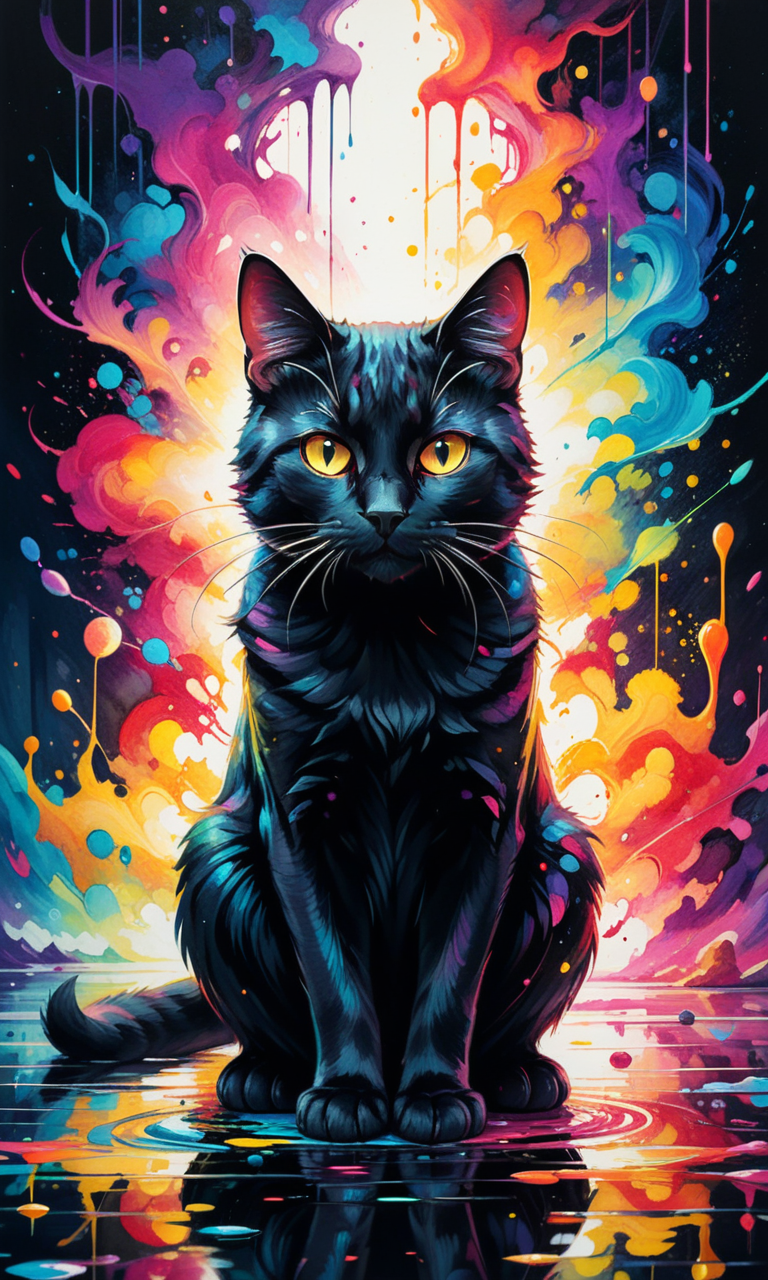

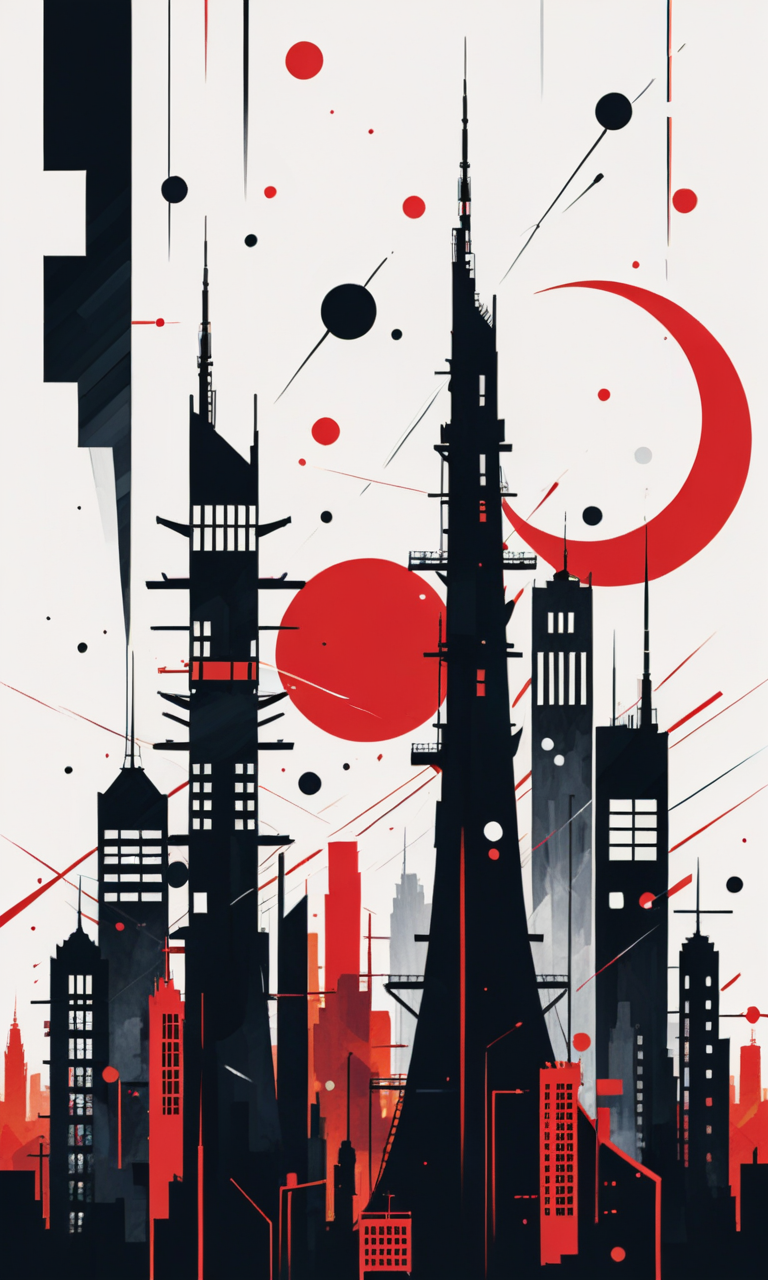
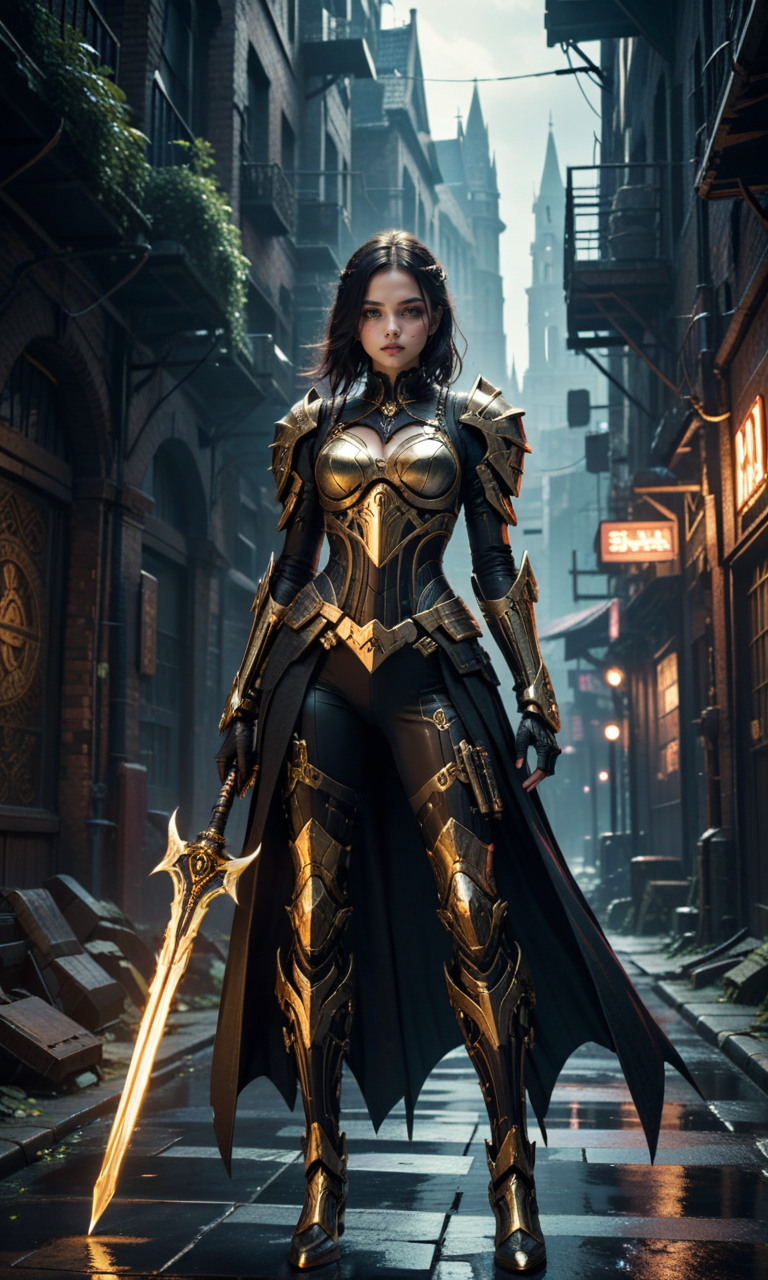
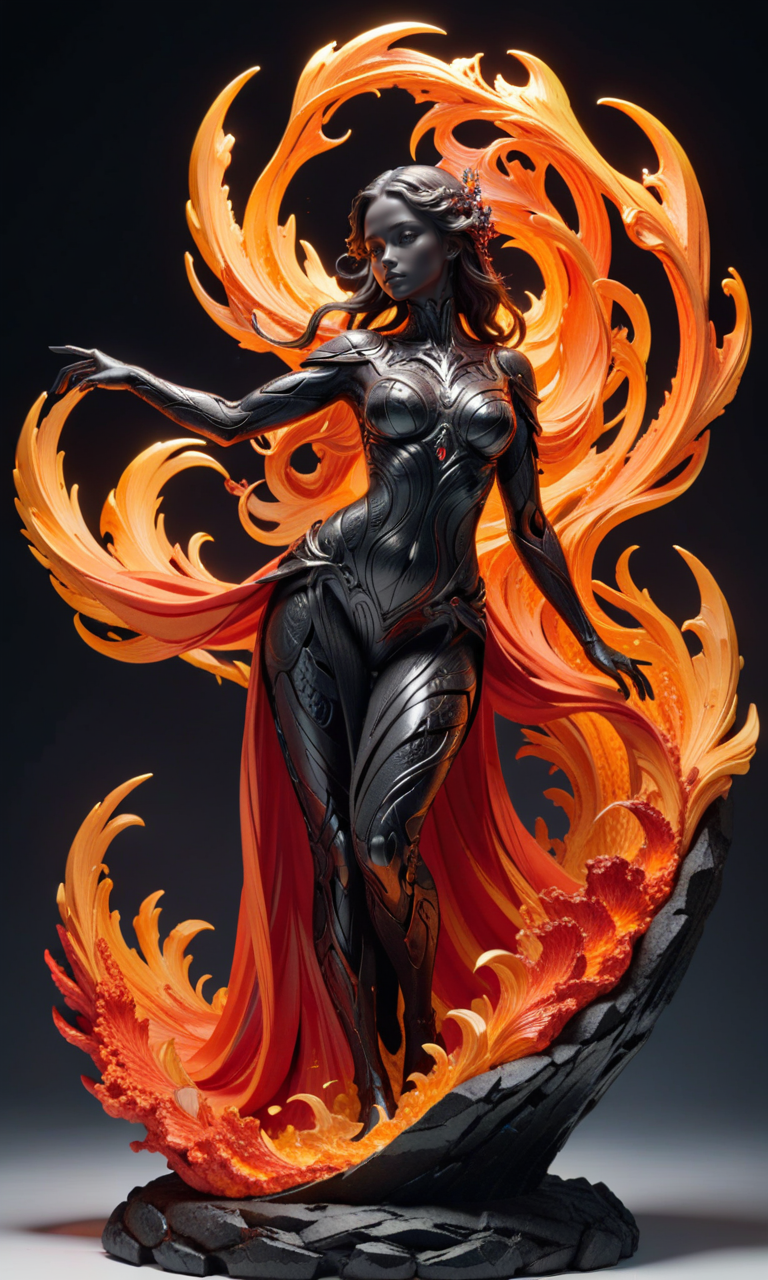
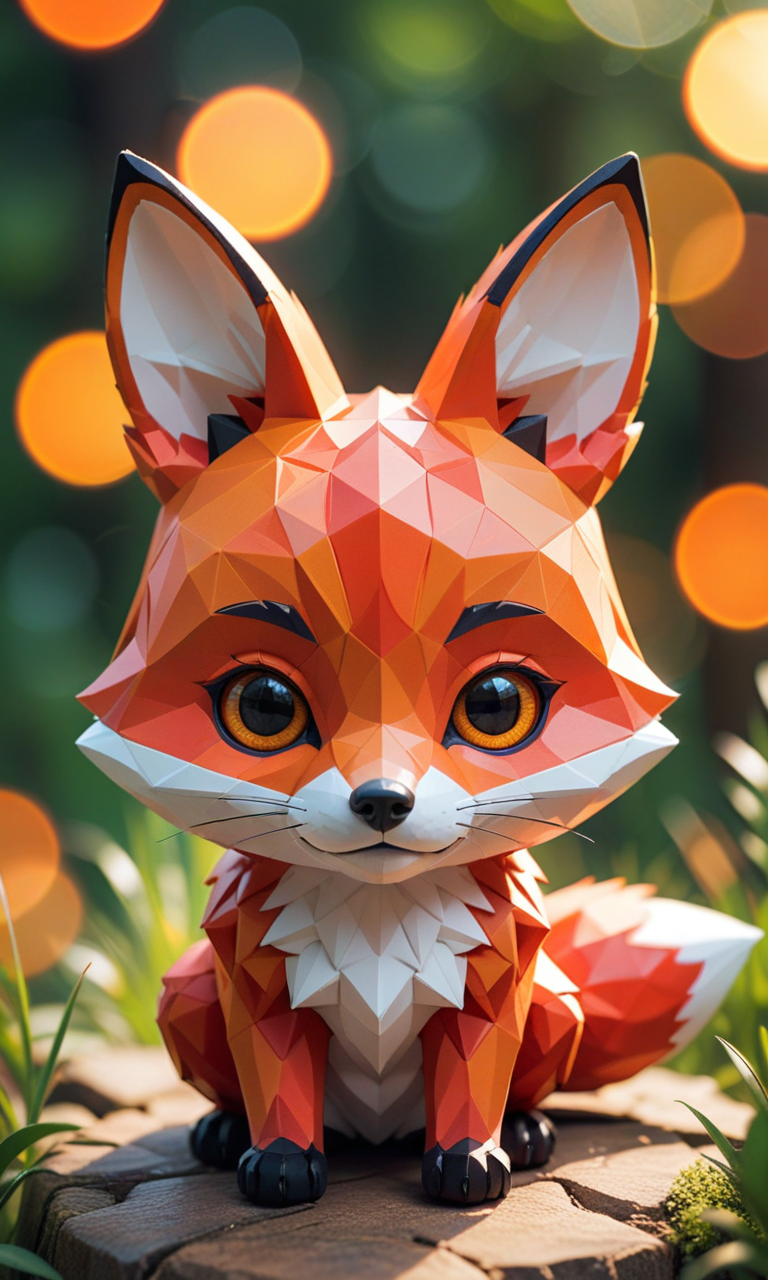
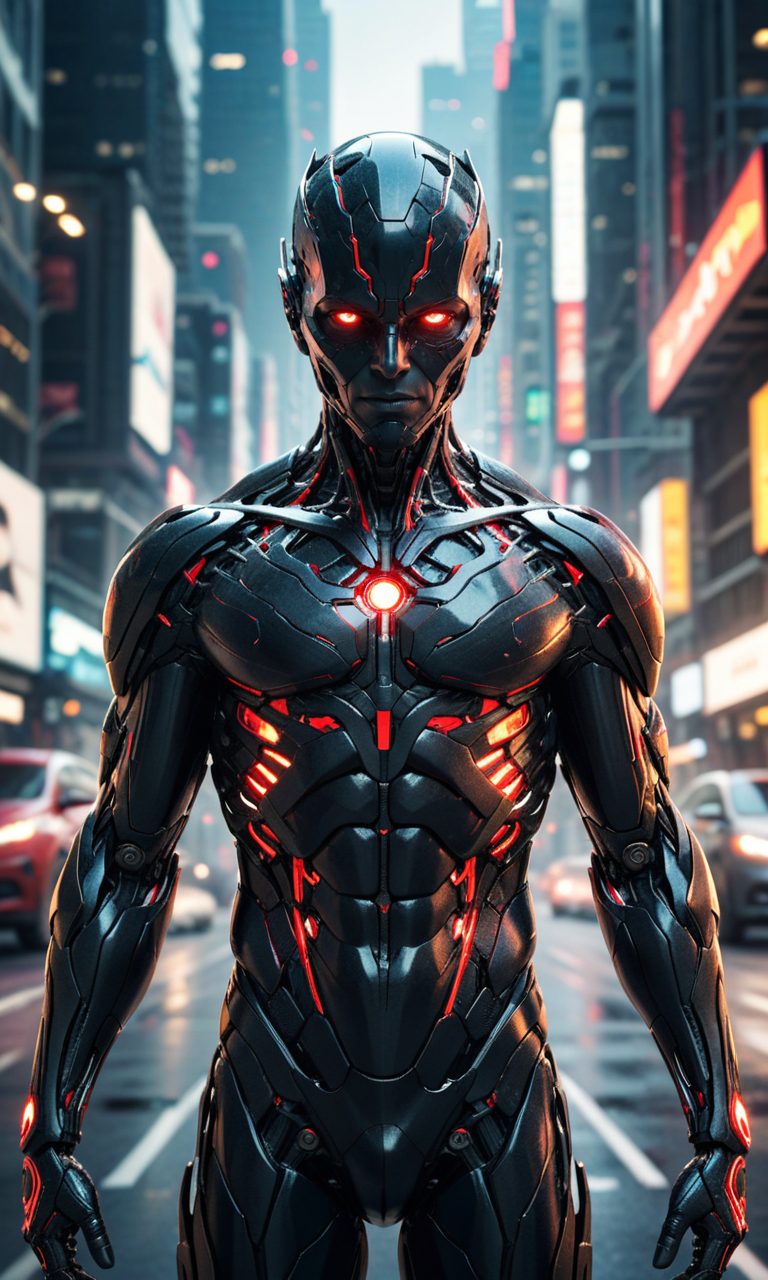
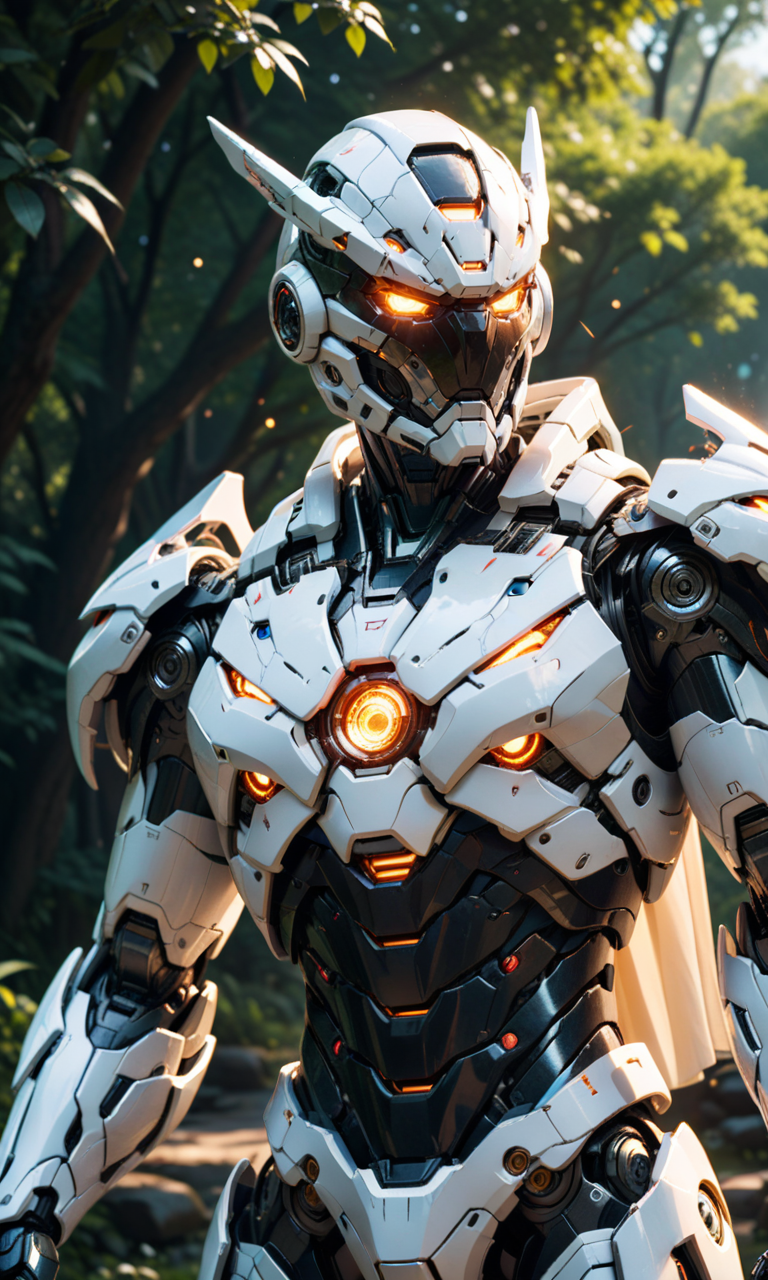
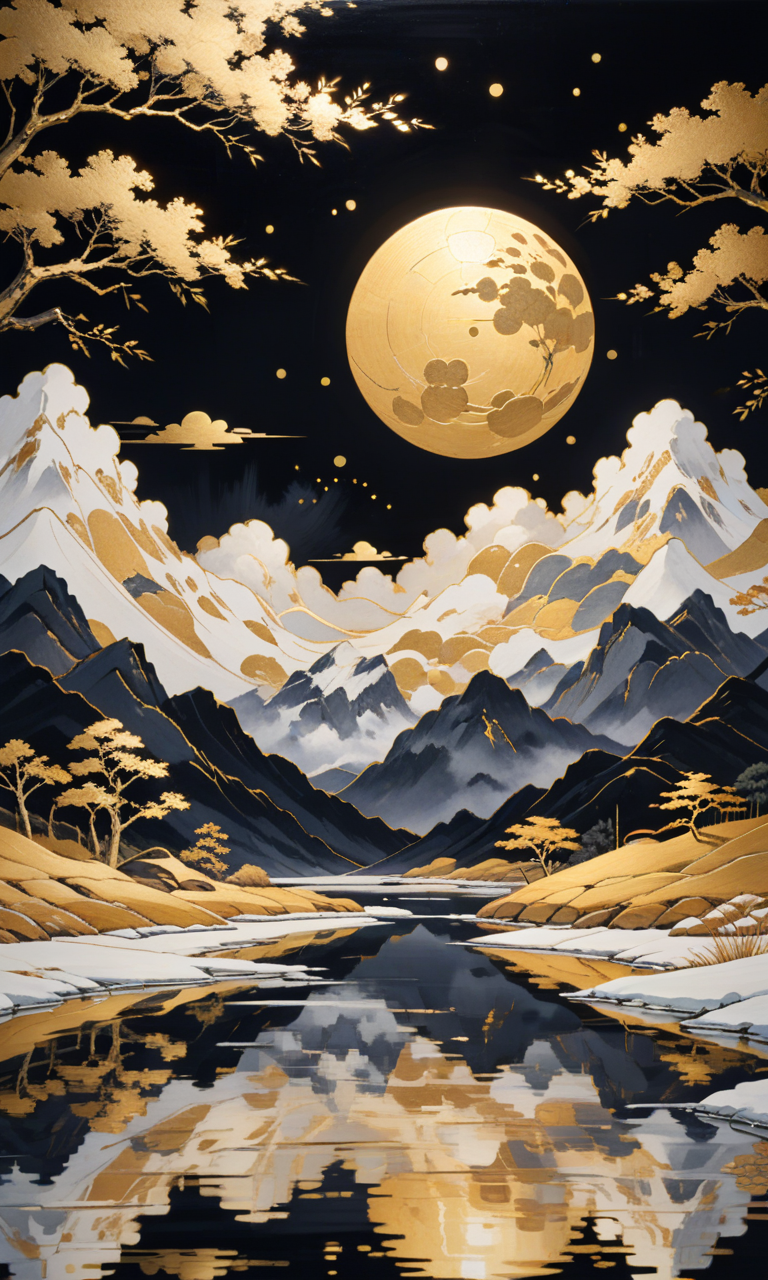
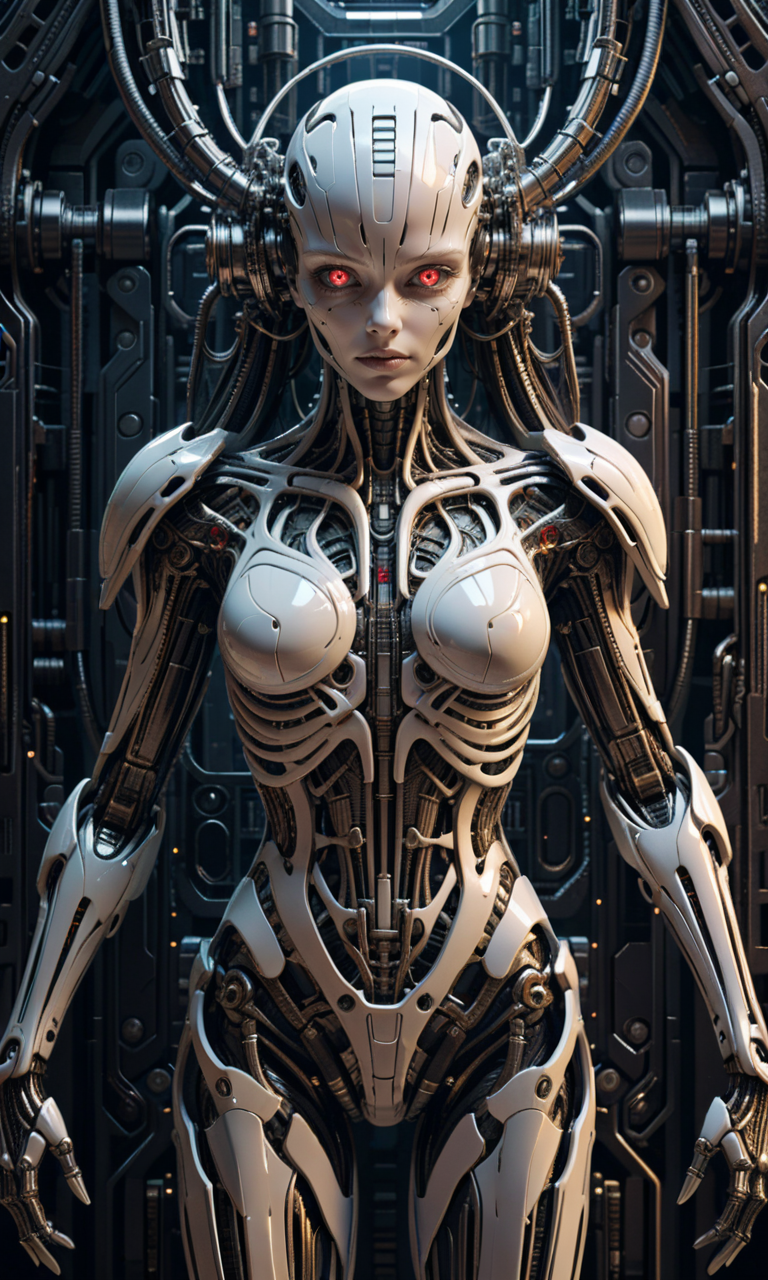
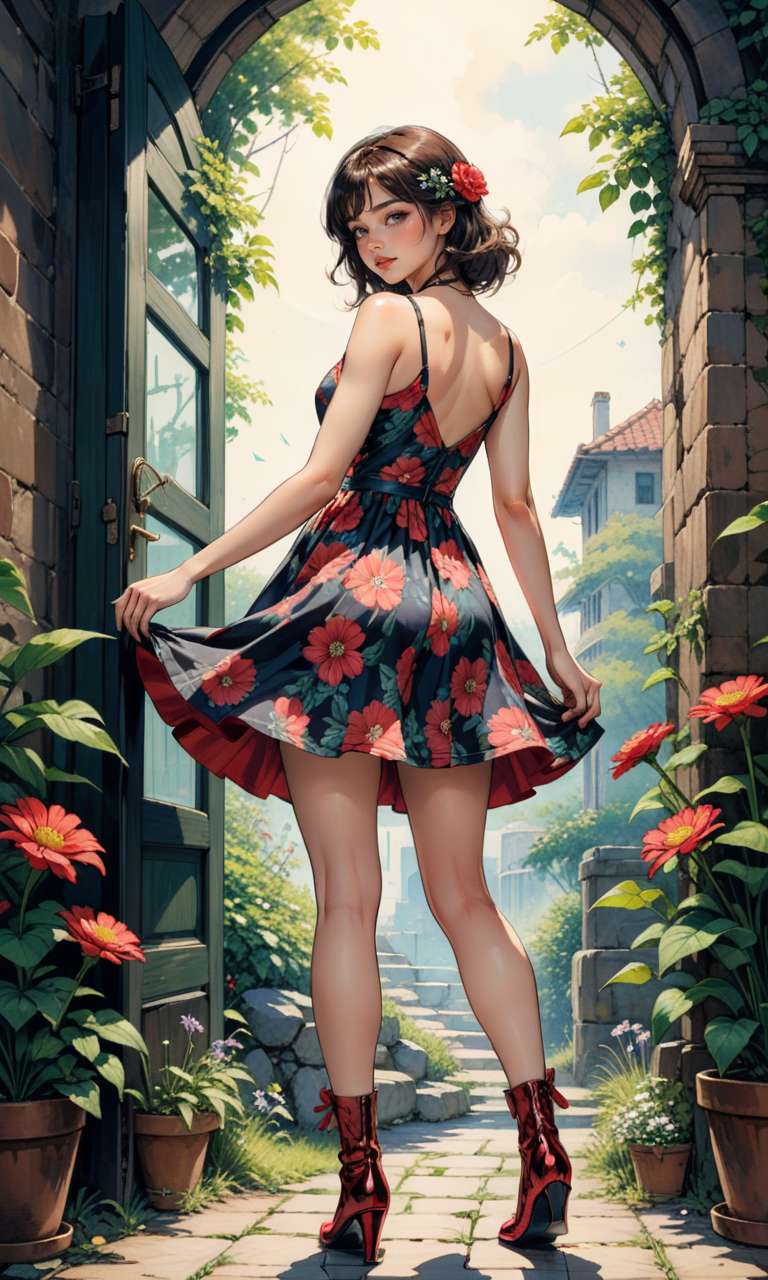
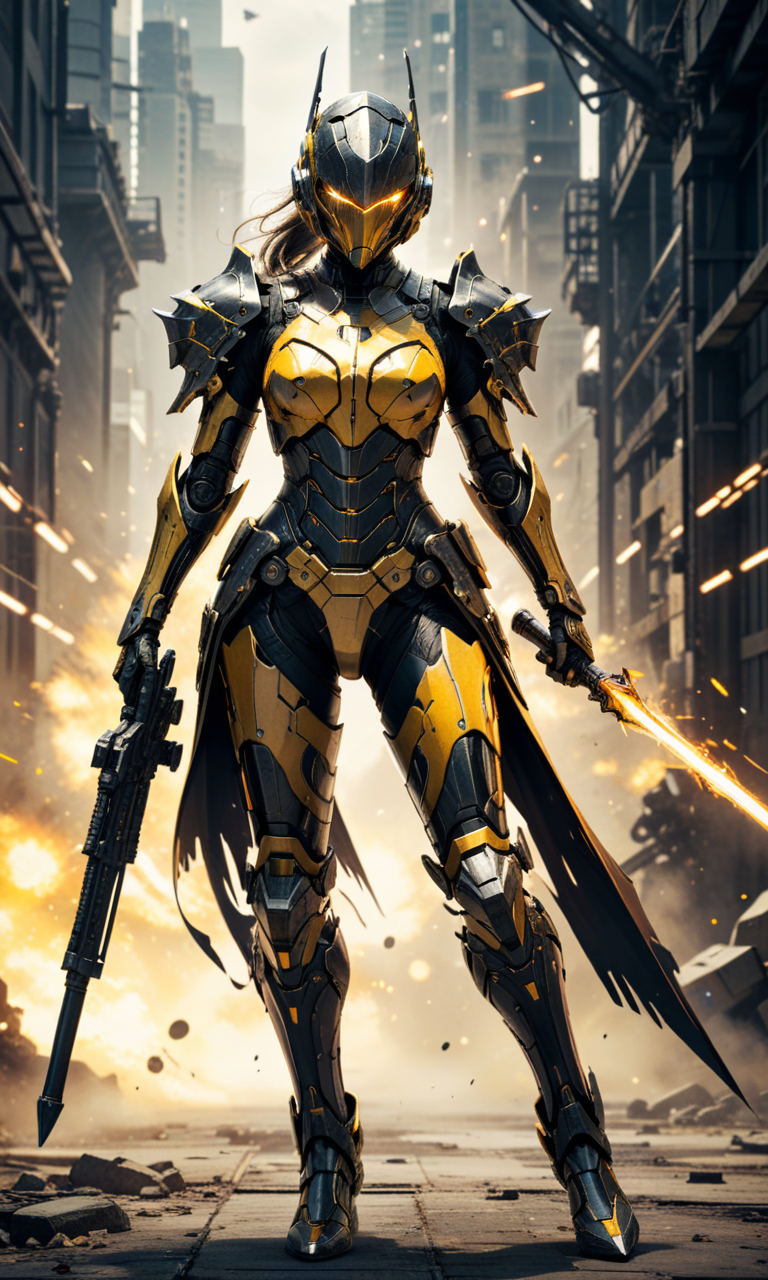
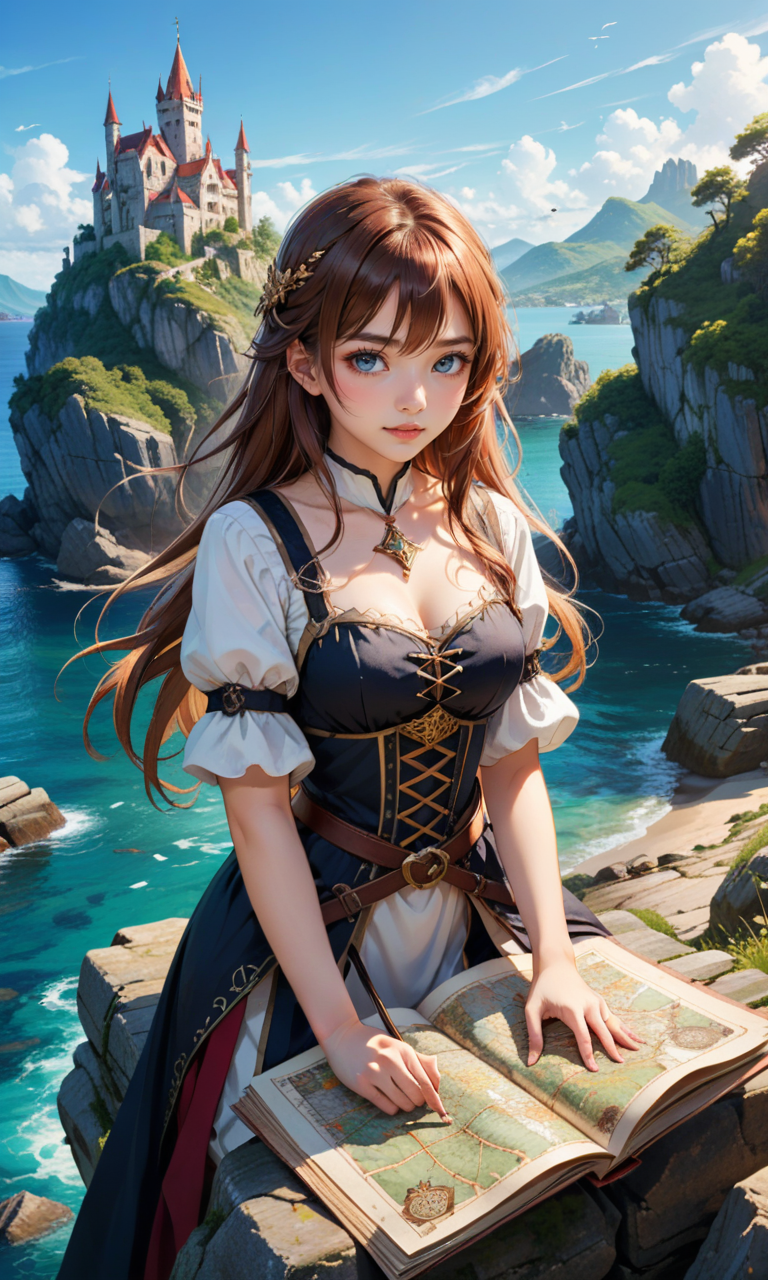
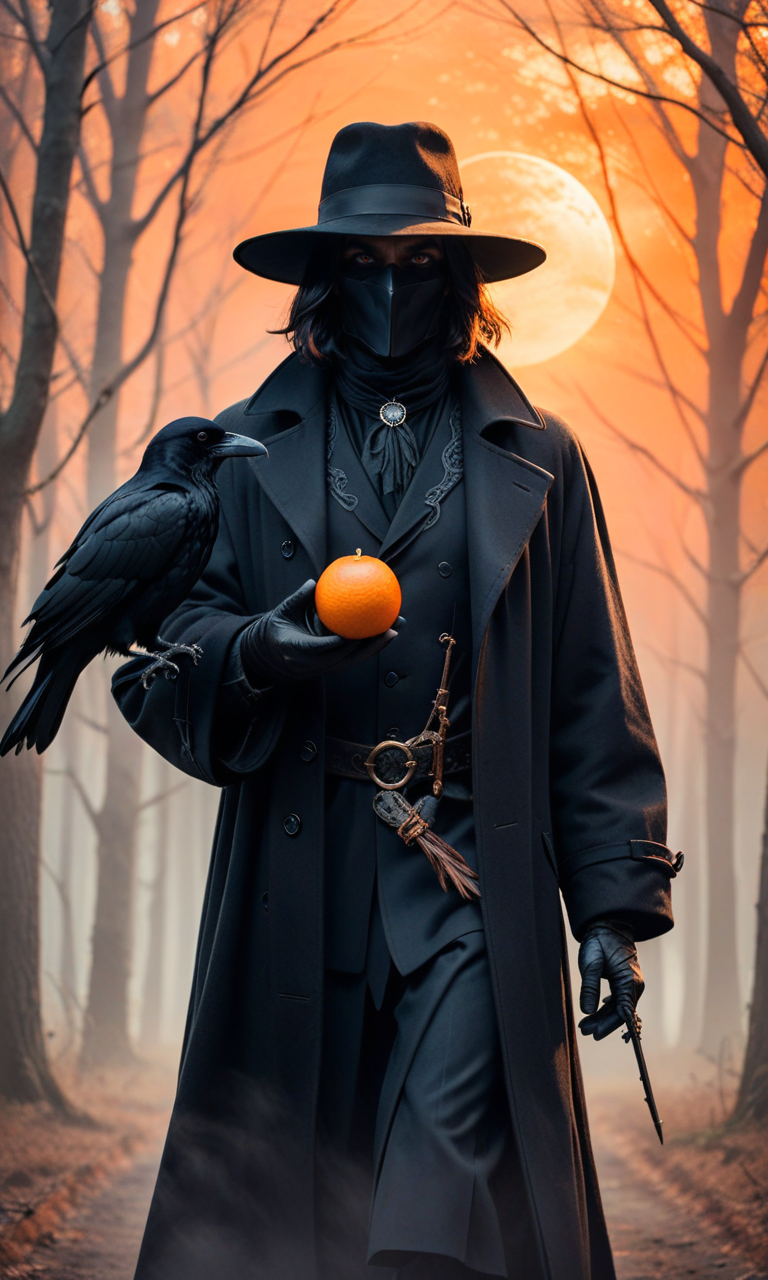
Description
⬇Read the info below to get the high quality images (click on show more)⬇
>>> UPLOADING/SHARING MY MODELS OUTSIDE CIVITAI IS STRICLY PROHIBITED* <<<
The only authorized generative service website are:
• Mage.Space = That's help me a lot to buy a new PC
• Also in collaboration with Shakker.ai
This model is free for personal use and free for personal merging(*).
For commercial use, please be sure to contact me (Ko-fi) or by email: samuele[dot]bonzio[at]gmail[dot]com
Leaderboard of my 3 best supporter:
https://ko-fi.com/samael1976/leaderboard
Aniverse XL - make the impossible possible!
This is a long shot project, I’d like to implement something new at every update!
The name is a merge of the two words: Animation and Universe (and a word pun: Any+Universe -> Anyverse -> Aniverse)
-> If you are satisfied using my model, press on ❤️ to follow the progress and consider leaving me ⭐⭐⭐⭐⭐ on model review, it's really important to me!
Thank you in advance 🙇
And remember to publish your creations using this model! I’d really love to see what your imagination can do!
Recommended Settings:
Excessive negative prompt can makes your creations worse, so follow my suggestions below!Before applying a LoRA to produce your favorite character, try it without first. You might be surprised what this model can do!
A1111 my settings:
I run my Home PC A1111 with this setting:
set COMMANDLINE_ARGS= --xformers --skip-torch-cuda-test --no-half-vae(if you have low VRam, try to add --medvram-sdxl or --lowvram that can help you, but it slow down the image creations)
if you can't install xFormers (read below) use my Google Colab Setting:
set COMMANDLINE_ARGS= --disable-model-loading-ram-optimization --opt-sdp-no-mem-attention --no-half-vae(if you have low VRam, try to add --medvram-sdxl or --lowvram that can help you, but it slow down the image creations)
My A1111 Version: version: v1.9.3 • python: 3.10.11 • torch: 2.1.2+cu121 • xformers: 0.0.23.post1 • gradio: 3.41.2 •
If you want activate xformers optimization like my Home PC (How to install xFormers):
In A1111 click in "Setting Tab"In the left coloumn, click in "Optimization"in: "Cross attention optimization" select: "xformers"Press in "Apply Settings"Reboot your Stable Diffusion
If you can't install xFormers use SDP-ATTENTION, like my Google Colab:
In A1111 click in "Setting Tab"In the left coloumn, click in "Optimization"in: "Cross attention optimization" select: "sdp-no-mem - scaled dot product without memory efficient attention"Press in "Apply Settings"Reboot your Stable Diffusion
How to emulate the nvidia GPU follow this steps:
In A1111 click in "Setting Tab"In the left coloumn, click in "Show all pages"Search "Random number generator source"Select the voice: "NV"Press in "Apply Settings"Reboot your Stable Diffusion
If you use my models, install the ADetailer extension for your A1111.
Navigate to the "Extensions" tab within Stable Diffusion.
Go to the "Install from URL" subsection.Under "URL for extension's git repository" put this link: : https://github.com/Bing-su/adetailerClick on the "Install" button to install the extensionReboot your Stable Diffusion
How to install Euler Max Sampler:
In A1111 click in "Extensions Tab"click in "Install from URL"Under "URL for extension's git repository" put this link: https://github.com/licyk/advanced_euler_sampler_extensionOnce installed click in: "Installed" TabClick in "Apply and quit"Reboot your Stable DiffusionNow at the end of the list of the sampler, you have the new sampler.
VAE: a special VAE is already included, you don't need it - (Thanx to nuaion)Clip skip: 2Upscaler: 4x-Ultrasharp or 4X NMKD SuperscaleWidth: 720 (o 768) - (probably more, but I've not tested)Height: 1280 - (probably more, but I've not tested)CFG Scale: 3~7Steps: 20~30 (also, I've not tested so much)
For 2D (or very close to 2D) - see this comparison postCFG: 6Steps: 20Sampling favorite method: RestartScheduler: Polyexponential or SGM UniformEmbedding to use: zPDXL2 + SimplePositiveXLv2 (in positive prompt) + unaestheticXL_bp5, zPDXL2-neg (in negative prompt) maybe the bestSampling alternative favorite method: Euler aEmbedding to use: zPDXL2 + unaestheticXL_bp5, zPDXL2-negEXAMPLE OF GENERAL PROMPTPOSITIVE PROMPT: zPDXL2, 4n1v3rs3, (Style of the image), your subject, the description, (background), more detailsEXAMPLE: zPDXL2, 4n1v3rs3, (Oil Painting), woman, wearing red dress, (sunrise background), masterpiece, high details... (ect, ect)NEGATIVE PROMPT: unaestheticXL_bp5, zPDXL2-neg, moles, freckles, ugly, artifactsFor 2.5D - see this comparison postCFG: 6Steps: 20Sampling favorite method: DPM++ 2M or Euler_maxScheduler: PolyexponentialEmbedding to use: zPDXL2 + SimplePositiveXLv2 (in positive prompt) + unaestheticXL_bp5, zPDXL2-neg, moles, freckles, ugly, artifacts"EXAMPLE OF MY GENERAL PROMPTPOSITIVE PROMPT: zPDXL2, 4n1v3rs3, (Style of the image), your subject, the description, (background), more detailsEXAMPLE: zPDXL2, 4n1v3rs3, (Anime 2.5D style), Rei Ayanami, wearing white EVA bodysuit, (sunrise background), masterpiece, high details... (ect, ect)NEGATIVE PROMPT: unaestheticXL_bp5, zPDXL2-neg, moles, freckles, ugly, artifactsFor 3D - Realism - see this comparison posts: 1 - 2 - 3 - 4 - 5CFG: 2.5~7Steps: 20Sampler (1): DPM++ 2MSampler (2): DPM++ SDE (the best for realism, but very slow generation)Sampler (3): Euler_maxSampler (4): UniPCScheduler: SGM Uniform or PolyexponentialEmbeddings to use: zPDXL2 + SimplePositiveXLv2 (in positive prompt) + unaestheticXL_bp5, zPDXL2-negEXAMPLE PROMPT FOR REALISM:POSITIVE: 4n1v3rs3, zPDXL2, (Style of the image), your subject, the description, (background), more detailsEXAMPLE: 4n1v3rs3, zPDXL2, (Analog photo by Rutkowski), (Hindu young man), 25 years old, (elaborate ancient Hindu temple ruins background), (midnight hour, high quality, film grain), focus on orange and greenNEGATIVE: unaestheticXL_bp5, zPDXL2-neg, moles, freckles, ugly, artifactsMORE INFO (full prompt info): Clicking in this post, you can see all the setting I used, and choose your CFG ScaleUsing Turbo or Lightning - See this postCFG: 2.5~3.5Clipskip: 2~3Lora to use: SDXL Lightning LoRAsSampling method: dpm 2 turboEmbeddings to use: zPDXL2 + SimplePositiveXLv2 (in positive prompt) + unaestheticXL_bp5, zPDXL2-neg
AVOID THIS COMBINATION: (Euler a + Uniform) - (Euler_max + SGM Uniform) - (DPM++ 3M SDE + Exponential) - (DPM++ 2M SDE + Exponential)
DOWNLOAD ALL THE EMBEDDING AND LORA THAT I USED:
unaestheticXL_bp5 (put in your negative prompt)SimplePositiveXLv2 (put in your positive prompt)Add Details: Detail Tweaker (in positive prompt)Pony PDXL Negative Embeddings: High Quality V2Pony PDXL Negative Embeddings: Photo RealLoRA lightning: SDXL Lightning LoRAs
HiRes.Fix Setting:
I don't use Hi.Res fix because:
1) in my computer don't work
2) my models don't need it. Use txt2image, aderailer and the suggested upscaler in the resources tab.
If you still want use it, this is the setting sent me by MarkWar (follow him to see his creations ❤️).
Hires upscale: 1.5
Hires steps: 20~30
Hires upscaler: R-ESRGAN 4x + Anime6B,
Denoising strength: 0.4
Adetailer: face_yolov8n
How to install and use adetailer: Click Here