Description
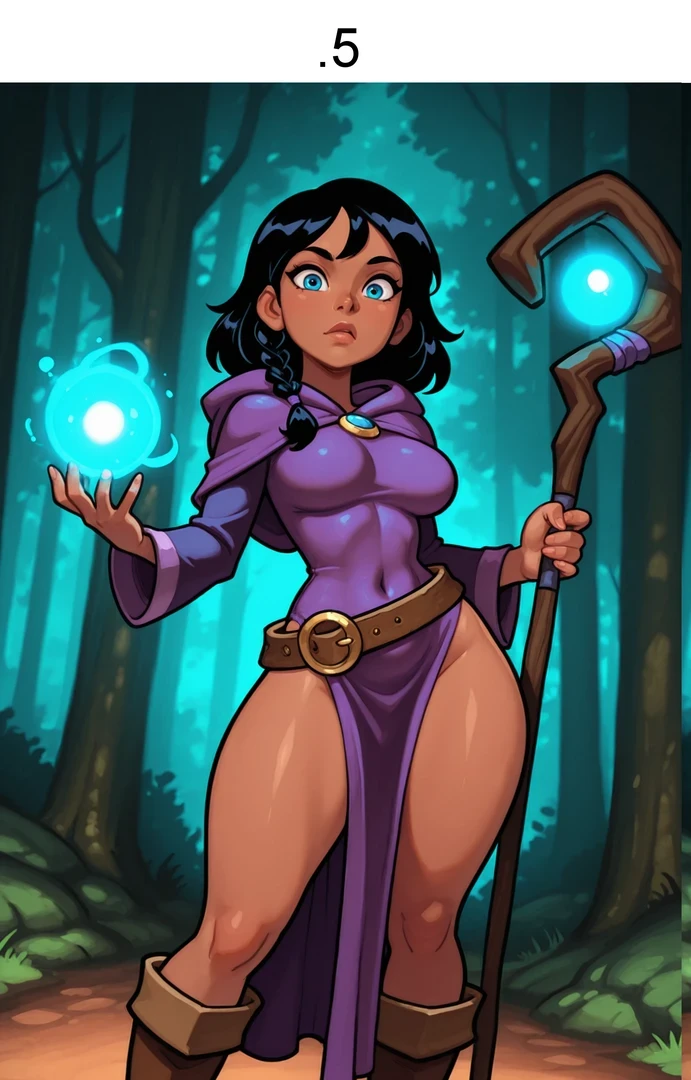
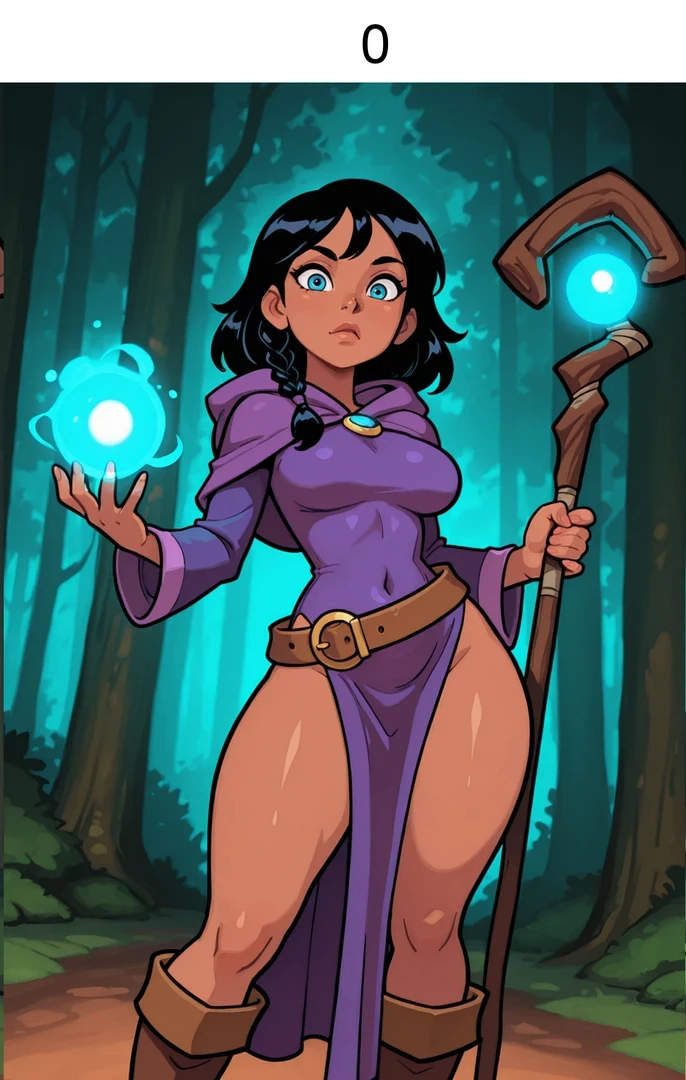
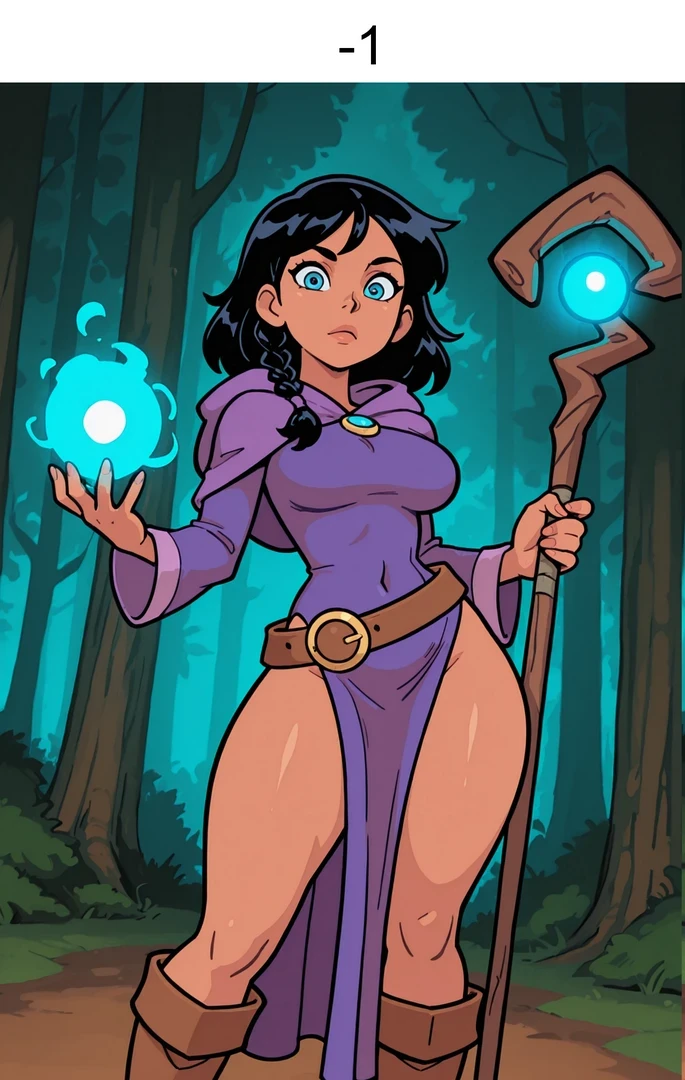
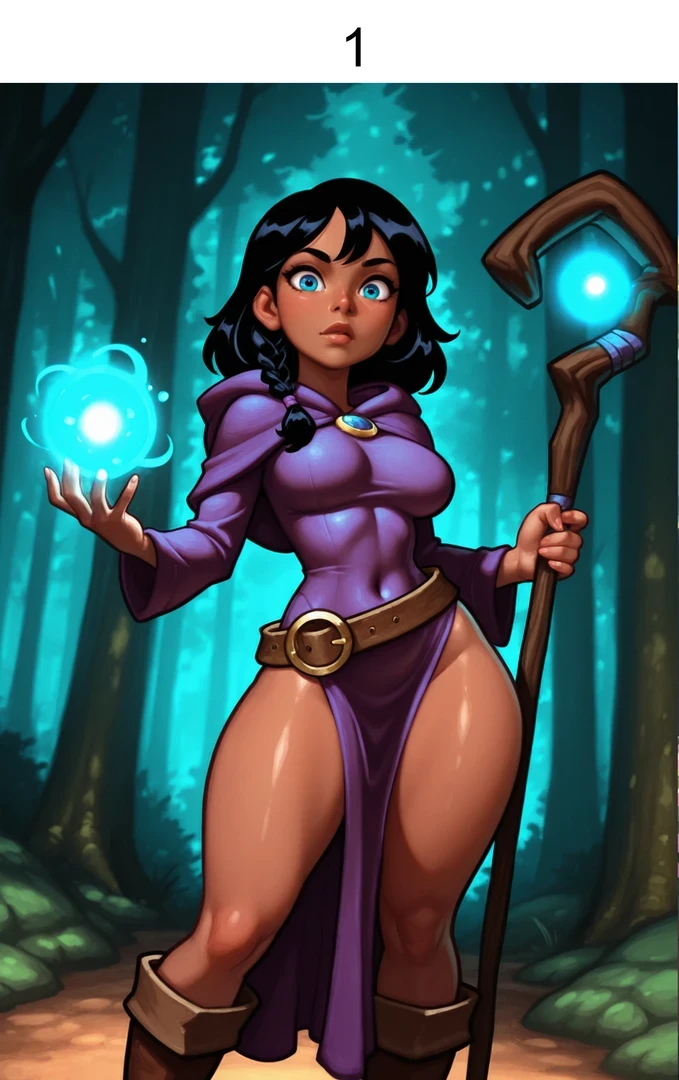
Increase or decrease the shading of your generations! Make something flat more sculpted and rendered. Make something heavily shaded flatter and more cel shaded.
Negative weights = Flatter shading. Cel shaded. Positive weights = More shading. More depth.
Recommended settings: For flatter colors, -.8 For more depth, .8
The effectiveness will vary based on the baked in shading of your checkpoint and/or style loras. Experiment at your own risk.
It should have minimal effect on the style. Slight shift towards warmth and higher saturation the further into positive numbers you go.
It will NOT flatten out realism checkpoints. It might darken/light shadows a little, though.
Made by - Bridgewalker
Details
Downloads
7
Platform
Tungsten
Platform Status
Available
Created
11/9/2026
Updated
11/12/2026
Deleted
-